

Article Summary: This step-by-step tutorial explains how to effectively configure room allotments with specific release dates for your partners using Reservit Accommodation. You will learn how to structure an early booking offer, set a precise reservation window for unbooked rooms, allocate targeted inventory, and apply dynamic sales limits. Mastering this process ensures your contracted B2B inventory is securely managed while unsold rooms are automatically released back into your general availability to maximize revenue.
The 5 key steps to set up partner allotments with a release date:
-
Create an early booking offer: Navigate to your promotional offers menu and initiate a new "Early booking" plan, naming it specifically for your targeted partner.
-
Define the release date: Configure the reservation window to establish exactly when the allotment expires (for example, setting unsold rooms to release 30 days prior to guest arrival).
-
Set pricing and timeframes: Retrieve and apply the negotiated room rates, then select whether the allotment is available year-round or restricted to specific seasonal periods.
-
Assign rooms and partners: Select the exact physical units you want to block for this agreement and strictly allocate the offer to the designated distribution partner.
-
Apply sales limits and publish: Configure fixed or variable sales limits to cap the maximum number of booked rooms, then safely save and publish your verified rates.
Why follow this guide? Following this precise setup automates your B2B inventory management and ensures unsold partner blocks are released back to the public exactly on time. This eliminates manual tracking errors, prevents costly vacant rooms, and perfectly optimizes your property's overall yield strategy.
Note: Allotment management is not supported by distributors such as Booking.com, Expedia, Airbnb, VRBO or Google.
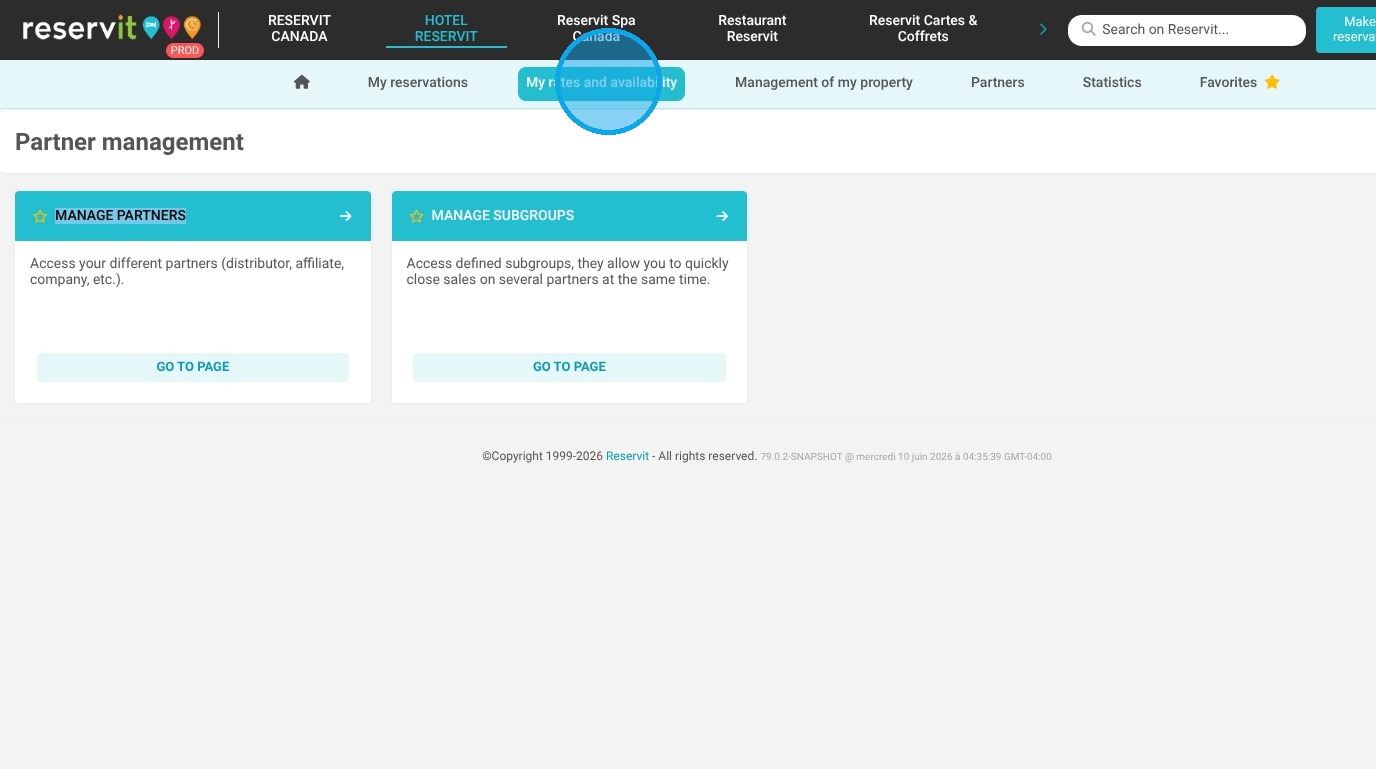
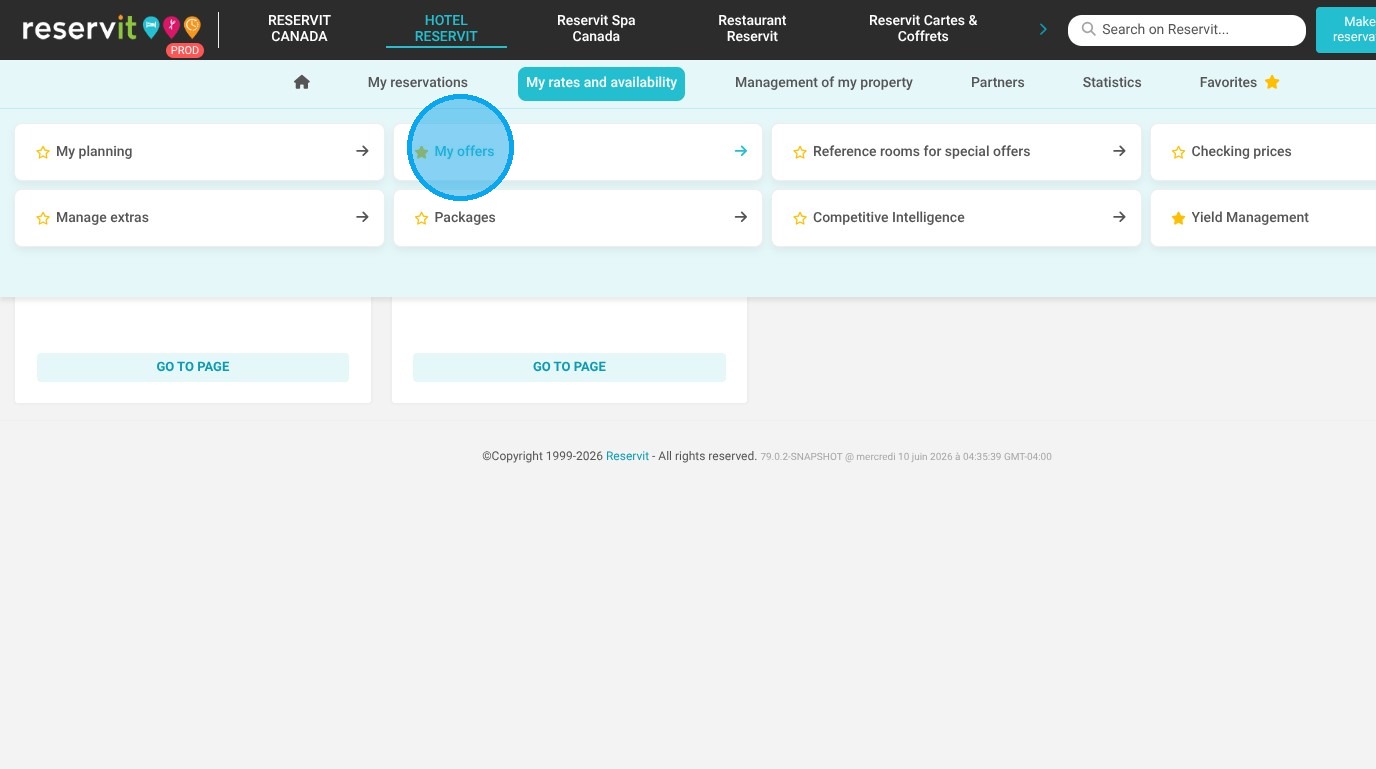
1. Click "My rates and availability" then Click "My offers"
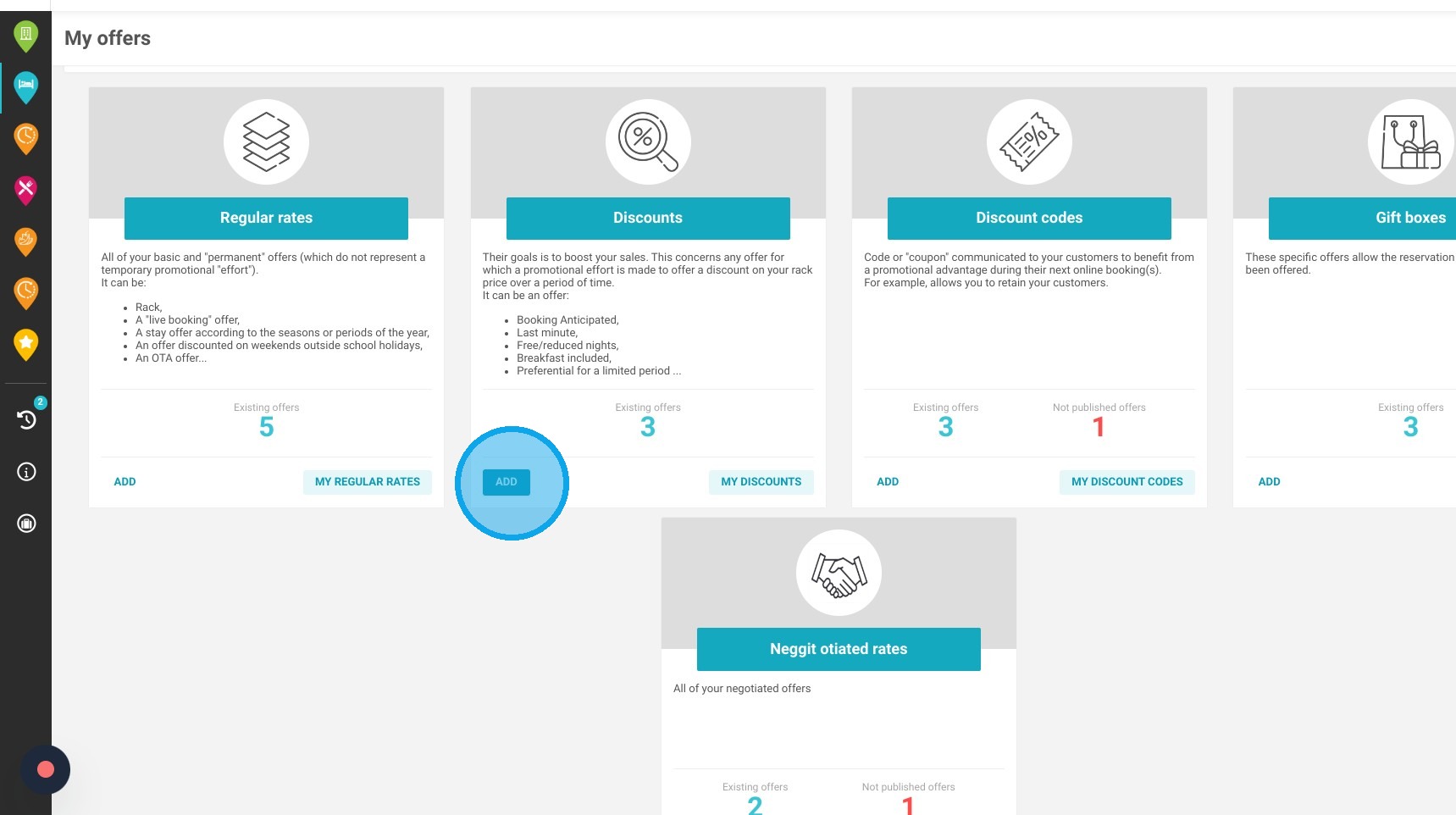
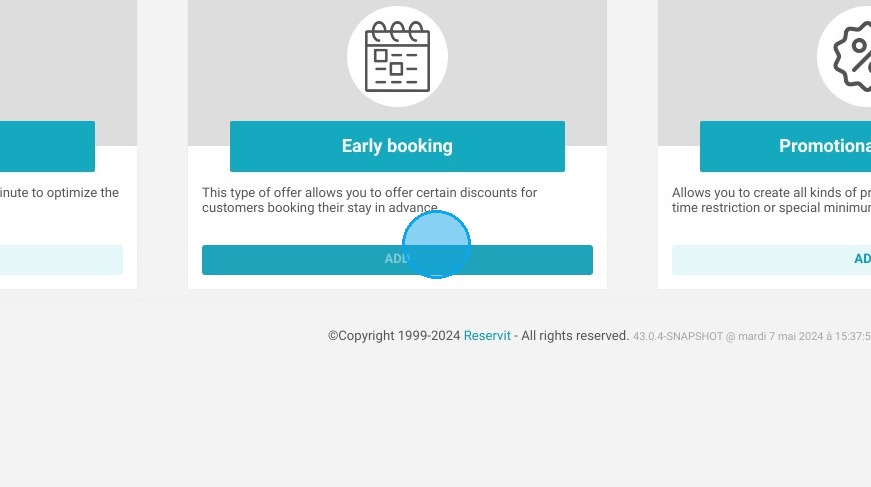
2. To set up an allotment with a specific release date, navigate to the promotions section and create an "Early booking" offer.
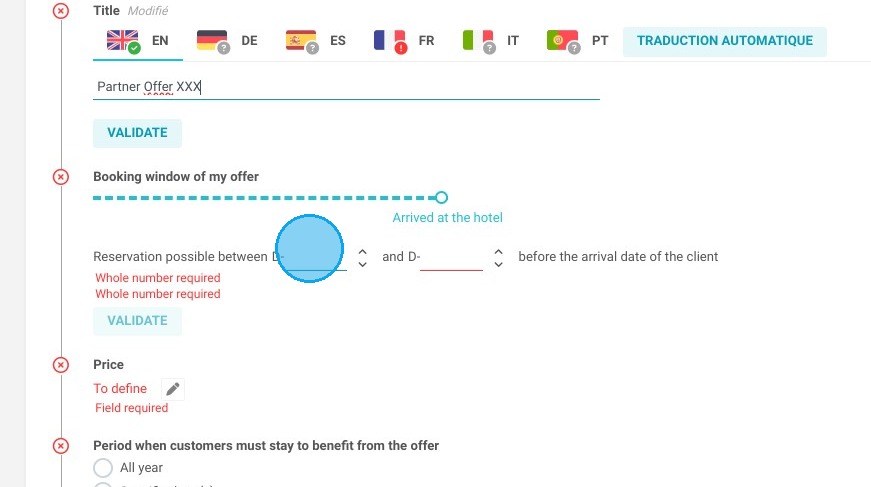
3. Give your offer a name: e.g. Partner offer XXX
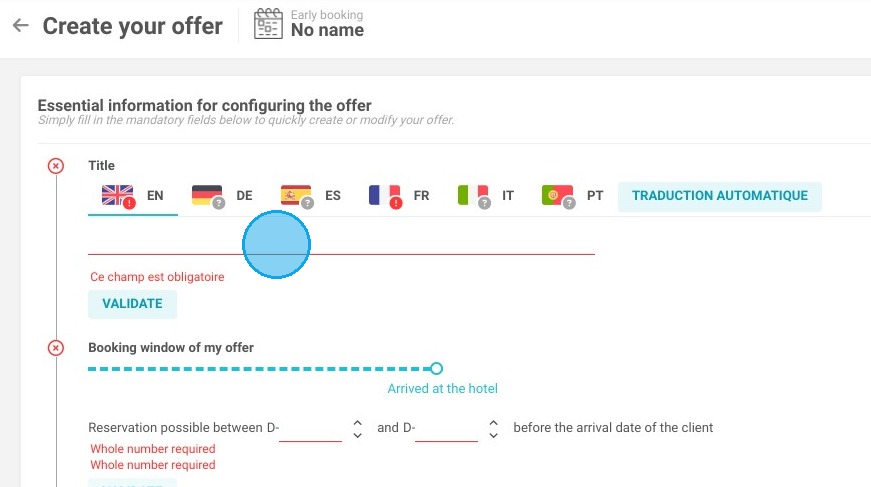
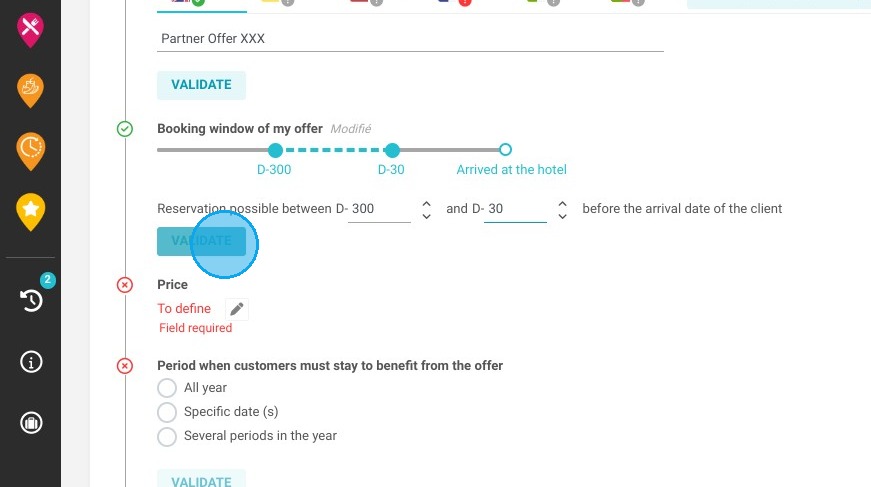
4. Specify your release date within the "reservation window," for instance, by setting the allotment to release 30 days prior to the guest's arrival.
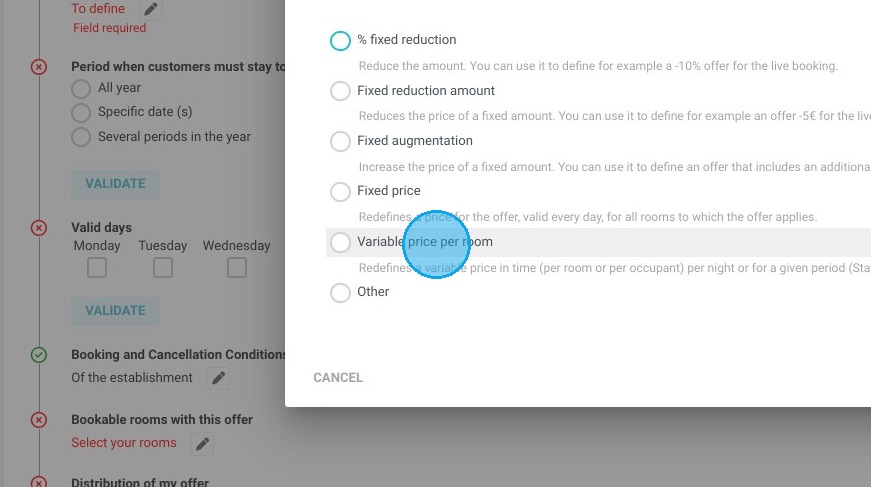
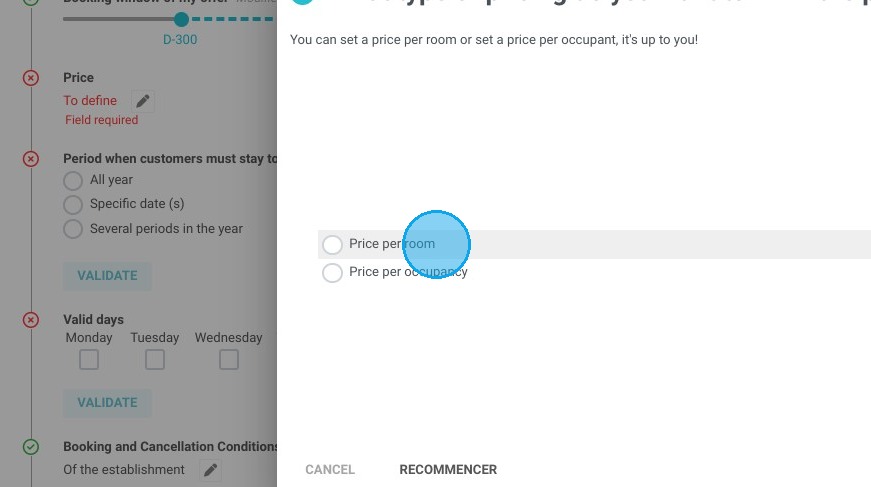
5. Retrieve the room's price variable, then apply it.
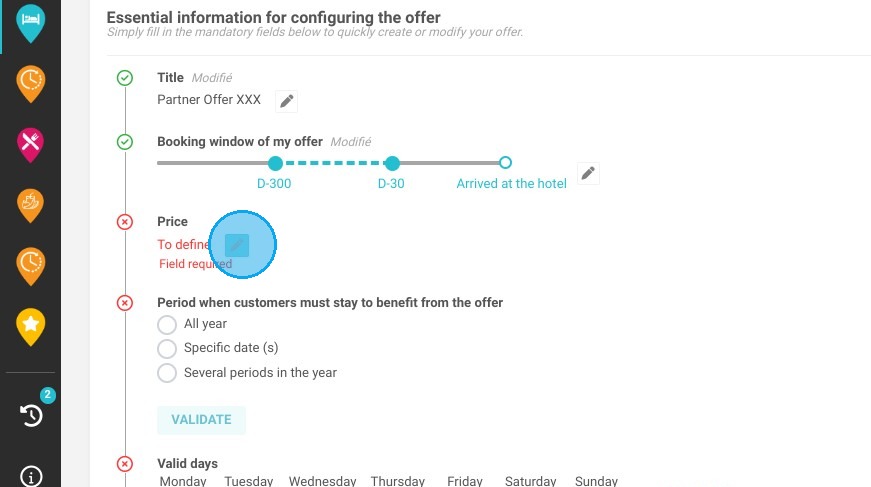
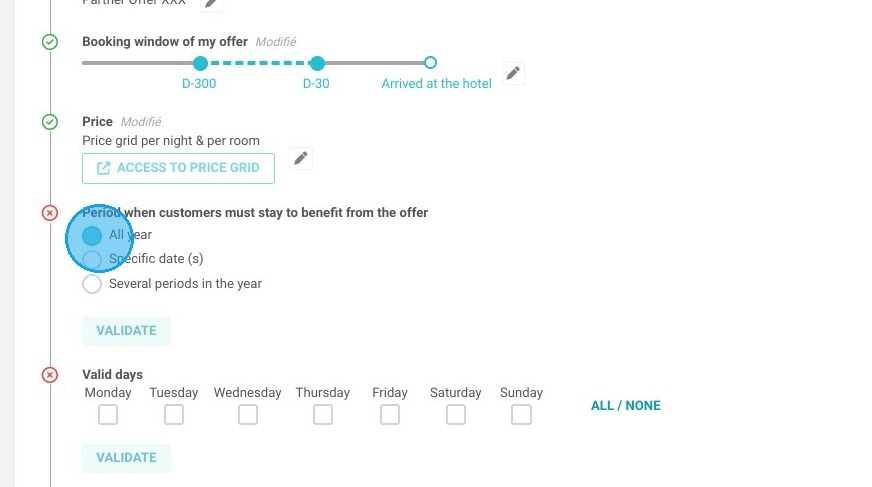
6. Does your allotment offer apply throughout the entire year, or is it restricted to certain timeframes?
7. Choose the specific rooms you'd like to make available for allotment to your partner.
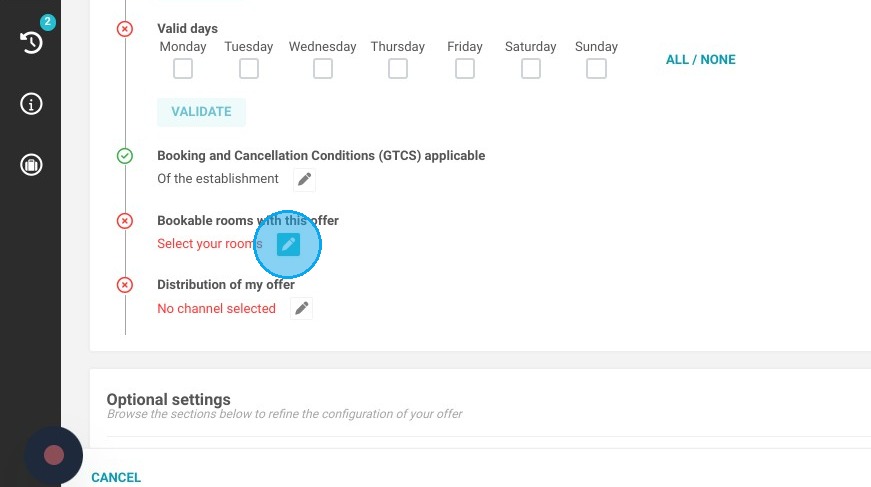
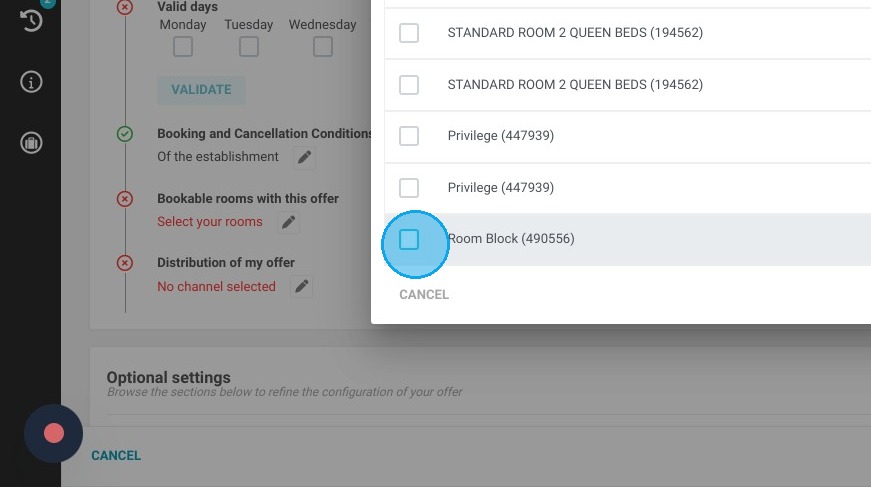
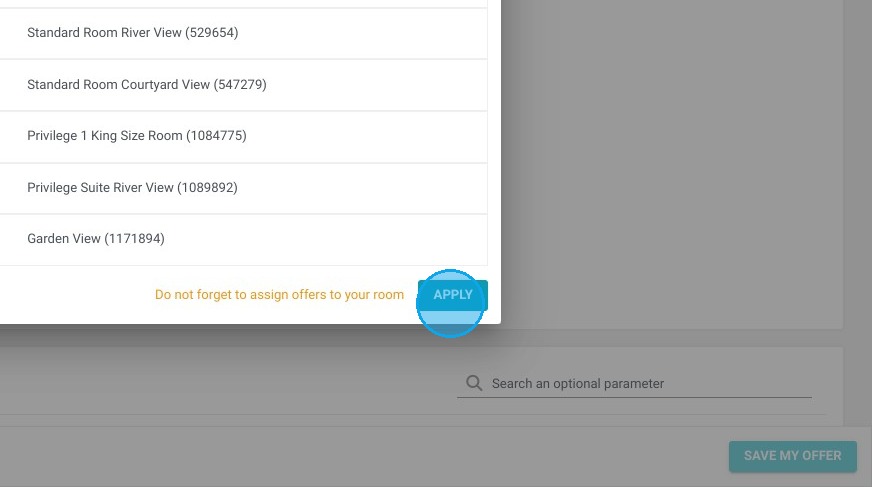
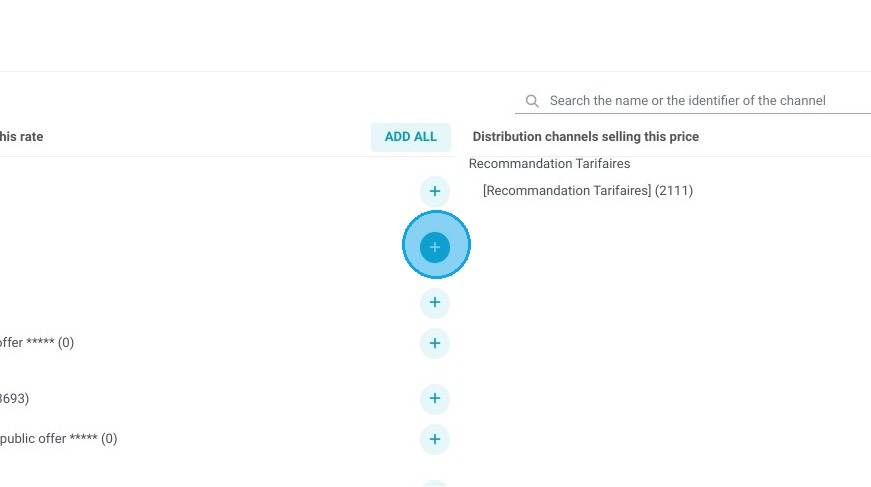
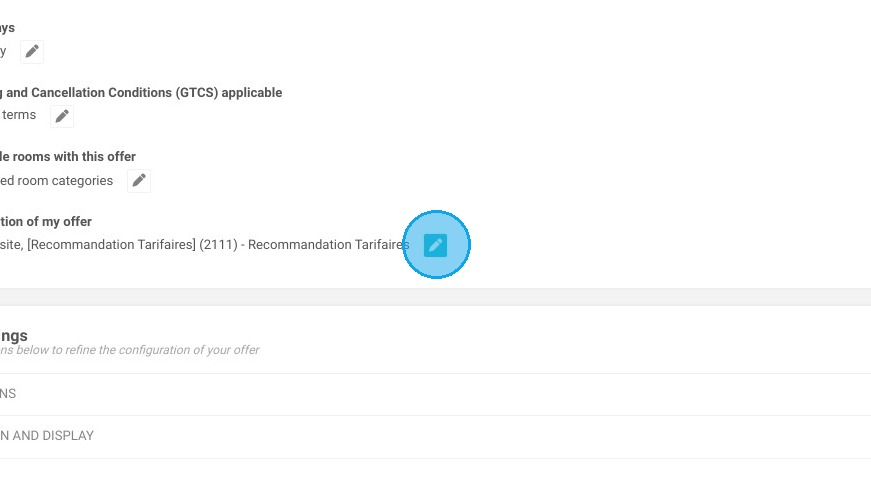
8. Allocate the allotment offer to your partner
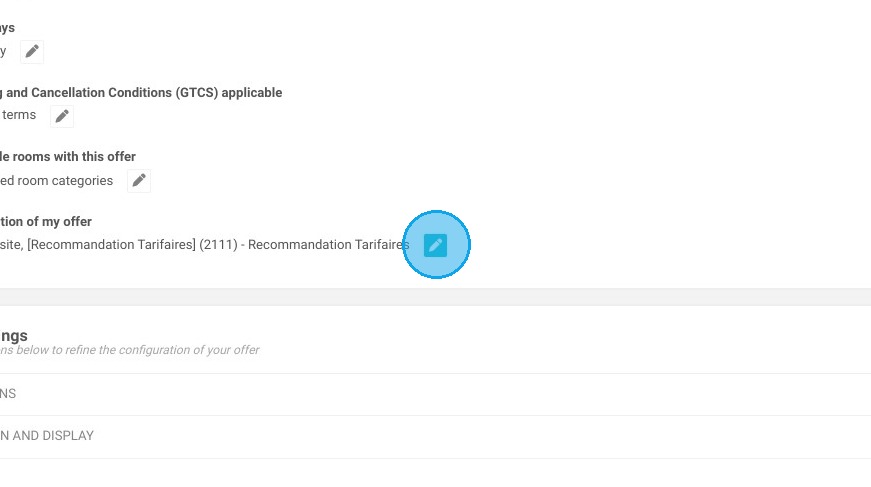
Tip: If you've negotiated an allotment of physical rooms with your partner, create your room block beforehand.
Tip: In the "SALES LIMITS" section, you can set fixed limits (for example, always capping availability at two rooms) or variable limits, where the number of rooms allotted changes depending on the time of year.
9. Go ahead and save your offer. Once the rates have been verified, you can proceed with publishing.