Article Summary: This step-by-step tutorial explains how to apply variable sales limits to an offer in Reservit Accommodation to dynamically control your available inventory. You will learn how to configure date-specific booking quotas per unit type, allowing you to automatically close promotional offers once daily or weekly thresholds are met. Mastering this feature enables you to maximize revenue during peak periods while maintaining strict, automated control over your room availability.
The 5 key steps to set variable sales limits:
-
Access the sales limits tab: Open your specific offer configuration and navigate directly to the "SALES LIMITS" section.
-
Enable variable limits: Switch from the default unlimited setting by checking the "Variable sales limits" option.
-
Open the limits grid: Click on the "SALES LIMITS GRID" specifically for your unit types, then save to proceed to the calendar configuration.
-
Apply date-specific quotas: Use the generated calendar to select specific dates (like weekdays vs. weekends) and input the exact reservation limits allowed for those days.
-
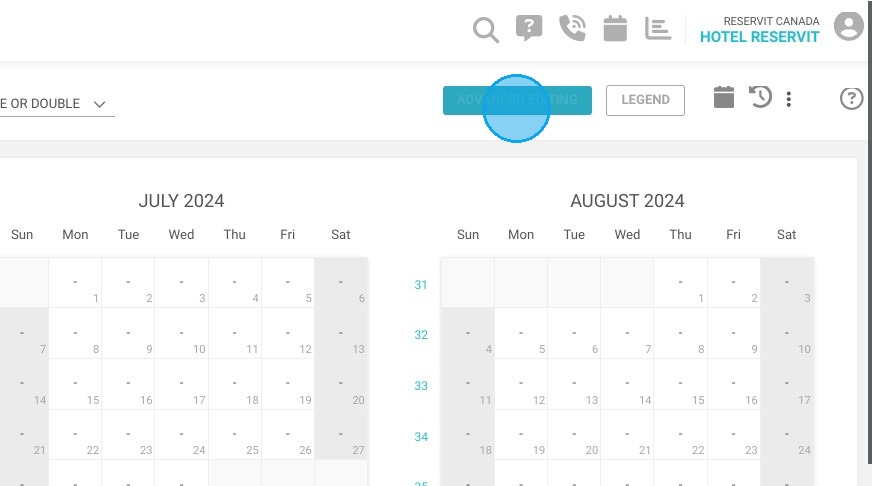
Utilize advanced editing: For bulk updates across multiple dates or offers, click the "ADVANCED EDITING" button to efficiently apply your dynamic quotas at scale.
Why follow this guide? Following this guide allows you to automate your yield management strategy and prevent revenue loss without having to manually open and close offers every single day. By accurately setting variable limits, you eliminate the risk of overbooking discounted rates during busy weekends while still capturing vital bookings during slower periods.
Tip: With variable sales limits, define the number of offers available for booking for each specific period. For example, offer three last-minute deals on weekdays and just one on weekends. Set your limits simply - once the threshold is reached, the offer closes automatically. Adapt your offers in real time and maximize your bookings with dynamic, intuitive management!
Alert: ⚠️ Sales limit management is specific to each unit type and offer. It is not possible to apply a global sales limit for an offer to the entire establishment. Be sure to configure your limits precisely for each category of units and offers, to optimize your management and maximize your bookings.
Distributors such as Booking.com, Expedia, Airbnb and Google cannot manage sales limits per offer. On the other hand, local distributors (such as Toundra, Tuango, GVQ, etc.) are very often able to manage them.
Tip: If you'd like to apply sales limits for Booking.com and Expedia, it's possible! Contact us to find out more.
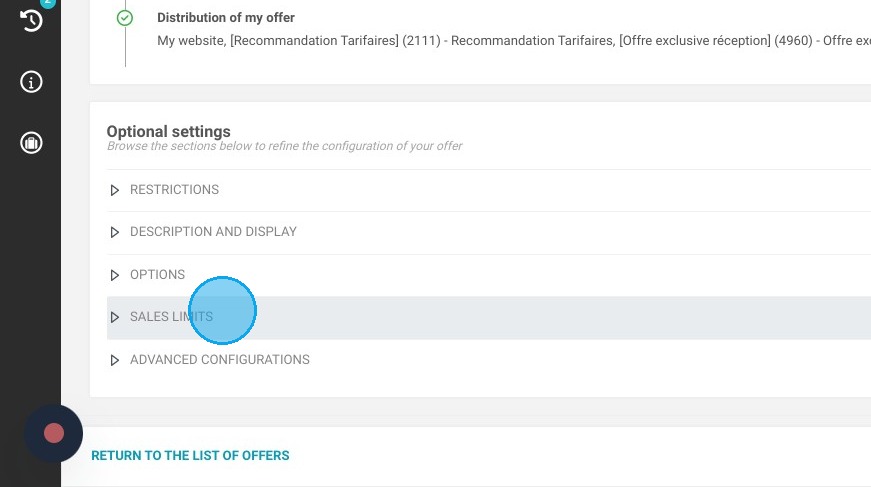
1. In your offer configuration, click on “SALES LIMITS”.
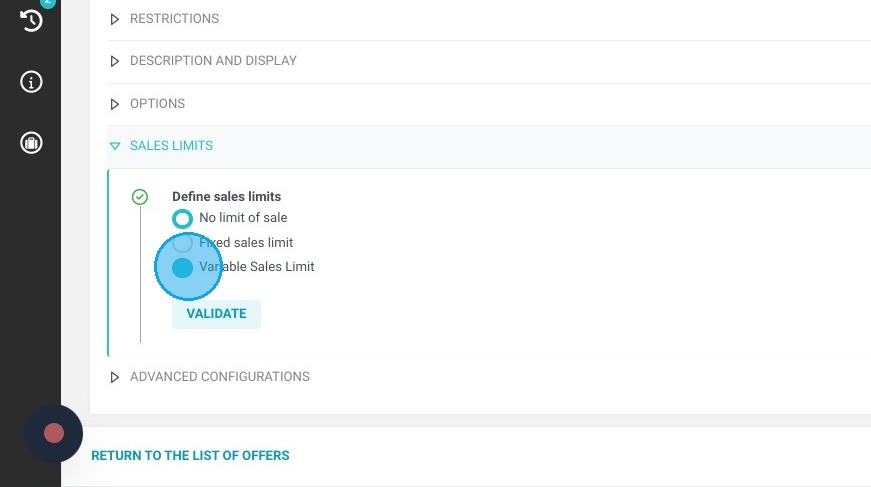
2. By default, the “No sales limits” field is checked. Select the “Variable sales limits” field.
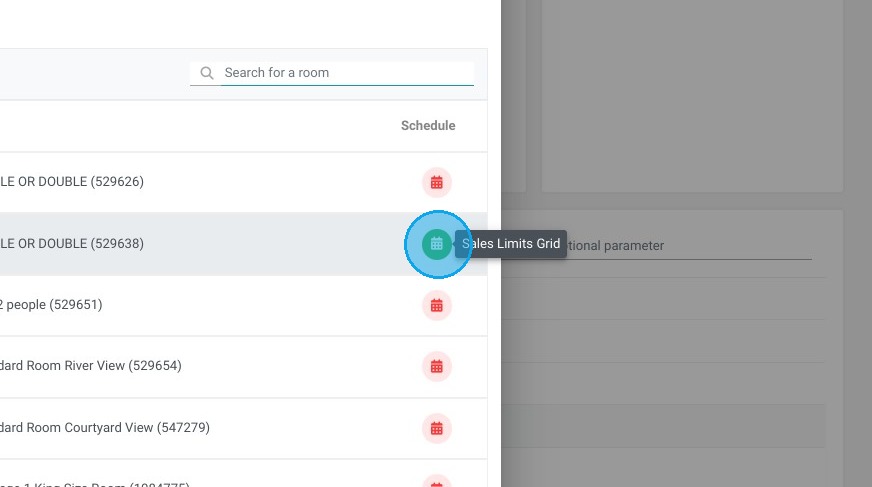
3. Click "SALES LIMITS GRID"
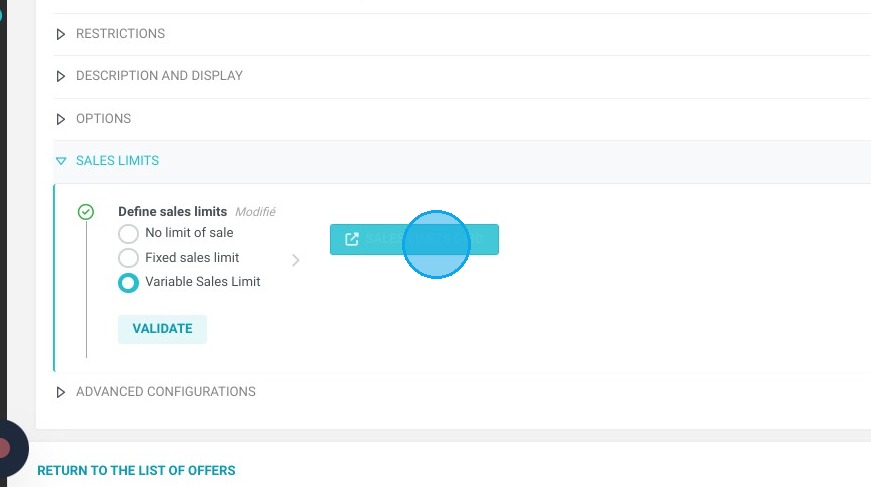
Tip: Tip! Sales limits are defined by unit type. Apply the desired sales limit by unit type
4. Click on the sales limits grid
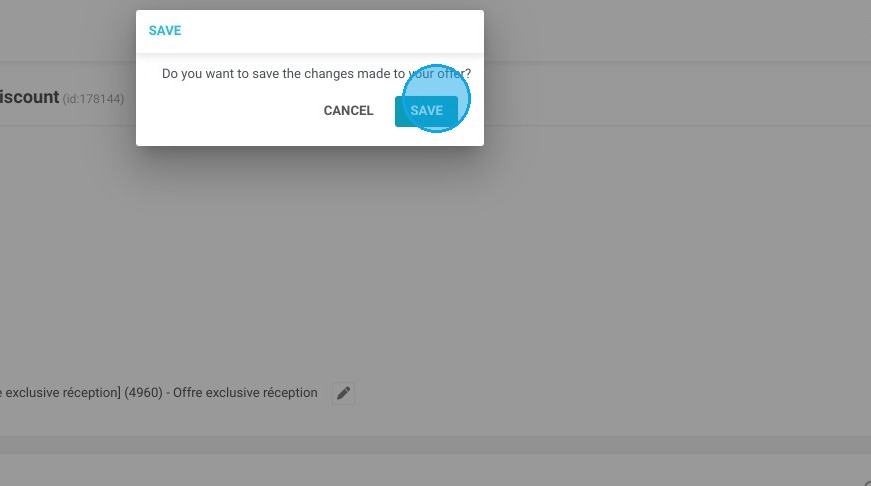
5. Click "SAVE"
6. You will then be redirected to the sales limit calendar for your offer.
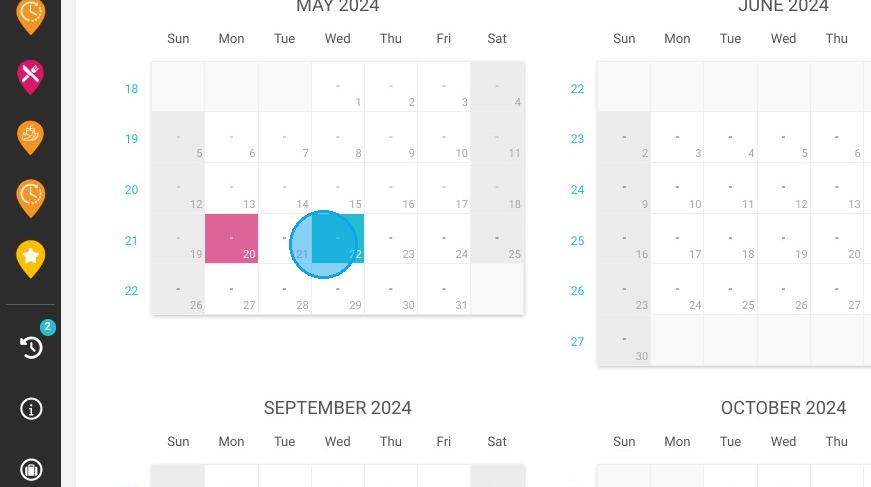
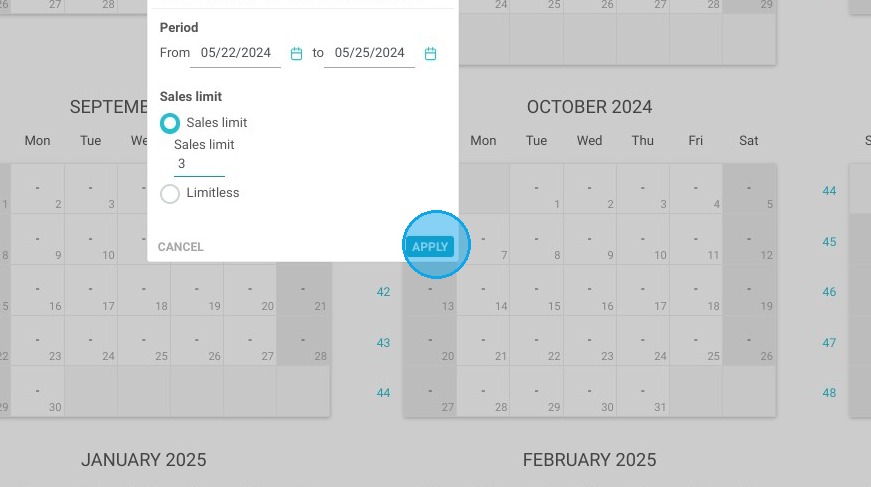
7. Select the dates of your choice, and the desired quantities per date to apply them. Click “APPLY” to confirm.
8. You can configure several sales limits for several offers using the “ADVANCED EDITING” button in the top right-hand corner of the screen.