

Article Summary: This tutorial explains how to access your Loxe portal directly from the Reservit Accommodation interface. You will learn how to use the partners menu to log in to your smart lock manager in a few clicks. With this shortcut, you centralize the management of your access codes and make self check-in much simpler for your guests.
The 3 Key Steps to Access Your Loxe Portal:
-
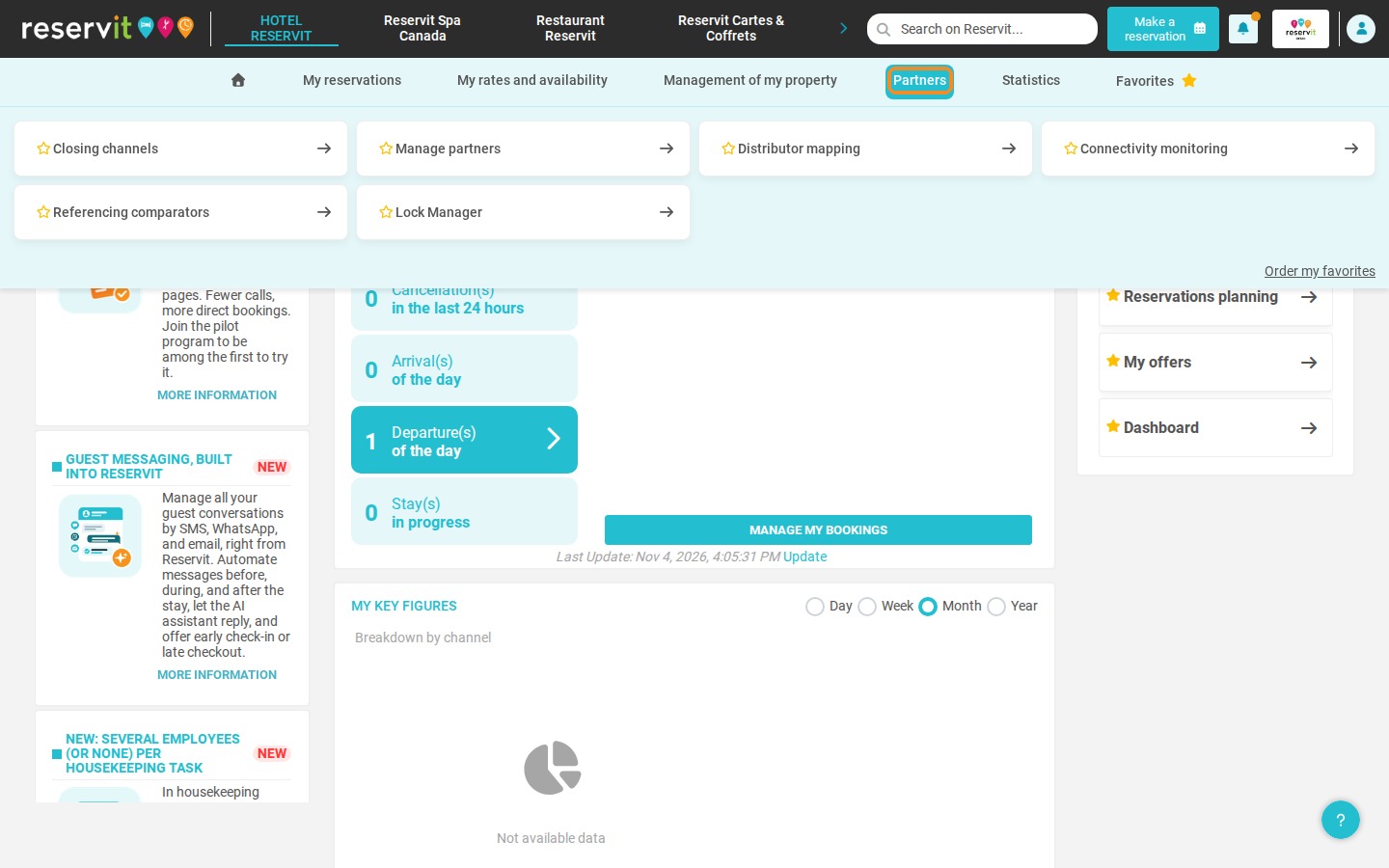
Open the partners menu: In Reservit, click "Partners" in the navigation menu.
-
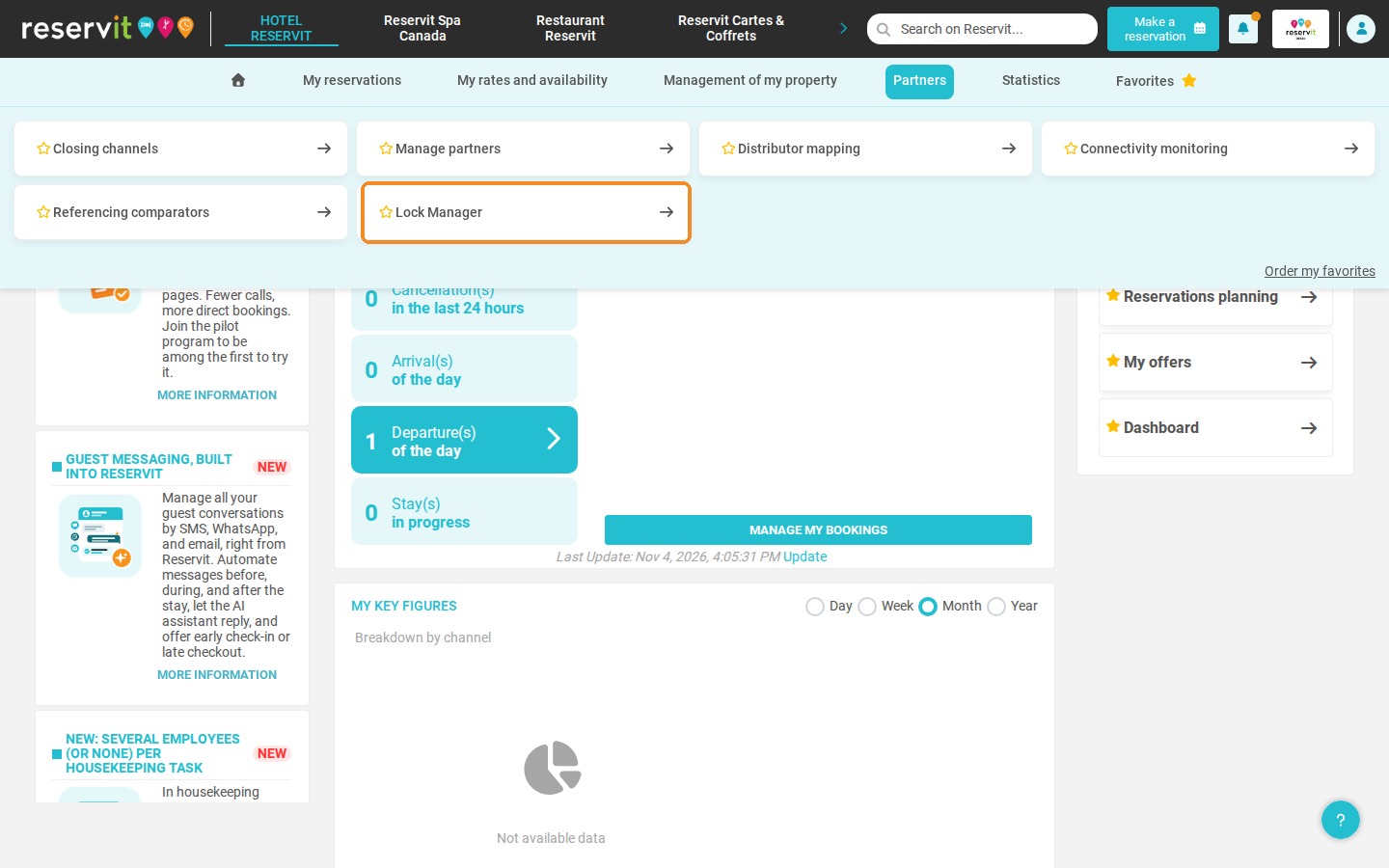
Select the lock manager: Click "Lock Manager" to open the gateway to your access control tool.
-
Use the extranet: Reservit logs you in to your Loxe portal automatically: you use it without leaving Reservit and without entering a username or password.
Why Follow This Guide? Grouping your business tools on a single platform saves you valuable time every day. By opening your lock system directly from Reservit, you streamline front desk operations and manage guest arrivals more efficiently.
1. In the menu, click "Partners".
2. Then click "Lock Manager".
3. Reservit logs you in to your Loxe portal automatically: you do not need to enter a username or password. You can now use your Loxe portal directly from Reservit.
