Article summary: This comprehensive guide explains how to set up and manage the Competitive Intelligence module within Reservit's Yield Management system. You will learn how to monitor daily market prices, weigh the importance of specific competitors, and automate your own pricing strategy using smart autopilot rules based on real-time market data. Mastering these analytical tools allows your hotel to stay highly competitive, instantly adapt to market fluctuations, and maximize your overall revenue.
The 5 key steps to configure competitive intelligence:
-
Access the pricing calendar: Navigate to the "Competitive Intelligence" module using the search bar to view a comprehensive calendar of your competitors' daily rates.
-
Map your rooms and rates: Click the settings gear icon to accurately map your specific room types and rate plans to the corresponding market offerings.
-
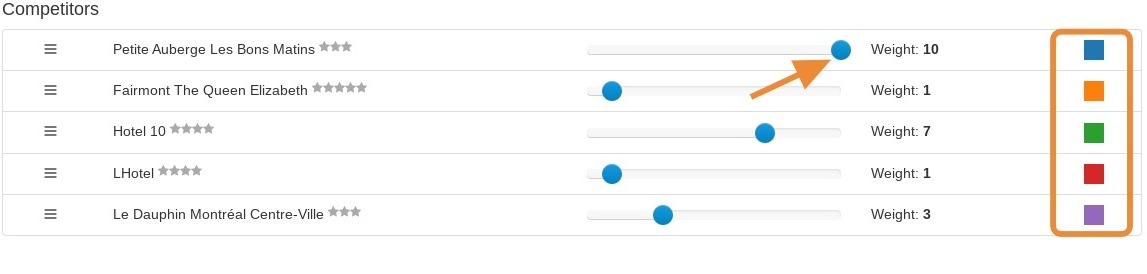
Adjust competitor weights: Customize the "competitors" tab to assign specific colors and adjust the relative importance (weight) of each competitor for the system's pricing recommendations.
-
Establish autopilot rules: Open the "autopilot" tab to create automated pricing rules, setting clear minimum and maximum rate thresholds for specific dates and room types.
-
Preview and apply: Set up any necessary deactivation periods to pause automation, preview your new strategic rules, and click apply to activate your dynamic pricing strategy.
Why follow this guide? By properly configuring your competitive intelligence, you eliminate the tedious manual work of tracking market prices across multiple booking channels every day. This strategic automation ensures your property instantly reacts to local market shifts, maximizing your profit margins while protecting you from costly underpricing or overpricing errors.
1. Click "Search on Reservit..."
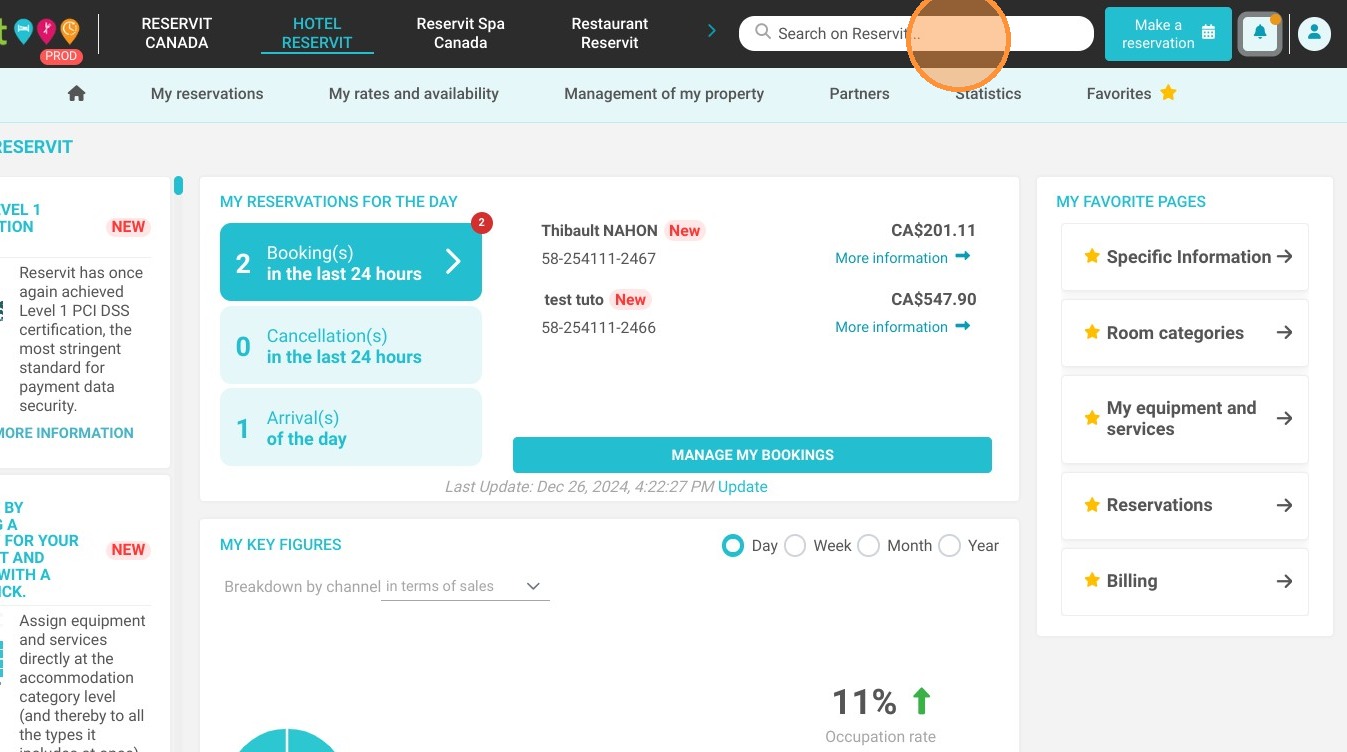
2. Click "Competitive Intelligence".
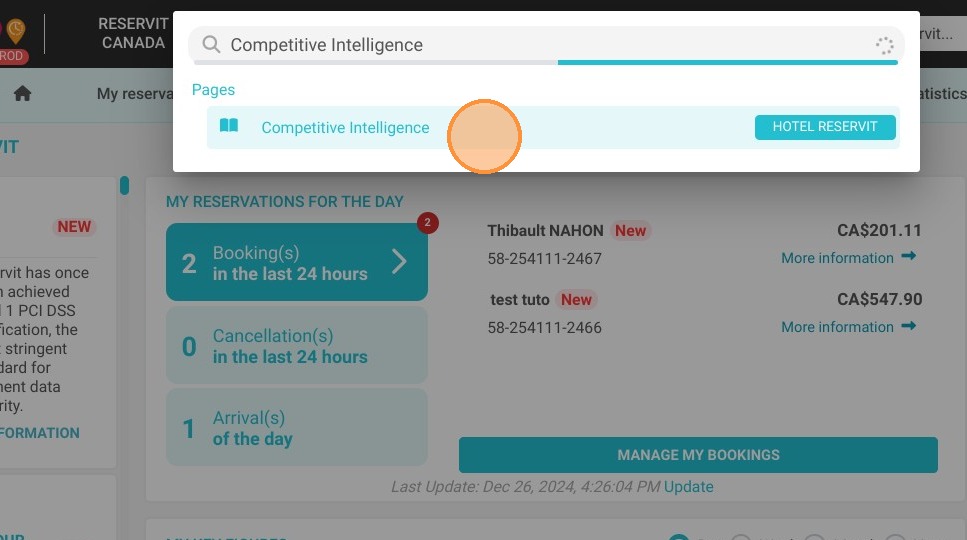
3. You will be redirected to this page which contains a calendar with prices.
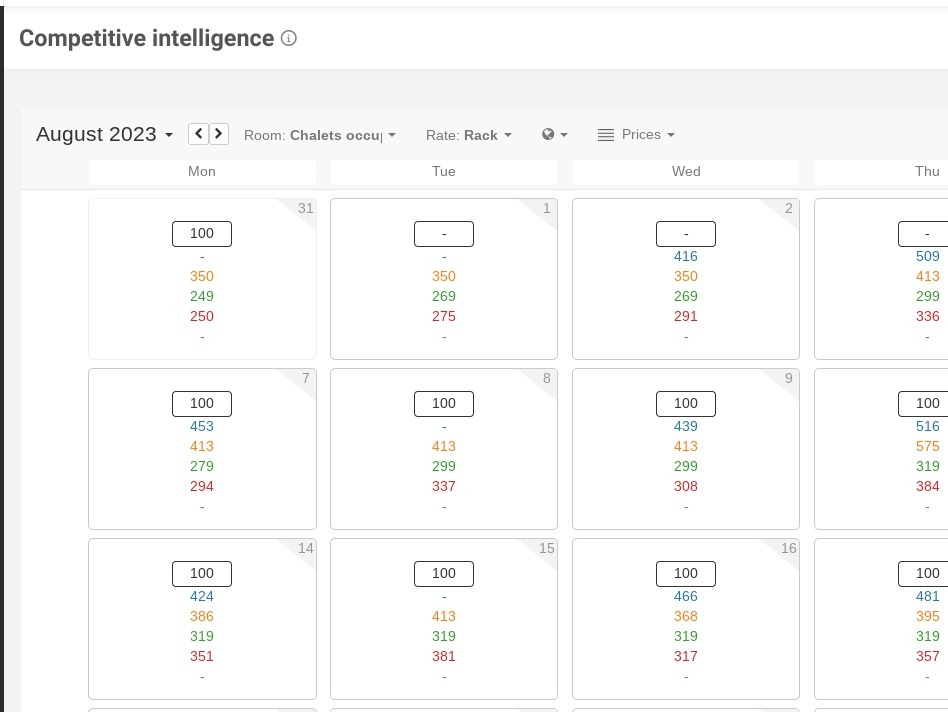
4. When you click on a date, you will see all your competitors and their prices.
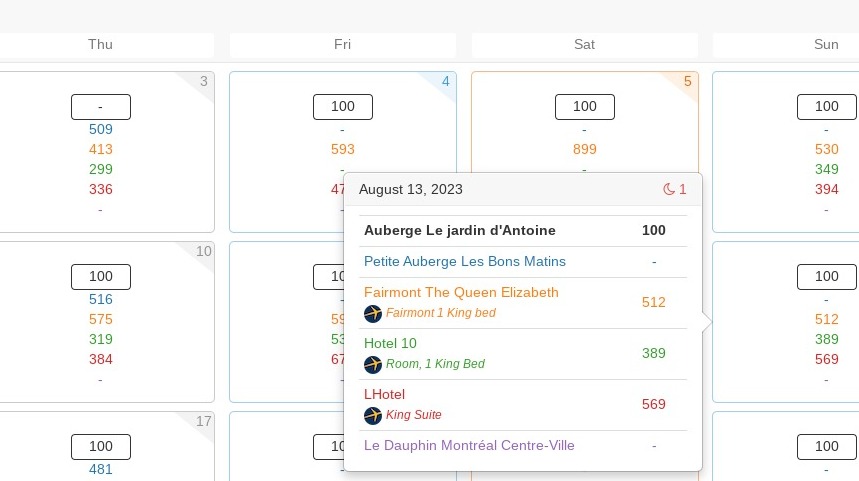
5. You can choose your room type and your rates in the drop-down list.
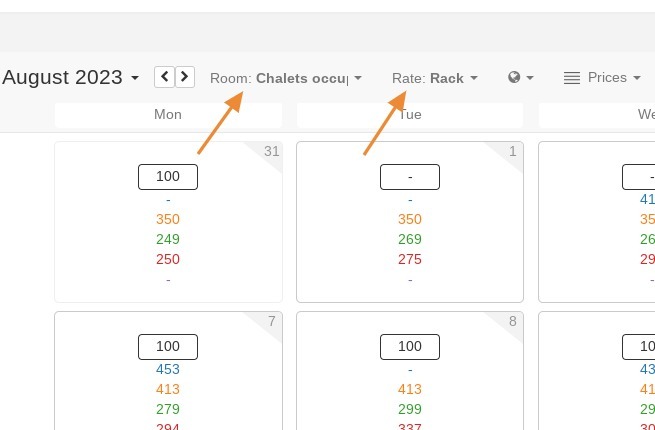
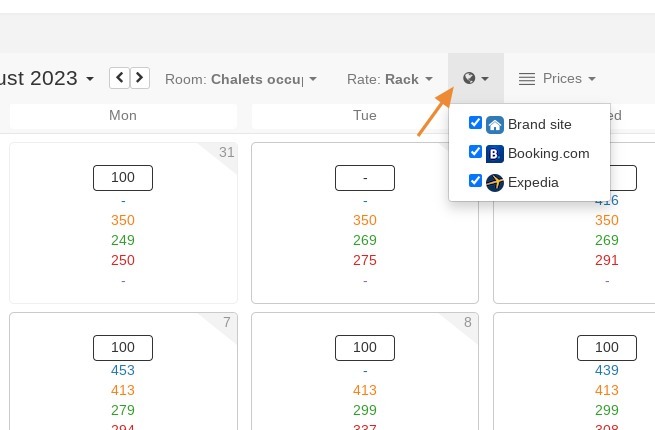
6. Even your rates and your distributors.
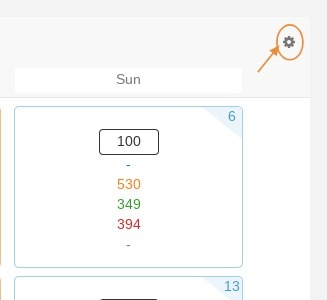
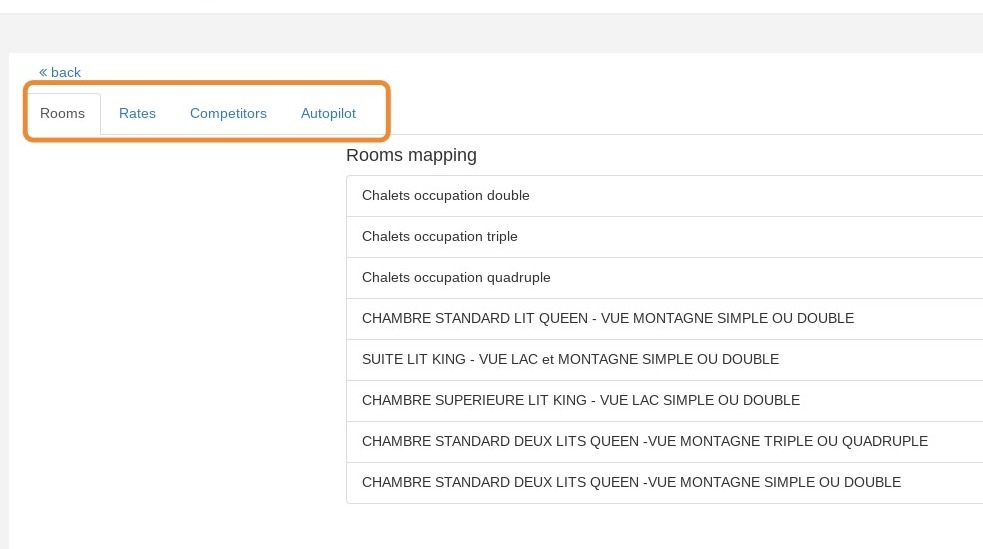
7. Now, you can configure some parameters by clicking the gear icon at the top.
8. You can configure your rooms, rates, and also your competitors.
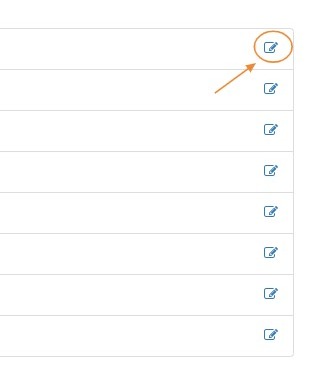
9. Now, you have to click on edit on each room in order to configure to which rate or which room your hotel corresponds the most.
10. The competitors tab allows you to adjust the weight of each competitor, meaning their importance relative to others in the recommendation calculation. You can also assign a color to each competitor to recognize them more easily.
11. When all your parameters are configured, you can add some rules in the "autopilot" tab.
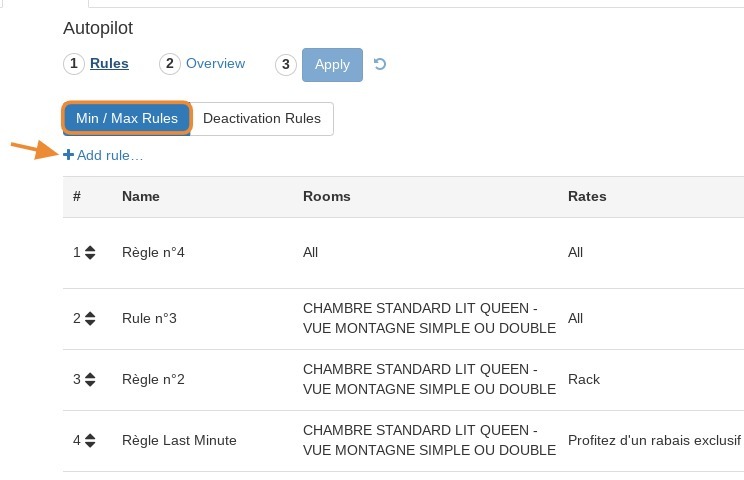
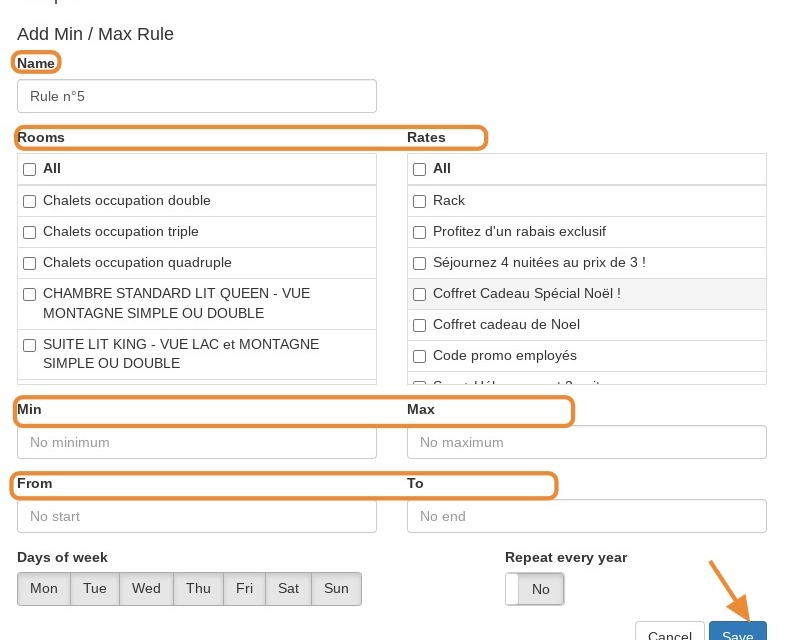
12. Click on the Autopilot tab to set rules such as room types, rates, "Min and max" and even dates. Save.
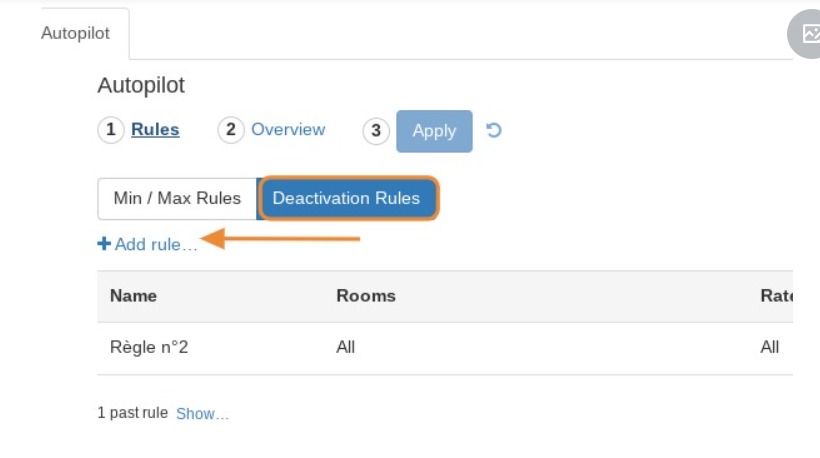
13. You can also set up a deactivation rule, for example to pause yield management for a given period.
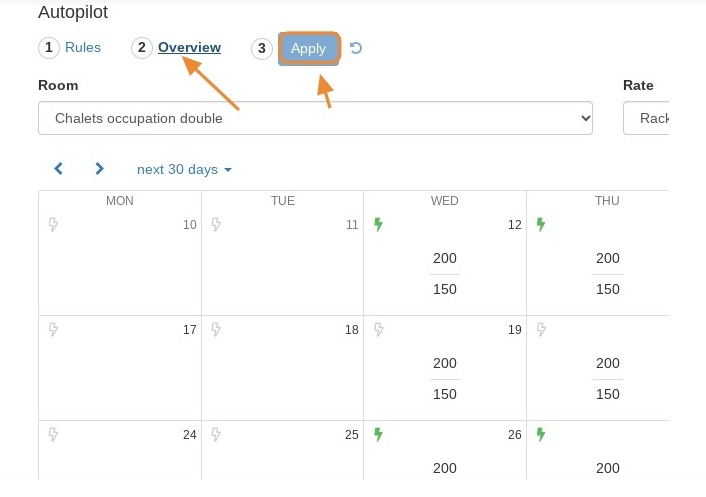
14. Preview your rules, then click "Apply". You can change your rules at any time.