Article Summary: This step-by-step tutorial explains how to easily extract and export a list of participants for your scheduled activities using Reservit Activities. You will learn how to filter reservations by date and category, choose your preferred document details, and generate a comprehensive PDF roster sent directly to your inbox. Mastering this export feature ensures your staff is fully prepared for daily operations with accurate and organized guest information.
The 5 key steps to extract your participant list:
-
Access the extraction tool: Navigate to the "Statistics" menu from your dashboard and click on "Extraction of reservations."
-
Filter your activities: Define your required date range and narrow down the results by selecting specific activity categories or service types (such as time slots or products).
-
Select the output format: Choose the PDF format and decide between a standard or detailed version, depending on how much guest data you need for your operations.
-
Target the participant list: Ensure the specific option to extract the list of participants is selected so the software formats the data correctly.
-
Generate and receive the report: Enter the email address where you want to receive the file and click validate to instantly generate and deliver your participant roster.
Why follow this guide? Exporting an accurate, up-to-date participant roster prevents check-in bottlenecks and ensures your team on the ground has critical guest details right at their fingertips. Automating this report delivery saves valuable administrative time, keeps your daily activities highly organized, and helps you manage group sizes safely.
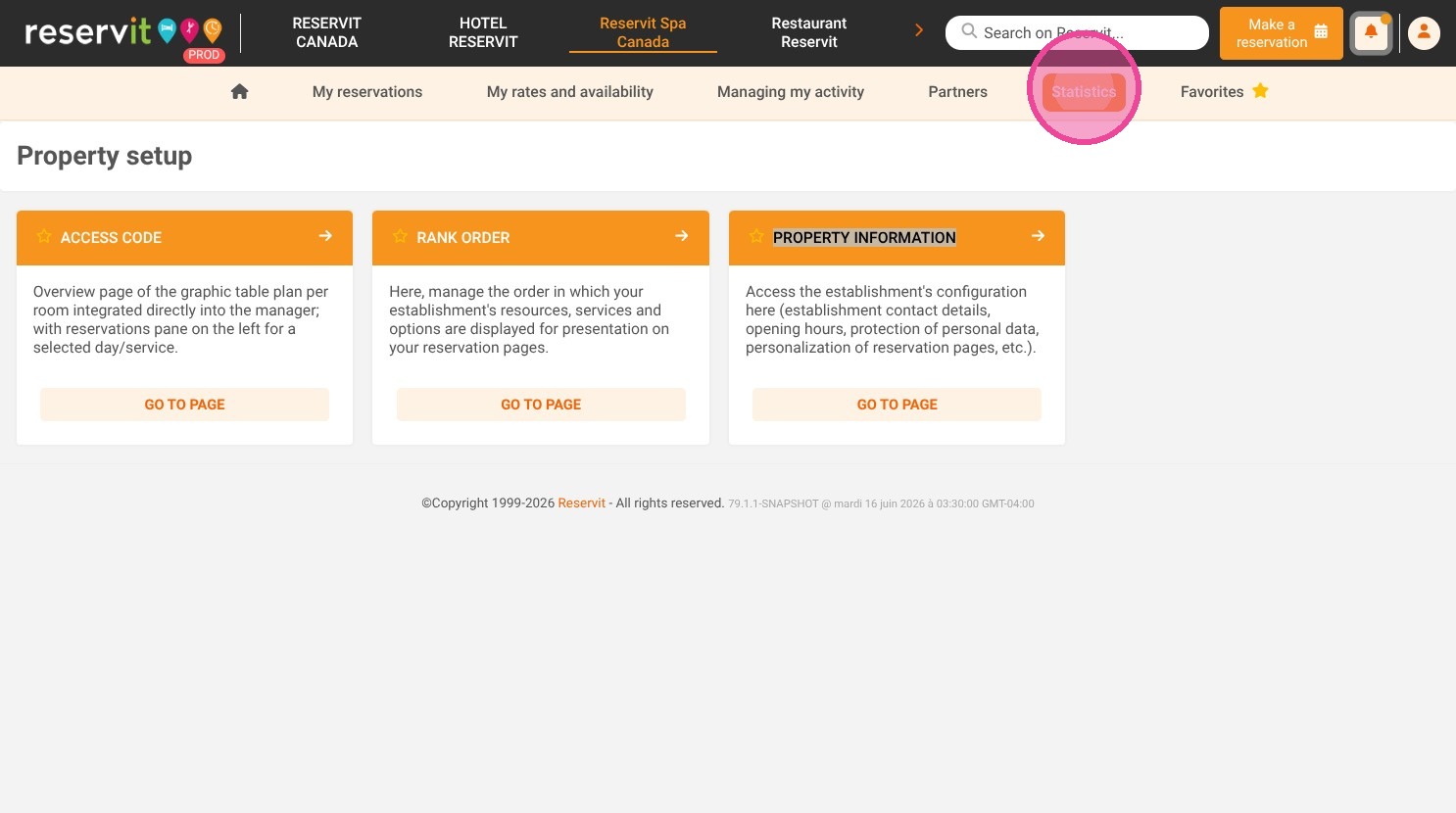
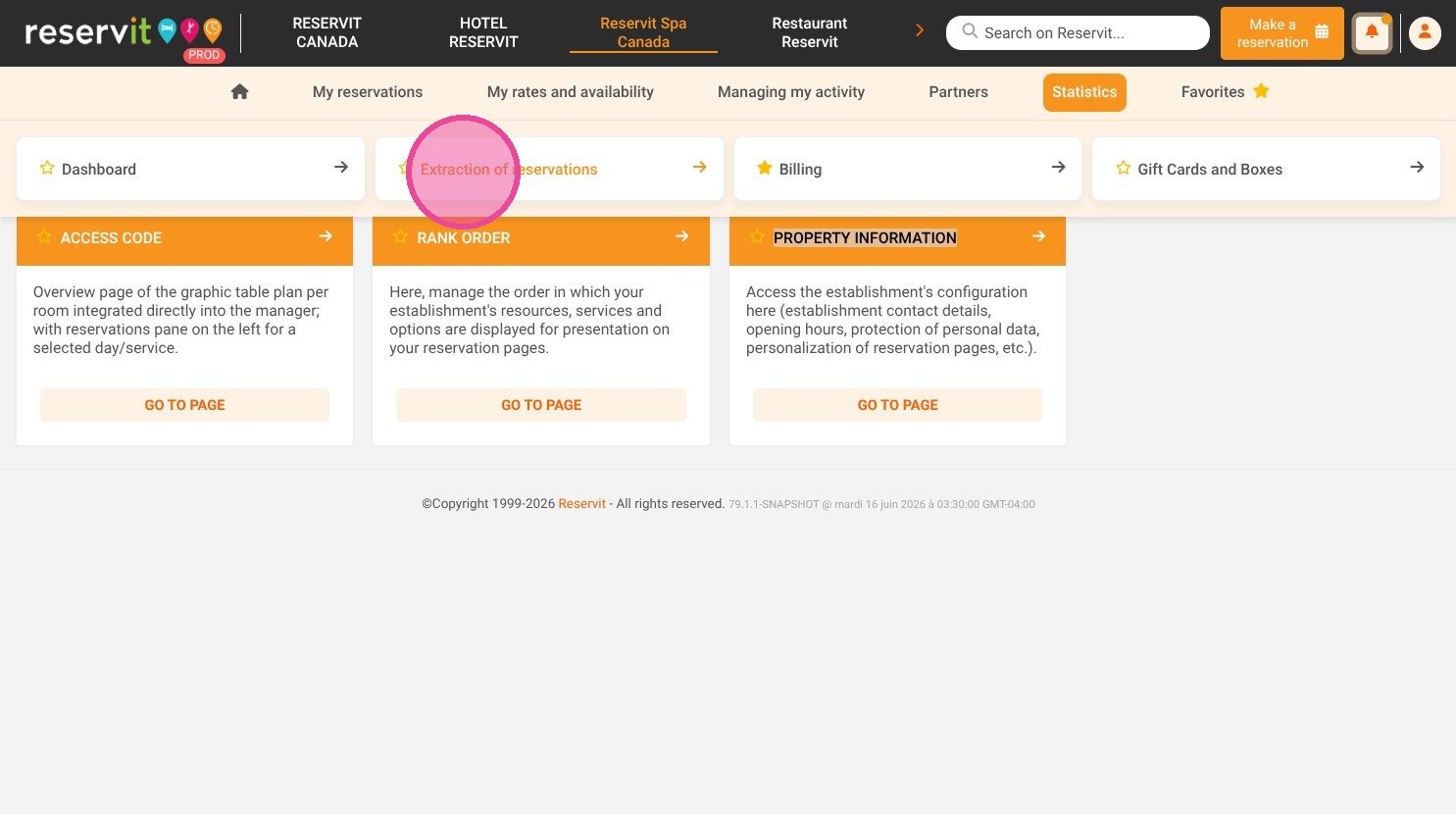
1. Click "Statistics" then click "Extraction of reservations"
2. Choose the start and end dates for your extraction.
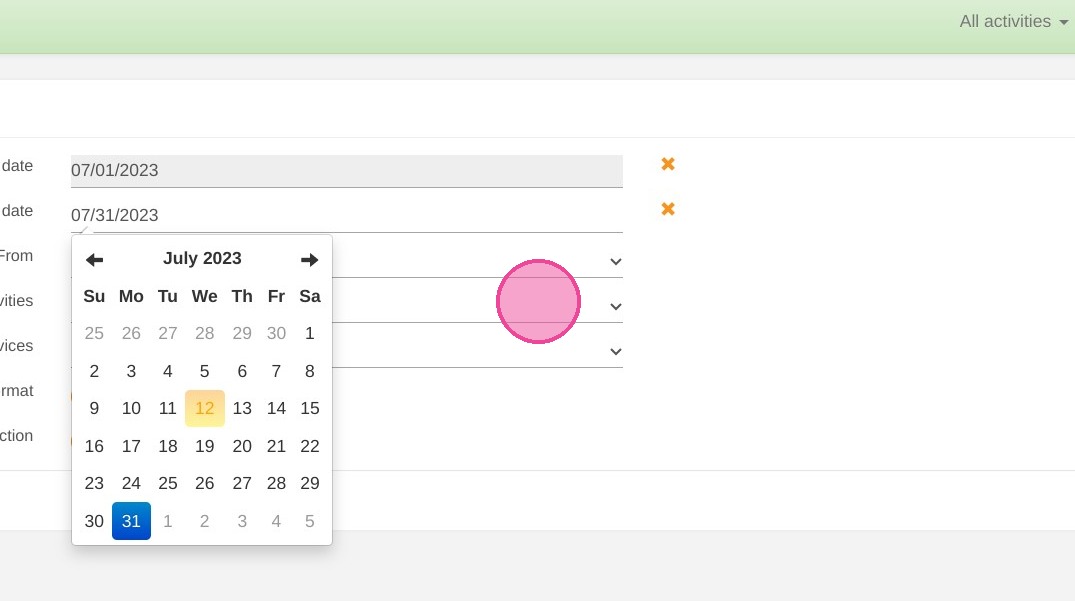
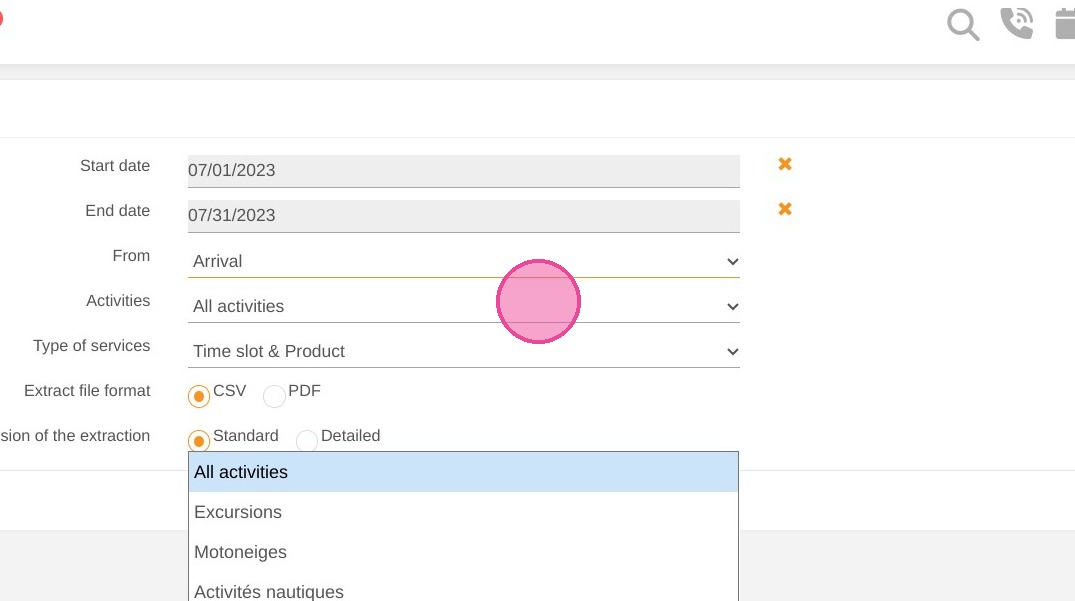
3. If you have different categories of activities, you can select only one or display them all.
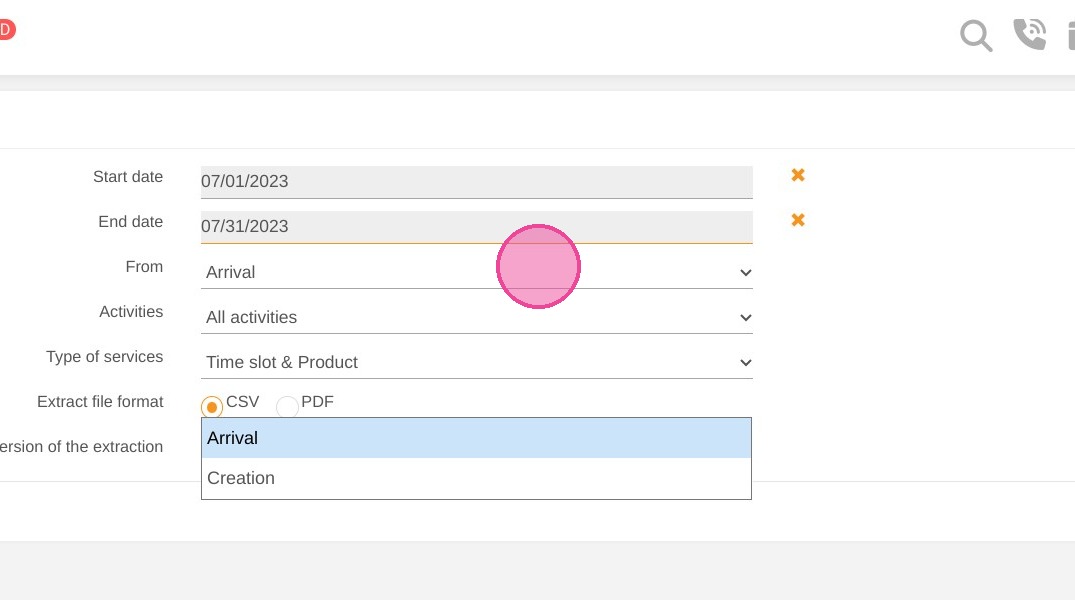
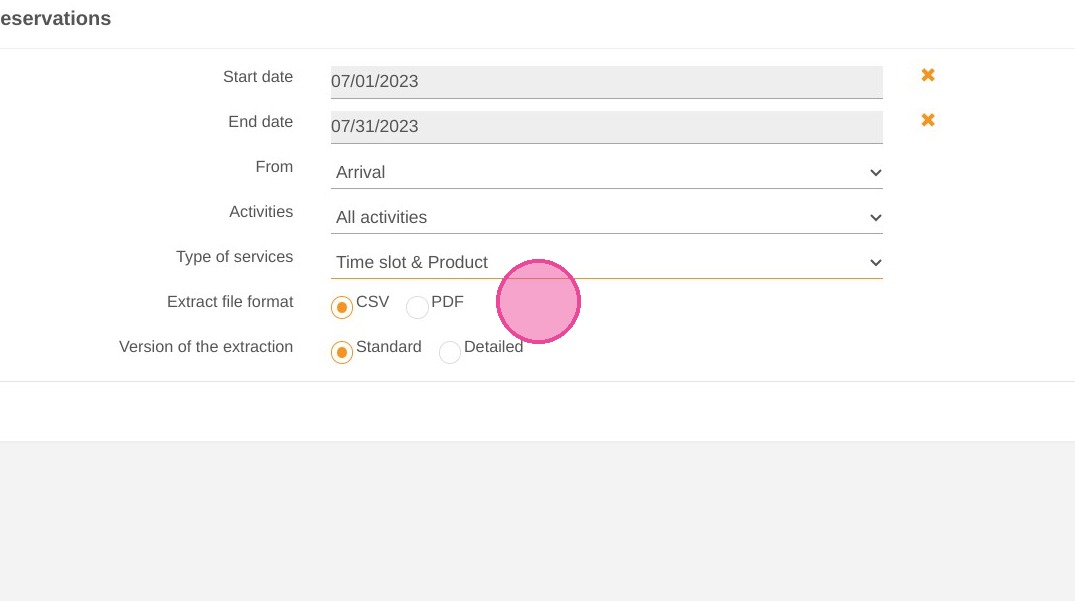
4. Choose the type of services: "Time slot" allows you to define services with schedules and "Product" allows you to offer gift cards and boxes if you have subscribed to them.
5. Choose the format of the extraction in PDF format.
6. Choose the version of the extraction, standard or detailed. The detailed version includes more fields.
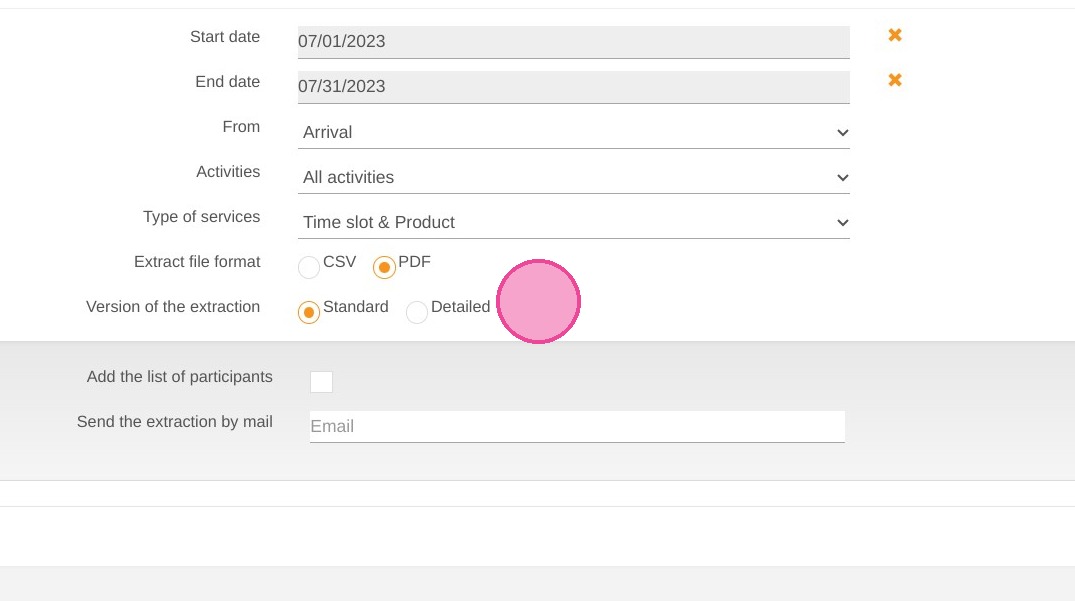
7. By selecting PDF, the software will allow you to extract the list of participants in an activity
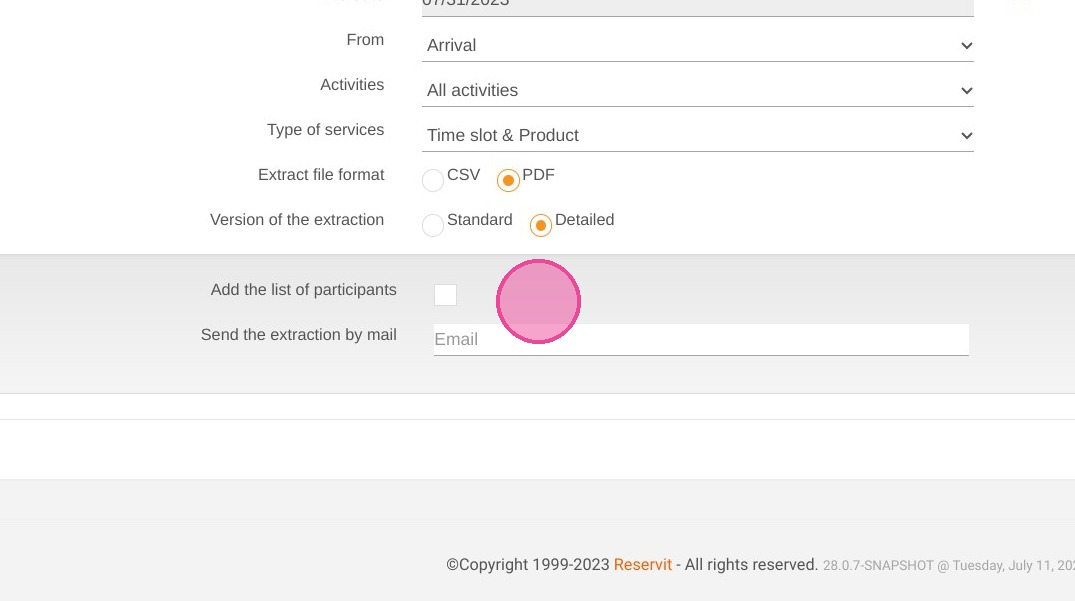
8. Enter the email address to which you wish to receive the extraction
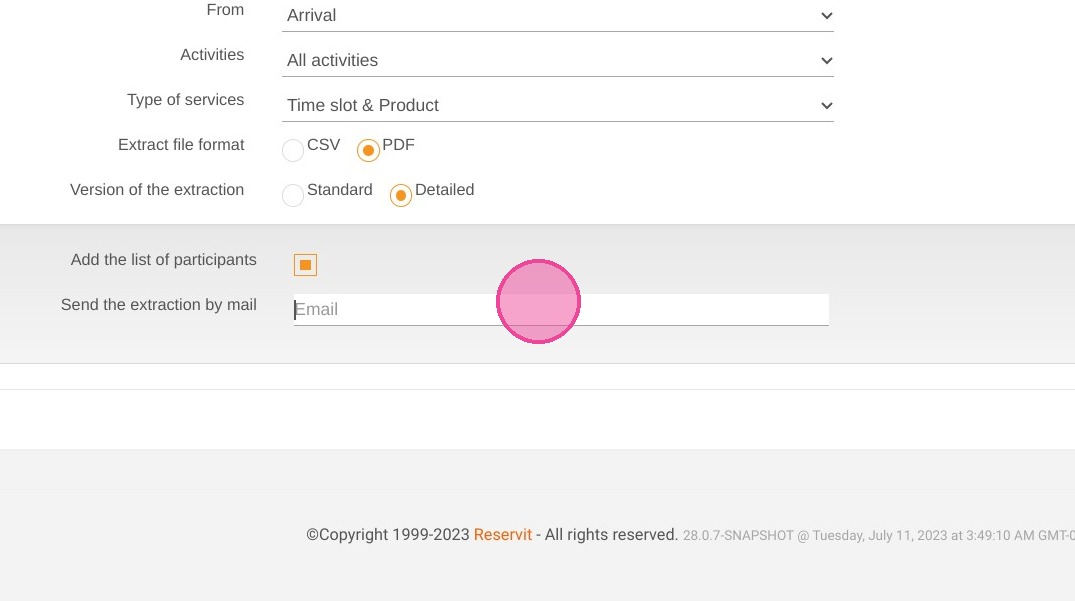
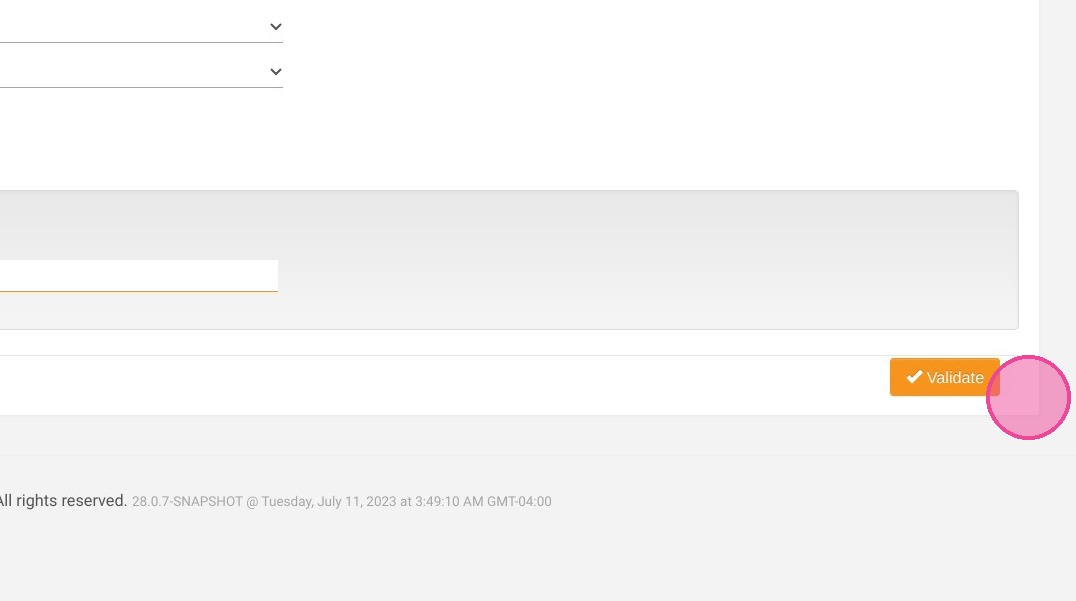
9. Validate to generate the extraction.