Article Summary: This practical guide explains how to list and view the comments left on your reservations for a given period. By using the Agenda and its filters in Reservit Accommodation, you can centralize your guests' requests and improve the management of their stays. Follow important remarks in real time to improve the quality of your service.
The 4 Key Steps to View the Comments on Your Reservations:
-
Open the Agenda: Go to "My reservations", then "Agenda".
-
View the list: The Agenda lists your arrivals, departures, stay-overs, notes and options with the related comments.
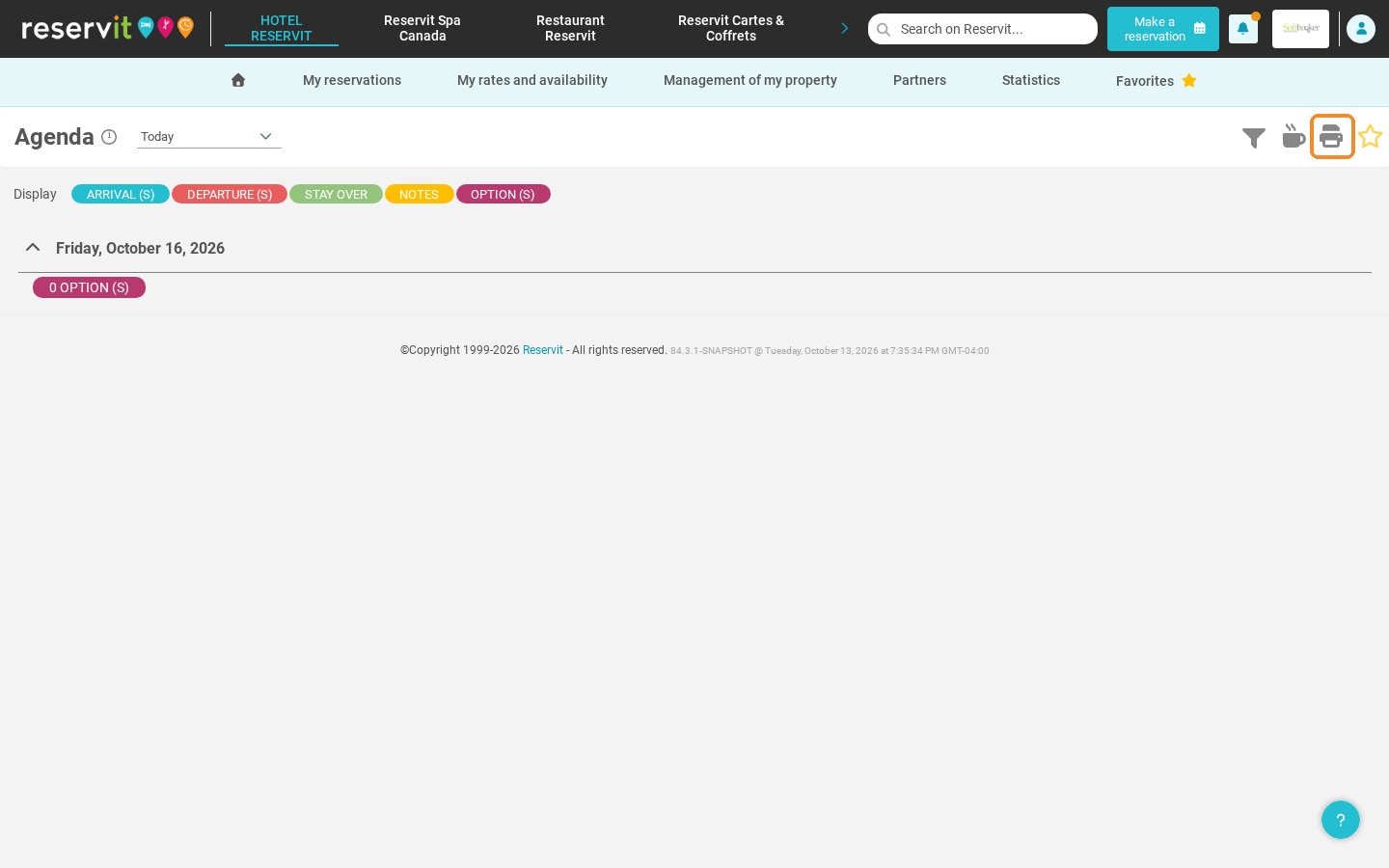
-
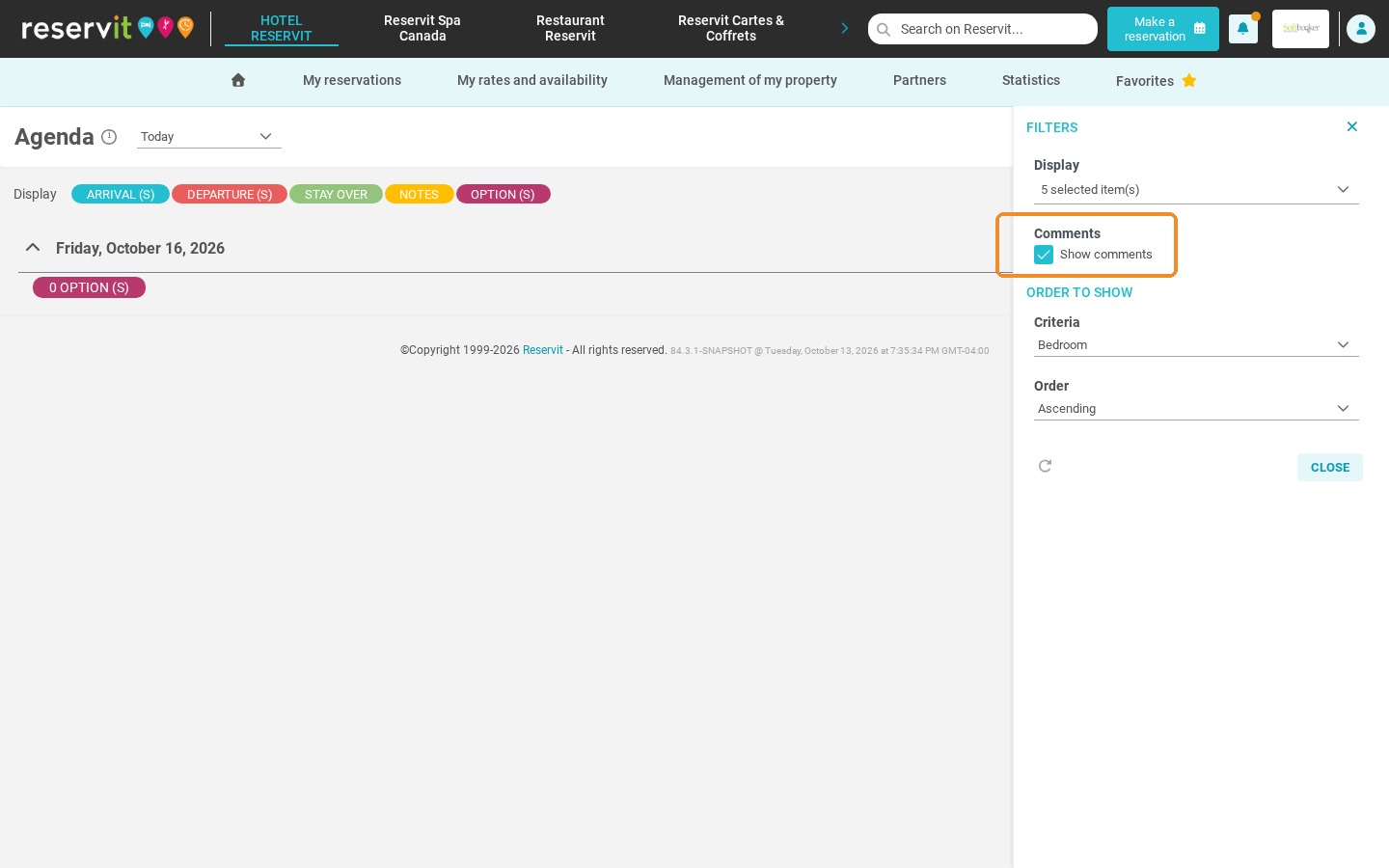
Display the comments: If the comments do not appear, open the filters at the top right and tick "Show comments".
-
Filter and share: Choose the period to display, then print the list or give your team access to this page to follow the data in real time.
Why Follow This Guide? This tutorial saves you time by centralizing your guests' requirements (allergies, special requests, arrival times), avoiding operational errors and making internal communication smoother.
1. Go to "My reservations", then "Agenda".
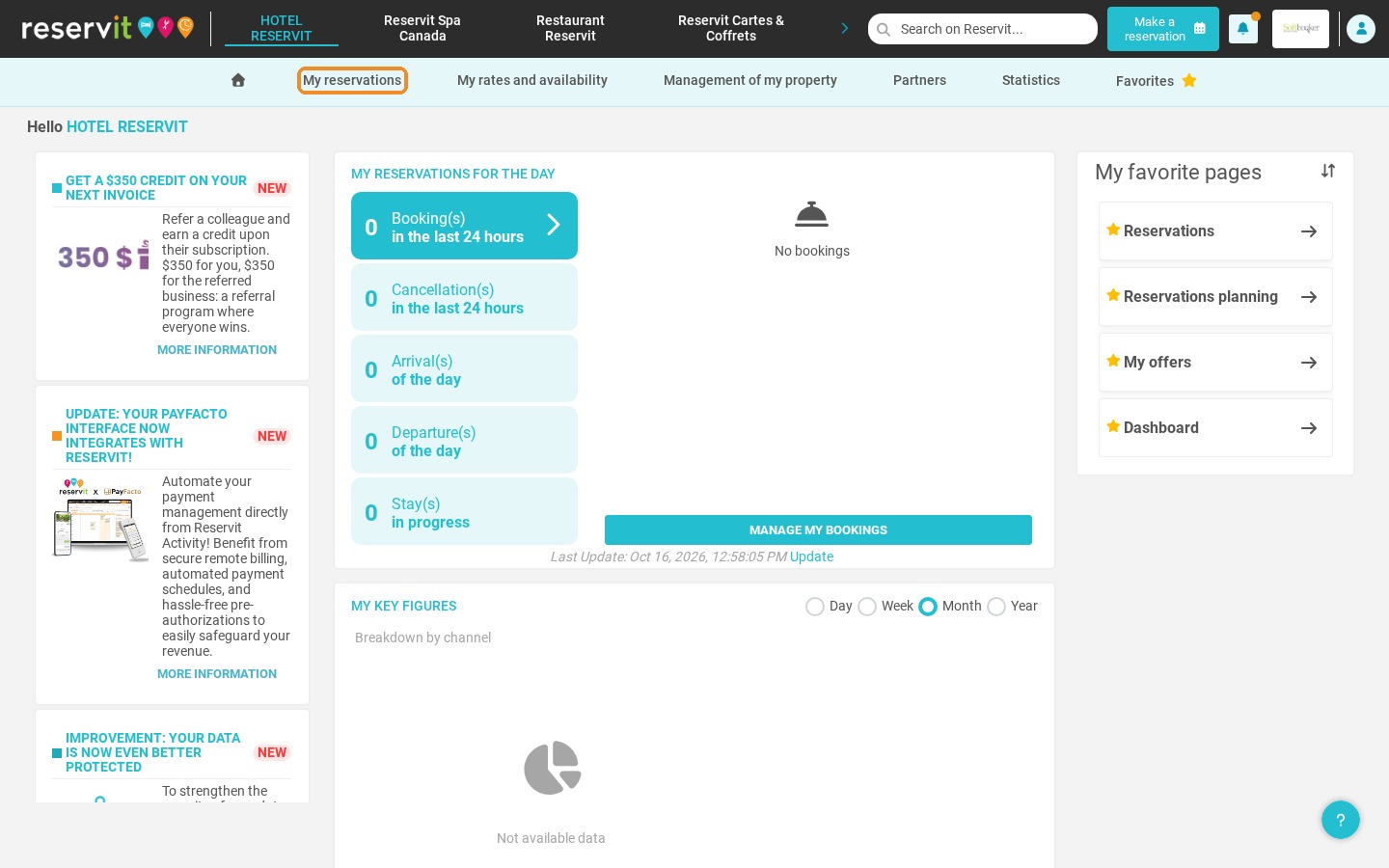
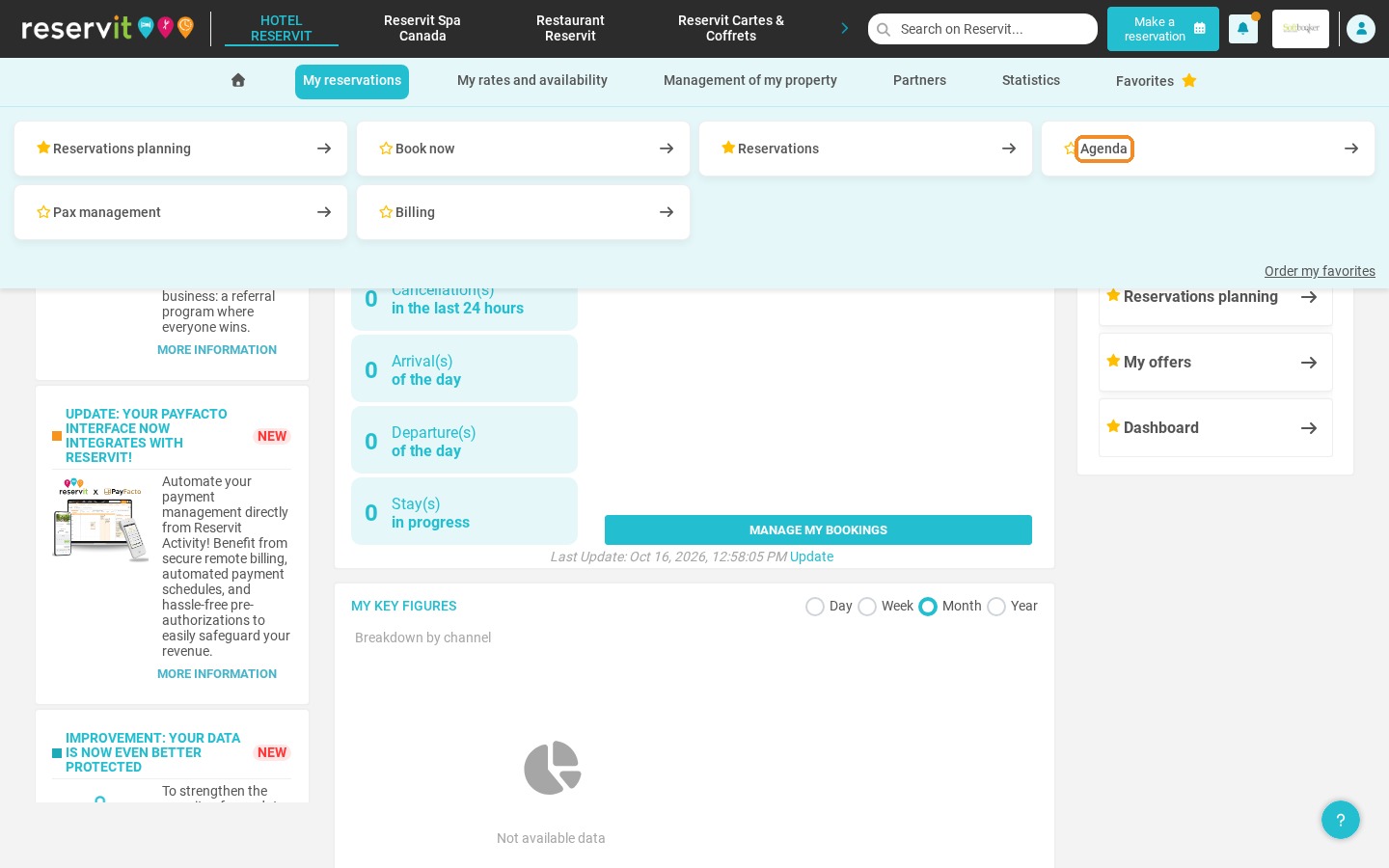
2. This screen lists your reservations with their related comments. Use the "Display" buttons to show or hide the arrivals, departures, stay-overs, notes and options.
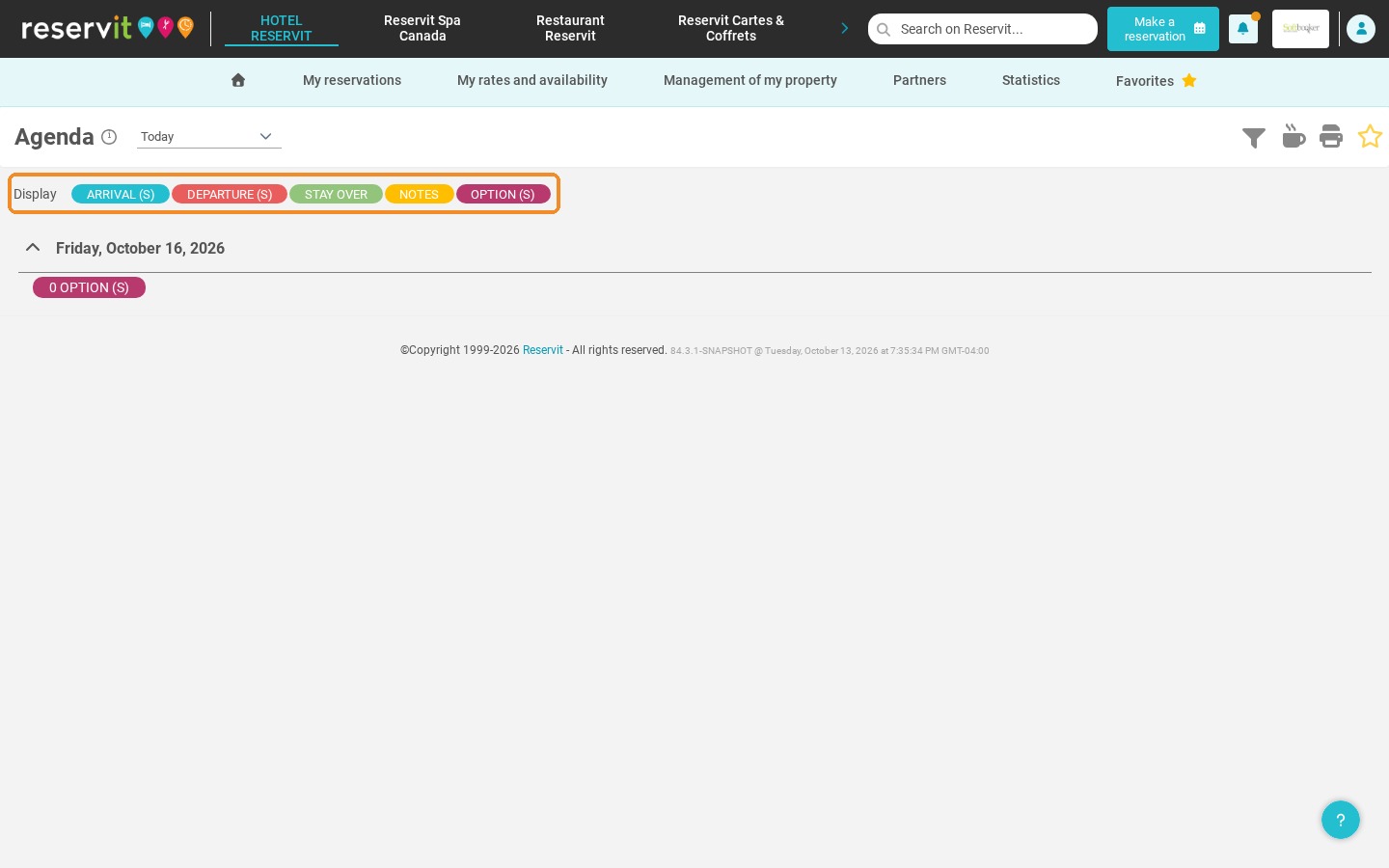
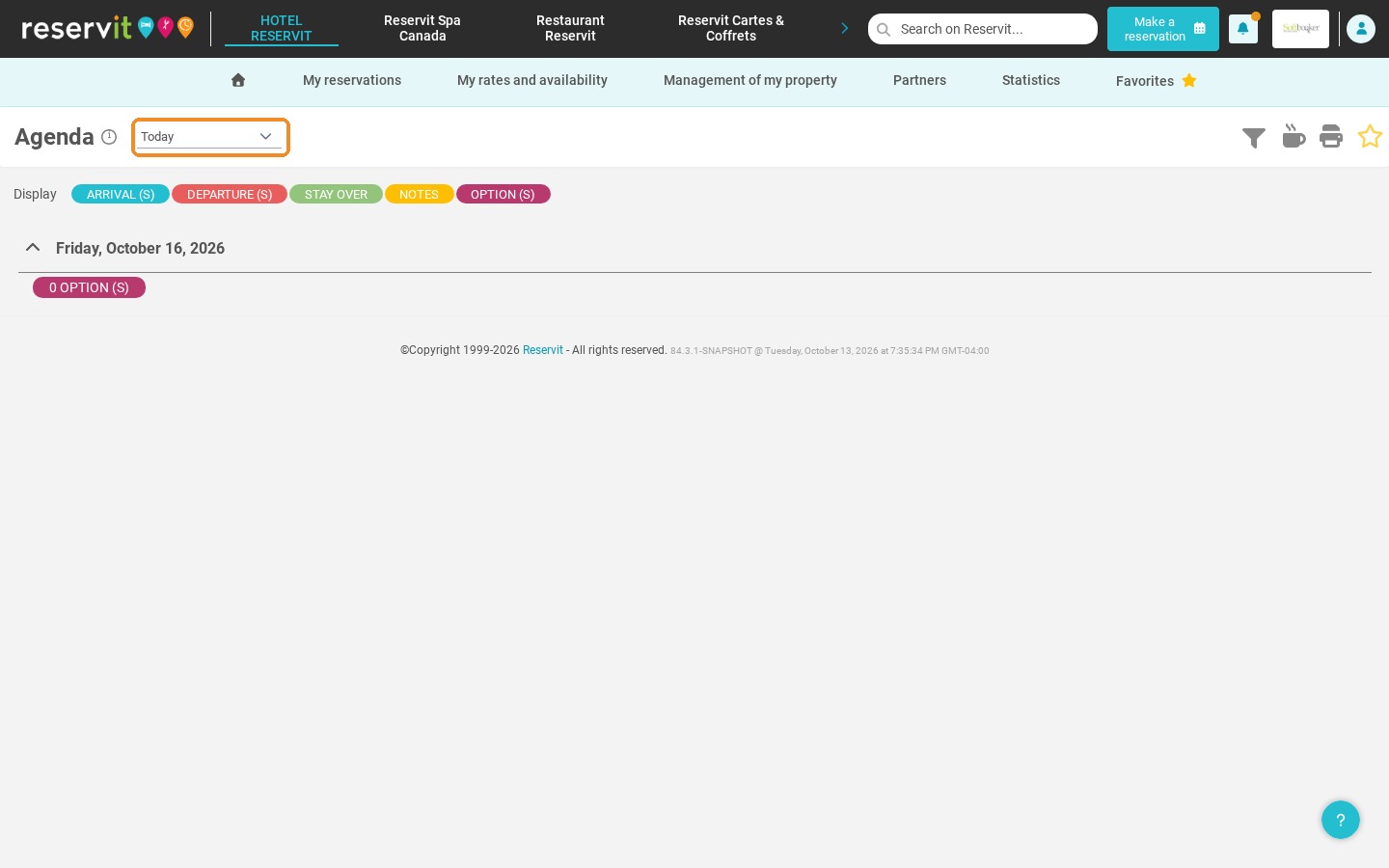
3. Choose the period to display: today, tomorrow, this week or a specific period.
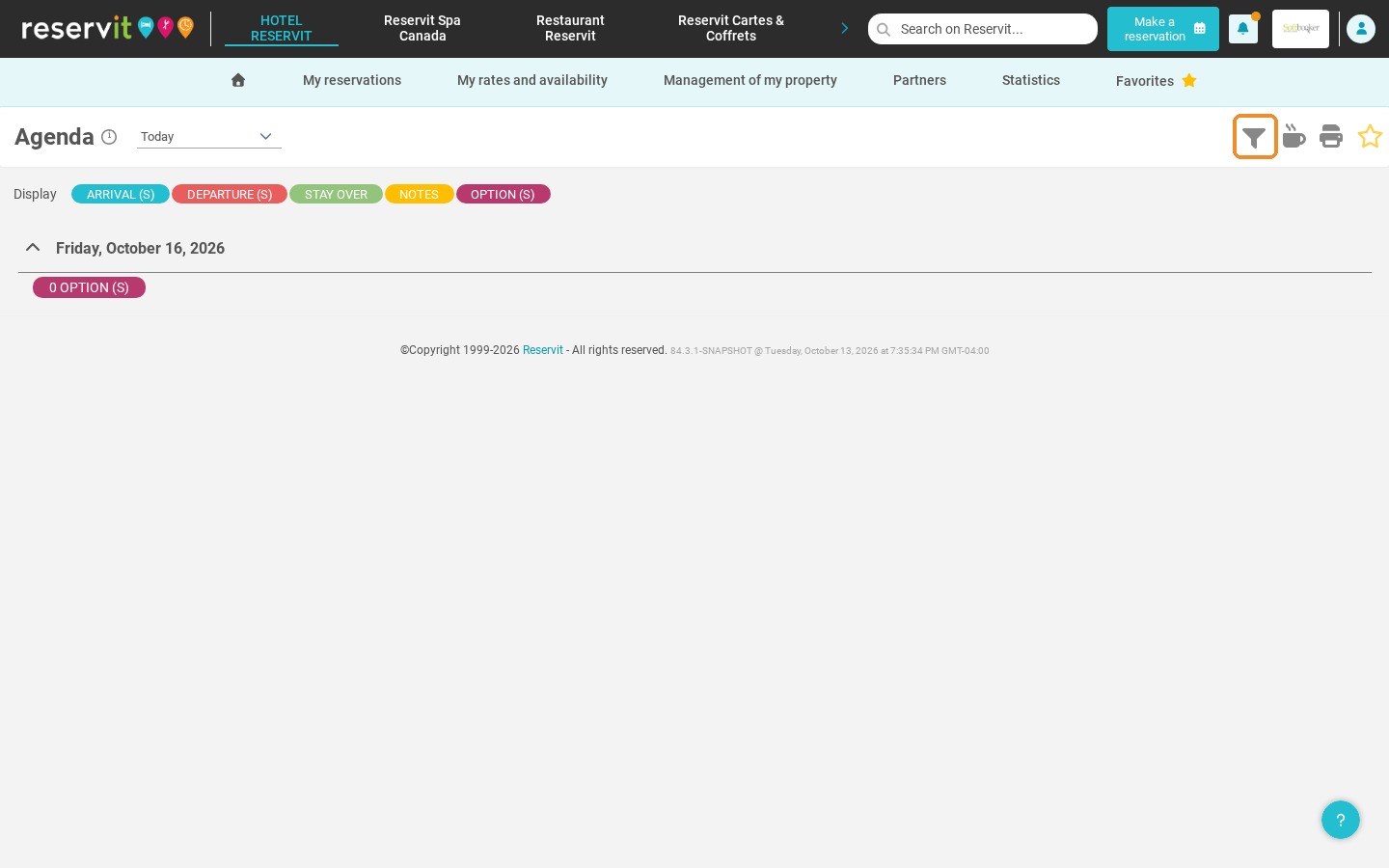
4. If you do not see the comments, click the filter icon at the top right.
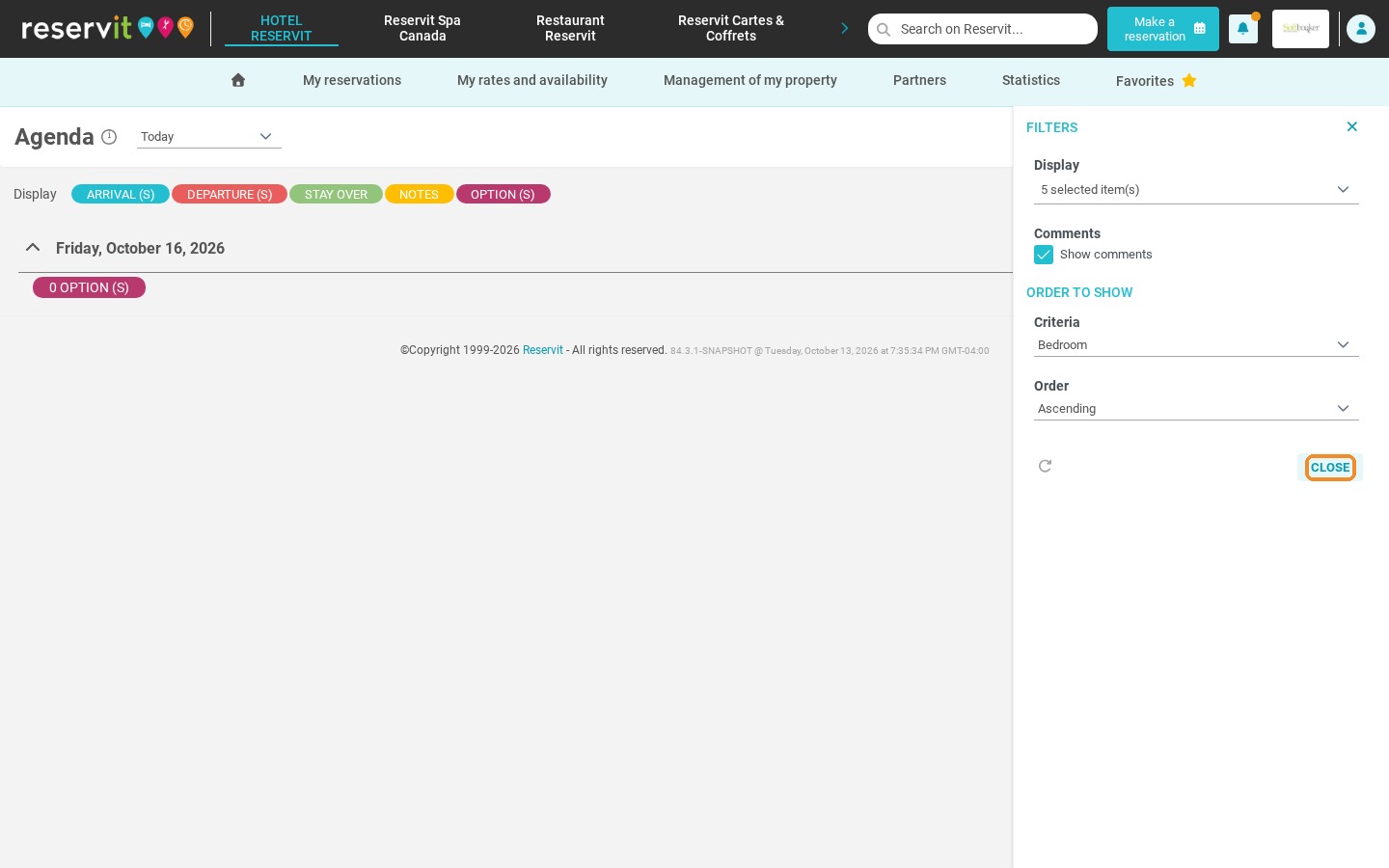
5. Tick "Show comments", then click "Close".
6. You can print the list with the printer icon. However, we recommend giving your users access to this page so they can see the data in real time.