

Article Summary: This tutorial explains how to set up the general services of your property (parking, swimming pool, Wi-Fi, accessibility, etc.) in Reservit Accommodation. You will learn how to select your services from the existing library and confirm your selection so they are highlighted online. This is the ideal step to showcase the general assets of your property, as opposed to the equipment of your rooms, and catch the attention of your future guests.
The 4 Key Steps to Edit Your Property Services:
-
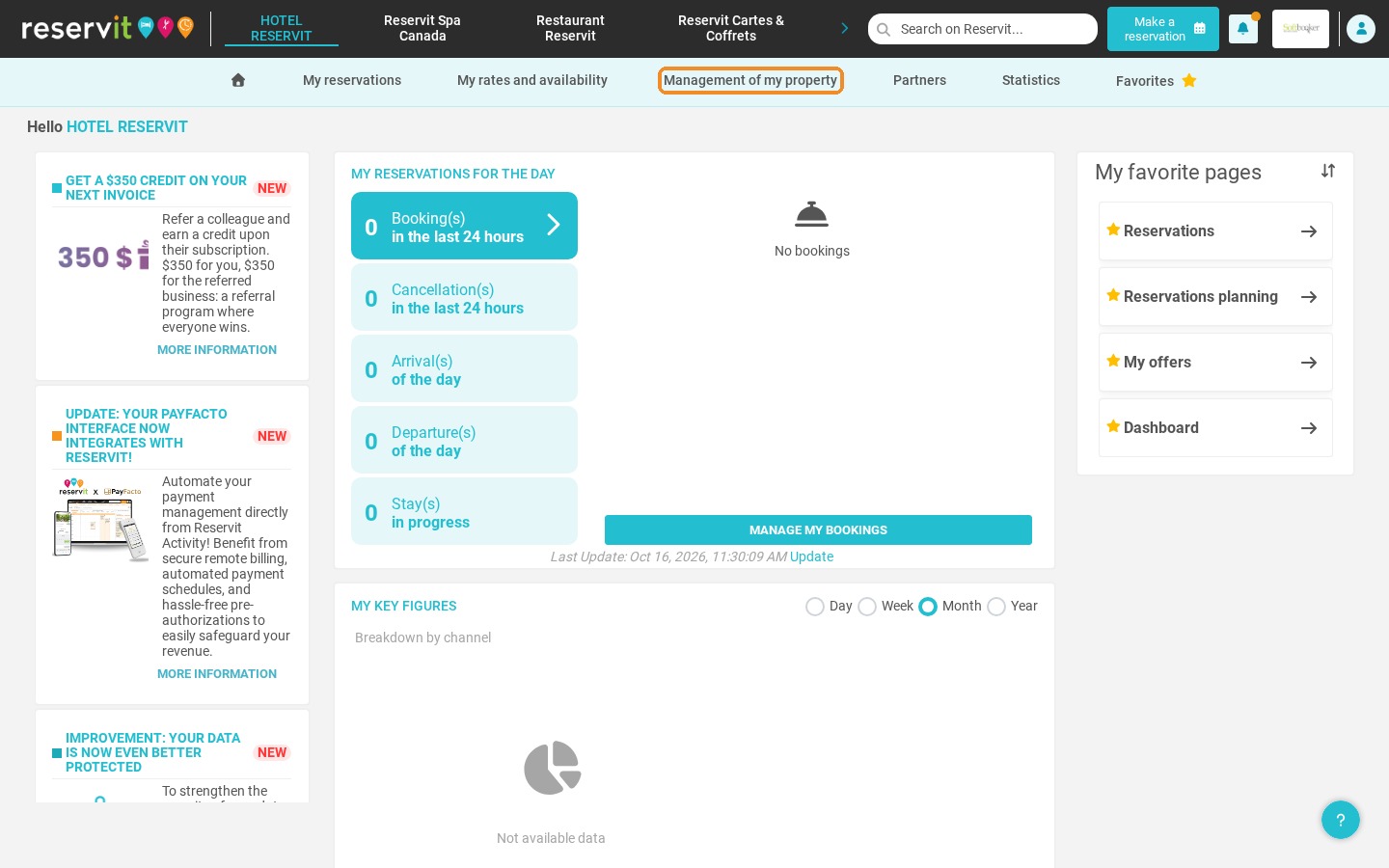
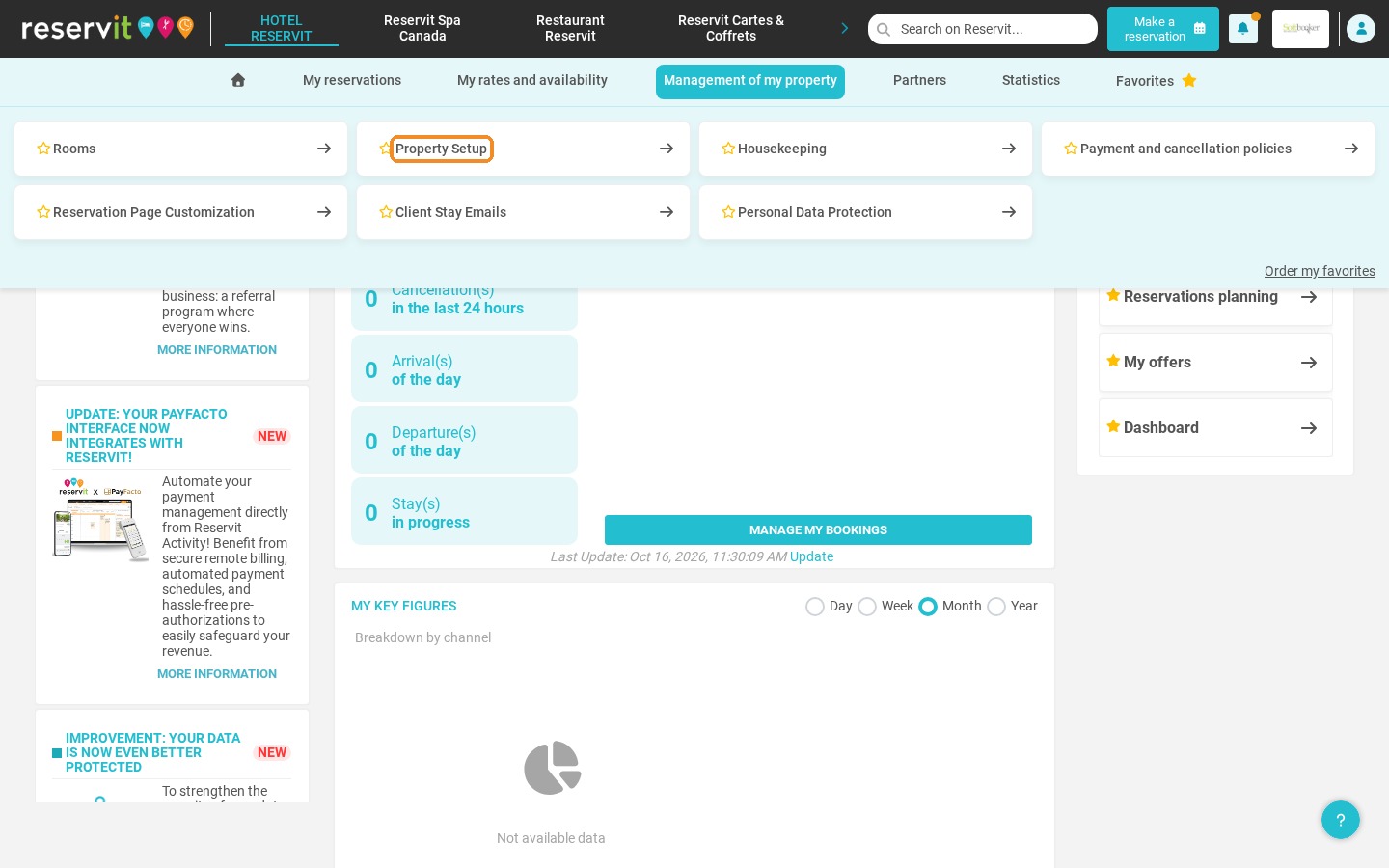
Open the configuration: Go to "Management of my property", then "Property Setup".
-
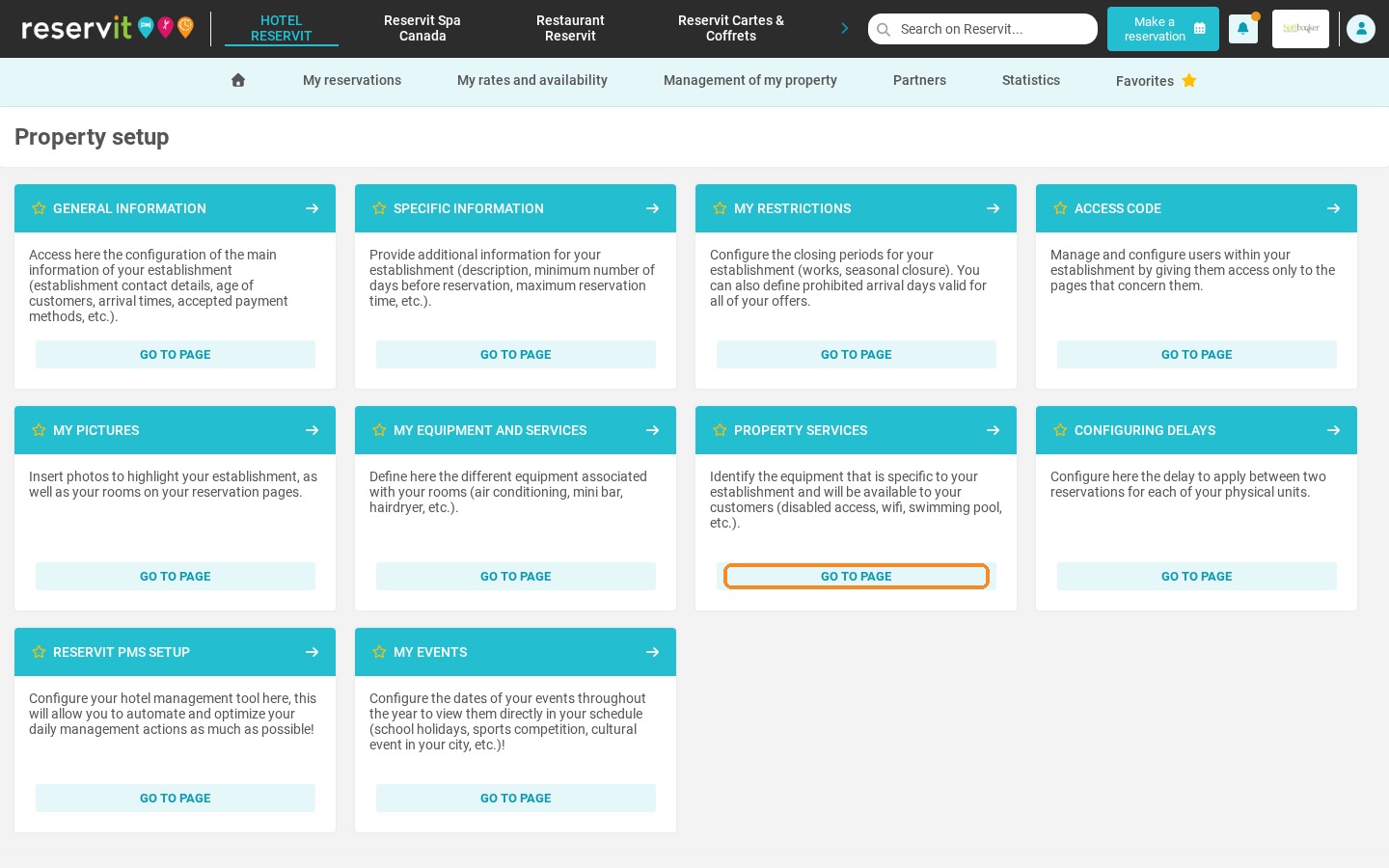
Open the services library: On the "Property services" tile, click "Go to page".
-
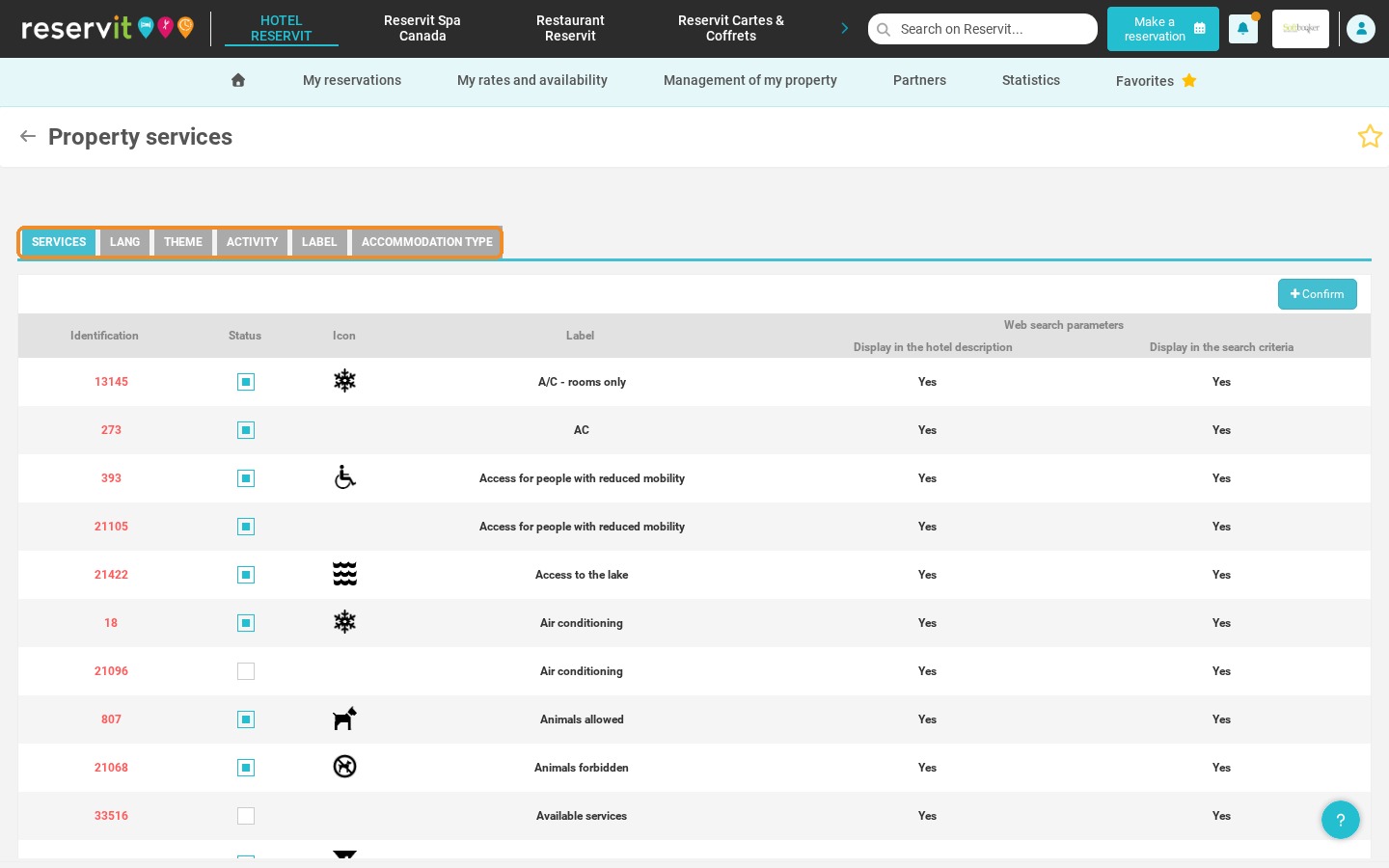
Select your services: Browse the list and tick the services available at your property. Use the tabs to describe your languages, themes, activities, labels and accommodation type.
-
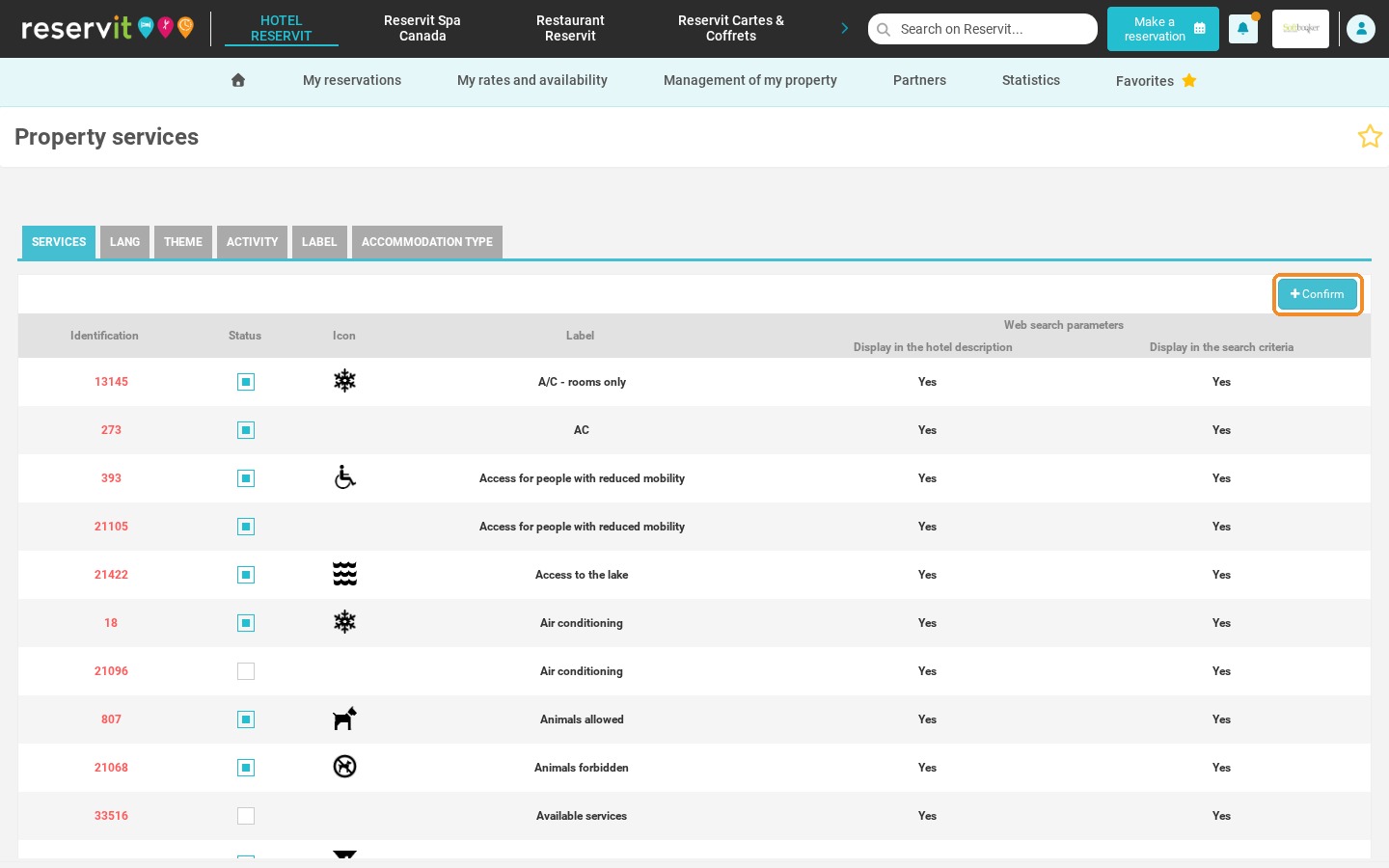
Confirm: Click "Confirm" to save your selection.
Why Follow This Guide? Describing your property services accurately makes your offer more transparent and reassures guests during the booking process. It is a quick and simple way to showcase your strengths, improve your online presence and reduce information calls to the front desk.
1. Click "Management of my property", then "Property Setup".
2. On the "Property services" tile, click "Go to page".
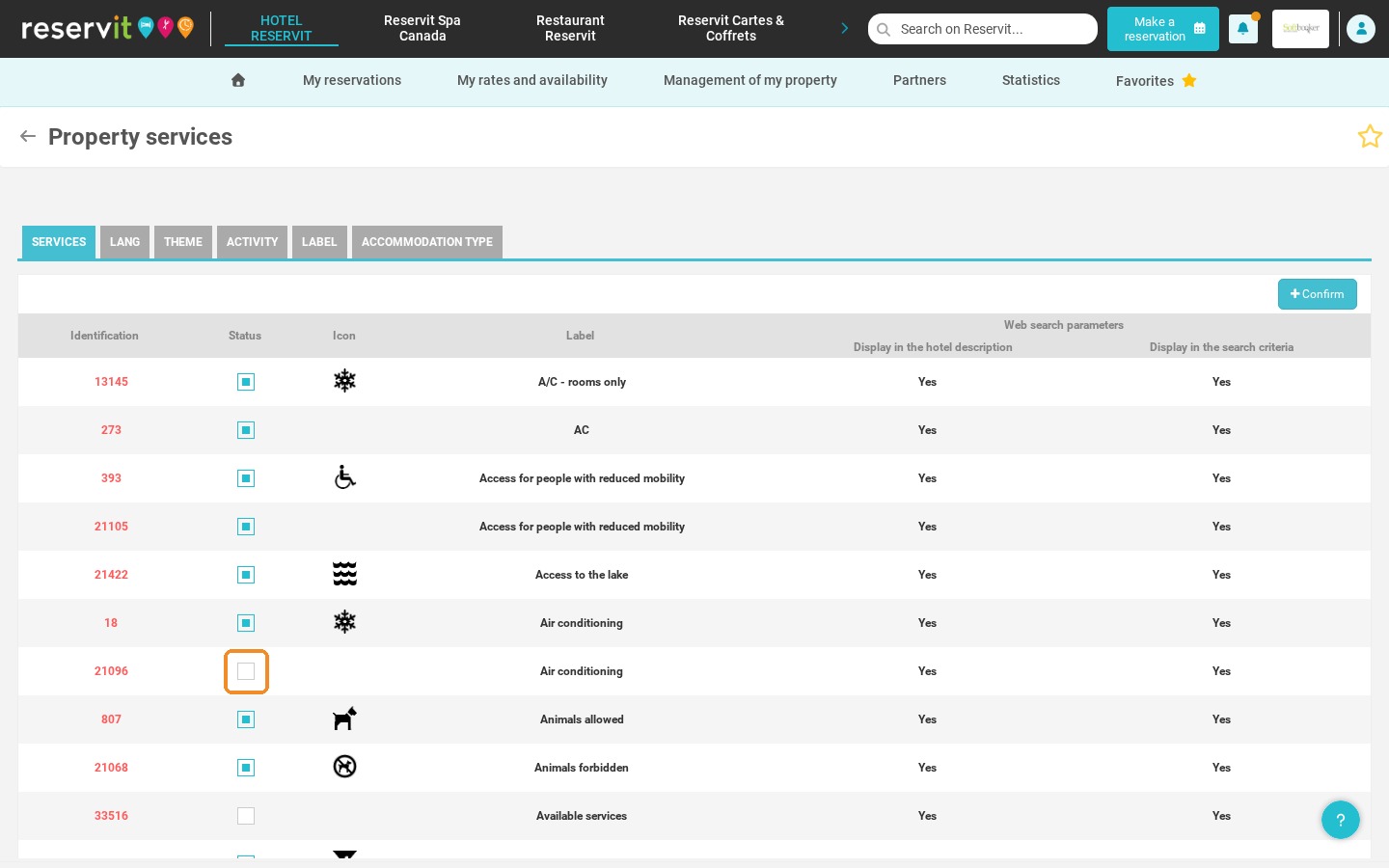
3. A library of services is displayed. For each service, the "Web search parameters" columns show whether it appears in your hotel description and in the search criteria.
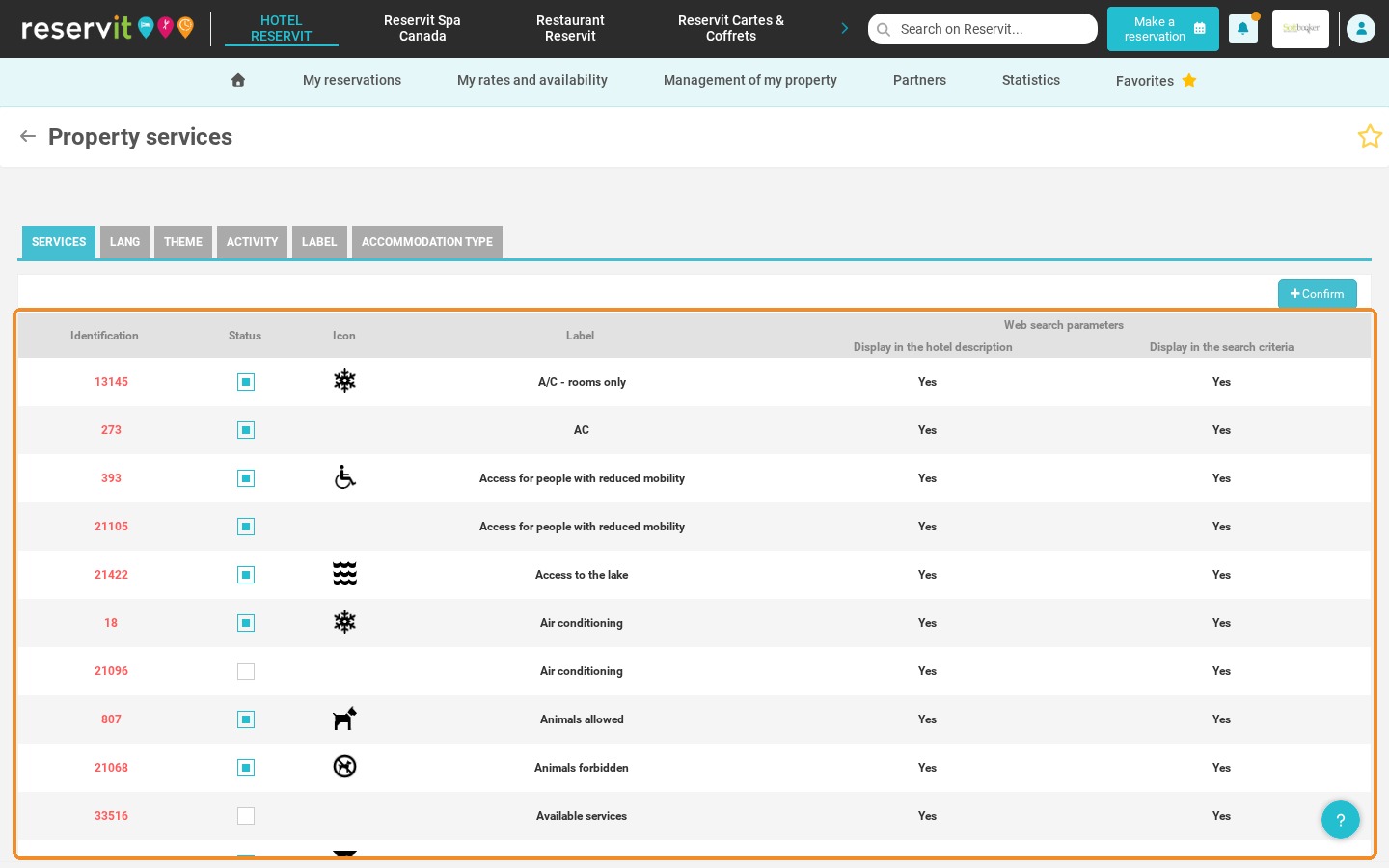
4. Tick the "Status" box of each service available at your property.
5. Use the tabs at the top of the list to also indicate the languages spoken, the themes, the activities, the labels and the type of accommodation of your property.
6. Click "Confirm" to save.
Property services describe your establishment as a whole (Wi-Fi, parking, swimming pool, etc.). To describe the equipment of your rooms (air conditioning, minibar, hairdryer, etc.), use the "My equipment and services" tile.