Article Summary: This step-by-step tutorial explains how to easily edit and manage table characteristics within the Reservit Restaurant system. You will learn how to add specific seating features, customize their names, and translate them into multiple languages to accommodate your diverse clientele. Mastering this setup allows you to fully personalize your restaurant's profile and ensure your staff can quickly match guests with their preferred dining experience.
The 5 key steps to edit your table characteristics:
-
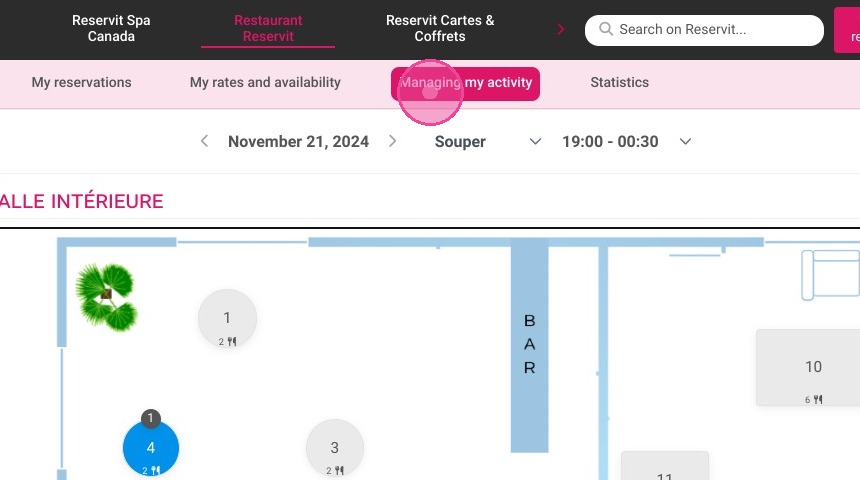
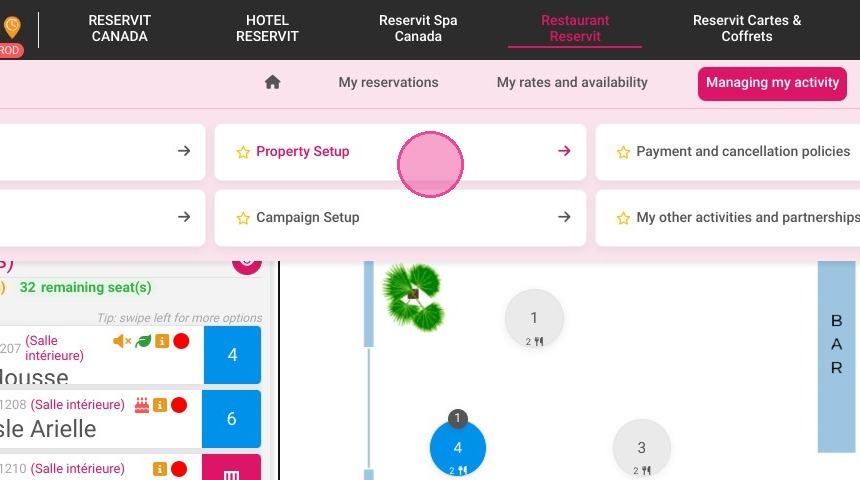
Access your property setup: Open the "Managing my activity" menu and click on "Property Setup" to configure your restaurant's settings.
-
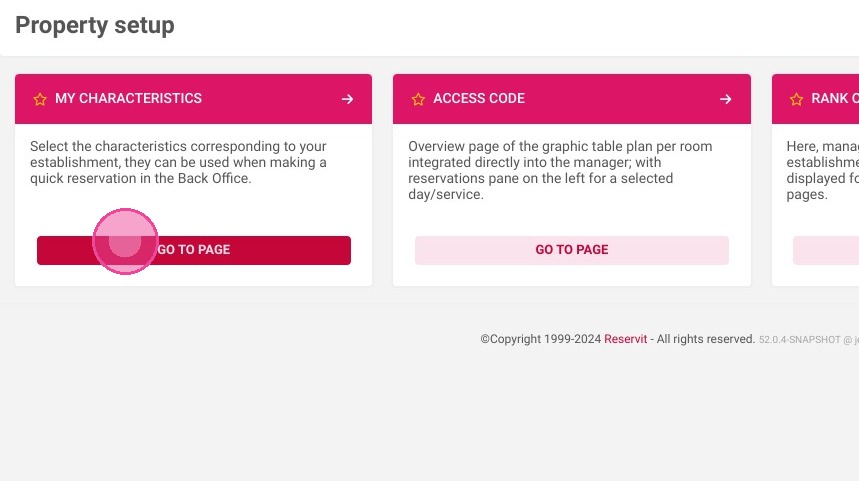
Navigate to your features: Go to the "My Characteristics" section to view and manage all available table traits.
-
Select new characteristics: Choose and add the specific features you want to make available for your restaurant's floor plan.
-
Rename and translate: Modify the default names of your selected features and translate them into different languages to support international guests.
-
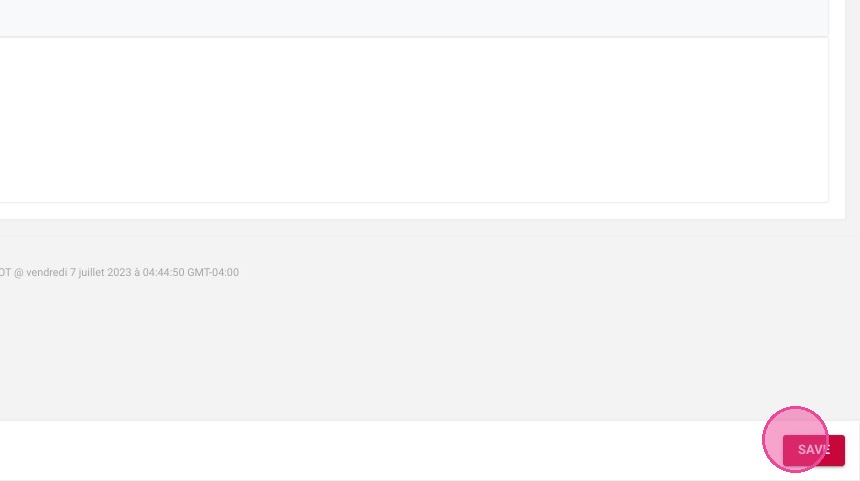
Save your updates: Click "SAVE" to confirm your changes and instantly apply these customized characteristics to your system.
Why follow this guide? Accurately defining and translating your table characteristics allows your staff to seamlessly accommodate special guest requests, such as accessible seating or a view by the window. This proactive configuration prevents seating errors, saves valuable time during busy services, and significantly elevates the overall customer experience.
1. Click "Managing my activity"
2. Click on "Property Setup"
3. Go to "My Characteristics"
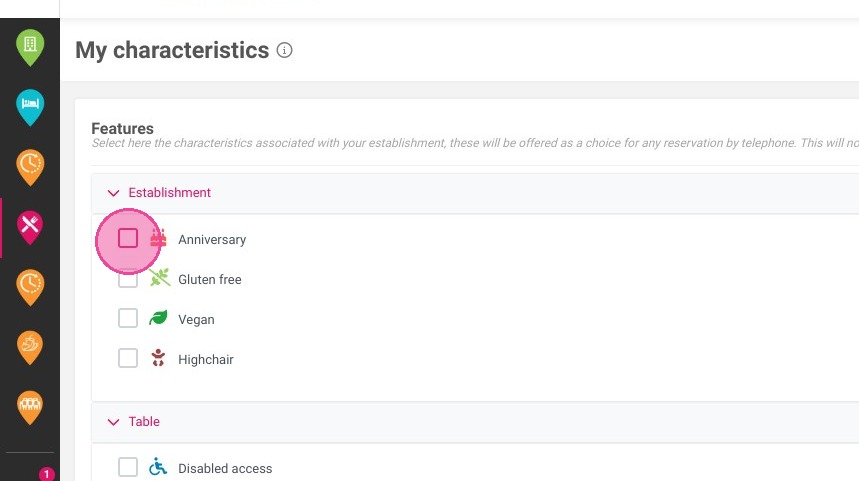
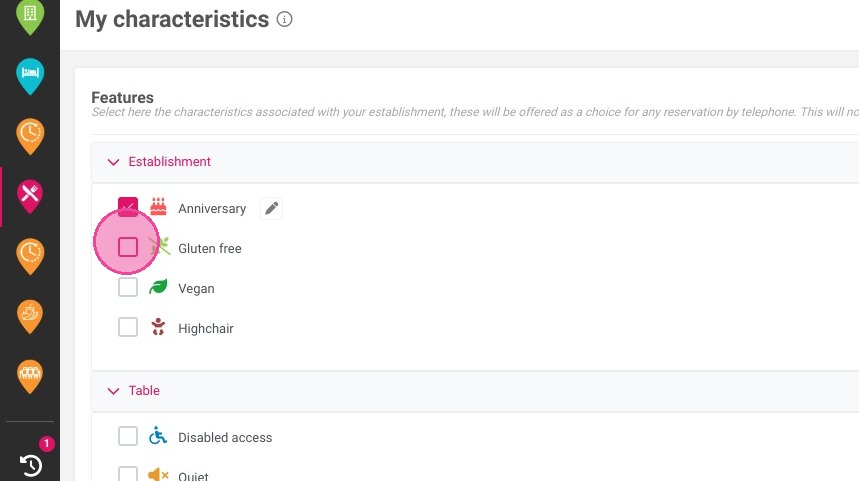
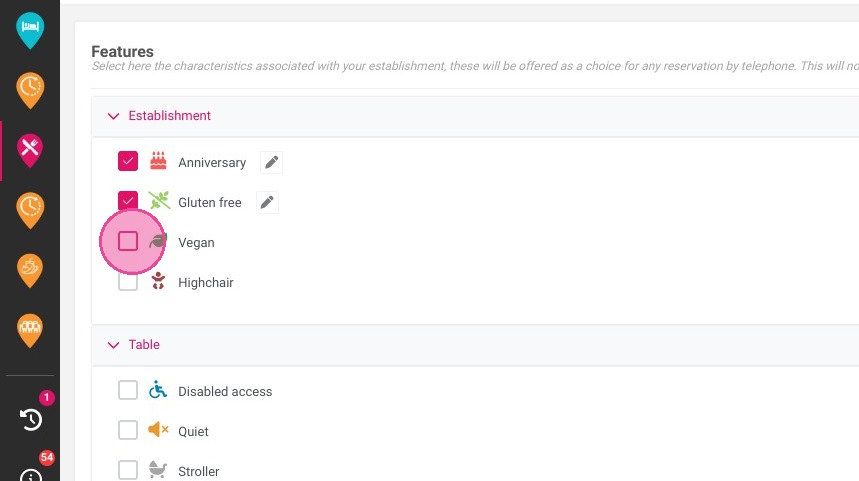
4. Select the features you want to add
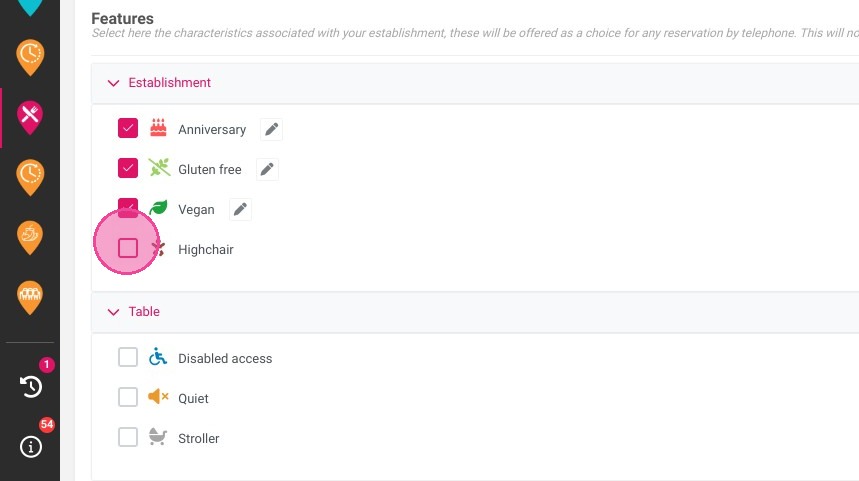
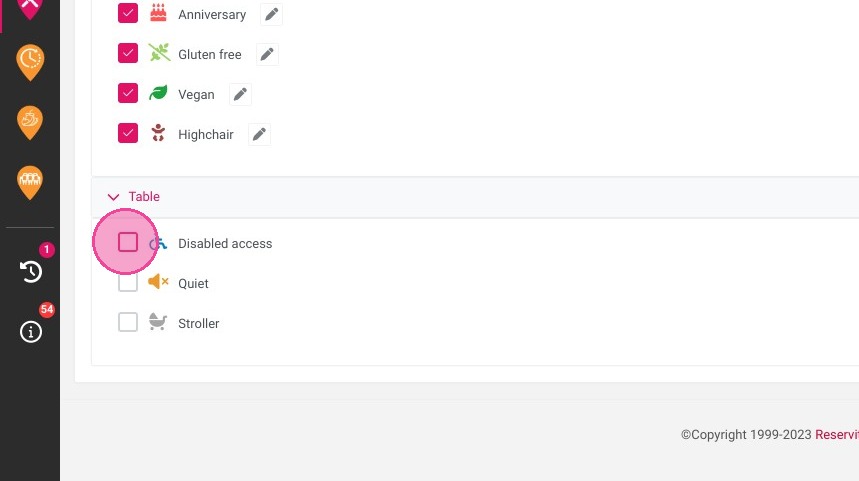
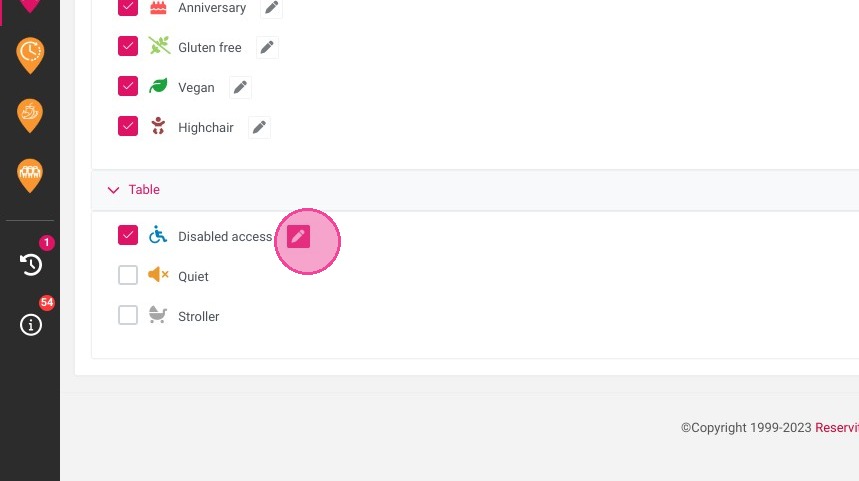
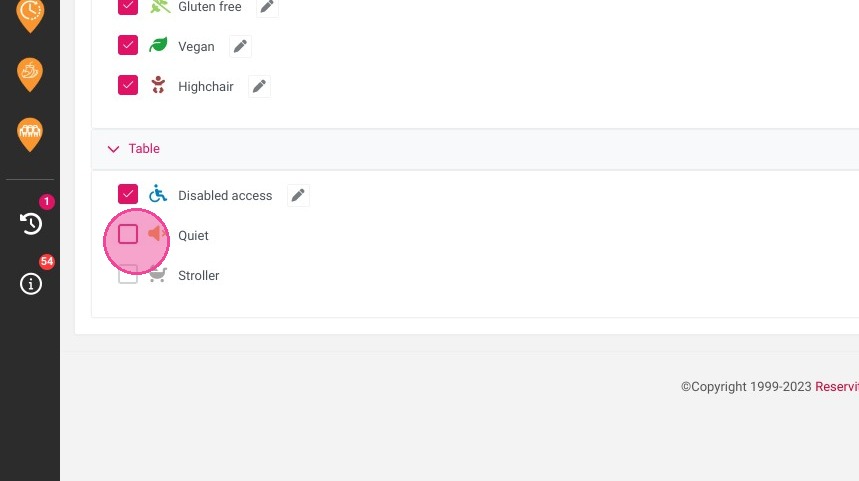
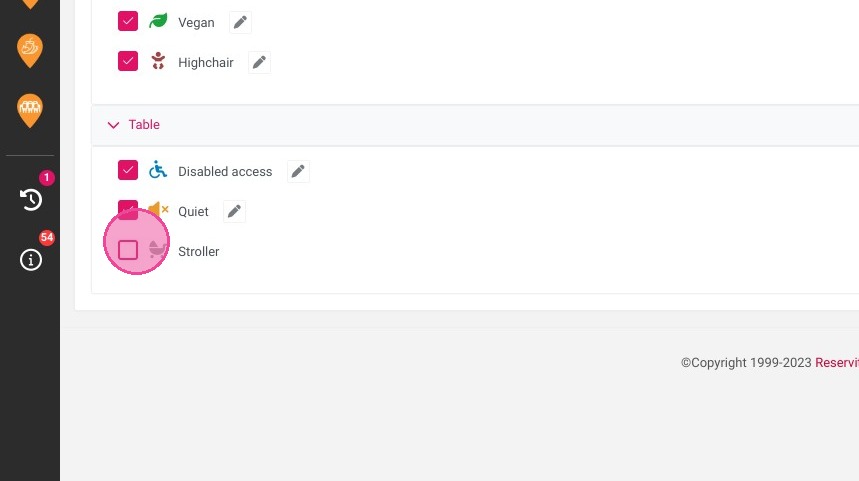
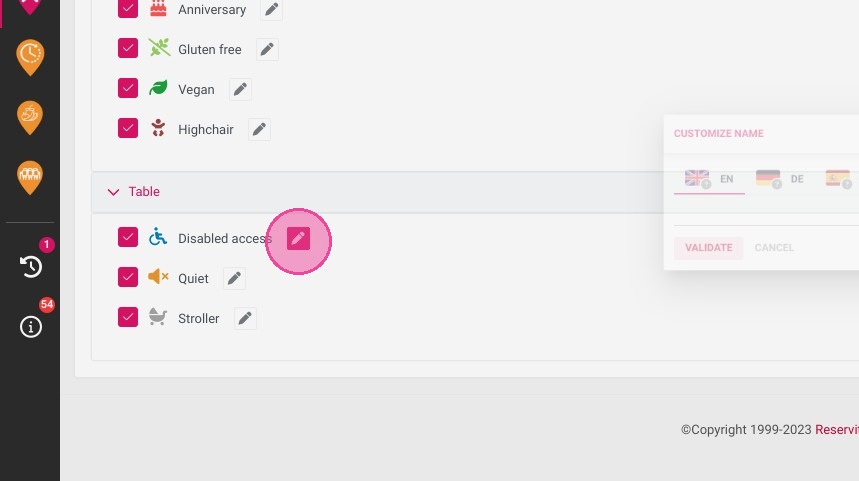
5. You can modify the name of the features by clicking here
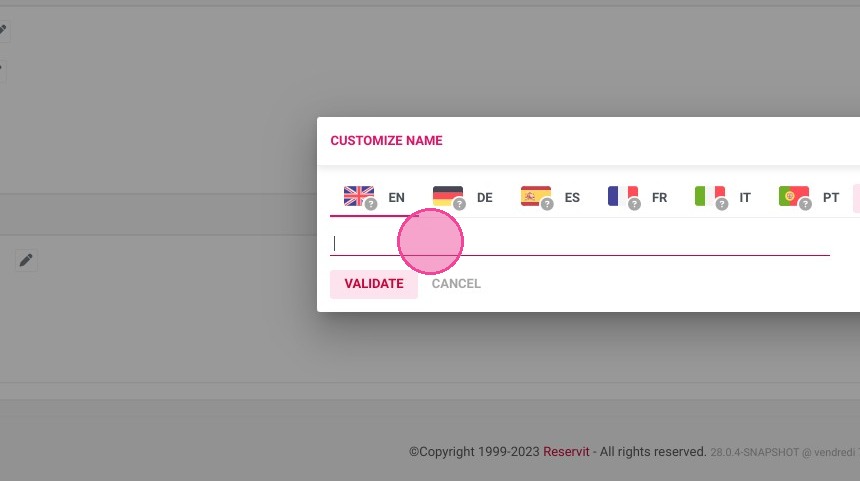
6. Enter the new name
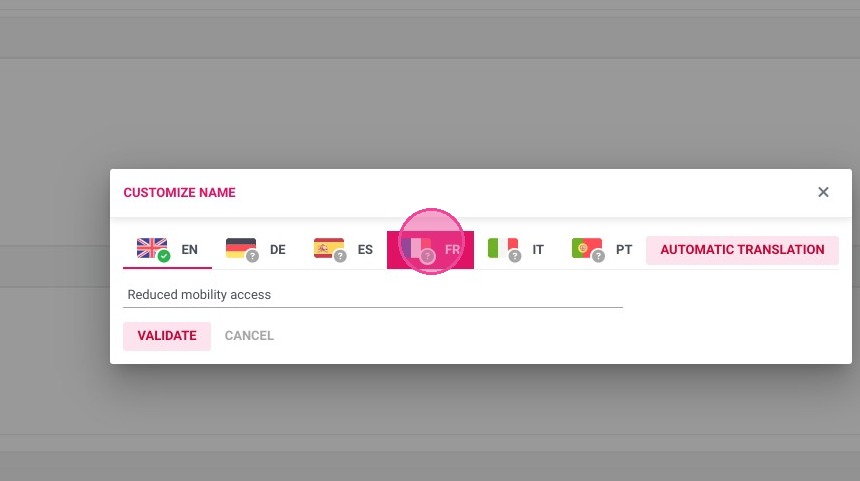
7. Do not forget to translate it in other languages
8. Once it is done, click "SAVE"