Article Summary: This step-by-step tutorial explains how to apply specific characteristics and features to your tables within Reservit Restaurant. You will learn how to access your table layout settings, edit individual tables, and assign unique traits (such as window seats, high tops, or accessibility features) to optimize your dining room management. Customizing your tables ensures a tailored and efficient dining experience that easily meets your customers' specific requests.
The 5 key steps to apply characteristics to your tables:
-
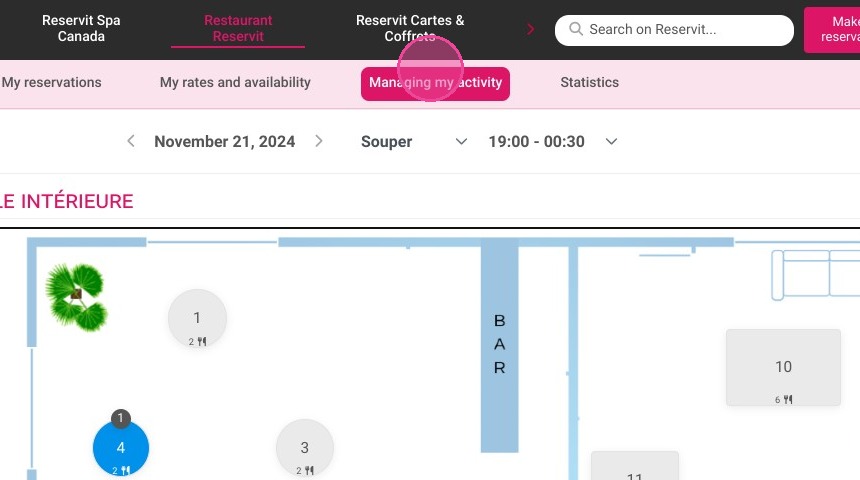
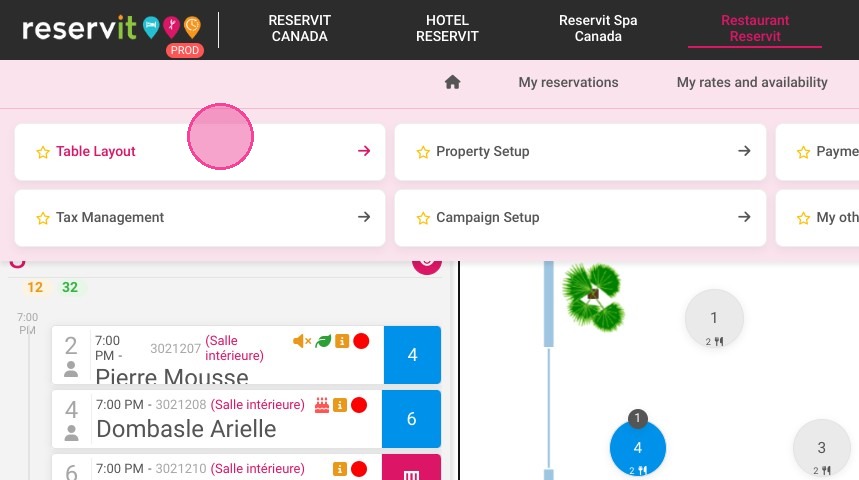
Navigate to your table layout: Open the "Managing my activity" menu and click on "Table Layout" to access your restaurant's floor plan configuration.
-
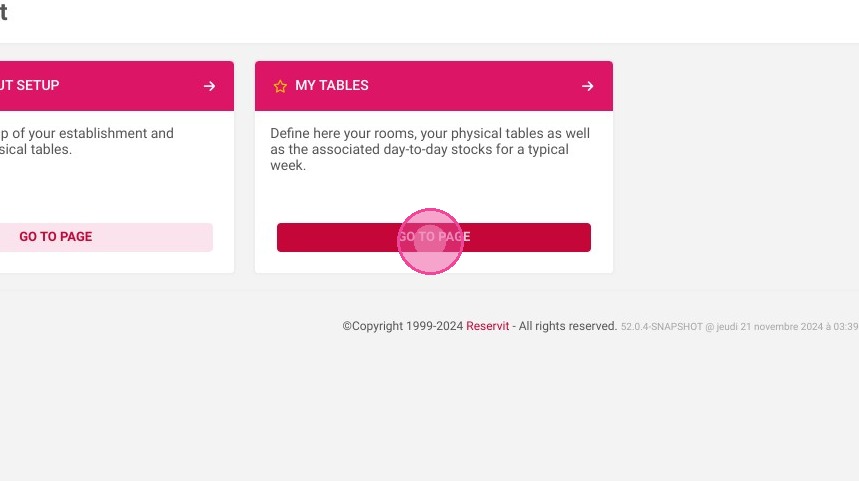
Access your table list: Click on the "My Tables" tab to view all the existing tables set up in your establishment.
-
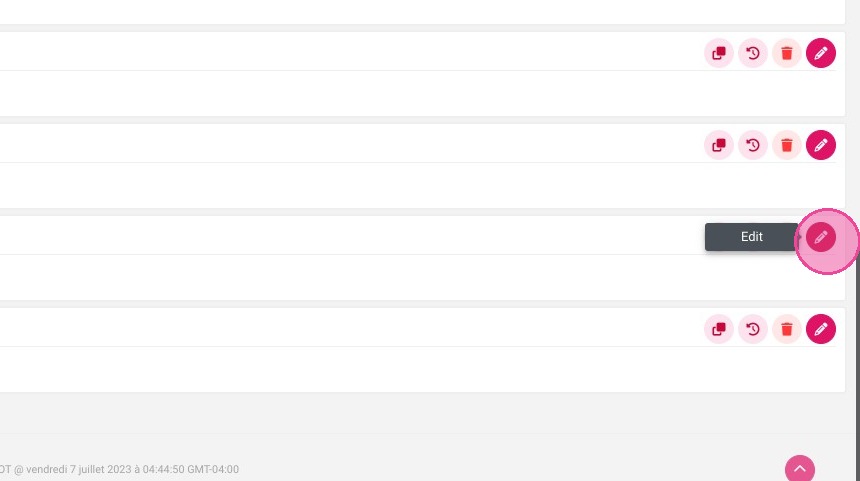
Edit a specific table: Select the individual table you want to customize and click the pen icon to open its detailed settings.
-
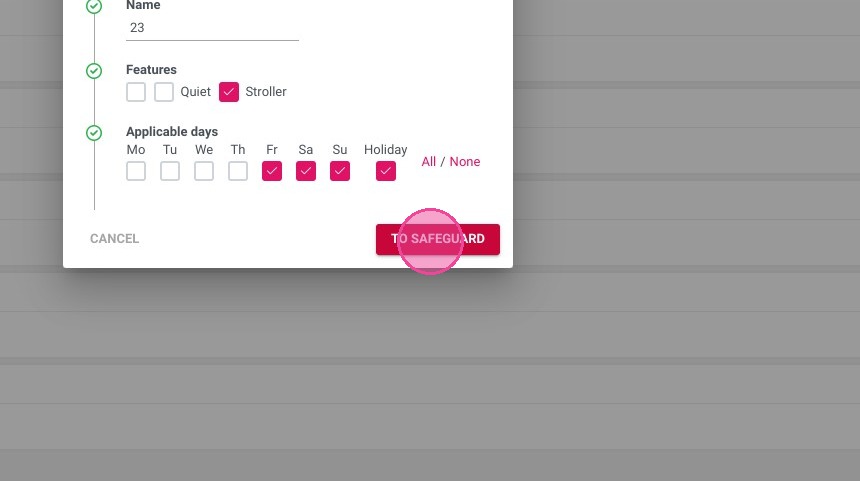
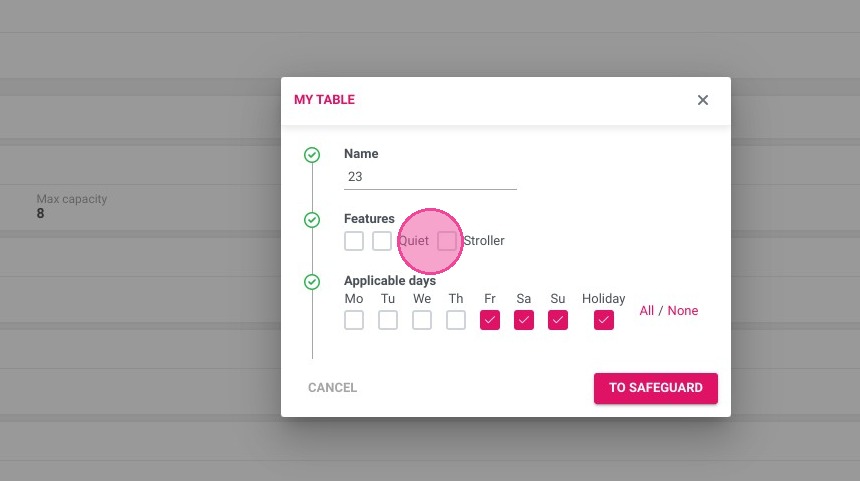
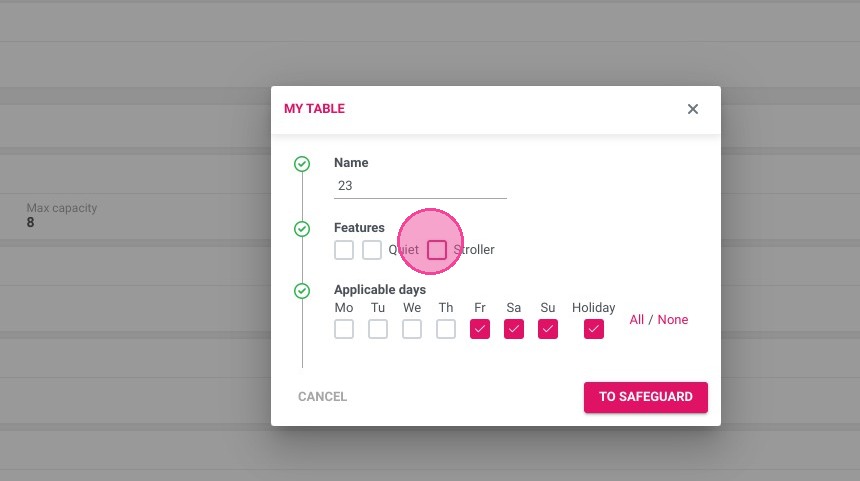
Assign table features: Choose and select the specific characteristics or traits you wish to apply to that table to properly define its attributes.
-
Save your configuration: Click "TO SAFEGUARD" (Save) to apply the new characteristics and instantly update your dining room system.
Why follow this guide? Accurately tagging your tables with specific characteristics prevents seating errors and allows your staff to quickly accommodate special customer preferences upon booking. This straightforward setup saves valuable time during busy services and significantly elevates guest satisfaction by ensuring they are seated at the right table every time.
1. Click "Managing my activity"
2. Click on "Table Layout"
3. Go to "My Tables"
4. Select the table and click the pen
5. Select the features
Click here.
6. Finally, click "TO SAFEGUARD".