

Article summary: This step-by-step guide explains how to select and manage the personal guest data collected during the booking process in Reservit Activities. You will learn how to access your data configuration settings, choose which specific customer information is logged, and ensure compliance with privacy standards. Mastering these settings allows you to effectively protect customer data while maintaining necessary reservation details, with all collected information automatically anonymized after 36 months.
The 4 key steps to edit personal data collection:
-
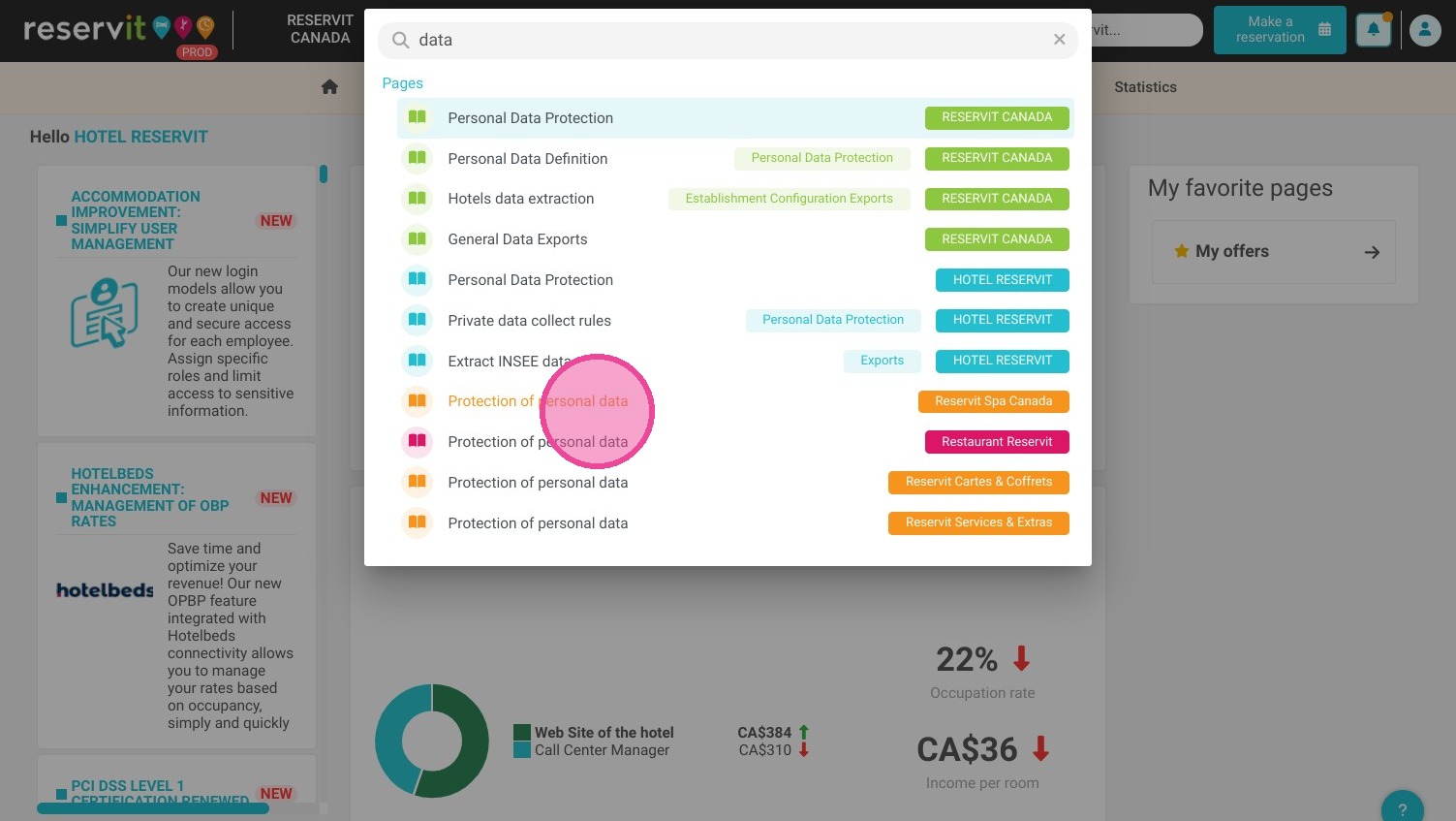
Access data settings: Click on the main search bar, type "data," and navigate directly to your data collection configuration page.
-
Review mandatory fields: Acknowledge the core fields that are required by the system to properly identify your customers and process their bookings.
-
Select collected data: Check the specific fields for any additional personal data you wish to collect and save during the reservation process. Keep in mind that only the selected data will be kept.
-
Save and automate retention: Click save to finalize your configuration. The personal data you collect will be safely stored in Reservit for 36 months before being automatically anonymized.
Why follow this guide? Customizing your data collection ensures your business only gathers what is strictly necessary, keeping your operations compliant with modern data privacy regulations. It protects your customers' personal information and fully automates your data retention policy, saving your administrative staff from having to manually purge outdated records.
Alert: Only the selected data will be saved.
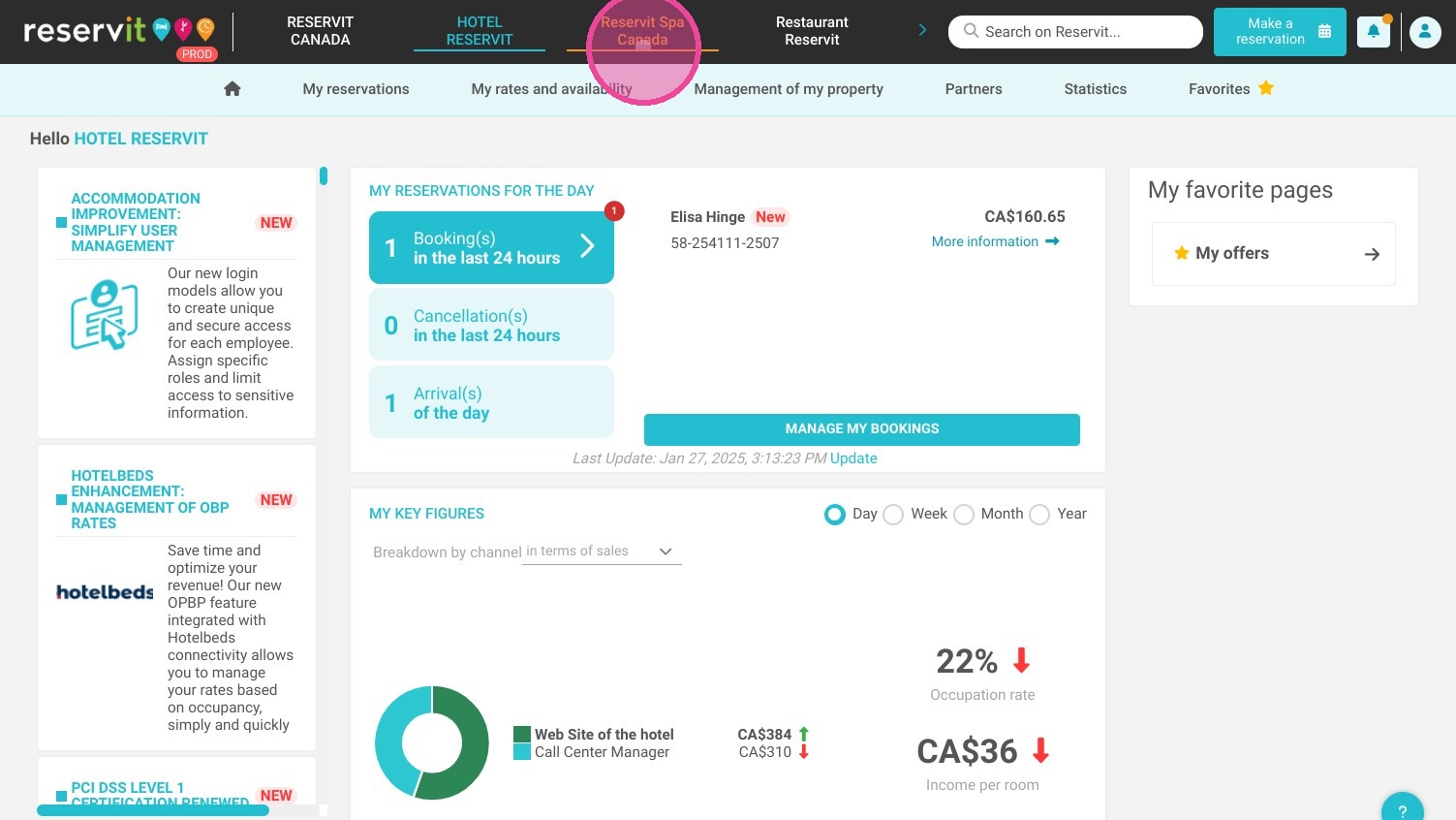
1. Click here.
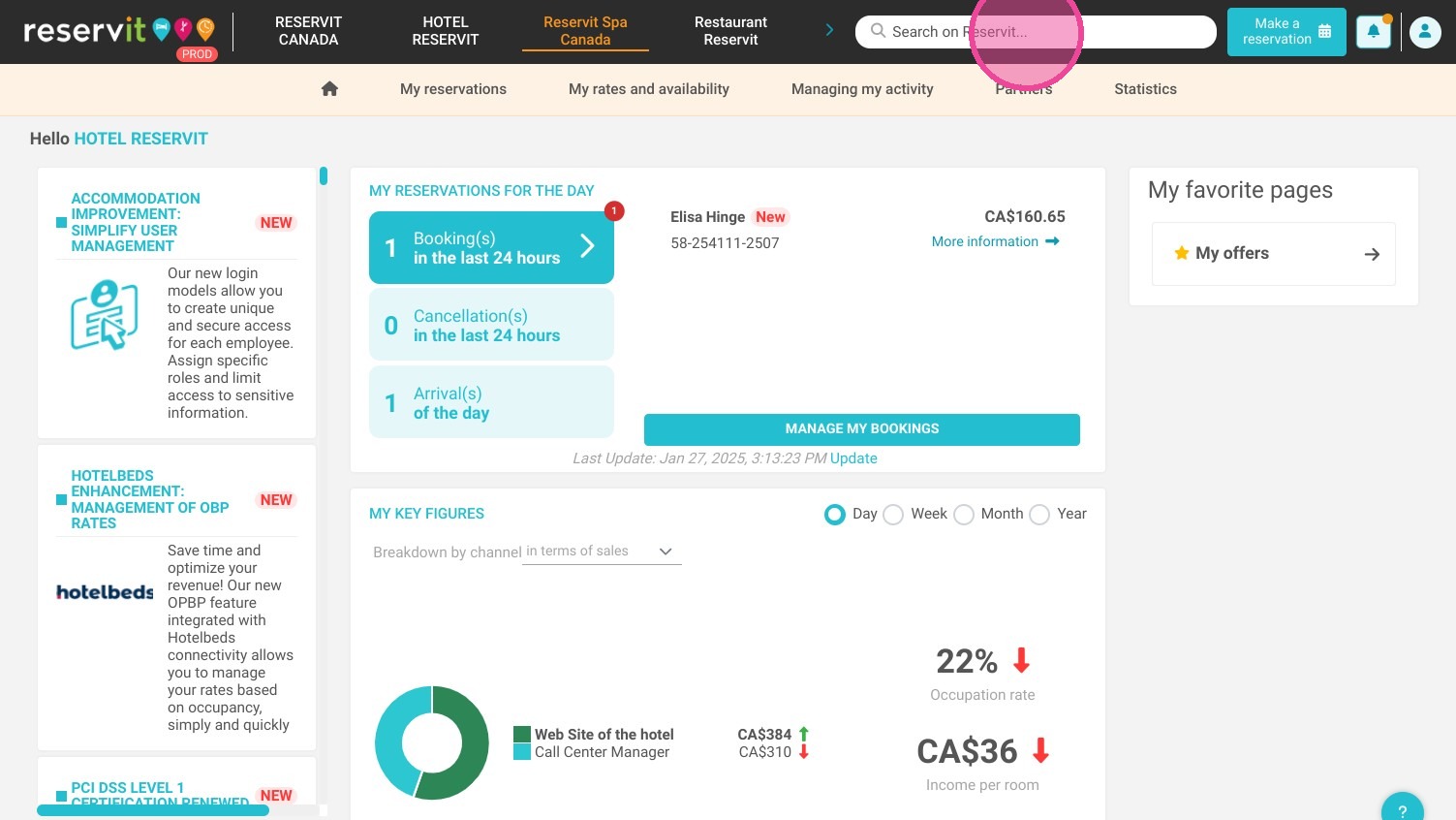
2. Click "Search on Reservit..."
3. Type "data"
4. Click here.
5. Select the personal data that you wish to collect with customers' bookings. Some of these fields are mandatory to identify customers.
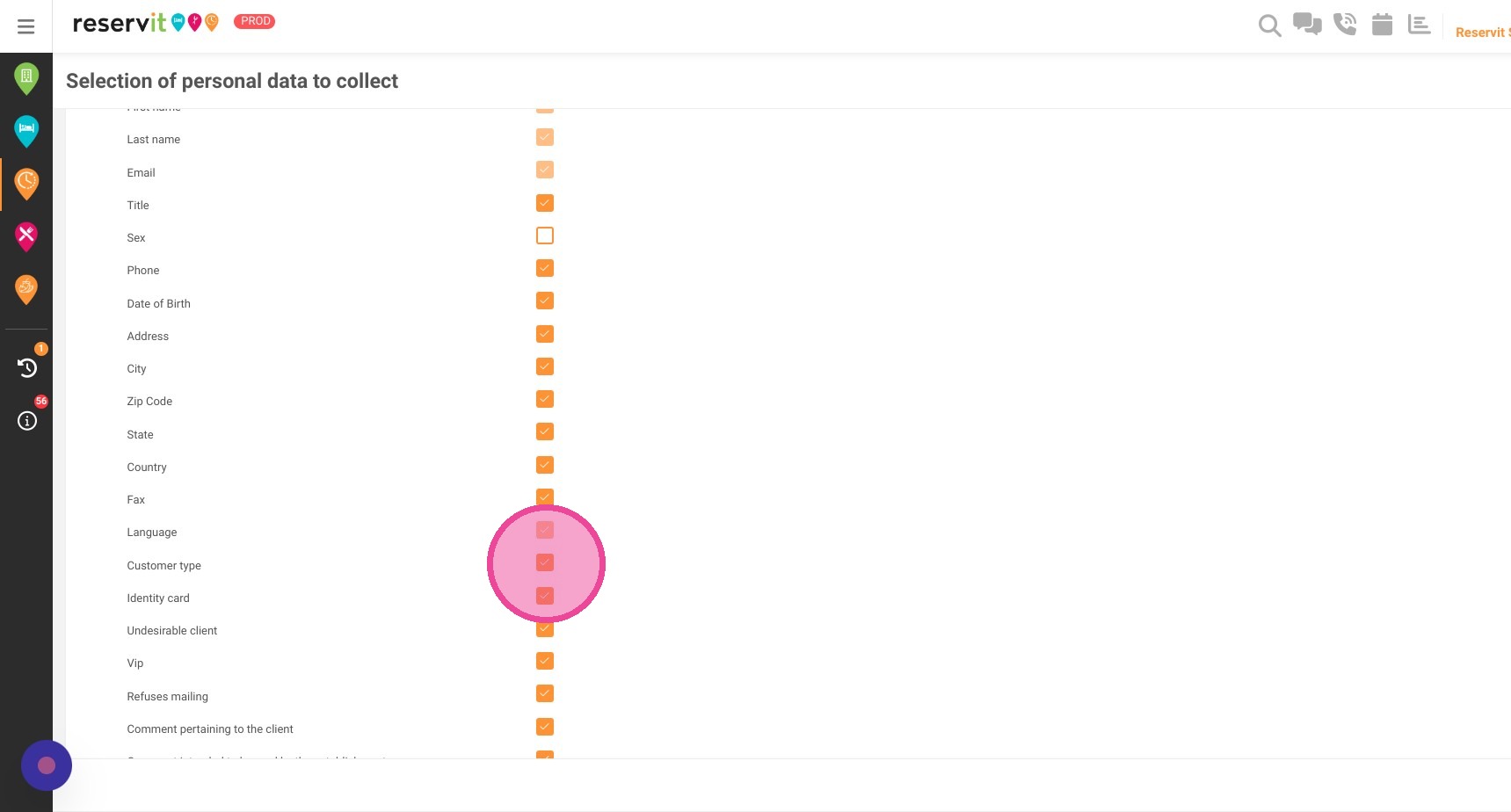
6. Click here.

Tip: The personal data that you collect will be saved on Reservit for 36 months. After that, personal data will be anonymized.