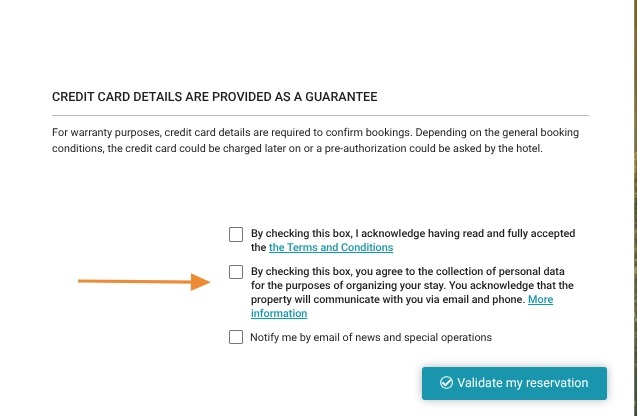
Article summary: This guide explains how to seamlessly link your hotel website's official privacy policy directly to your Reservit Accommodation booking engine. You will learn how to replace the default data protection text with an external URL, ensuring your guests can easily review your property's specific legal terms. Mastering this quick integration builds immediate guest trust during the checkout process and guarantees full compliance with modern data protection regulations.
The 4 key steps to link your privacy policy:
-
Access the privacy settings: Navigate to "Management of my property," select "Personal Data Protection," and click on "Message Definition."
-
Enable external linking: Select the "Use External link" option to override the system's default privacy message.
-
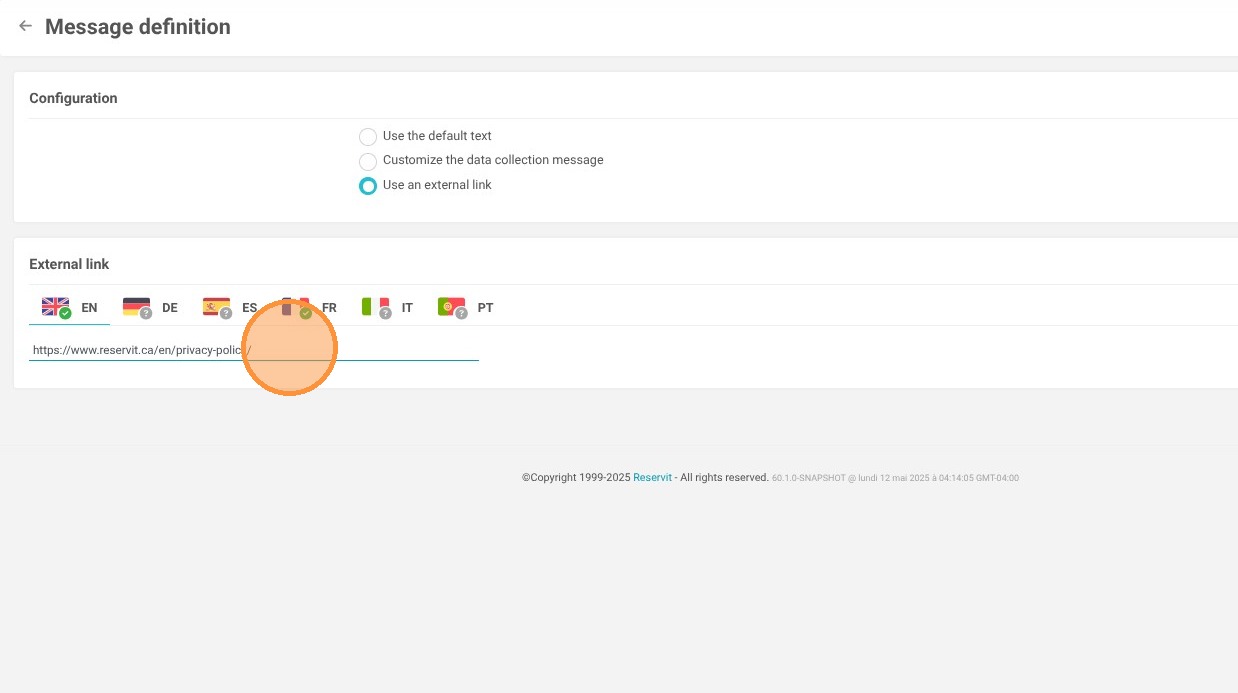
Insert your policy URLs: Copy and paste the direct web links to your property's privacy policy for both the English and French versions.
-
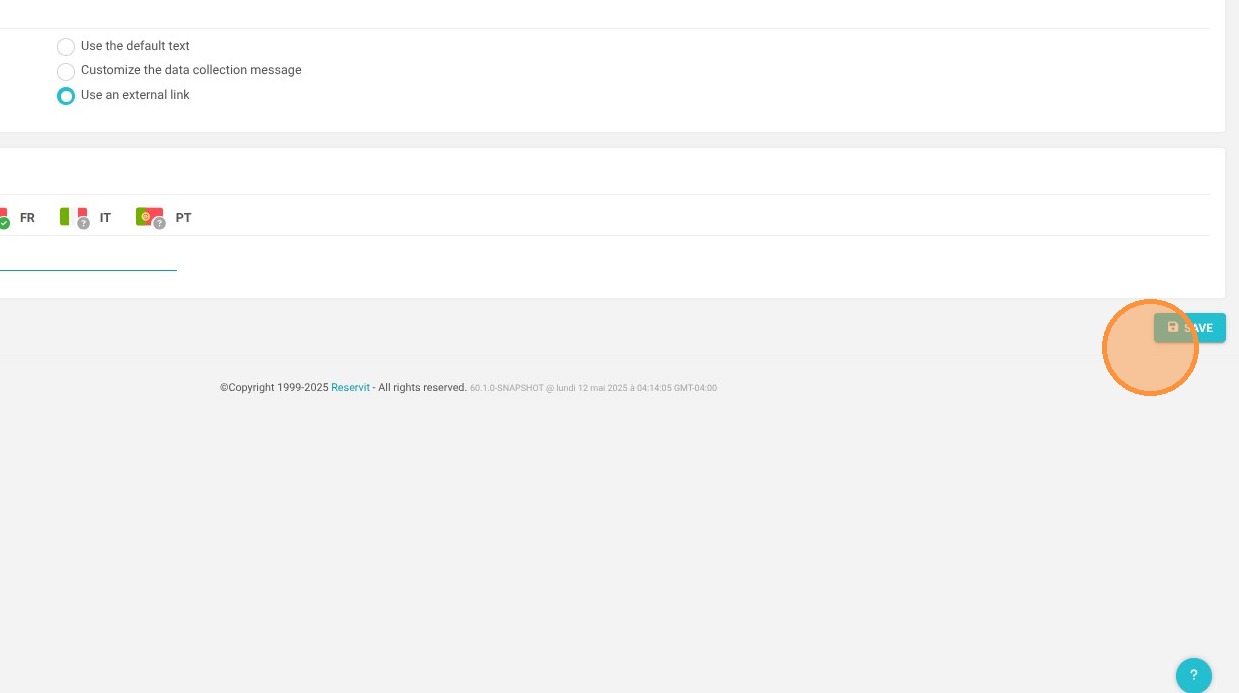
Save and verify: Click "Save your changes" to finalize the setup, ensuring that guests clicking the privacy link at the end of their booking process are automatically redirected to your official website.
Why follow this guide? Following this straightforward guide ensures your property strictly complies with local and international data privacy laws by directing guests to your centralized, up-to-date legal terms. This transparent approach protects your business from liability and builds immediate confidence with guests right before they confirm their reservation.
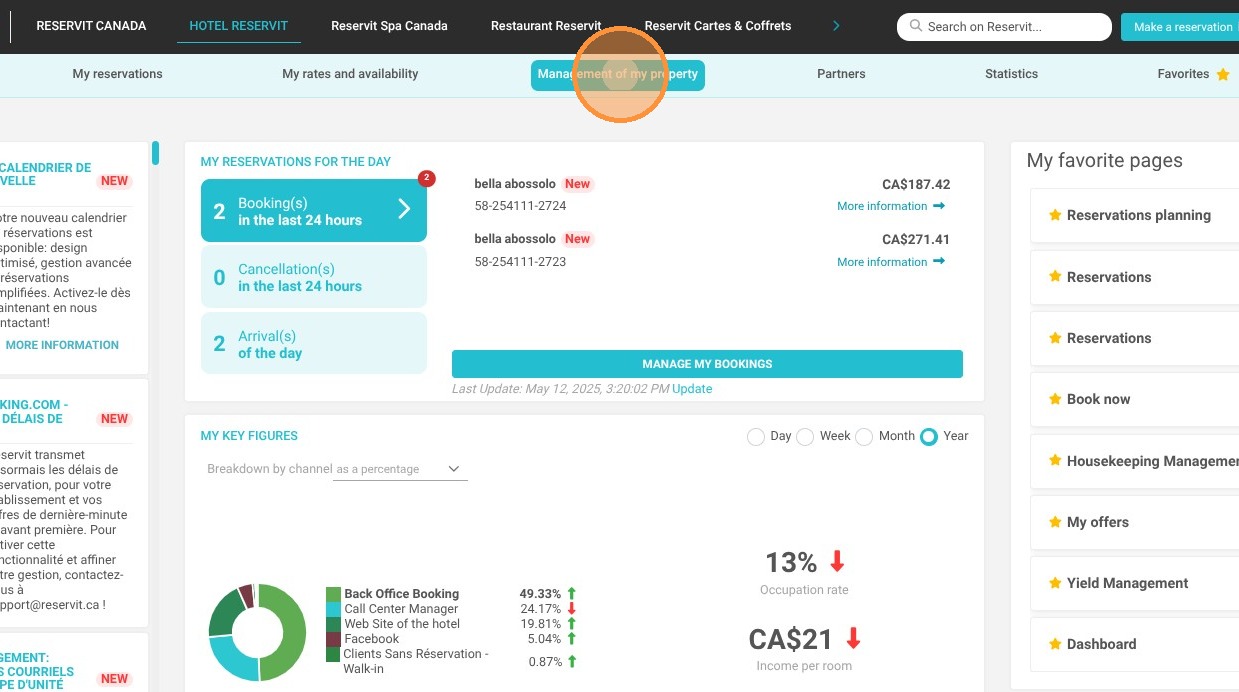
1. Click "Management of my property"
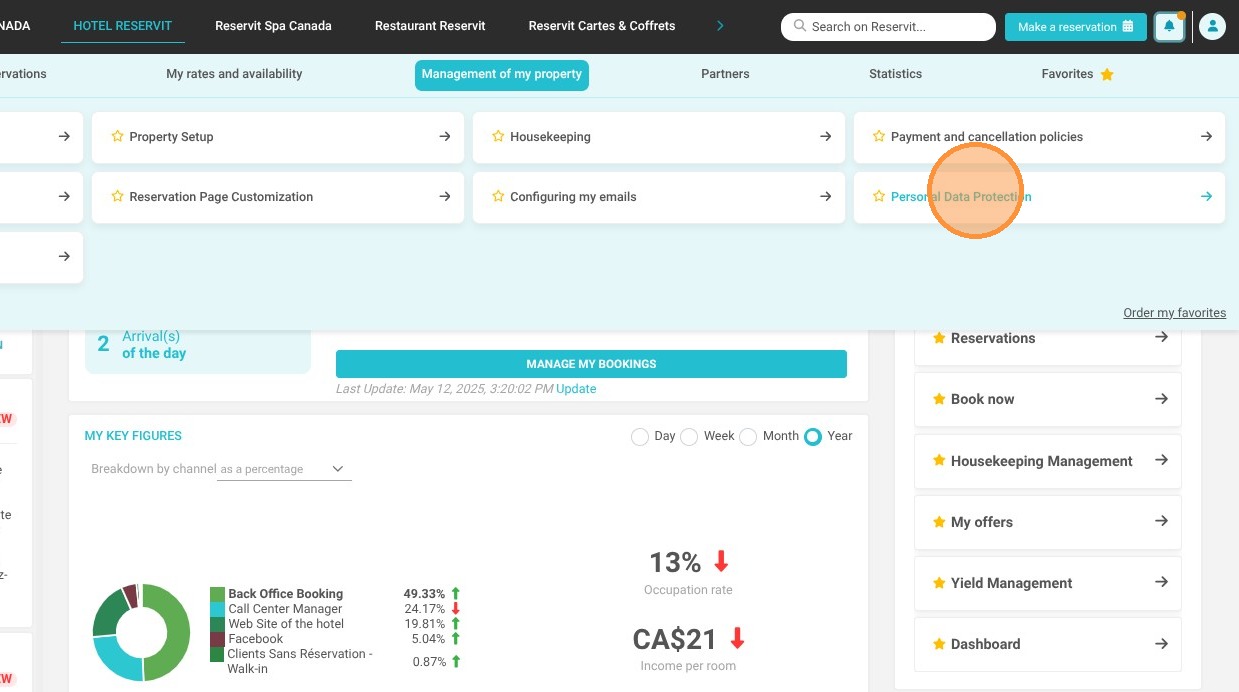
2. Click "Personal Data Protection"
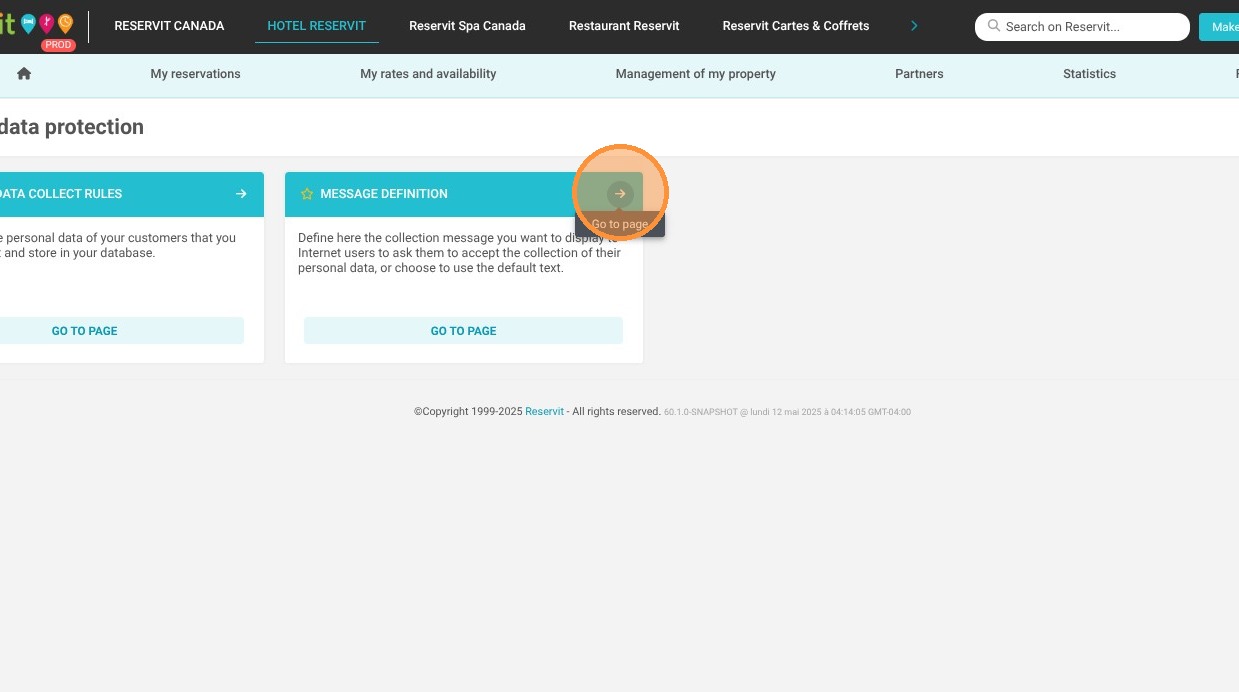
3. And ''Message Definition''
4. Click ''Use External link''
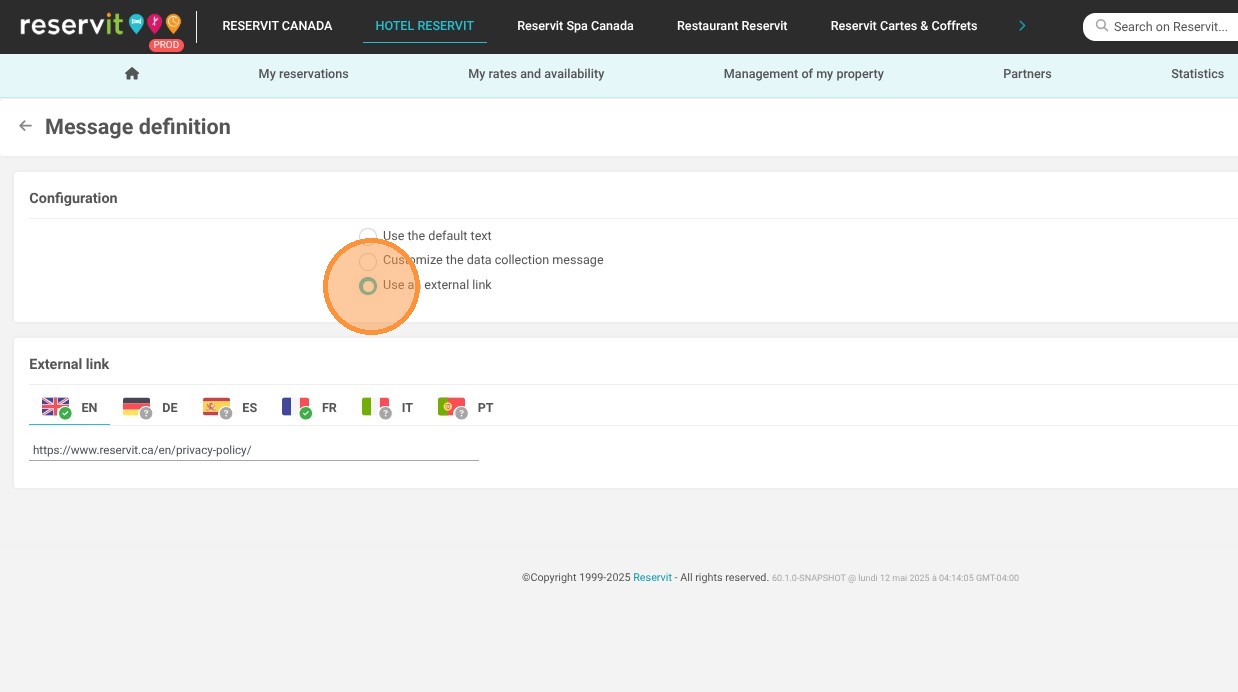
5. Copy the link to your property's privacy policy in both French and English (usually available on your website).
6. Click "Save your changes"
7. At the end of the booking process, your guest will now be redirected to your website link if they wish to learn more about your privacy policy.