

Article Summary: This practical tutorial walks you step by step through extracting your distributor (OTA) bookings from Reservit Accommodation into an Excel file. You will learn how to set the period, keep only the bookings that come from your partner channels, and then sort and filter the file to get a clear, usable activity report. This simplifies the analysis of your distribution performance as well as your accounting and day-to-day follow-up.
The 5 Key Steps to Export Your OTA Bookings in Reservit:
-
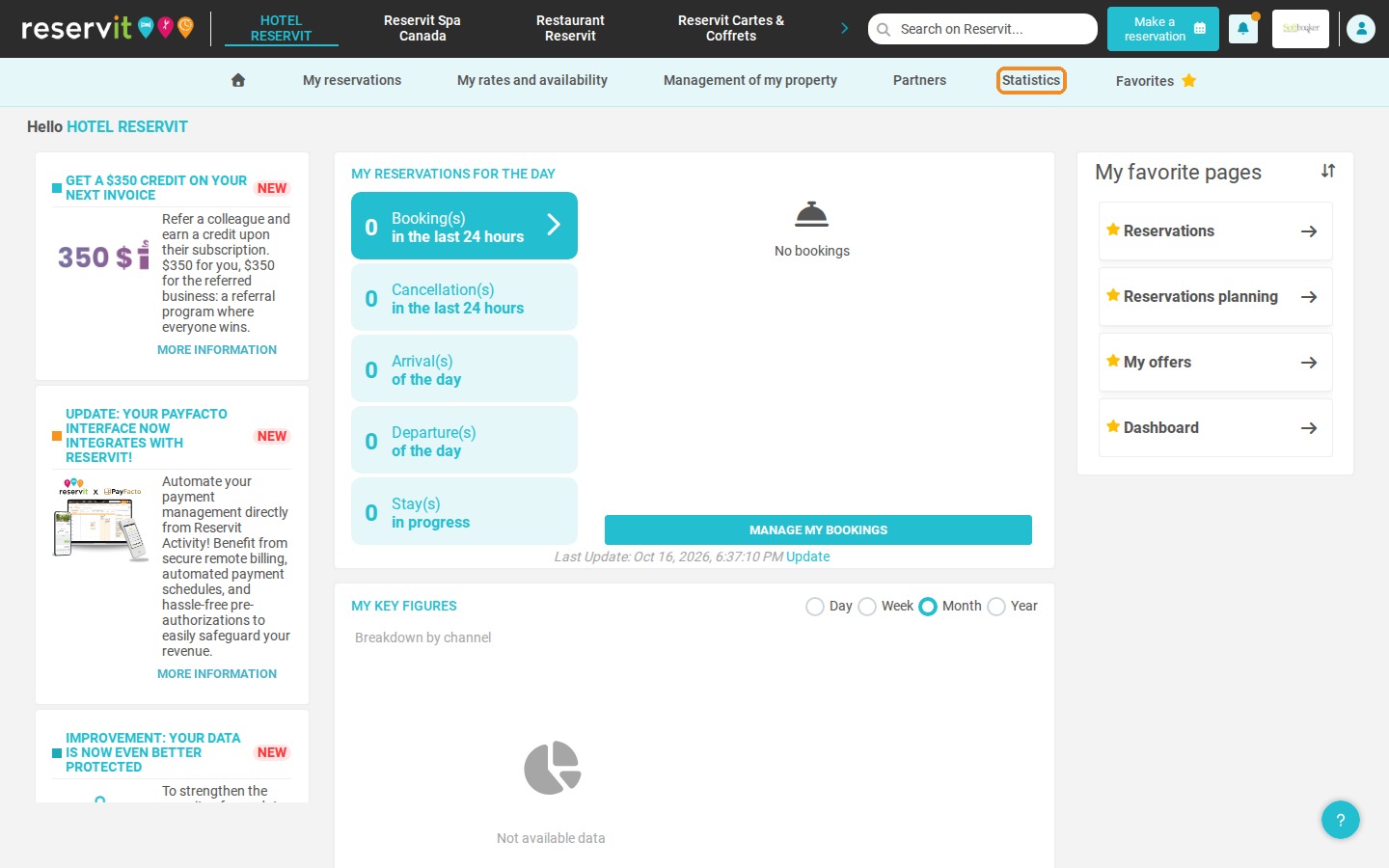
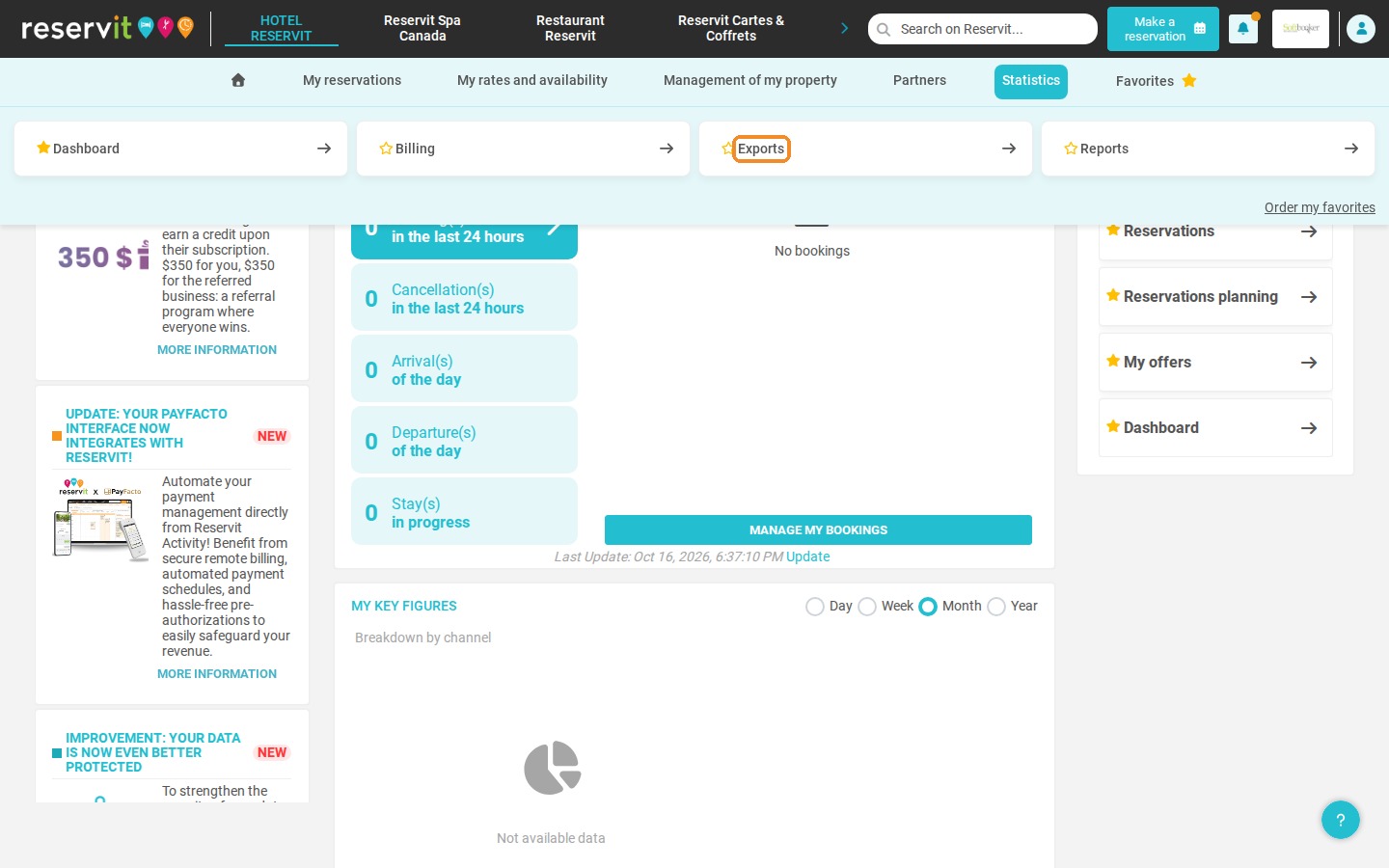
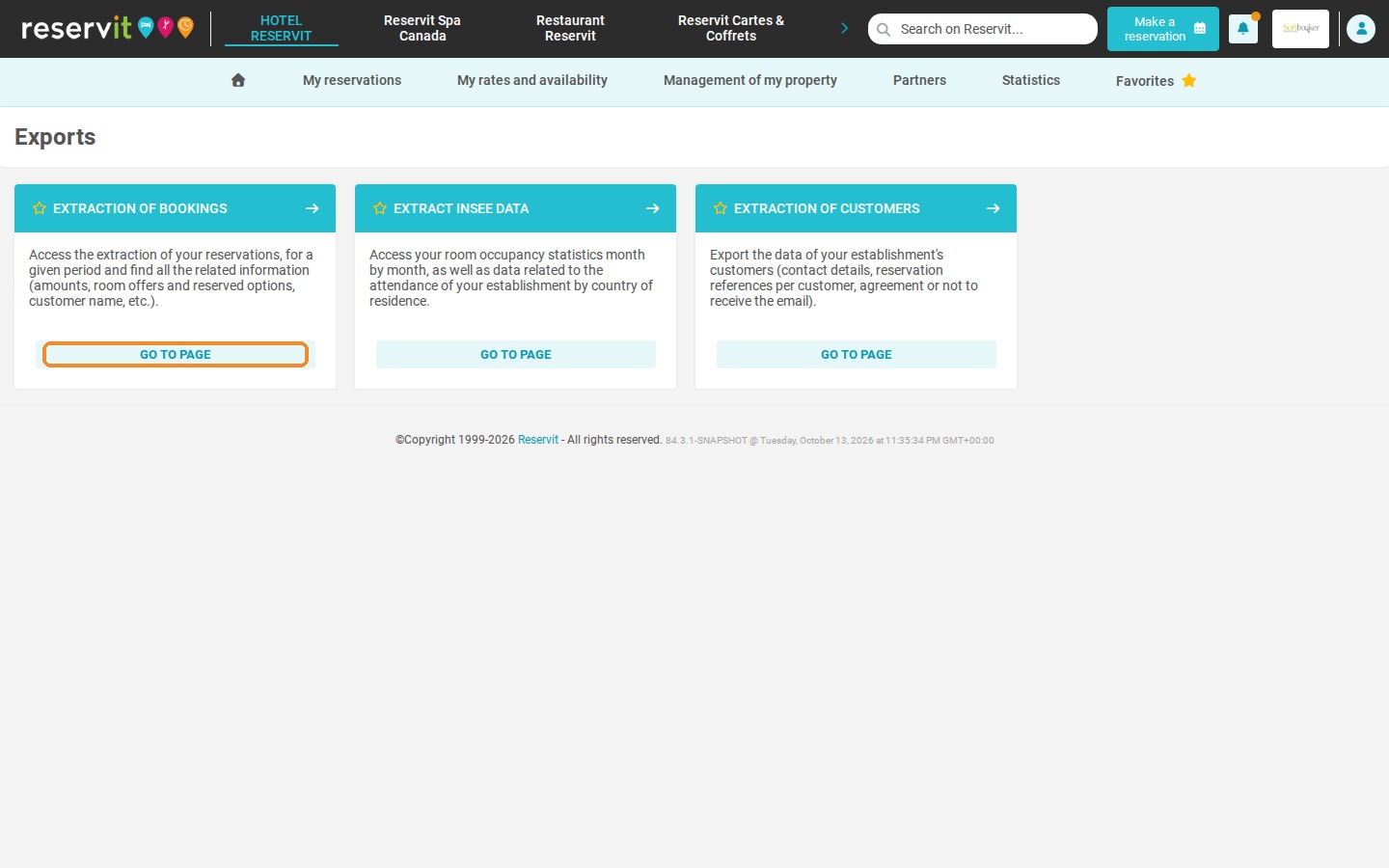
Open the extraction tool: Go to "Statistics" > "Exports" > "Extraction of bookings", then enter the security code sent to you by email.
-
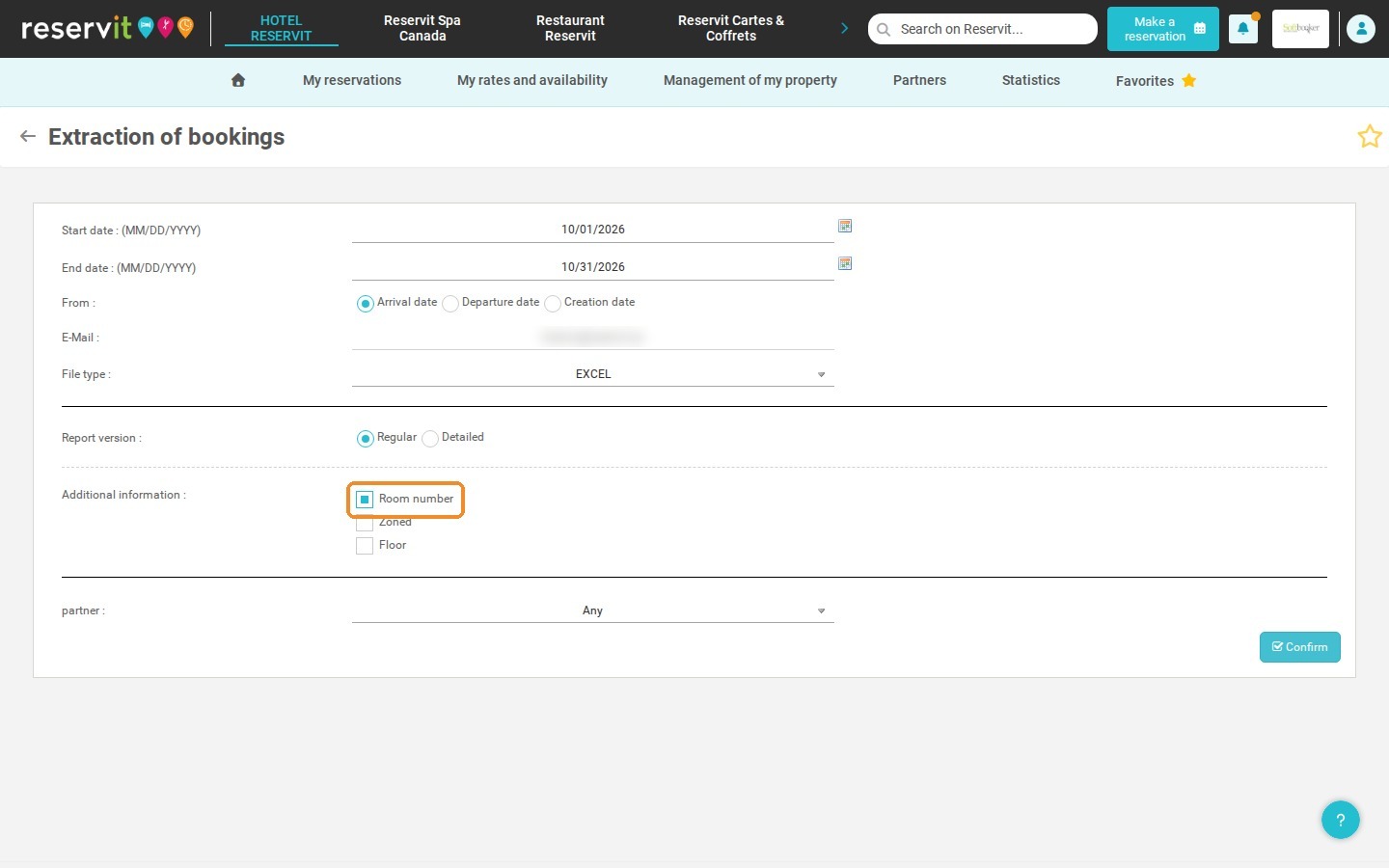
Set the period: Choose the start date and end date (untick "Room number" if you use Reservit PMS).
-
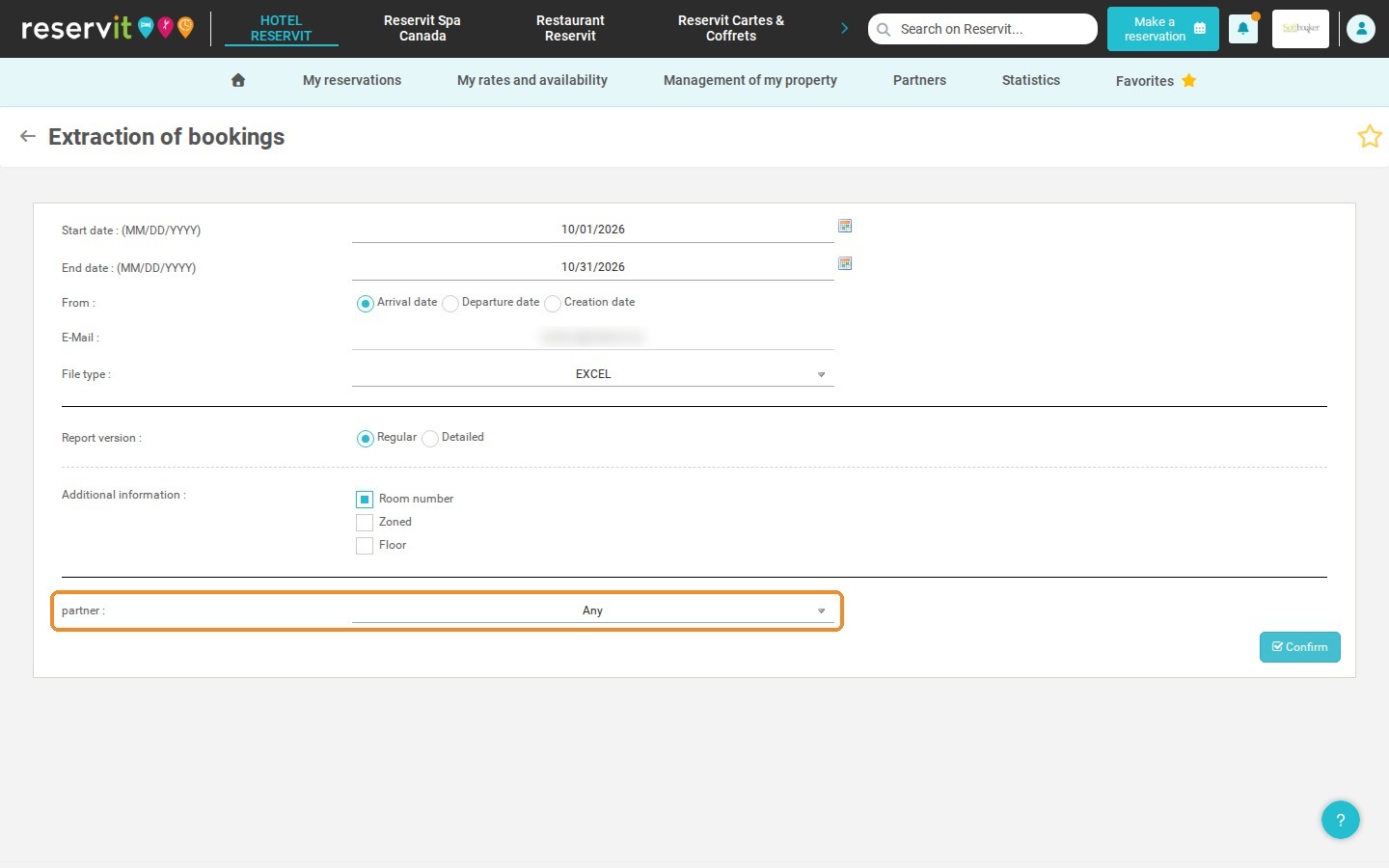
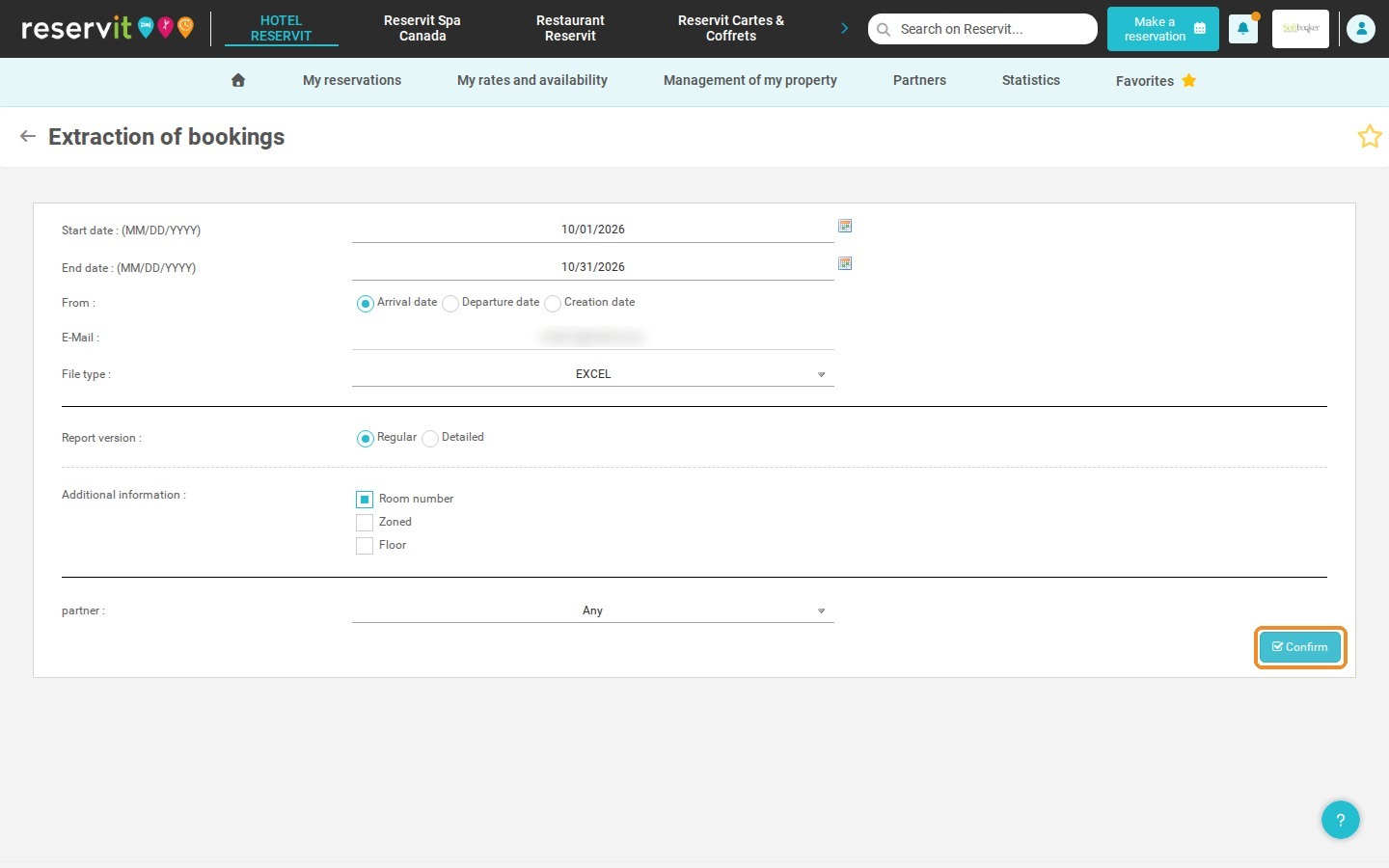
Select your partner channels: In the "partner" list, choose "Partner booking only", then click "Confirm" to generate the Excel file.
-
Sort the exported data: In the Excel file, apply a sort to display only confirmed bookings.
-
Analyze specific distributors: Use Excel filters to focus on the partners you want to study.
Why Follow This Guide? This guide saves you valuable time by automating the collection of your booking data and removing the errors that come with manual entry. It gives you what you need to steer your distribution strategy and make your financial analyses more reliable.
1. Click "Statistics" > "Exports", then click "Go to page" on the "Extraction of bookings" tile. For security reasons, a code is sent to your email address: enter it and click "Confirm" to open the extraction form.
2. Choose the start date and end date of the period.
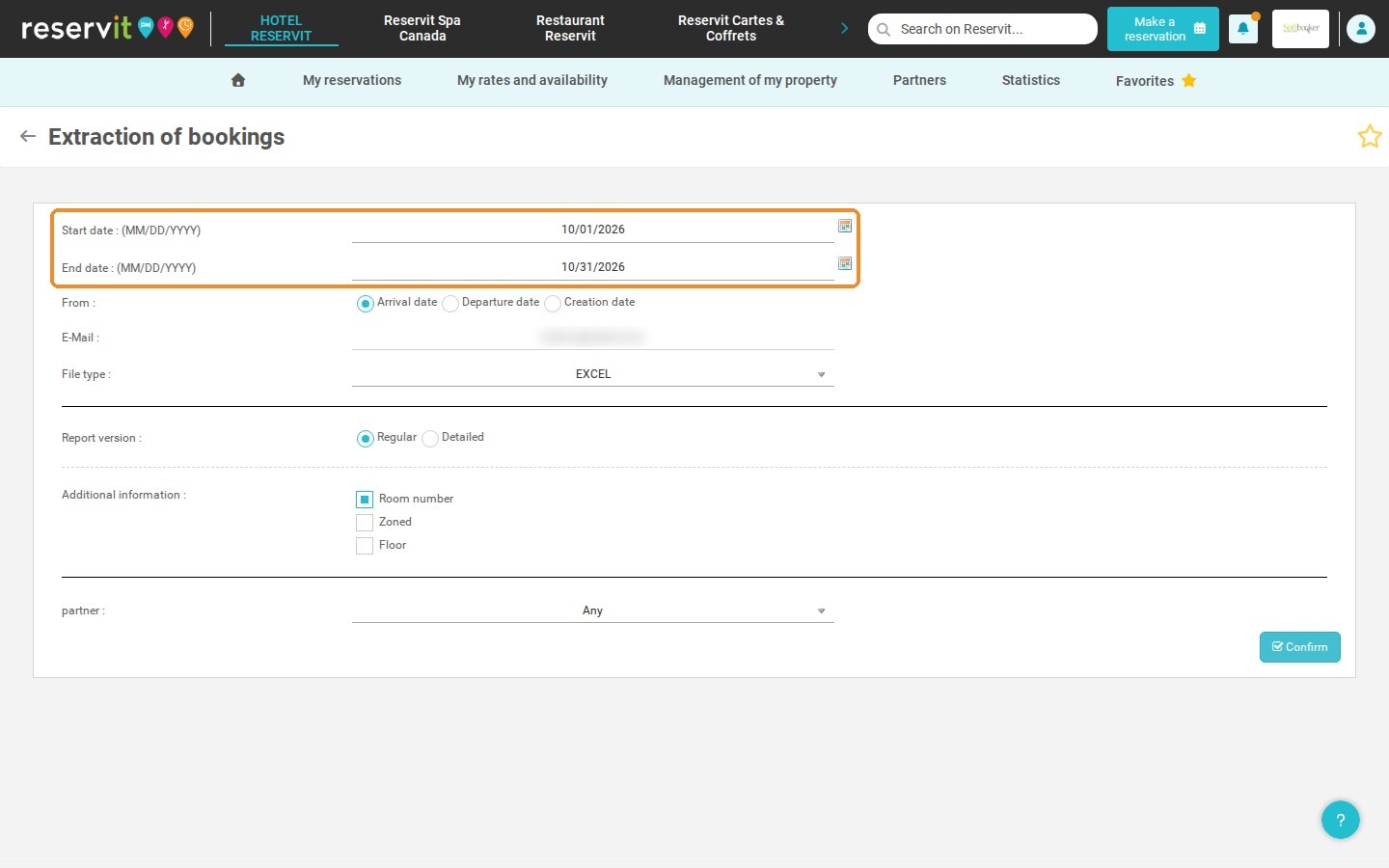
3. Warning: if you use Reservit PMS, untick the "Room number" box.
4. In the "partner" list, choose "Partner booking only". Click "Confirm".
5. In the Excel file, apply a sort to display only confirmed bookings.
6. If needed, apply a filter to display only certain partners.