Article Summary: Discover how to easily generate booking links within Reservit Accommodation to streamline your guest's reservation process. This step-by-step tutorial will teach you how to create customized, language-specific reservation URLs that can be seamlessly integrated into your hotel website or marketing channels. By implementing these direct links, you will enhance the user experience, minimize booking friction, and ultimately drive more direct reservations for your property.
The 5 Key Steps to Generate Booking Links:
-
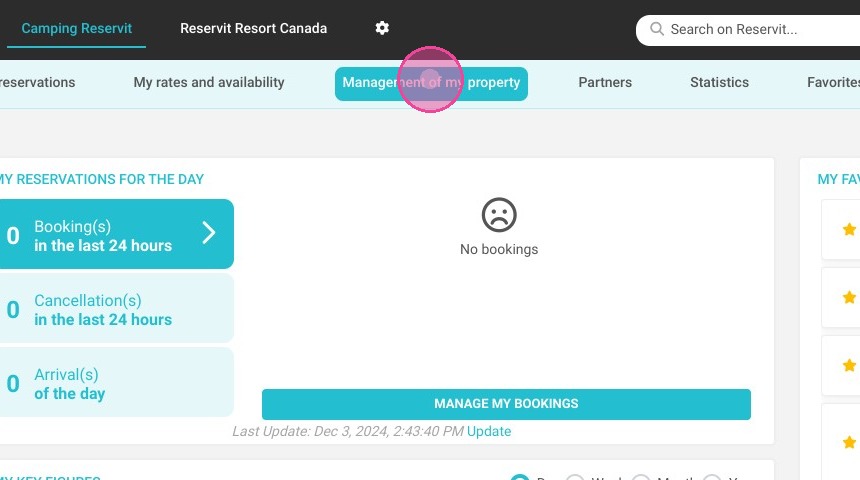
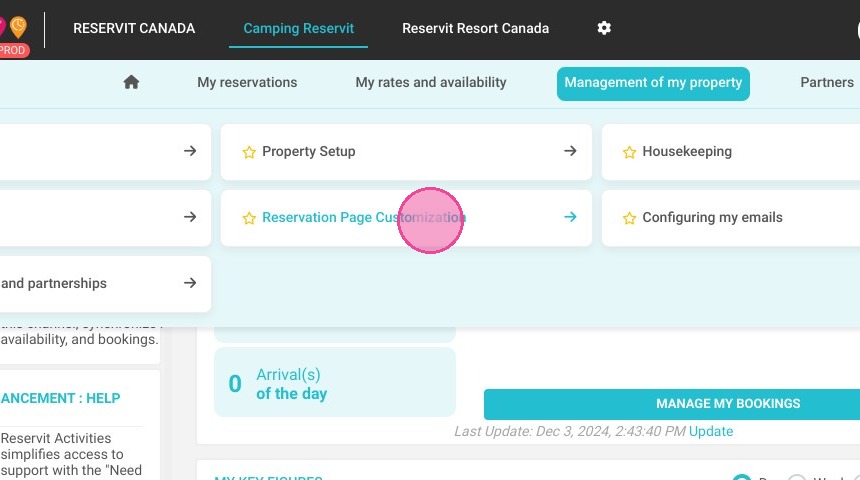
Navigate to the widget settings: Go to "Management of my property," click on "Reservation Page Customization," and select "Best Price Widget."
-
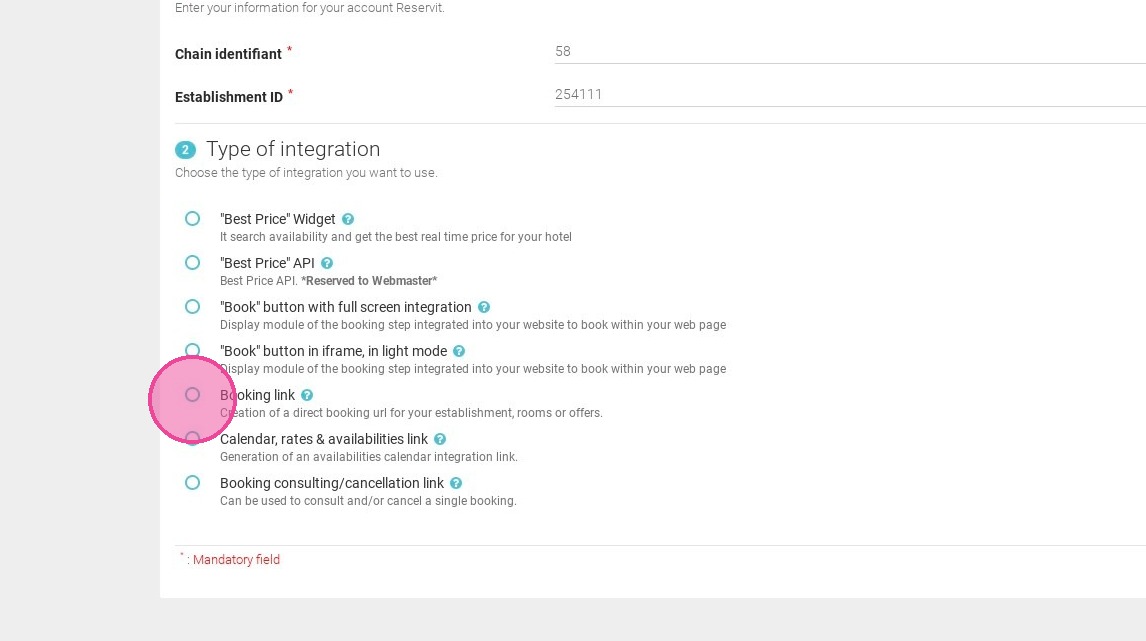
Select the integration type: Choose the "Booking link" option on the customization page to initiate the link creation process.
-
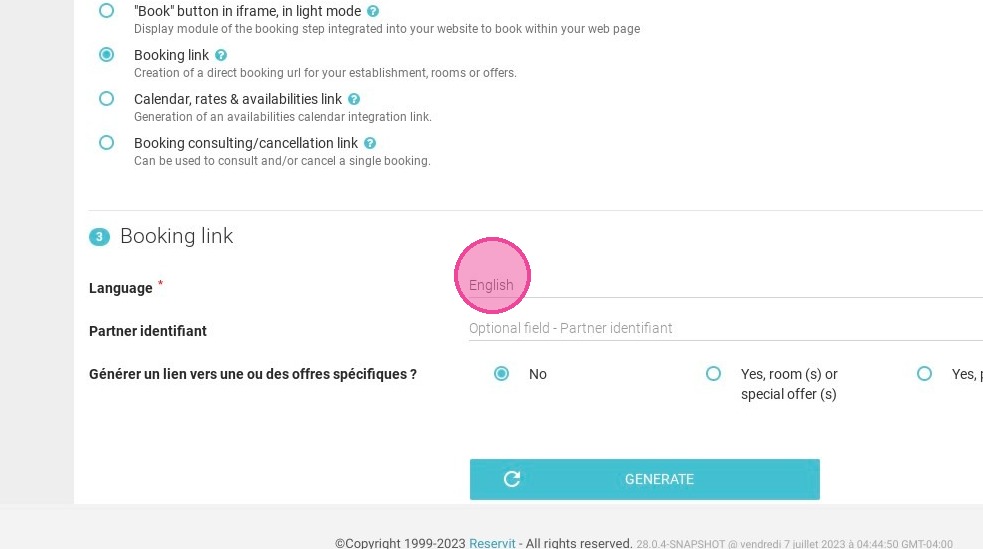
Set your preferred language: Choose the target language for the booking link from the available configuration options.
-
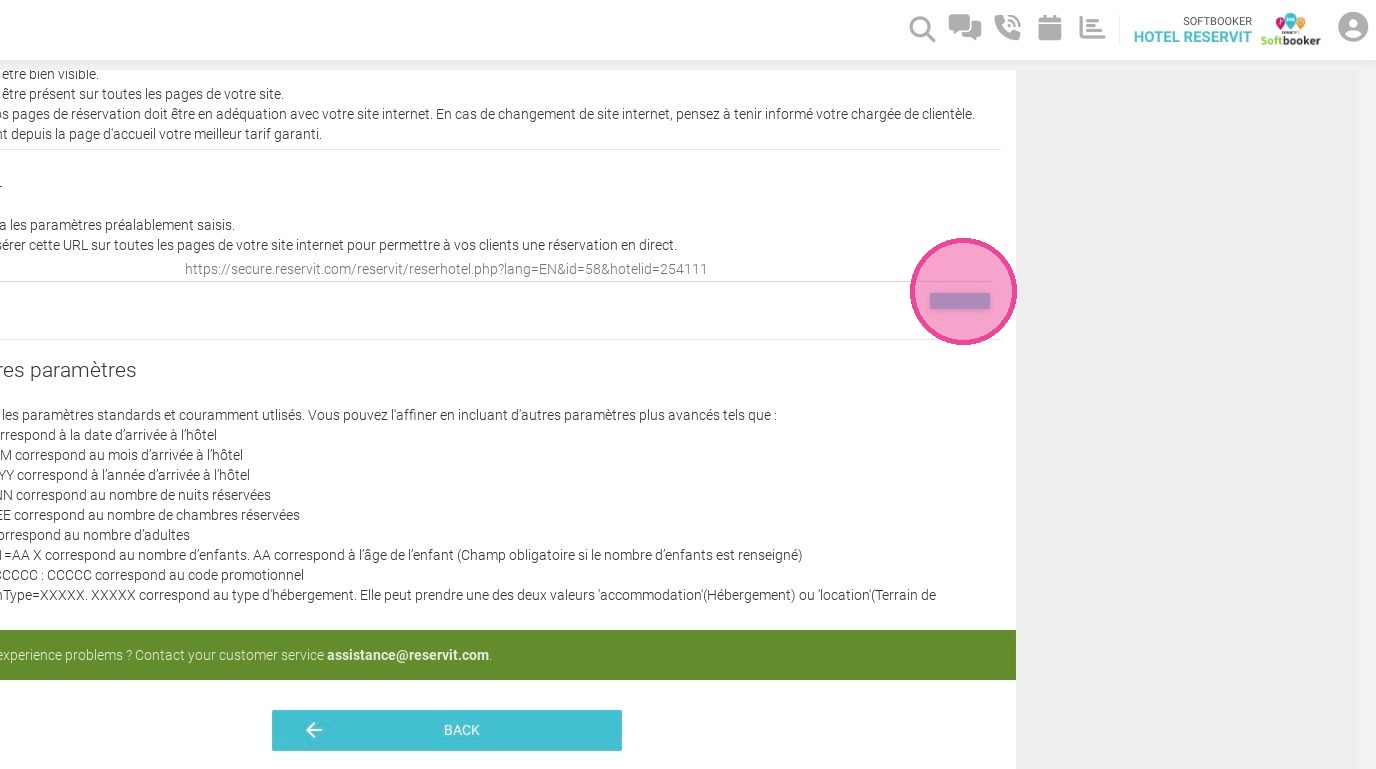
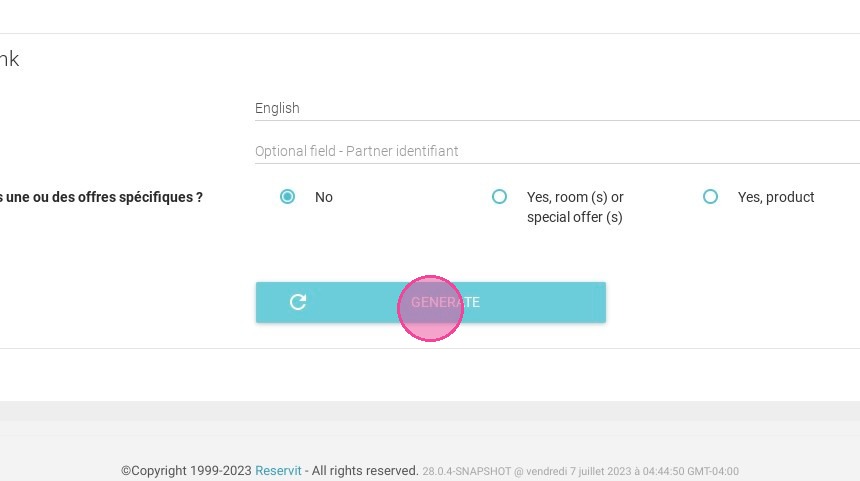
Generate the custom URL: Click the "GENERATE" button to instantly produce your unique reservation link.
-
Copy and deploy the link: Click the copy button to save the URL to your clipboard, making it ready to be added to your website, social media, or email campaigns.
Why Follow This Guide? Following this guide ensures you can quickly deploy direct booking paths without any technical hurdles, significantly reducing drop-off rates on your website. It provides a simple, error-free method to optimize your digital distribution channels and boost your property's direct sales efficiency.
1. Click "Management of my property"
2. Click "Reservation Page Customization"
3. Then ''Best Price Widget''
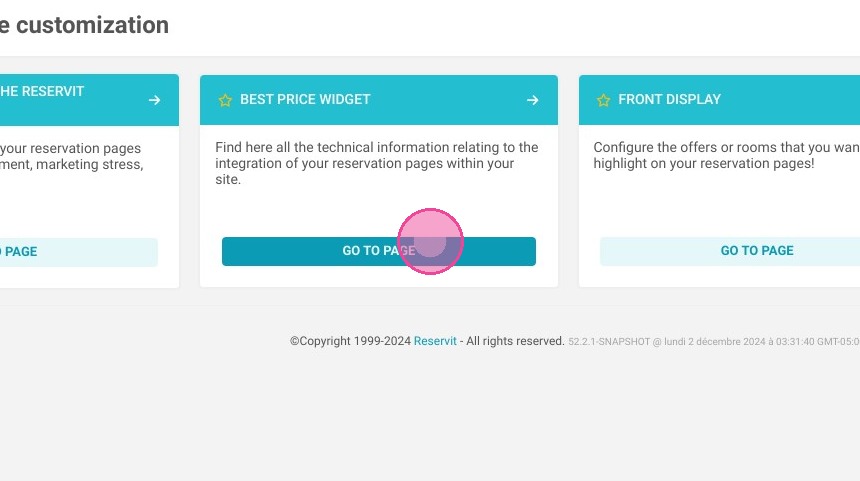
4. There are different integration types on this page; choose "Booking link" to create your links.
5. Next, you have the option to choose your preferred language for the link.
6. Then, click "GENERATE".
7. You can copy the link for your website for example. By clicking on this button.