Article Summary: This concise tutorial explains how to choose exactly which rate plans and offers appear on Google through your Reservit Accommodation platform. You will learn how to navigate your distributor mapping settings, select specific promotions for distribution, and navigate Google's specific limitations regarding stay-related fees. Mastering this straightforward setup helps you fully control your direct booking visibility and ensures only your most strategic, compatible rates are advertised on the search engine.
The 4 key steps to choose your Google offers:
-
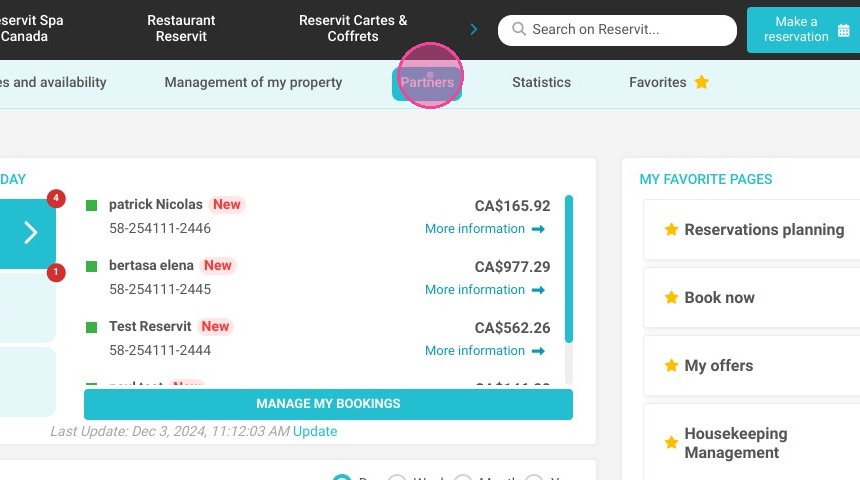
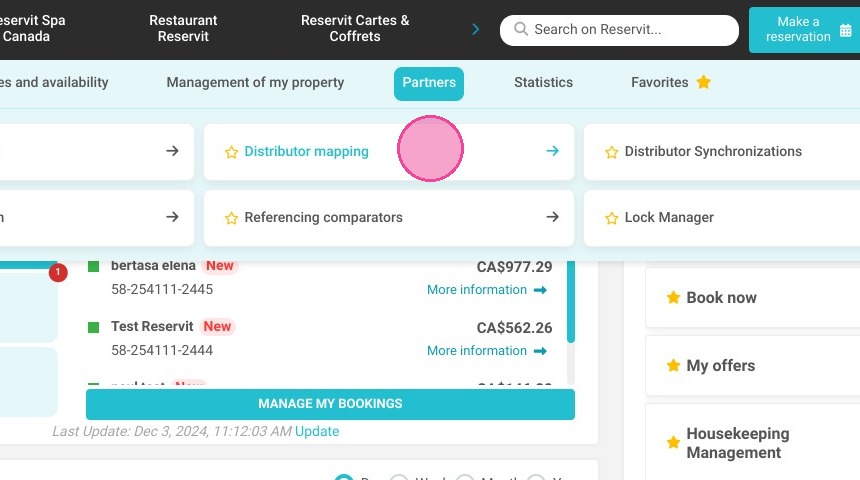
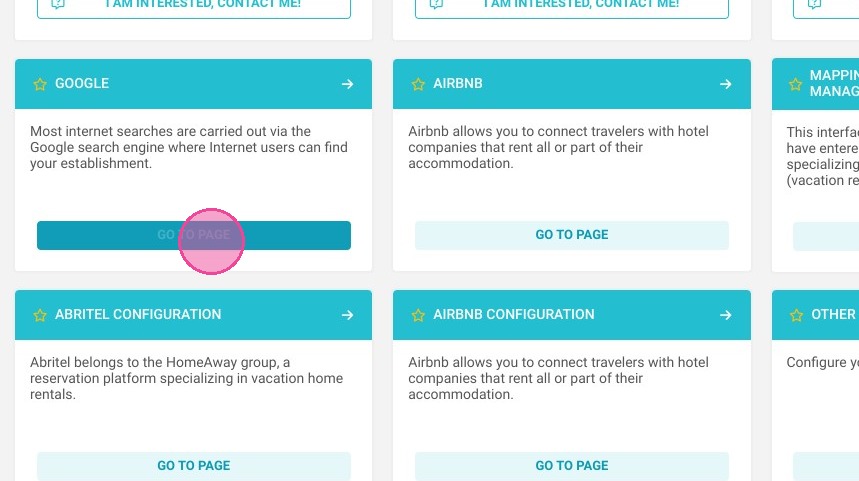
Access Google mapping: Navigate to the "Partners" menu, select "Distributor mapping," and open the specific "Google" channel configuration.
-
Acknowledge fee limitations: Keep in mind that while Google supports mandatory per-night charges, it does not support one-time stay-related fees (such as cleaning fees).
-
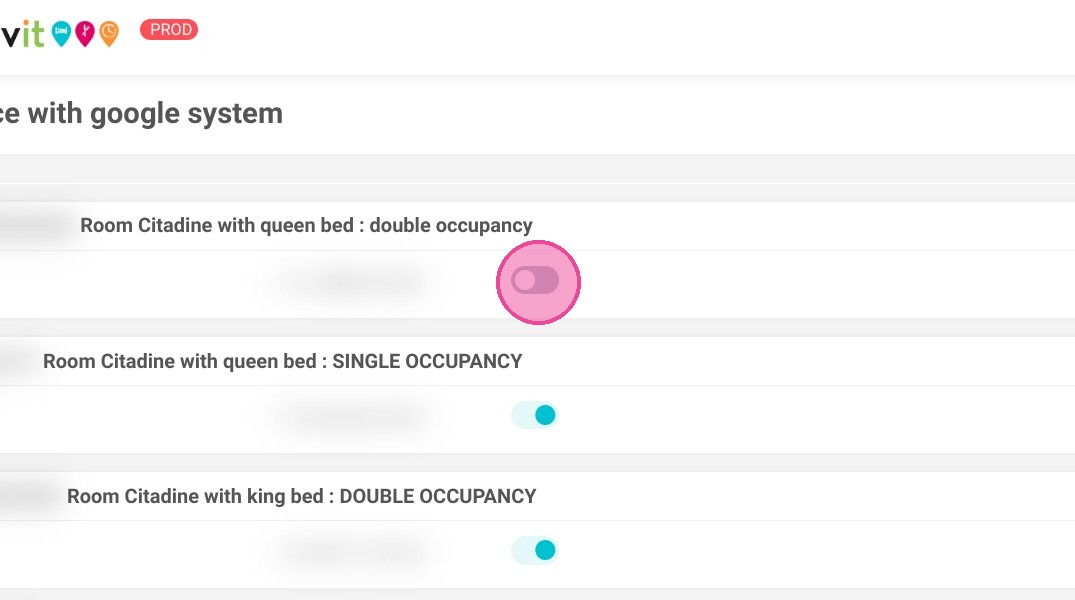
Select your distributed offers: Use the provided list to carefully check the specific rate plans and promotional offers you want pushed to Google.
-
Validate and sync: Click the "Validate" button to securely save your configuration and update your property's live visibility on the search engine.
Why follow this guide? Following this guide ensures you retain complete control over your online distribution strategy, preventing unprofitable or incompatible rate plans from being advertised on Google. By strategically selecting your visible offers and understanding fee limitations, you optimize your direct booking conversion rate and avoid frustrating pricing discrepancies for your guests.
Alert: Google limitation
Google's interface does not support the management of fees related to a stay (e.g. cleaning fees). On the other hand, options and mandatory charges per night are well managed in connectivity.
1. Click "Partners", then "Distributor mapping" and "Google"
2. Select the offers you want to distribute on Google.
3. Click "VALIDATE"