Article summary: This step-by-step tutorial explains how to efficiently update resource quantities within the Reservit Activities platform. You will learn how to access your inventory settings and adjust your standard weekly capacity to reflect your actual availability. Mastering this process ensures your online booking engine remains perfectly accurate, preventing overbookings and maximizing your sales potential.
The 3 key steps to update your resource quantities:
-
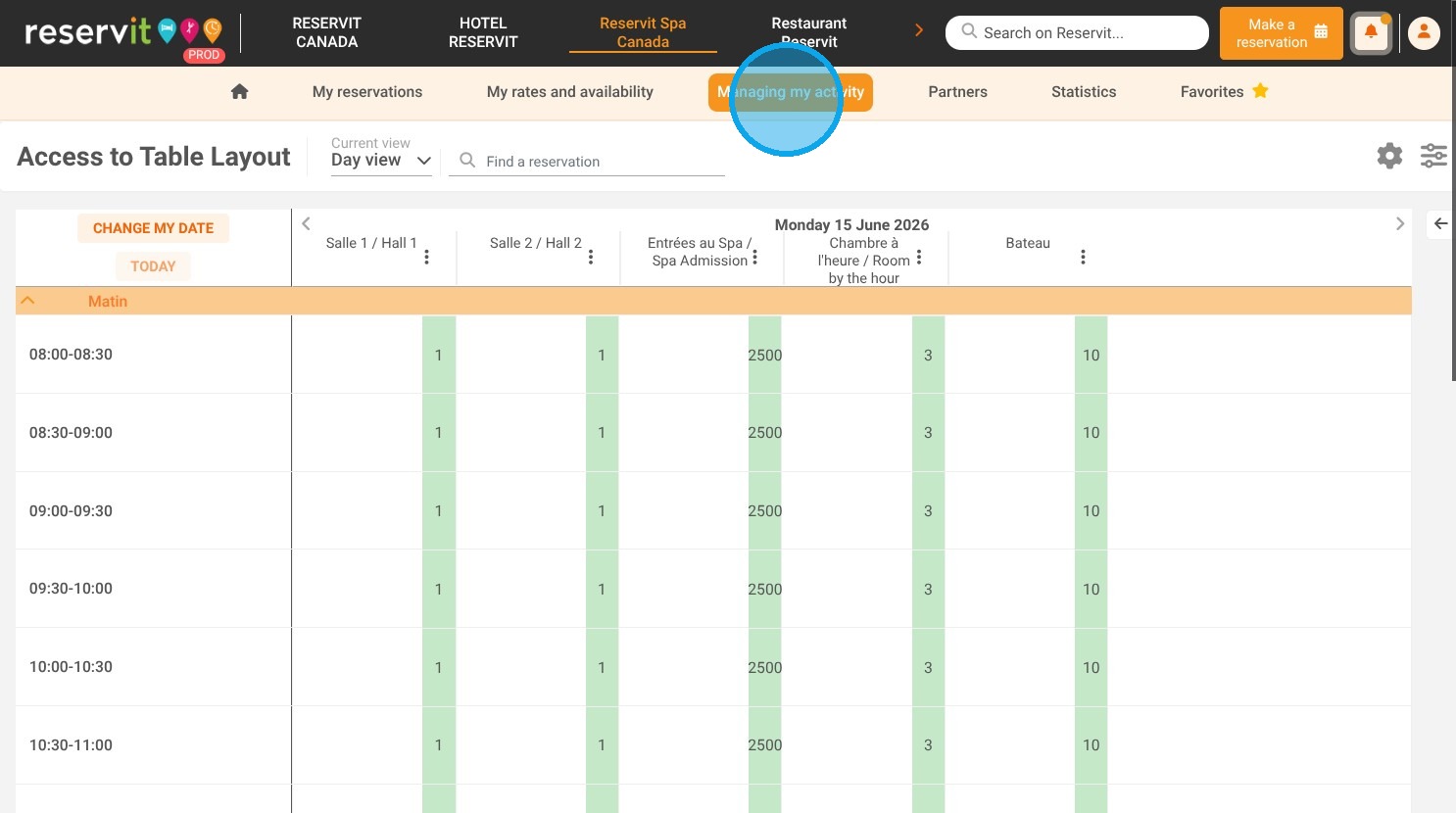
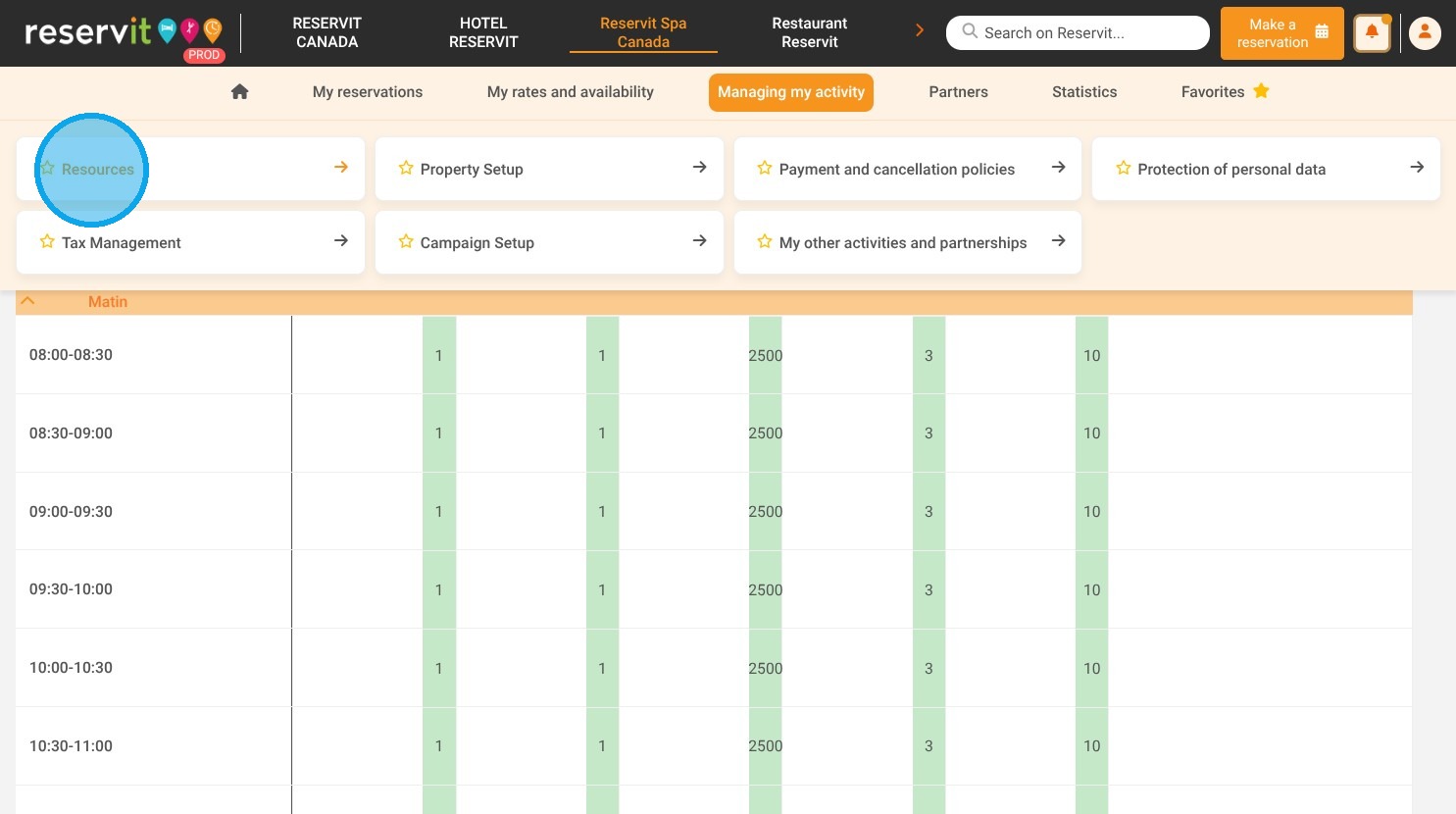
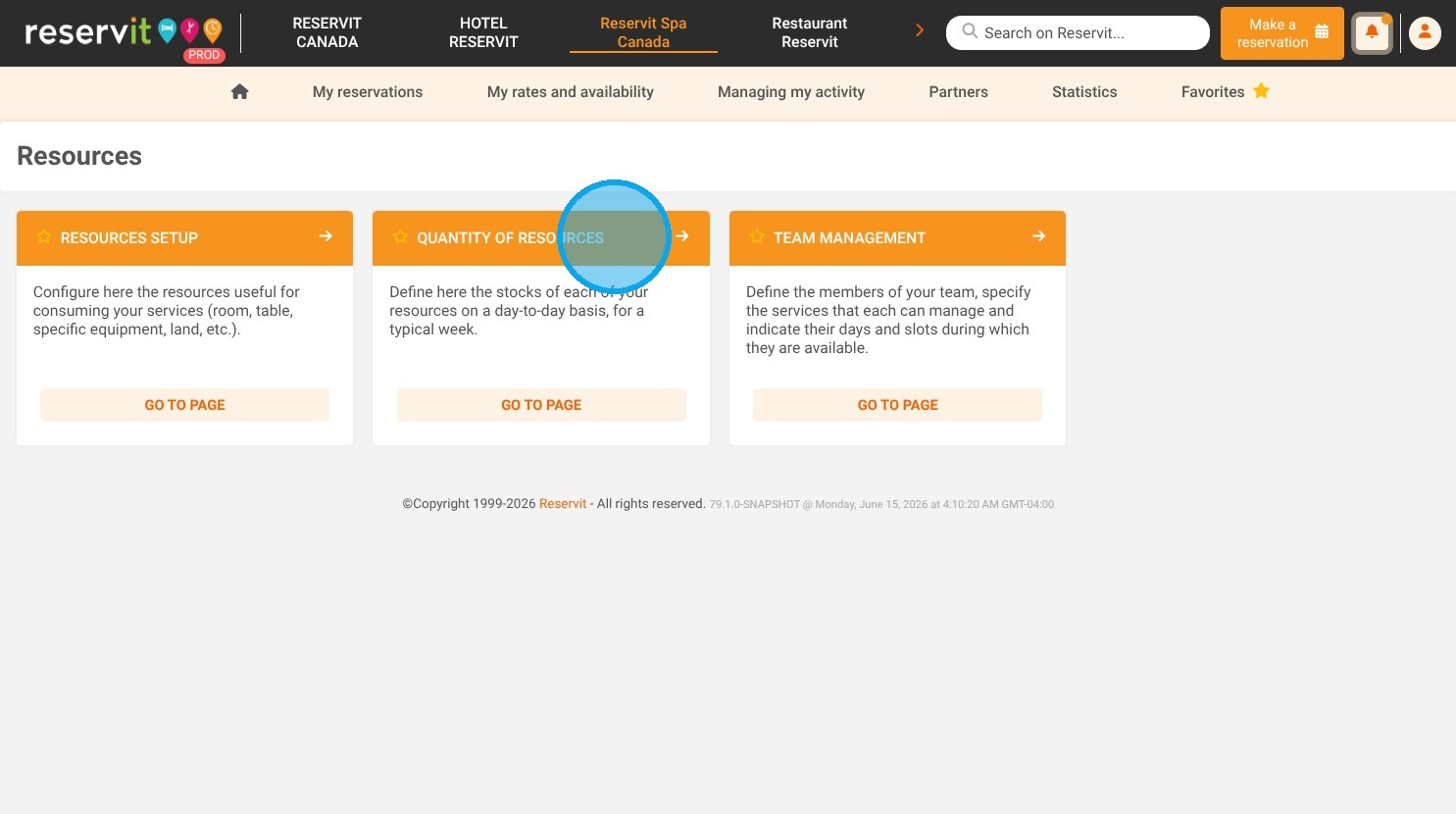
Access the quantity settings: Navigate to your dashboard, click on "Managing my activity," open the "Resources" menu, and select "Quantity of resources."
-
Adjust your weekly availability: Use the interactive table to directly modify the available quantities of your resources for a typical week.
-
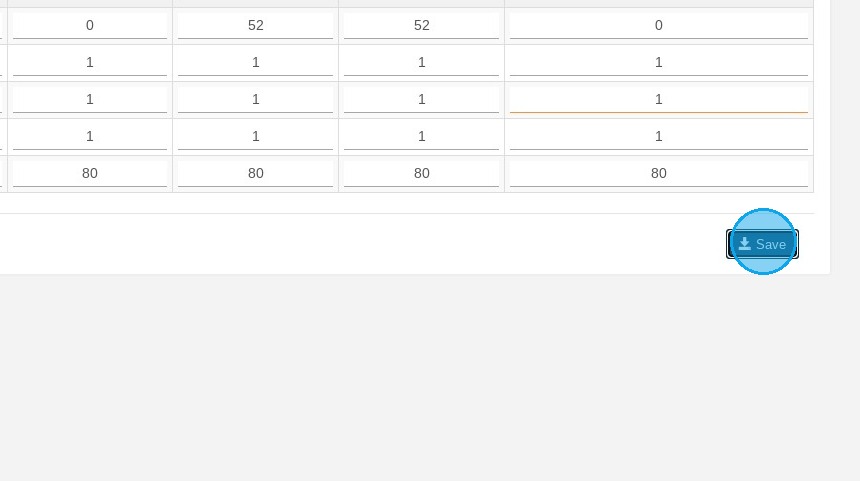
Save your updates: Click the "Save" button to confirm your modifications and instantly update your live availability online.
Why follow this guide? Following this guide ensures you maintain total control over your regular weekly capacity, completely eliminating the risk of costly overbookings. It streamlines your inventory management, saving you valuable administrative time while keeping your digital availability perfectly aligned with your physical operations.
1. Click "Managing my activity" then "Resources" and "Quantity of resources"
2. A page will appear with a table. You can modify the resource quantities for a typical week by clicking directly on the relevant boxes.
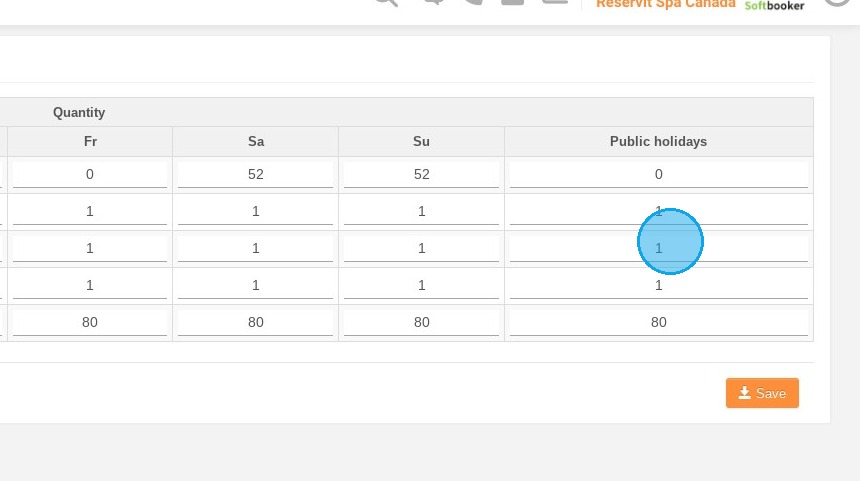
3. Once you've made your changes, don't forget to click on "Save".