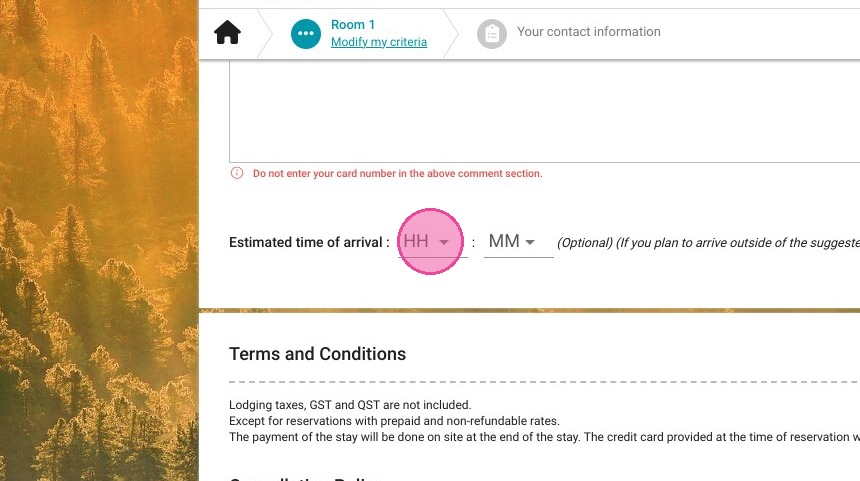
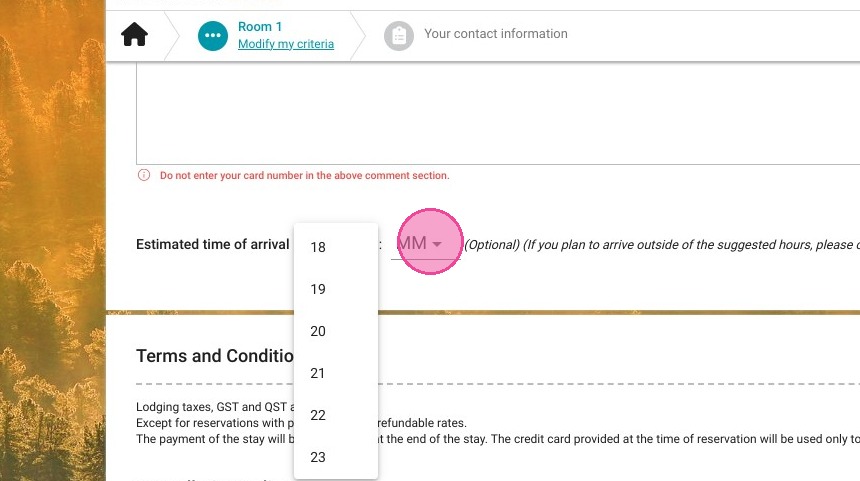
Article Summary: This quick tutorial provides step-by-step instructions on how to easily edit your property's arrival and check-in times directly within the Reservit Accommodation booking engine. You will learn how to customize specific check-in windows for different weekdays or establish clear minimum and maximum arrival hours. Mastering these settings gives you greater control over your daily front-desk operations while providing guests with accurate expectations for a seamless arrival experience.
The 4 Key Steps to Edit Arrival Times:
-
Access Property Settings: Navigate to "Management of my property," select "Property Setup," and open the "General information" tab.
-
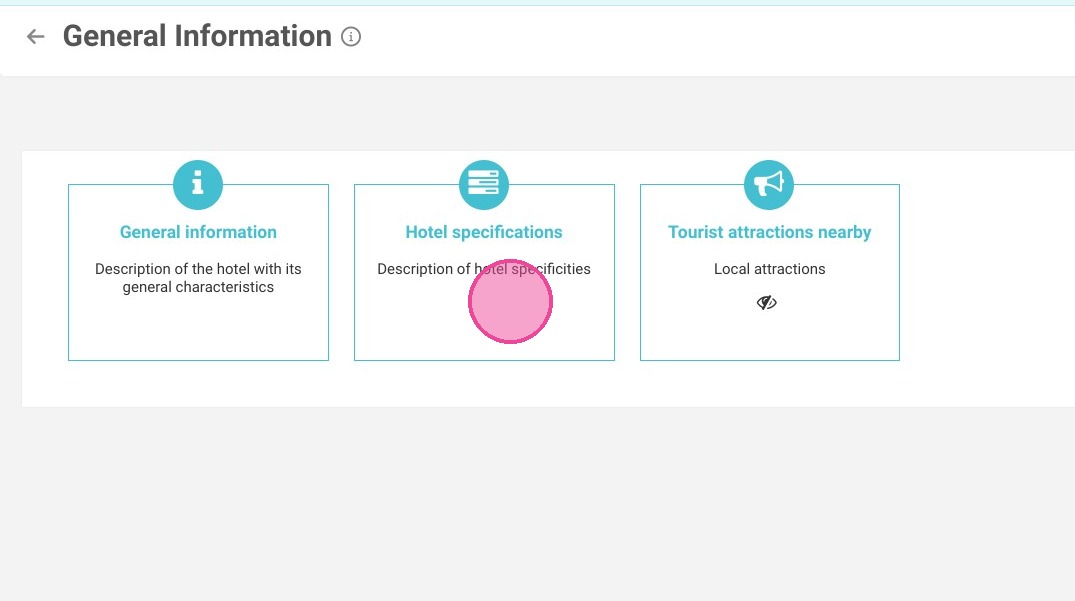
Open Hotel Specifications: Click on "Hotel specifications" to access your property's operational details and guest policies.
-
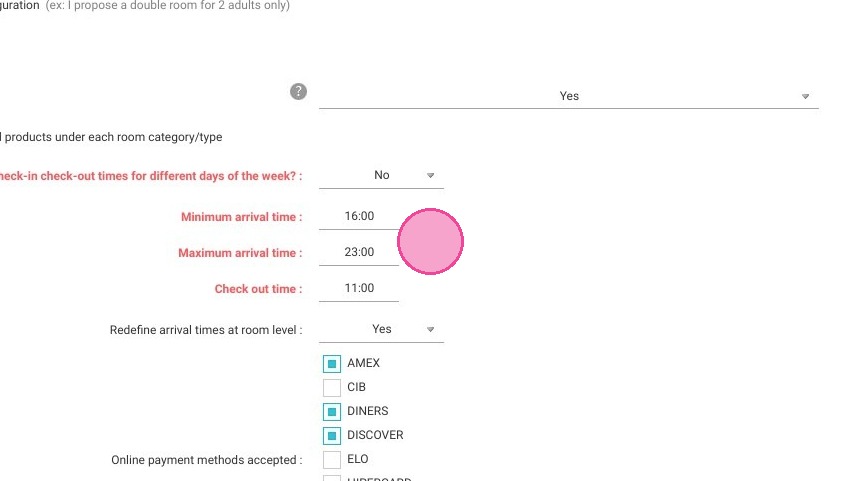
Adjust Arrival Times: Scroll down to customize specific check-in and check-out schedules for different weekdays, or simply define your overall minimum and maximum arrival windows.
-
Save and Verify: Save your new configuration to instantly apply the modifications and update the arrival times displayed on your public booking engine.
Why follow this guide? Following this guide prevents guest confusion and avoids off-hours check-in surprises, optimizing your front desk staff's daily schedule. Keeping your Reservit Accommodation booking engine accurately updated ensures clear communication and a professional, hassle-free welcome for every traveler.
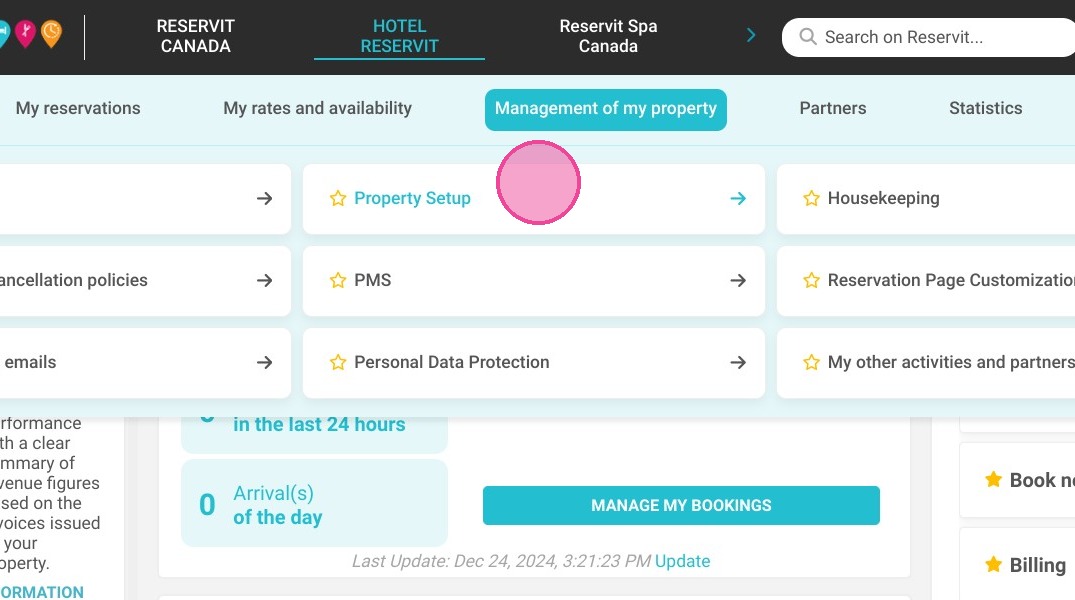
1. Go to Management of my property > Property Setup.
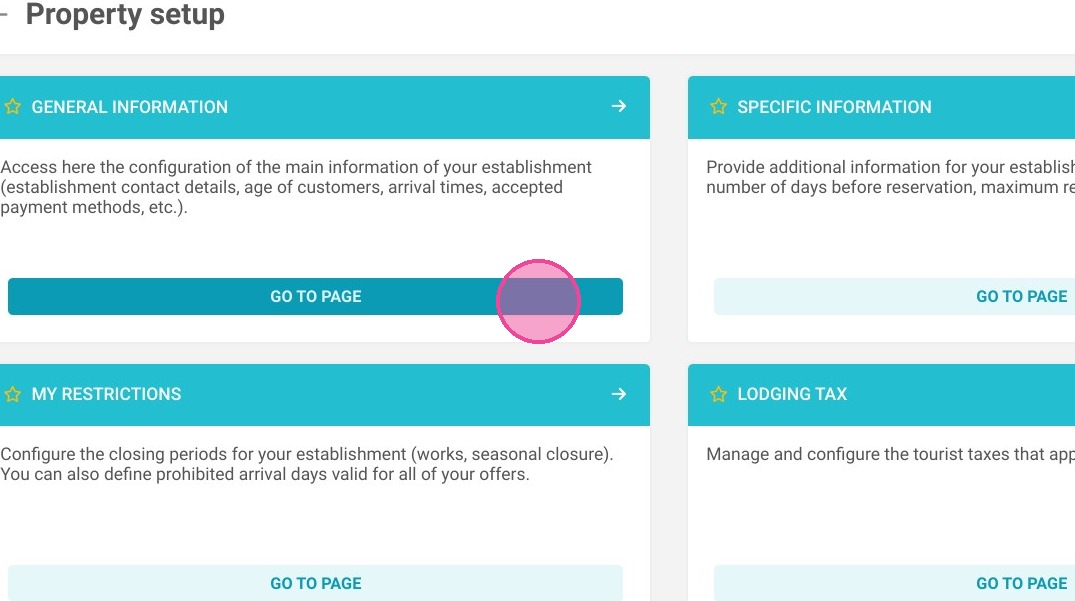
2. Then go to General information.
3. Click on Hotel specifications.
4. Scroll down: you can choose check-in/check-out times for different weekdays. Otherwise, you can define the minimum and maximum arrival times. Don't forget to save your work.
5. Modification is now applied to your booking engine.