Article Summary: This targeted tutorial provides clear instructions on how to easily edit and update your CITQ registration number within the Reservit Accommodation platform. Designed specifically for properties in Quebec, you will learn exactly where to navigate in your general settings to securely input your official license details. Mastering this quick process ensures your property profile and booking engine remain fully compliant with regional tourism regulations.
The 3 Key Steps to Update Your CITQ Number:
-
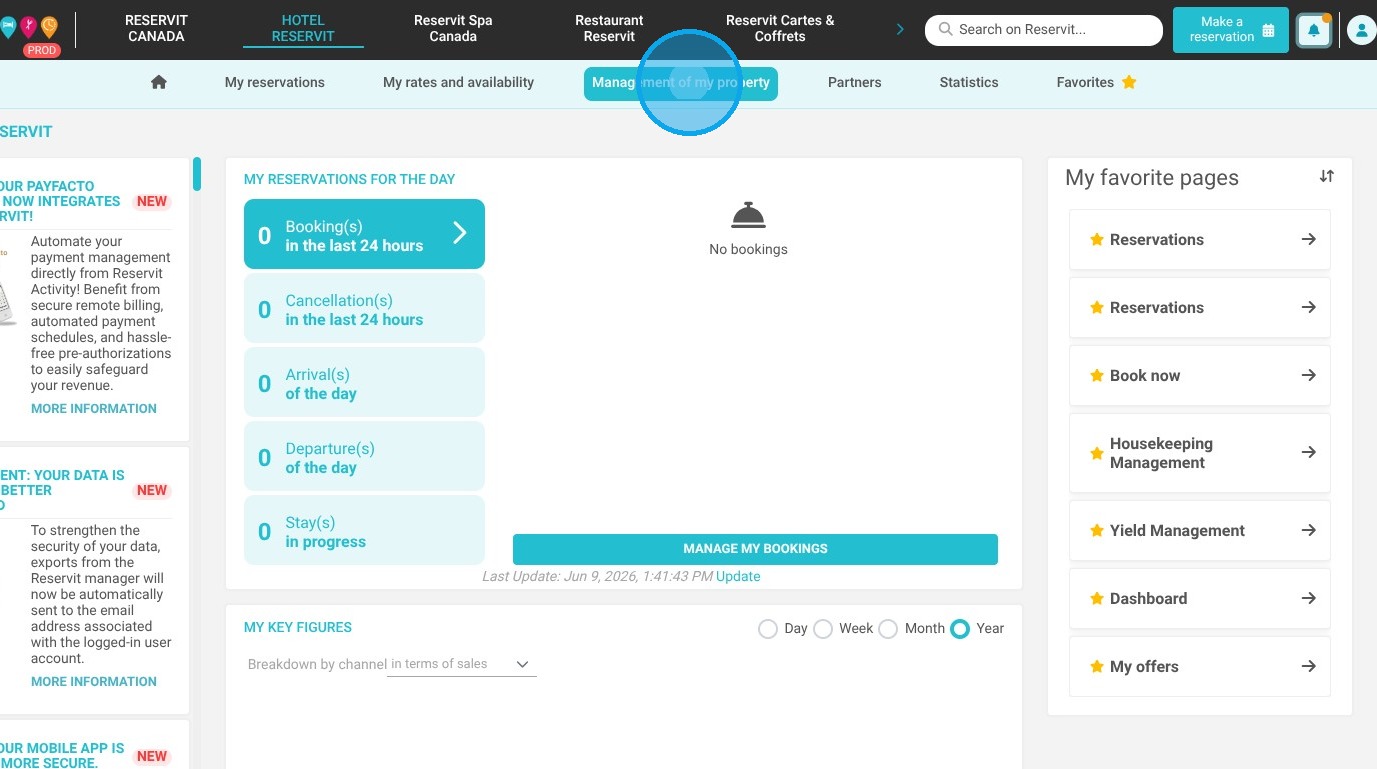
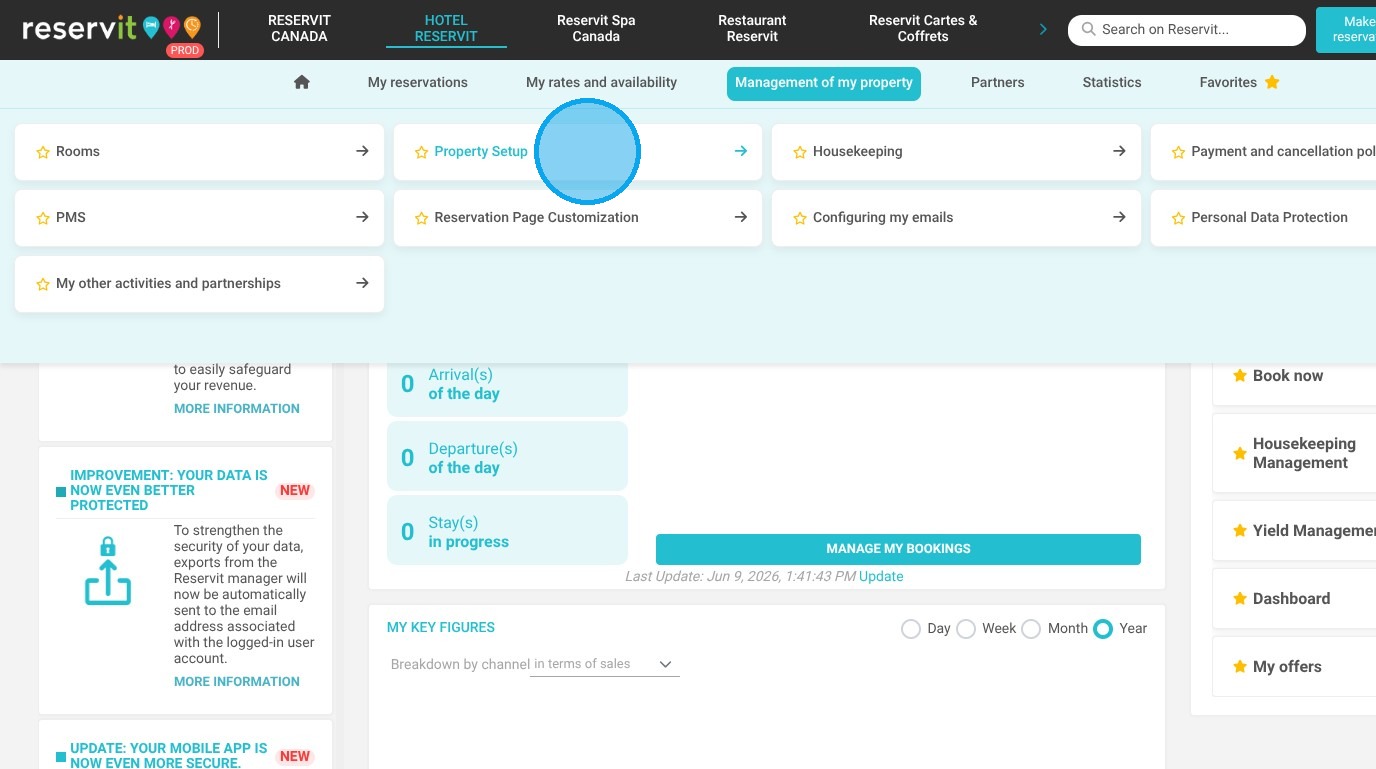
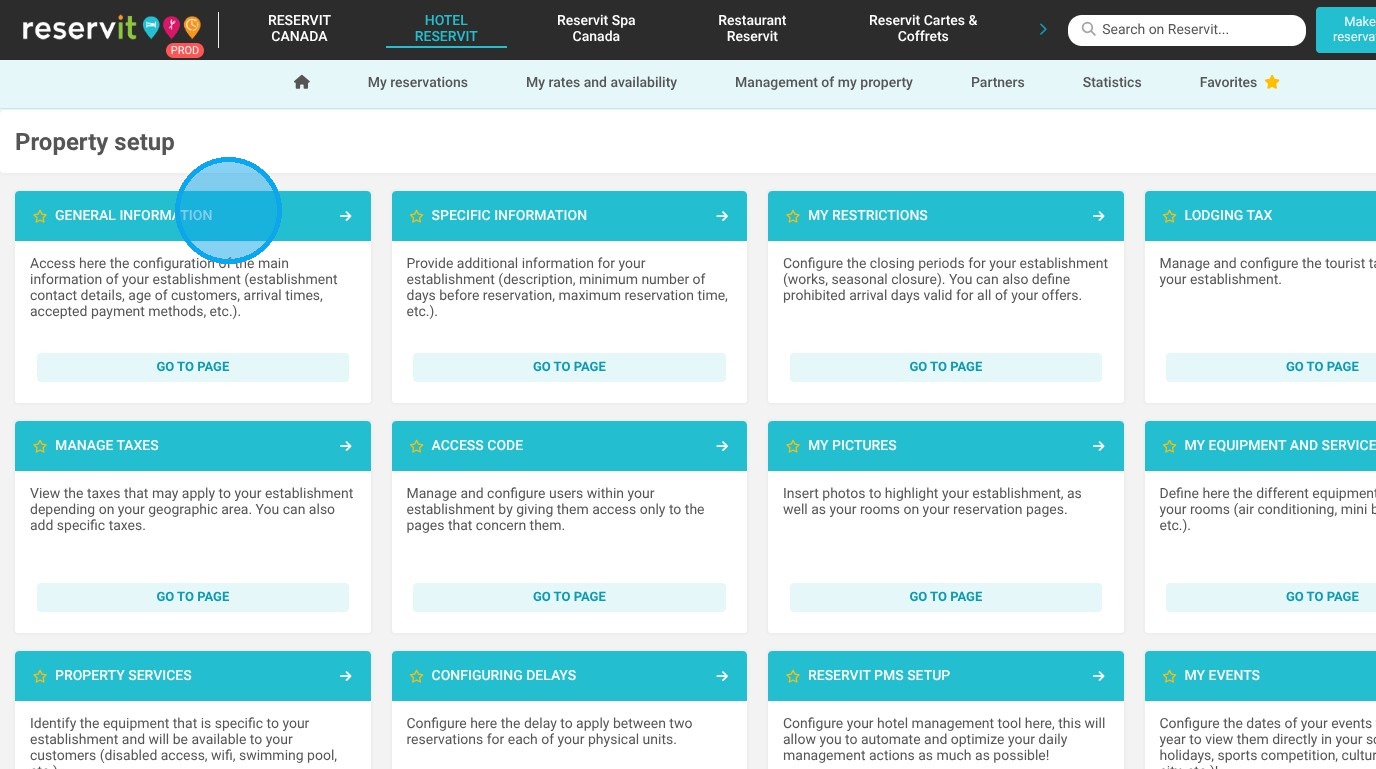
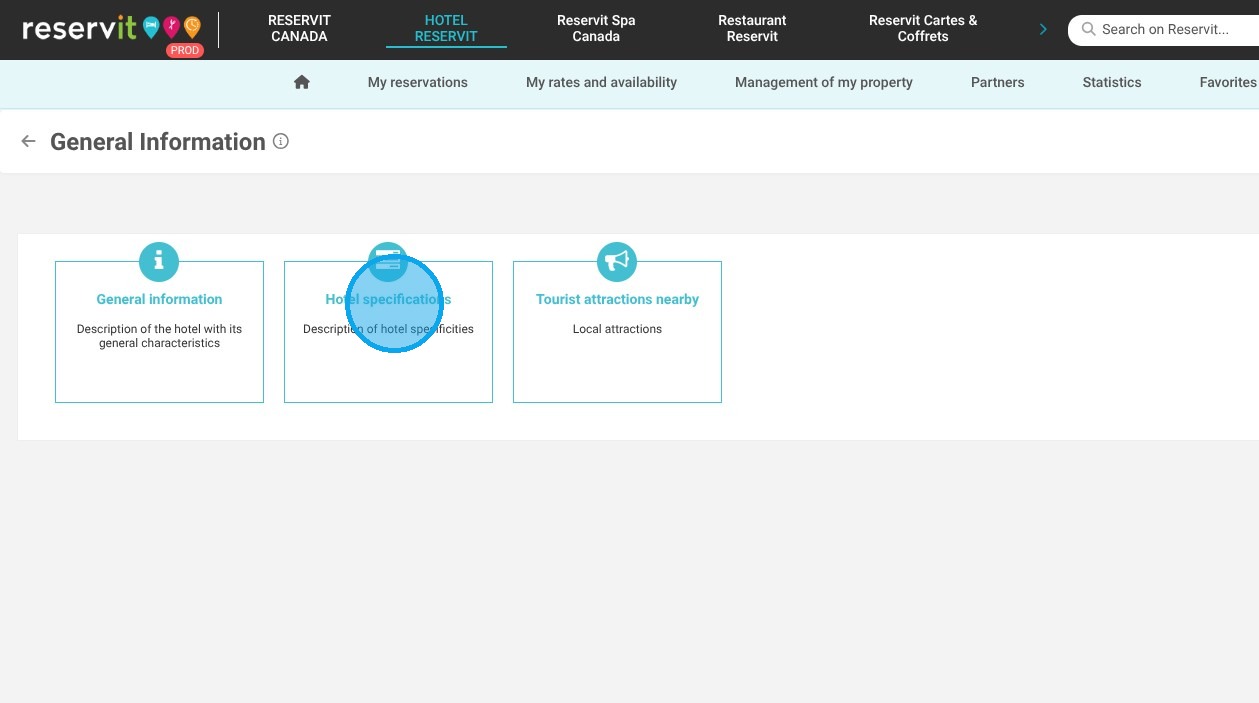
Access Property Settings: Navigate to "Management of my property," select "Property Setup," and open the "General Information" tab followed by "Hotel specifications."
-
Update the License Number: Locate the designated license number field and accurately input your new or updated Quebec CITQ registration number.
-
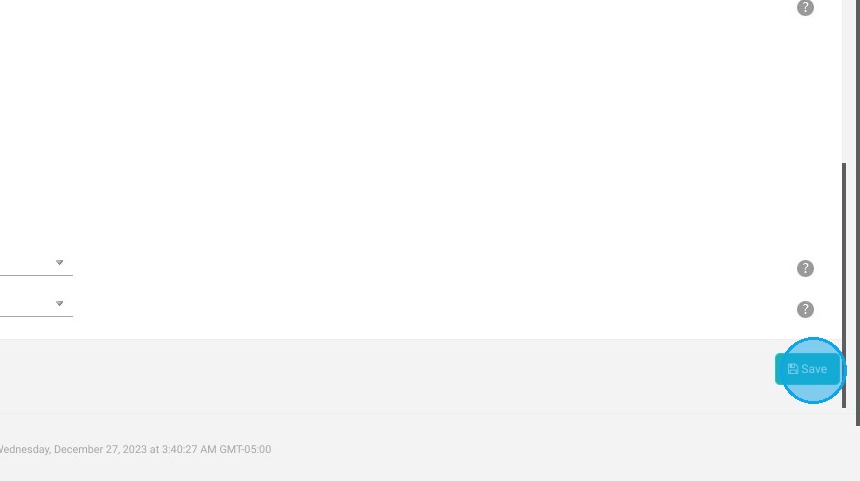
Save Your Changes: Click the "Save" button located in the bottom right-hand corner to instantly apply the update and secure your legally required information.
Why follow this guide? Following this precise guide ensures your property remains legally compliant with Quebec's accommodation laws, helping you avoid potential fines or operational disruptions by keeping your Reservit Accommodation profile perfectly up-to-date.
1. Click "Management of my property" then "Property Setup". Go to "General Information" and "Hotel specifications"
2. You will then see the license number field, where you can update your registration number.

3. Click on "Save" in the bottom right-hand corner to save your changes.