Article Summary: This quick tutorial explains how to customize your same-day booking cutoff time within the Reservit Accommodation platform. You will learn how to navigate your property settings to set an exact deadline for last-minute reservations, tailoring the system to fit your specific operational hours. Mastering this configuration ensures you have total control over late arrivals, giving your front desk the time they need to adequately prepare for incoming guests.
The 4 Key Steps to Adjust Your Booking Cutoff Time:
-
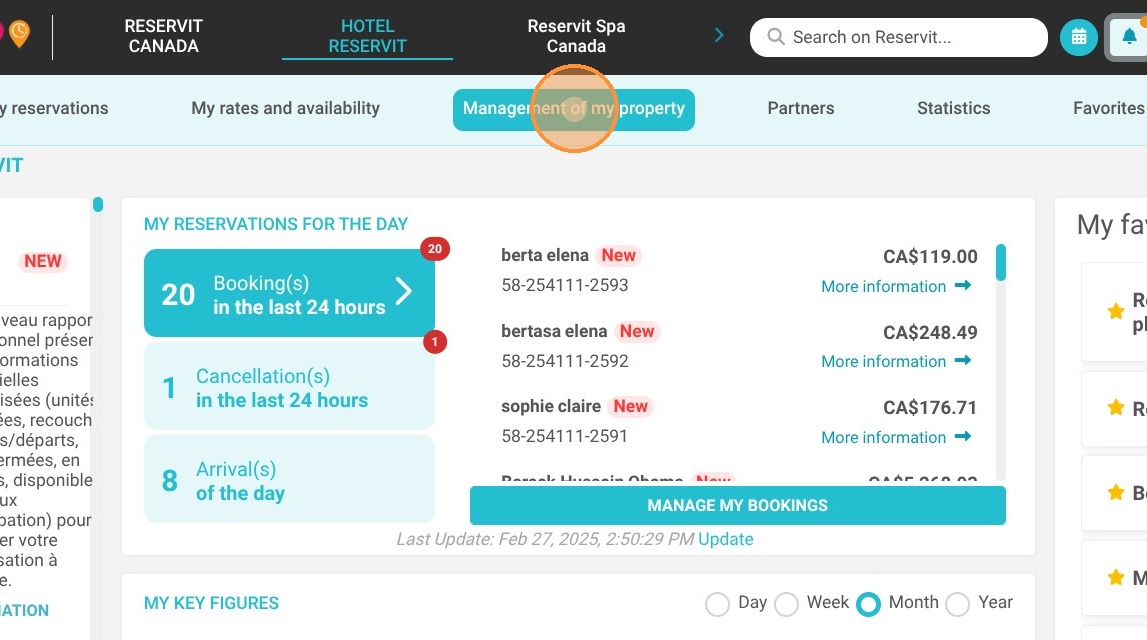
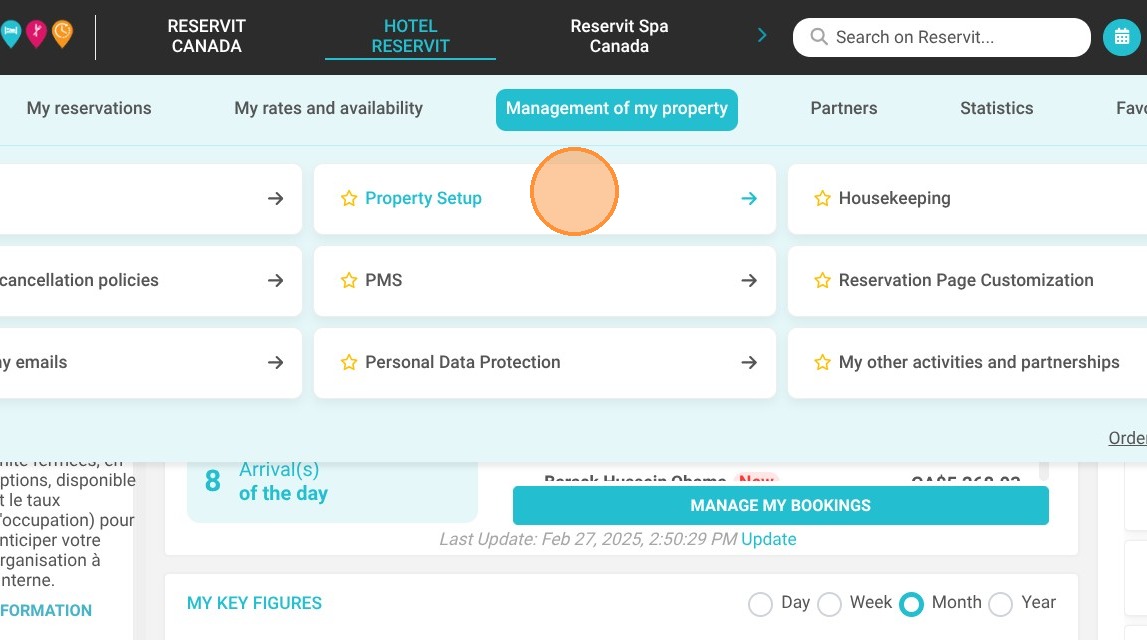
Access Property Settings: Navigate to the "Management of my property" tab from your main dashboard and select "Property Setup."
-
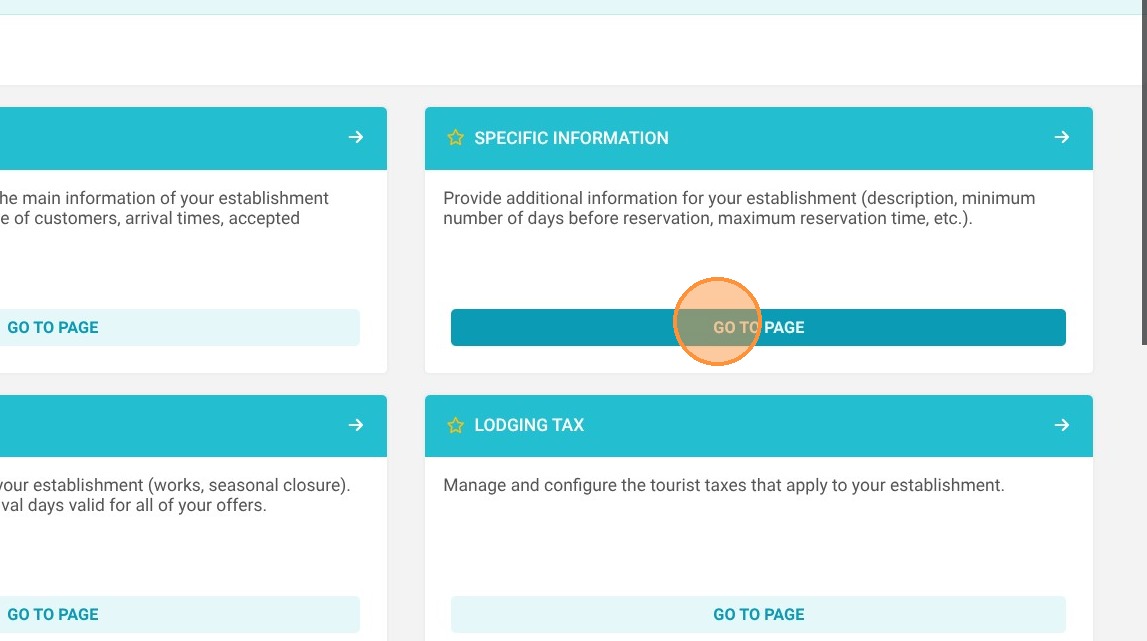
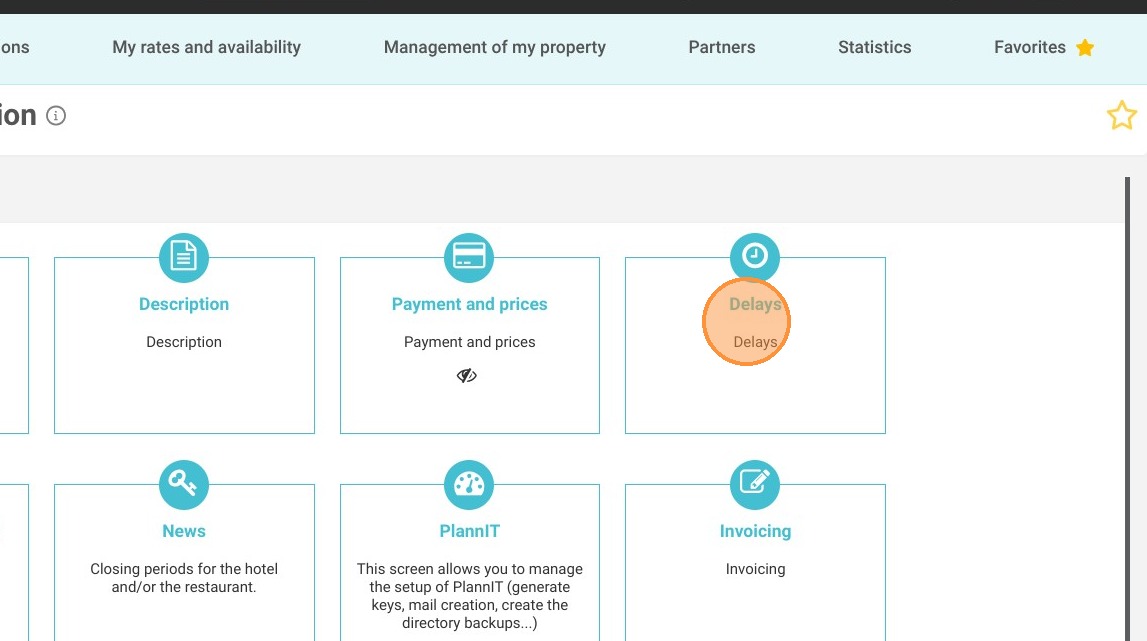
Locate the Delays Menu: Open the "Specific information" section and click on the "Delays" menu to access your reservation timing rules.
-
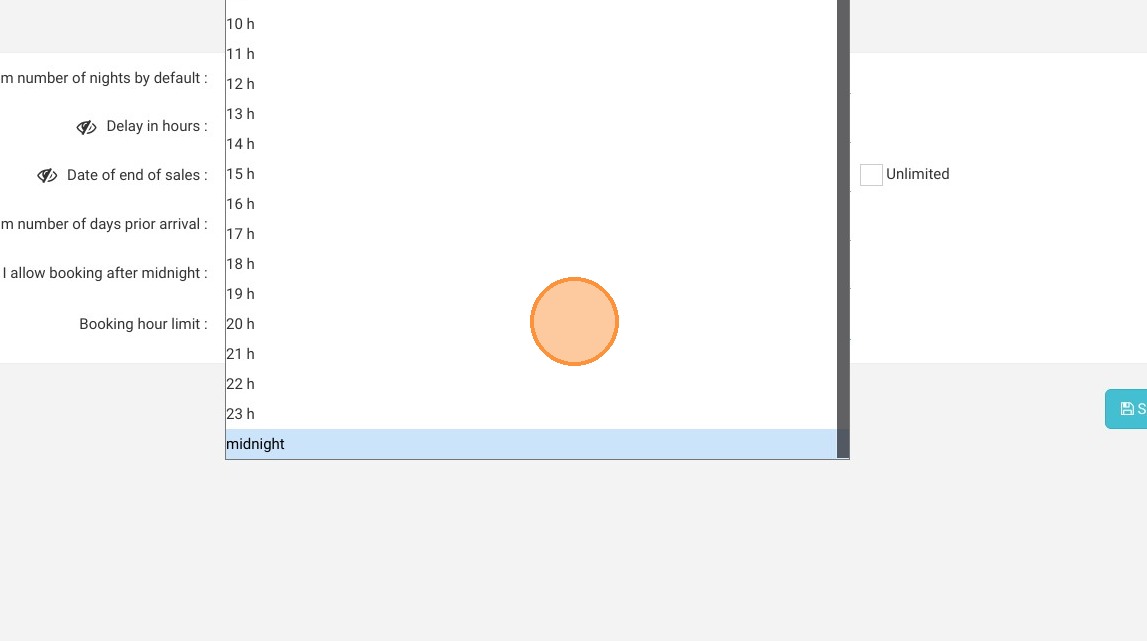
Configure the Deadline: Adjust the maximum booking time to the exact hour you want to stop accepting same-day reservations (e.g., 6:00 PM or 2:00 AM).
-
Save and Verify: Click "Save" to instantly apply your new timeframe, making sure to verify that your connected external distributors also support this specific restriction.
Why follow this guide? Following this guide optimizes your daily operations by preventing unexpected, last-minute bookings when your front desk is closed or unprepared. It gives you precise control over your Reservit Accommodation inventory, reducing administrative stress and ensuring a smooth, welcoming experience for every guest.
Warning! Some distributors do not support this feature in their connectivity. Be sure to check this configuration carefully in your distributor extranets.
1. Click "Management of my property"
2. Then ''Property Setup''
3. Choose "Specific information"
4. Then ''Delays''
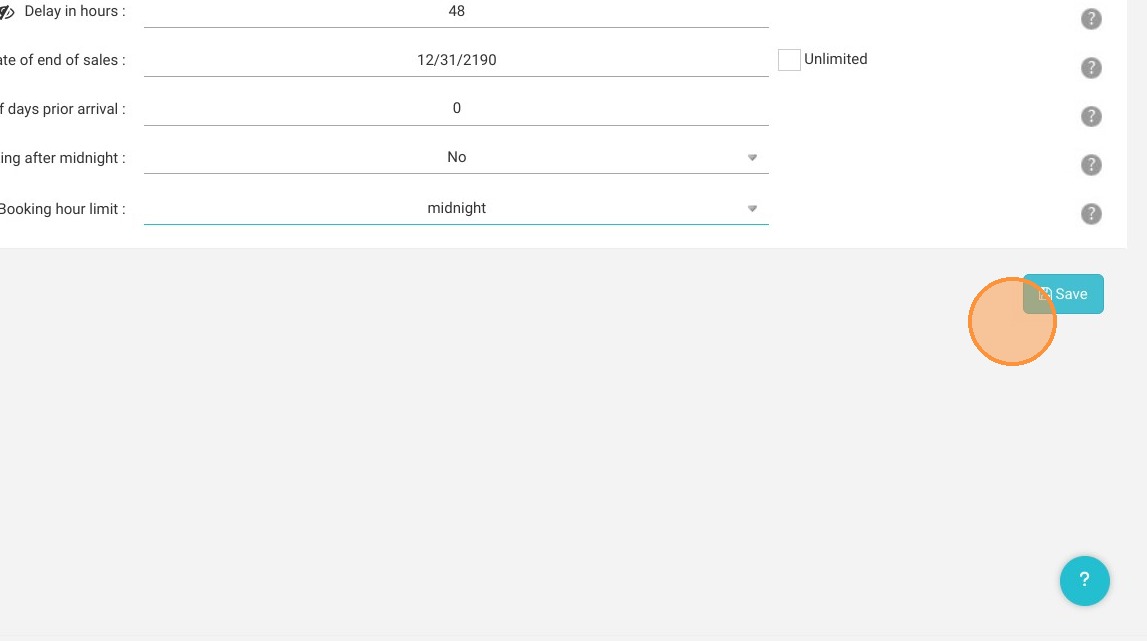
5. Then, adjust the maximum booking time.
6. Click "Save"