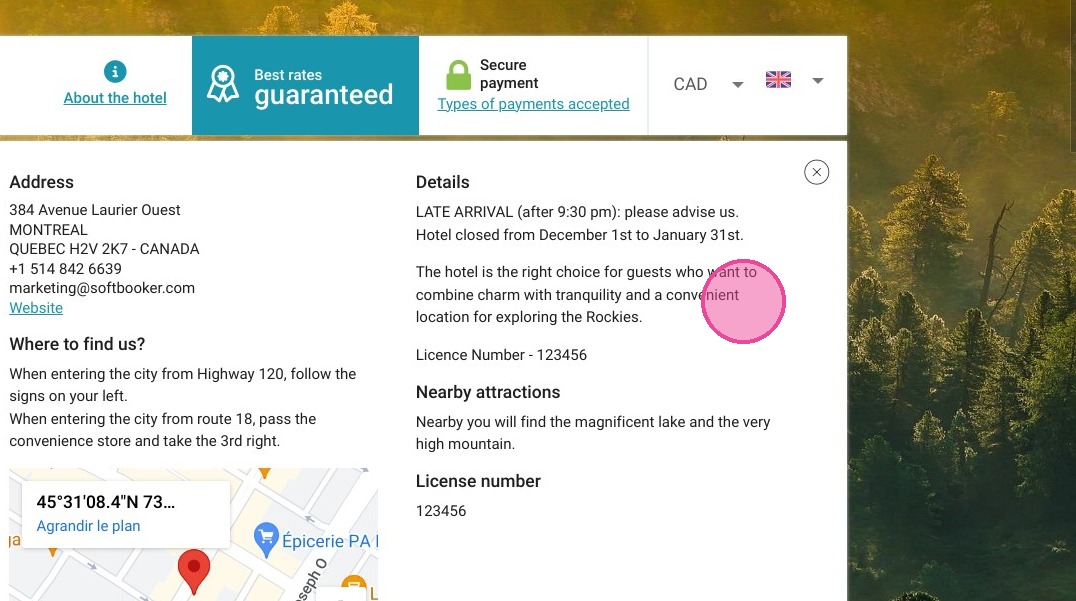
Article Summary: This practical tutorial explains how to update the "Information" field directly on your Reservit Accommodation booking pages. You will learn how to easily display important guest alerts, such as temporary closures or ongoing renovations, right at the first step of the online reservation process. Mastering this setup ensures transparent communication and sets accurate expectations before your guests even finalize their booking.
The 4 Key Steps to Update Your Booking Page Information:
-
Access Property Setup: Navigate to "Management of my property" from your main dashboard and select "Property Setup."
-
Locate Specific Information: Open the "Specific information" menu and click on the "Information" tile to access your public alerts.
-
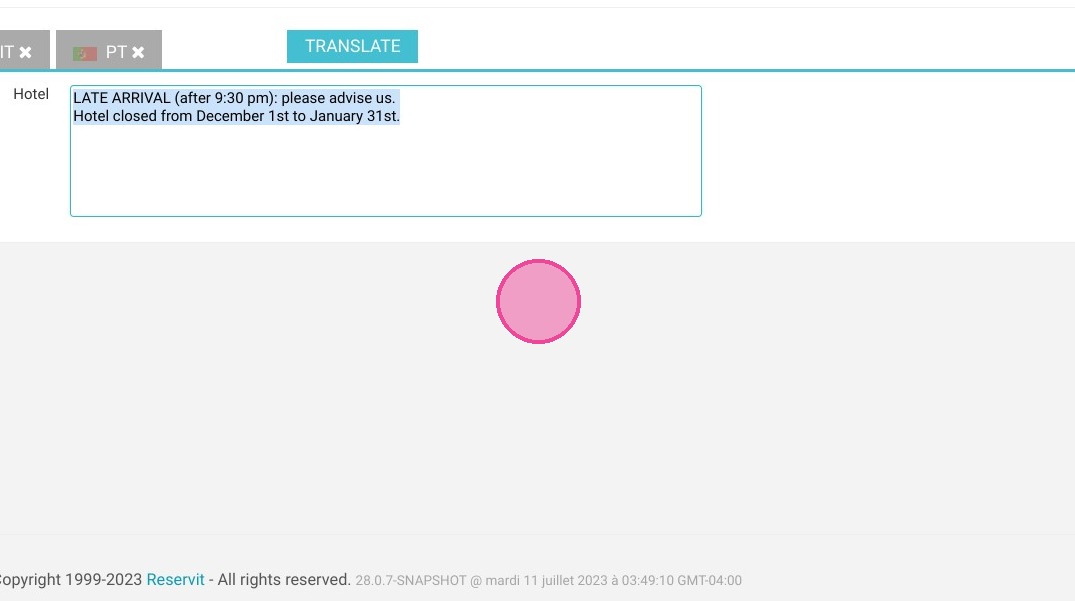
Enter Multilingual Details: Add your important property updates or warnings, ensuring you complete at least the mandatory English and French text fields.
-
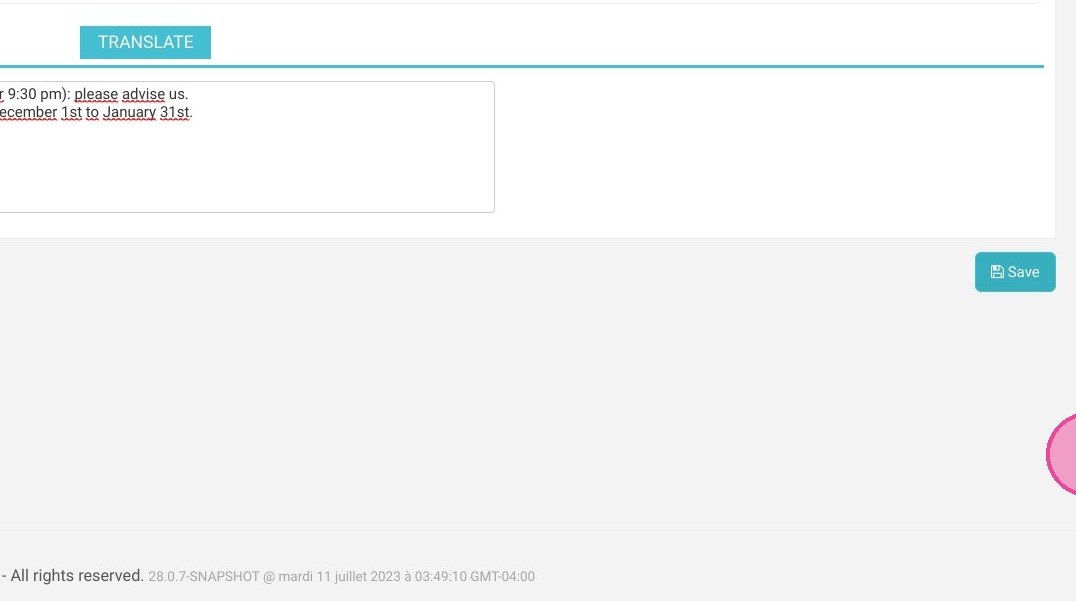
Save and Publish: Click "Save" to instantly apply the changes, making your new alerts immediately visible to guests on your online booking engine.
Why follow this guide? Following this guide helps you proactively communicate critical property updates, significantly reducing guest complaints and unnecessary front-desk inquiries. It saves you valuable administrative time while maintaining a highly professional, transparent, and accurate booking experience within your Reservit Accommodation system.
Tip: This tab allows you to put important information, visible from the first booking step. Eg: closing of the hotel for renovations between October 31 and November 15.
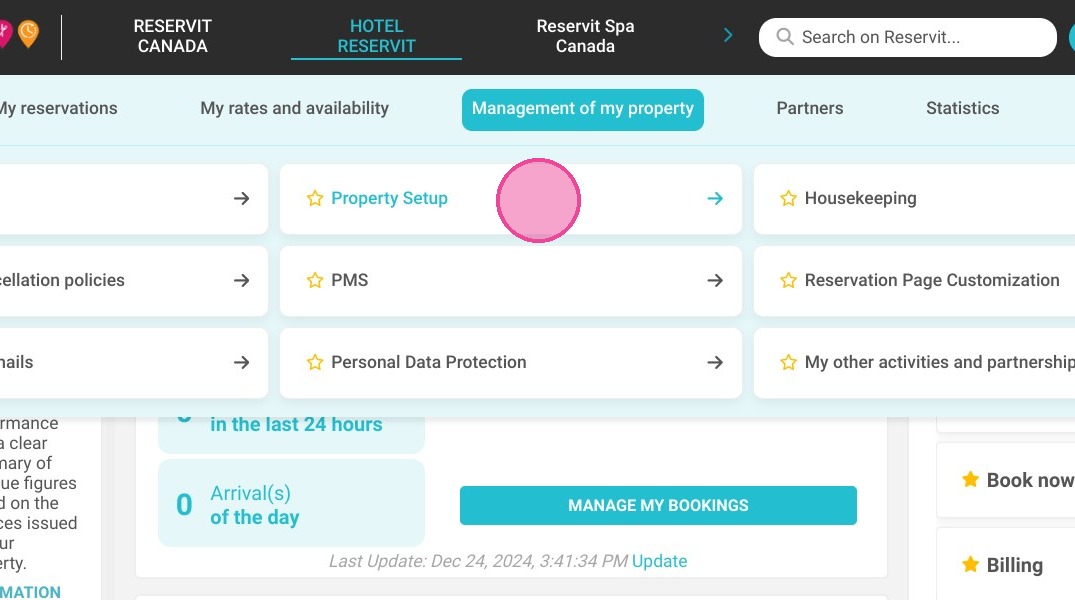
1. Go to Management of my property > Property Setup.
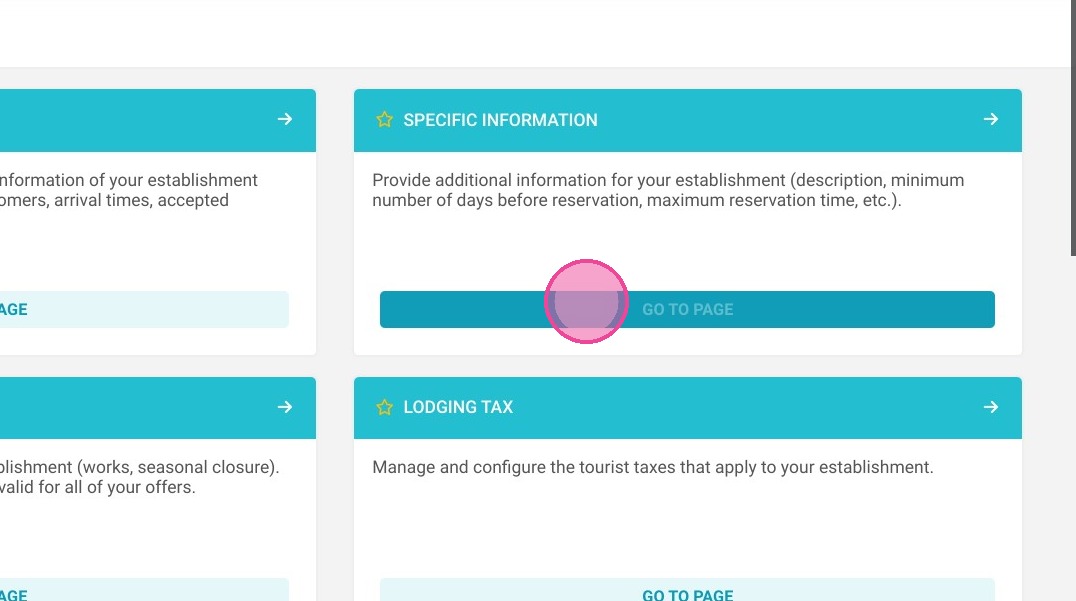
2. Go to Specific information.
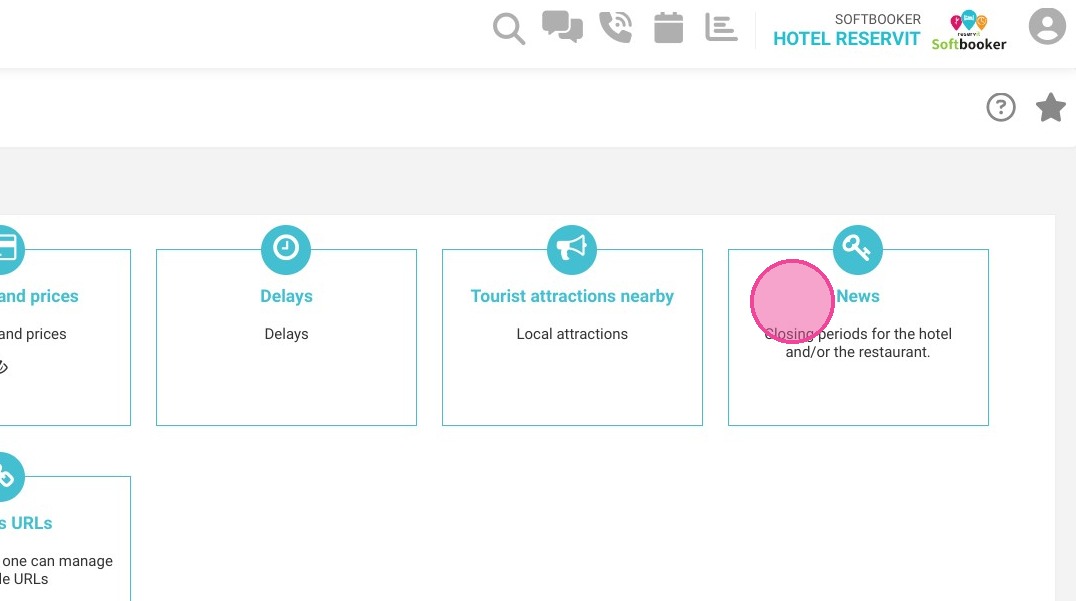
3. Once in the “Specific Information” menu, click on the “Information” tile. Then complete your information.
Alert: It is imperative to provide at least the following 2 languages: French and English. You can enter other languages.
4. Enter your information in this field.
5. Click "Save"
6. The completed information will then be reflected on your reservations pages