
Article Summary: This guide explains how to write and update your property description in Reservit Accommodation. This text is shown on your booking engine, in your property page ("About the hotel" button): presentation, directions, useful information. It is not added to the booking confirmation email.
The 4 Key Steps to Edit Your Property Description:
-
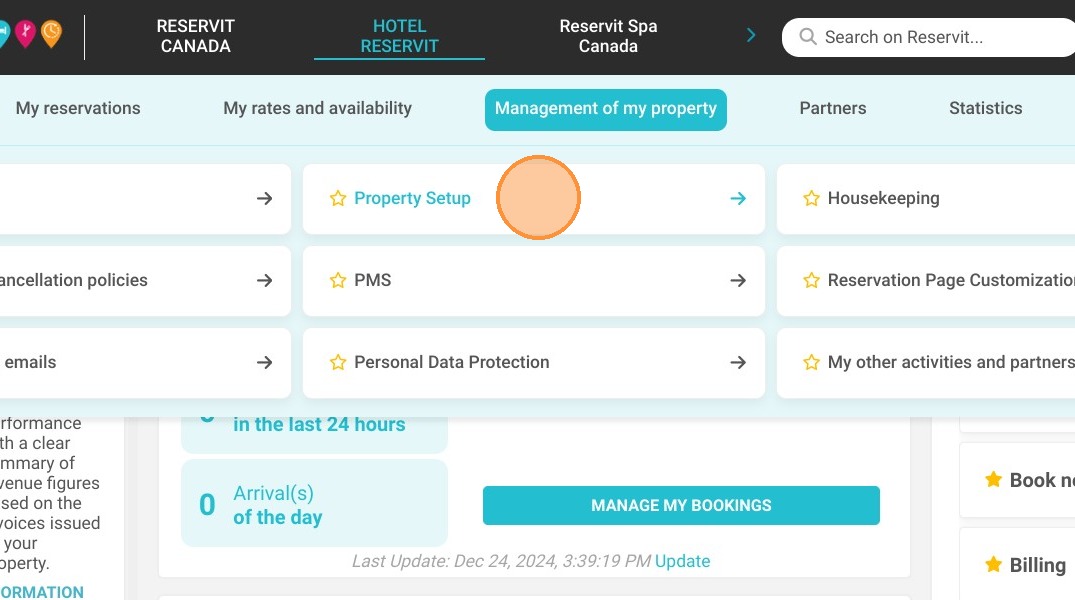
Access Property Setup: Navigate to "Management of my property" from your main dashboard and select "Property Setup."
-
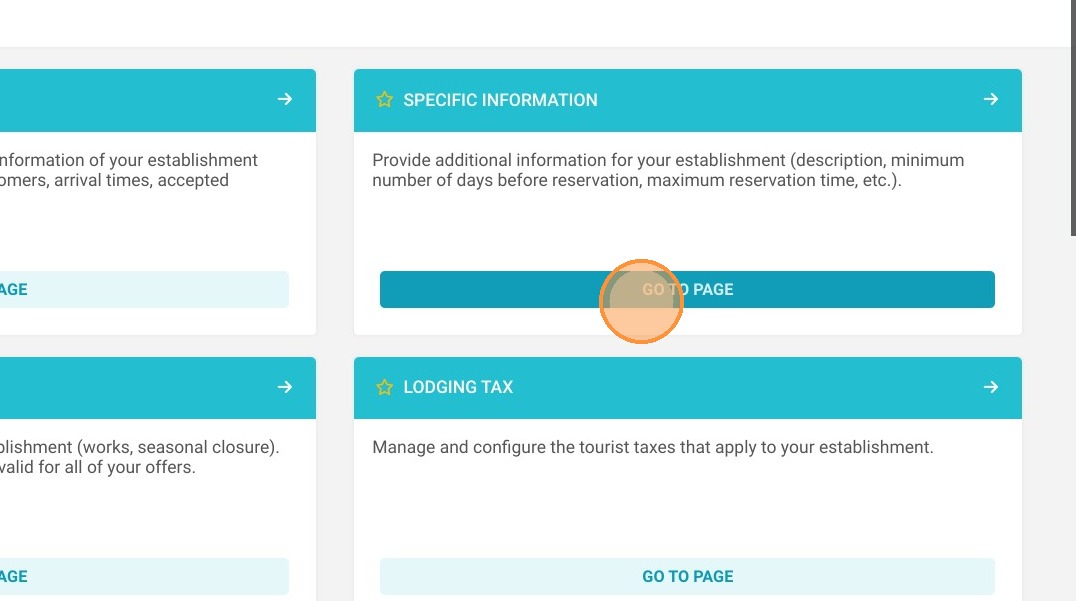
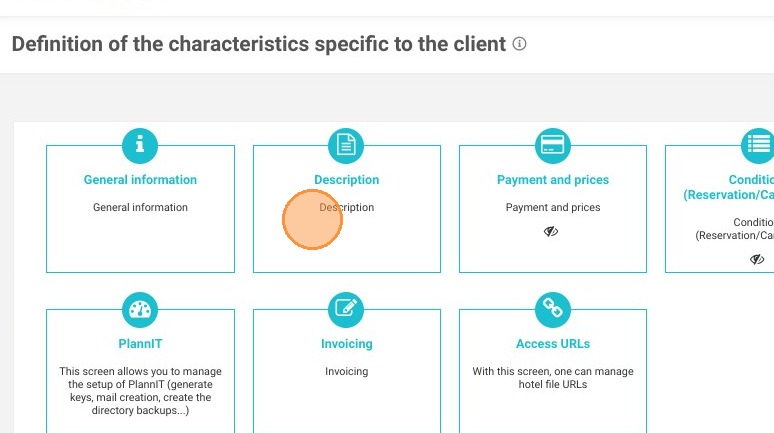
Navigate to Descriptions: Open "Specific information" and click "Description" to access the text fields of your property description.
-
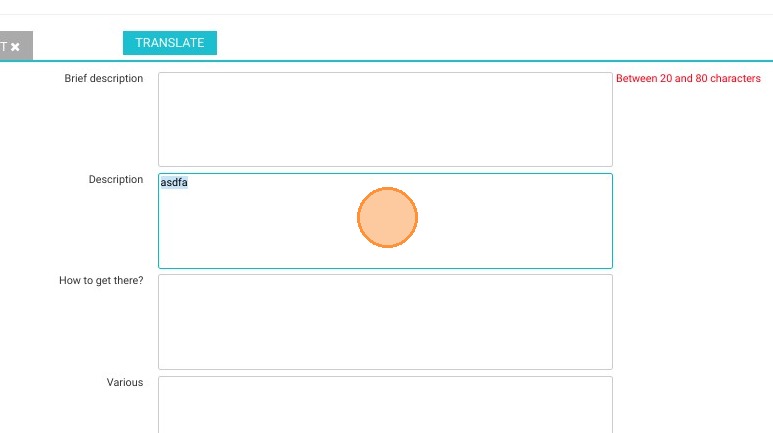
Update Multilingual Details: Fill in the "Brief description", "Description", "How to get there?" and "Various" fields, making sure to complete at least the mandatory English and French text so the system allows you to save.
-
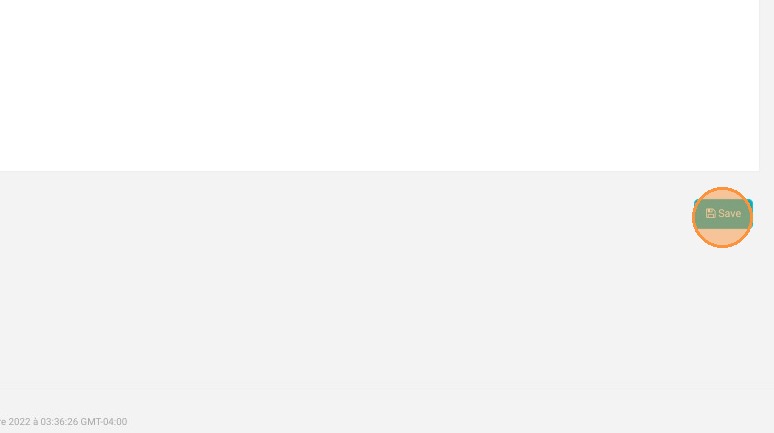
Save Your Modifications: Scroll to the bottom of the page and click "Save". Your text is shown on your booking engine, in your property page.
Why follow this guide? A clear, up-to-date description reassures guests when they book and answers their most common questions in advance: how to get there, what your property offers, useful information.
1. Go to Management of my property > Property Setup
2. Go to Specific information
3. Click on "Description"
Tip: "Description", "How to get there?" and "Various" are shown on your booking engine, in your property page ("About the hotel" button). These texts are not added to the confirmation email: to edit that email, see How to Edit Your Confirmation Emails; to send instructions before arrival, use pre-stay emails.
Alert: It is mandatory to fill in at least the following 2 languages: French and English. You can also fill in other languages if you wish.
You won't be able to save the changes if French and English aren't filled in.
4. You can modify anything easily.
5. On the bottom of the page don't forget to click on save once you are done.