Article Summary: This practical tutorial explains how to easily resize the photos of your property before adding them to Reservit Accommodation. Using a free online tool, you will learn how to adjust your images to the required dimensions (up to 1800 x 1400 pixels) to ensure an optimal display on all devices. It is an essential step to showcase your offer while meeting the technical requirements of the booking platform.
The 4 Key Steps to Resize Your Images:
-
Open the editing tool: Go to the free website iLoveIMG.
-
Select your image: Click "Select images" and choose the photo you want to resize.
-
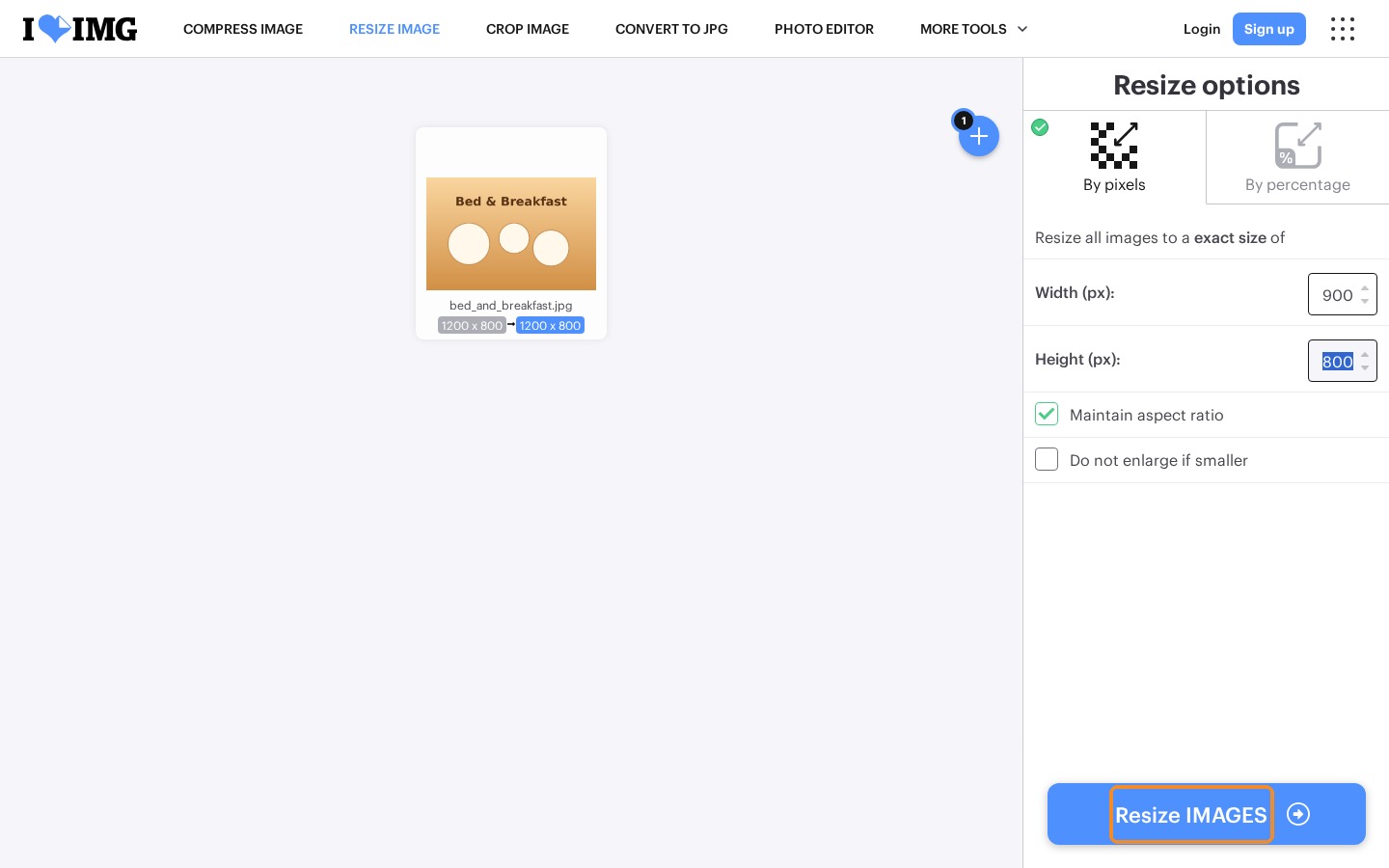
Adjust the dimensions: Change the width and height of the image without exceeding 1800 x 1400 pixels.
-
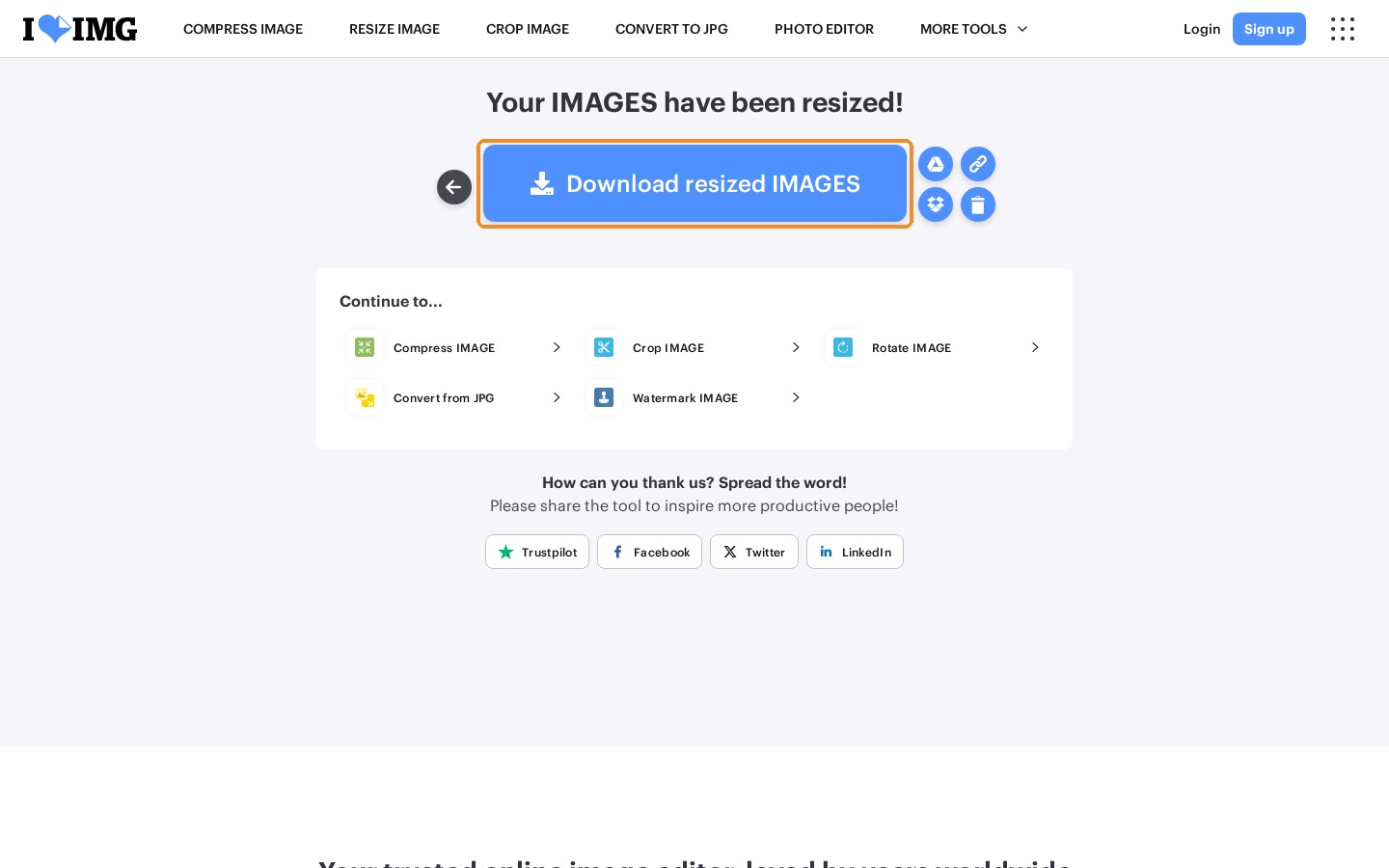
Resize and download: Click "Resize IMAGES", then "Download resized IMAGES" to save the file on your computer.
Why Follow This Guide? Following this guide ensures your image files meet the system requirements, which avoids upload errors, unwanted cropping and distorted pictures. You save time when setting up your online showcase while guaranteeing a professional look that reassures your future guests.
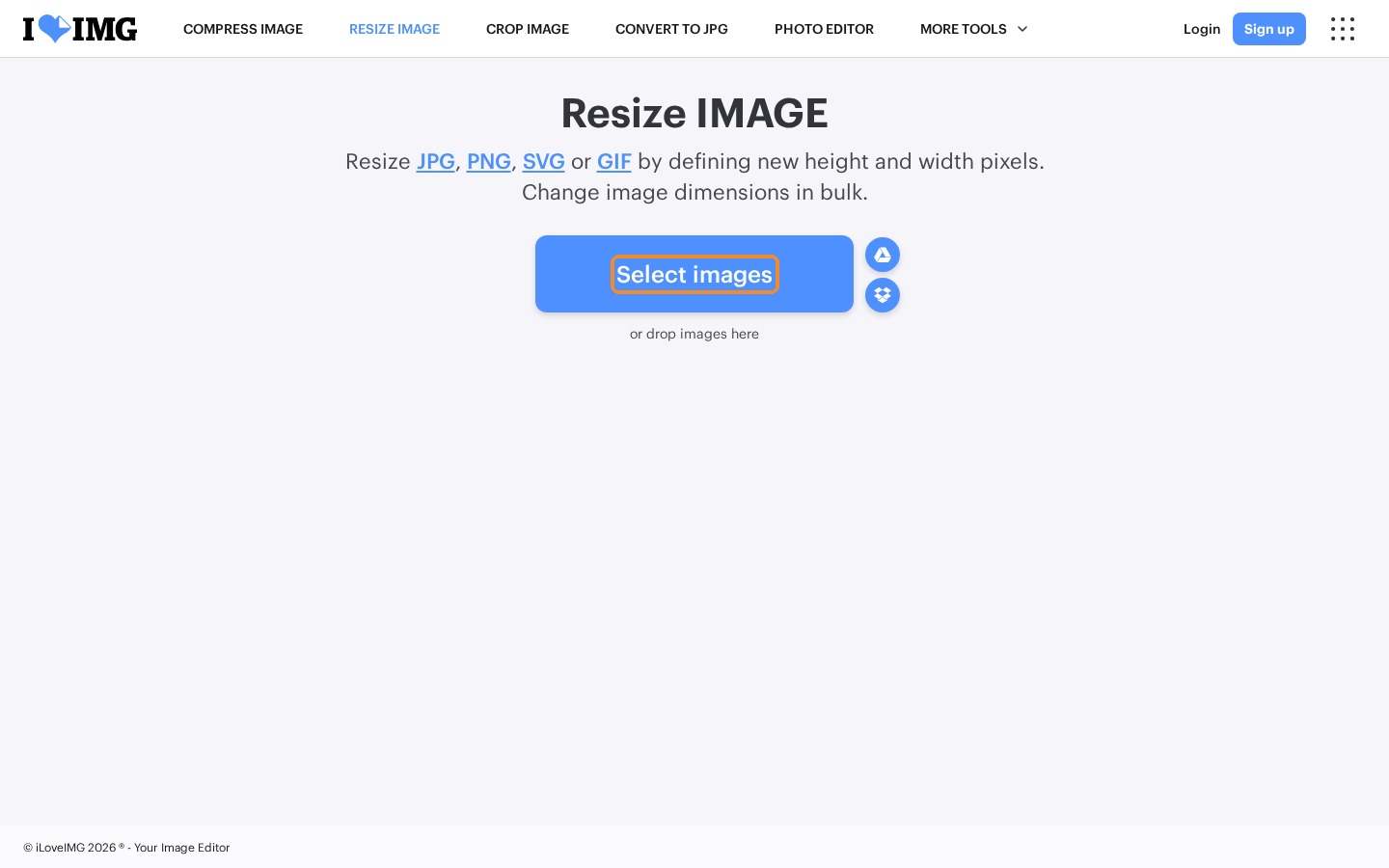
1. Go to https://www.iloveimg.com/resize-image, click "Select images" and select the image you want to resize.
2. Change the dimensions of the image. The maximum dimensions are 1800 x 1400 pixels.
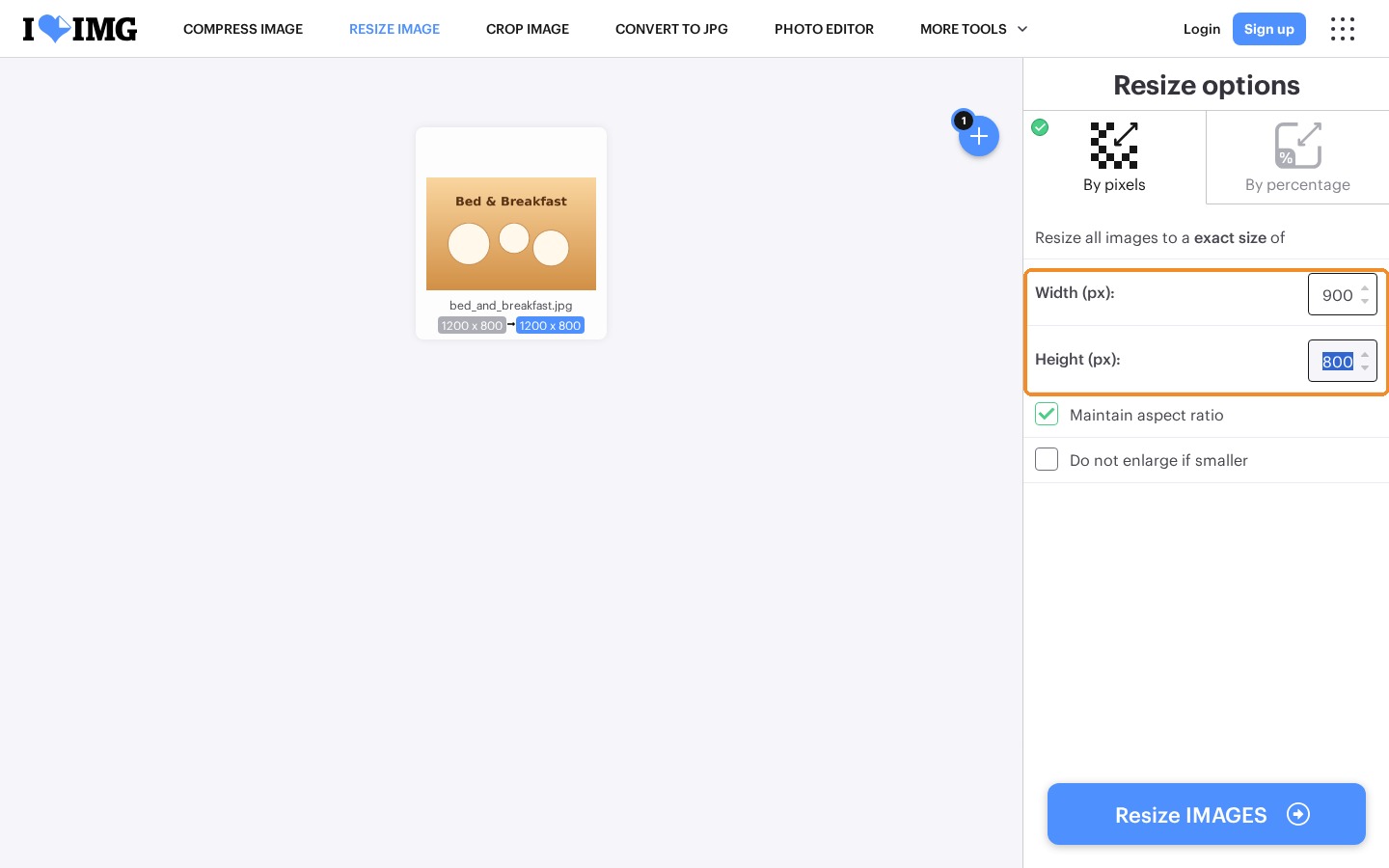
3. Click "Resize IMAGES".
4. Then click "Download resized IMAGES".
Some pictures must meet specific dimensions. See Image Dimensions Guide for Reservit.