

Article Summary: This step-by-step tutorial guides you through configuring a variable percentage increase (markup) for your Airbnb rates within Reservit Accommodation. You will learn how to modify your existing rate plans to dynamically adjust your prices according to specific periods. This essential feature allows you to adapt your rates to changes in the distribution platform's fees and maximize your revenue with complete flexibility.
5 Key Steps to Configure a Variable Airbnb Markup:
-
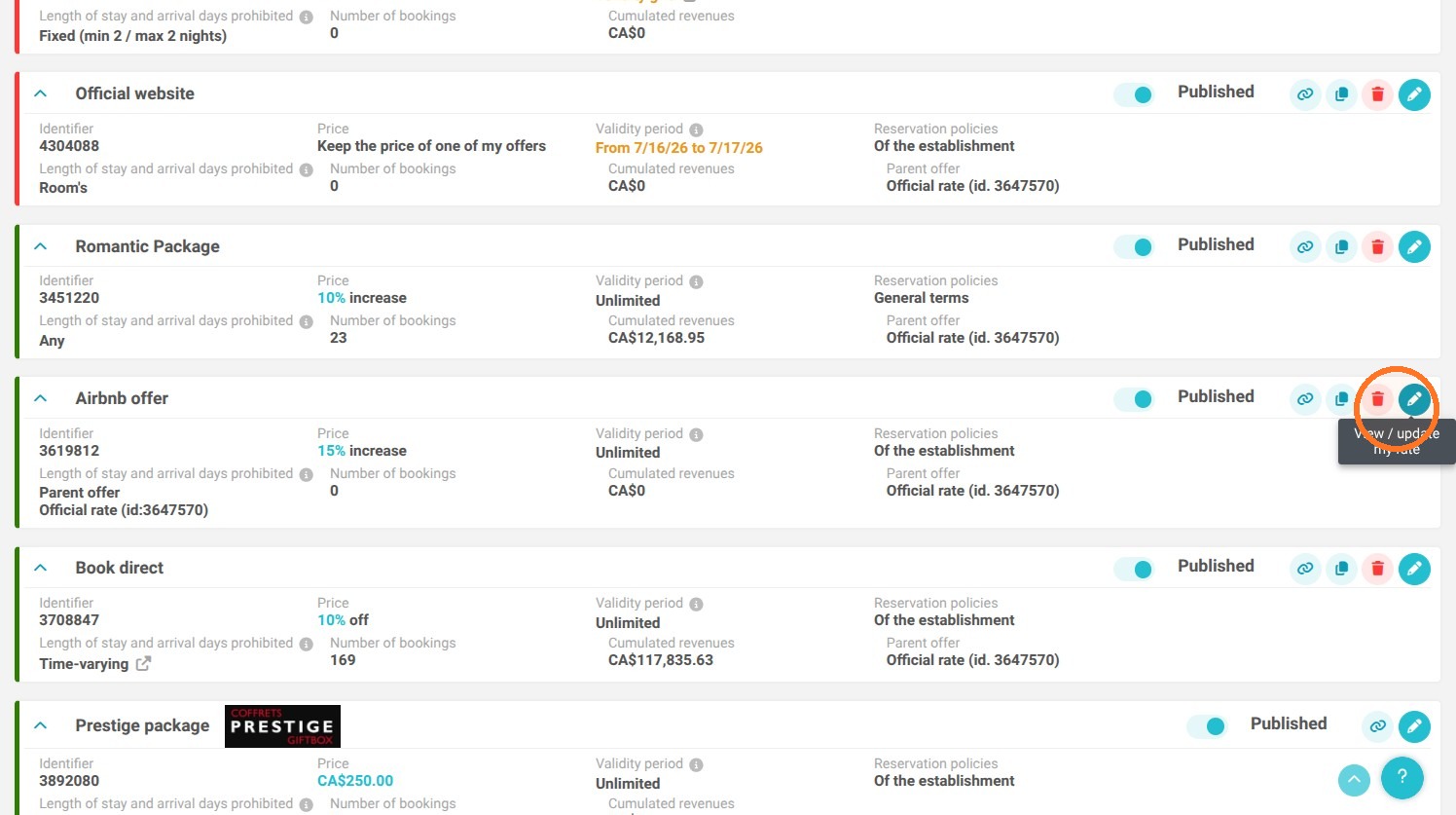
Access the Airbnb rate plan: Go to "My rates and availability" > "My offers" > "MY REGULAR RATES", then select the dedicated Airbnb offer.
-
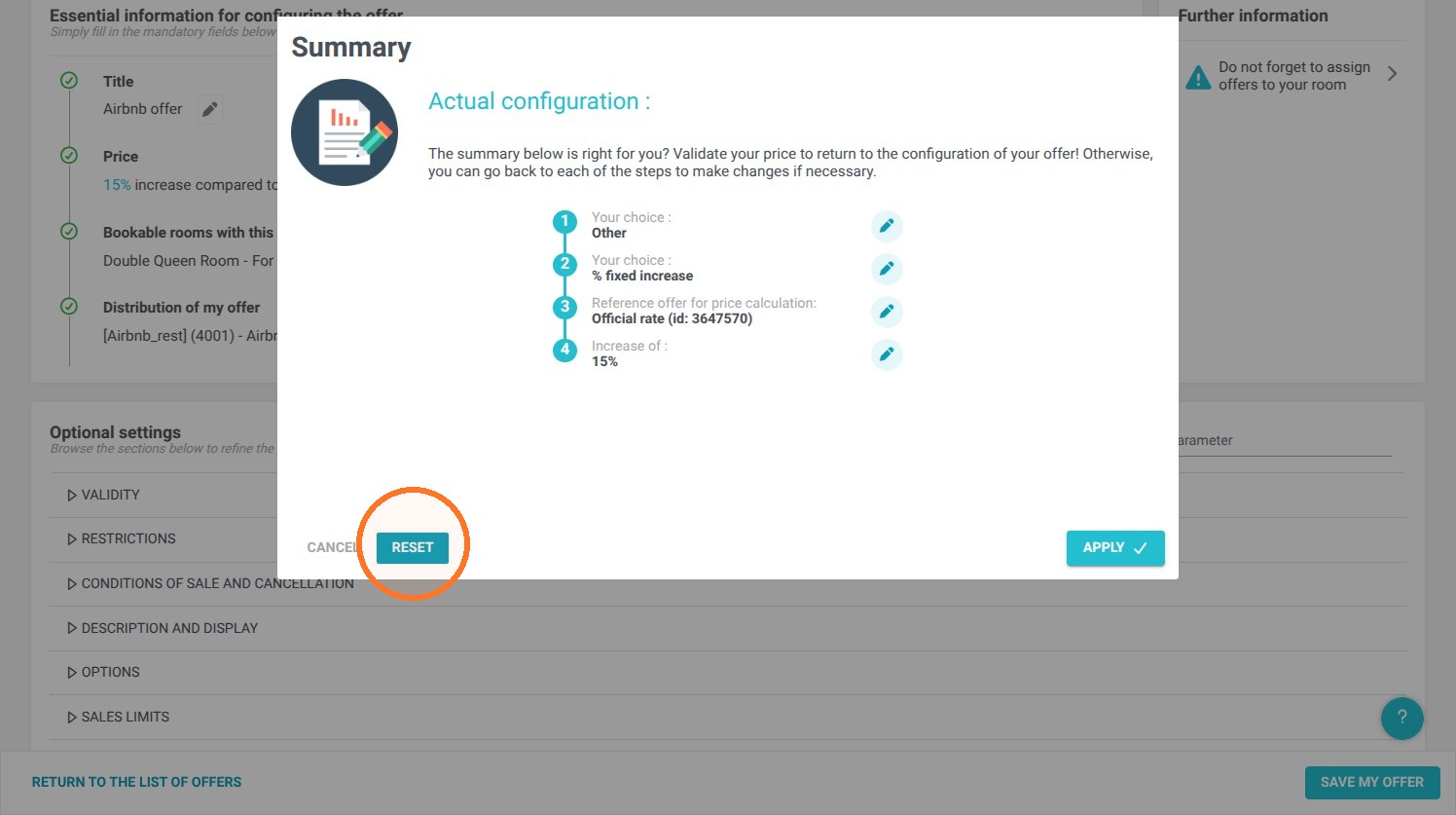
Modify the price structure: Open the price editor, click "RESET", then choose "Other" to select the "Variable increase and / or reduction" option.
-
Link the base rate: Define the price application (per room or per guest) and select the base pricing grid that your Airbnb listing should be based on.
-
Activate the variable pricing grid: Proceed to the next steps and click "Apply" to generate the new calculation matrix.
-
Enter percentages by period: Click "ACCESS TO PRICE GRID" and segment your calendar to apply different markup rates (e.g., an initial percentage up to and including October 26th, then a new rate starting October 27th).
Why follow this guide? Following this procedure saves you from having to manually update your prices on a daily basis due to market fluctuations or changes in Airbnb's commission policies. This ensures you secure your profit margins through precise, automated rate adjustments for your property, synchronized directly from your management software.
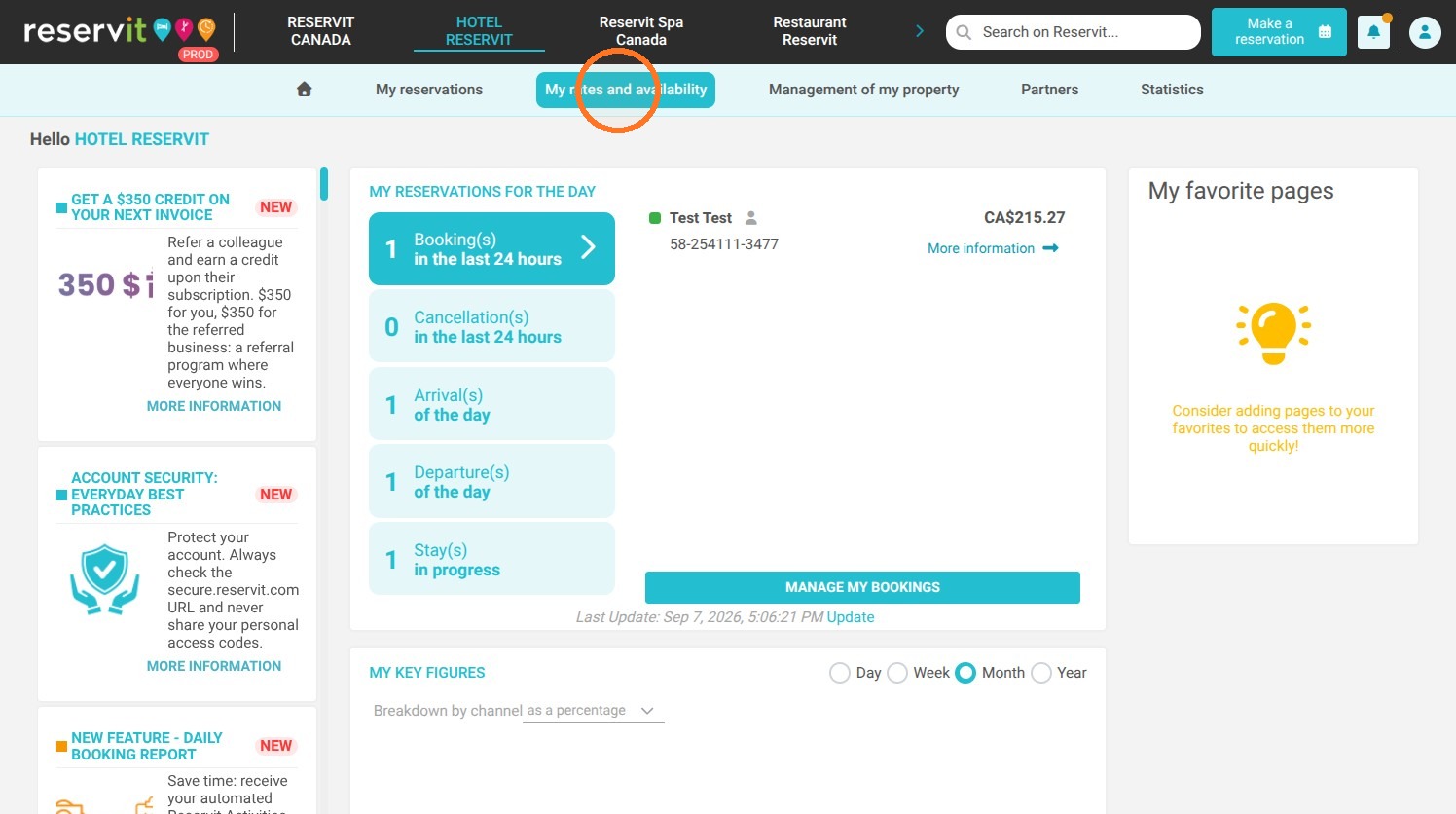
1. Click "My rates and availability"
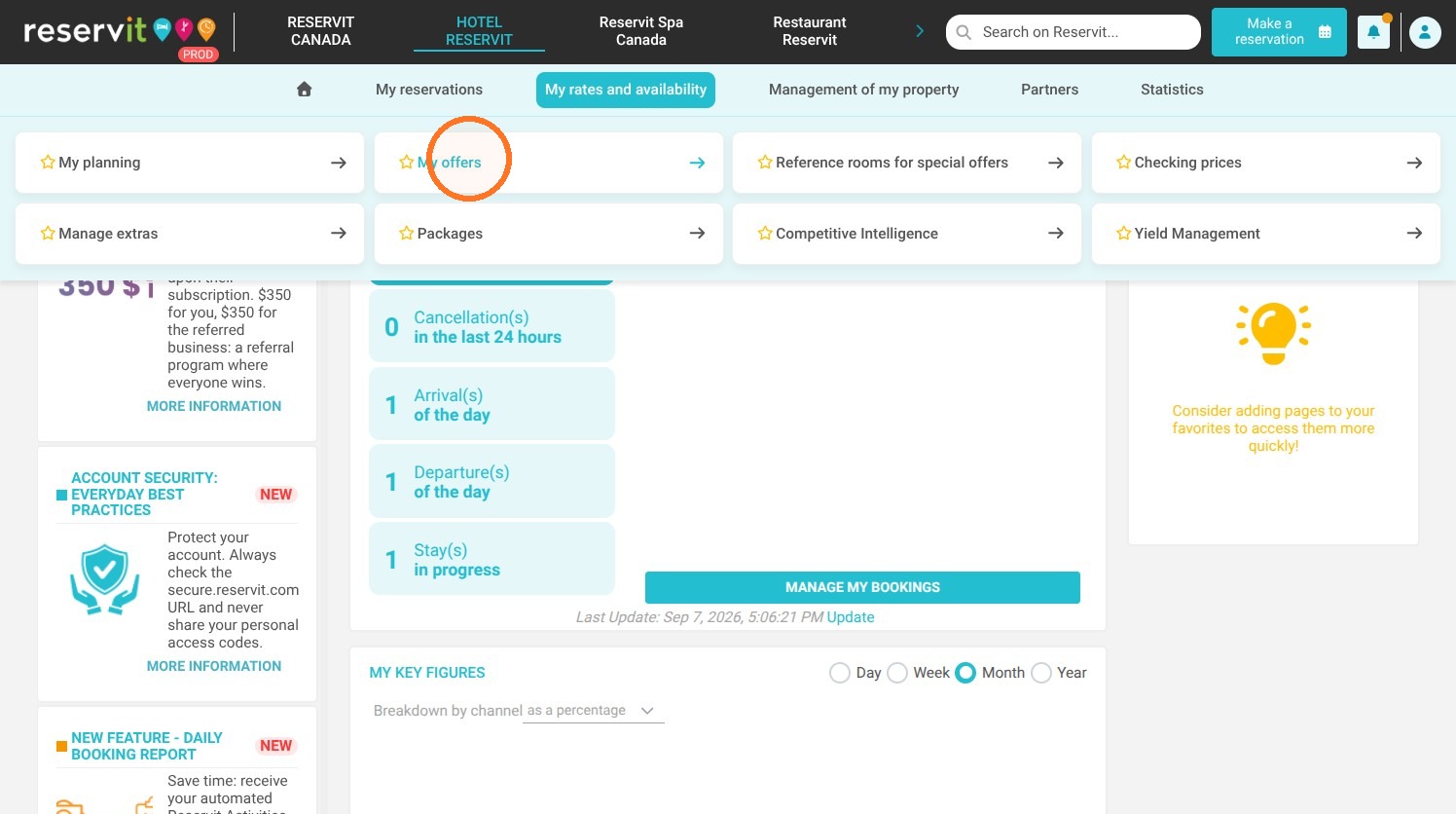
2. Click "My offers"
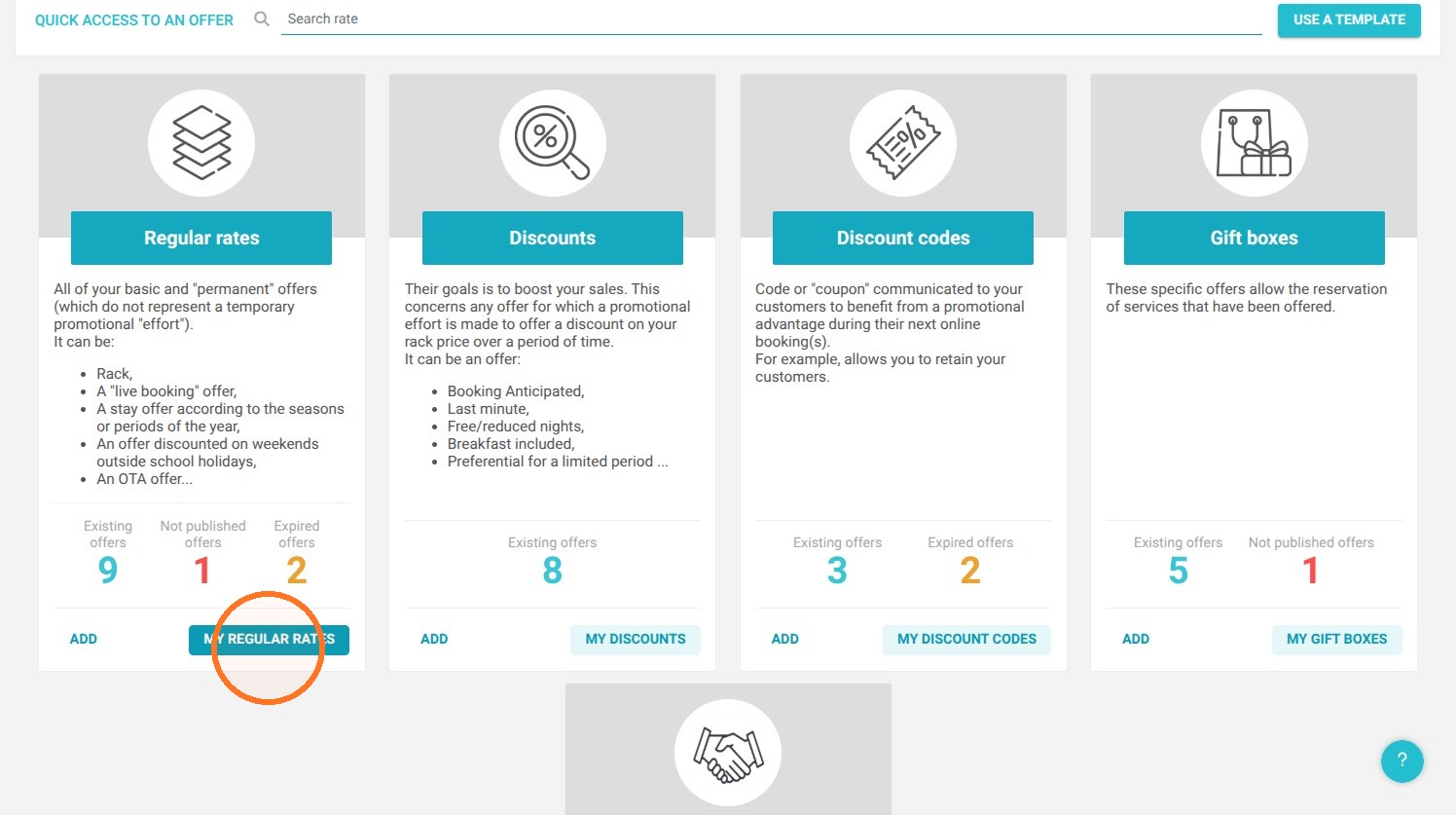
3. Click "MY REGULAR RATES"
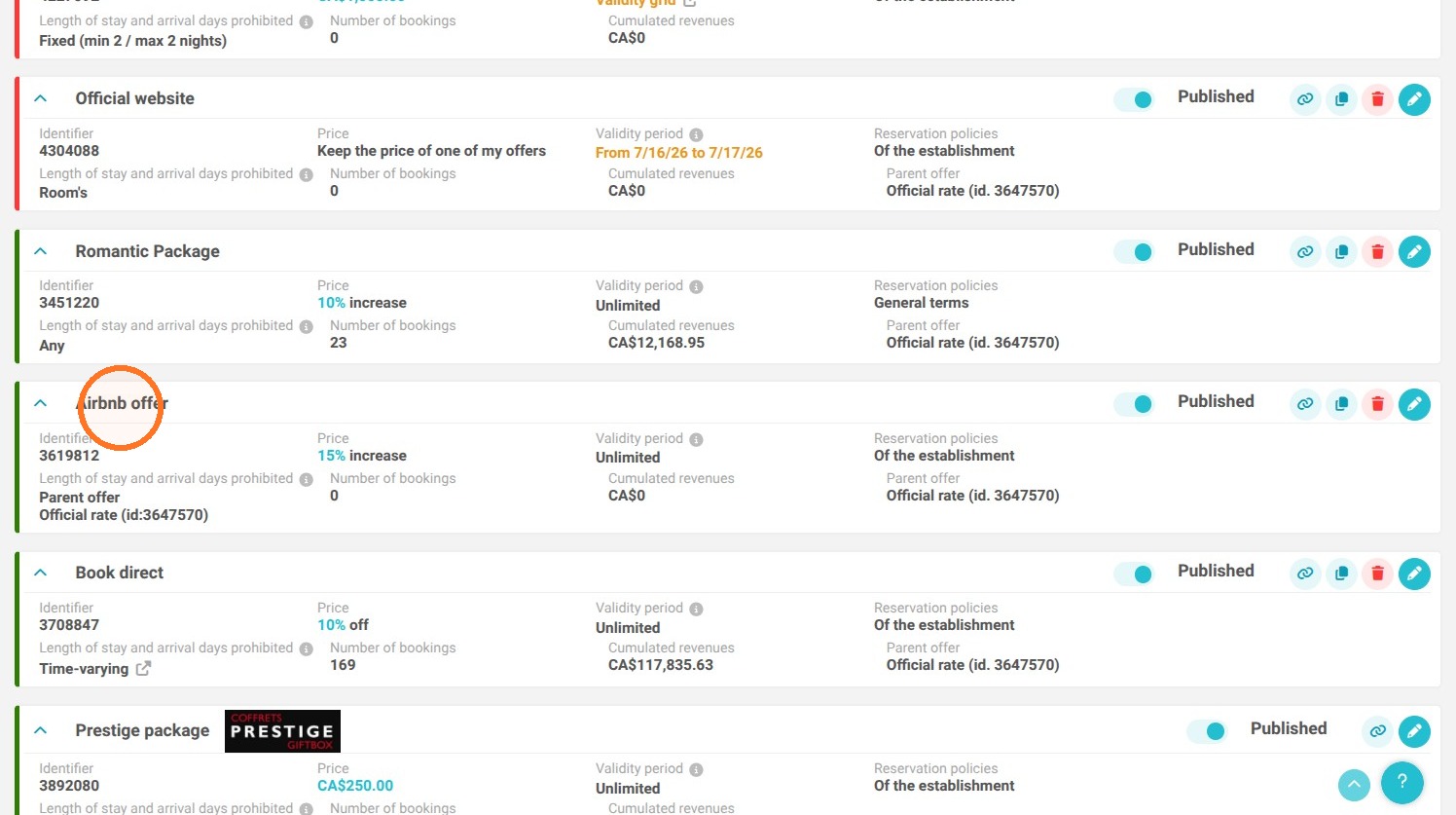
4. Select the Airbnb offer.
Click "View / update my rate".
5. Click the Price edit icon
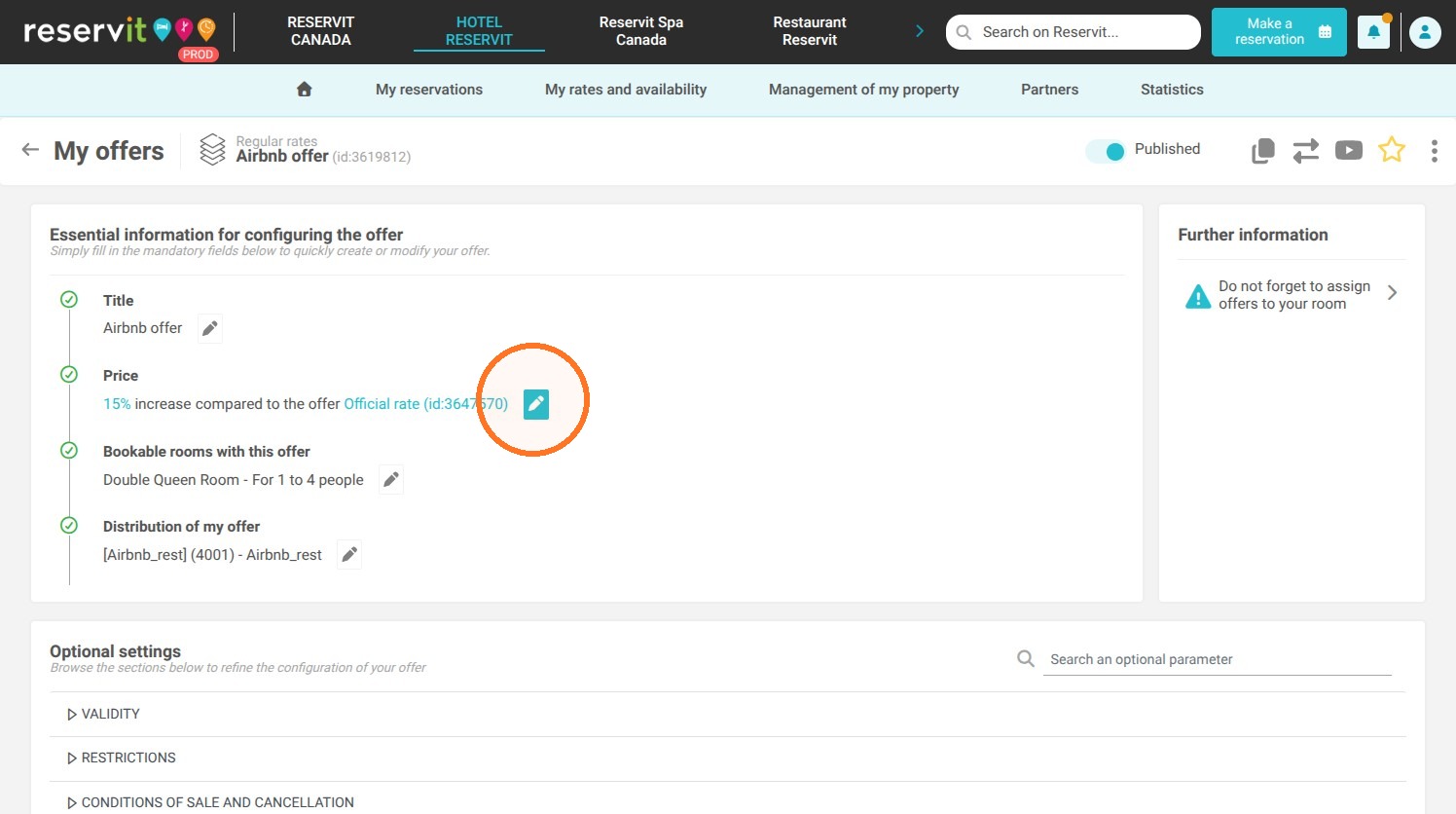
Configure Variable Pricing
6. Click "RESET"
7. Select "Other", then click "Next".
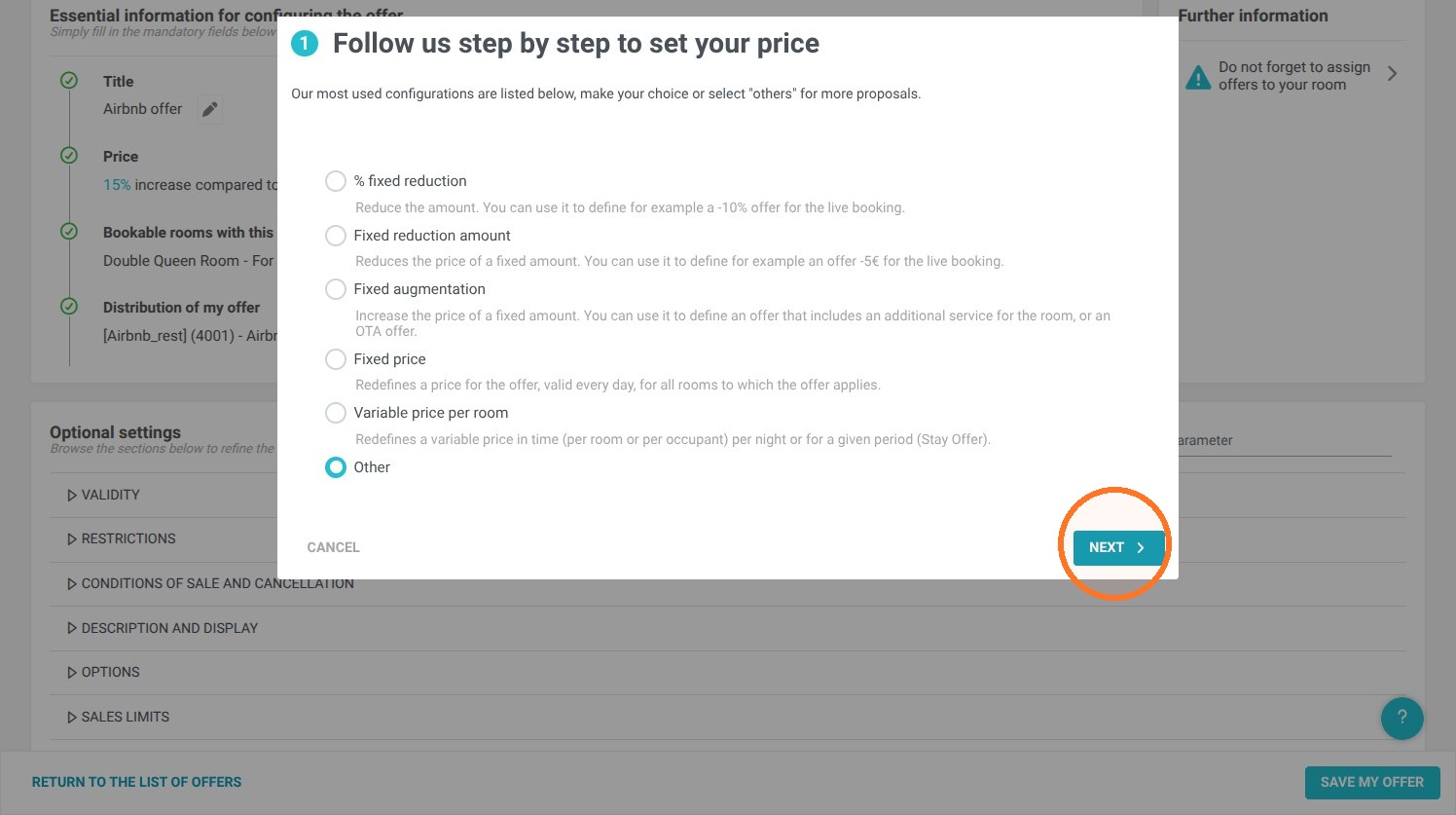
8. Click the "Variable increase and / or reduction" field.
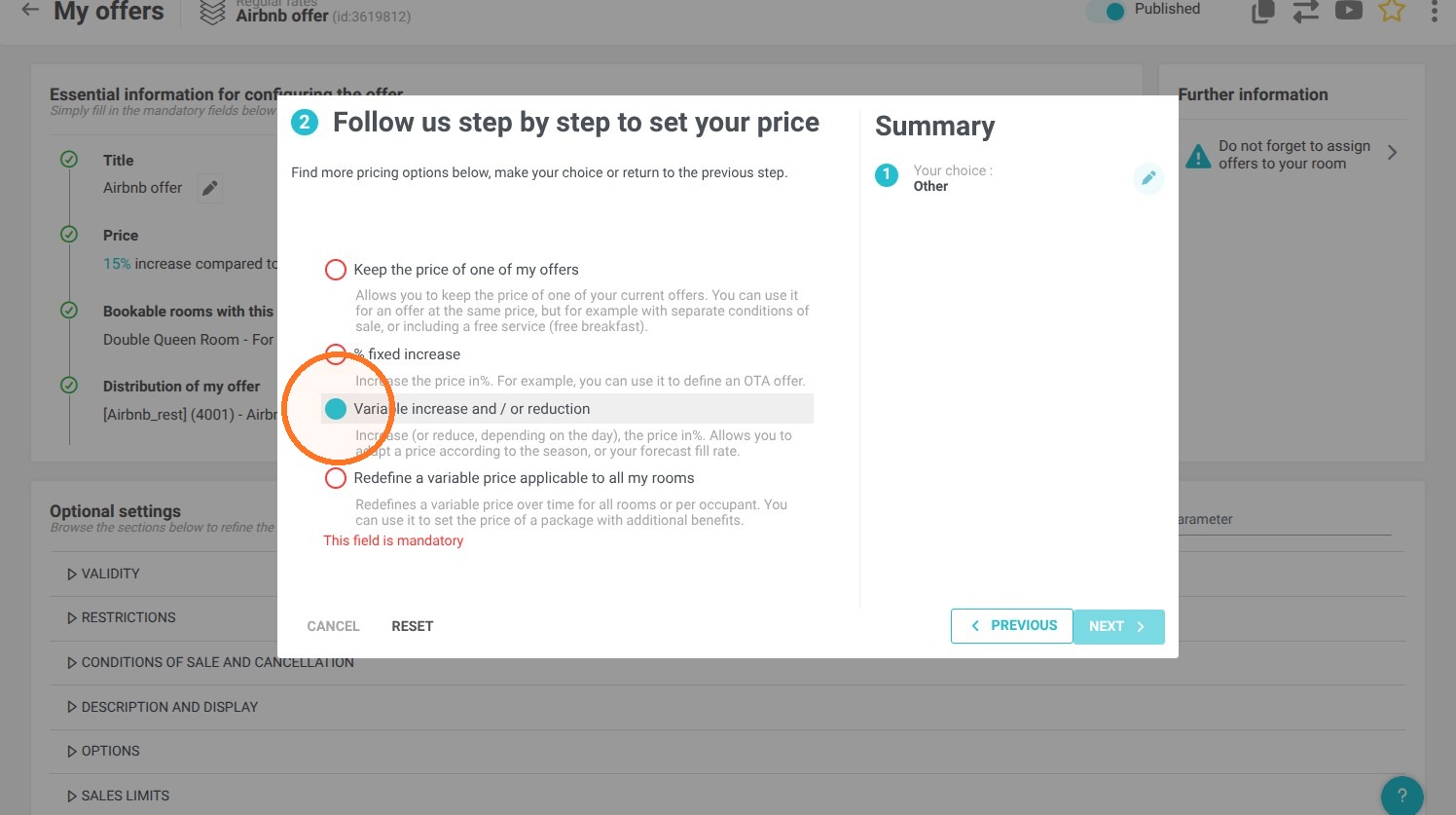
9. Depending on your property's configuration, select price per room or per guest
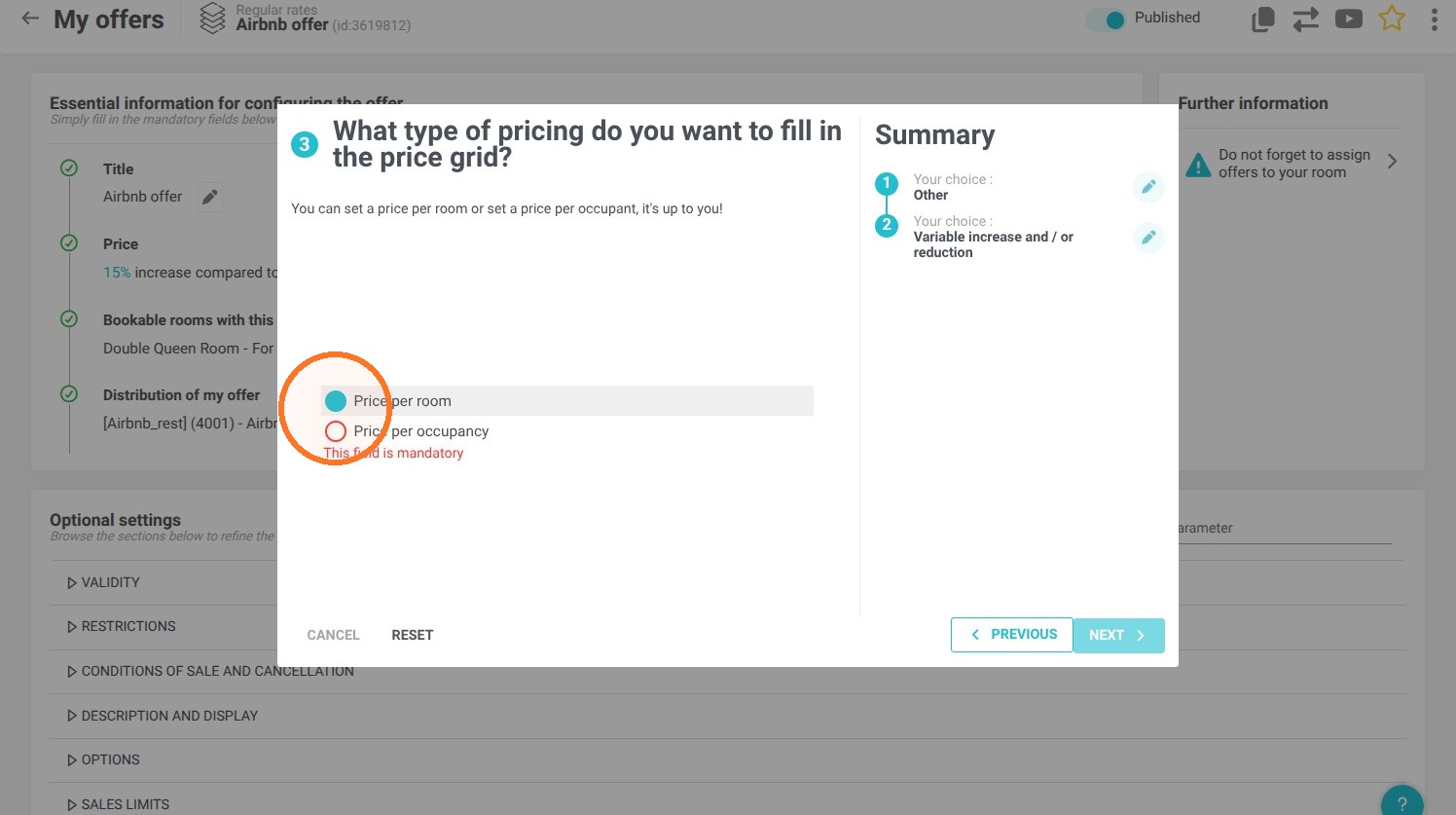
10. Click here.
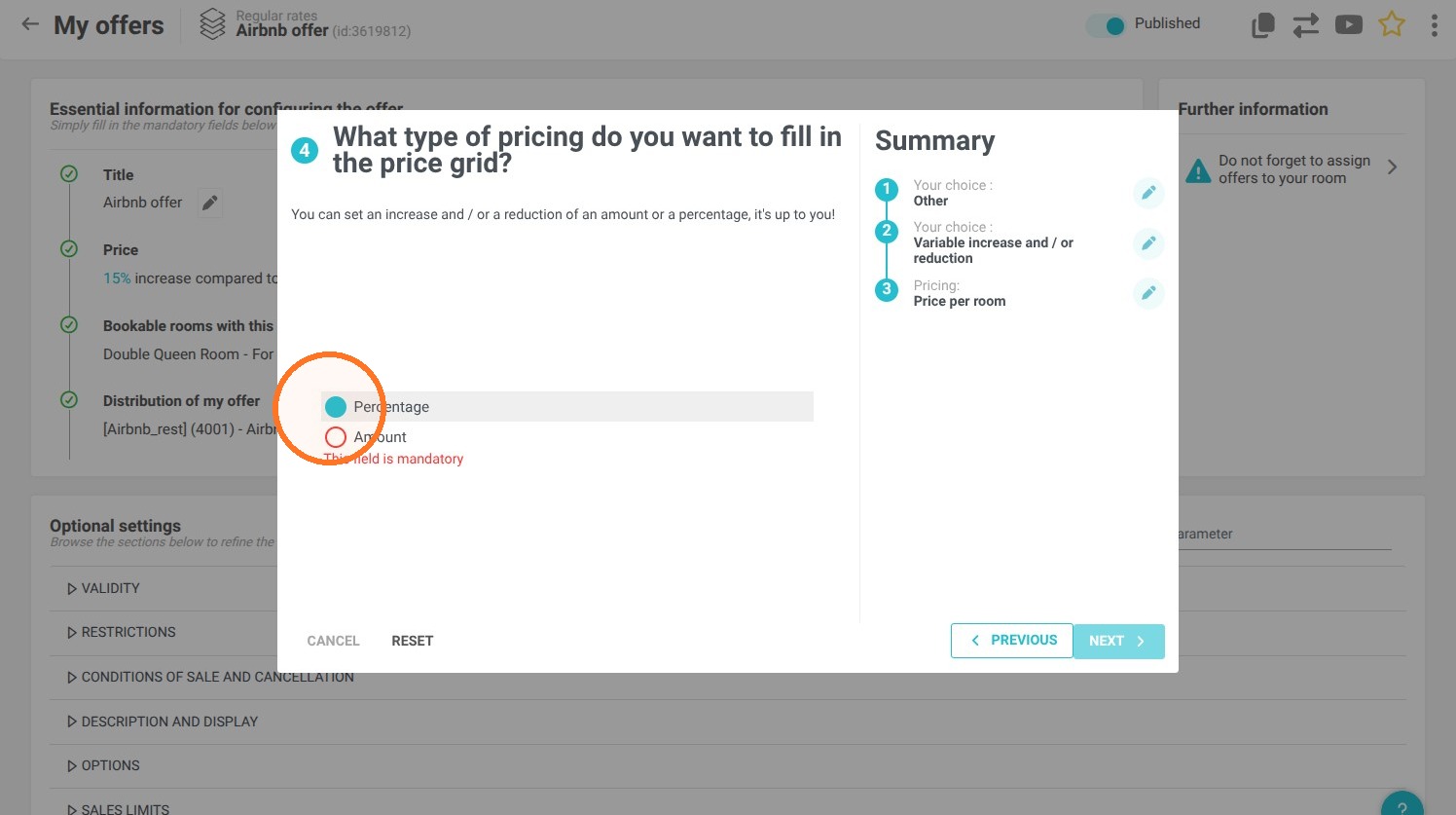
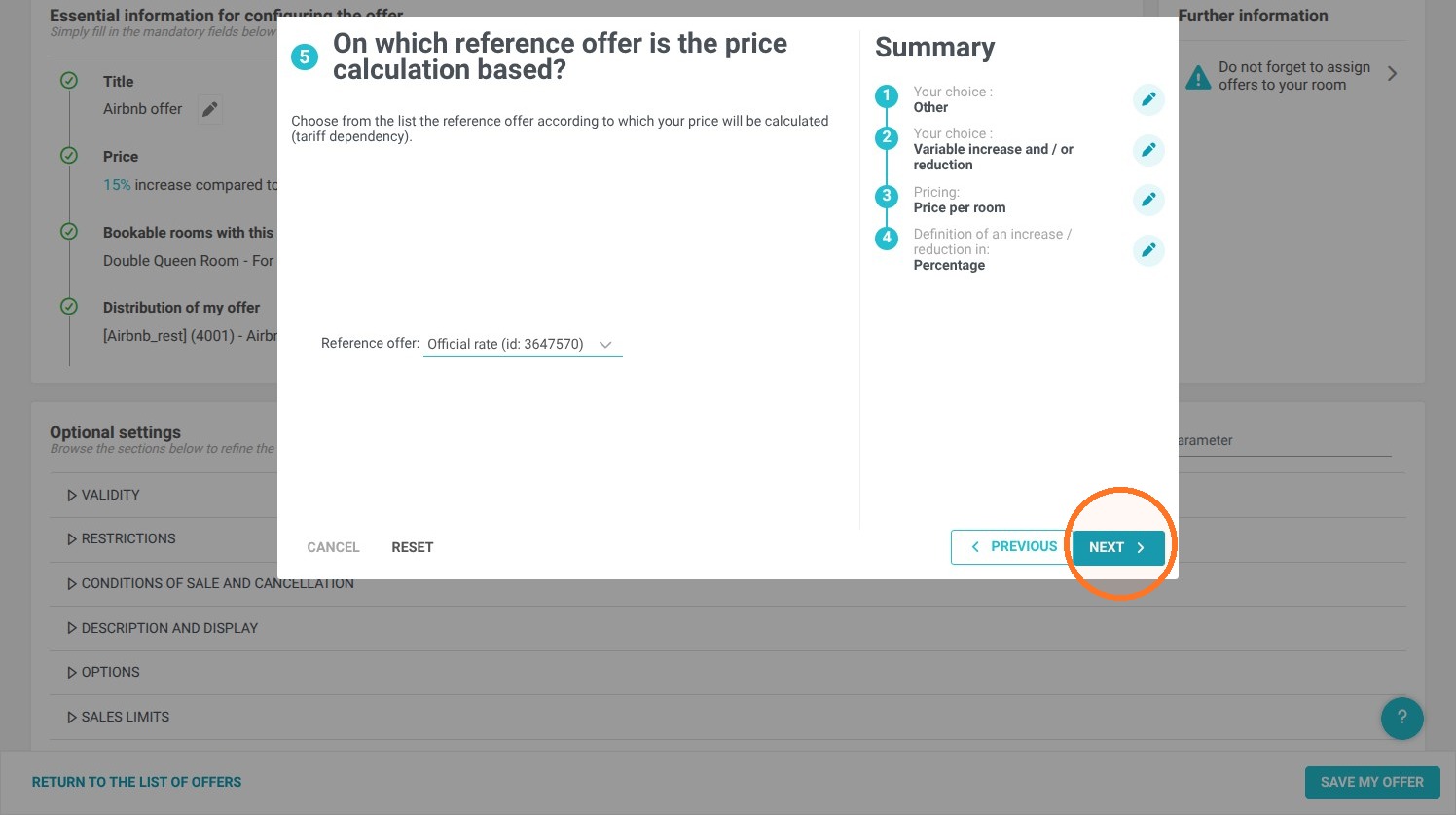
11. Select the rate your Airbnb listing is based on
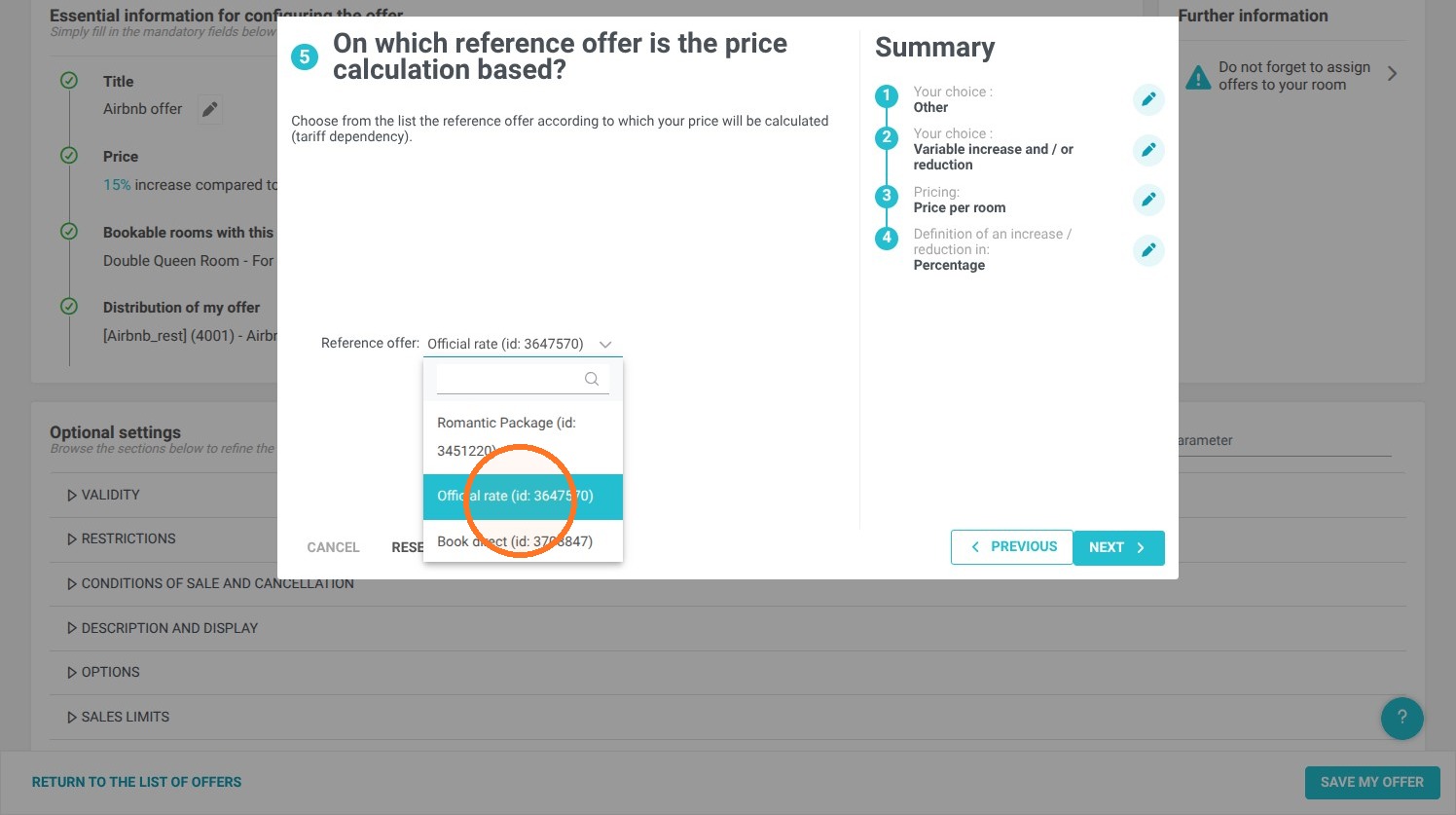
12. Click "Next"
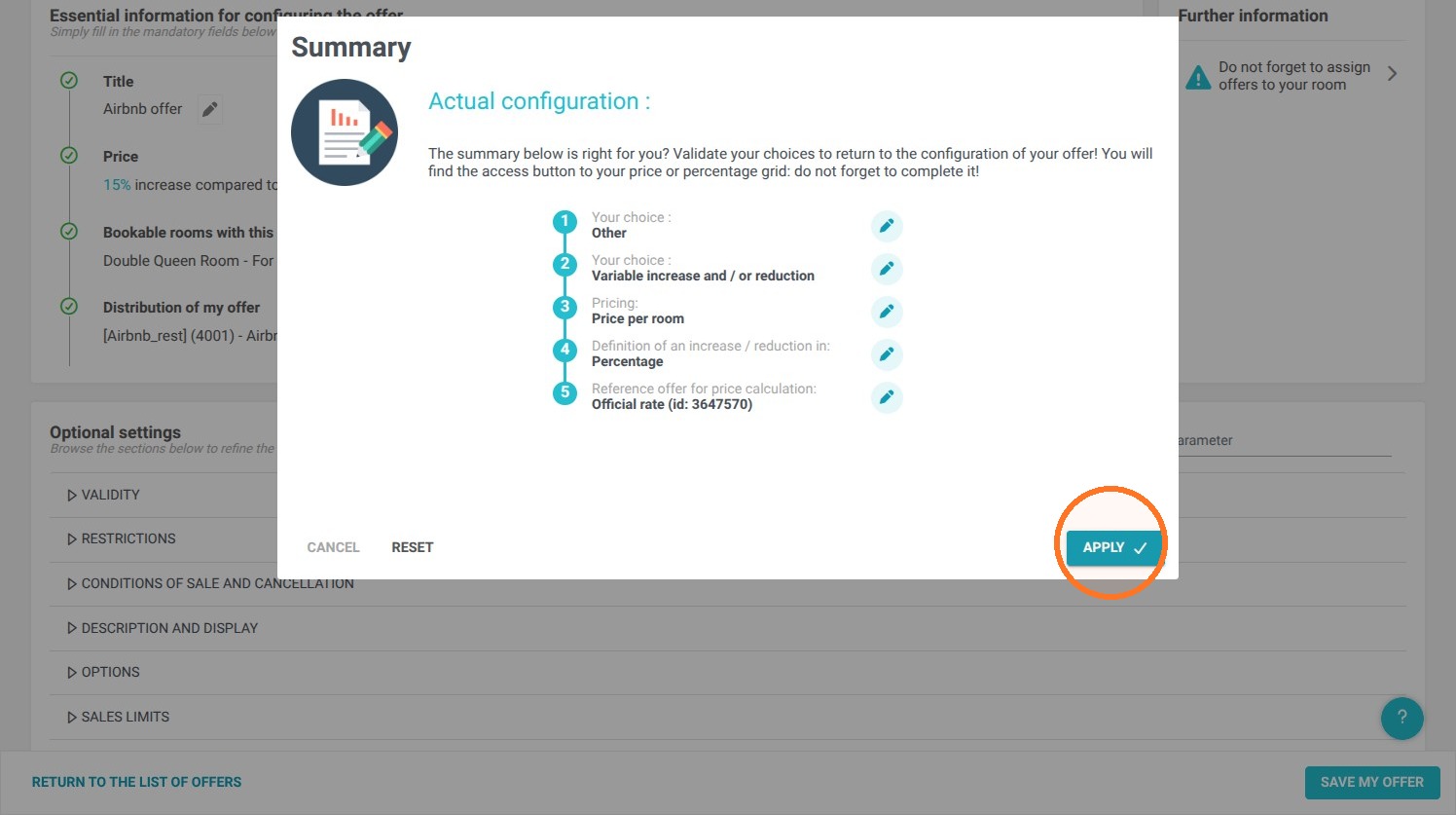
13. Click "Apply"
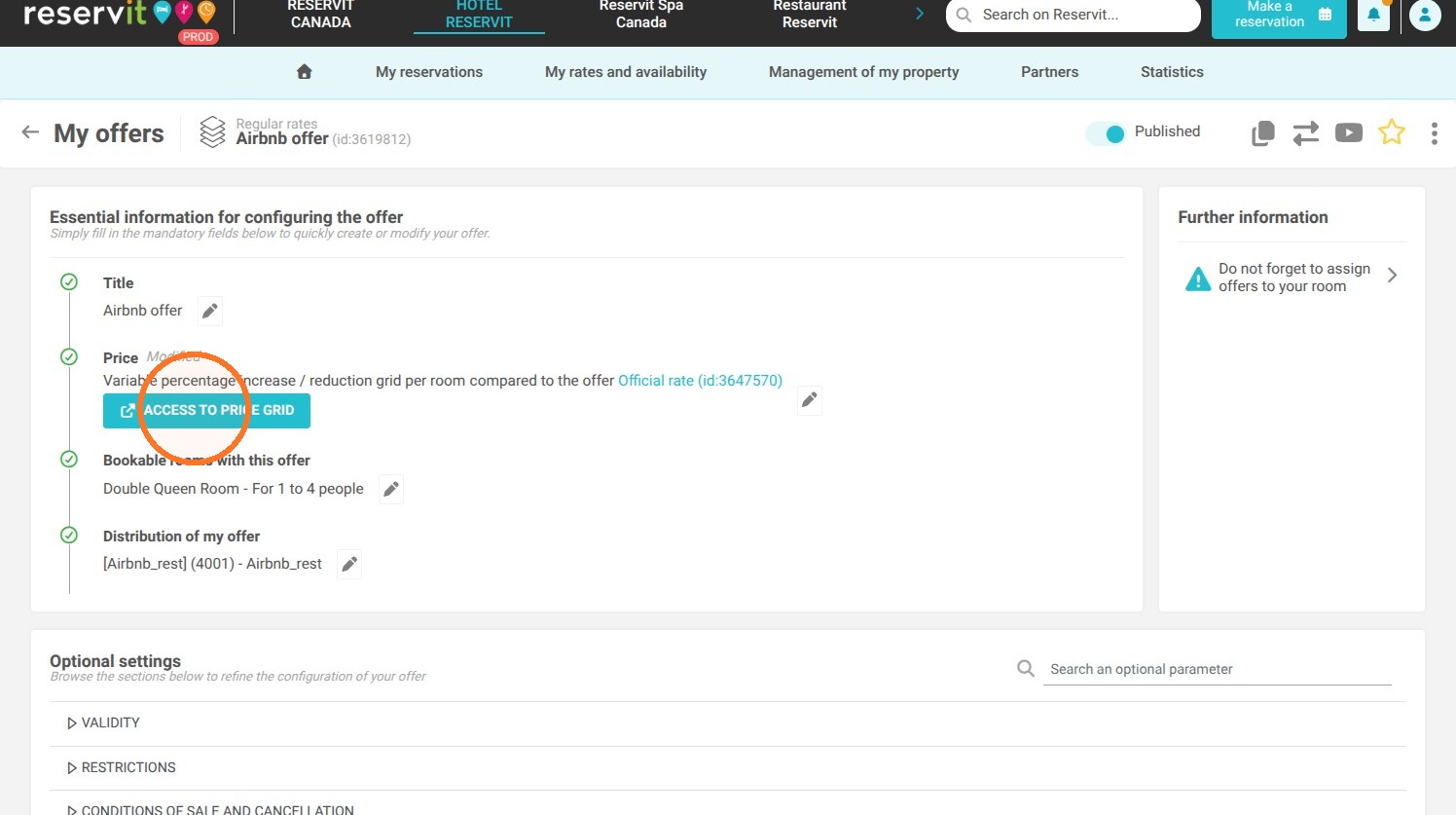
14. Click "ACCESS TO PRICE GRID"
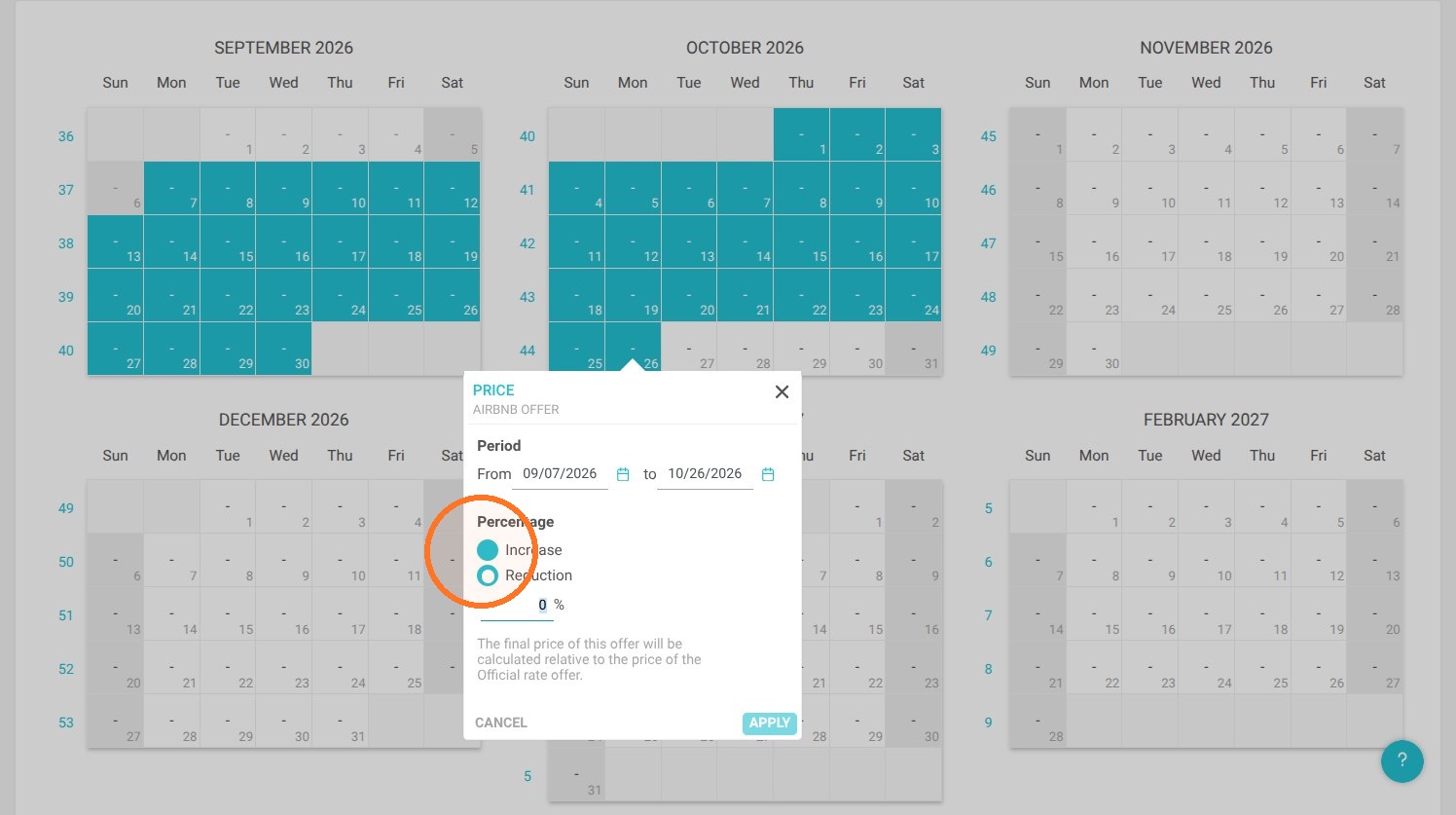
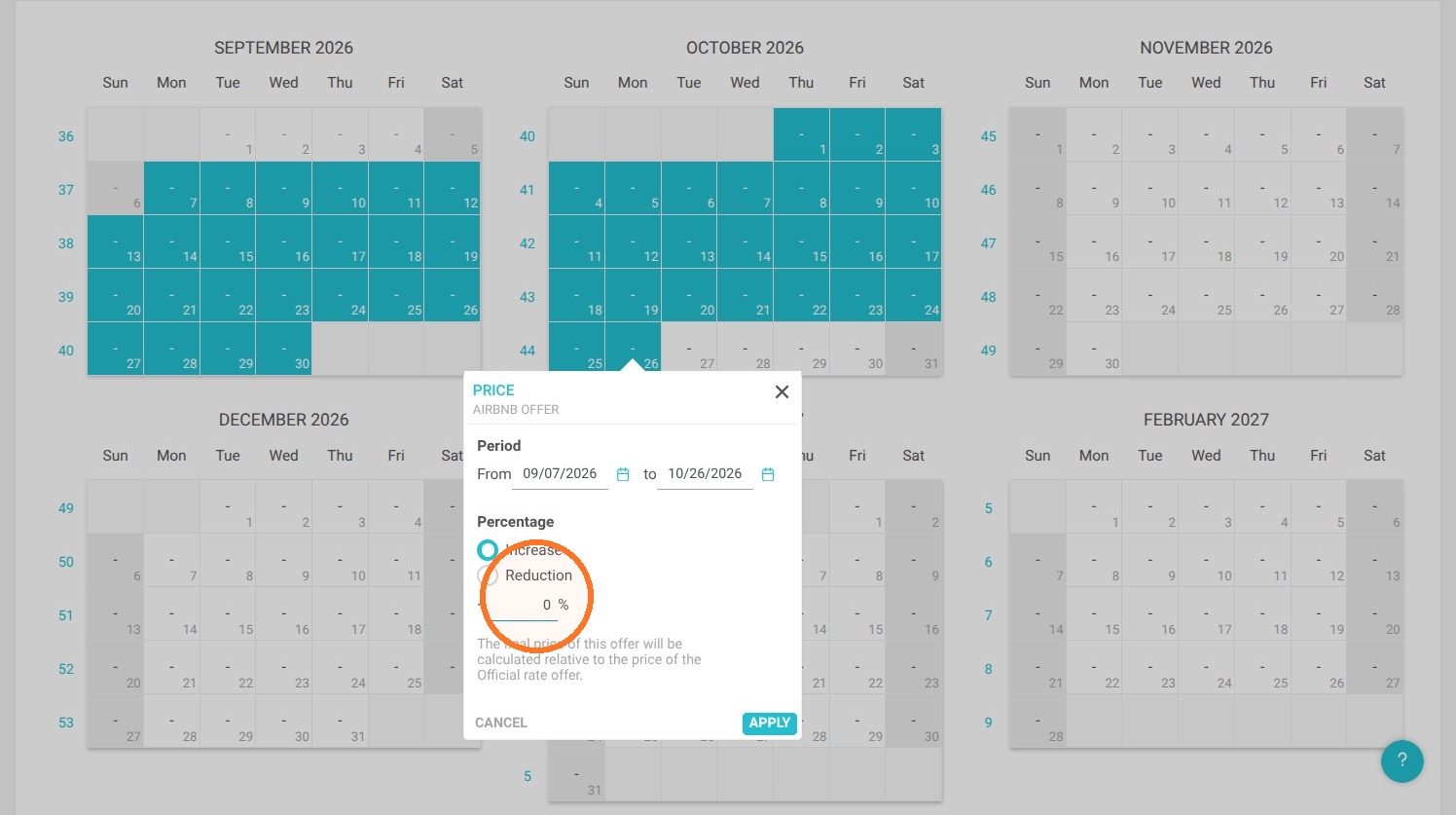
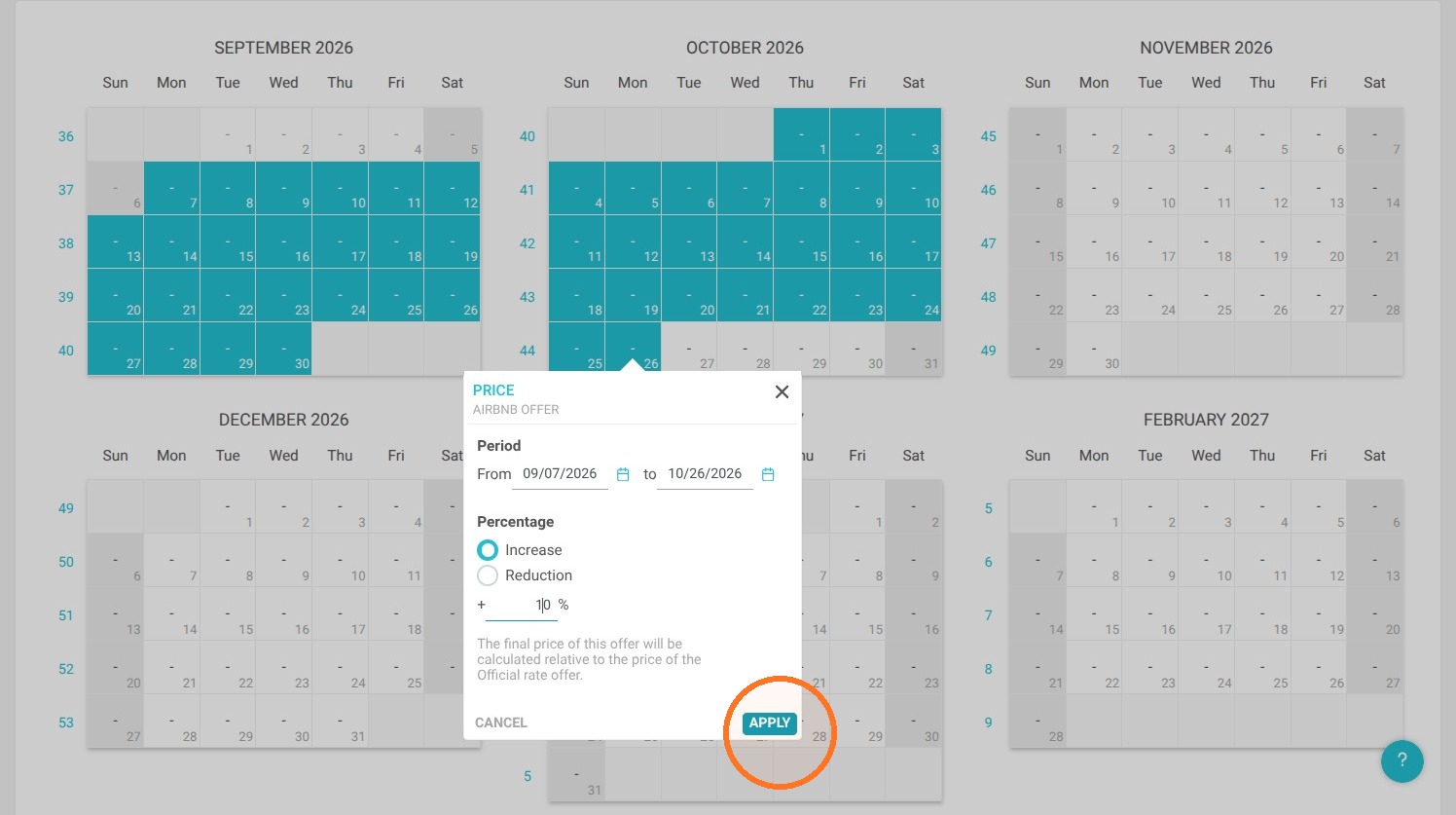
15. In your pricing grid, select the period up to and including October 26th and enter your current markup. Then, starting October 27th, you can select another period to apply the new percentage increase (e.g., 10%)
⚠️ Always check the result of your configuration directly on Airbnb after publishing it.