Article summary: This practical guide explains how to easily take a payment and process customer transactions using the gateway within Reservit Activities. You will learn how to seamlessly transition from creating a booking to securely charging a client's credit card through the integrated virtual terminal. Mastering this workflow ensures fast, secure, and reliable payment collection for all your daily reservations.
The 4 key steps to take a payment:
-
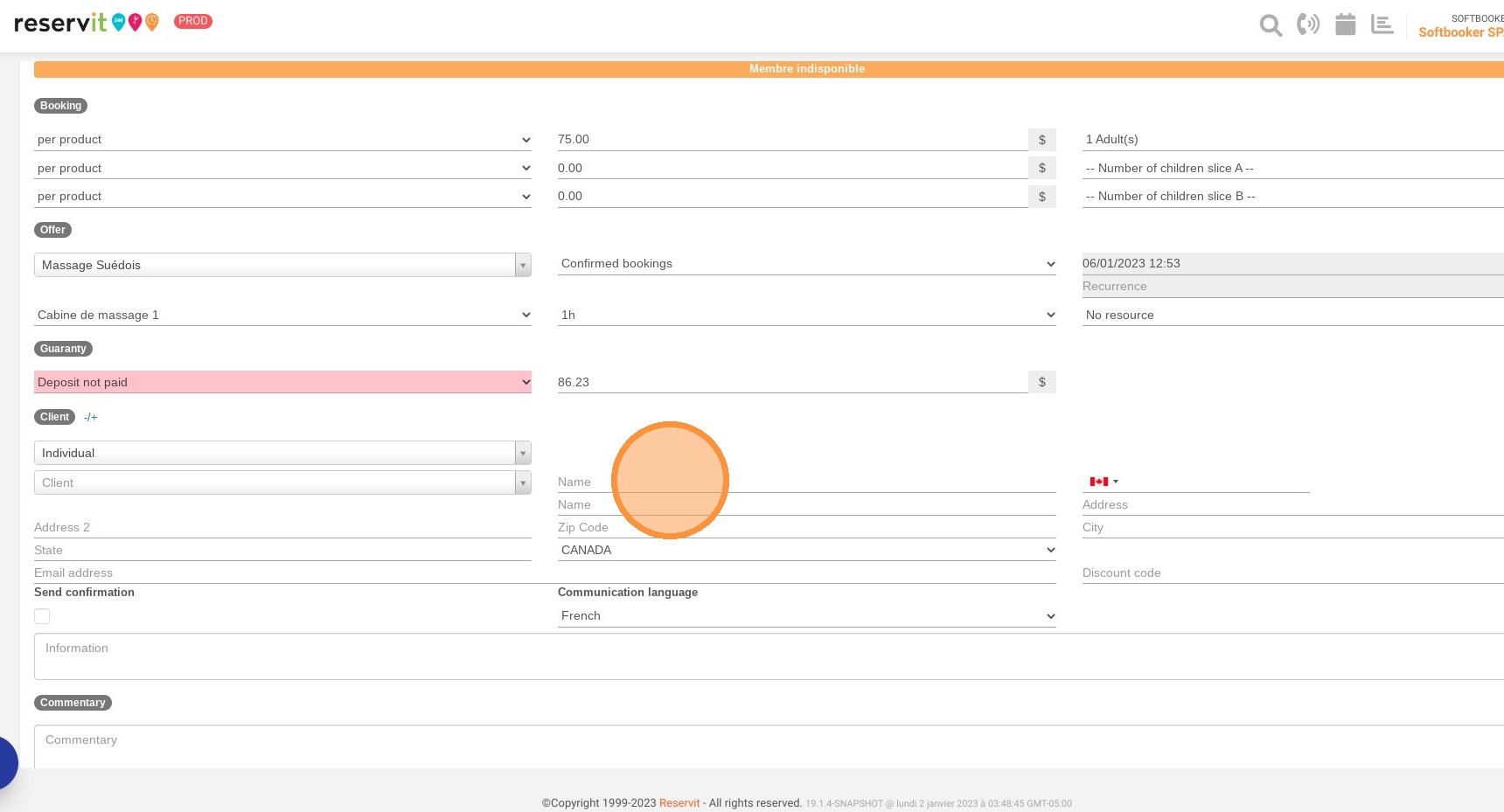
Create the booking: Fill in the standard reservation fields and customer information as you normally would for any new activity.
-
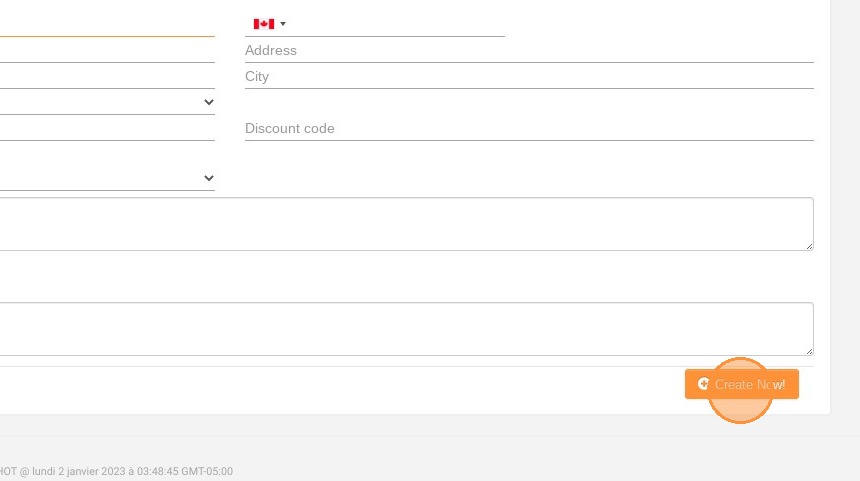
Generate the reservation: Click the "Create Now!" button to finalize and confirm the initial booking details.
-
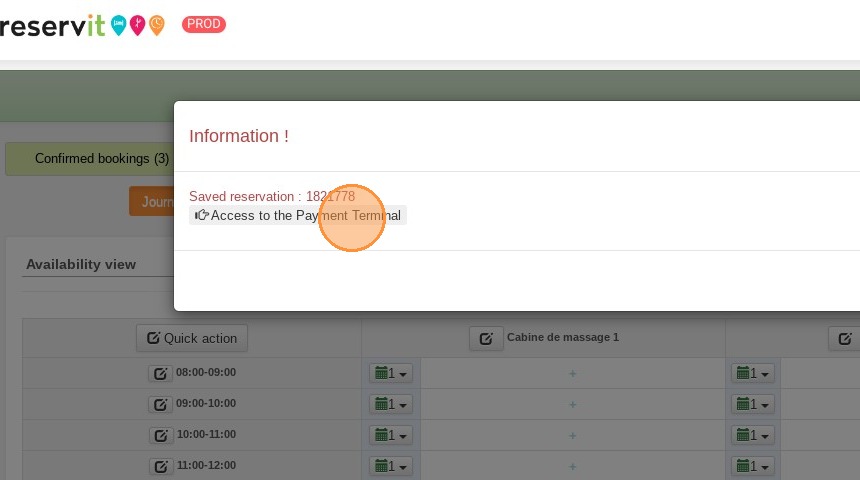
Open the payment terminal: When the confirmation pop-up appears on your screen, click on "Access to the Payment Terminal" to launch the gateway.
-
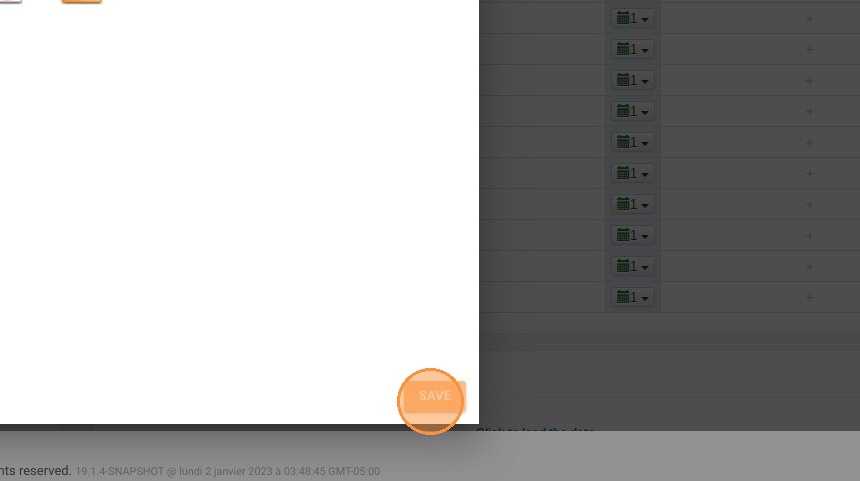
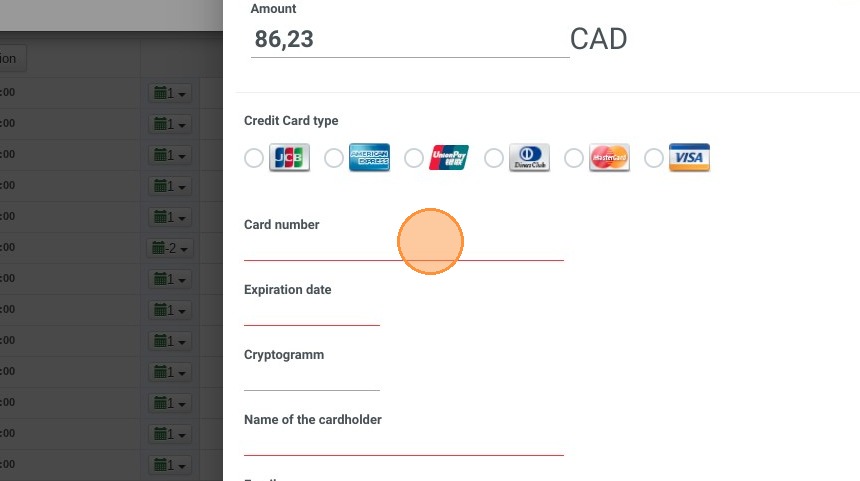
Process the transaction: Enter the client's credit card information into the secure fields and click "Save" to successfully capture the payment.
Why follow this guide? Following this integrated workflow accelerates your checkout process and eliminates manual billing errors by keeping your reservations and transactions centralized in a single, secure platform.
1. Take a booking as usual and fill in the different fields
2. Click "Create Now!"
3. A pop-up will appear then click "Access to the Payment Terminal"
4. Enter the required information.
5. Click "SAVE"