Article Summary: This tutorial provides a step-by-step guide on how to automate your guest communication by managing email notifications for new bookings and modifications. You will learn how to configure your booking engine's default settings to ensure both guests and staff receive timely updates. By mastering these tools, you will professionalize your guest relations and streamline your administrative workflow.
The 3 Key Steps to Manage Reservation Notifications:
-
Access the Booking Module: Navigate to the "Make a reservation" section within your Reservit Lodging dashboard.
-
Open Engine Settings: Click the gear icon located in the upper-right corner to access the technical parameters of the booking process.
-
Define Delivery Preferences: Configure your default options for sending confirmation emails to guests and setting up internal notifications for the hotelier.
Why follow this guide? Automating your confirmation emails reduces manual errors and ensures your guests receive instant peace of mind after booking. This setup saves significant time on guest follow-ups while maintaining a high standard of professional communication.
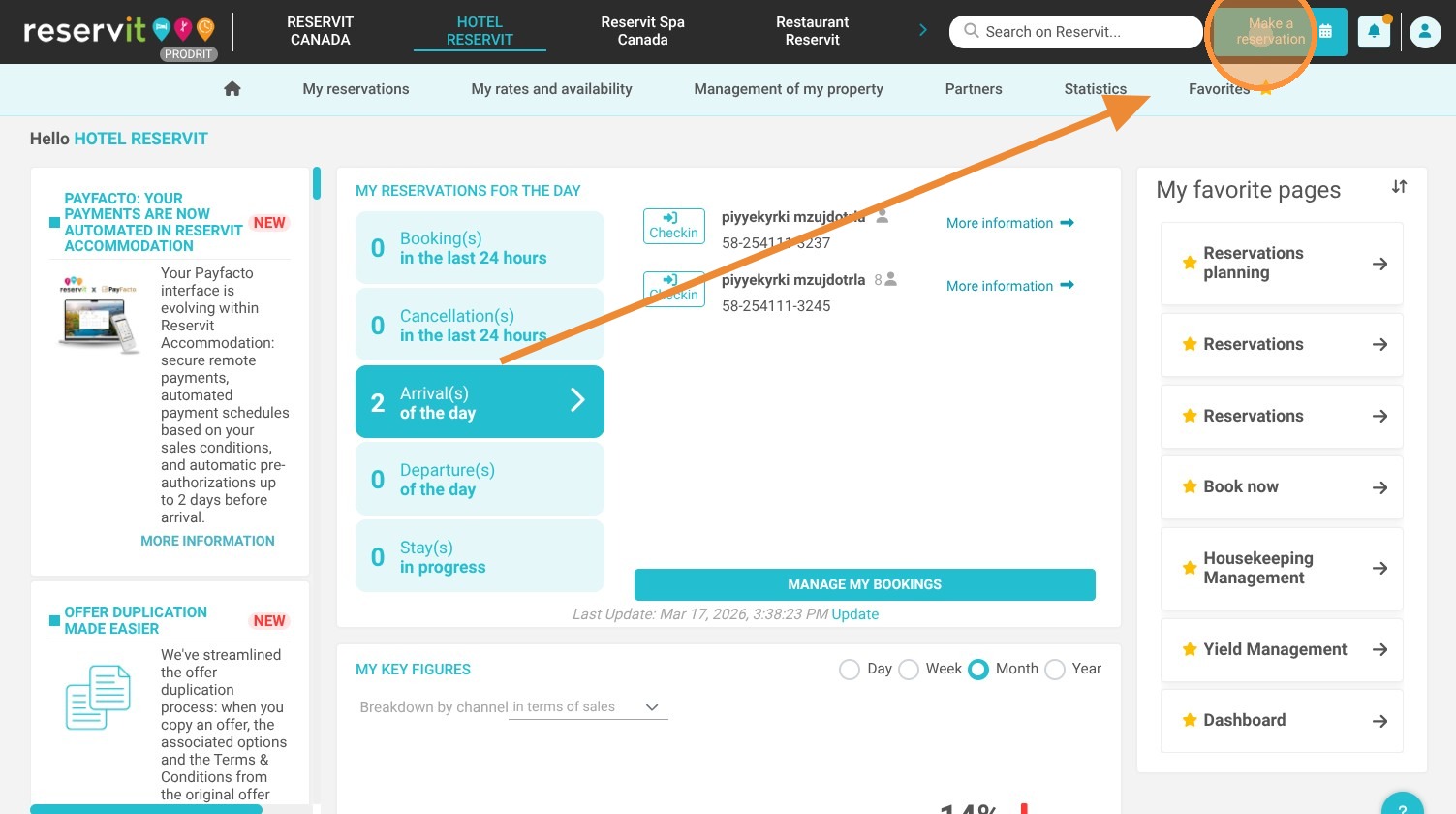
1. Click "Make a reservation"
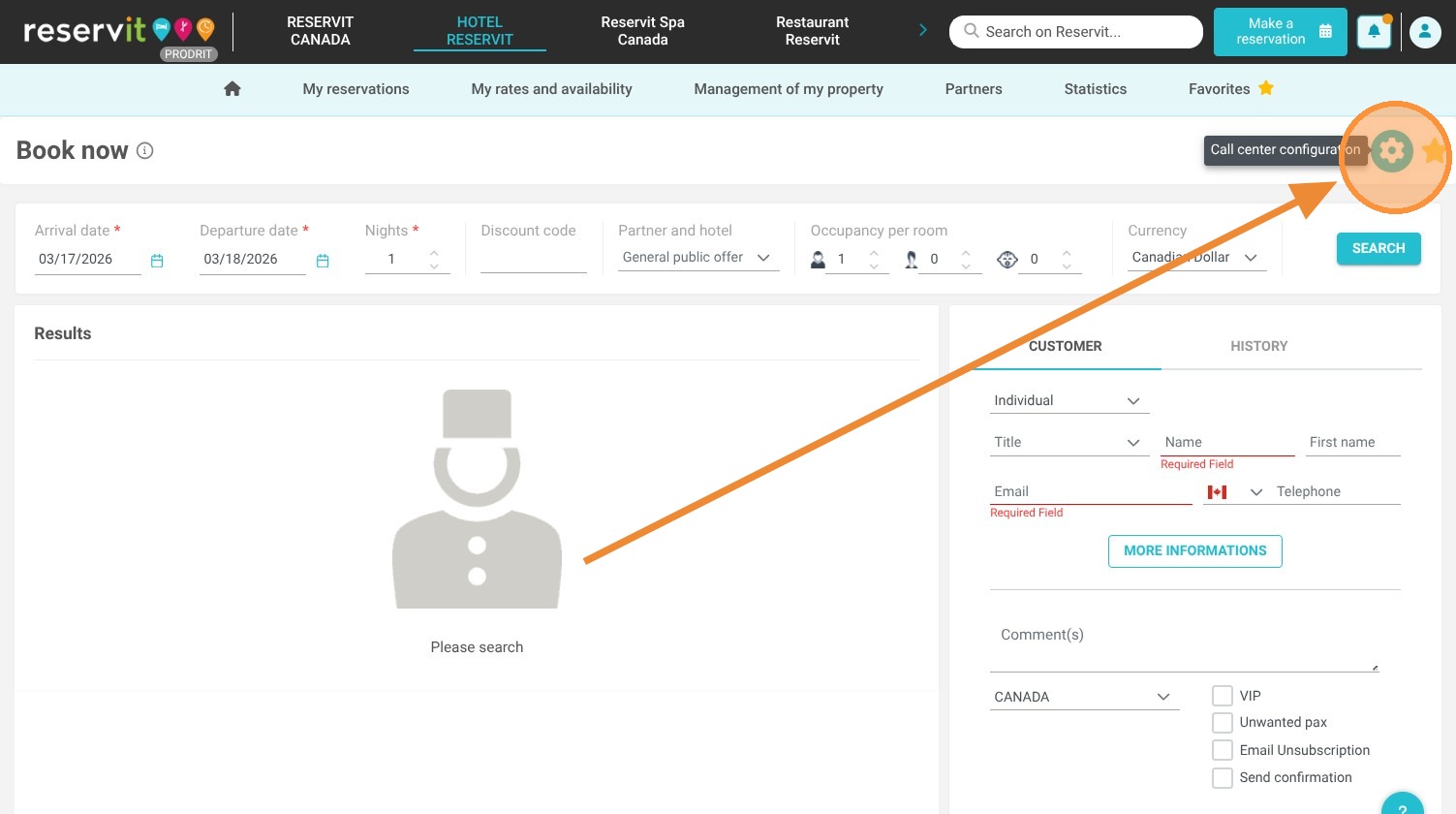
2. Click the gear icon in the upper-right corner to modify the booking engine settings.
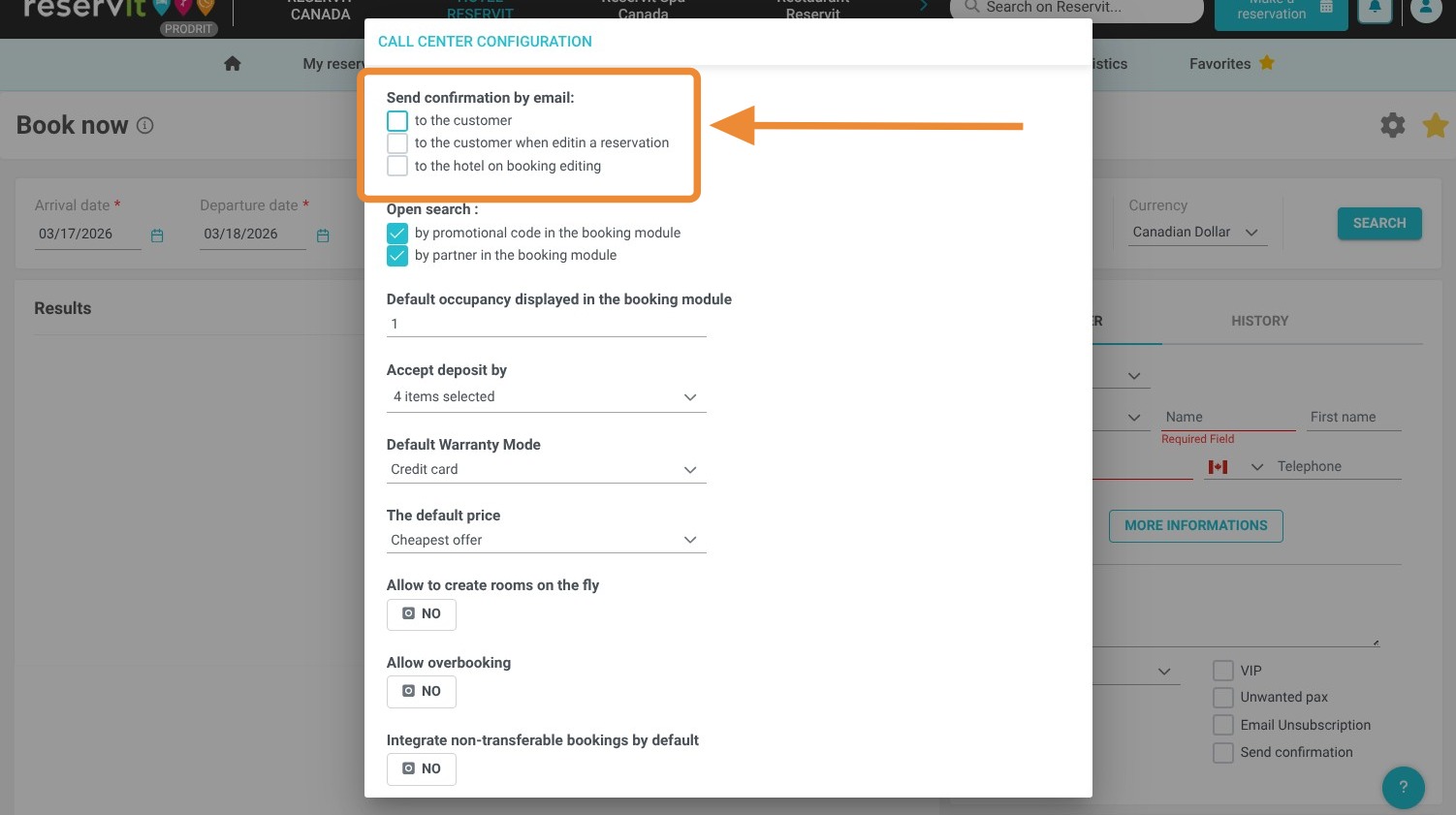
3. Here, you can configure the email delivery options for new reservations or reservation changes. Choose whether, by default, you want to notify the guest of their reservation or any changes made, and whether you, as the hotelier, want to receive a notification as well.