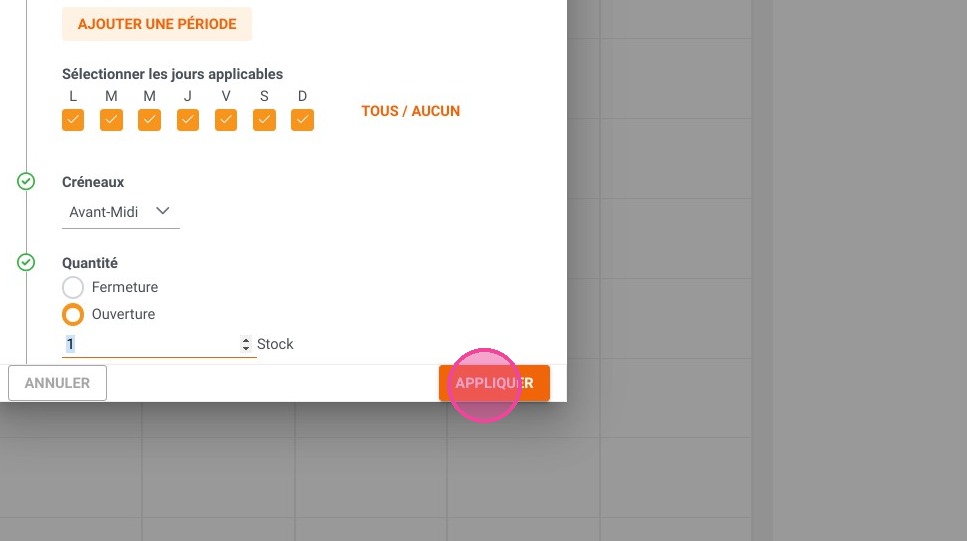
Article summary: This comprehensive guide explains how to effectively close available slots for sale within Reservit Activities. You will learn how to navigate your inventory management to block specific dates, resources, and time slots, ensuring your online booking calendar perfectly reflects your real-time capacity and availability.
The 5 key steps to close availability slots:
-
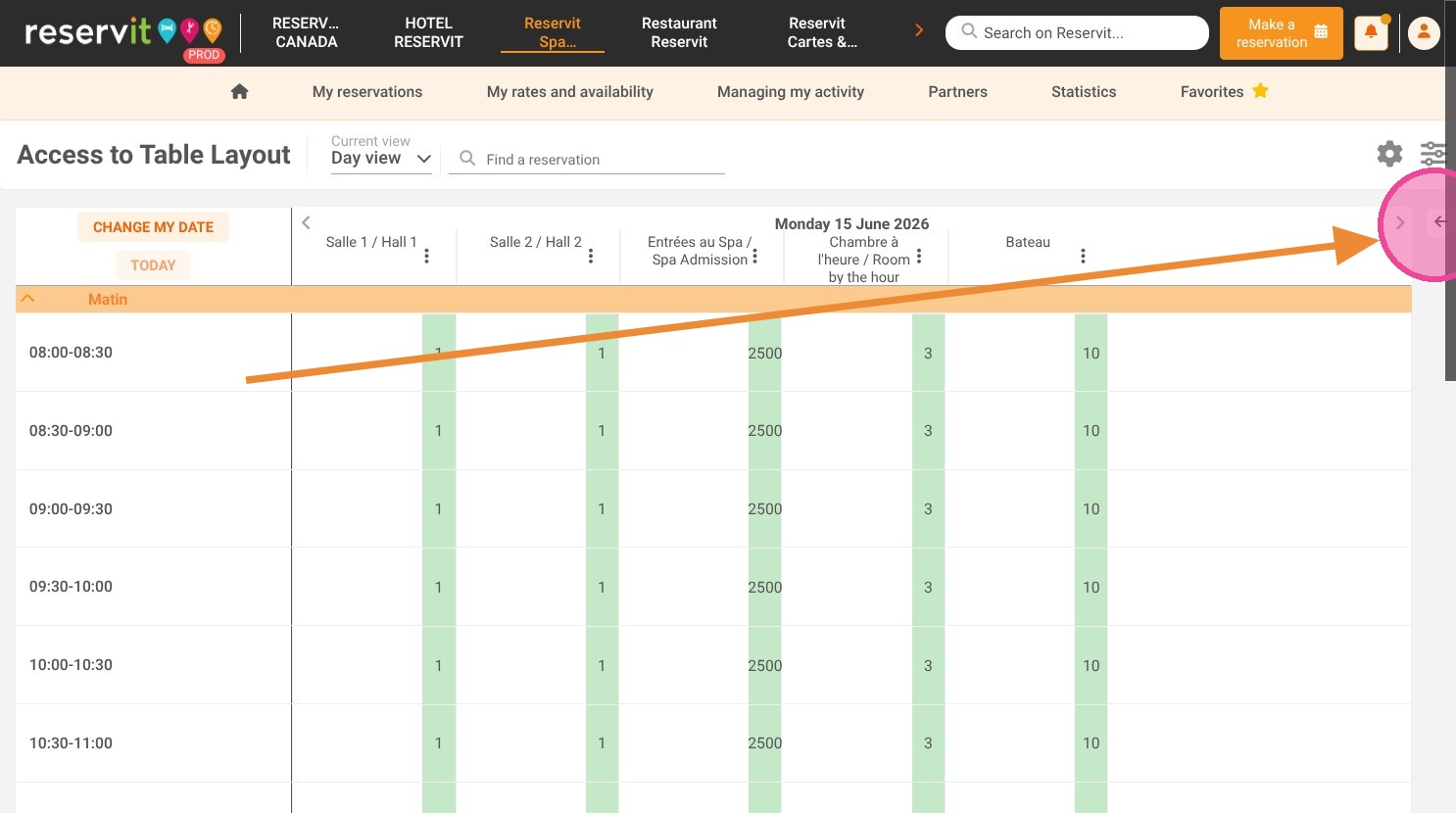
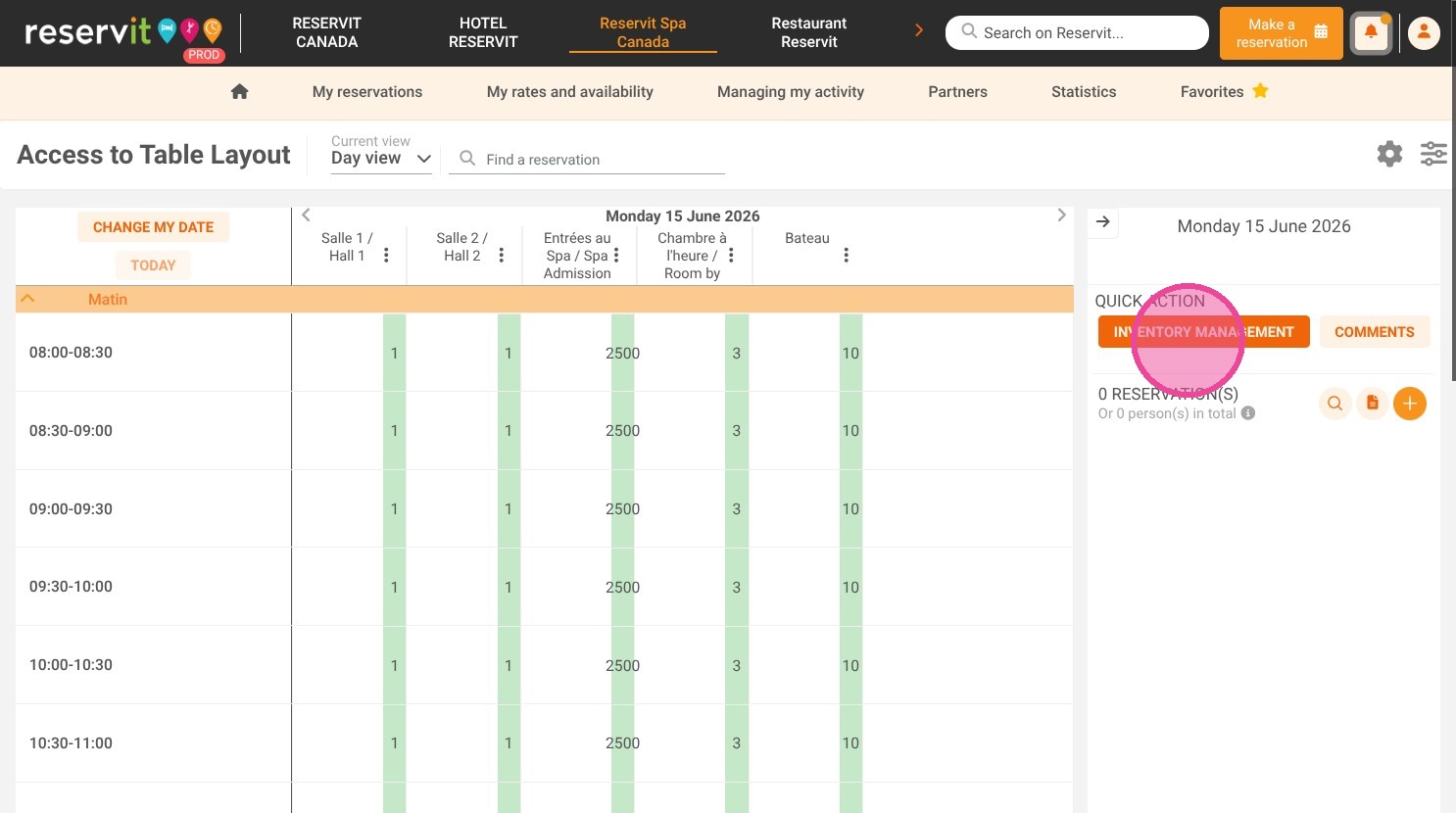
Access inventory management: Click the arrow in the top right corner of your dashboard and select "Inventory Management."
-
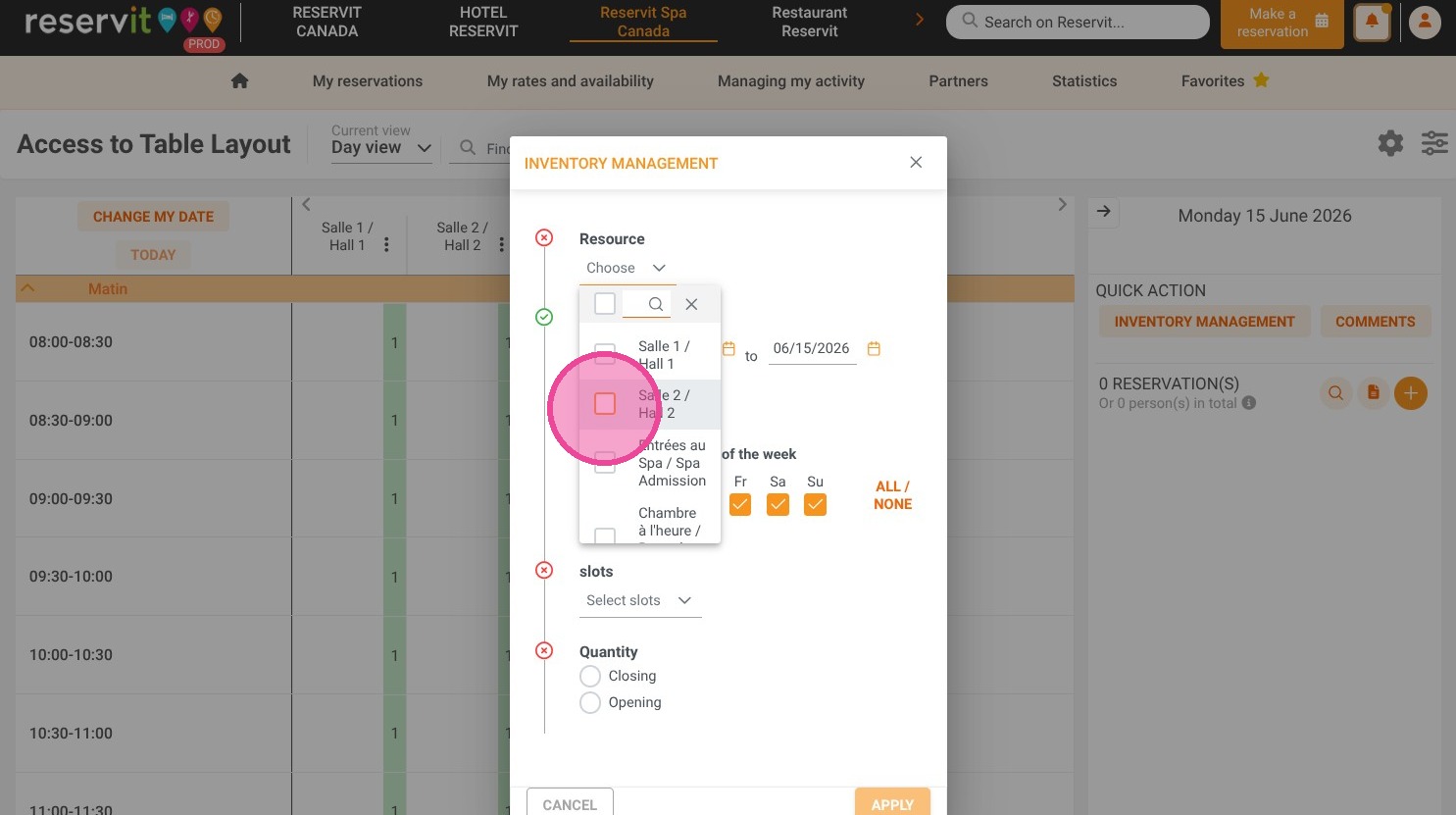
Select your resources: Choose the specific activities or resources you need to close for the targeted period.
-
Define the timeframe: Specify the exact validity start and end dates, and select the specific hourly time slots you want to block.
-
Set the closing status: Adjust the quantity setting to "Closing" to restrict online sales for the selected parameters.
-
Apply your changes: Save your new configuration to instantly update your availability on your public booking engine.
Why follow this guide? Following this procedure gives you immediate, bulk control over your online inventory to prevent costly overbookings during holidays, unexpected schedule changes, or private events. It streamlines your capacity management, saving your team the time and stress of manually canceling and refunding unwanted reservations.
1. Select the arrow located in the top right corner.
2. Click "INVENTORY MANAGEMENT"
3. Select the relevant resources to be closed at these specified dates and times.
4. Specify the start and end dates for the action's validity.
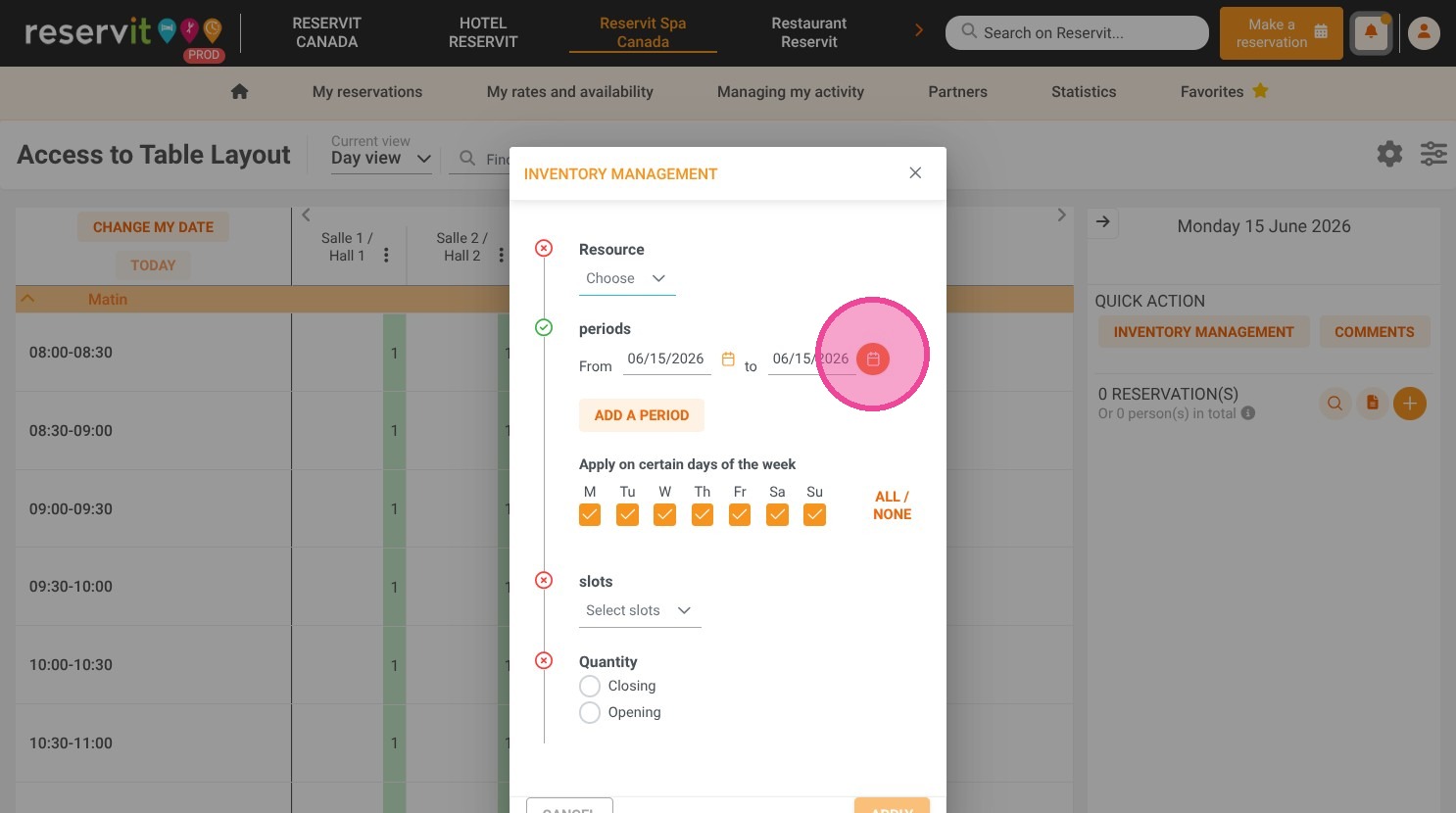
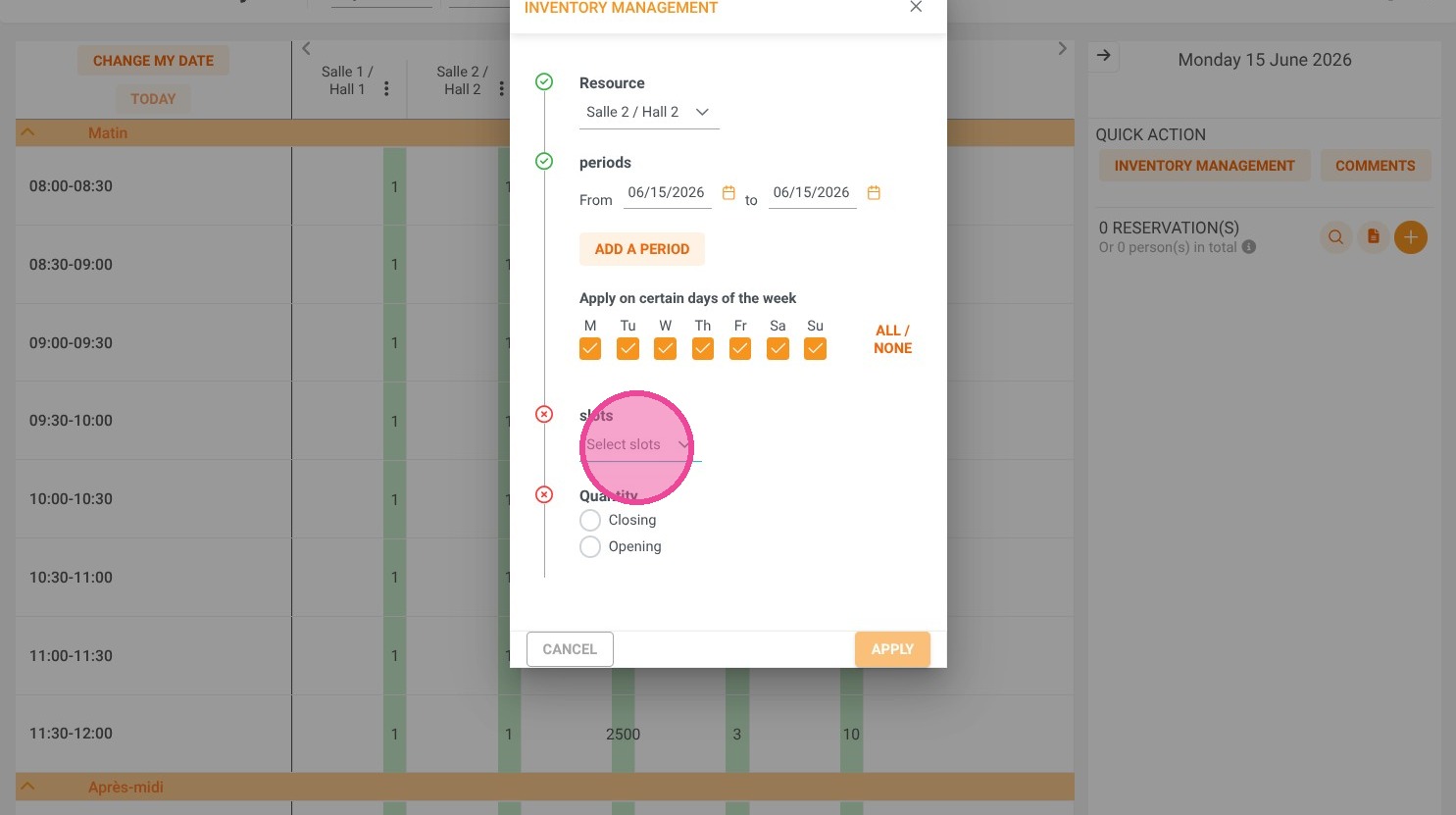
5. Select the time slots for closure.
6. In Quantity choose "Closing"
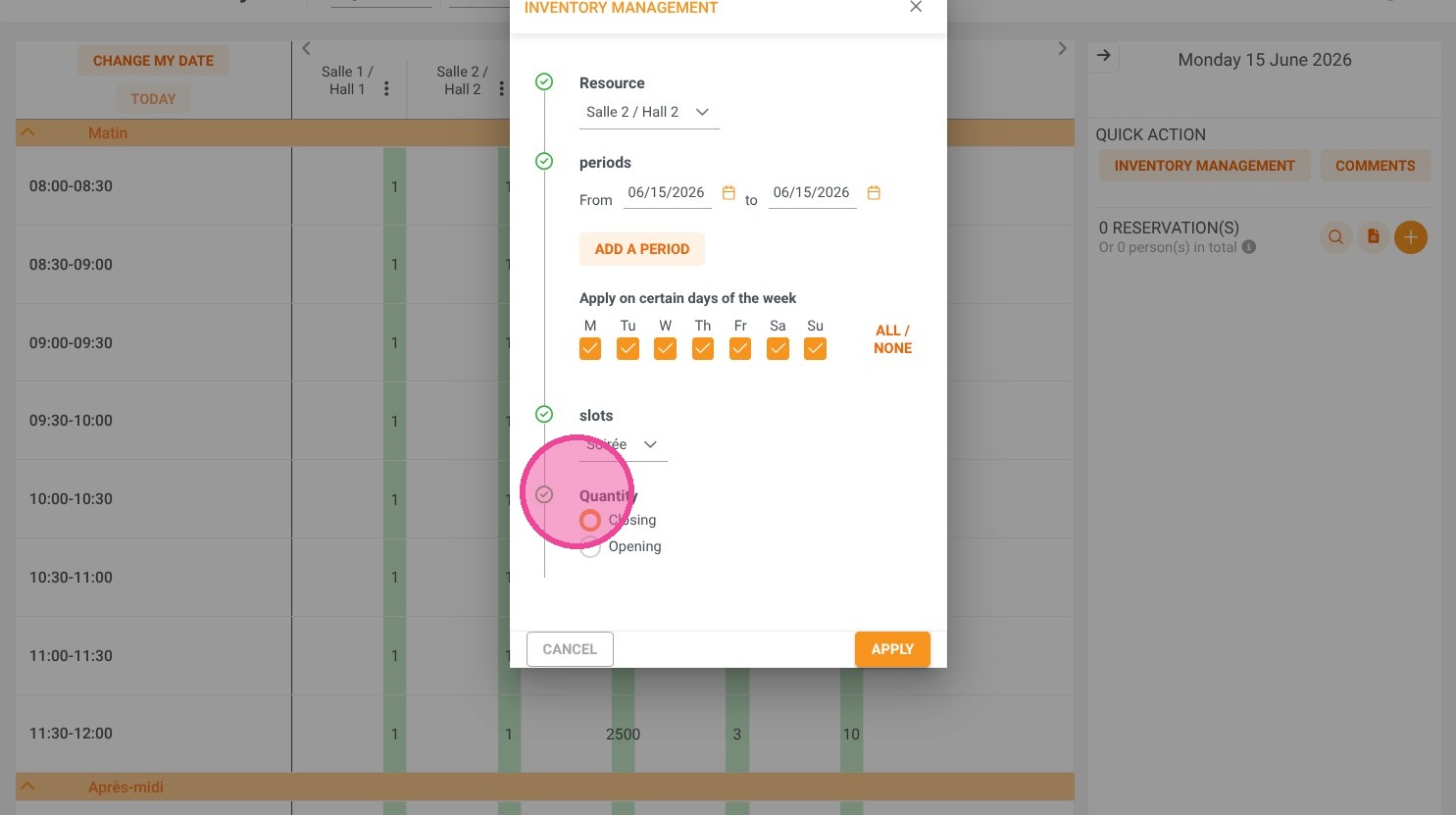
7. Click "APPLY" to save