Article summary: This quick tutorial explains how to customize your property management dashboard by disabling the housekeeping status on your Reservit PMS reservation planning. You will learn how to easily adjust your display settings to declutter your calendar, giving you a cleaner view of your bookings and improving your daily operational focus.
The 3 key steps to hide housekeeping status in your reservation planning:
-
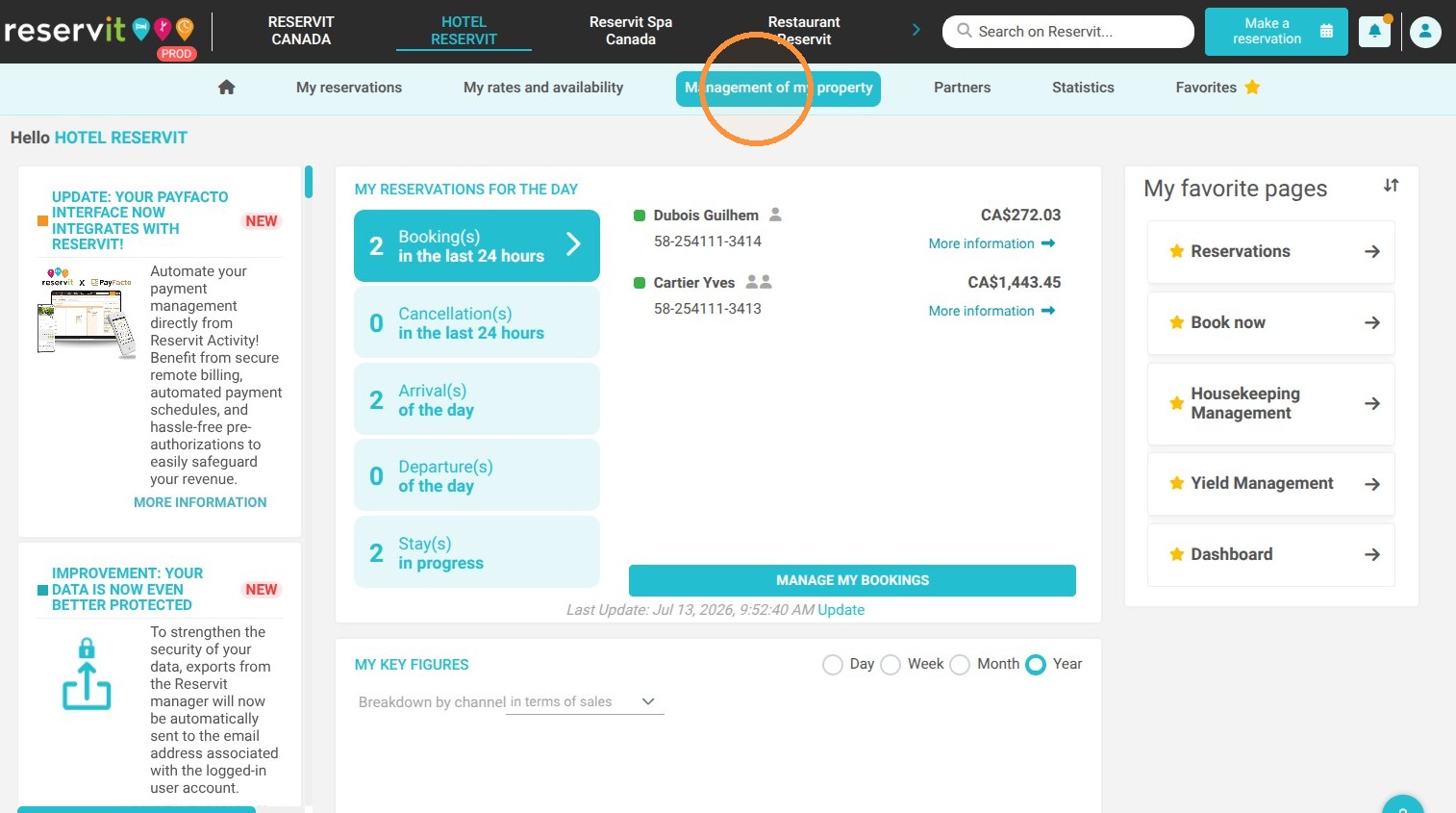
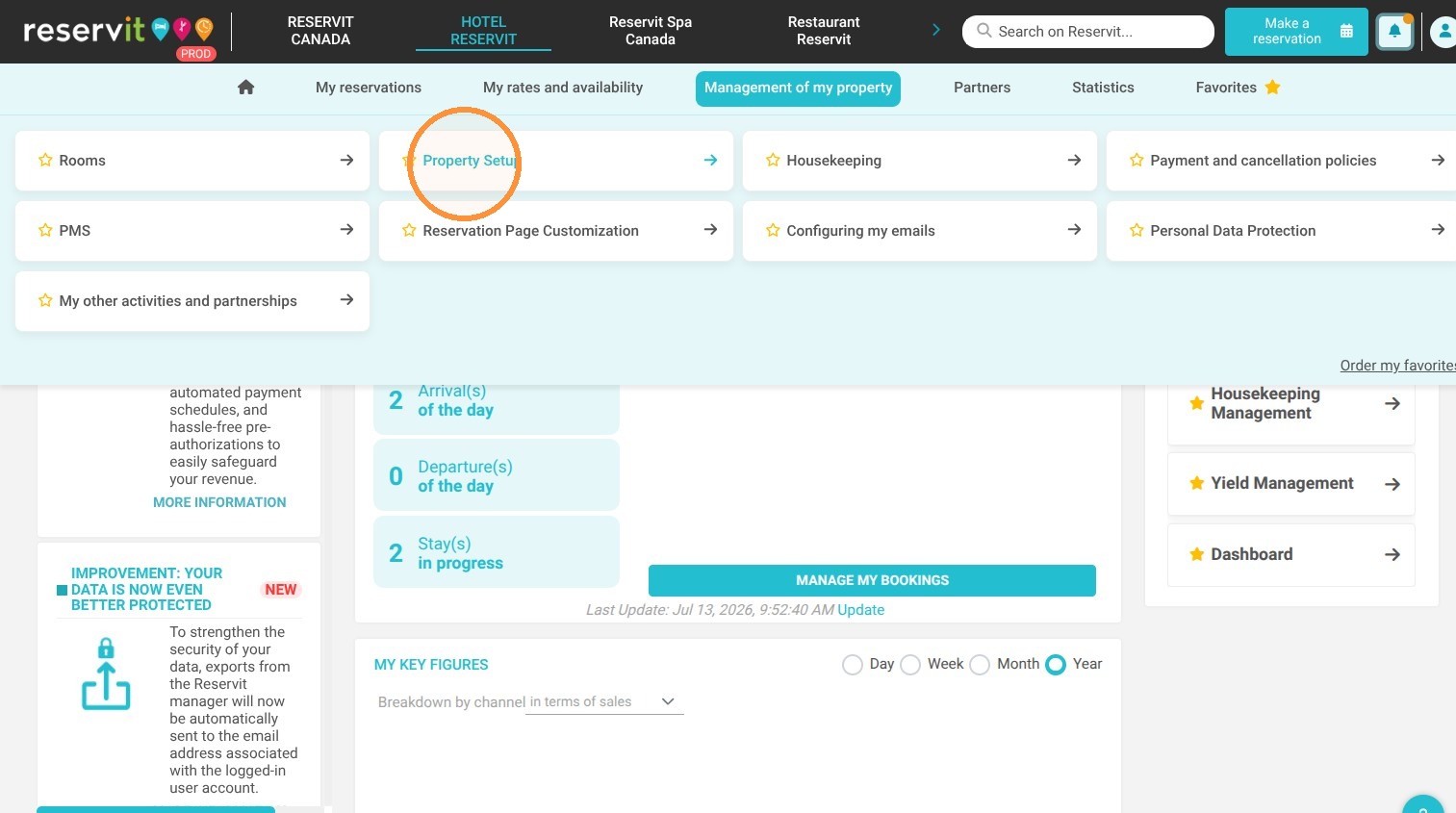
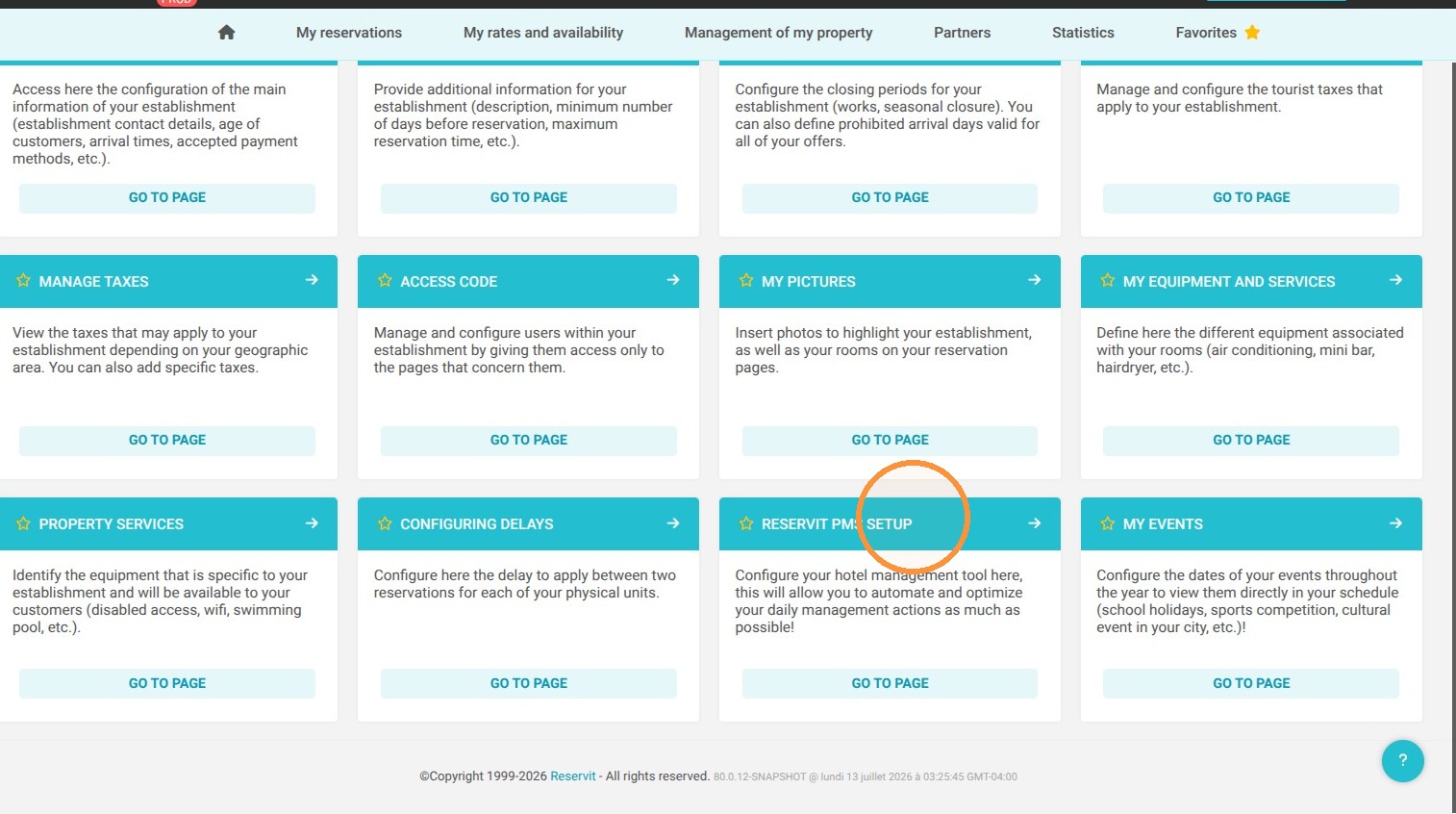
Access PMS Setup: Navigate to "Management of my property", select "Property Setup", and then click on "Reservit PMS Setup" to open your configurations.
-
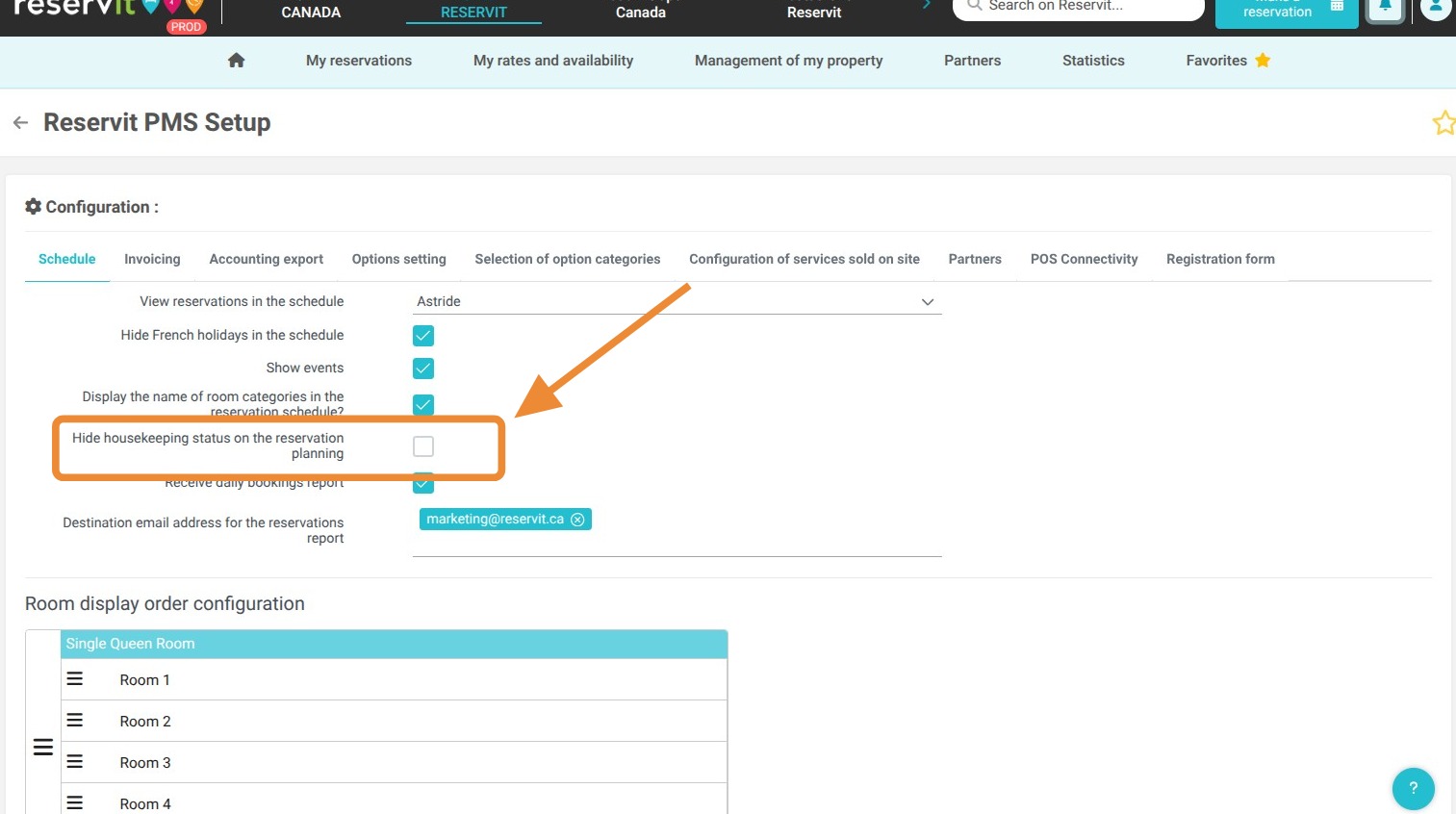
Disable Housekeeping View: Locate and toggle the switch labeled "Hide housekeeping status on the reservation planning".
-
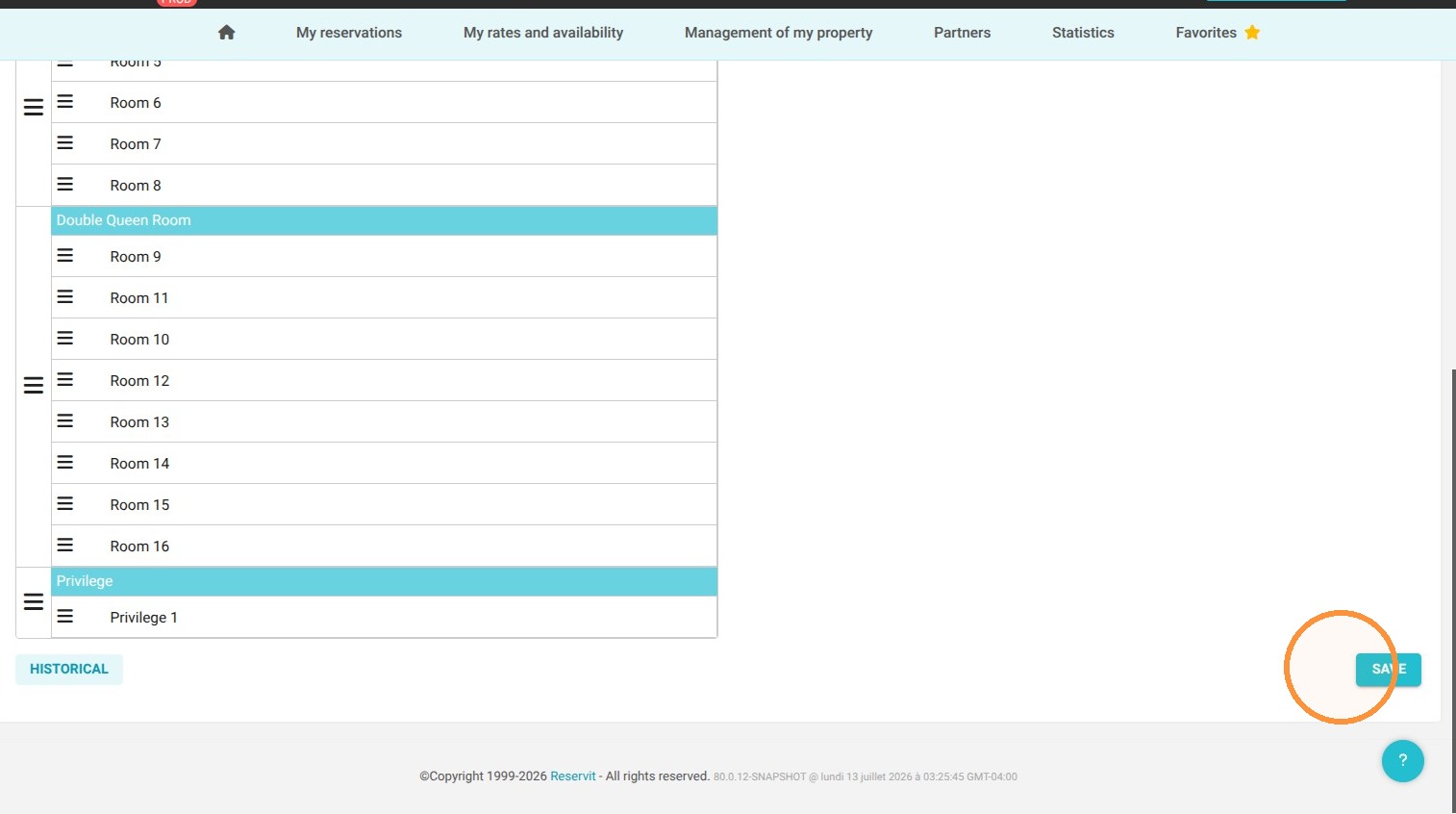
Save Changes: Click the "SAVE" button to immediately apply the new display settings to your main dashboard.
Why follow this guide? Following this guide allows you to simplify your reservation calendar and eliminate unnecessary visual clutter if your front desk team does not rely on the PMS for housekeeping tracking. This quick adjustment helps your staff save time by focusing purely on guest arrivals, departures, and daily booking management without distractions.
1. Click "Management of my property" then "Property Setup" and "Reservit PMS Setup"
2. Toggle "Hide housekeeping status on the reservation planning"
3. Click "SAVE"