Article Summary: This tutorial explains how to configure your unit statuses and define cleaning timeframes within your Reservit PMS. You will learn how to set the frequencies for full cleans and stayover cleans to automate your maintenance schedule. Mastering these operational features will allow you to optimize your housekeeping team's workflow, maximize your accommodation availability, and guarantee service quality for your guests.
The 5 key steps to configure housekeeping and unit statuses:
-
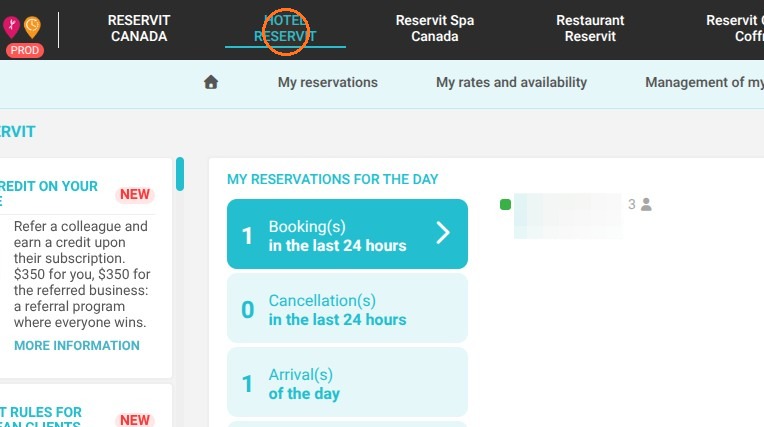
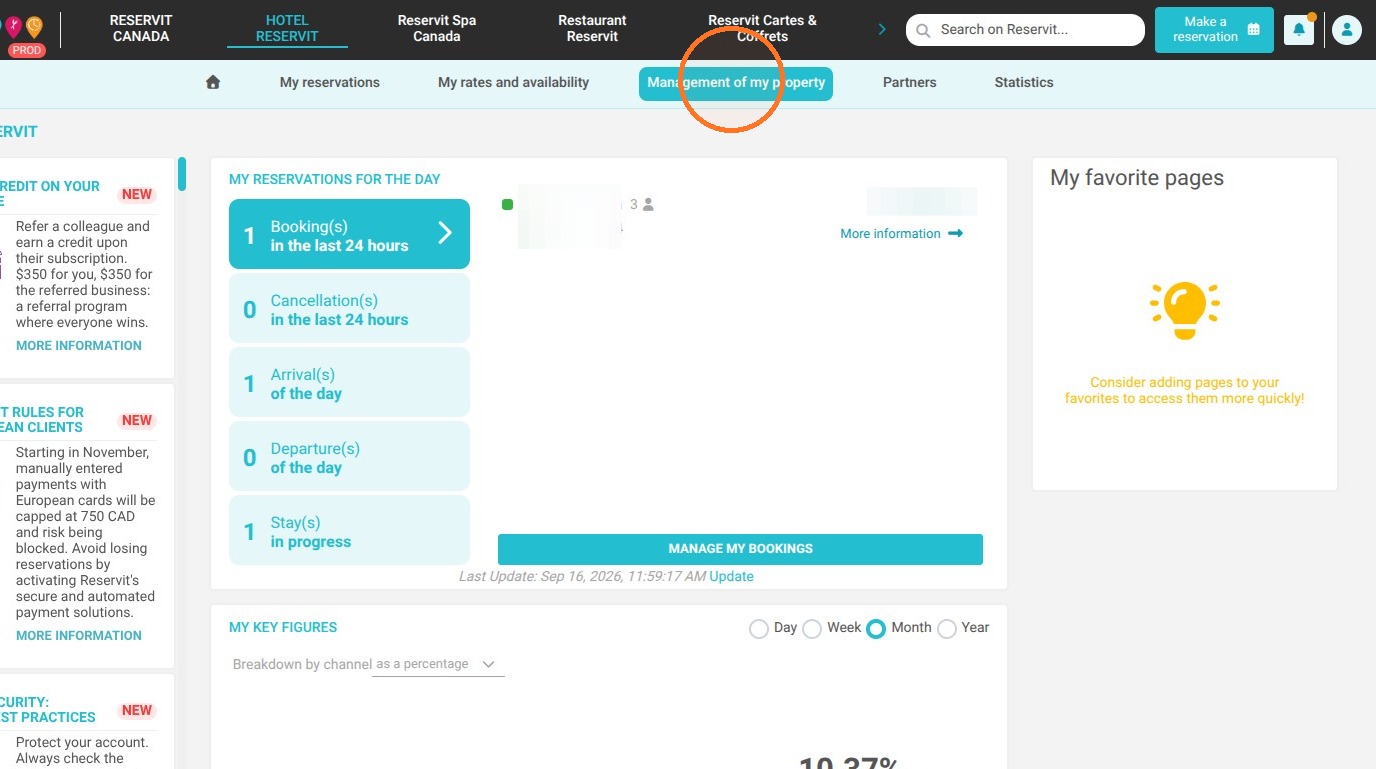
Access the housekeeping module: Click on your property name at the top of the screen, navigate to "Management of my property," and then select the "Housekeeping" tab.
-
Open settings: In the box that appears, click the "GO TO PAGE" button in the "Housekeeping Configuration" section.
-
Enable required statuses: Select the various room statuses that match your operations. Note that the "Clean" and "To do complete cleaning" statuses are mandatory by default, while the "Out of Service" status will allow you to isolate a unit for a temporary closure.
-
Set cleaning frequencies: Adjust the number of nights required to automatically trigger a complete cleaning after a departure, as well as the frequency of refresh cleaning for your long-stay guests (e.g., every two nights).
-
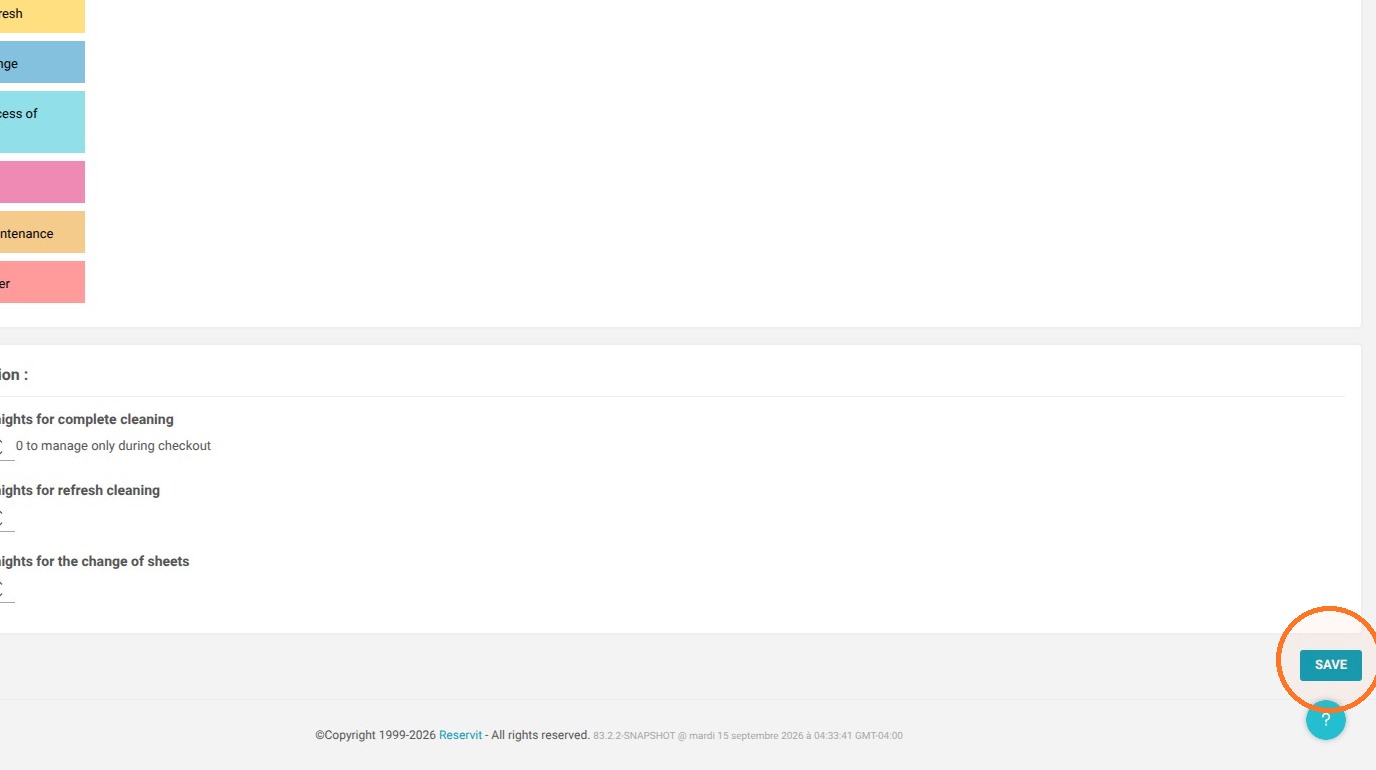
Save your preferences: Click the "SAVE" button to confirm your changes and instantly update the calculation rules for your housekeeping schedule.
Why follow this guide? Implementing these automation rules eliminates the manual planning of daily tasks for your housekeeping staff and removes the risk of assigning an unprepared room. This is an essential setup to streamline your housekeeping operations, increase efficiency on heavy checkout days, and ensure a smooth turnover of your room inventory.
1. Click on your property name > Management of my property > Housekeeping
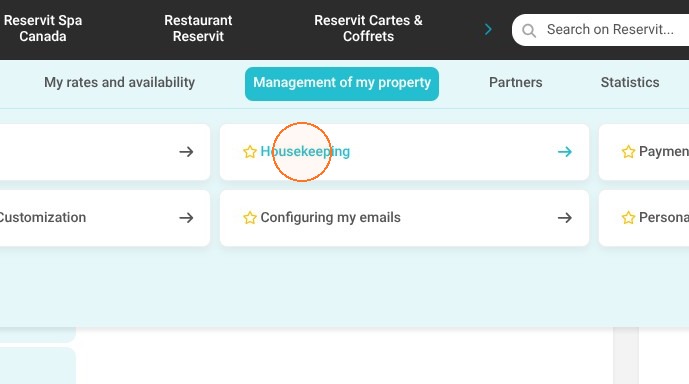
2. Click Go to page under Housekeeping Configuration.
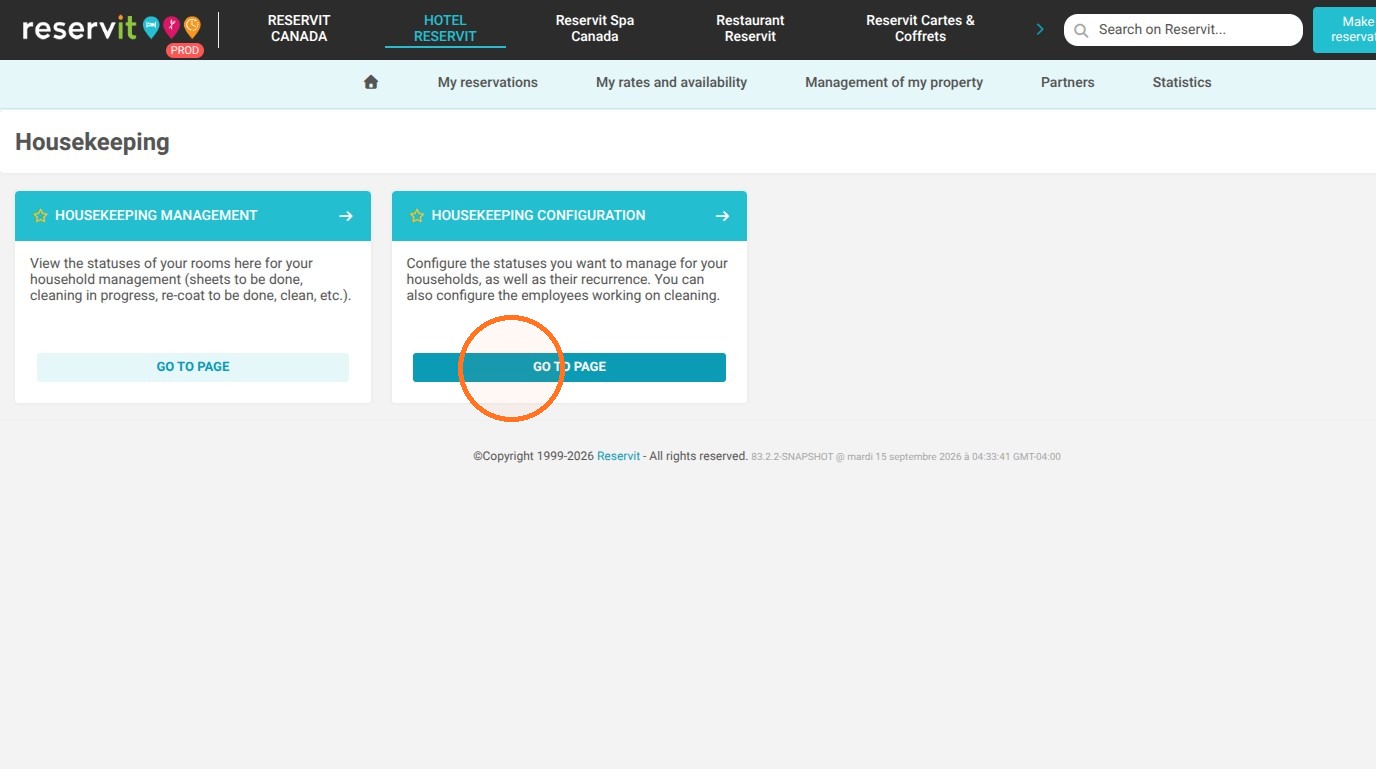
3. Select the unit statuses that you want; the 'Clean' and 'To do complete cleaning' statuses are mandatory.
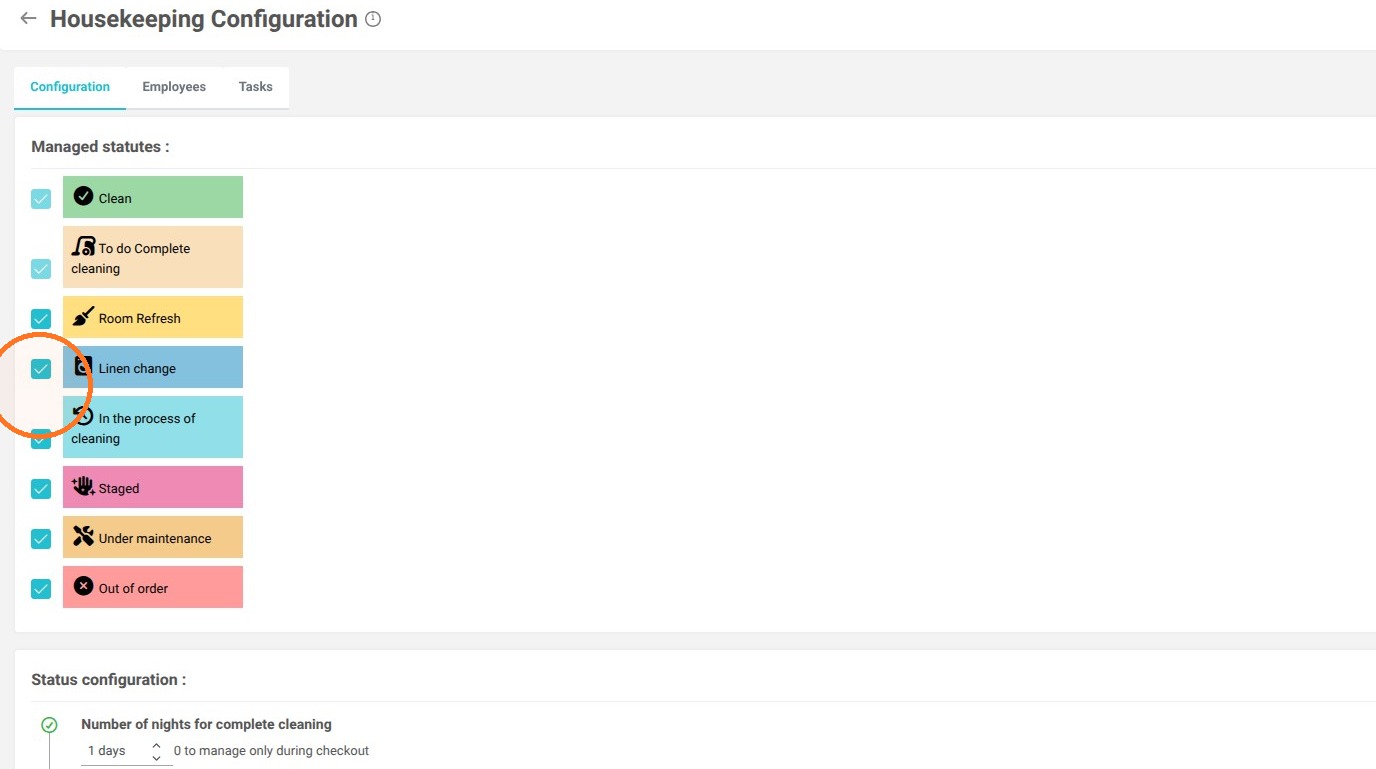
4. The Out of Order status will allow you to define a closure period for the unit.
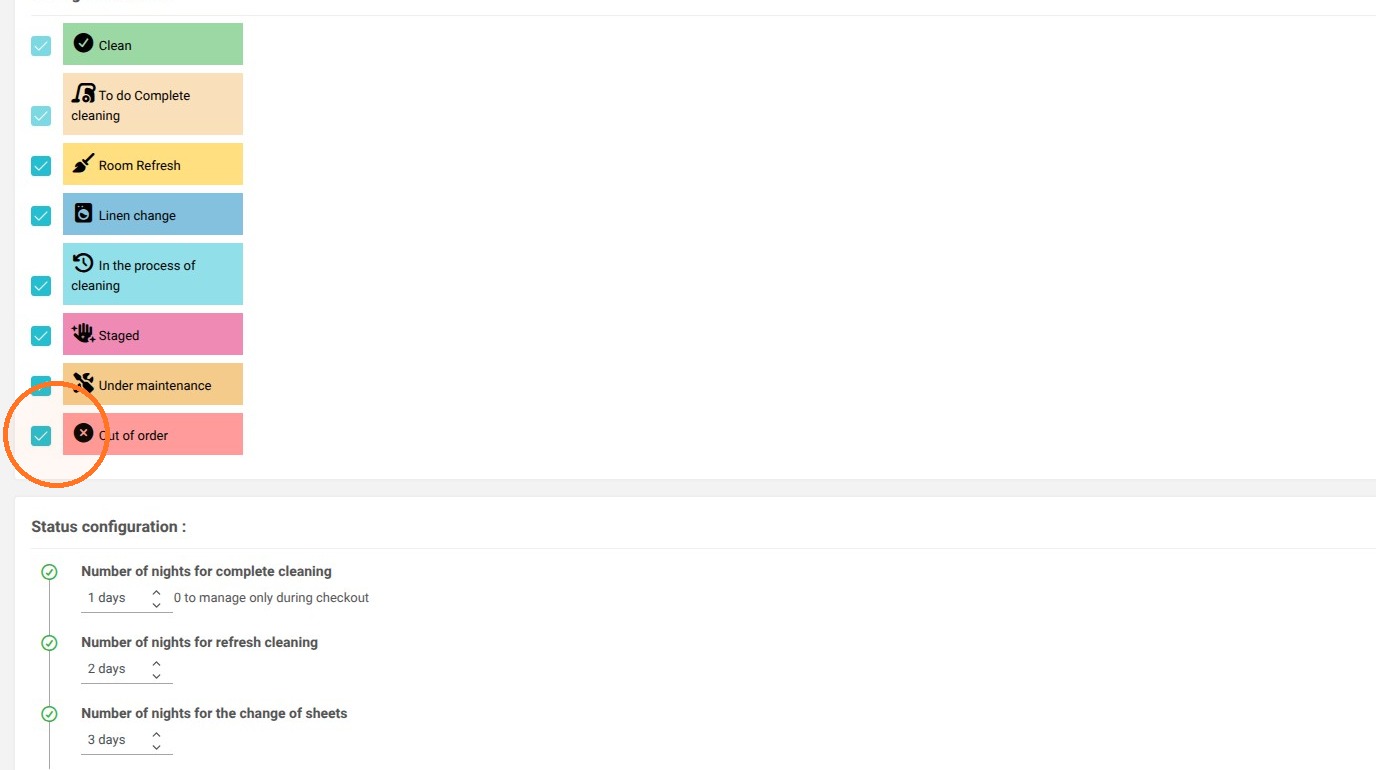
5. The number of nights for the complete cleaning defines its frequency.
Example:
If you set a 1-day delay, the room will be returned to inventory 1 day after the guest's departure to allow time for cleaning.
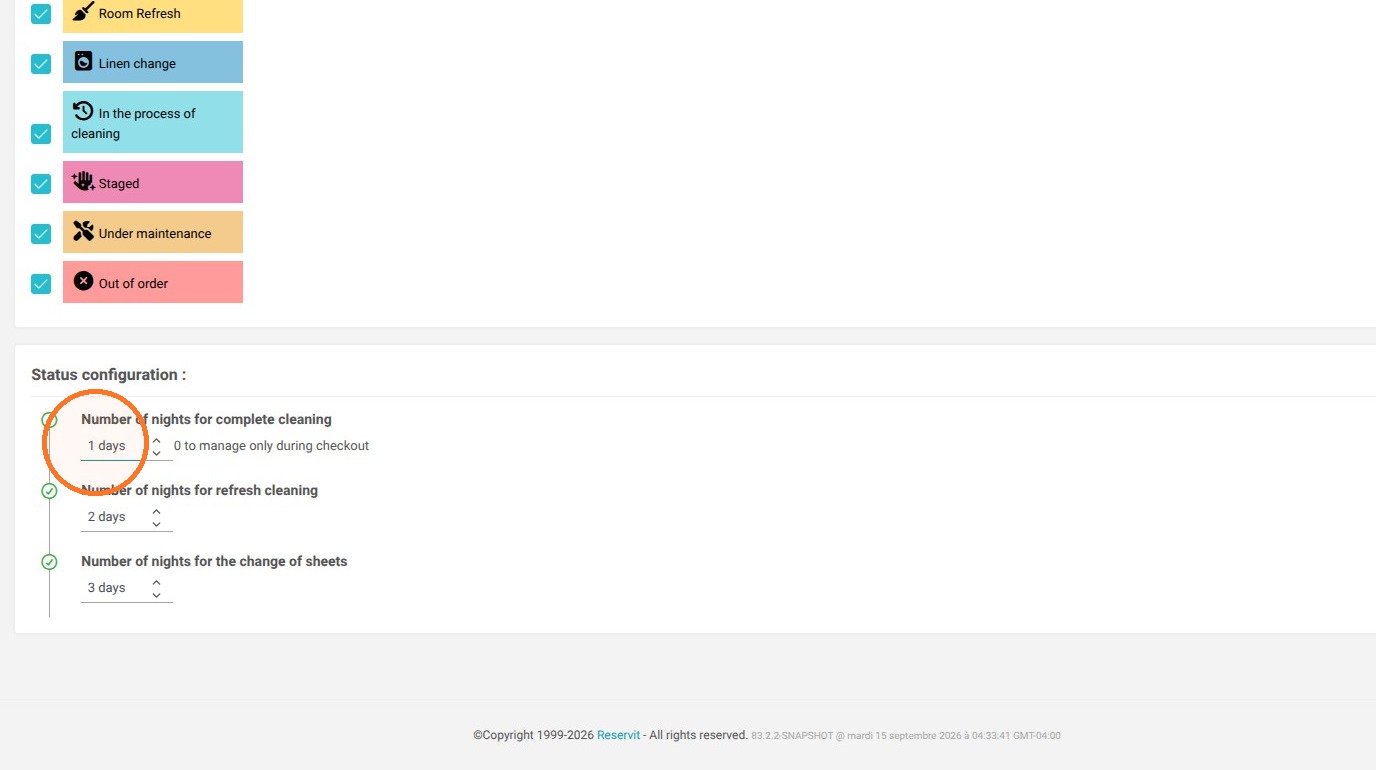
6. The number of nights for a refresh cleaning defines its frequency.
Example:
If you set 2 days, the schedule will indicate that a refresh clean is required every 2 nights for your long-stay guests.
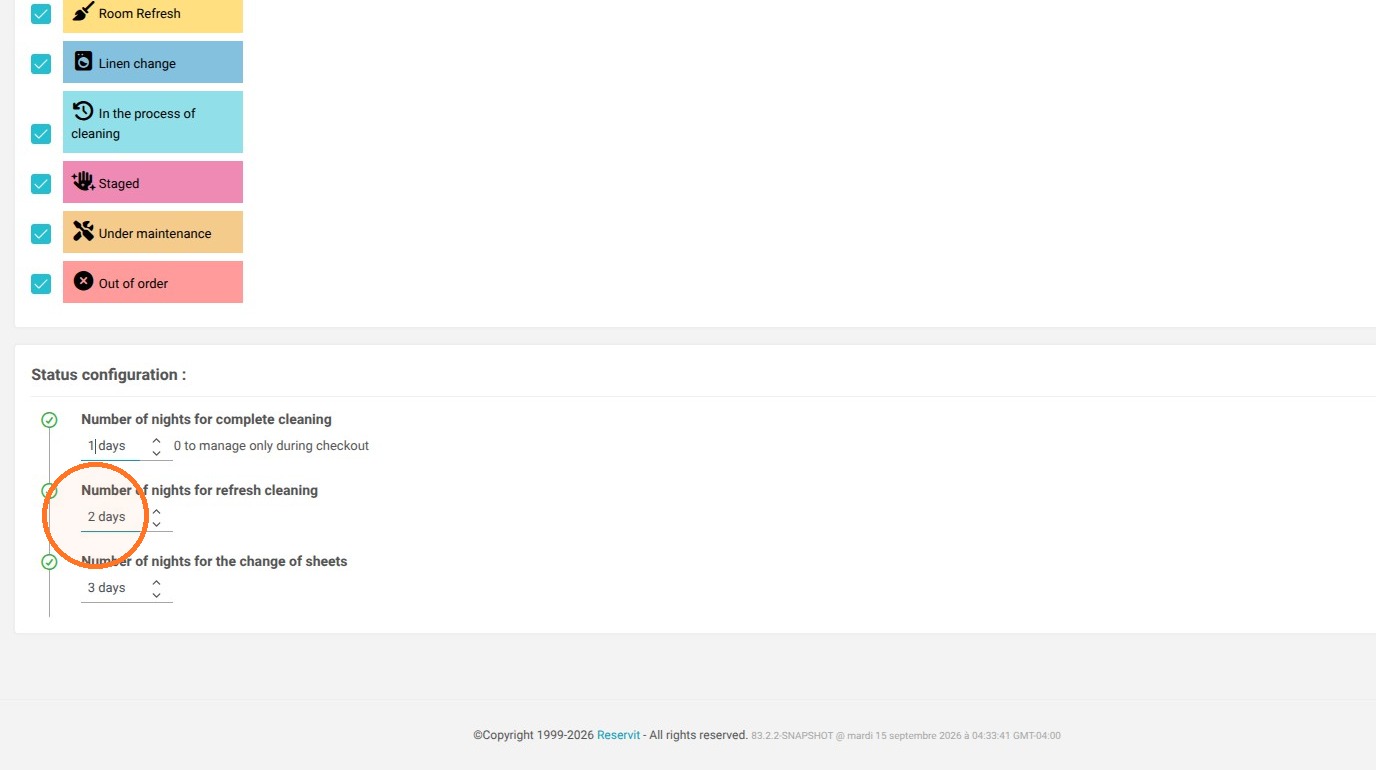
7. The number of nights for change of sheets defines its frequency.
Example:
If you set 3 days, the schedule will indicate that a change of sheets is required every 3 nights for your long-stay guests.
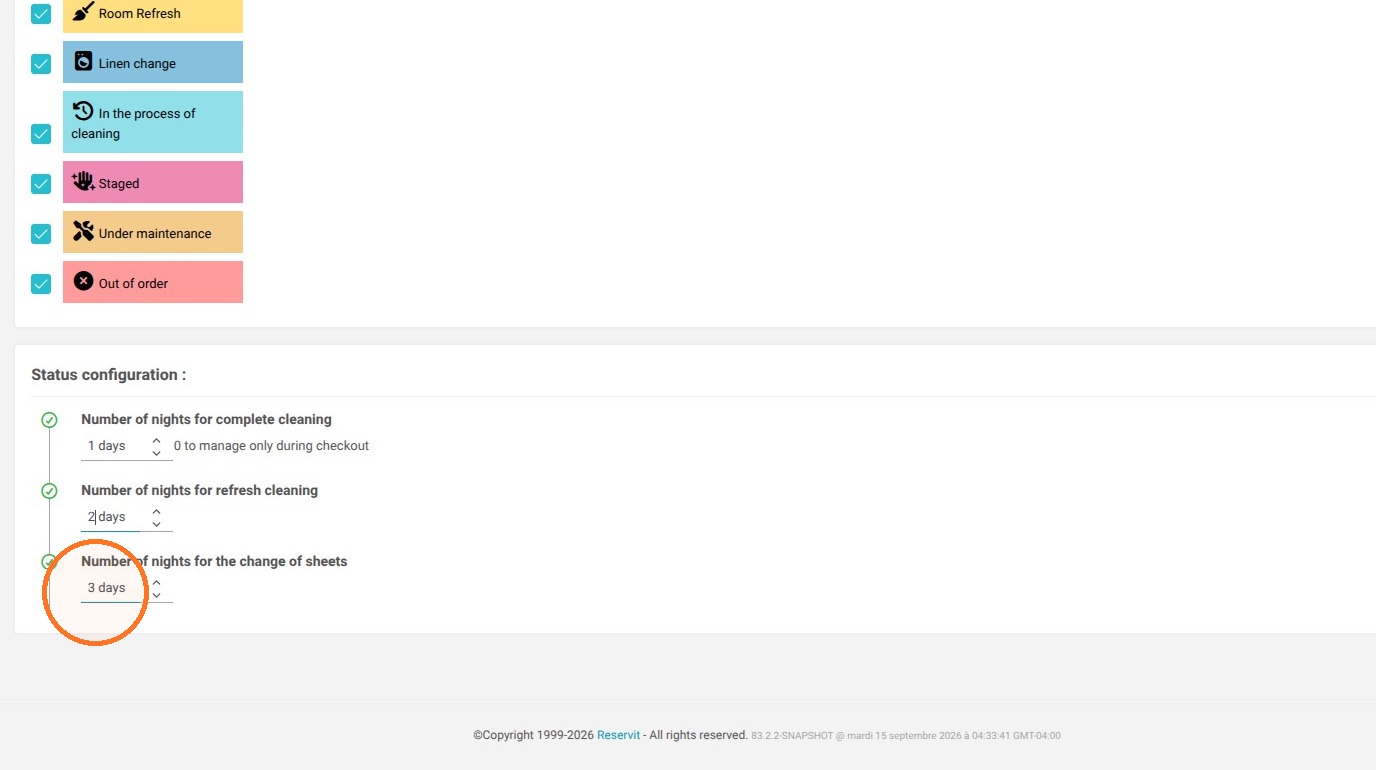
8. Click "Save"