Article summary: This comprehensive tutorial explains how to edit and manage service categories within the Reservit Activities platform. You will learn how to easily customize category names in multiple languages, update activity types, and retrieve direct booking links to integrate into your own website. Mastering this feature helps you effectively organize your bookable offers and provides a seamless, intuitive navigation experience for your online customers.
The 4 key steps to edit and manage categories:
-
Access the category settings: Navigate to "My rates and availability" on your dashboard, open the "Services" menu, and select "Categories."
-
Select your target category: Click on the specific service group that you want to customize or update from your list.
-
Update details and translations: Modify the category name, add necessary translations for multiple languages, and adjust the designated activity type.
-
Save and retrieve your direct link: Click "Save" to apply your changes, then easily copy the unique category URL to link these specific grouped offers directly to your customers.
Why follow this guide? Properly organizing your services into clear, multilingual categories significantly improves your website's user experience and reduces customer booking friction. Furthermore, utilizing the direct category links allows you to create highly targeted marketing campaigns by sending clients straight to the specific activities they want to book.
Tip: Categories are helpful for grouping services together.
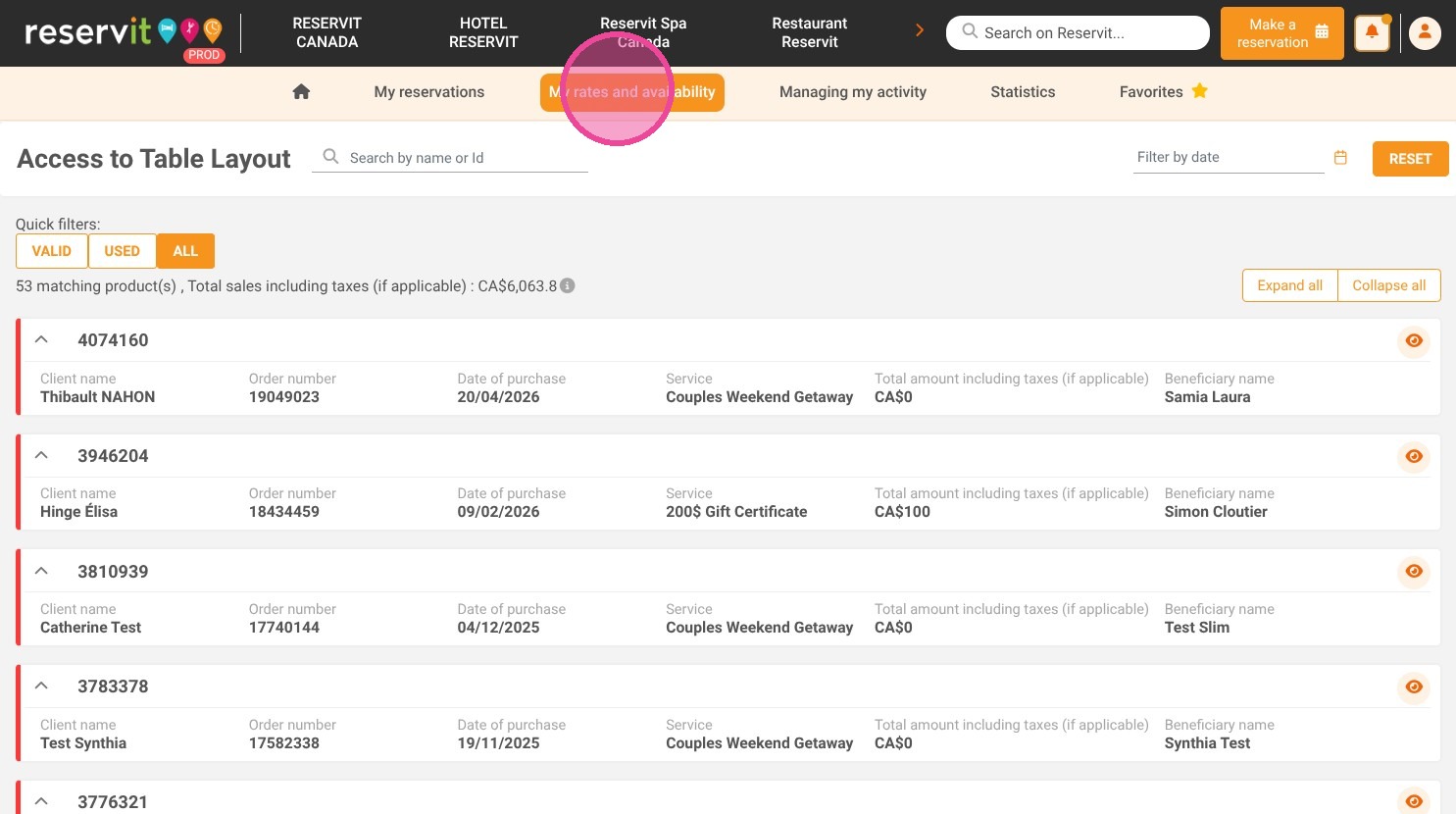
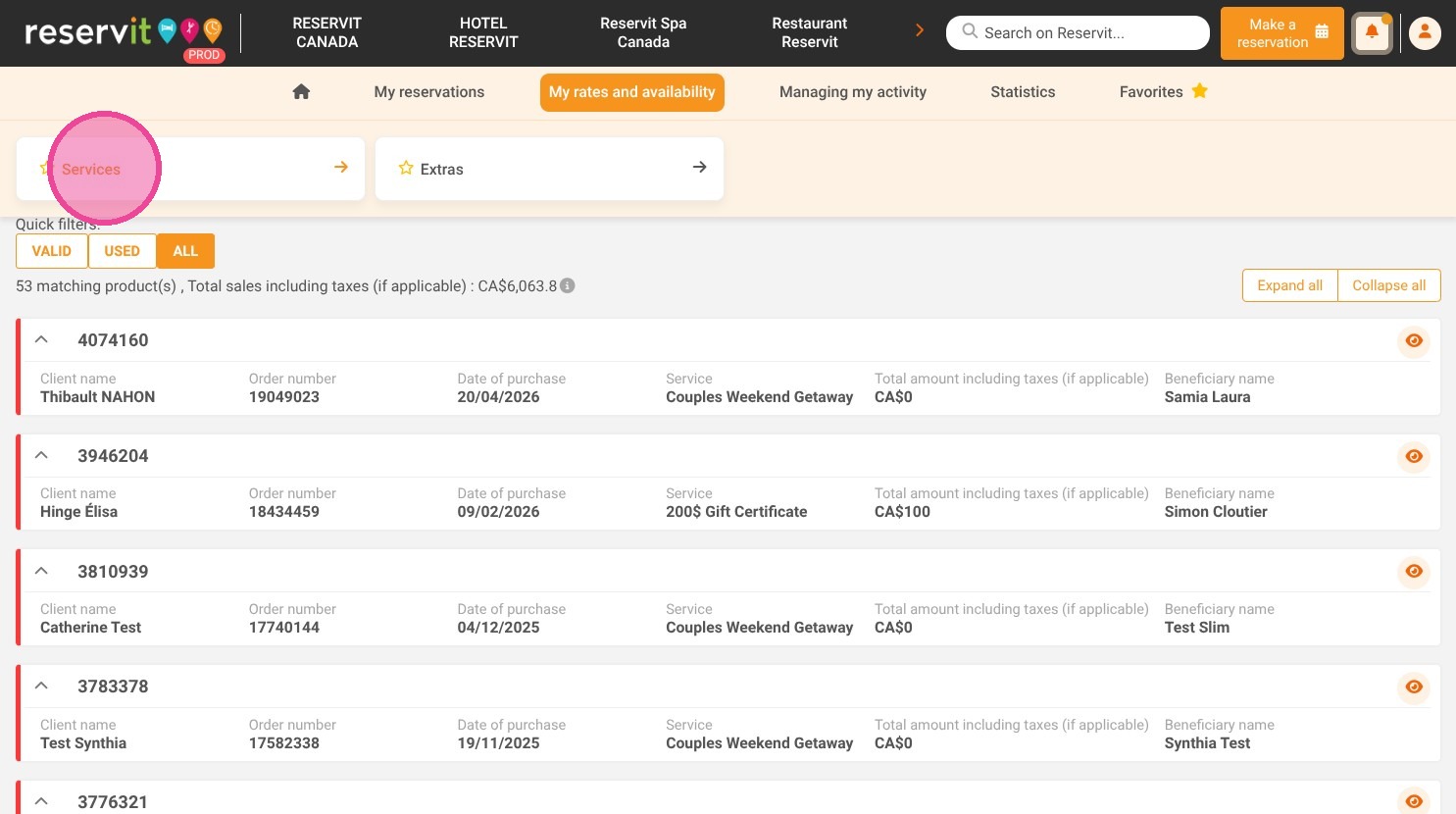
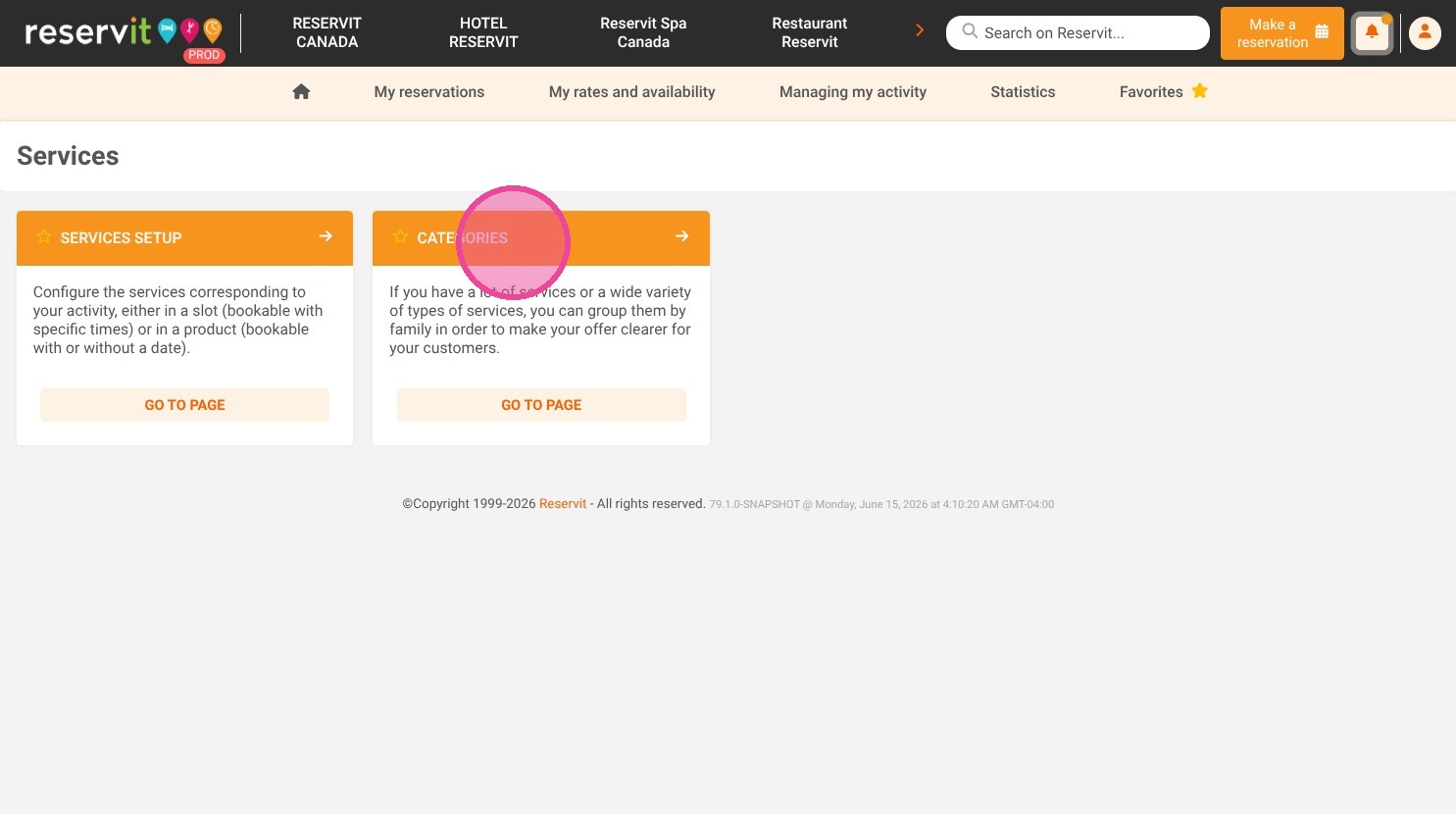
1. Click "My rates and availability" then click on "Services" and "Categories"
2. Click on the category you would like to edit.
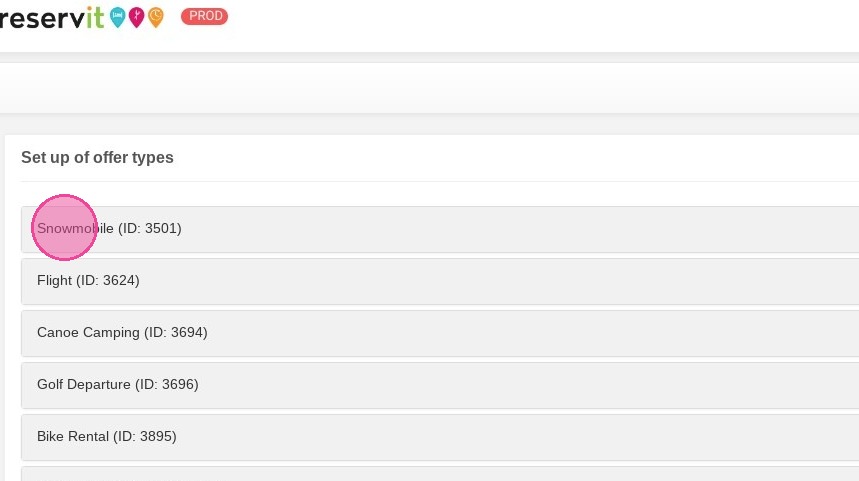
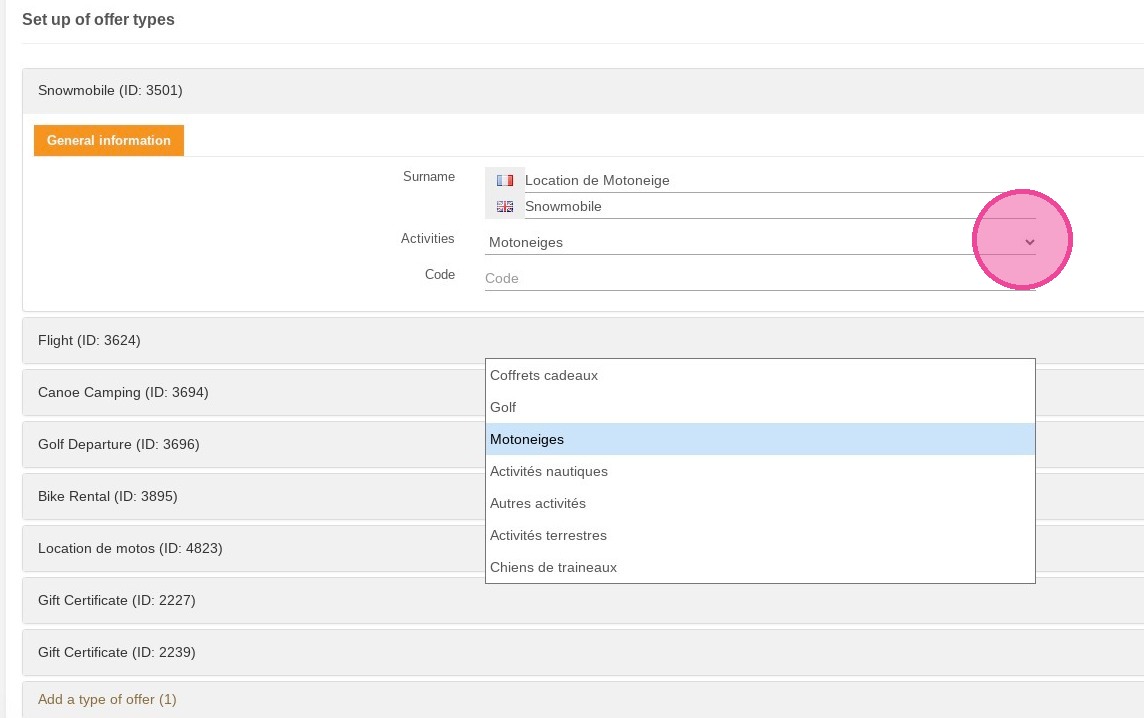
3. You can add the offer's name in different languages if needed. You can also choose or change an activity type if you have several.
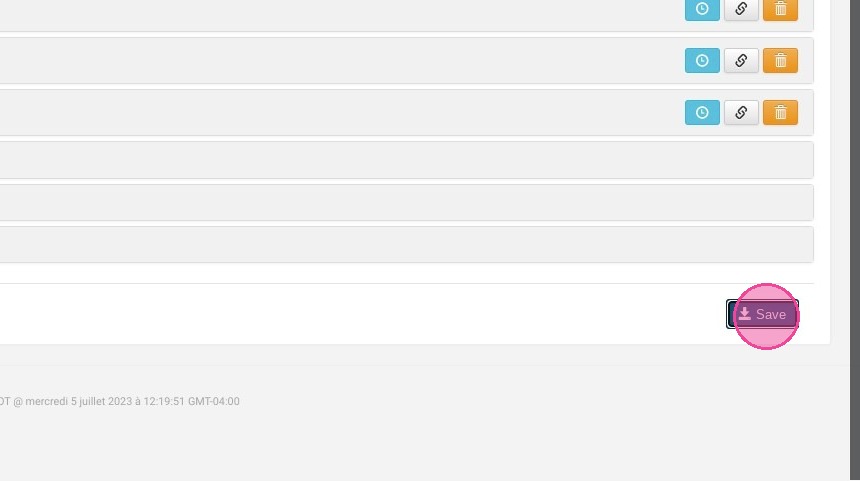
4. Do not forget to save your changes (click "Save").
5. You can use the category link to be redirected directly to the offer on your website.