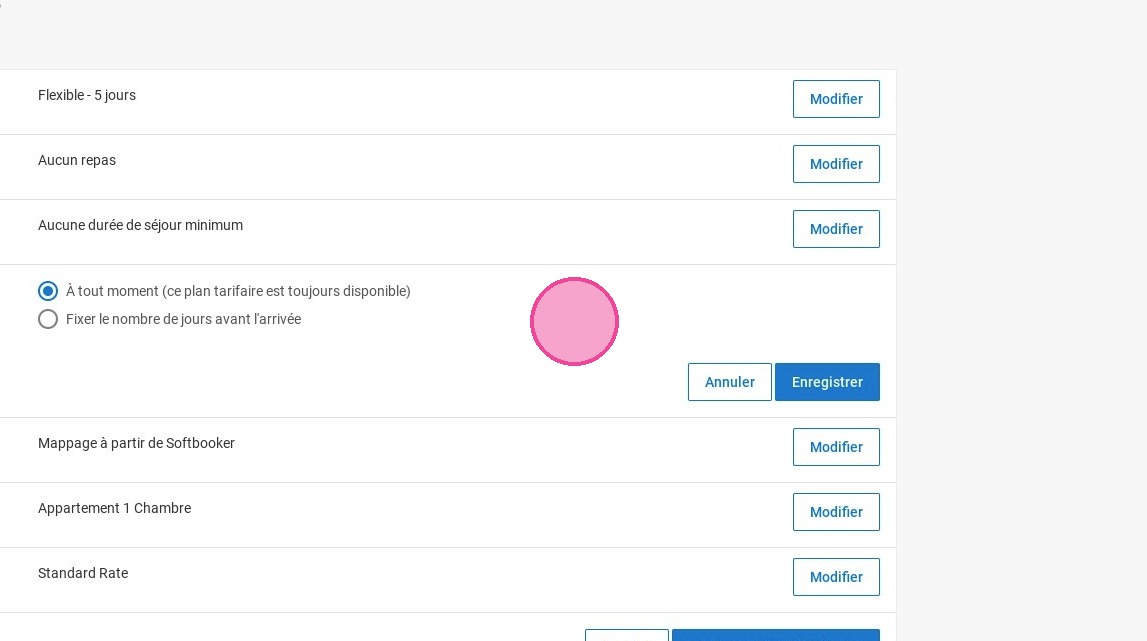

Article Summary: This tutorial explains how to modify booking limits directly in your Booking.com extranet to better control how your property is sold. You will learn how to adjust the settings of your rate plans to set precise rules for availability and booking conditions. By mastering these restriction options, you will manage your inventory more effectively and adapt your distribution strategy to your real needs.
The 4 Key Steps to Modify Your Booking Limits on Booking.com:
-
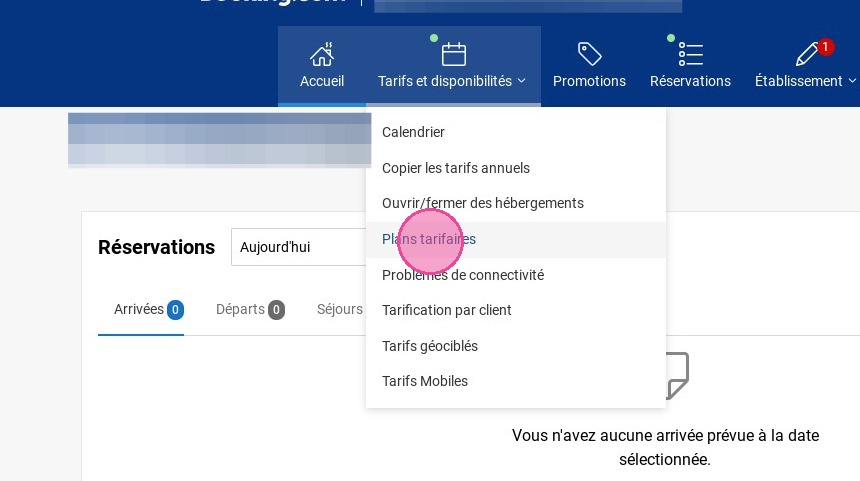
Open your rate plans: In your Booking.com extranet, open "Rates & Availability" and click "Rate plans".
-
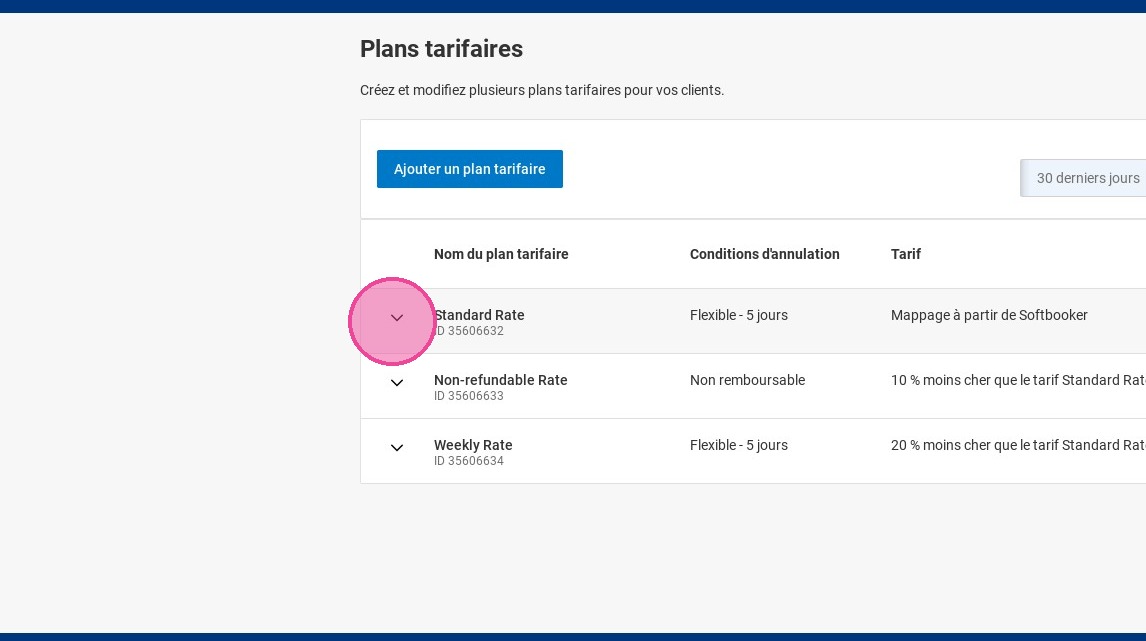
Select the rate plan: Click the rate plan to which you want to apply new limits.
-
Open the restriction settings: Click the first "Edit" button of the rate plan, then click "Edit" again in the booking limits section.
-
Set and save the limits: Choose the restriction settings that suit you and save to apply the changes right away.
Why Follow This Guide? Booking limits help you prevent overbookings and keep full control over the number of units you allocate to this online travel agency (OTA). They are essential to protect your inventory during high-demand periods and, when needed, give priority to your direct sales channels.
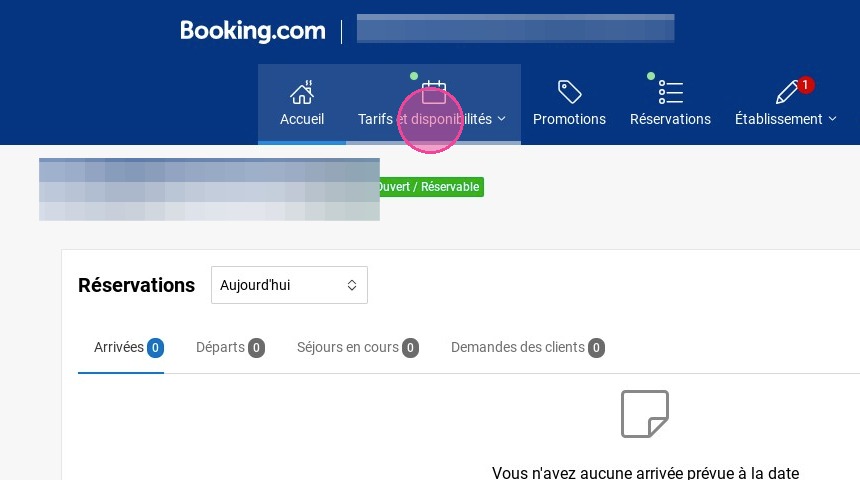
1. In your Booking.com extranet, click "Rates & Availability".
2. Click "Rate plans".
3. Click the rate plan you want to change.
4. Click the first "Edit" button of the rate plan.
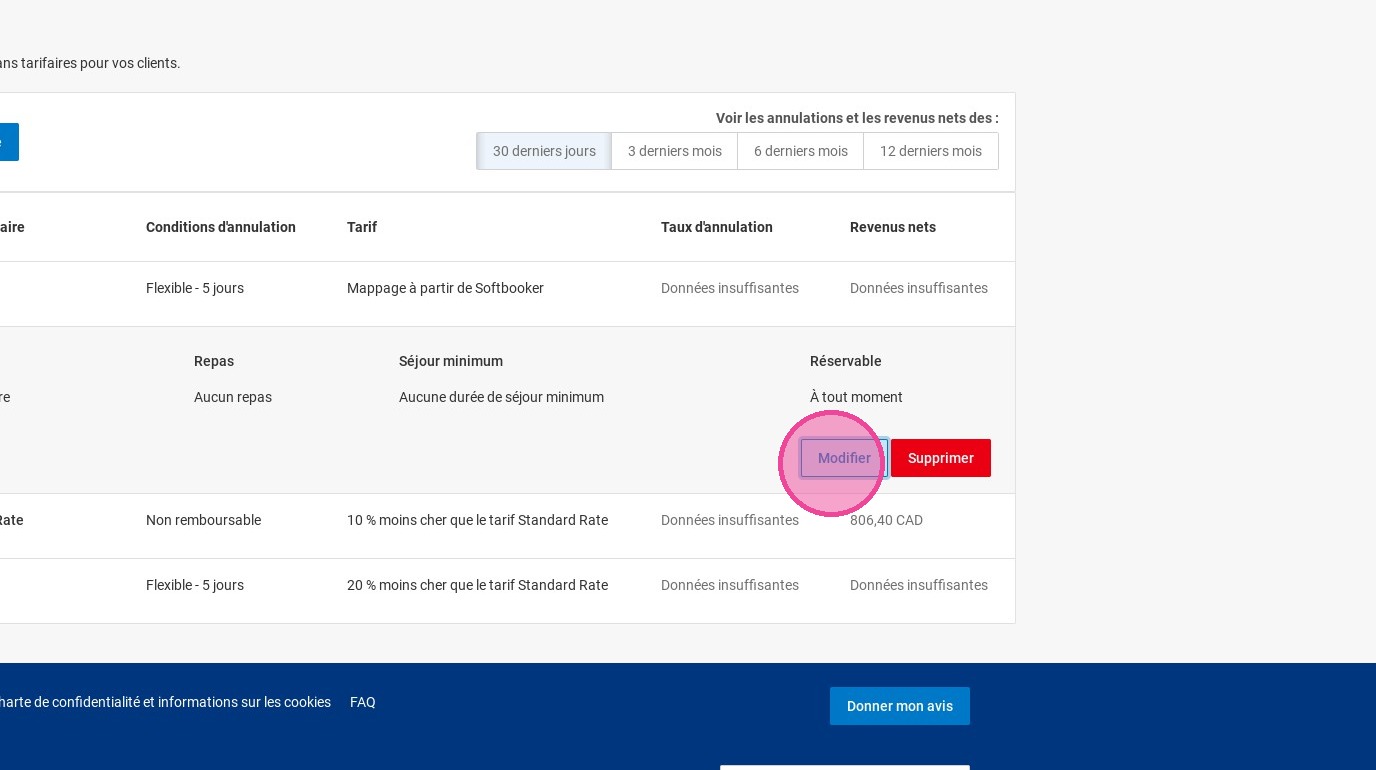
5. In the booking limits section, click "Edit" again.
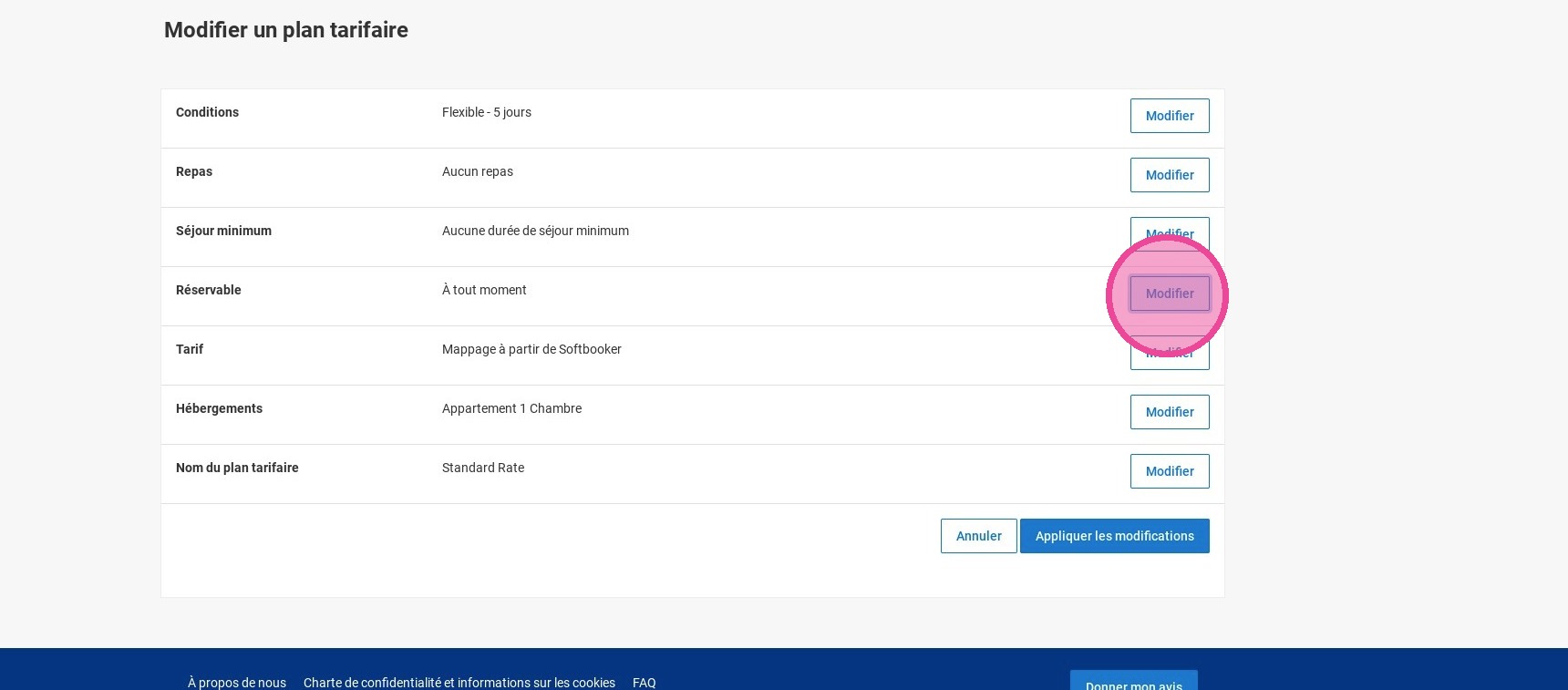
6. Choose the settings that suit you, then save.