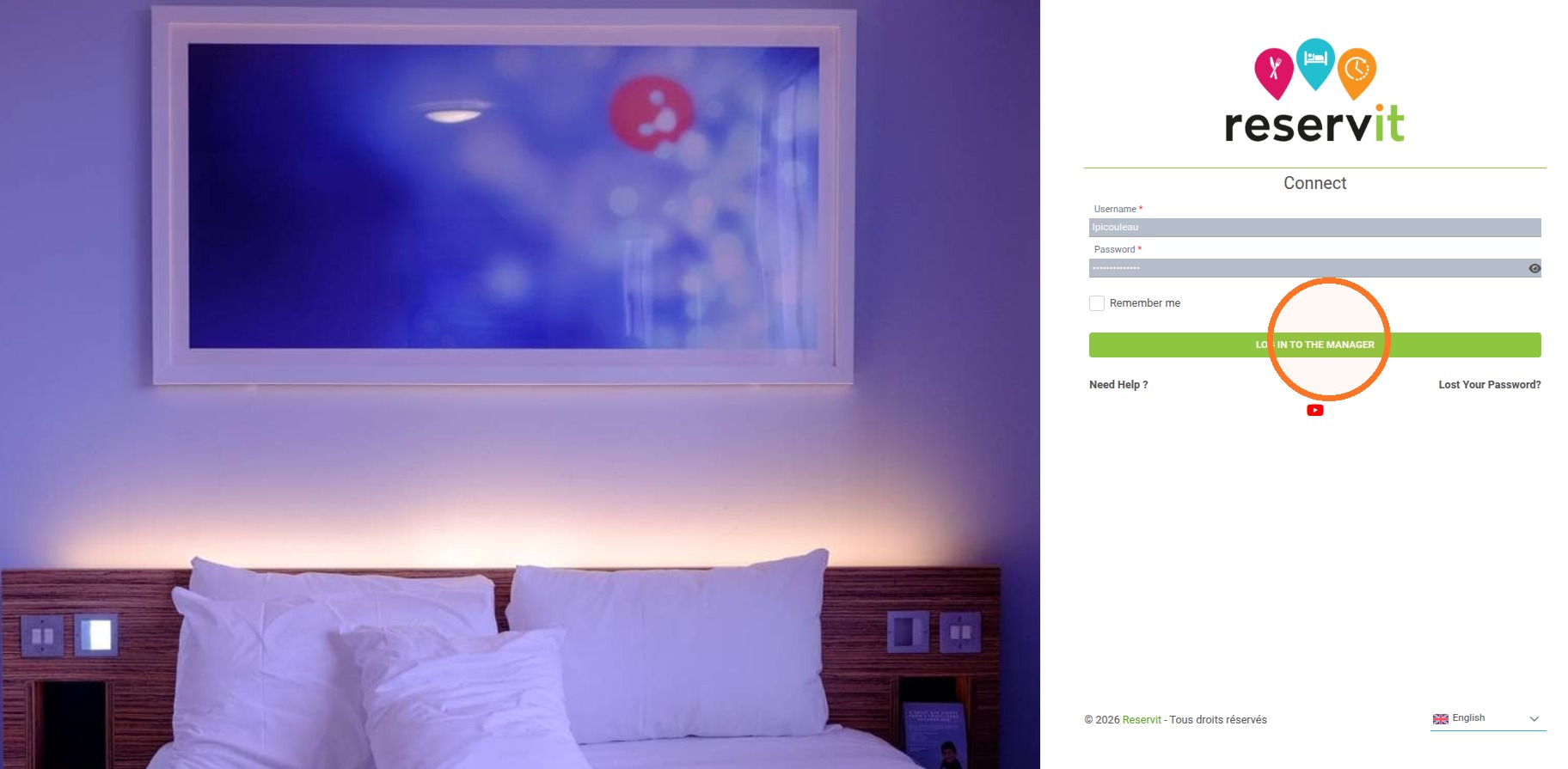
This guide provides a clear, step-by-step walkthrough to help you locate and navigate to the official Reservit Canada Manager login page. By following these instructions, you will quickly access your professional account to manage your reservations and services with ease.
The 4 Key Steps to Access Your Reservit Canada Account:
-
Visit the Official Website: Navigate to the official Reservit Canada homepage.
-
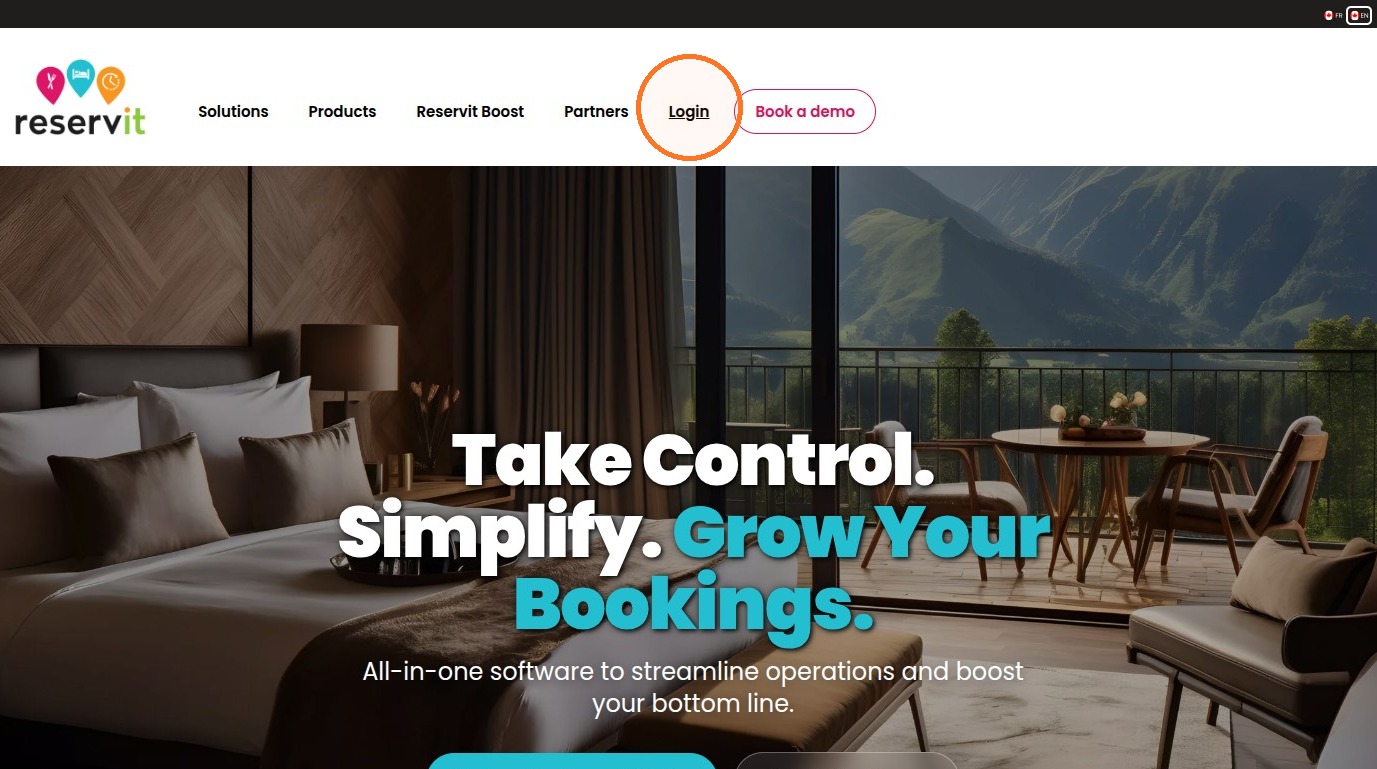
Select the Login Portal: Locate and click the "Login" button prominently displayed on the site.
-
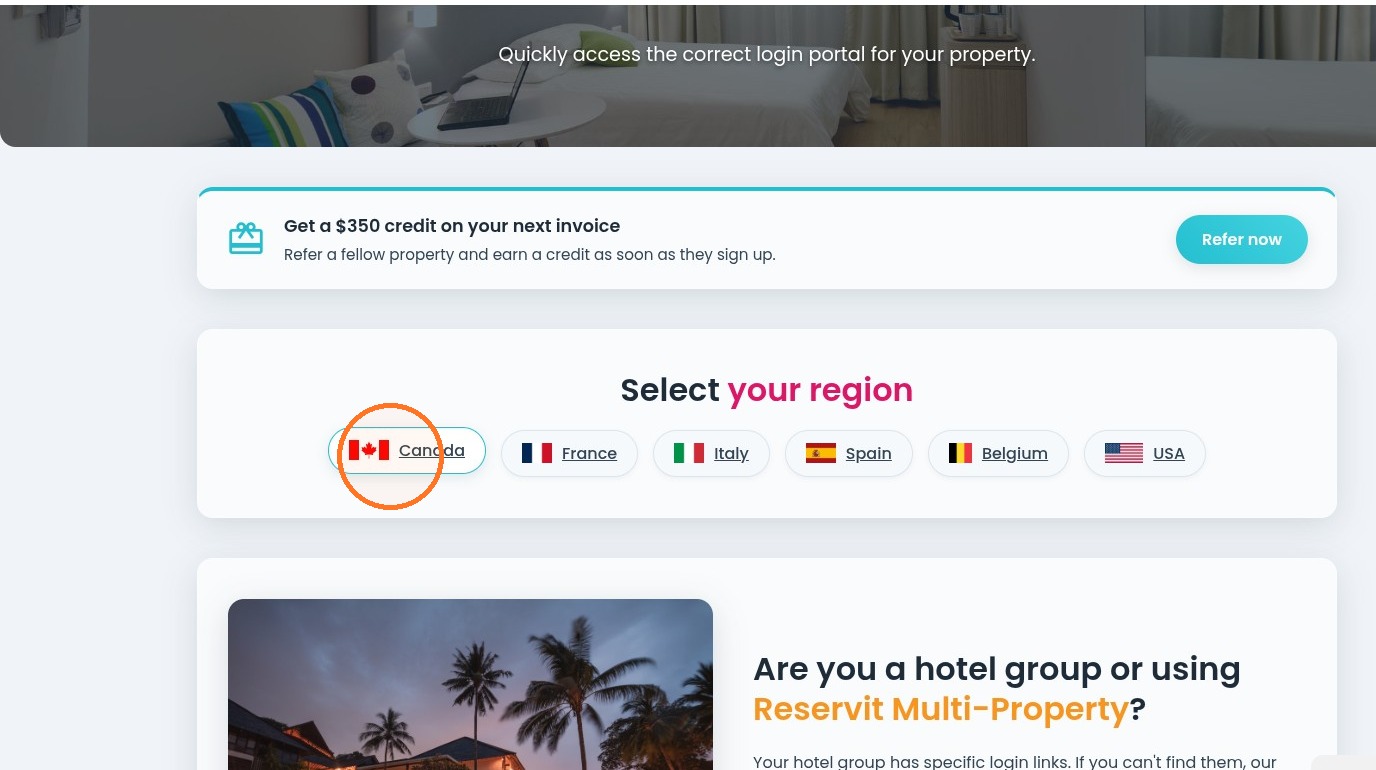
Choose Your Region: Select "Canada" from the available options to ensure you are directed to the correct regional dashboard.
-
Authenticate Your Account: Enter your secure credentials and click "LOG IN TO THE MANAGER" to access your administration tools.
Why follow this guide? Following this guide ensures you reach the correct secure portal quickly, preventing navigation errors and saving you valuable time in your daily operations.
1. Navigate to https://www.reservit.ca/en/
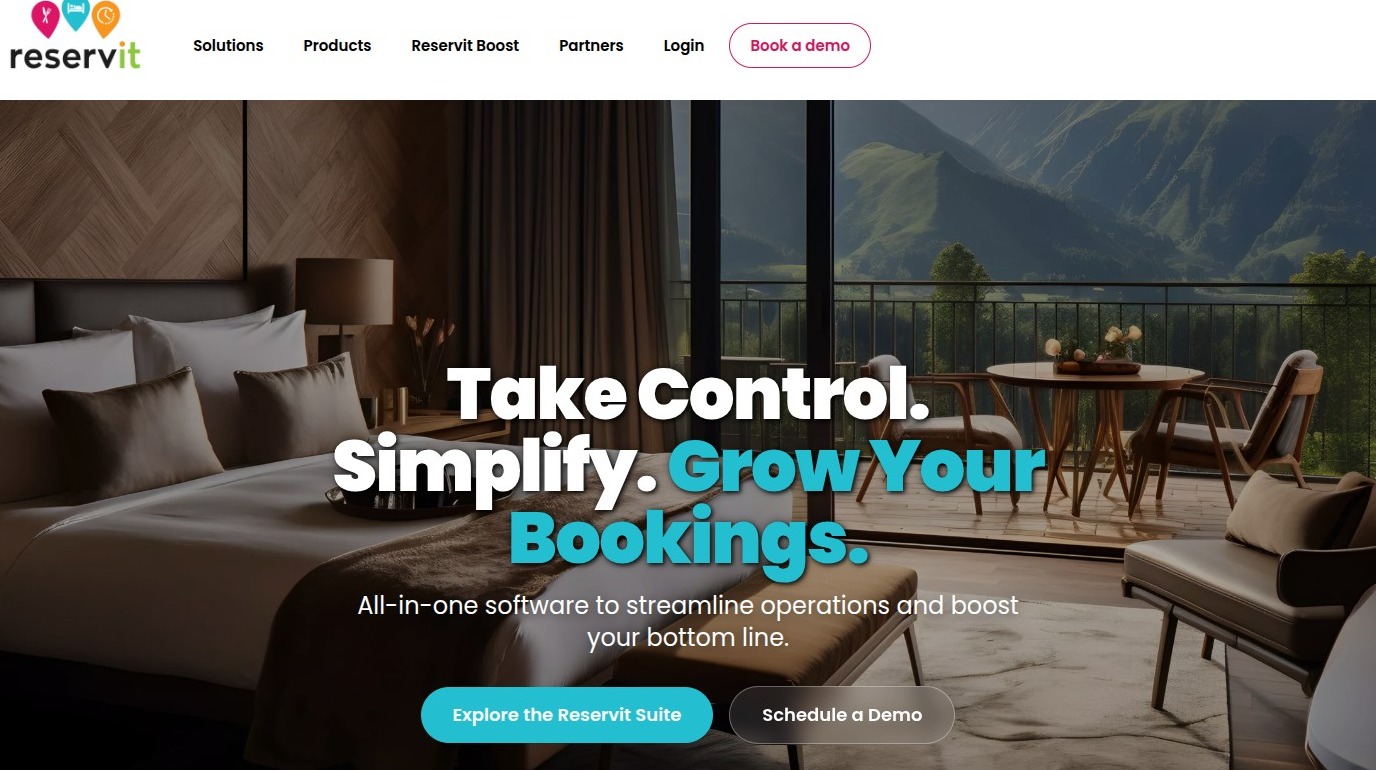
2. Click on "Login"
3. Click on "Canada"
4. Enter your login and click "LOG IN TO THE MANAGER".