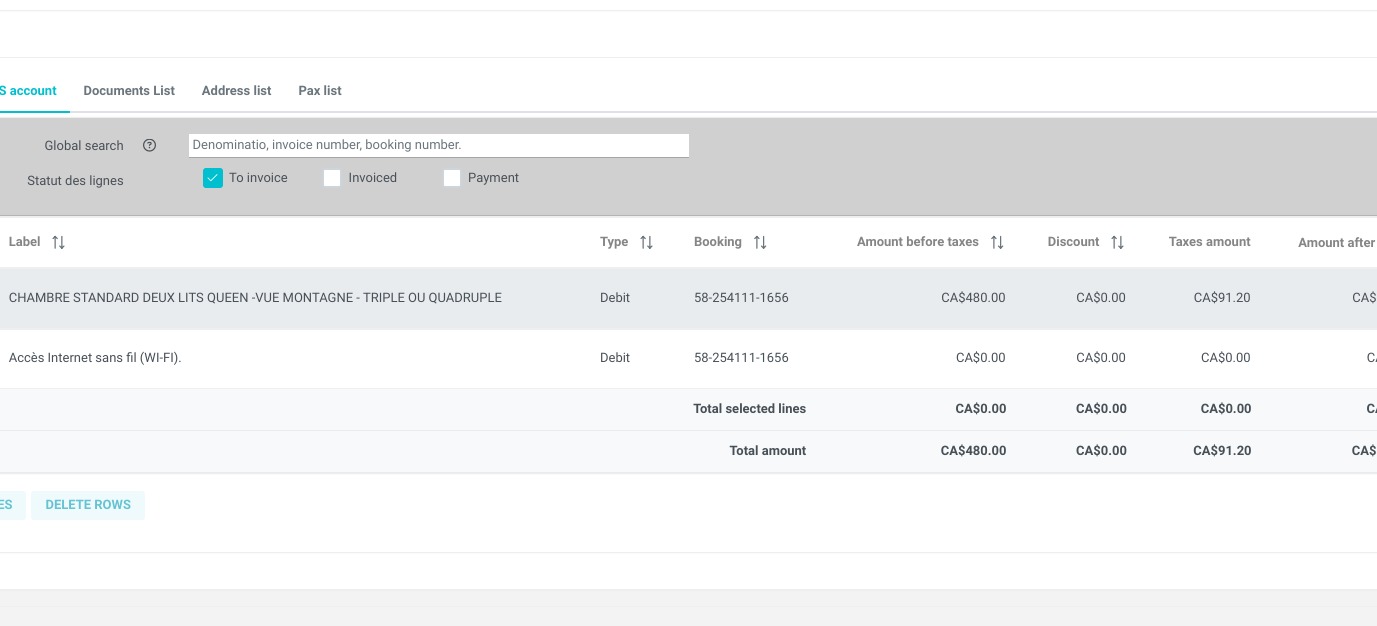
Article Summary: This step-by-step tutorial explains how to easily access and navigate your invoice accounts within the Reservit PMS. You will learn how to locate the billing module, search for specific customer billing profiles, and open detailed account records. Mastering this feature ensures accurate invoicing and provides a clear, organized overview of your property's financial data.
The 3 key steps to access your invoice accounts:
-
Navigate to the Billing Menu: Go to the "My reservations" tab, select "Billing," and click on "Invoice accounts" to open your overall billing directory.
-
Search and Locate: Use the directory to browse all your billing accounts or utilize the search function to quickly pinpoint a specific corporate or guest profile.
-
View Account Details: Click directly on a chosen billing account to open its profile and access all the specific financial details linked to it.
Why follow this guide? Following this tutorial will save you valuable time by streamlining how you locate and verify customer billing information. It helps prevent costly invoicing errors and optimizes your daily accounting workflow by keeping all client financial details organized and instantly accessible.
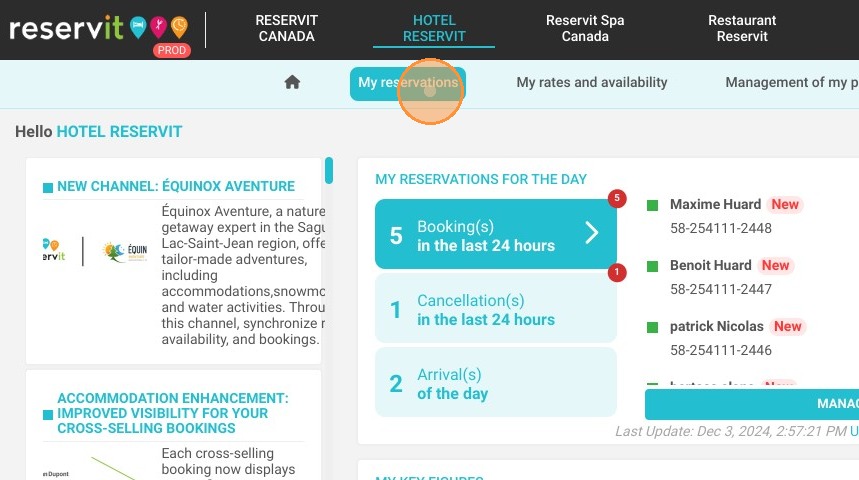
1. Click "My reservations"
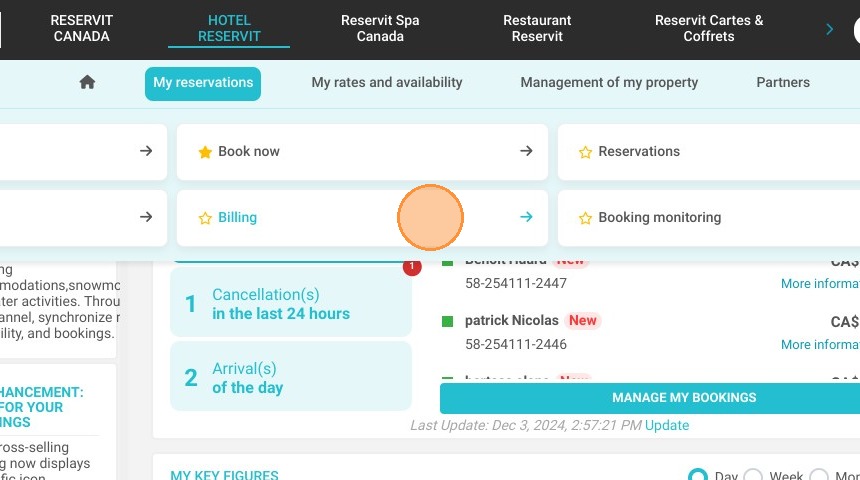
2. Then ''Billing''
3. And ''Invoice accounts''
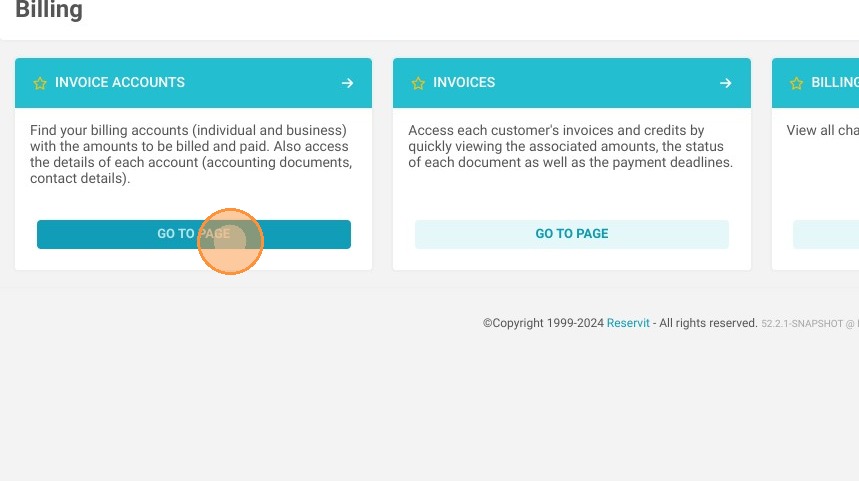
Tip: Here you have access to all your billing accounts, you can search for one in particular
4. By clicking here, you will have access to more details about a certain billing account
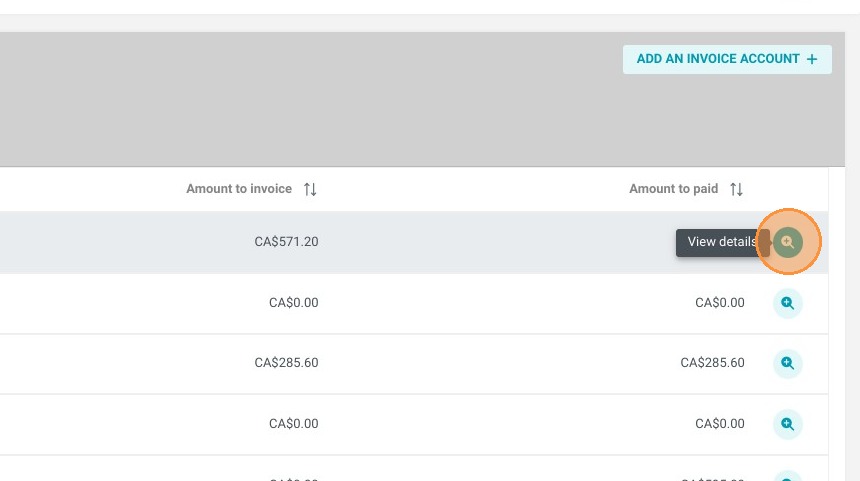
5. You will have then all the details linked to this specific account