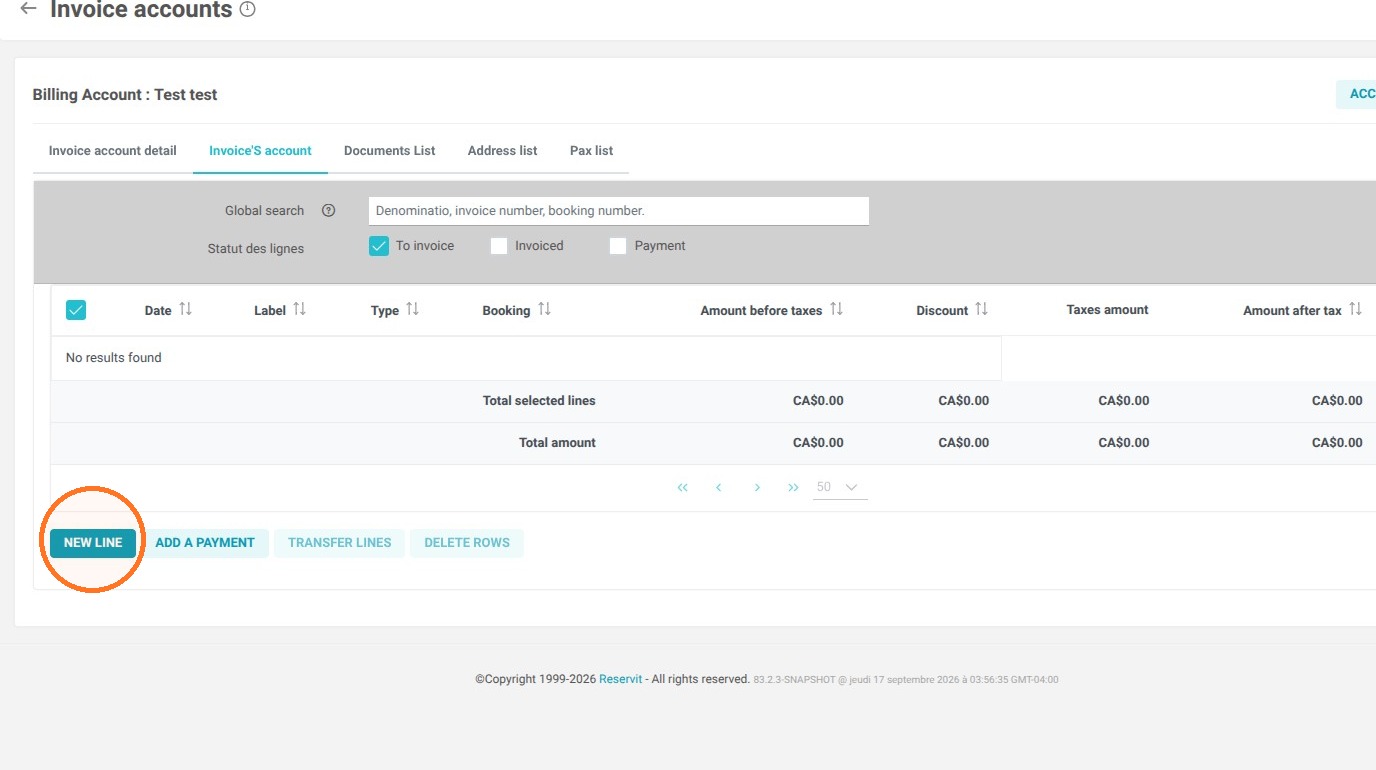
Article Summary: This tutorial explains how to create an independent billing (invoice) account, without linking it to an existing room reservation, directly in your Reservit PMS. You will learn how to set up a profile for an individual or a business and manually add billable services to it. Mastering this feature gives you complete flexibility to manage your payments, bill for additional services, and optimize your direct sales.
The 5 key steps to create an independent billing account:
-
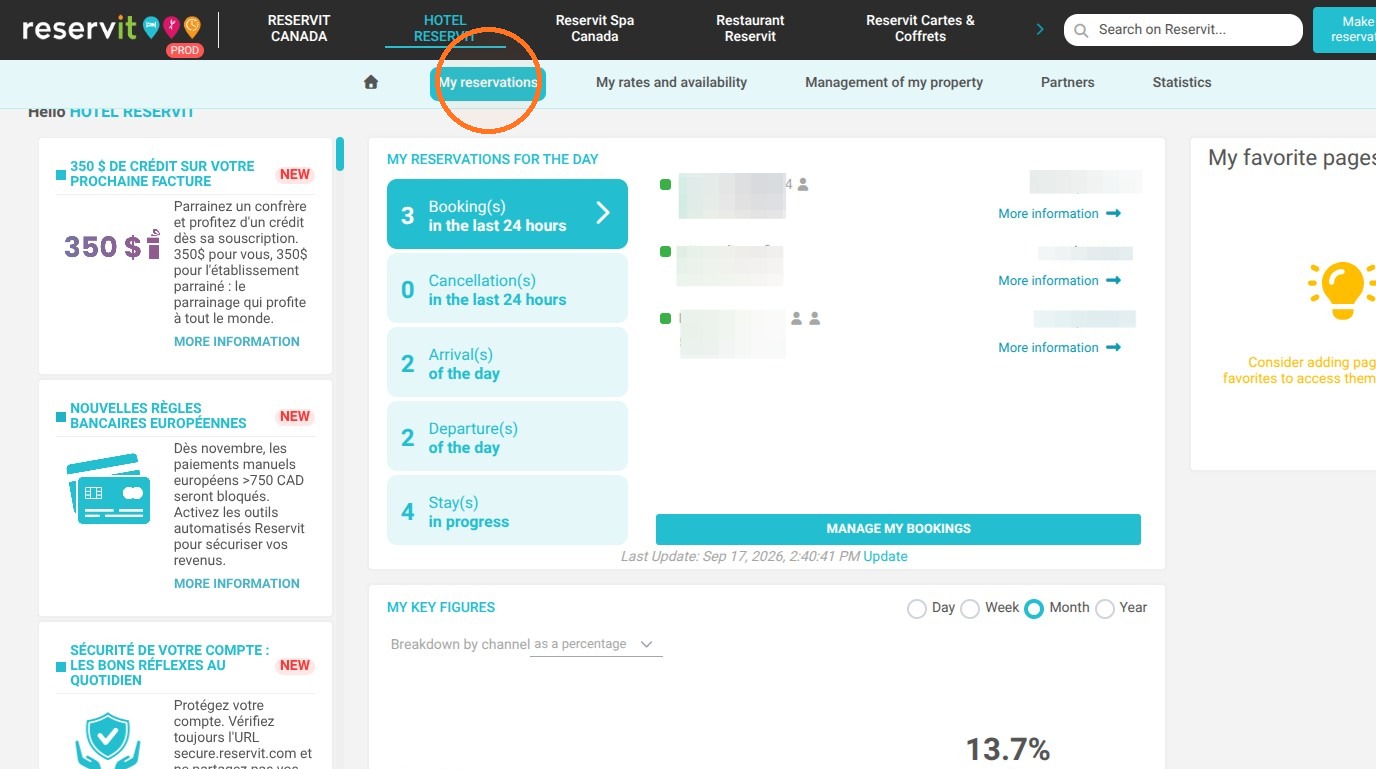
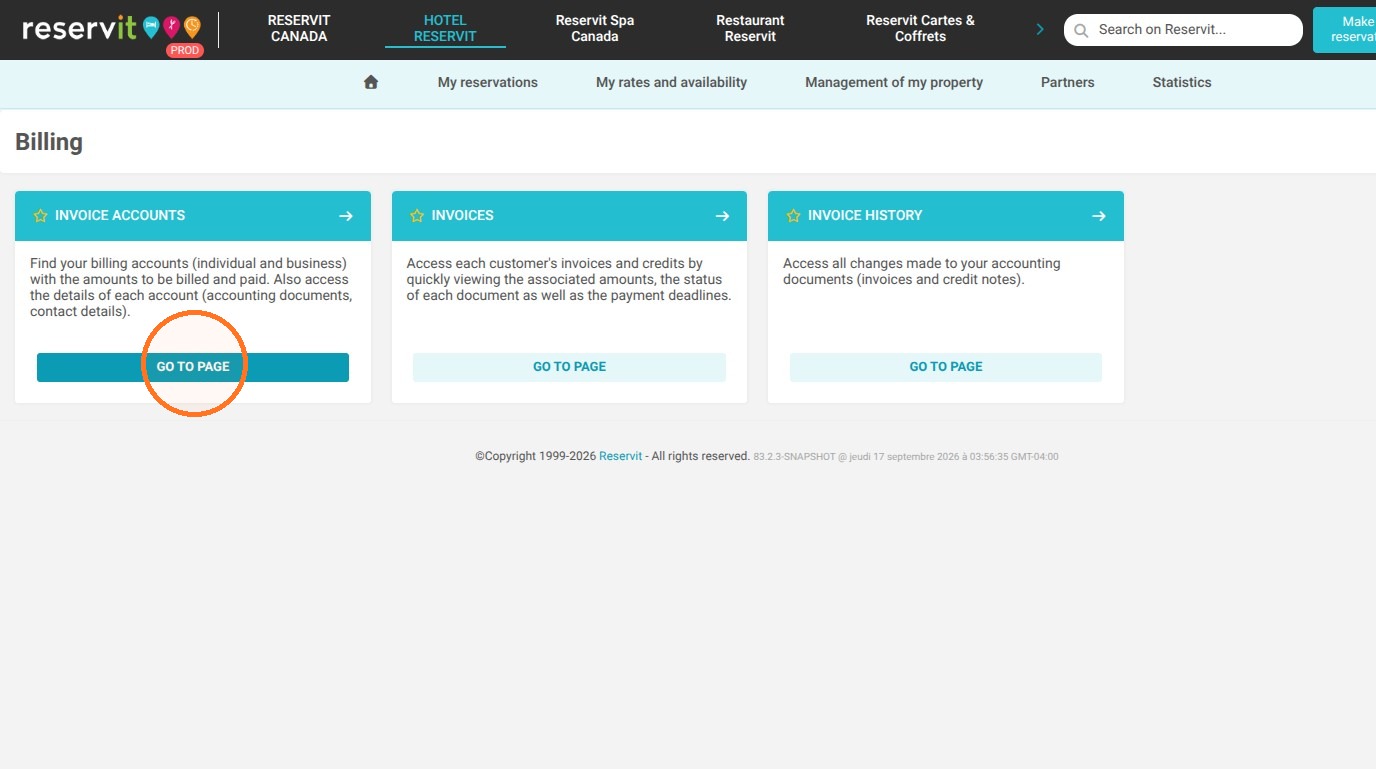
Access the billing module: In your interface, navigate to "My reservations", open the "Billing" menu, and then select the "Invoice accounts" page.
-
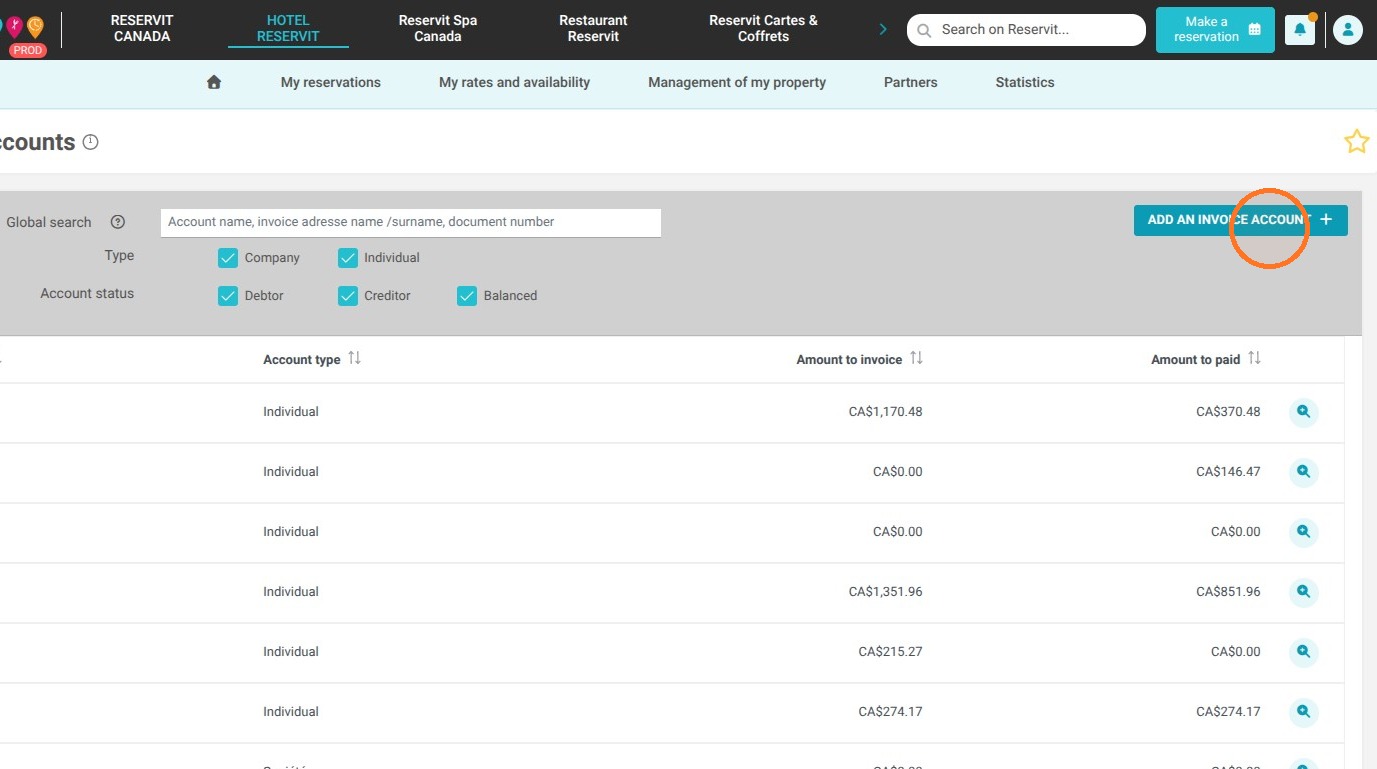
Start the creation process: Simply click the "Add an Invoice account" button to begin setting up the new profile.
-
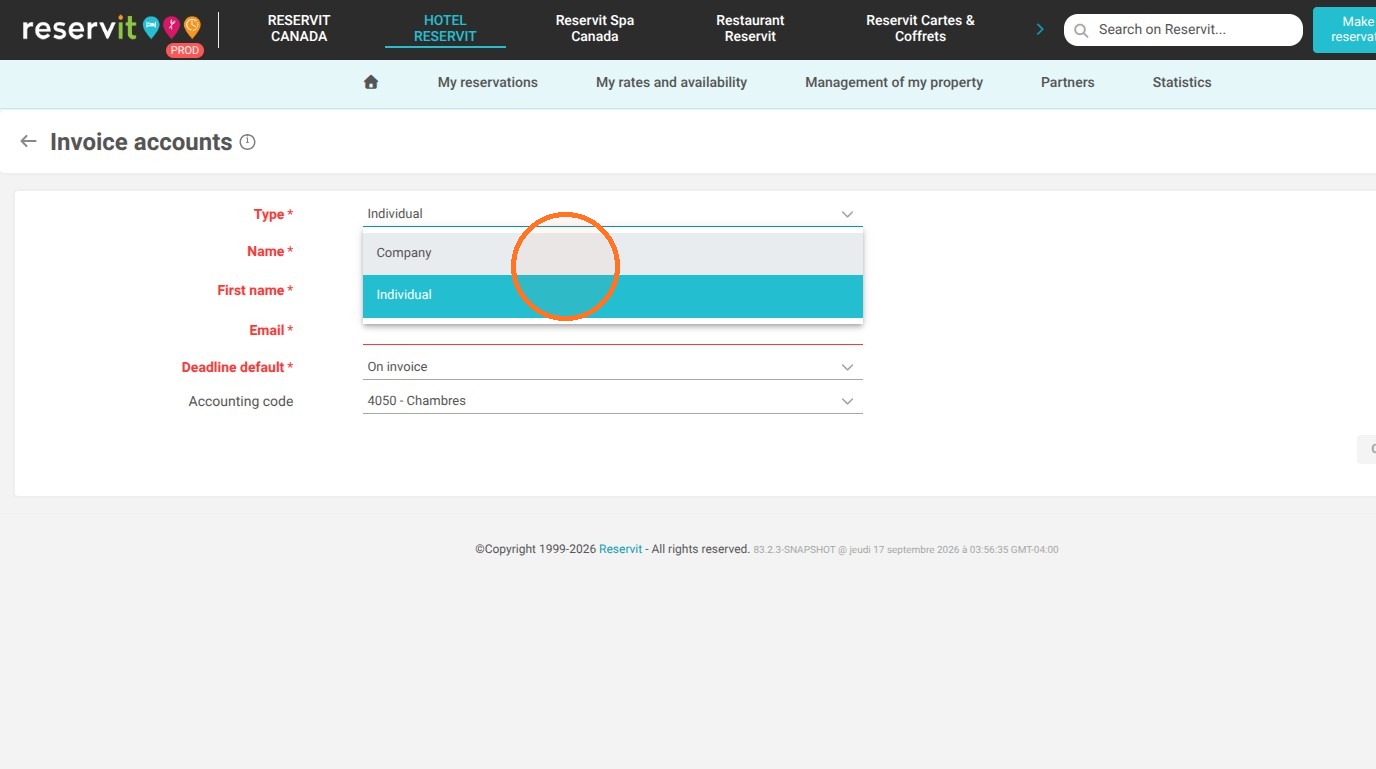
Select the account type: Define your client type by choosing whether it is an "Individual" or a "Company".
-
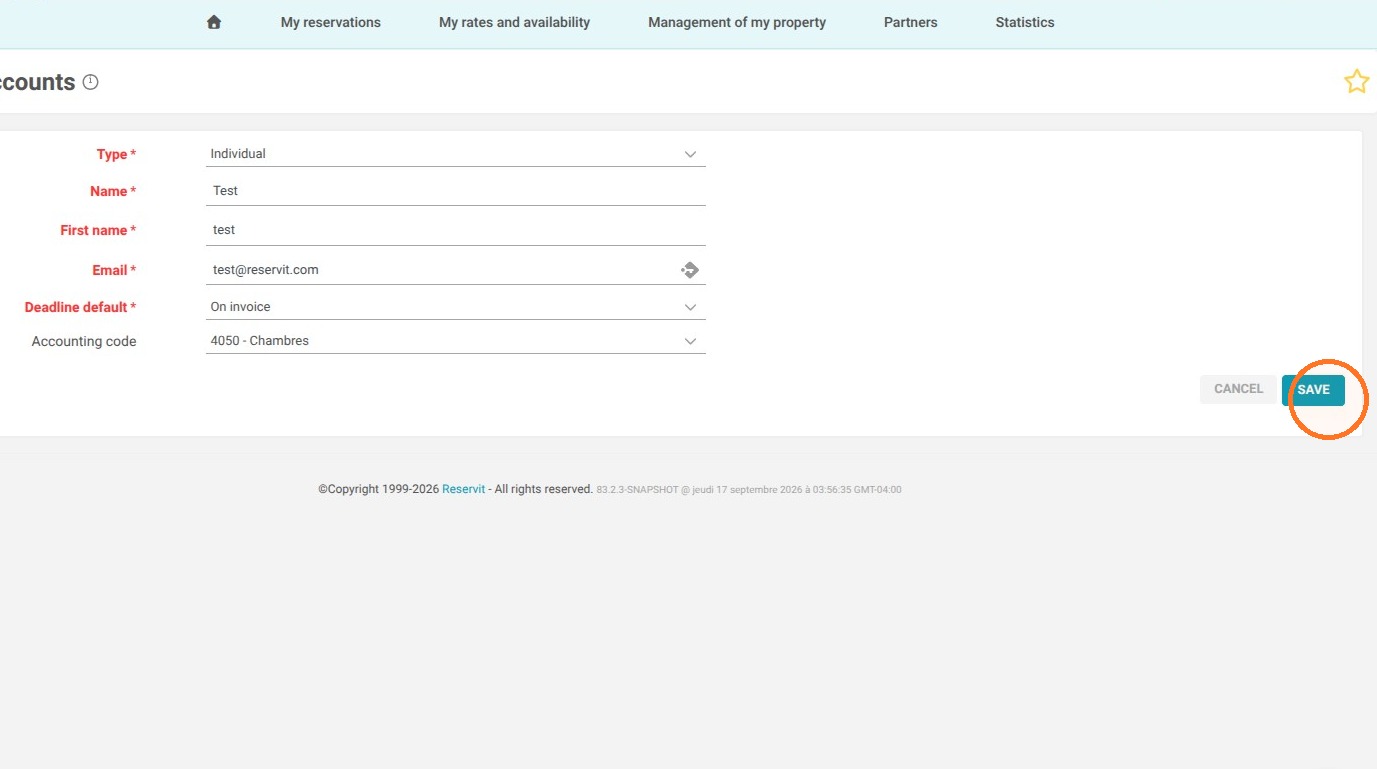
Enter details and save: Enter the essential contact details for the client or partner, then save to confirm the account creation.
-
Add services: Once the profile is created, use this new account to manually add the various services, extras, or products you want to bill.
Why follow this guide? By mastering this procedure, you optimize your sales management by being able to quickly bill external clients (walk-ins, room rentals, events) without tying them to an overnight stay. This allows you to centralize all your revenue within your PMS, saving you valuable time and preventing errors associated with using multiple, disconnected billing platforms.
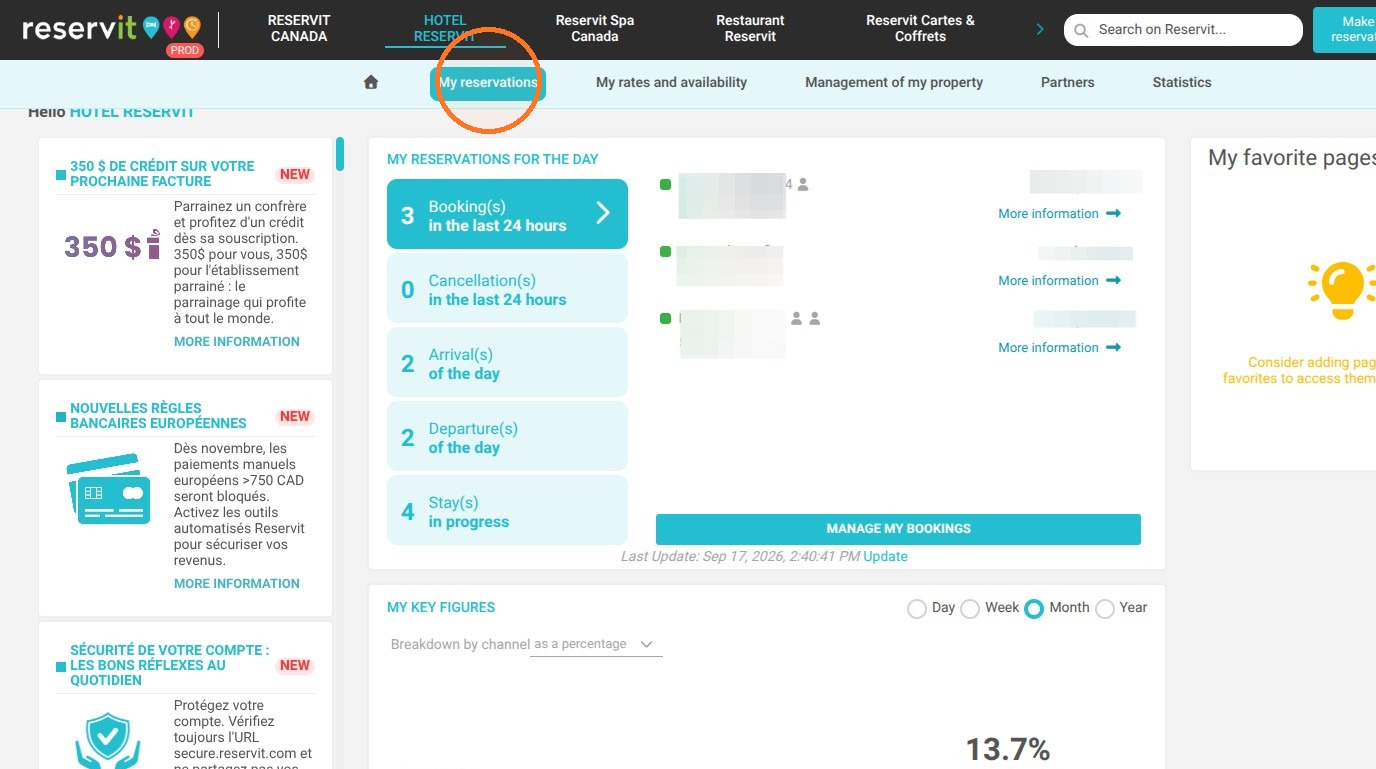
1. Click "My reservations" then click "Billing"
2. Go to the "Invoice Accounts" page
3. Click "Add an invoice account"
4. Select the account type, depending on whether it is an individual or a business (company).
5. Add the account contact information and save
6. Once the account is created, you can manually add charges to it.