Article Summary: This comprehensive tutorial will teach you how to effectively manage your bookings using the Reservit Accommodation system. You will learn how to search, filter, and export reservations, as well as modify booking details and access payment terminals. Mastering these features will ensure a smooth, organized daily management process, giving you full control over your guest list and daily operations.
The 5 Key Steps to Manage Your Bookings:
-
Access and Search Reservations: Navigate to the "My reservations" dashboard and view guests by arrival, departure, or booking creation dates.
-
Apply Advanced Filters: Use specific criteria to easily isolate and look at certain targeted bookings.
-
Export Booking Data: Quickly export your selected reservation lists directly to Excel for seamless reporting and offline tracking.
-
Update and Modify Bookings: Open the booking recap to instantly change its status (such as a cancellation) or modify the reservation details.
-
Utilize Advanced Tools: Easily access the payment terminal, customer files, historical data, and invoicing options directly from the reservation overview.
Why follow this guide? Following this guide will save you valuable administrative time and prevent organizational errors by centralizing all your daily management tasks. It allows you to streamline your Reservit Accommodation workflow, ensuring quick, secure access to essential guest and payment information.
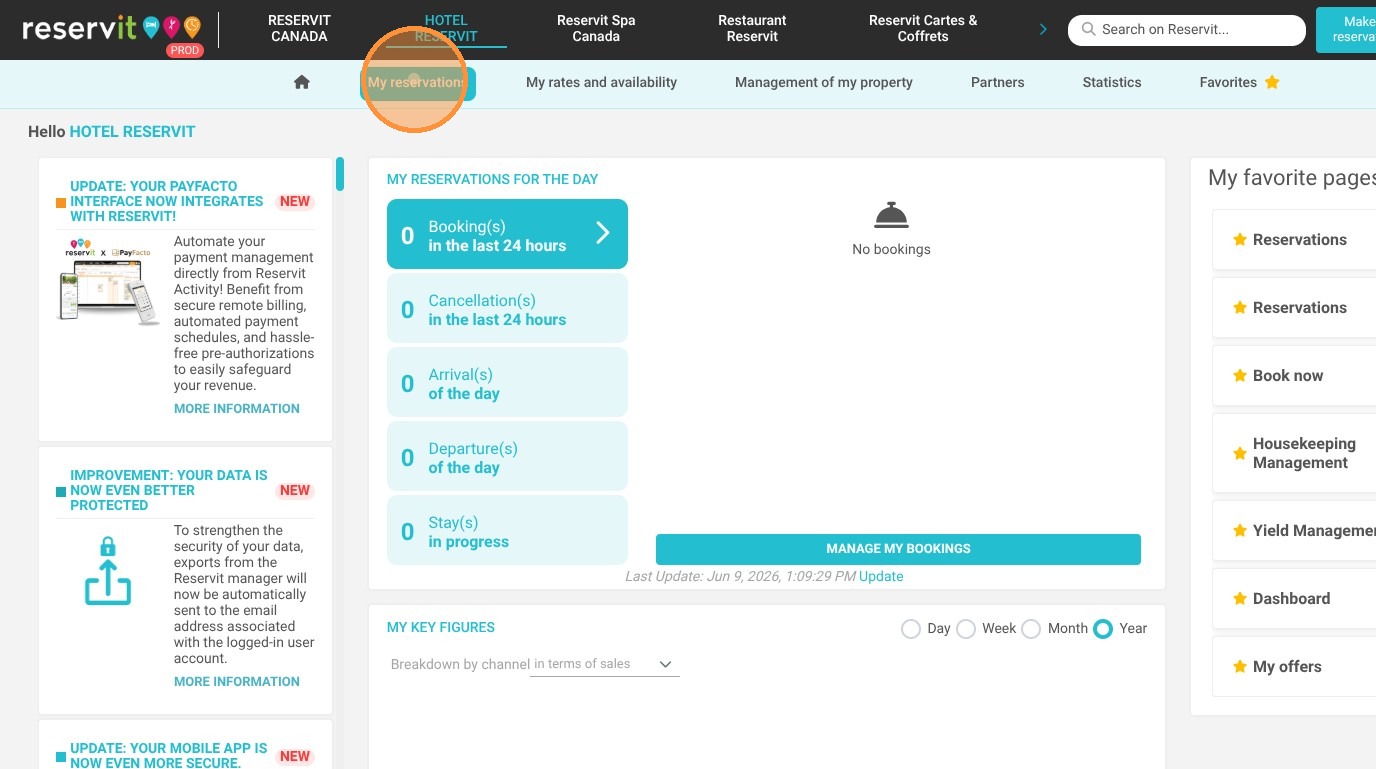
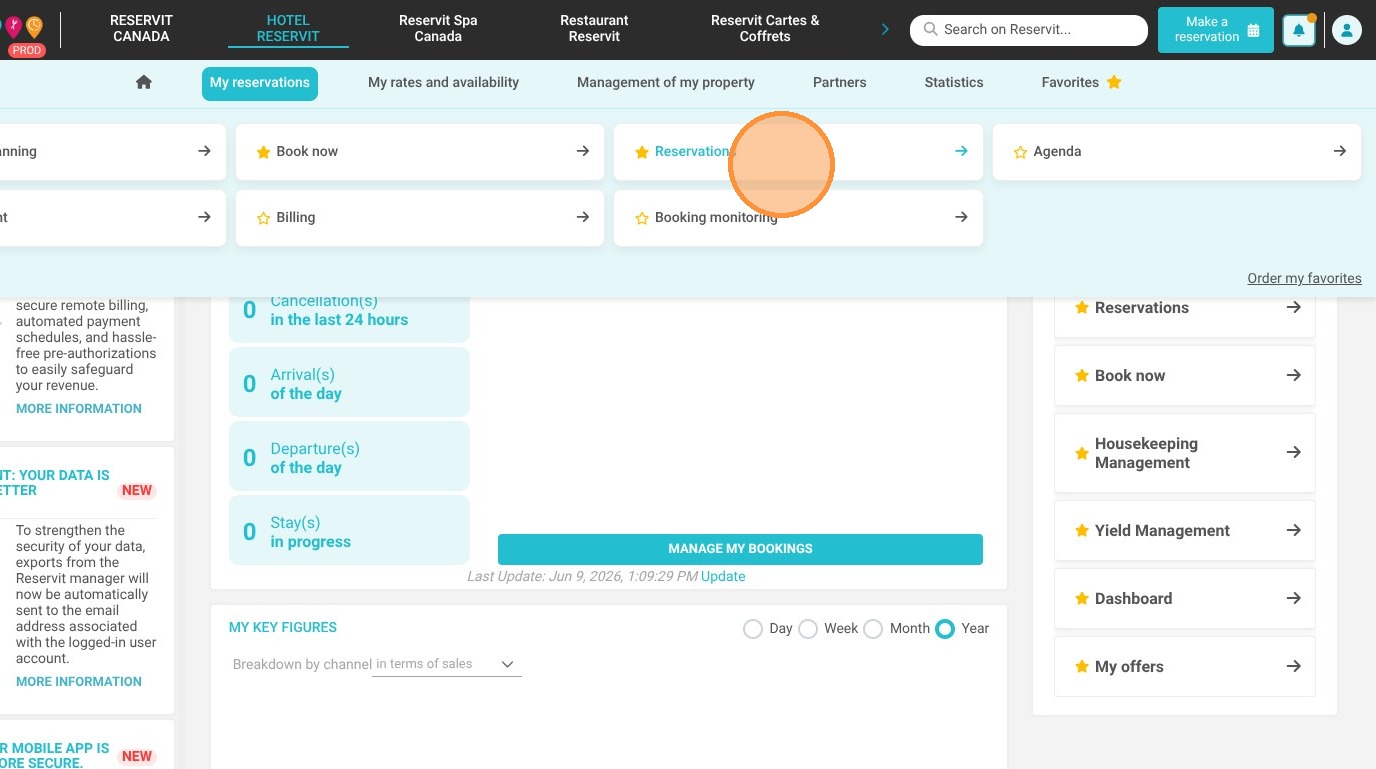
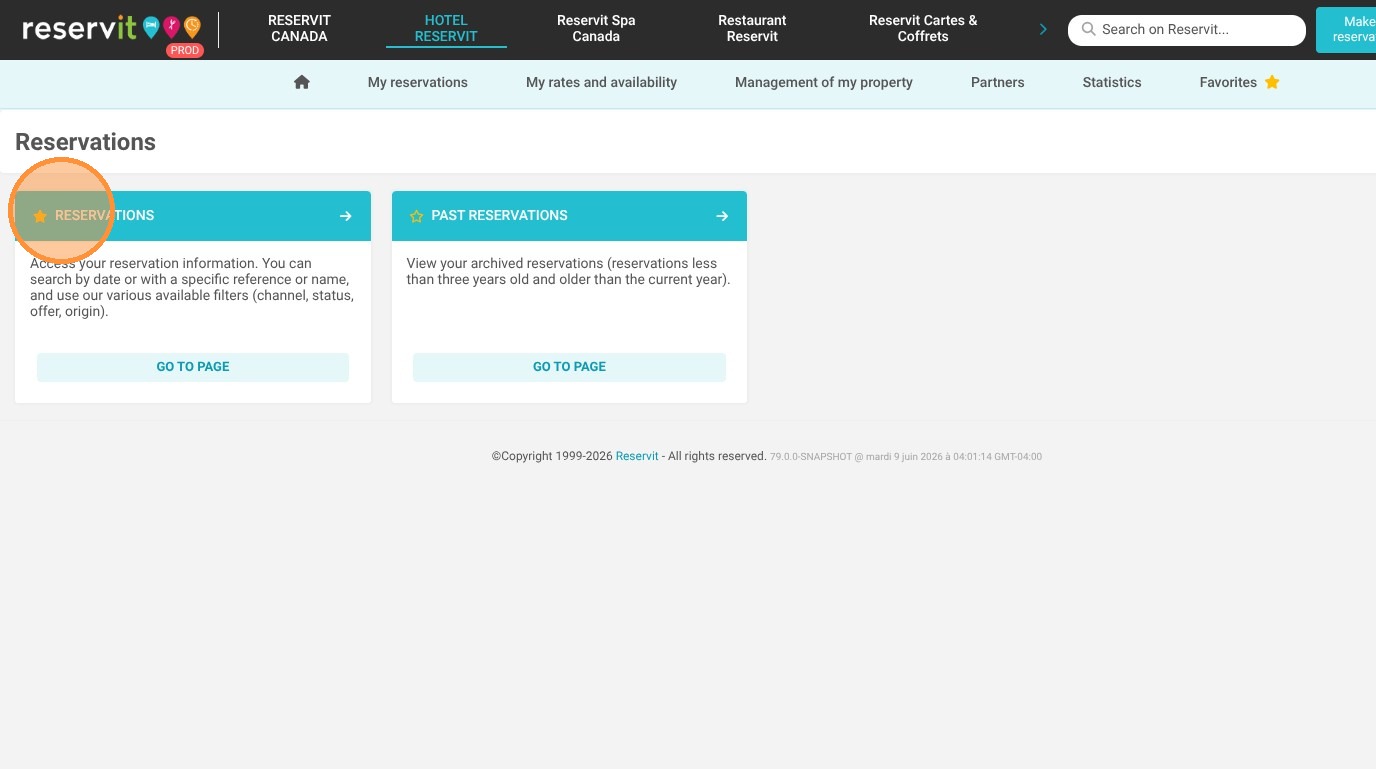
1. Click "My reservations" then "Reservations"
2. You can select a period to see all the guests arriving in the period selected
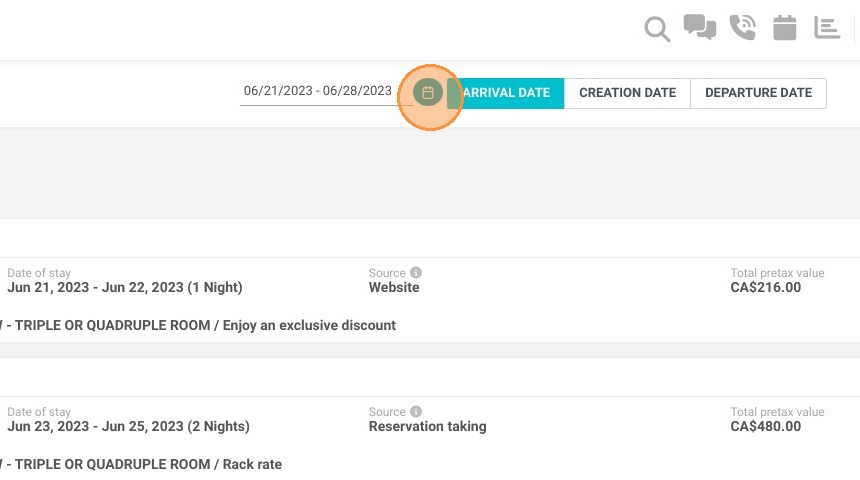
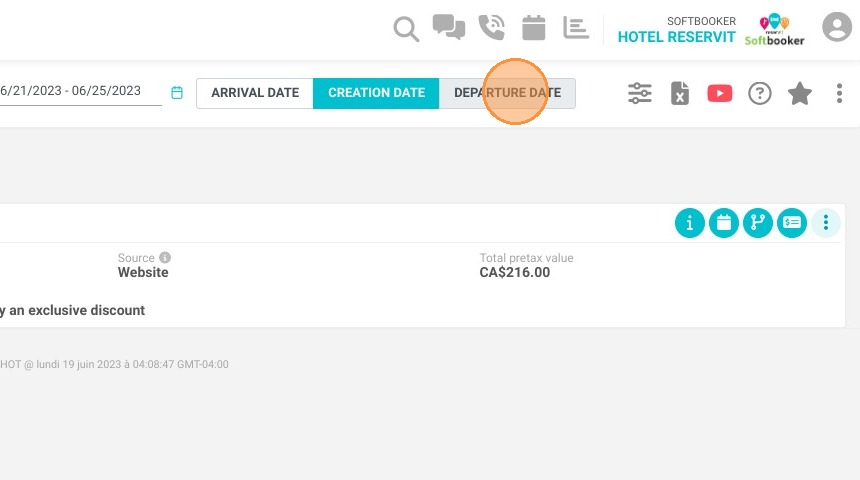
3. OR all the guests leaving on the period selected. But also at the booking creation's date.
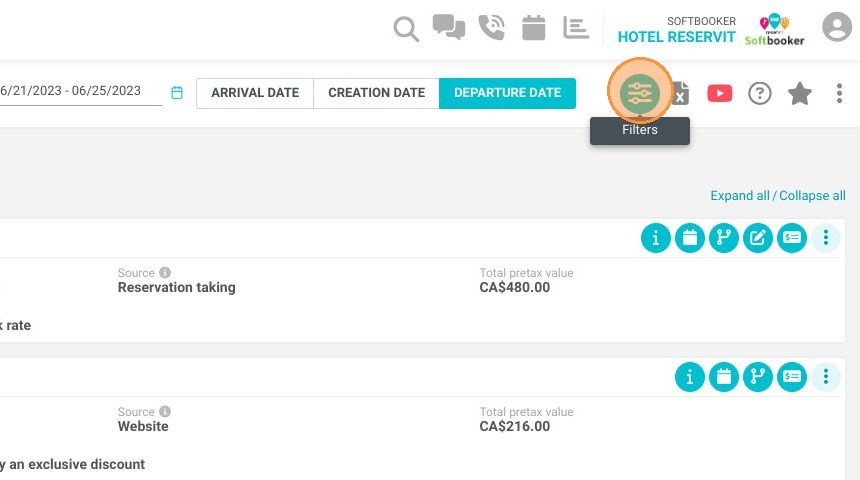
4. You can filters to look at certain bookings only.
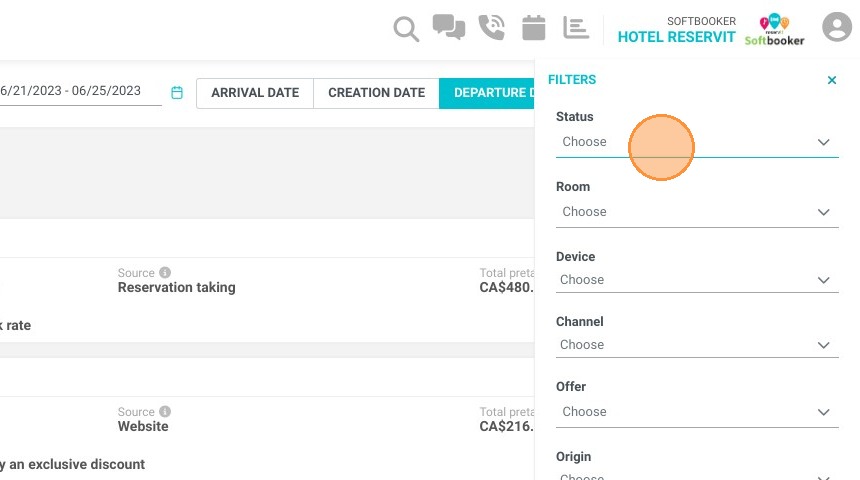
5. Choose the filters that you want to occur.
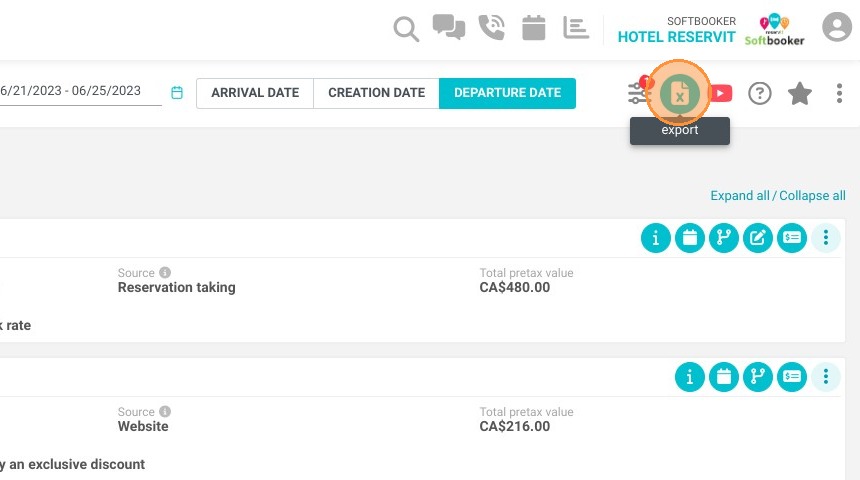
6. You can export the selected bookings to Excel.
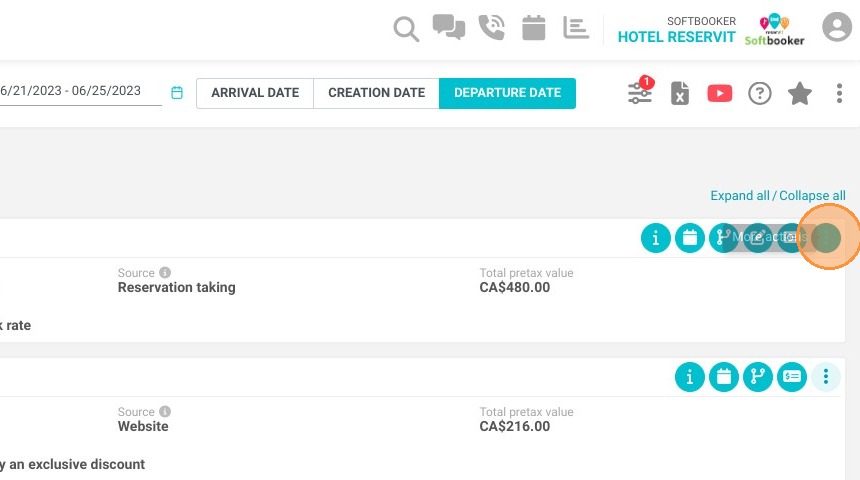
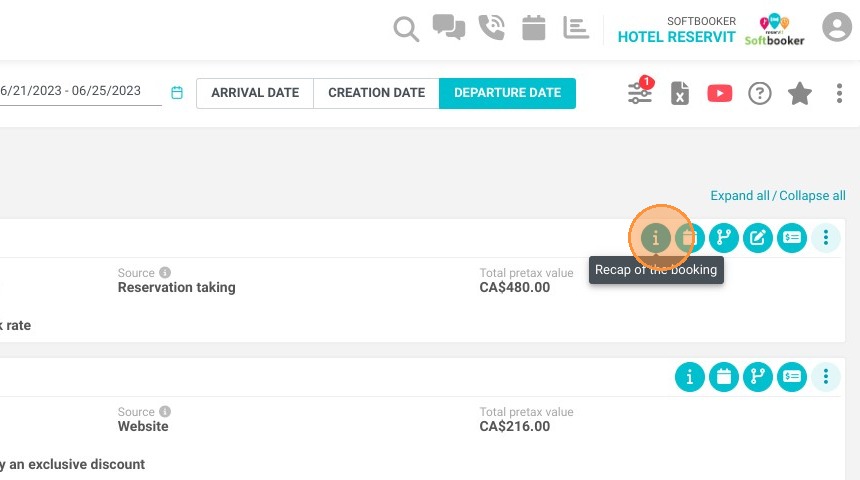
7. For each booking you will find a recap.
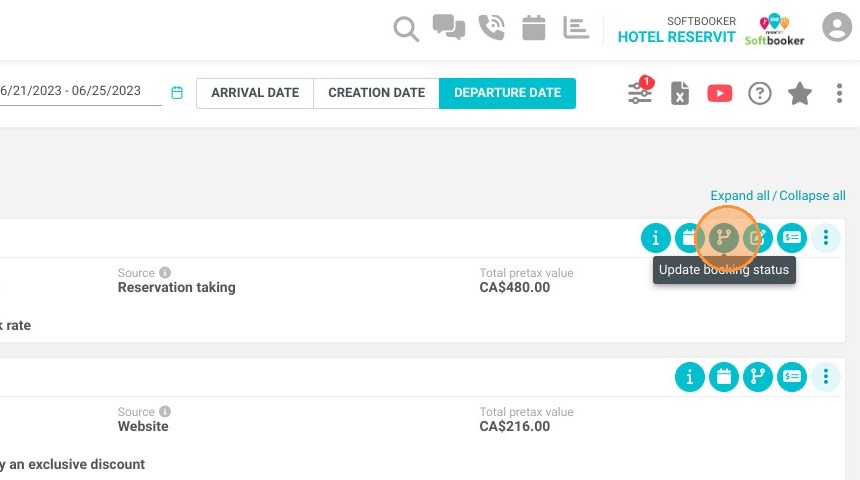
8. You can update the booking status, for example if it is cancelled.
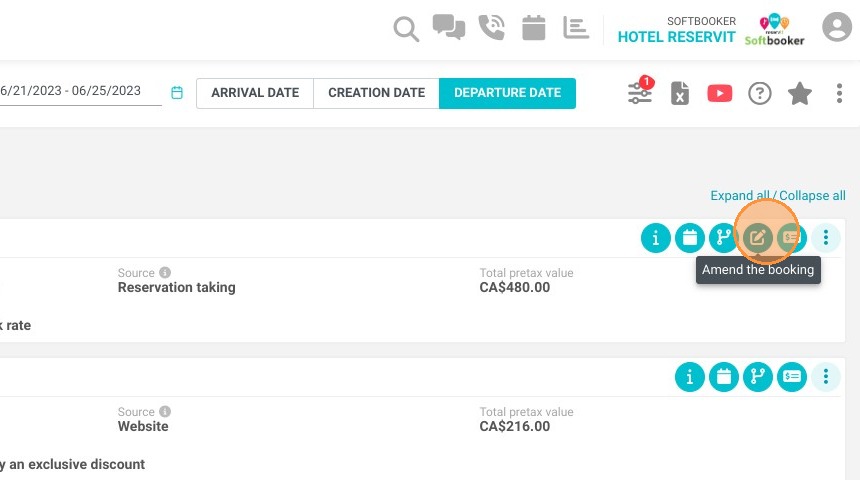
9. You can modify the booking.
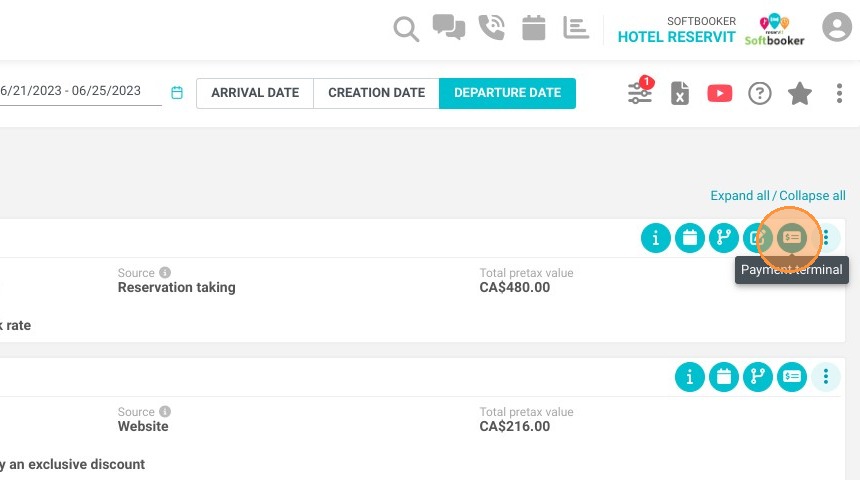
10. You can access to the payment terminal.
11. You will find more actions available here like access to invoicing, customer file, historical...