Article summary: This quick tutorial explains how to enable the ideal shopping cart display within your Reservit Booking Engine. By automatically proposing the most economical combination of units for each searched stay, you provide the best pricing offer to your visitors. This sales optimization feature improves the user experience and boosts direct bookings on your property's website.
The 3 key steps to display the ideal shopping cart on Reservit:
-
Access the customization menu: Navigate to "Management of my property", select "Reservation page customization", then click on "Customization of the Reservit Booking Engine".
-
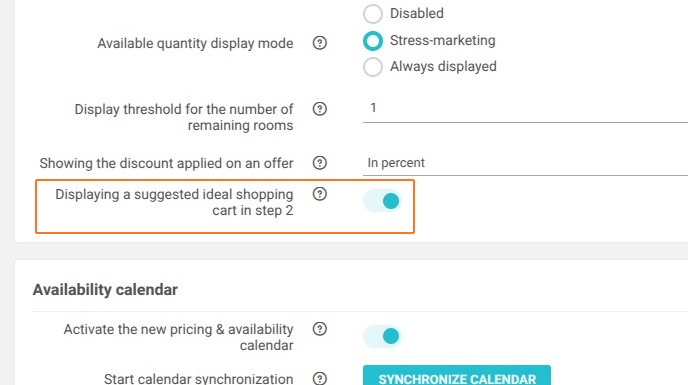
Enable the feature: Go to the "Stress Marketing" section, find the "Displaying a suggested ideal shopping cart in step 2 " section, and check the activation button.
-
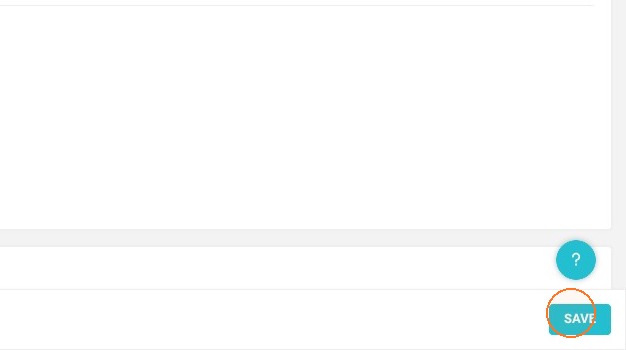
Validate the changes: Click the "Save" button to immediately apply this setting to your booking pages.
Why follow this guide? Following this tutorial allows you to easily configure a powerful price optimization tool without heavy technical intervention. You simplify your users' booking journey, eliminate barriers to purchase, and maximize your property's conversion rate.

1. Go to "Management of my property", then "Reservation page customization", and finally "Customization of the Reservit Booking Engine ".
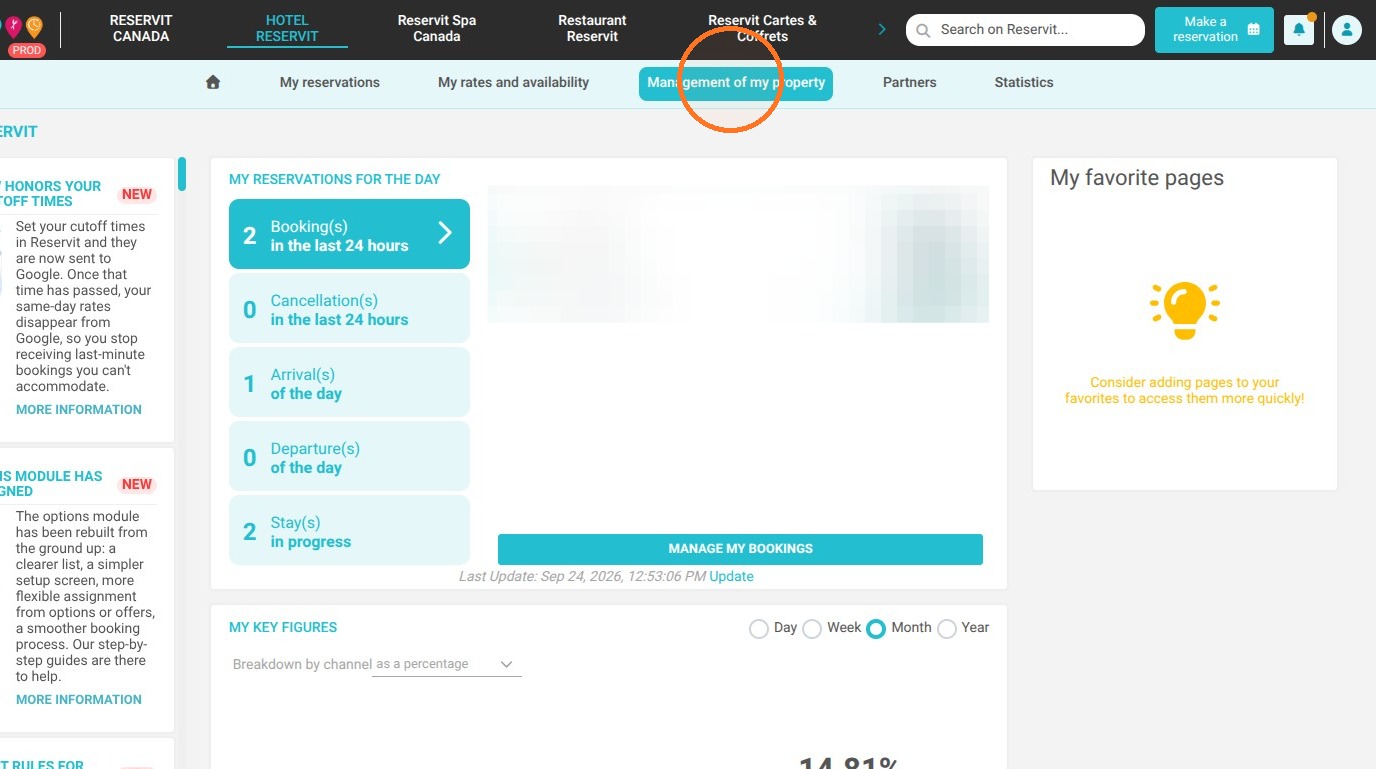
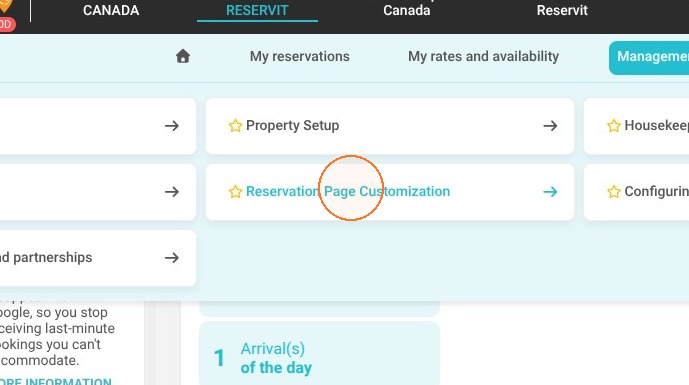
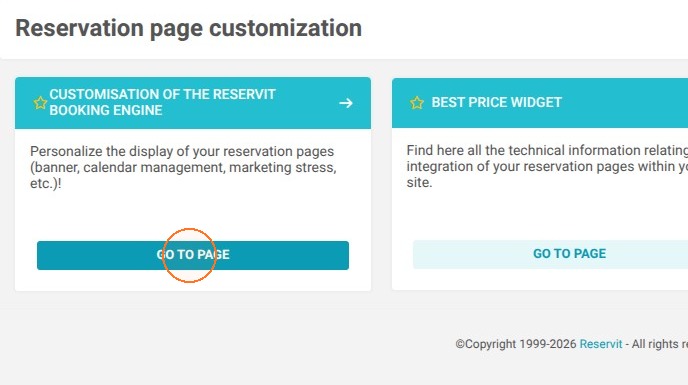
2. In the "Stress Marketing" section, go to the "Displaying a suggested ideal shopping cart in step 2 " section. Click on the button if you want to display the ideal shopping cart on your booking pages.
3. Click 'Save' to apply the change.