Article summary: This tutorial explains how to configure the rate display within the availability calendar of your Reservit booking engine. You will discover the simple procedure to make your prices visible to travelers during their booking journey. By customizing this display option, you improve the transparency of your offers and encourage direct bookings on your website.
The 3 key steps to configure the rate display in the Reservit calendar:
-
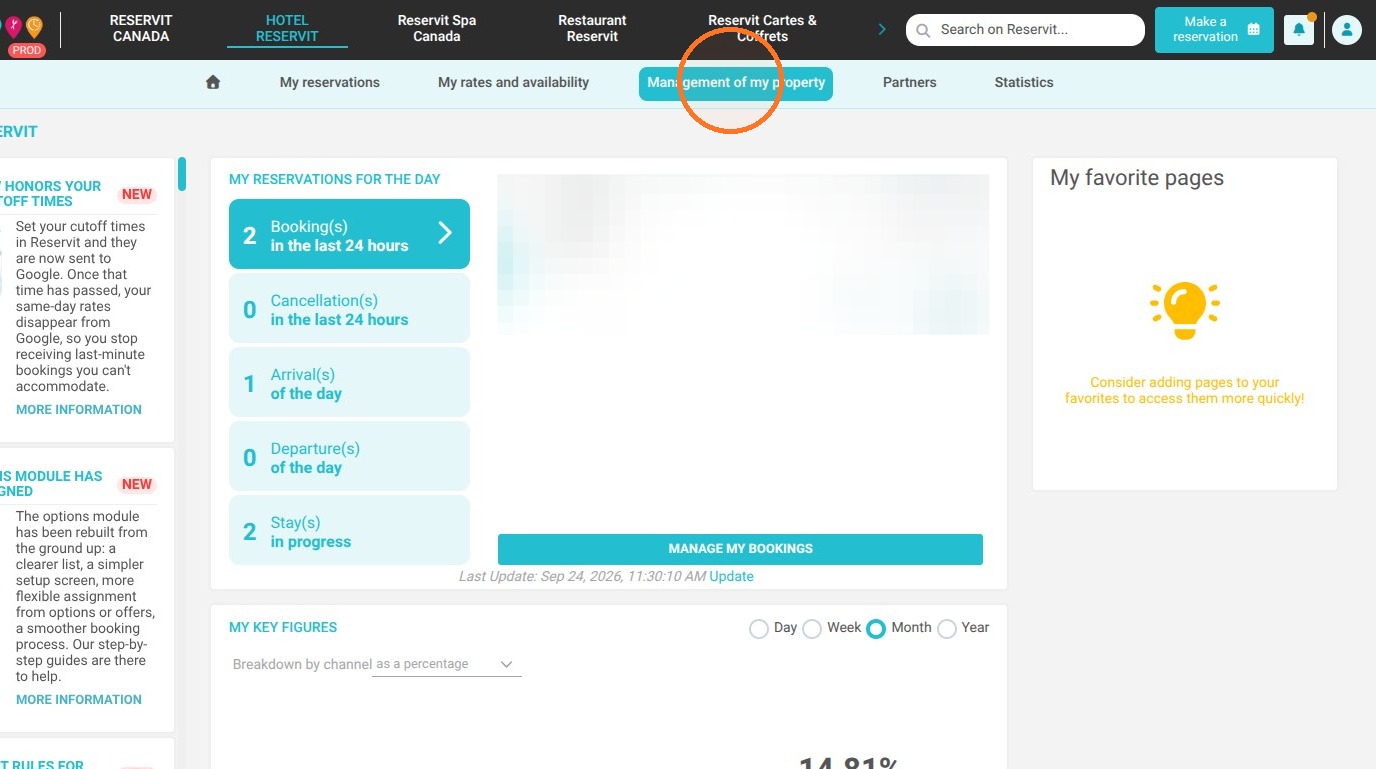
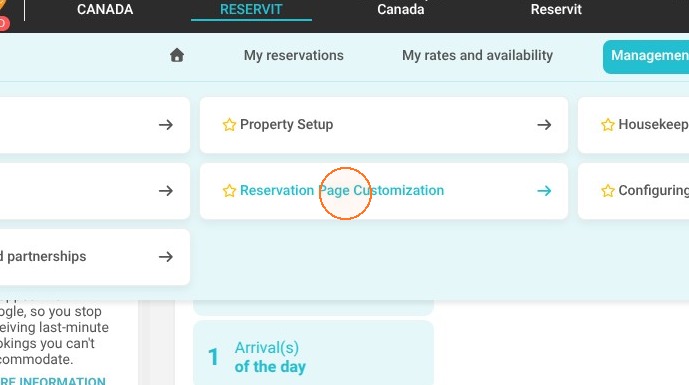
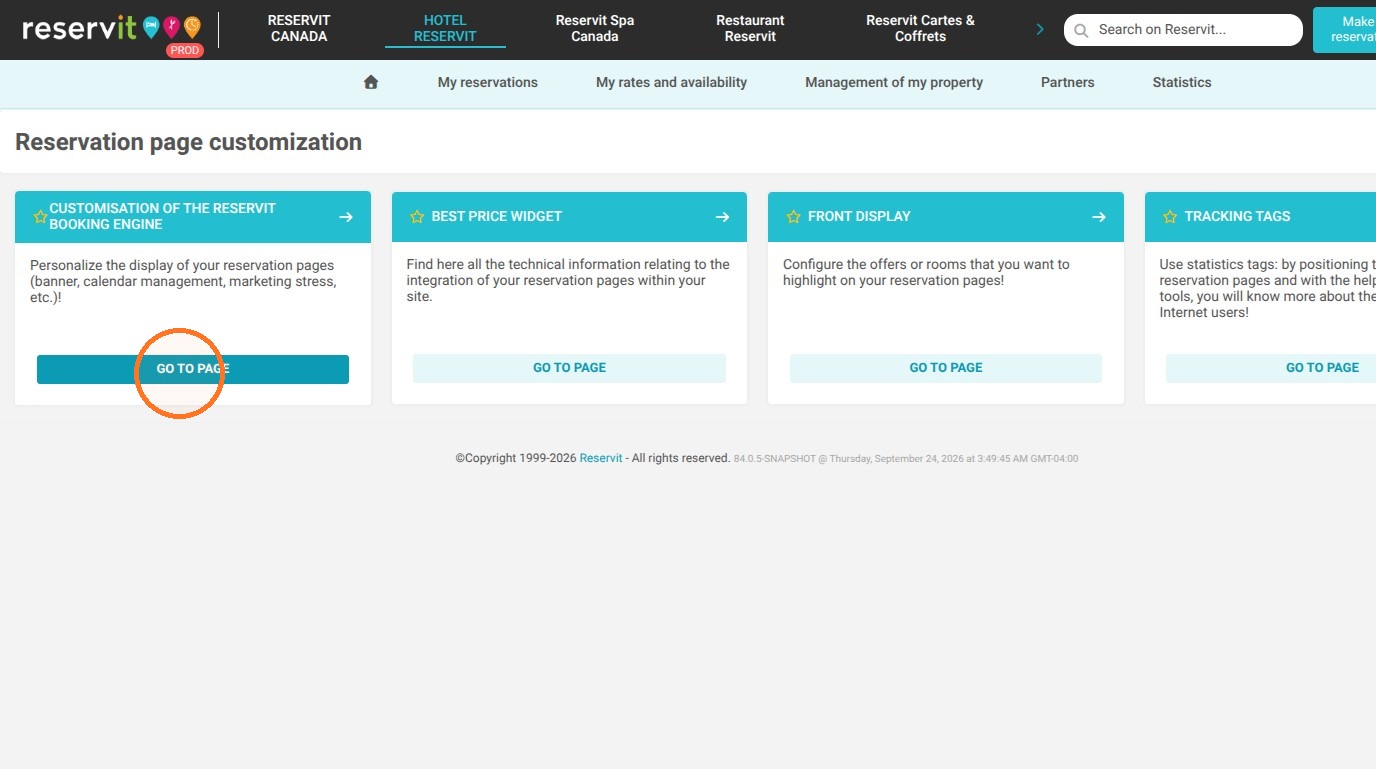
Access the customization settings: Go to the "Management of my property" menu, select "Reservation page customization", then click on "Customization of the Reservit Booking Engine".
-
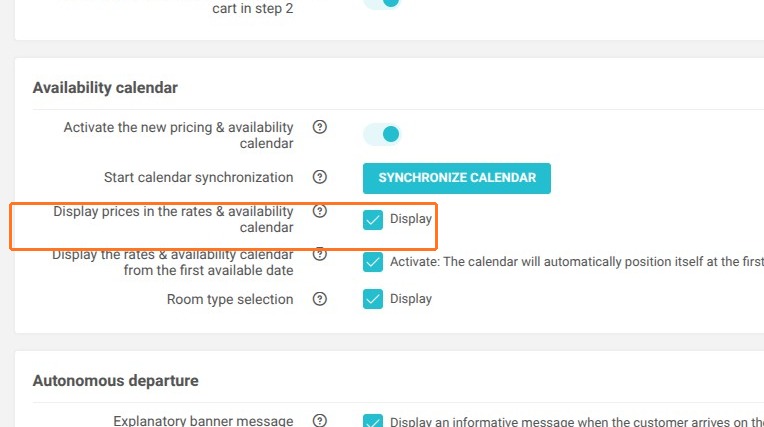
Enable the rate display: Locate the "Availability Calendar" heading, go to the price display section, and click on "Display" to make your prices visible in the calendar.
-
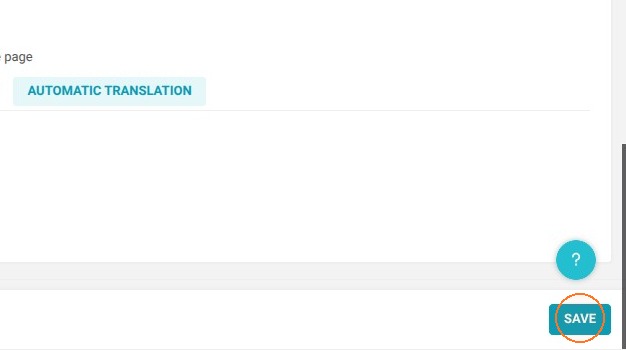
Validate and apply the changes: Click on the "Save" button to immediately apply the new configuration to your availability search engine.
Why follow this guide? Following this guide allows you to configure your booking calendar's layout in under two minutes without contacting technical support. Clear rate visibility reassures users, reduces cart abandonment, and optimizes your property's conversion rate.
1. Go to "Management of my property", then "Reservation page customization", and finally "Customization of the Reservit Booking Engine".
2. In the "Availability Calendar" section, go to the "Display prices in the rates & availability calendar" section. Click on "Display" if you want your prices to appear on your calendar.
3. Click on "Save" to apply the change.