

Article Summary: Learn how to easily organize your visual content within the Reservit platform to capture your guests' attention right away. This guide walks you through the simple process of changing the display order of your property or room unit photos on your booking engine. By arranging your image gallery to showcase your best assets first, you will enhance the user experience and help boost your direct conversion rates.
The 4 Key Steps to Reorder Your Photos in Reservit:
-
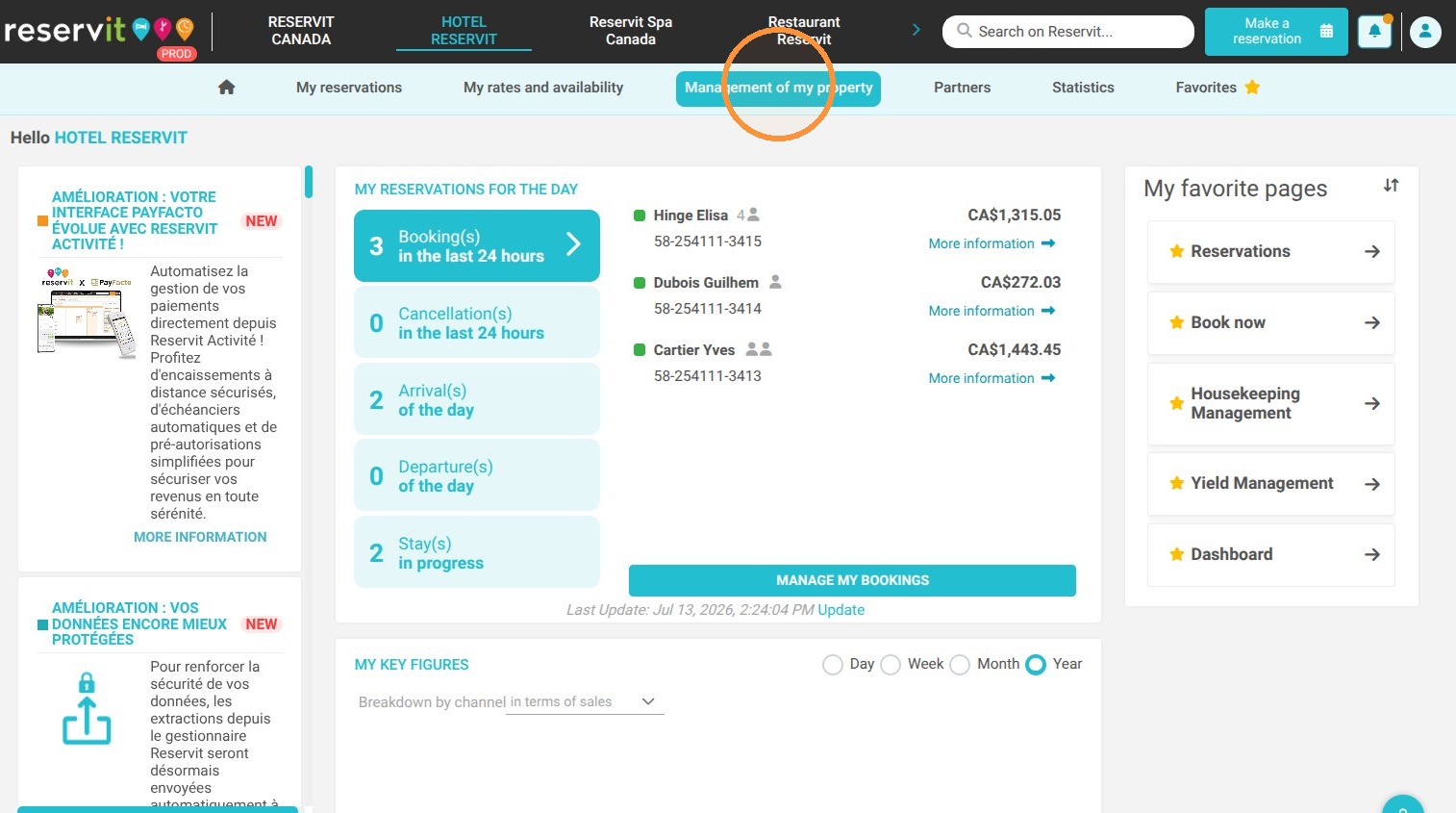
Access the Photo Management Menu: Navigate to "Management of my property," select "Property Setup," and then click on "My pictures."
-
Select the Scope of Modification: Choose whether you want to reorganize the image gallery for your entire property or for specific room units.
-
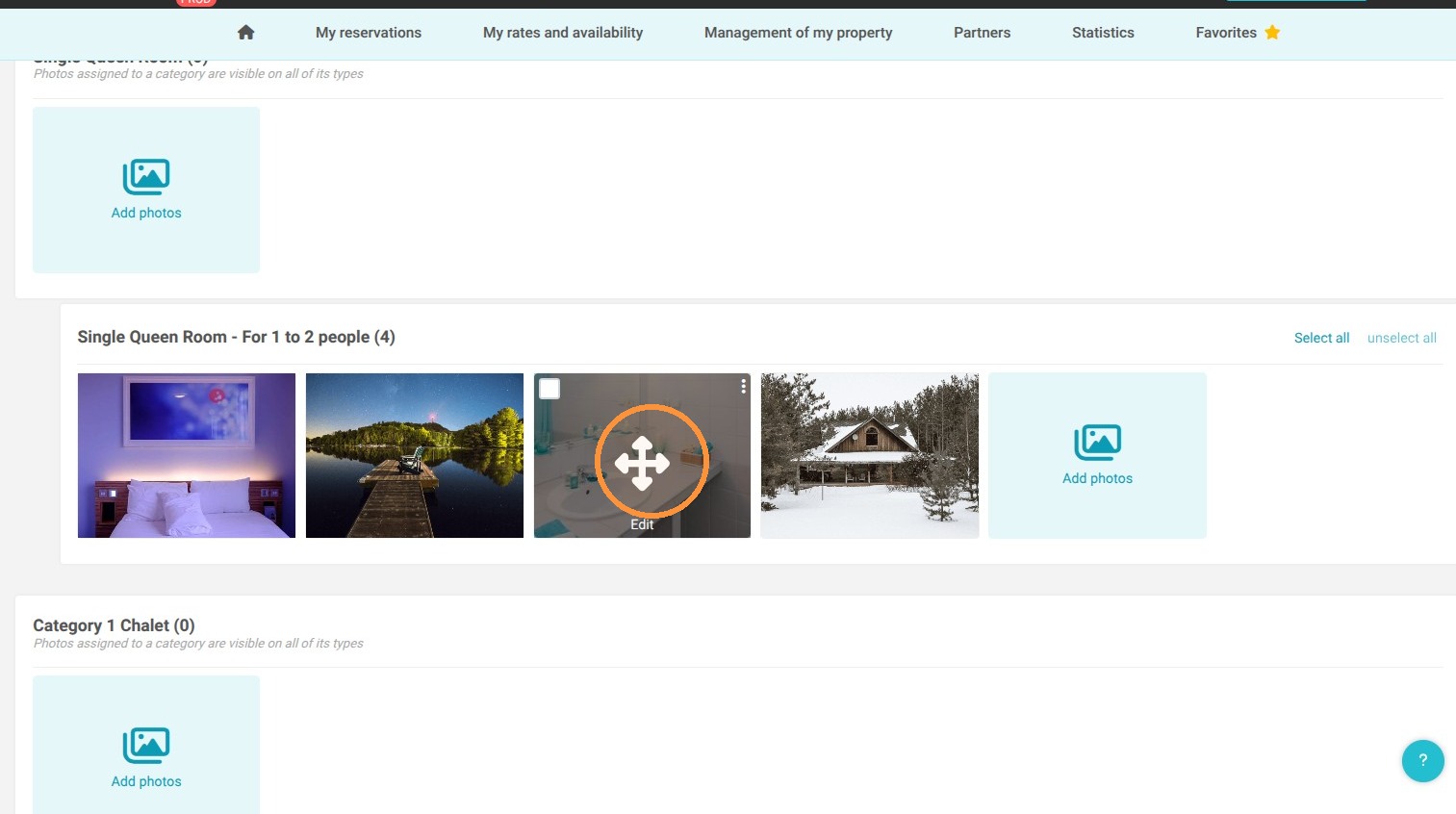
Reorganize via Drag and Drop: Select the desired picture and use the drag-and-drop feature to easily place it in your preferred order.
-
Save Your Changes: Don't forget to save your modifications to instantly apply the new display order to your live booking pages.
Why follow this guide? Optimizing the order of your photo gallery allows you to immediately highlight your property's most attractive features, creating a stronger first impression for potential guests. This quick visual update prevents poor photo sequencing and maximizes your chances of converting page visitors into confirmed direct bookings.
1. Go to "Management of my property" then "Property Setup" and "My pictures"
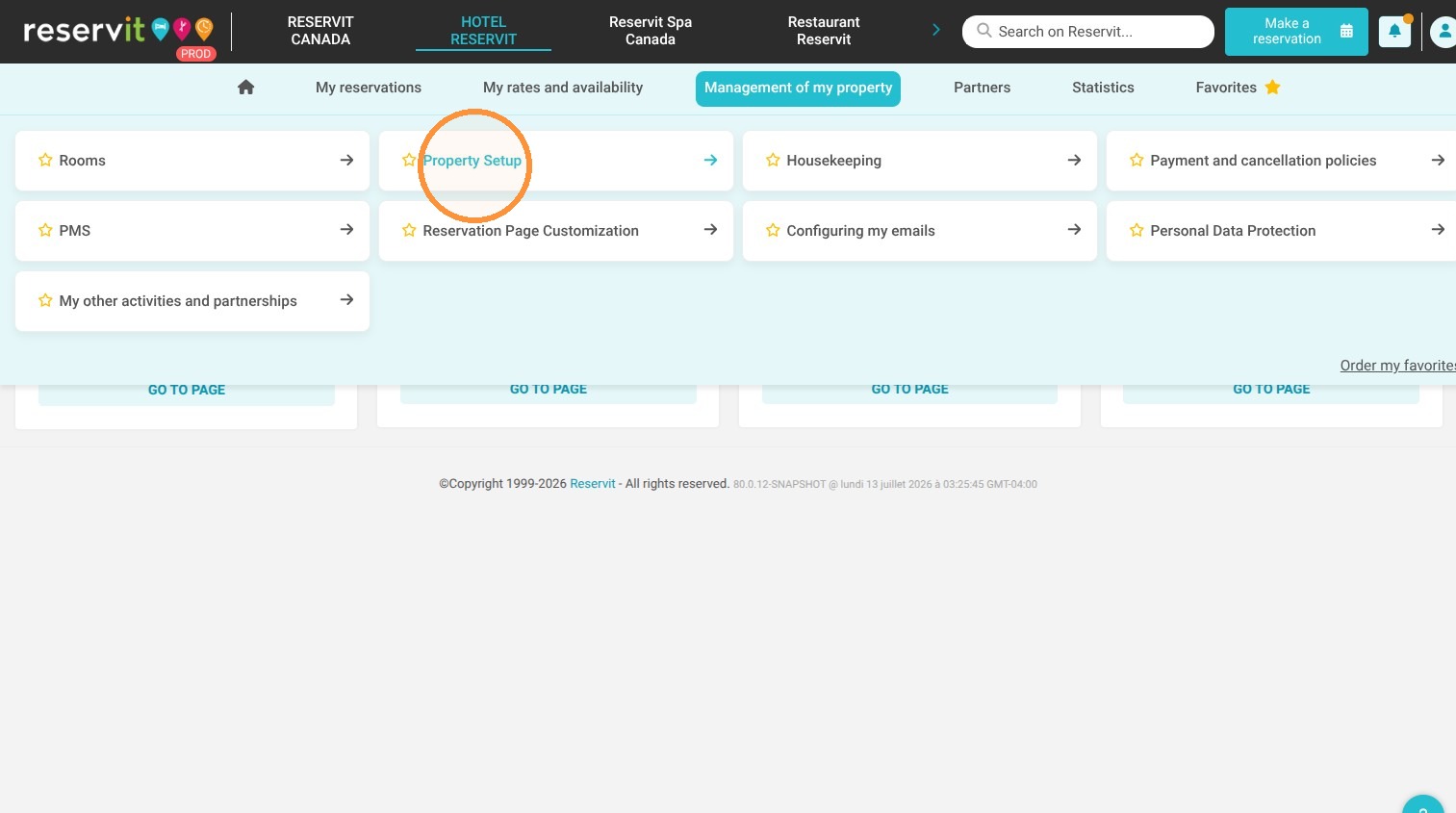
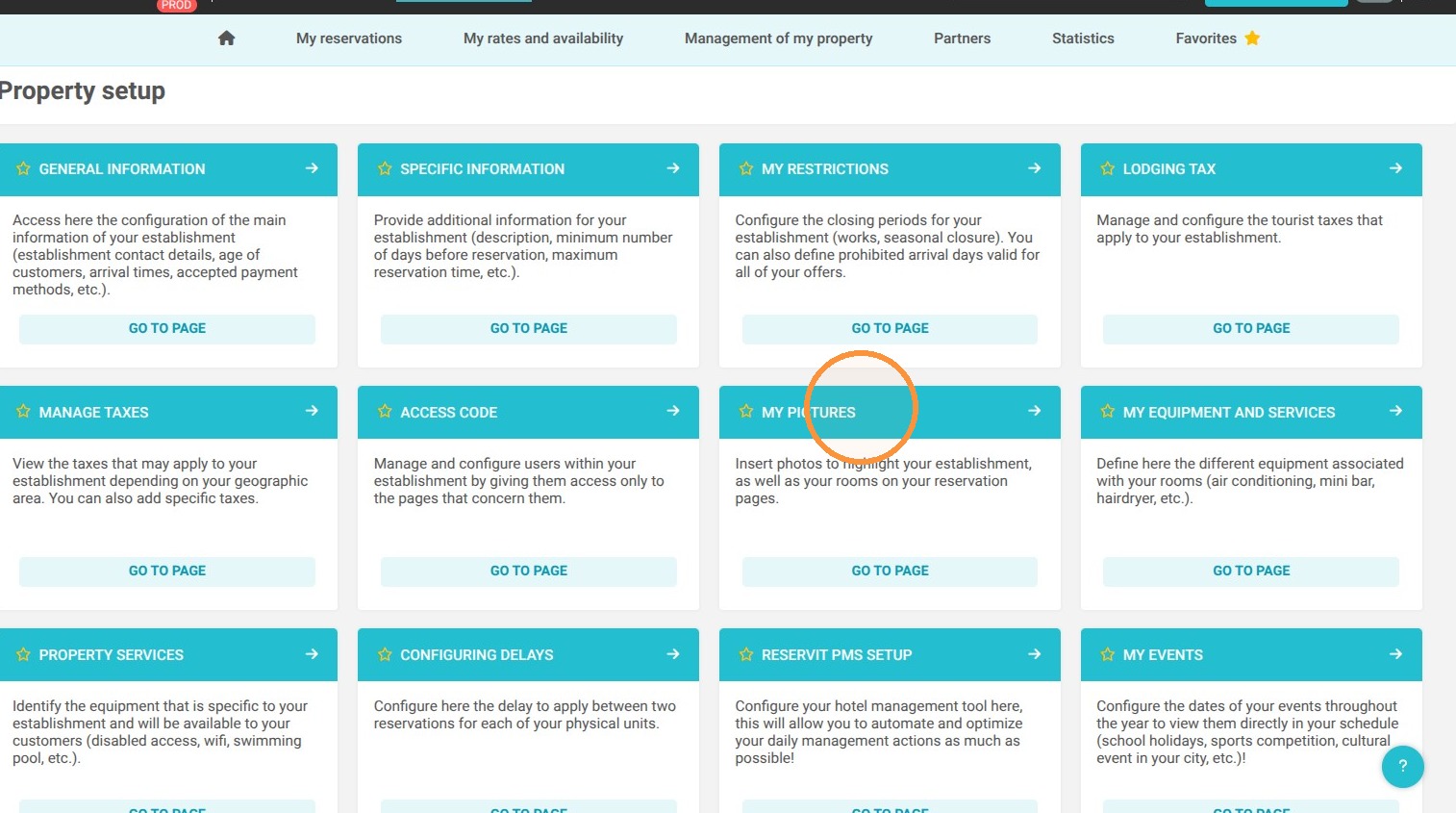
2. Choose whether you want to change the order of the photos for your property or your units.
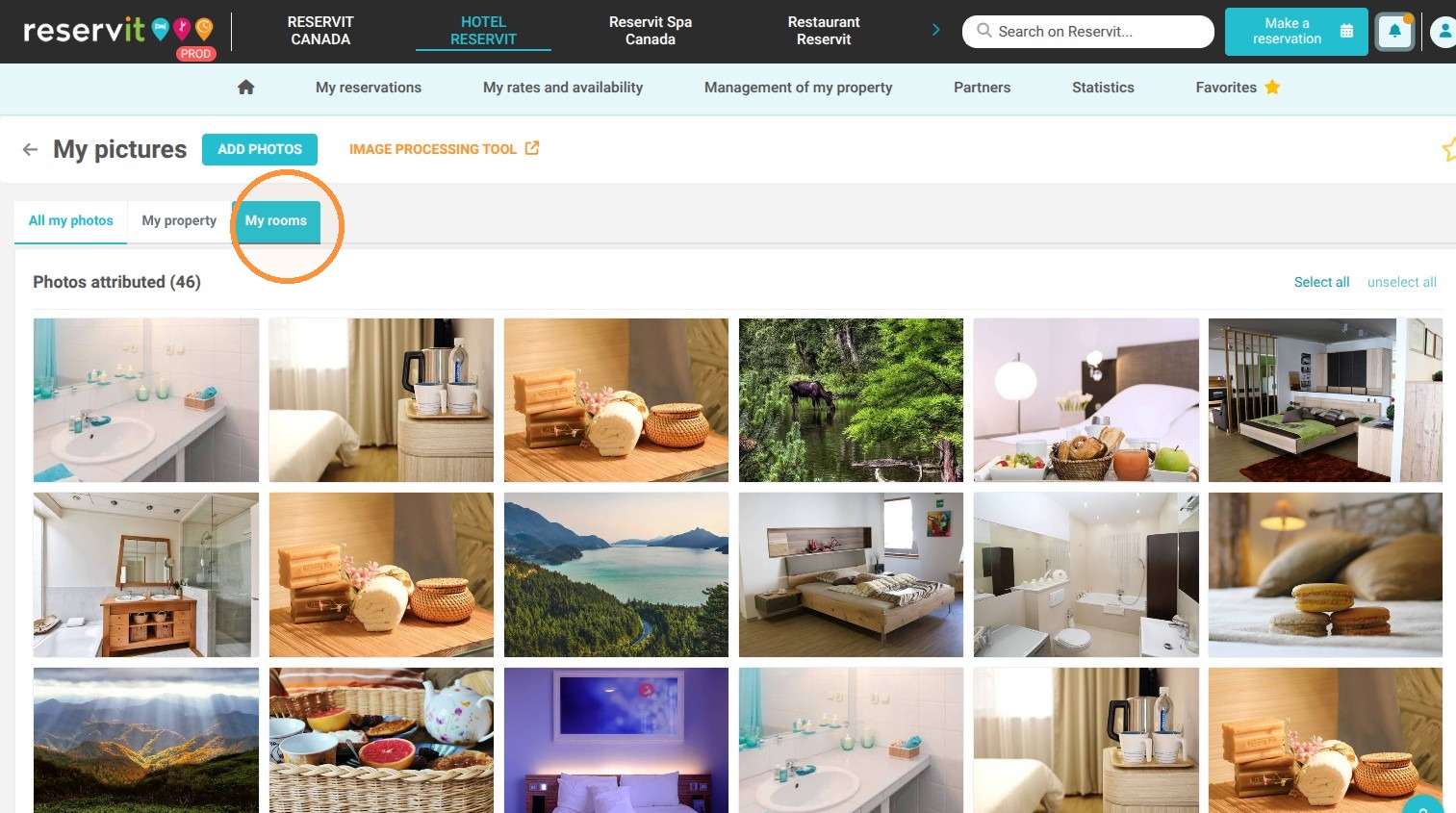
3. Then go to the desired photo and "Drag and Drop" your photos. The system will then update the display order on your booking pages.
4. Don't forget to save once the change has been made.