Article Summary: This streamlined guide explains how to quickly process a balance payment using the integrated Stripe payment terminal within the Reservit PMS. You will learn how to locate a guest's reservation, access the secure terminal window, and accurately record the final transaction details. Mastering this checkout procedure ensures secure revenue collection and guarantees a seamless, professional billing experience for your customers.
The 4 key steps to process a balance payment:
-
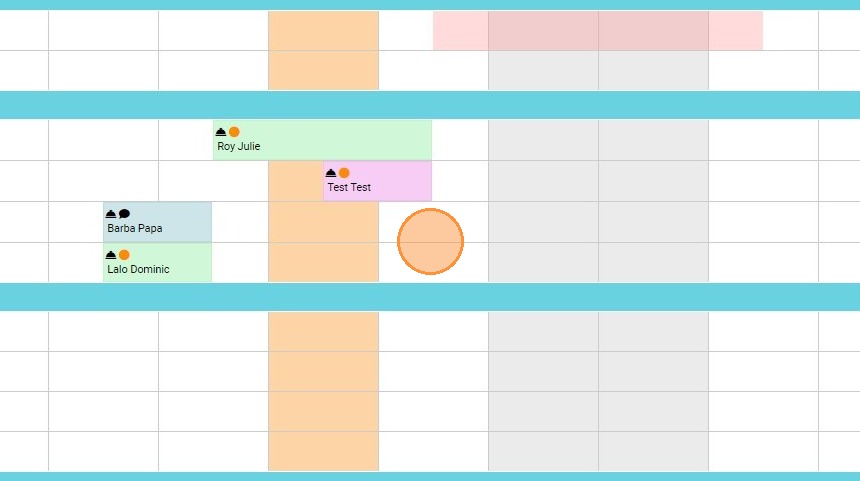
Locate the Reservation: Navigate to "Bookings," open the "Reservation Planning" calendar, and select the specific guest reservation with the outstanding balance.
-
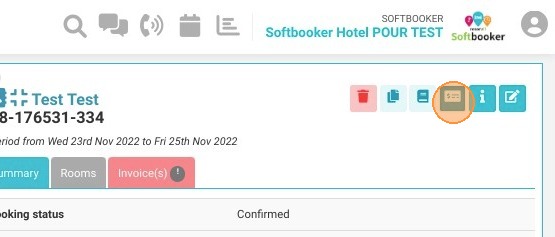
Launch the Payment Module: Click on the "Payment Terminal" icon within the reservation details to initiate the integrated billing process.
-
Enter Transaction Details: Once the secure Stripe window opens, carefully complete all the required payment information and billing fields.
-
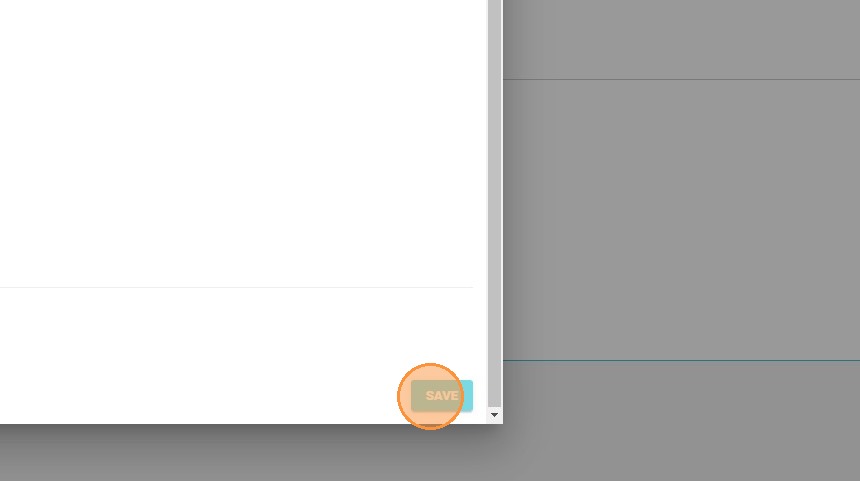
Process and Finalize: Click "Save" to securely process the transaction and automatically update the guest's invoice account.
Why follow this guide? Following this tutorial guarantees secure, PCI-compliant transactions by processing outstanding balances directly through your integrated Stripe gateway. It saves your front-desk staff valuable time during busy check-out periods and eliminates manual accounting errors by instantly syncing the payment with the guest's folio.
1. Go to Bookings - Reservation Planning - select the relevant reservation
2. Click on the Payment Terminal icon
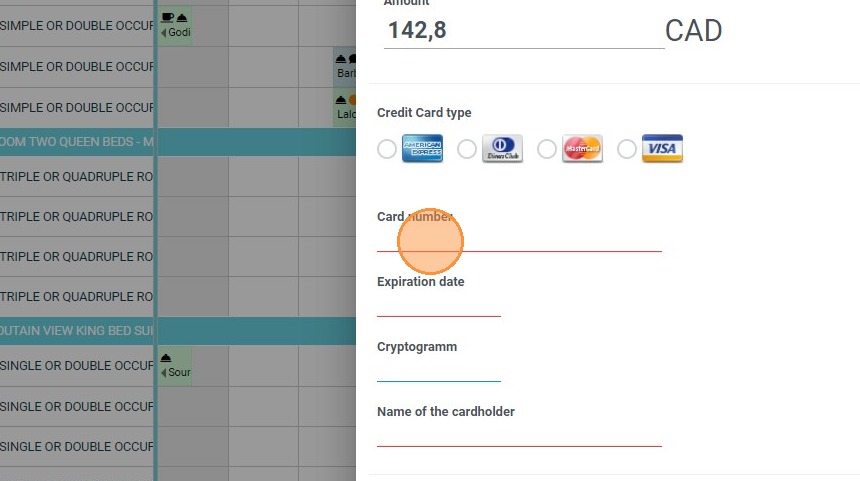
3. The Stripe window will open
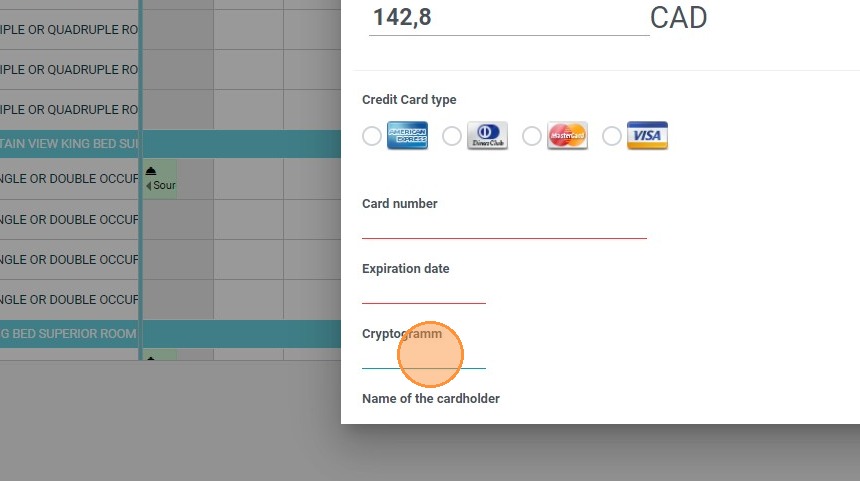
4. Complete the information.
5. Click "SAVE"