Article Summary: This concise guide explains how to successfully process a security deposit using the integrated payment terminal in Reservit PMS. You will learn how to access the payment module, freeze the required guarantee amount, and securely verify the guest's banking information. Mastering this feature ensures your property is financially protected against potential damages or incidentals without actually charging the customer's card upfront.
The 3 key steps to take a security deposit:
-
Access the Payment Terminal: Open the specific guest reservation and navigate directly to the integrated payment terminal module.
-
Select Security Deposit: Choose the "Security Deposit" transaction option and carefully fill in or verify the guest's required credit card details.
-
Save and Validate: Click "Save" to securely process the transaction and officially freeze the guarantee funds on the customer's bank account.
Why follow this guide? Following this tutorial allows you to securely block guarantee funds on a guest's credit card, protecting your revenue from potential damages without prematurely cashing the amount. It streamlines your daily check-in operations and ensures your property remains financially secure in full compliance with standard banking protocols.
Alert: A security deposit is a deposit. It is an amount that is frozen but not cashed.
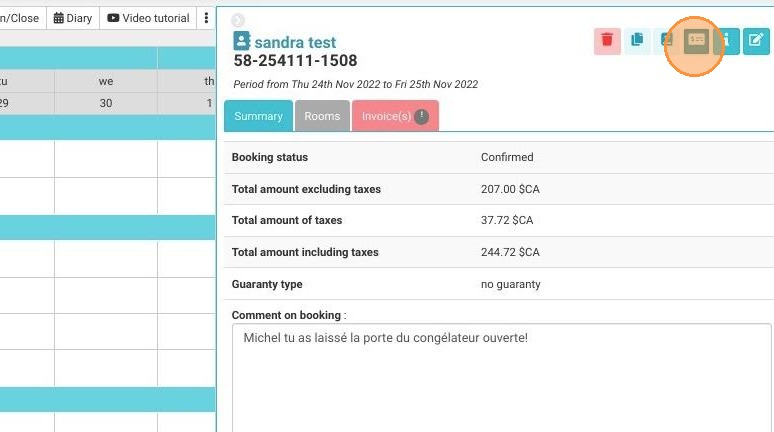
1. Access the payment terminal from the reservation.
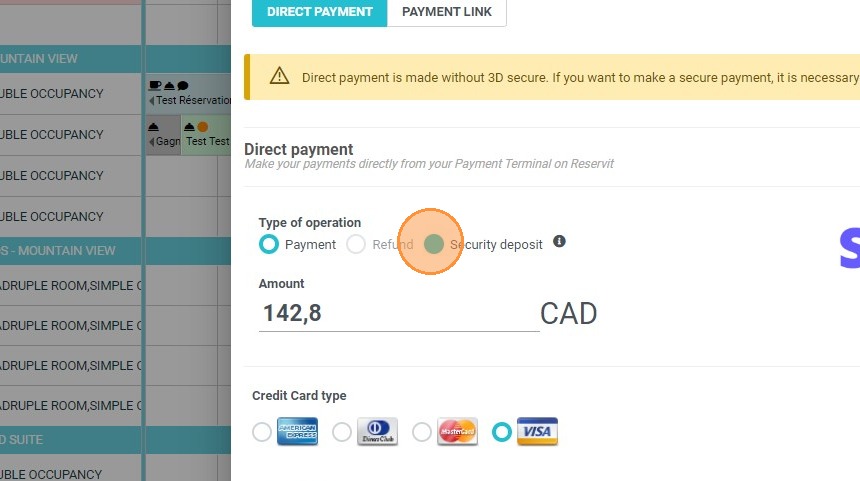
2. Select "Security Deposit". Fill in the bank information if it is not already displayed.
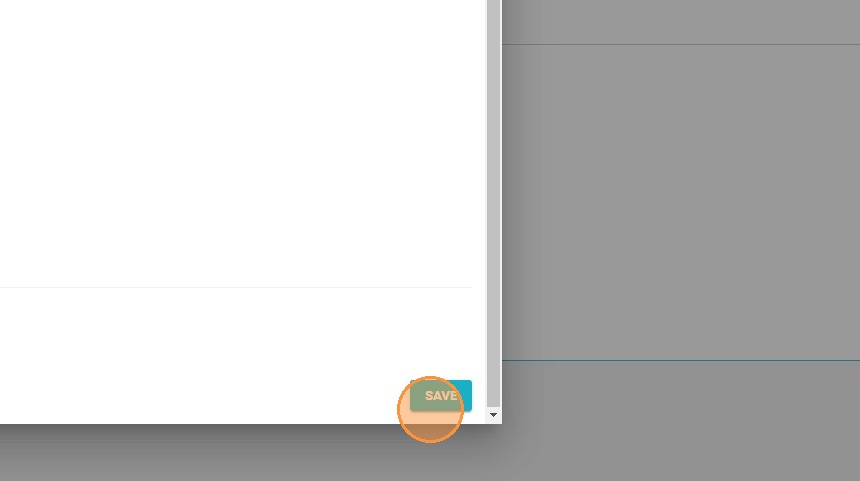
3. To validate, click on "Save".