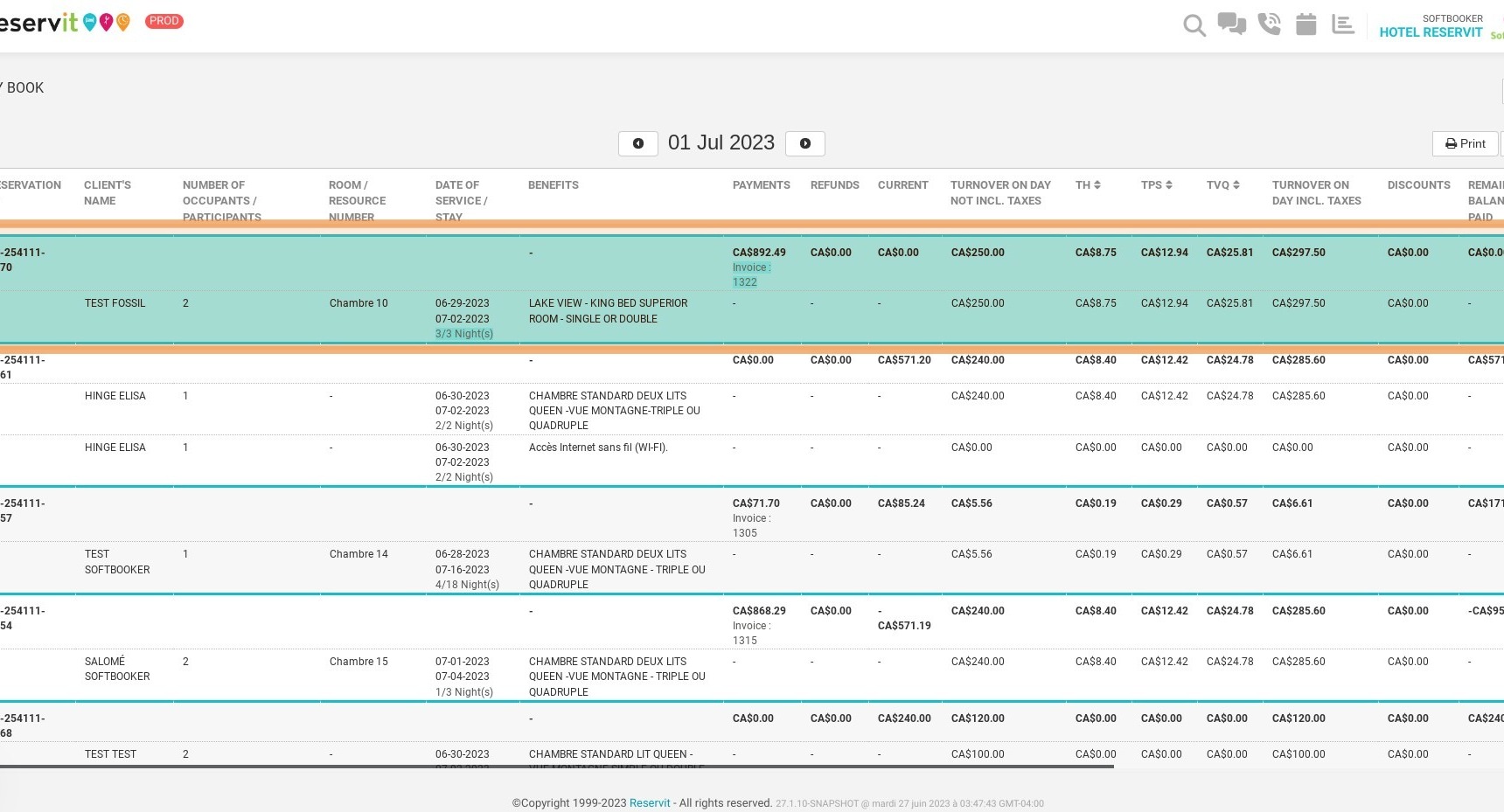
Article Summary: This comprehensive guide provides step-by-step instructions on how to access and utilize the Day Book feature within the Reservit PMS. You will learn how to navigate to your daily billing statistics, view detailed booking information, and export your financial data directly to Excel. Mastering this reporting tool allows you to efficiently organize your daily transactions and streamline your property's daily accounting tasks.
The 4 key steps to access and use the Day Book:
-
Access the Reporting Module: Navigate to the "Statistics" menu, select "Billing," and click on "Day Book" to open your daily financial reporting dashboard.
-
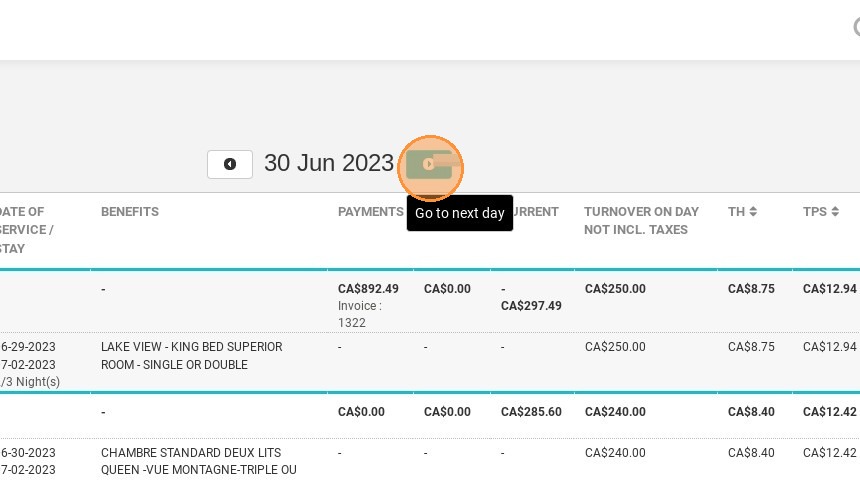
Navigate Daily Records: Use the provided date toggles to easily click through and view the comprehensive billing and booking data for the next or previous days.
-
Review Booking Details: Access and review all the specific financial and reservation information consolidated on the dashboard for that selected date.
-
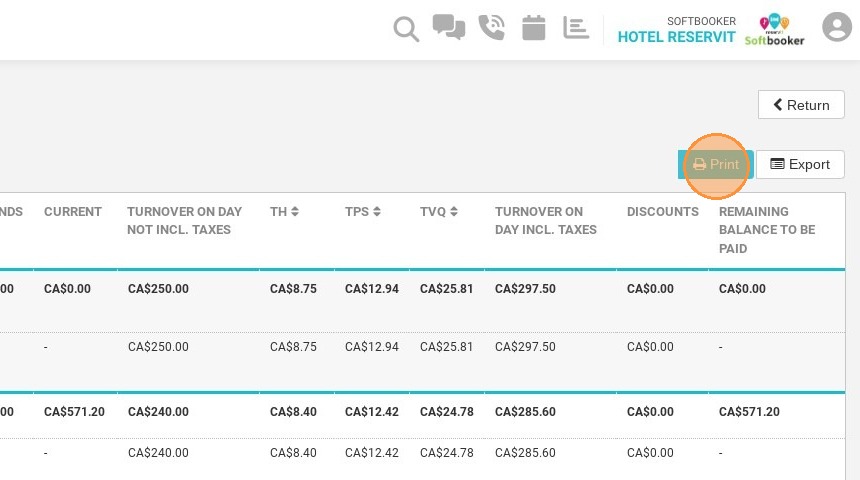
Export and Print Data: Utilize the built-in action buttons to easily print the daily report or export the data directly to Excel for your external accounting records.
Why follow this guide? Following this tutorial will save your front-desk team valuable time during daily shift closures and financial reconciliations. It ensures highly accurate, organized tracking of all daily billing activities, preventing manual data extraction errors and keeping your property's financial records perfectly synchronized.
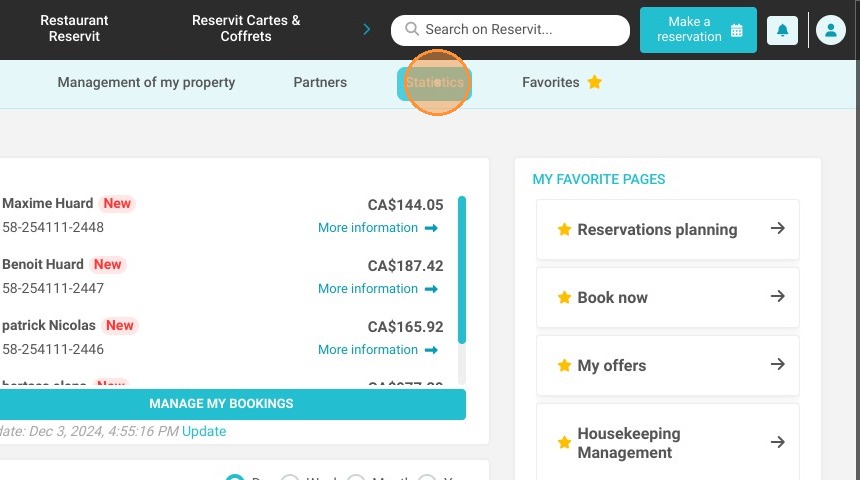
1. Click "Statistics"
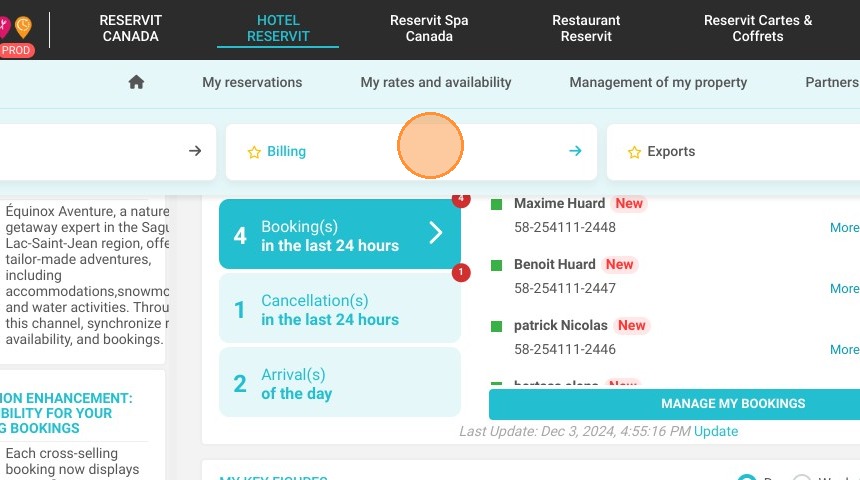
2. Then ''Billing''
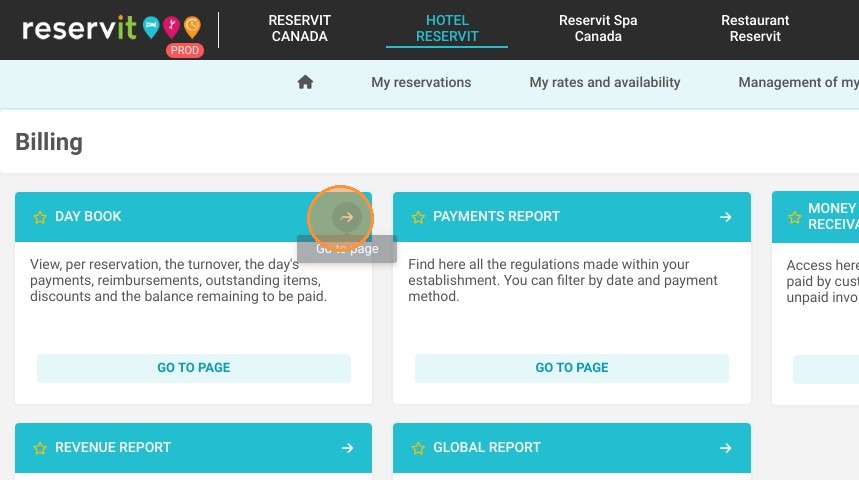
3. And ''Day Book''
4. Click here to see next day
5. You can print the report
6. You can export the report to excel
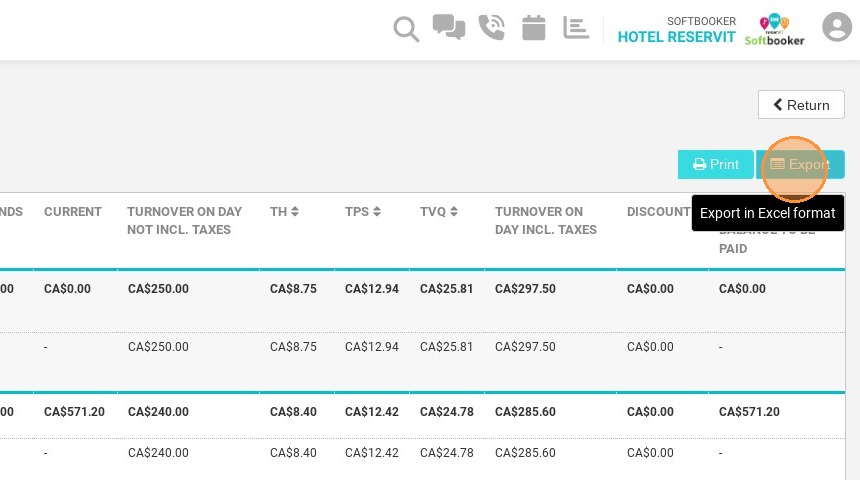
7. Here you can find all the information about the booking