Article summary: This tutorial provides a complete overview on how to effectively manage your sold gift cards and gift certificates within the Reservit platform. You will learn how to search for specific vouchers, verify their payment status, and accurately track partial or full redemptions. Mastering this process ensures smooth front-desk transactions and perfectly accurate accounting for your property's gift card sales.
The 5 key steps to manage and redeem gift cards:
-
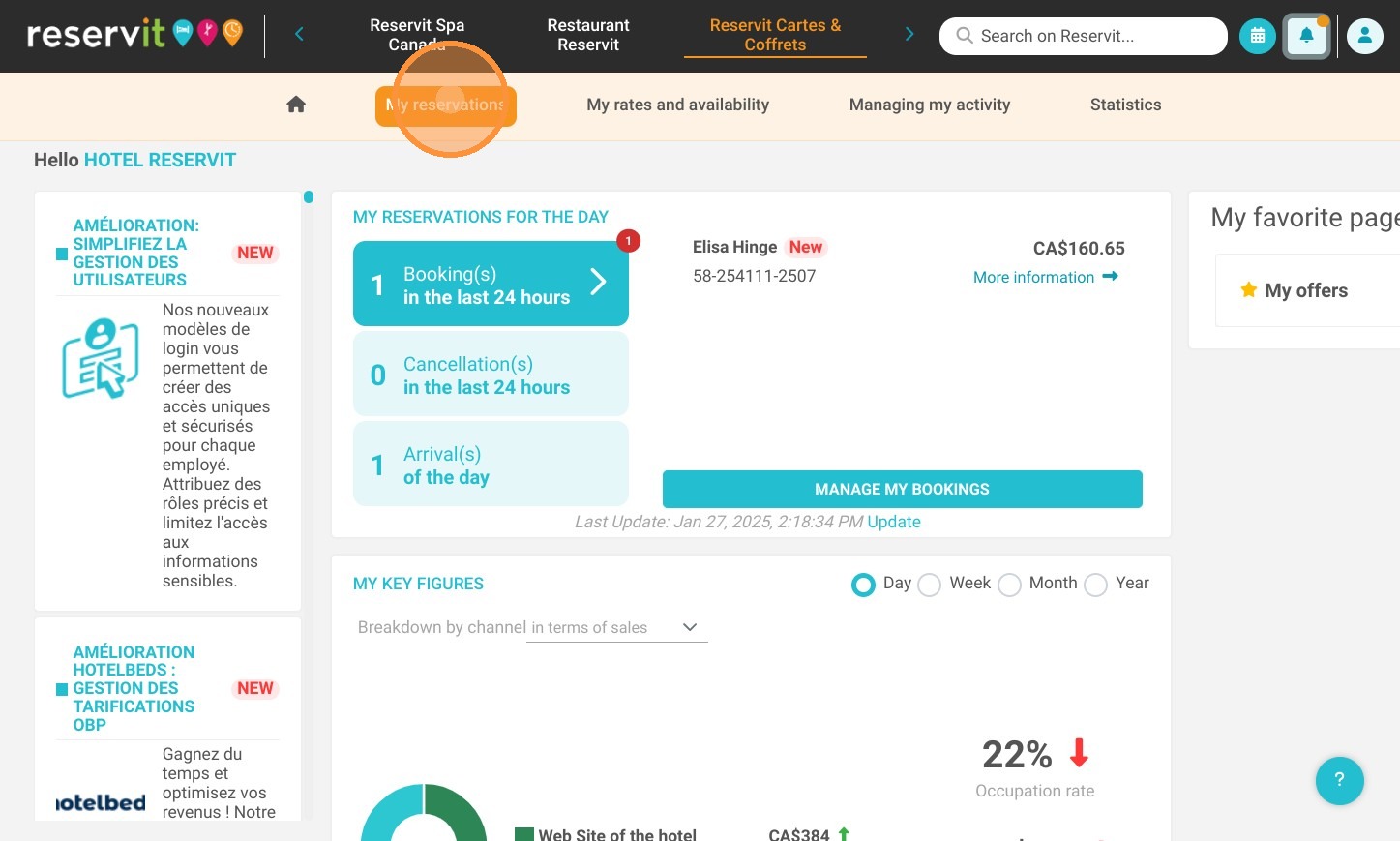
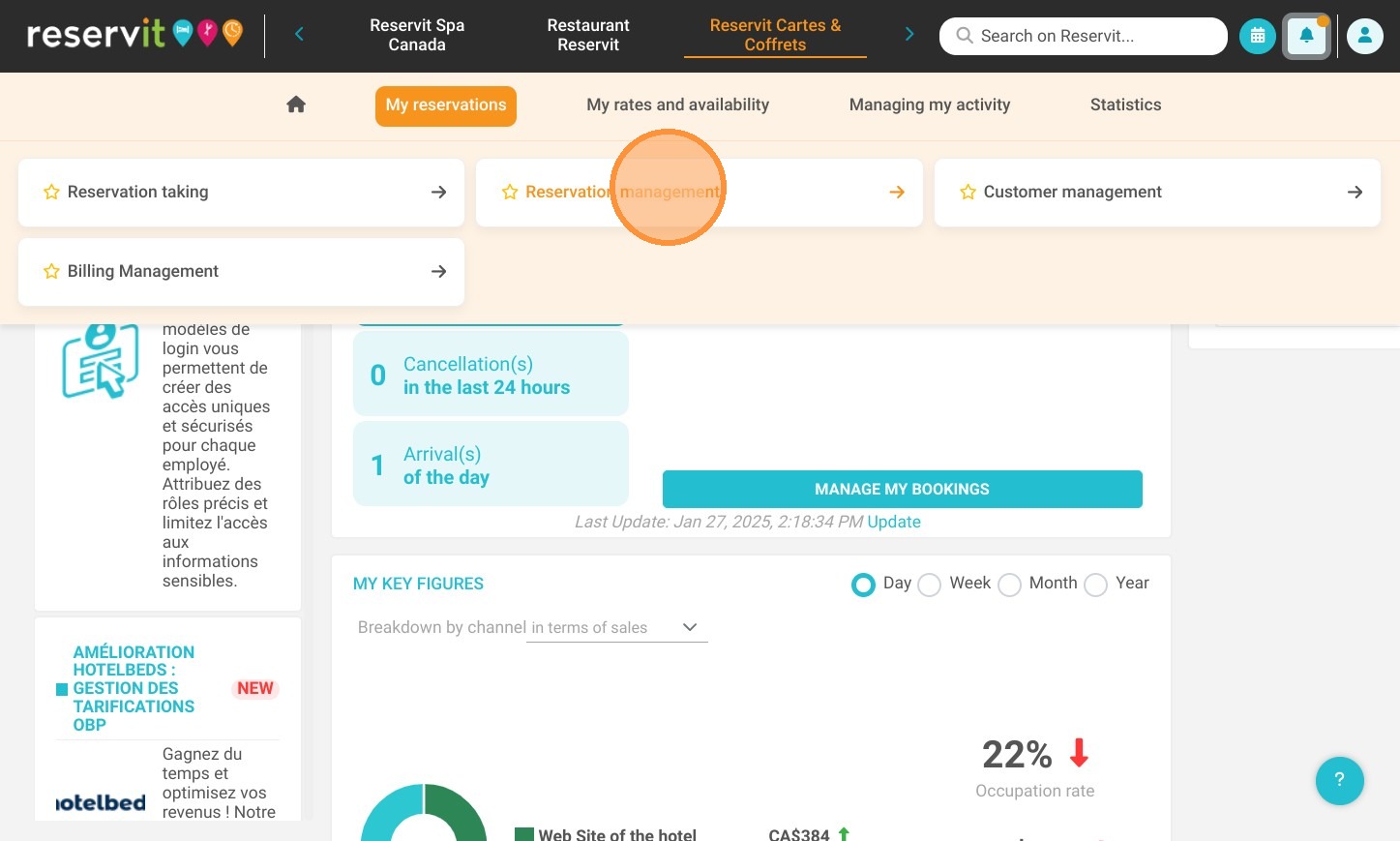
Access reservation management: Navigate to the "Reservit Cartes & Coffrets" module, select "My reservations," and open the "Reservation management" dashboard.
-
Search for specific vouchers: Locate a guest's gift card quickly by searching via offer type, booking date, reservation number, or customer name.
-
Verify payment and details: Click "Modify" on the booking to confirm the gift card has been fully paid, and cross-reference the security code with the guest's digital or printed voucher.
-
Track partial redemptions: If a card is only partially used, leave the status unchanged and use the internal notes section to accurately record the remaining balance.
-
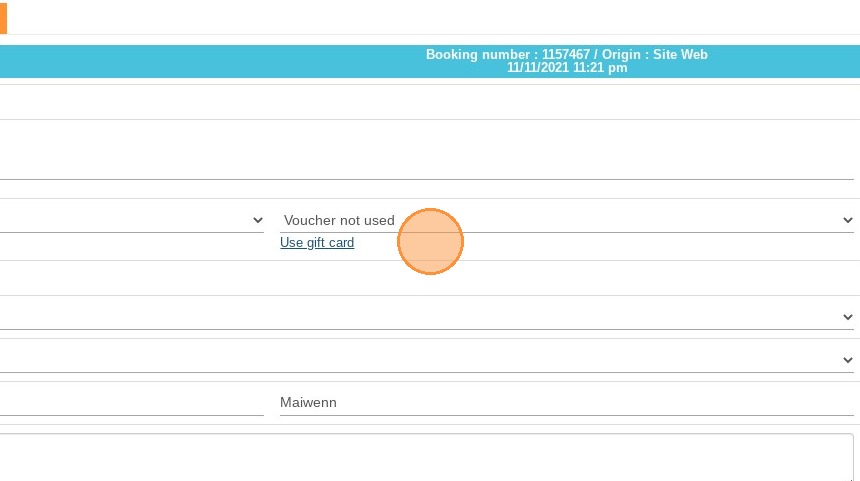
Update the voucher status: Once a gift certificate or box is fully consumed, update its status to used (or click "use gift card" directly) to finalize the redemption and close the loop.
Why follow this guide? Following this straightforward procedure helps you avoid revenue loss from duplicate voucher usage and keeps your property's accounting secure. It saves your staff valuable time during the check-out process while ensuring a seamless, error-free redemption experience for your guests.
1. Click "My reservations"
2. Click "Reservation management"
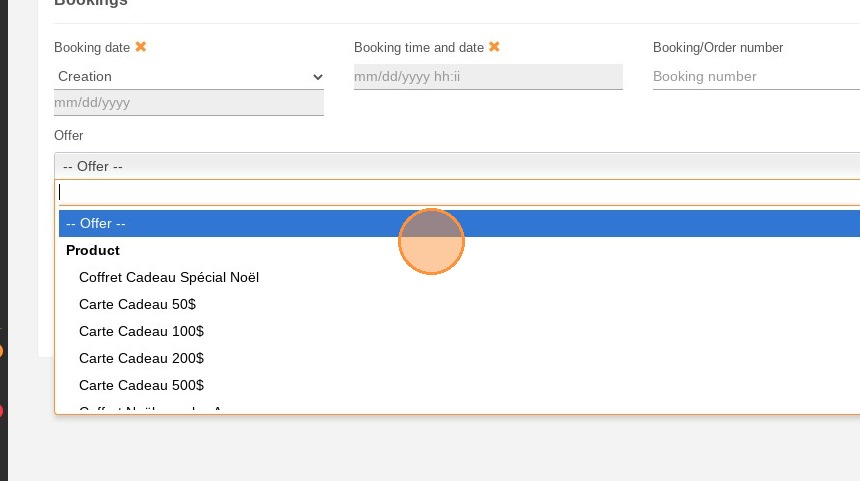
3. You can browse by offer, booking date or booking number.
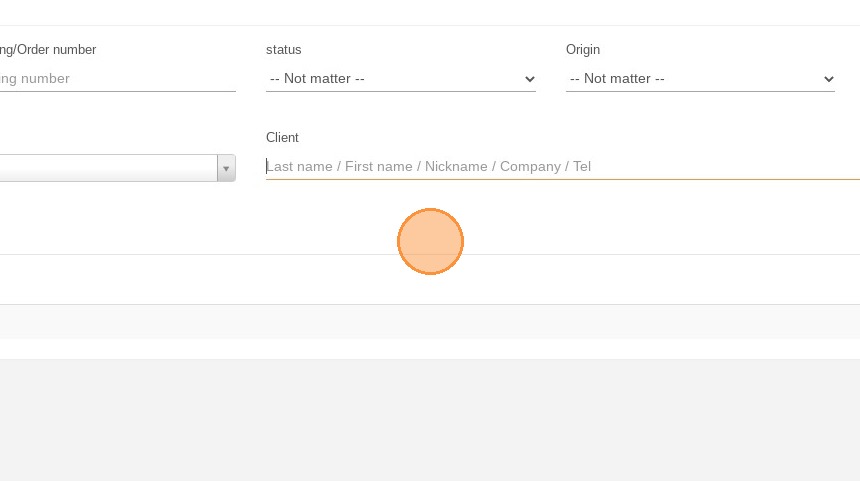
4. You can also search by name.
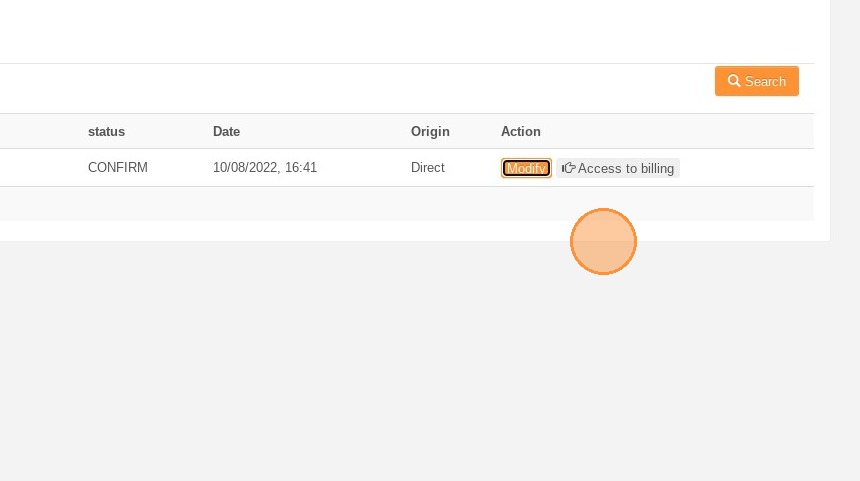
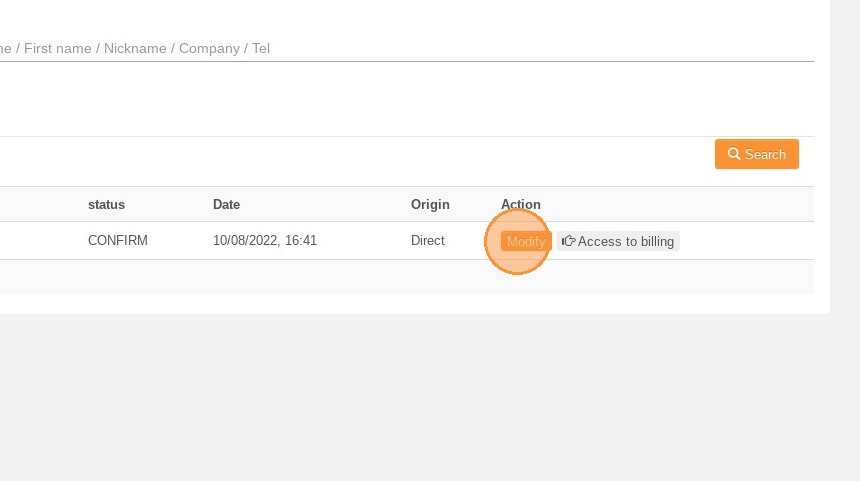
5. To view details of the booking, click on "Modify".
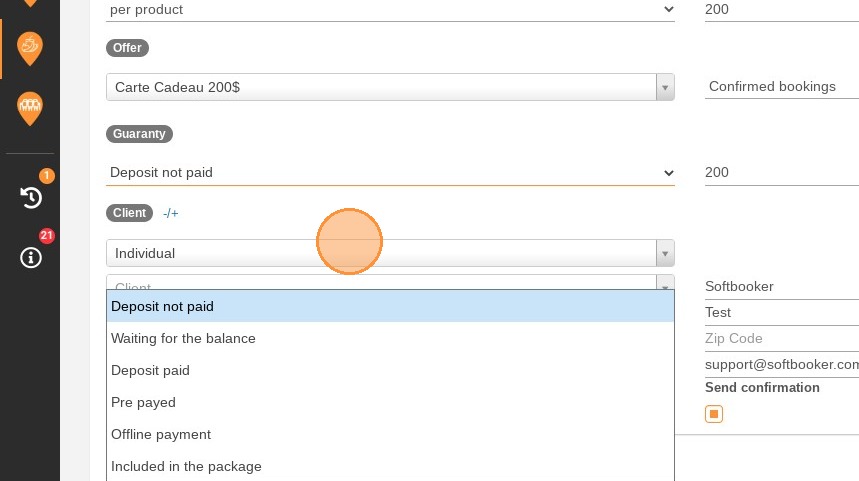
6. First, make sure the gift card has been paid. You can change the information as shown below.
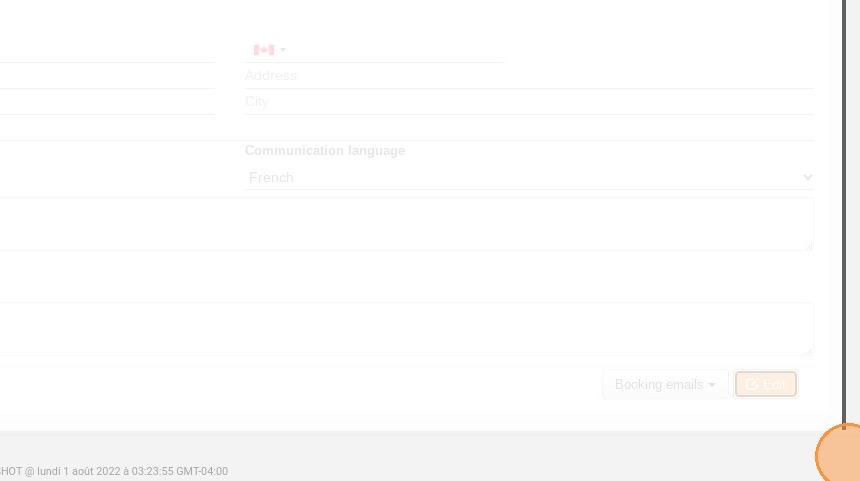
7. Click on "Edit" at the bottom of the page.
8. Go back to the booking to view the details once more.
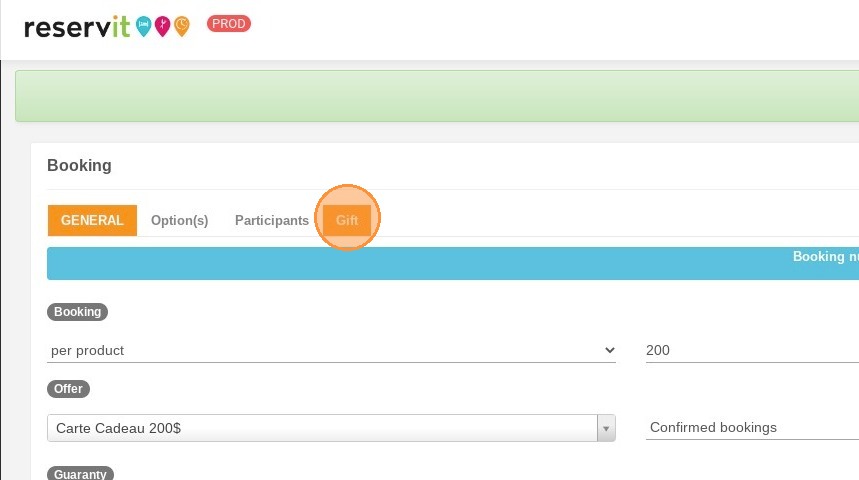
9. Click on the "Gift" section.
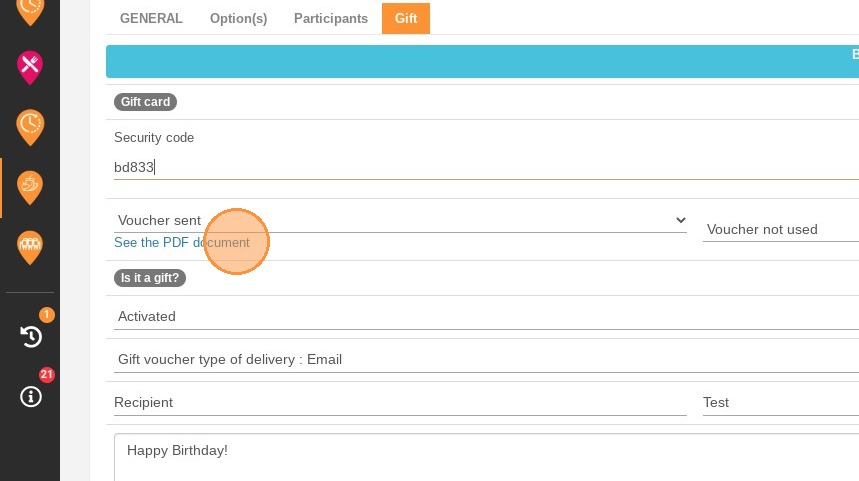
10. Make sure the security code is the same as the one in the voucher. You can view the document sent by email.
11. When the voucher has been used, change the status. If the card has only been partially used, do not change the status.
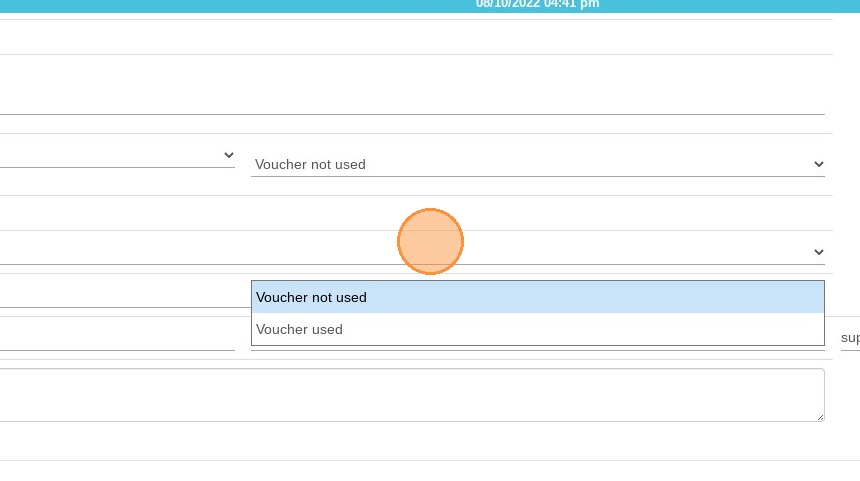
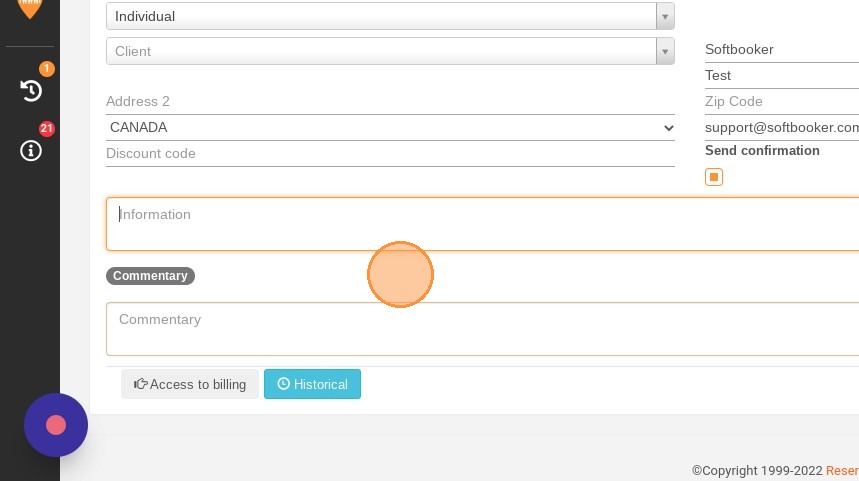
12. Write a note to remember how much is left. When everything is used, change the status.
13. For a gift box, you can use it directly by clicking "use gift card".