Article Summary: This step-by-step tutorial explains how to easily add a custom informative message to your Reservit Activities booking page. You will learn how to configure your reservation engine settings to display important updates, policies, or welcome notes directly to your customers. Enhancing your booking interface with clear communication improves the overall guest experience and boosts booking confidence.
The 5 key steps to add an informative message to your booking page:
-
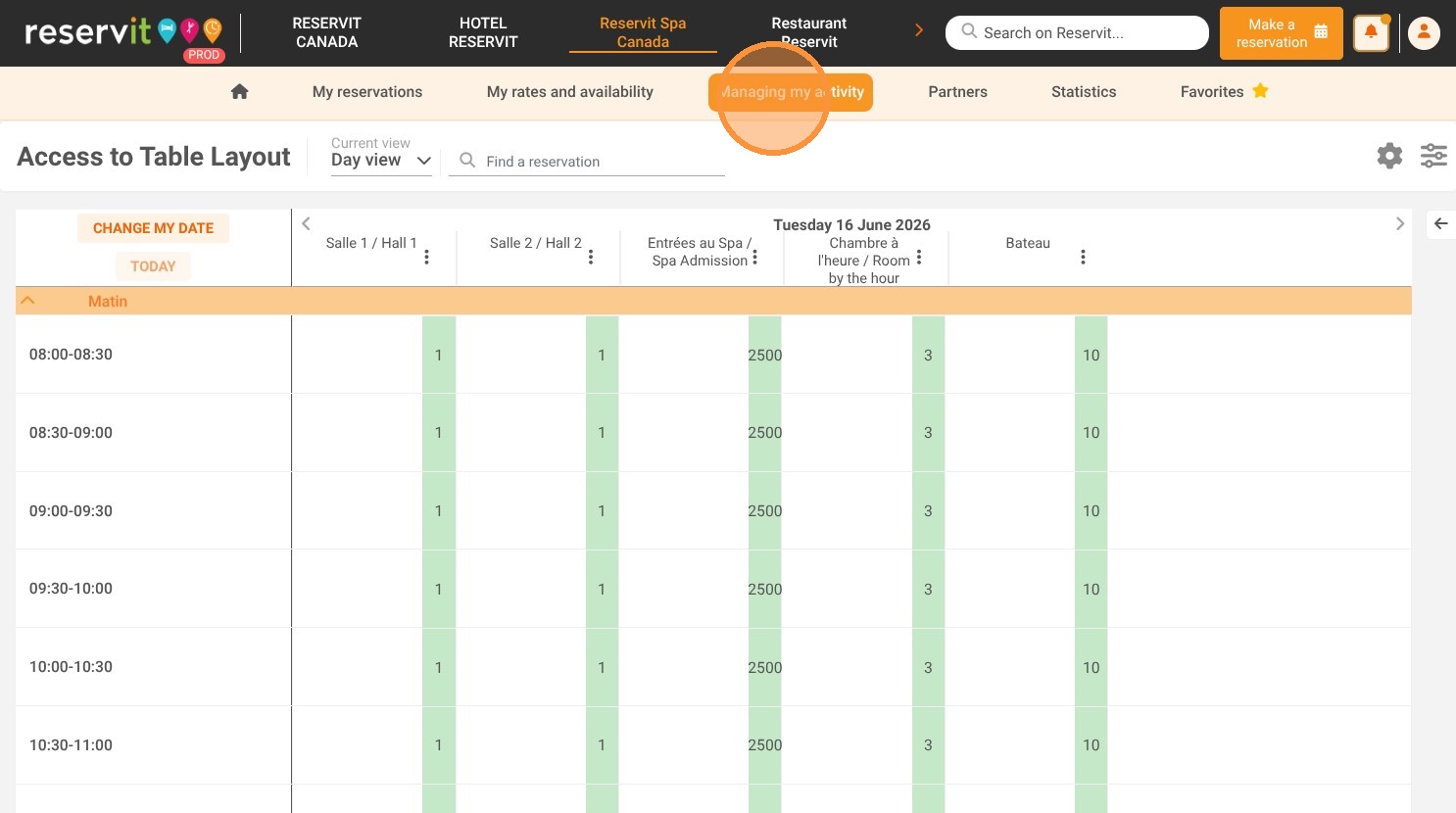
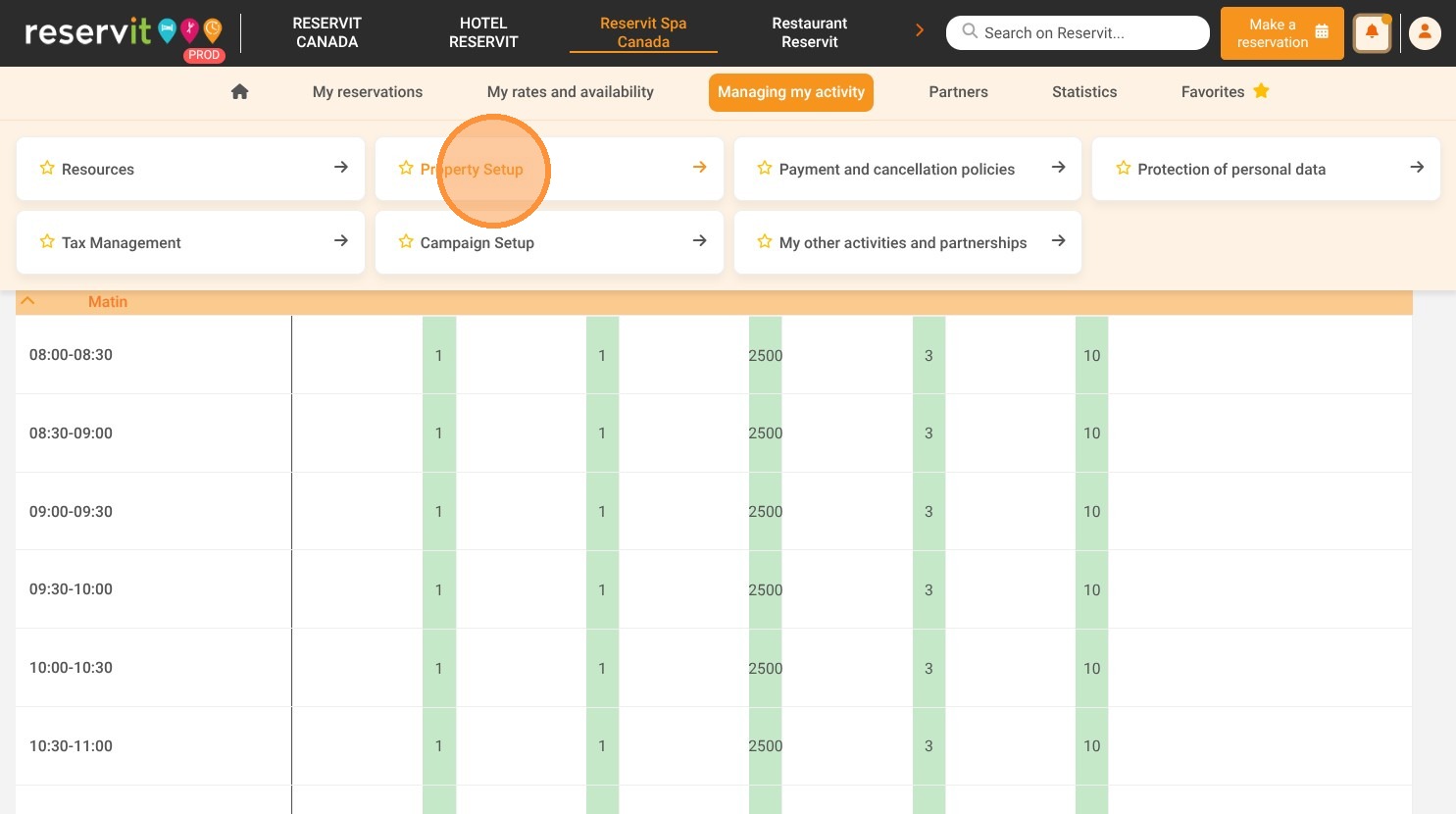
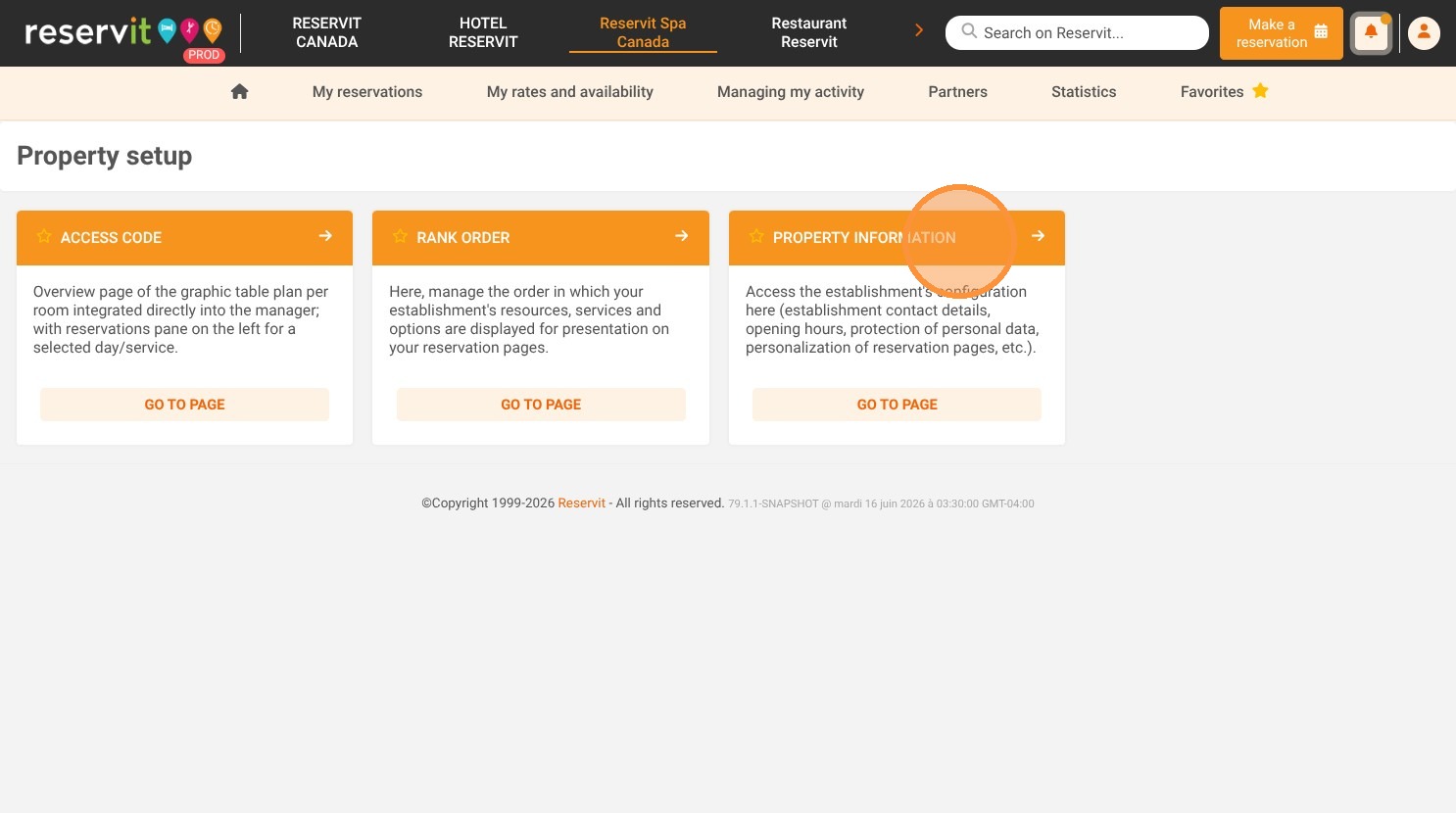
Navigate to property settings: Open the "Managing my activity" menu, go to "Property Setup," and select "Property information."
-
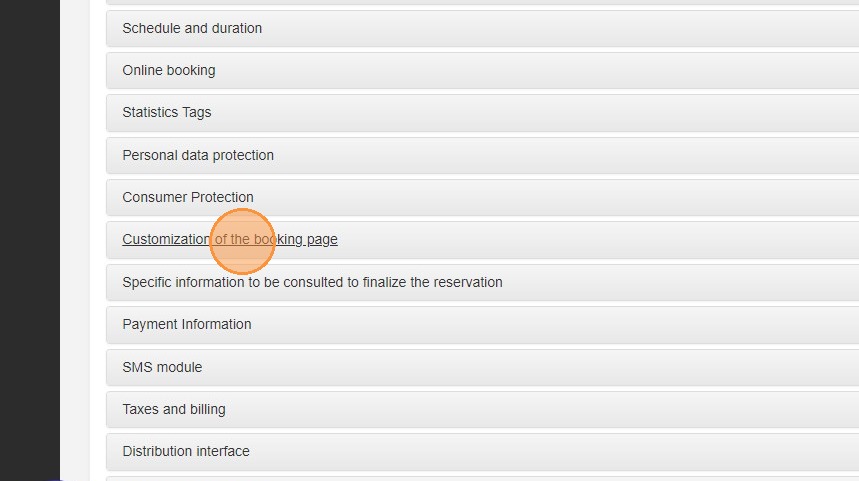
Access booking page customization: Click on the "Customization of the booking page" tab to view your display options.
-
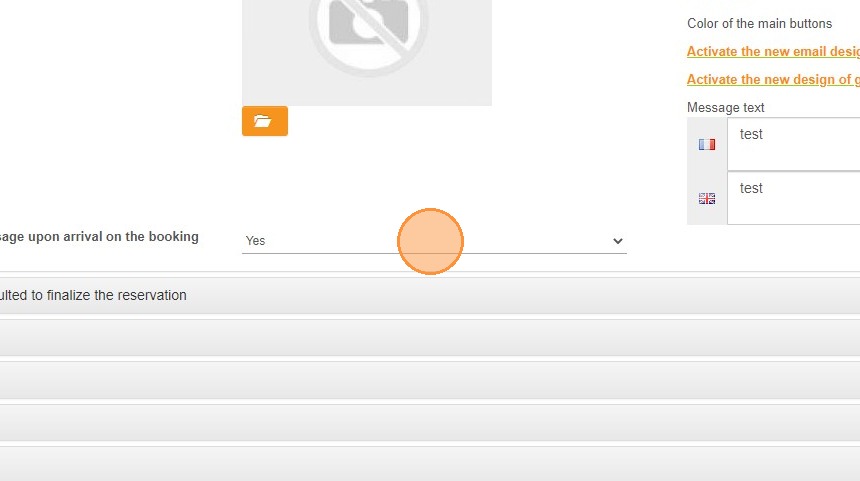
Enable the message feature: Locate "Display an informative message upon arrival on the booking pages" and toggle the setting to "Yes."
-
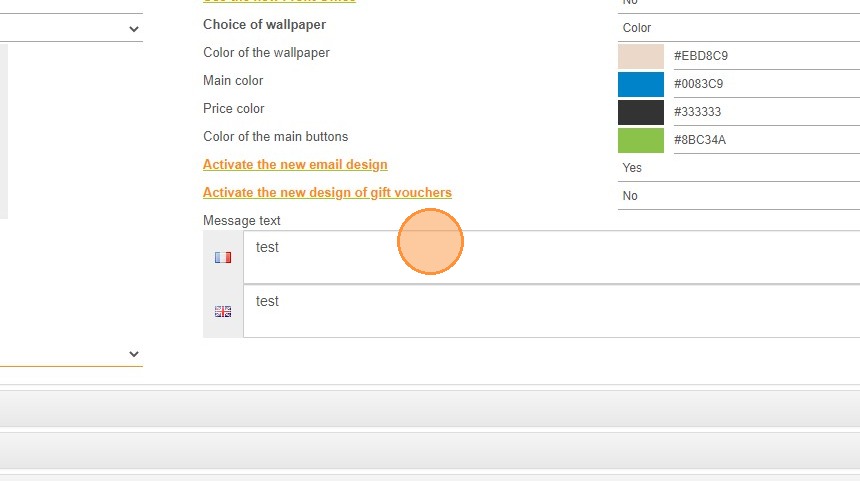
Enter your custom text: Type out the specific information, alerts, or welcoming notes you want guests to see on the reservation page.
-
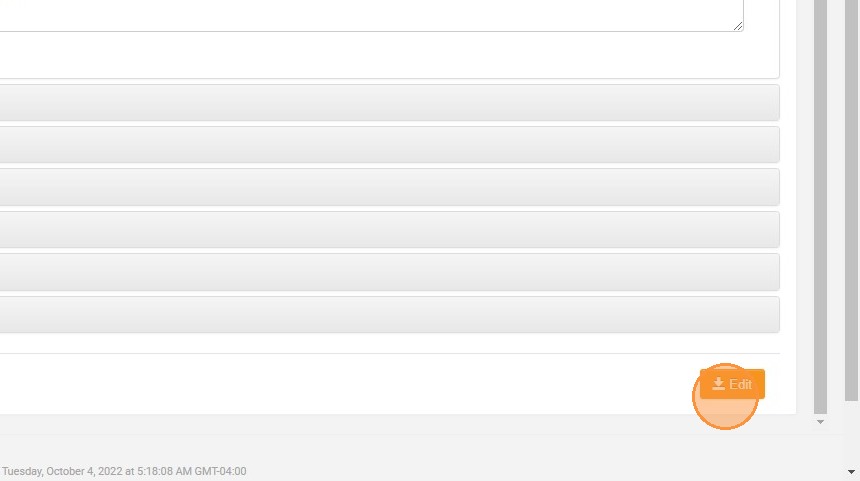
Save your updates: Click the "Edit" button to confirm your changes and publish the message live on your booking engine.
Why follow this guide? Proactively displaying important information on your reservation page saves time by reducing repetitive customer inquiries and preventing booking errors. This quick optimization ensures a smoother user journey, building trust and clarity right from the moment a customer arrives on your site to book an activity.
1. Click "Managing my activity" then "Property Setup" and "Property information"
2. Click "Customization of the booking page"
3. Click Display an informative message upon arrival on the booking pages and choose Yes
4. Enter your information text for the reservation page
5. Click "Edit"