Article summary: This practical guide provides step-by-step instructions on how to set up the rank order for your offerings within Reservit Activities. You will learn how to effortlessly customize the display order of your resources, categories, services, and extra options directly on your booking engine. Mastering this sorting feature allows you to highlight your most popular or profitable activities, ultimately improving the online customer experience.
The 4 key steps to set up rank order:
-
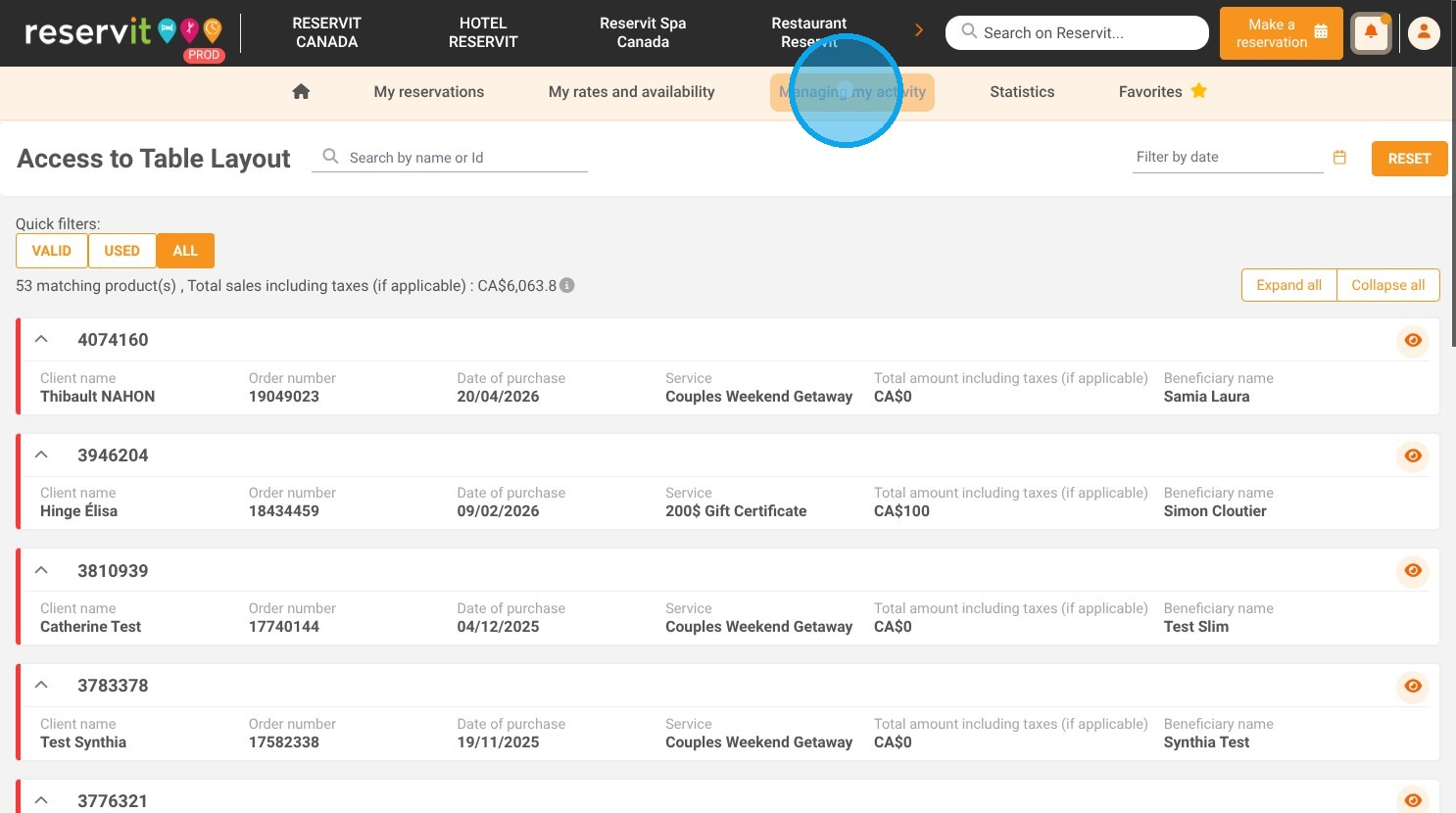
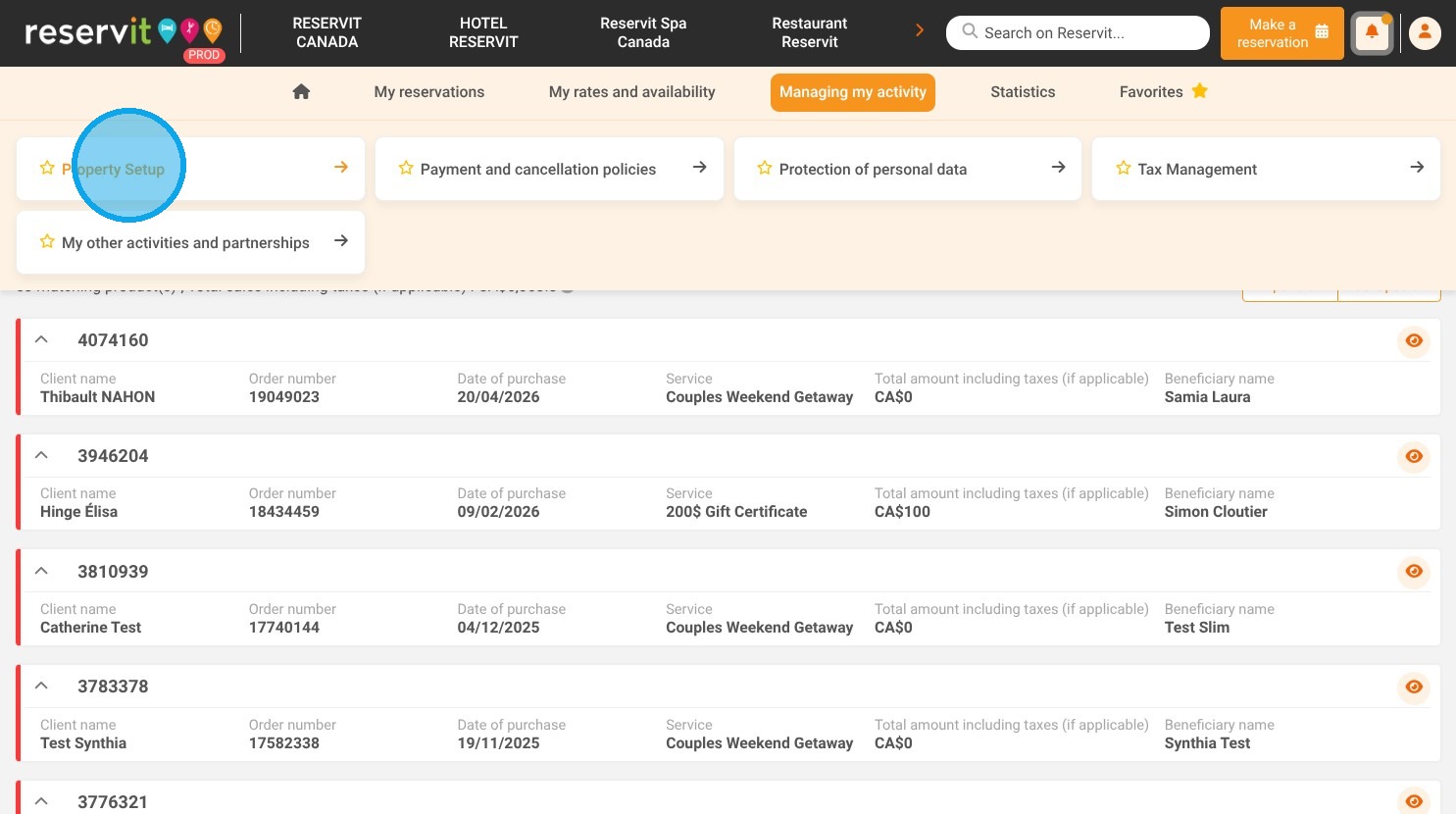
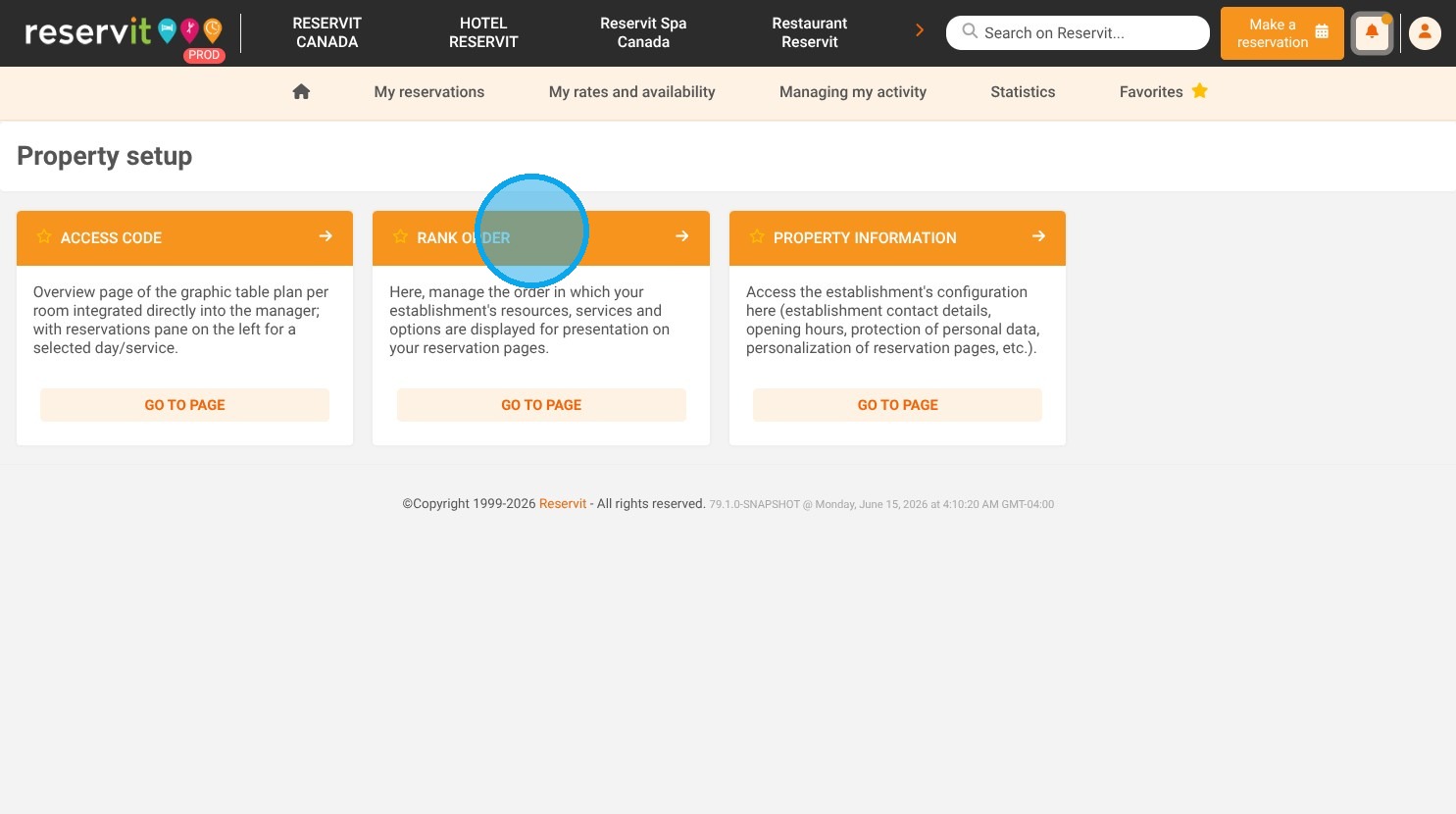
Access the rank order settings: Navigate to "Managing my activity" on your dashboard, open "Property Setup," and select "Rank order."
-
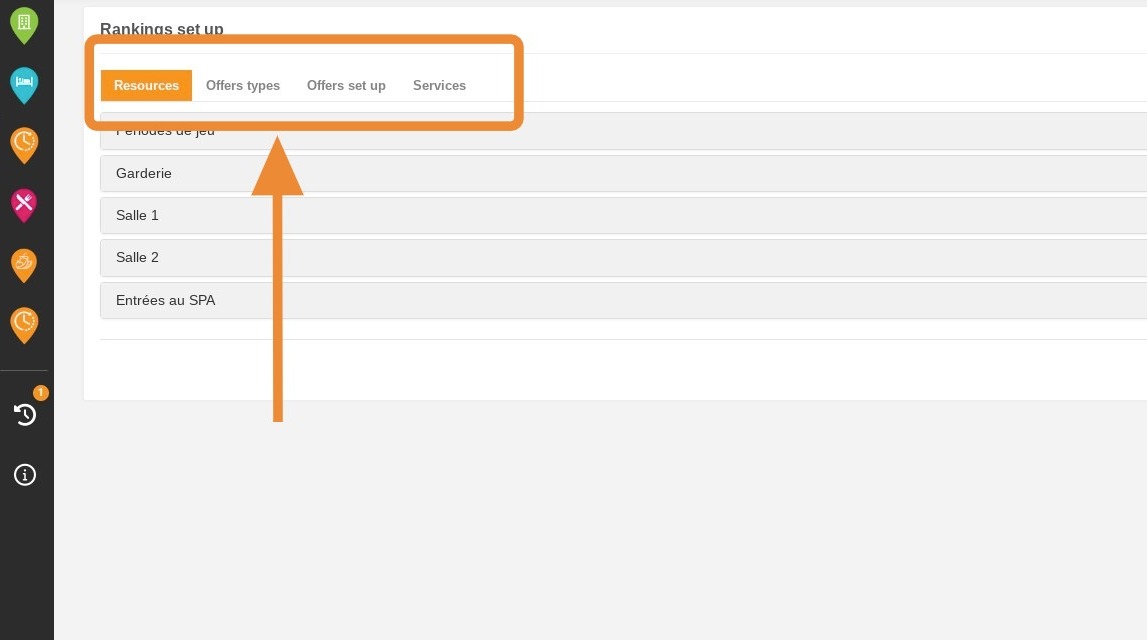
Choose the configuration type: Select the specific element you want to organize from the available tabs, such as your resources, categories, services, or options.
-
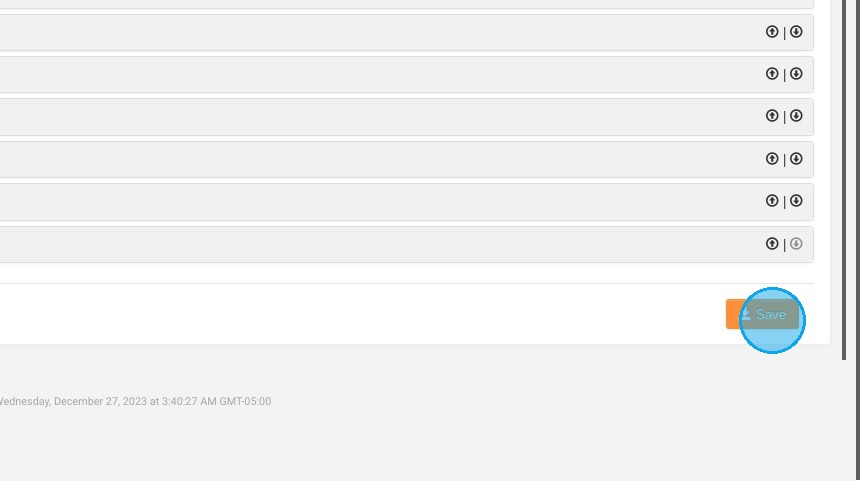
Adjust the display sequence: Use the up and down directional arrows located on the right side of the screen to easily rearrange your items.
-
Save your changes: Click the "Save" button to finalize your new sorting preferences and instantly update your live booking page.
Why follow this guide? Strategically organizing your online storefront ensures that your clients see your priority services or best-sellers first, reducing booking friction and decision fatigue. This simple display optimization saves you time answering inquiries and can significantly increase your direct conversion rates.
1. Click "Managing my activity" and "Property Setup" then "Rank order"
2. The screen displayed will allow you to view your resources, categories, services and options. Select the type of configuration for which you wish to change the order.
3. Use the arrows on the right to change the display order.
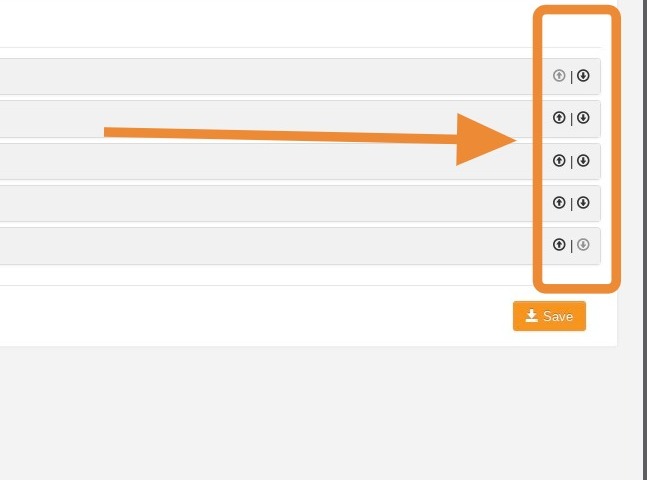
4. Don't forget to click on "Save" to save your changes.