Article Summary: This step-by-step tutorial explains how to customize and check your booking availability in a weekly format using Reservit Activities. You will learn how to set up a dedicated schedule view, filter by specific resources or staff members, and instantly identify open time slots using color-coded indicators. Mastering this feature allows you to streamline your activity management and easily track your weekly capacity.
The 5 key steps to configure your weekly availability view:
-
Access the schedule filters: Open your booking schedule and click the settings icon to configure a new custom view.
-
Set to weekly mode: Enter a clear label for your new schedule view and select the weekly display format.
-
Select your display data: Choose to filter your calendar by specific "Resources" and/or "Employees" to see relevant availability.
-
Enable availability tracking: Check the "Show availability" button and apply any necessary filters (such as confirmed reservations or waitlists).
-
Save and monitor: Click confirm to save your settings and activate the daily color indicators (green for available slots, red for fully booked days).
Why follow this guide? Setting up a customized weekly view saves you valuable time when managing daily reservations and significantly reduces the risk of overbooking. By visualizing your resource and staff availability at a quick glance, you optimize your operational efficiency and streamline the booking process for your customers.
1. New elements are now available in the booking schedule filters.
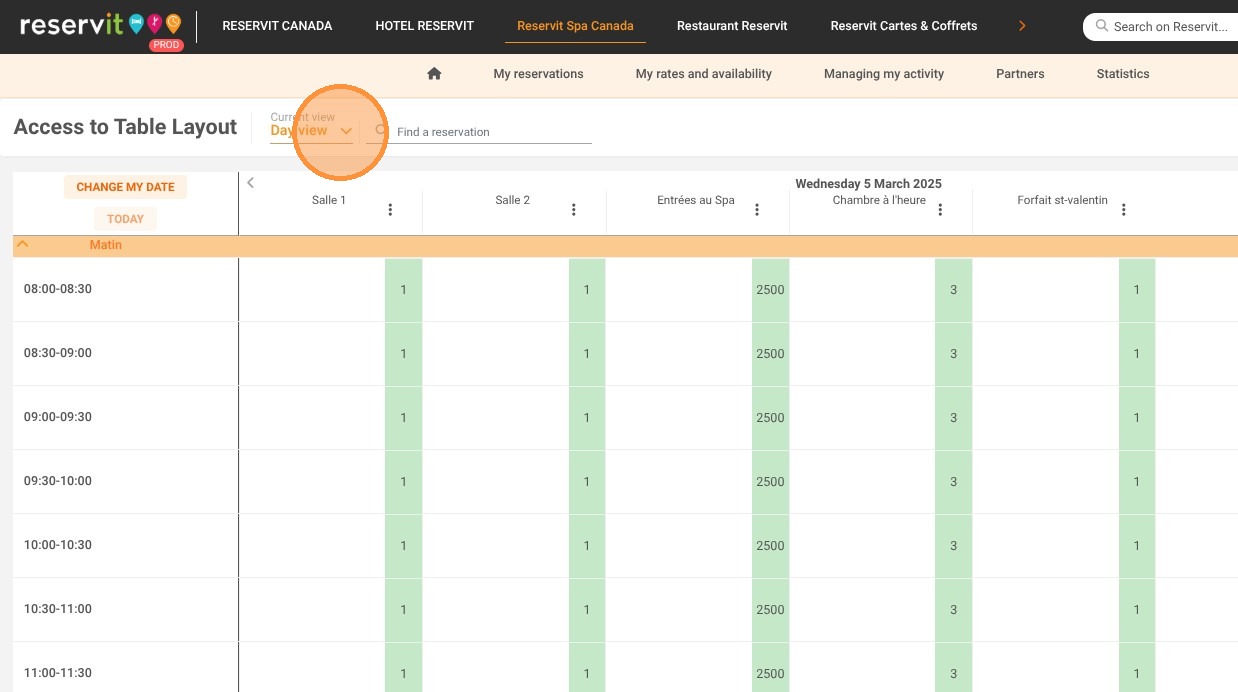
2. Click to configure a new view.
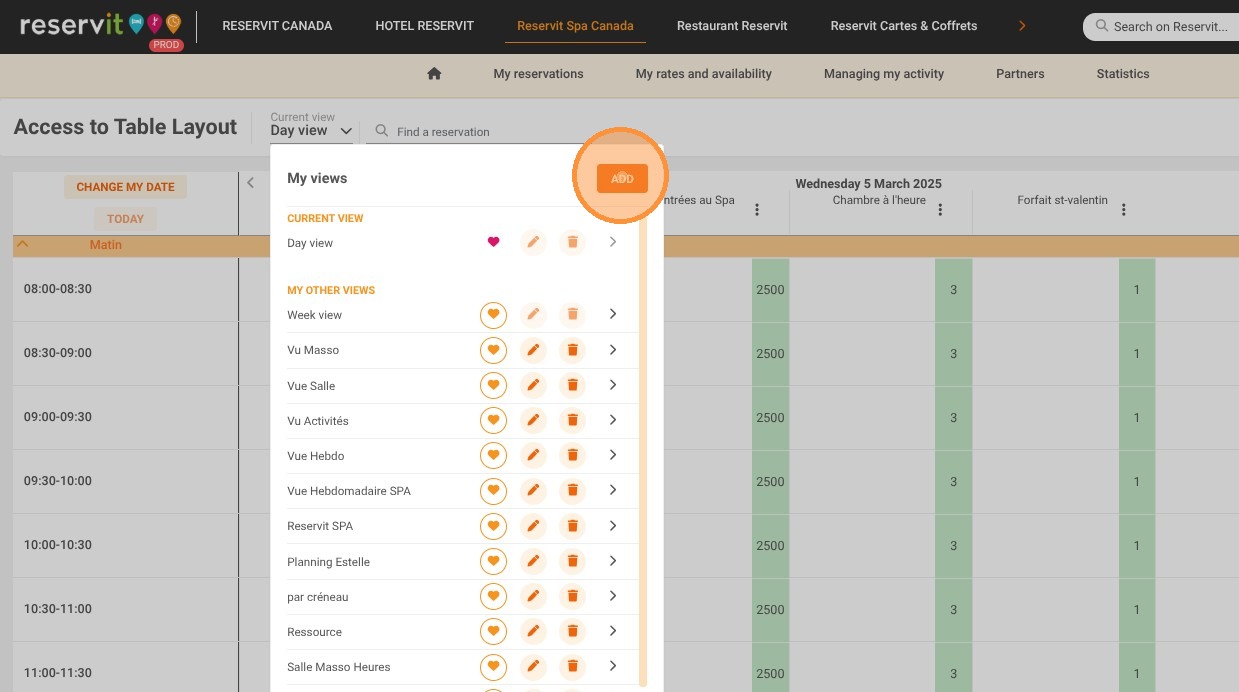
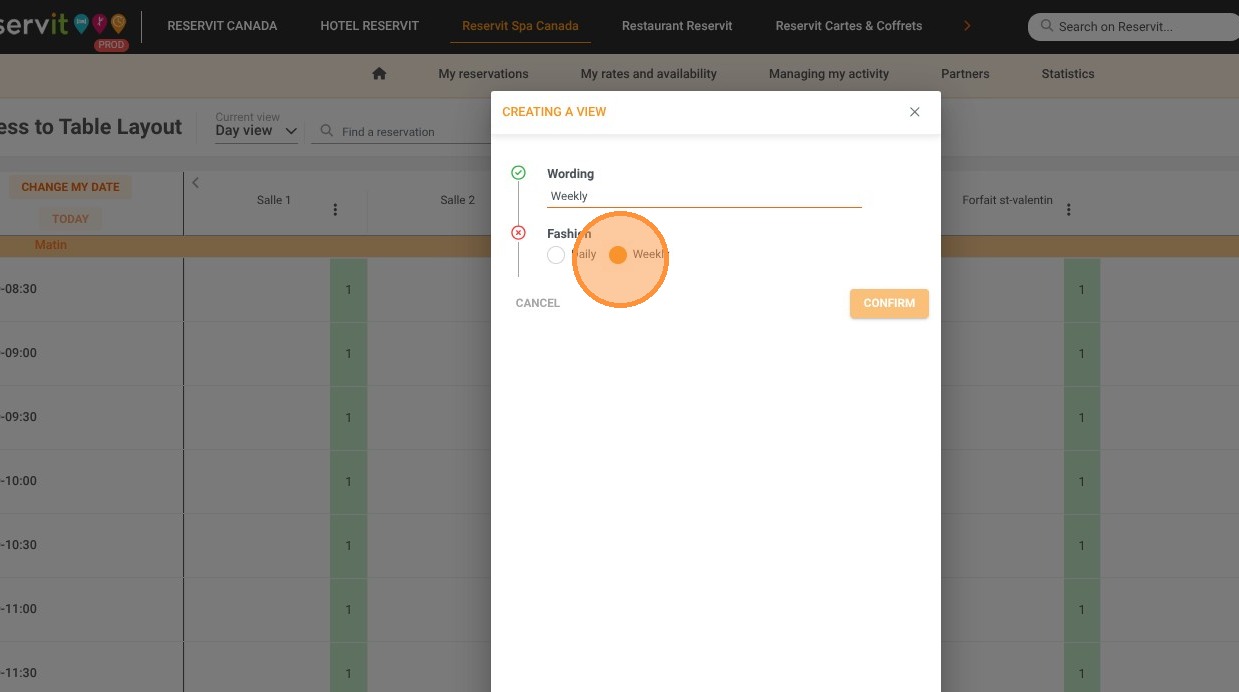
3. Enter the view label and select the weekly mode.
4. In the display data, select Resource and/or Employee.
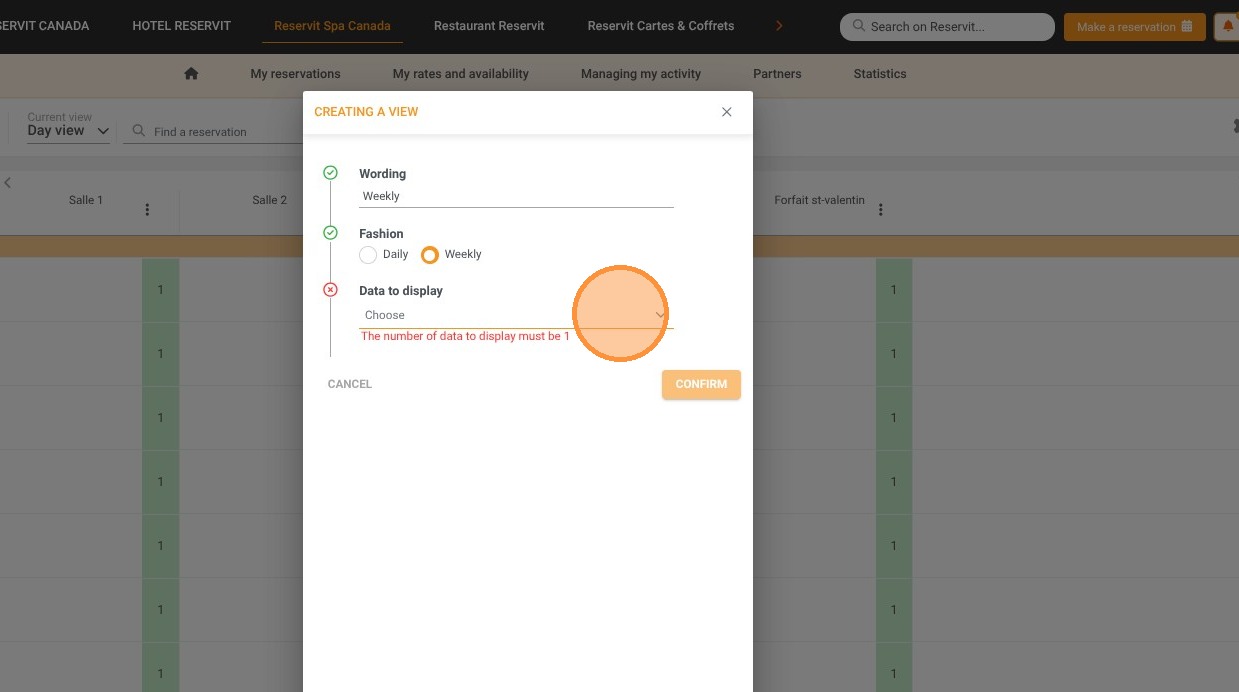
5. Make sure the "Show availability" button is checked. You can also apply filters to display only confirmed reservations or those on request/waitlist.
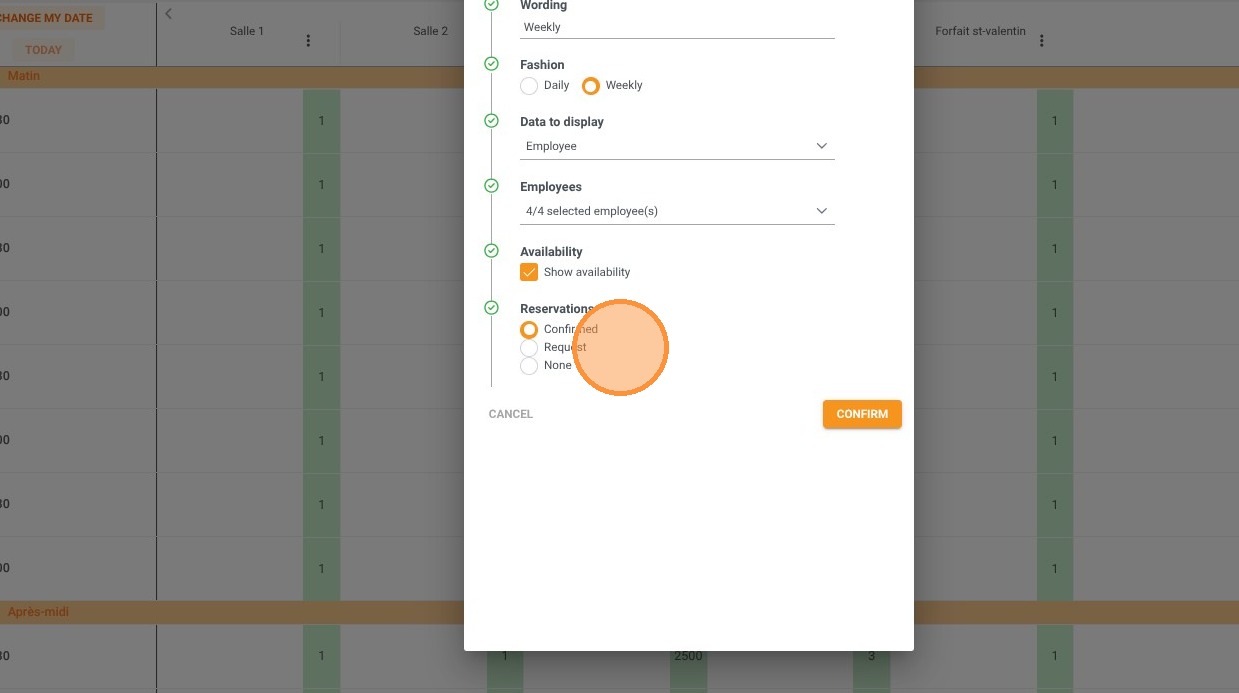
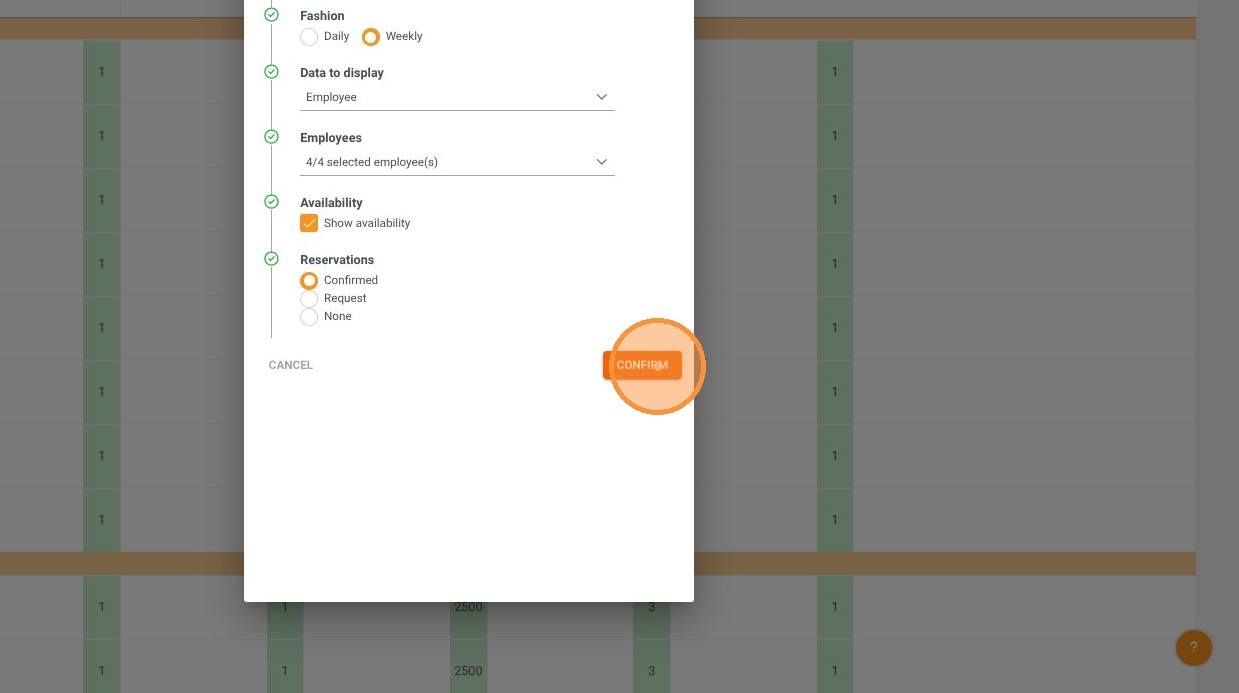
6. To save the view, click "CONFIRM".
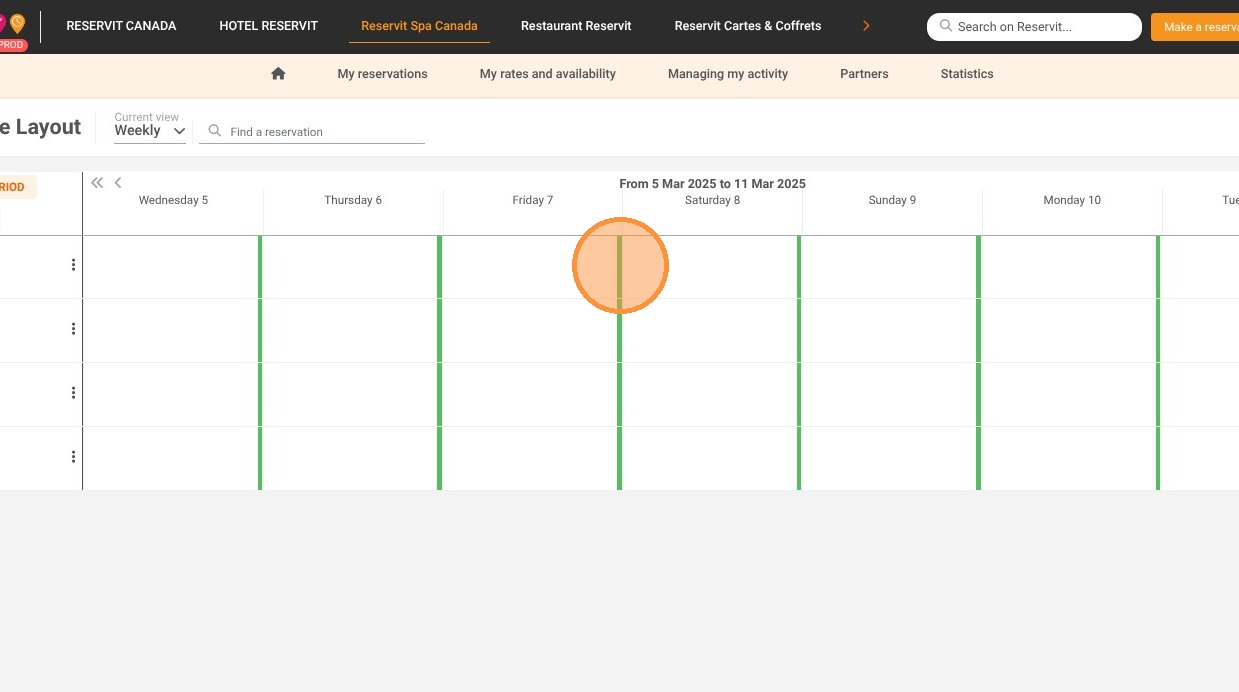
7. A new color indicator will appear for each day:
-
Green: The selected resource is still available at least once during a time slot that day.
-
Red: The resource is fully booked for the day.