Help for use
Auto Light Dark
Auto Light Dark

How to Schedule and Automate Your Daily Reservation Report in Reservit Activities

Article Summary: Learn how to customize the delivery schedule for your daily reservation report in Reservit Accommodation. By configuring your property settings, you can automate report distribution to align perfectly with your team's operational hours. This guide helps you set up automated delivery, saving time and keeping your staff continuously informed with up-to-date booking data.

The 4 Key Steps to Schedule Your Daily Reservation Report:

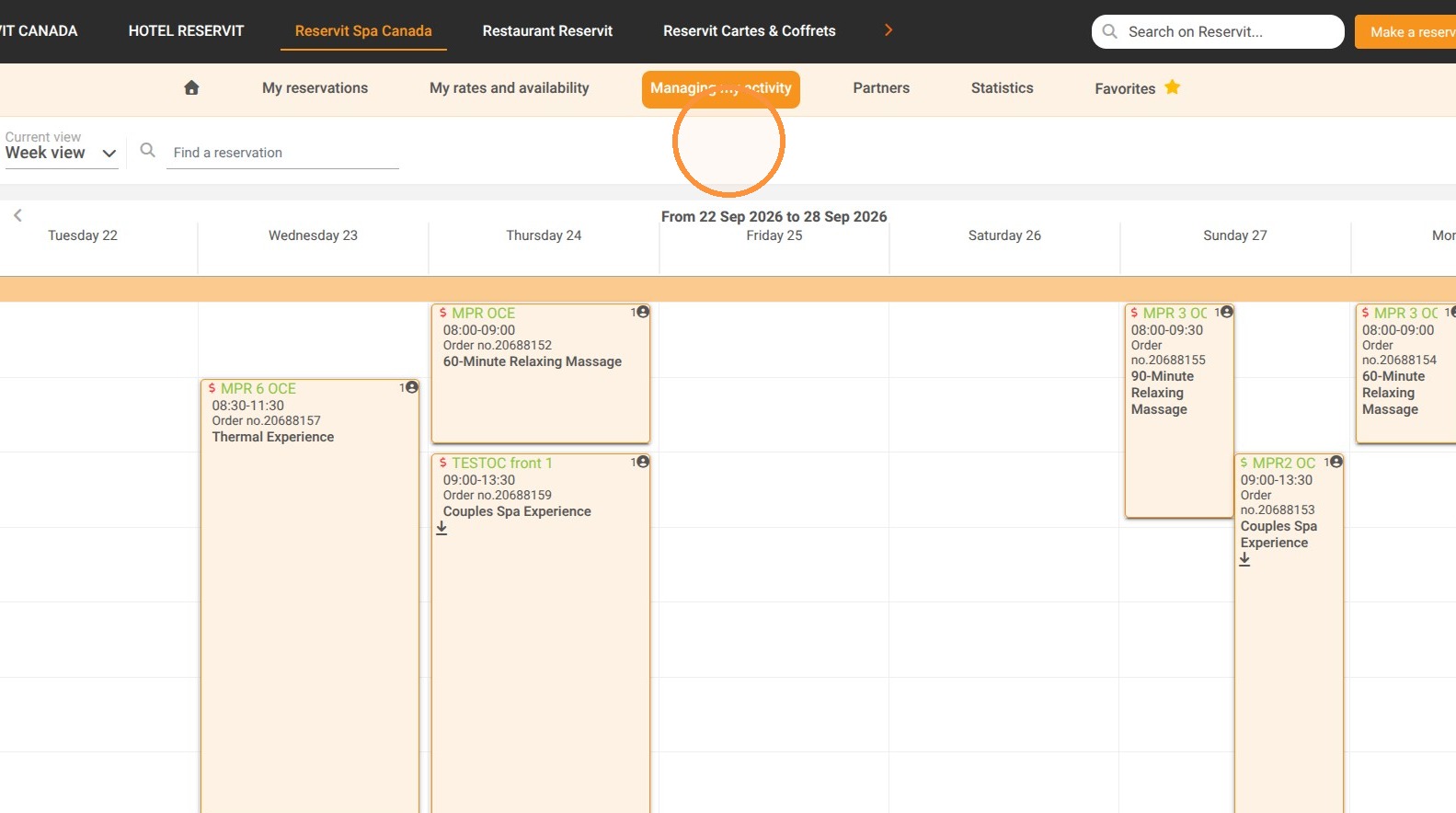
  • Navigate to Property Information: Go to "Managing my activity," choose "Property Setup," and select "Property information."

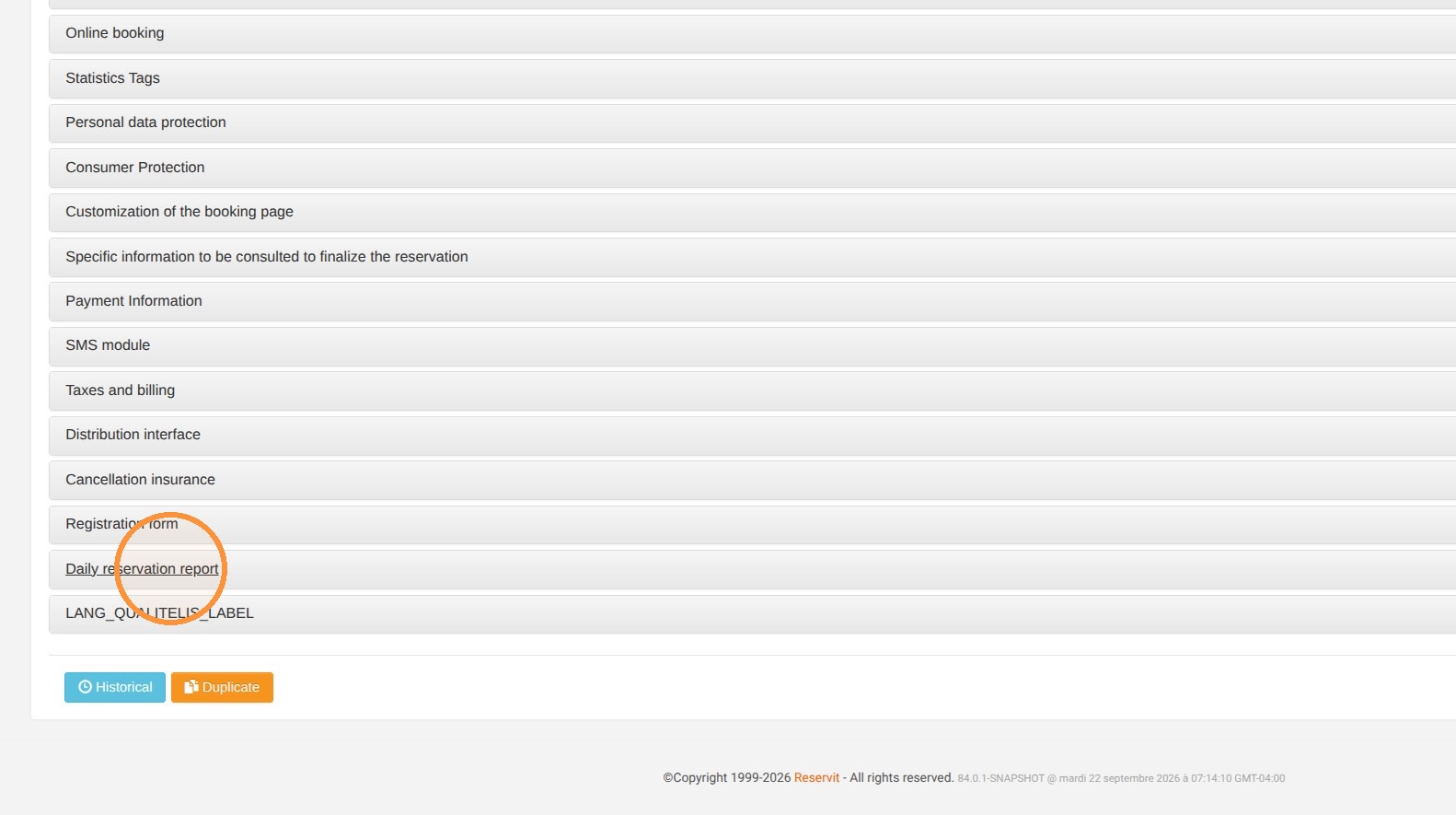
  • Access Daily Report Settings: Click on the "Daily reservation report" section.

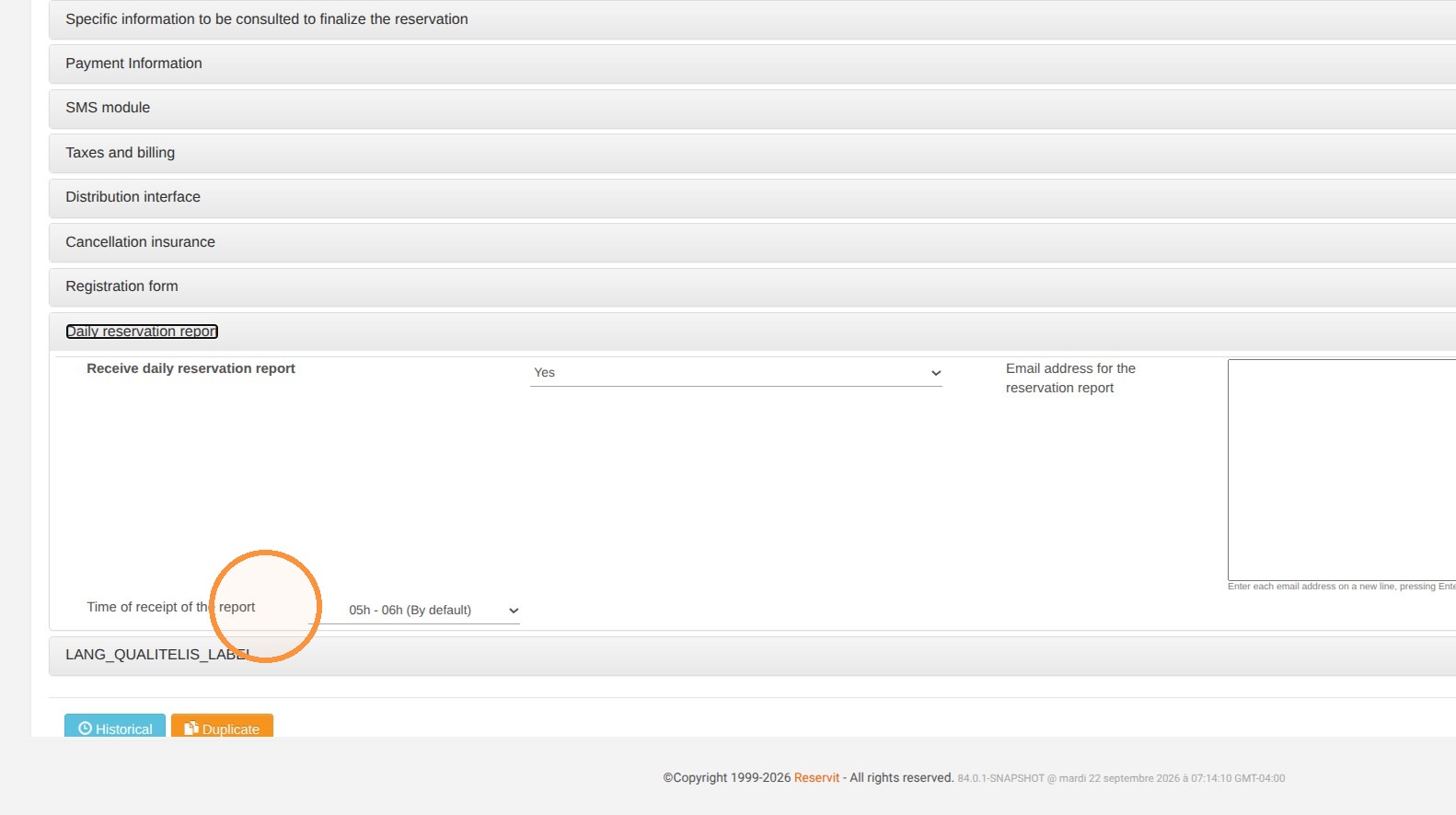
  • Set Delivery Schedule: Select "Report Delivery Time" and specify your preferred time for receiving the automated report.

  • Save Changes: Save your configuration to apply the updated schedule.

Why Follow This Guide? Automating your reservation report schedule ensures your team receives timely operational insights without manual exports, preventing reporting delays and streamlining daily administrative tasks.

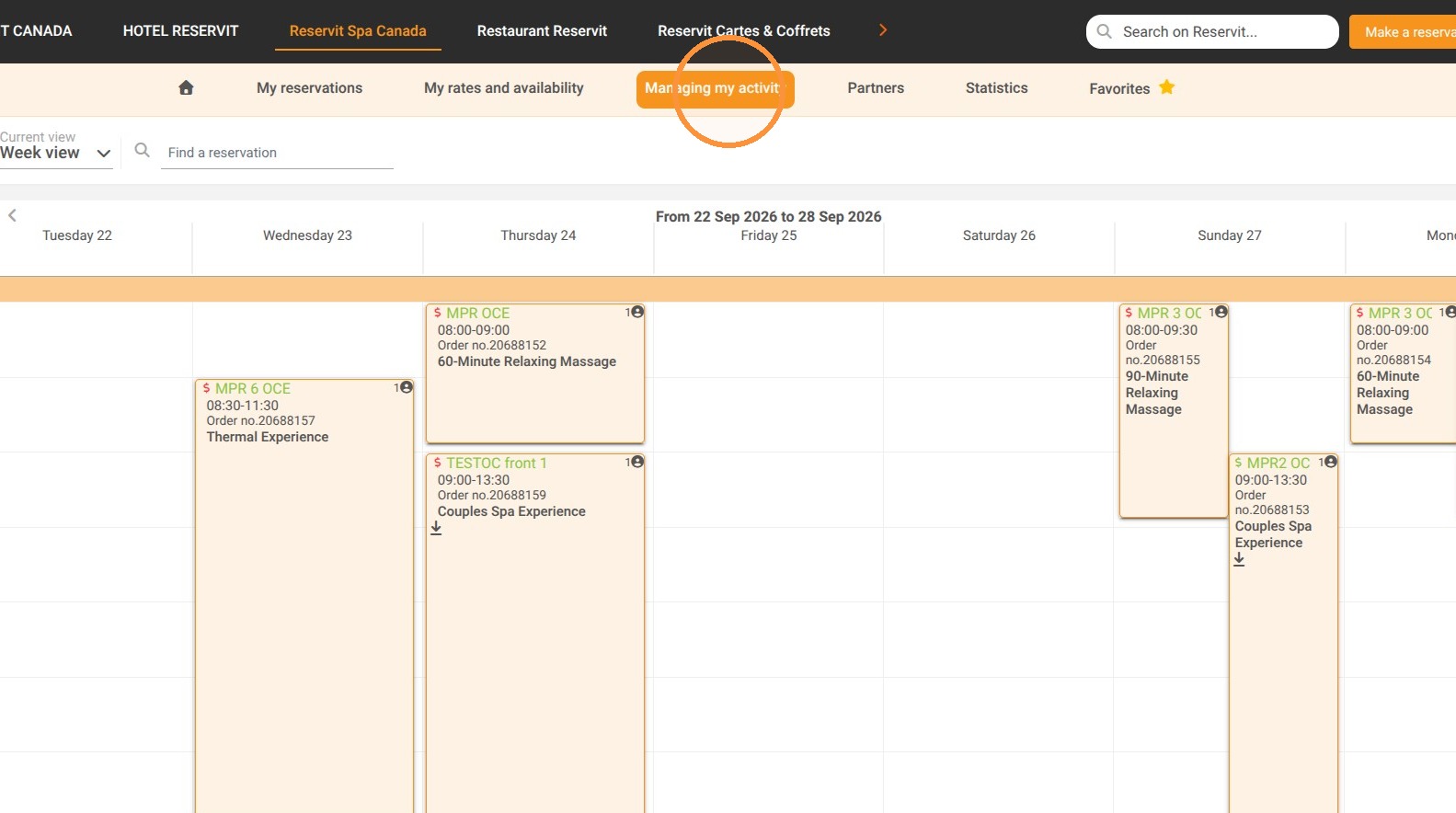
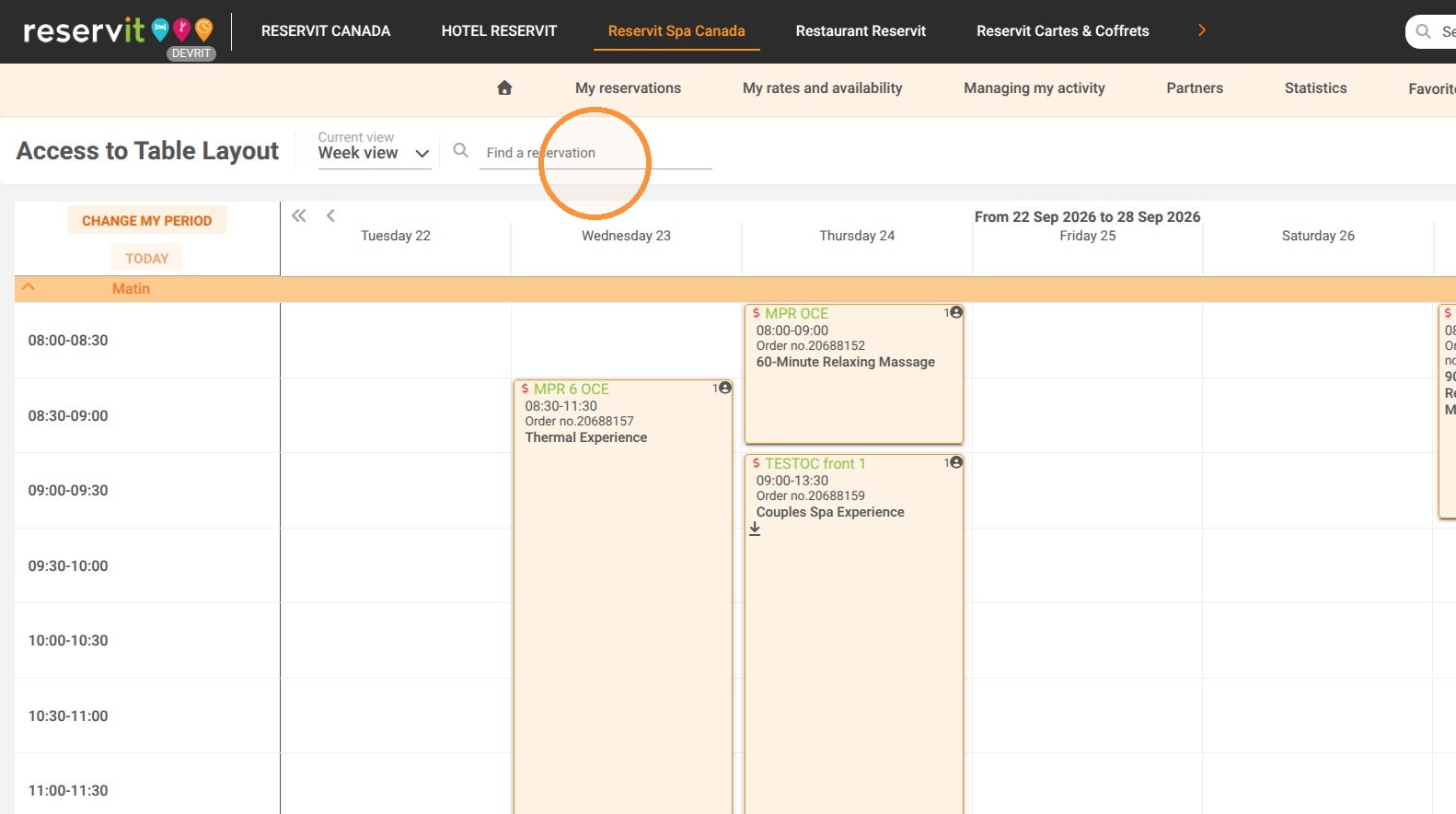
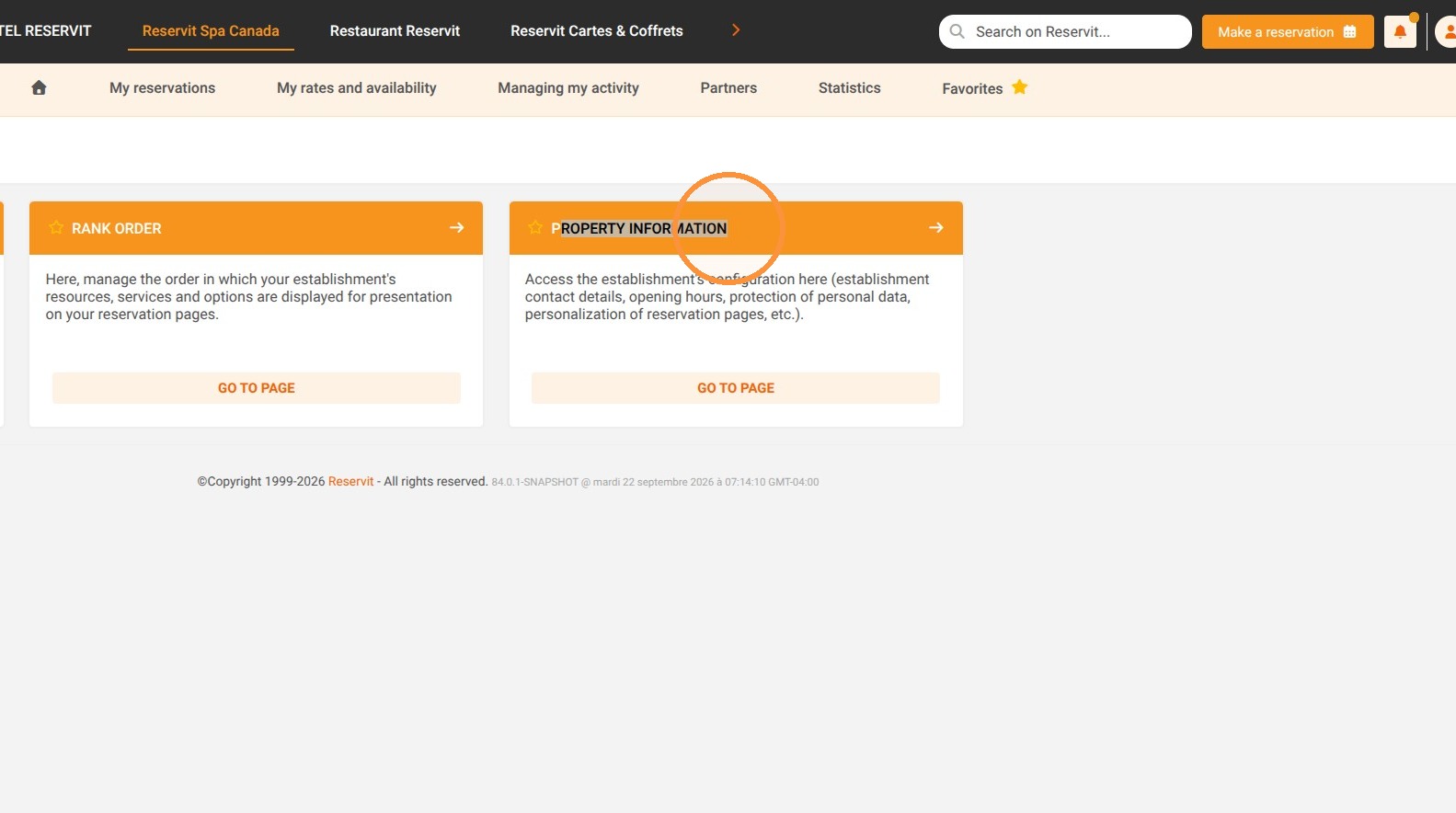
1. Click "Managing my activity" then "Property Setup" and "Property information"
https://colony-recorder.s3.us-west-1.amazonaws.com/files/2026-09-22/1821e6a6-5a34-44f7-a0f4-671d7304a3cc/action-d85570c9439d46d3b0af92ca26529ecd_f741966c3a9145b594695ed85238f5ea_text_export.jpeg
https://colony-recorder.s3.us-west-1.amazonaws.com/files/2026-09-22/a4261712-a77f-4186-bb6a-c8e50bd7e0aa/action-eb45de3068e34a299e27c1855f727ff5_0e64012604de402ab40b6499ac2ddc42_text_export.jpeg
https://colony-recorder.s3.us-west-1.amazonaws.com/files/2026-09-22/b6bf4391-f948-4f24-bec9-d2814b83ab01/action-a9ccd206bfc44bb68bd95dcbd727a8fe_87fa6cf469ff489ba8b5ebd26c4587b5_text_export.jpeg
https://colony-recorder.s3.us-west-1.amazonaws.com/files/2026-09-22/5b52e647-f1a6-4b02-9c1f-ca623abb62cf/action-33a4454cf421498983a48aadbc1030fd_955fe01c76174fb7b7e7fdc70db00be5_text_export.jpeg

2. Click "Daily reservation report"
https://colony-recorder.s3.us-west-1.amazonaws.com/files/2026-09-22/62af435f-4d42-42d1-92f7-6c494b950ff0/action-c23b97fa9ac6452189cf988a48c8b5d8_96776907737c4e898ec4eddd36d16ea4_text_export.jpeg

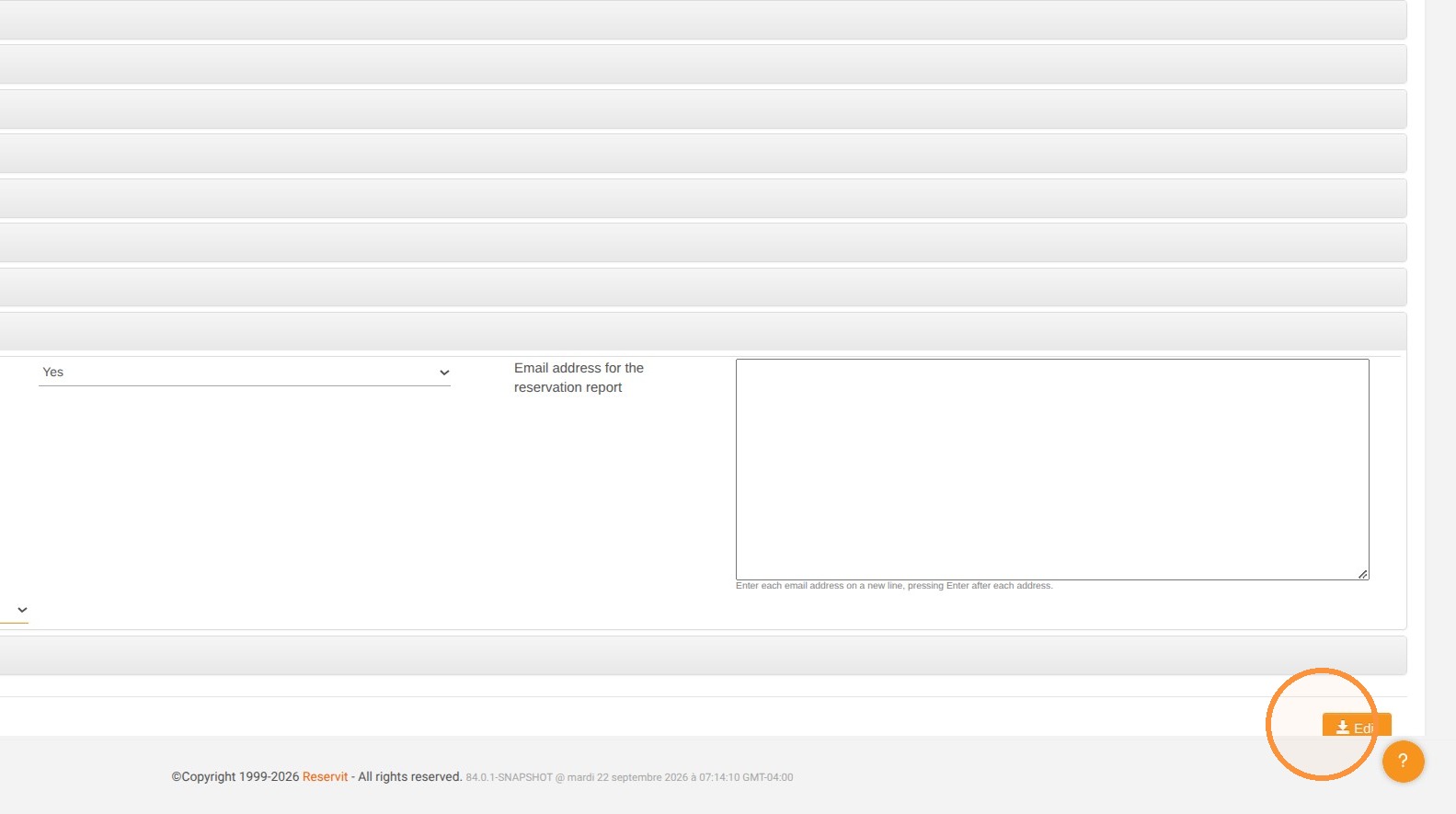
3. Choose "Report Delivery Time" and indicate the preferred schedule for sending the report.
https://colony-recorder.s3.us-west-1.amazonaws.com/files/2026-09-22/d6f04439-6376-45cf-a9bb-1e5f861c0242/action-cab771353d964982a95e5b50d6f5b2d6_ce5e3753c48342b9ad818af5aa6525a0_text_export.jpeg

4. Save your changes.

https://colony-recorder.s3.us-west-1.amazonaws.com/files/2026-09-22/4e84cec4-5481-487c-b3a2-8cd36f5b197b/action-be91bb5f24a1480a890908af91edba99_b224bba6a33c4f5aa4e83326df6a657f_text_export.jpeg