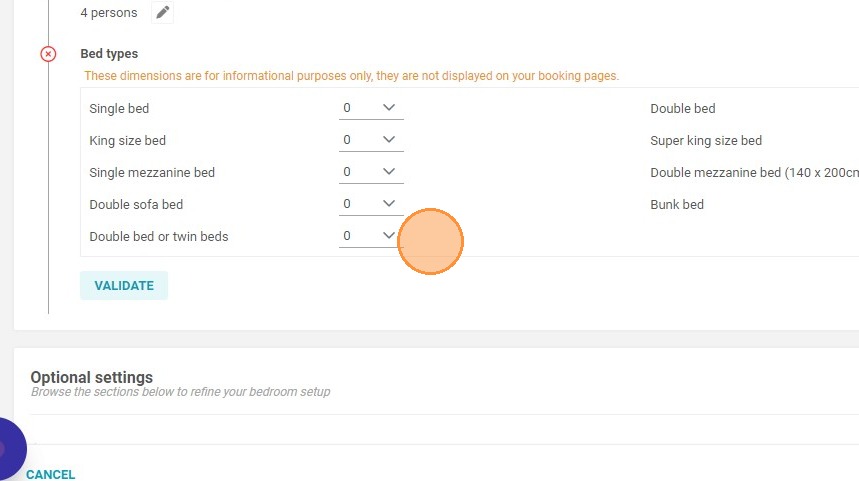
Article Summary: This step-by-step tutorial explains how to easily update the bed types configured for your units within your Reservit Accommodation platform. You will learn how to navigate your room categories and adjust the bedding options to accurately reflect what your property offers. Keeping your bed configurations current ensures potential guests have precise information, which helps manage expectations and directly improves the booking experience.
The 4 Key Steps to Update Your Bed Types:
-
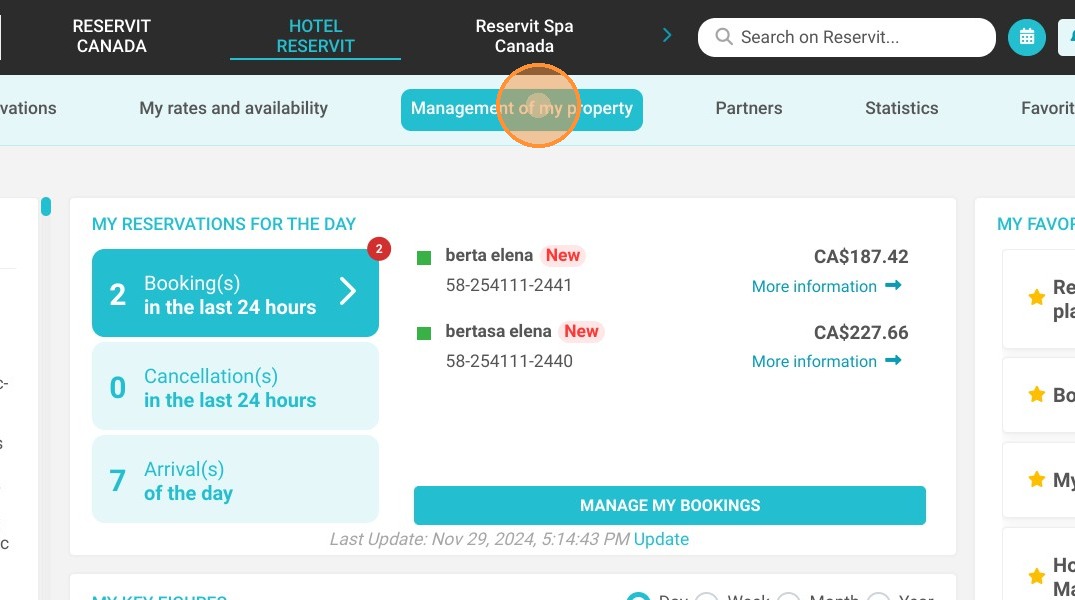
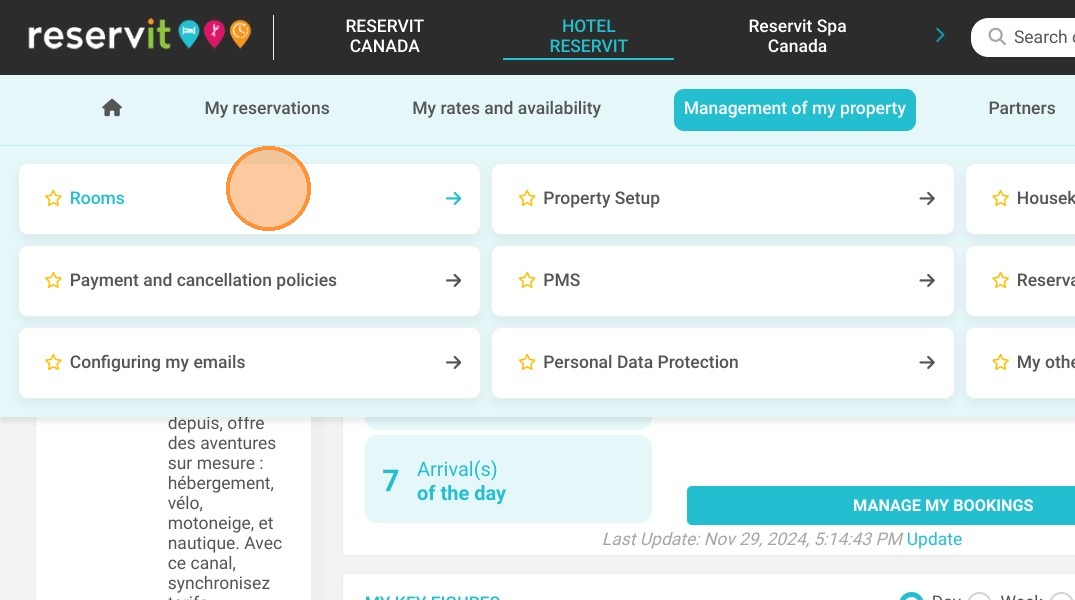
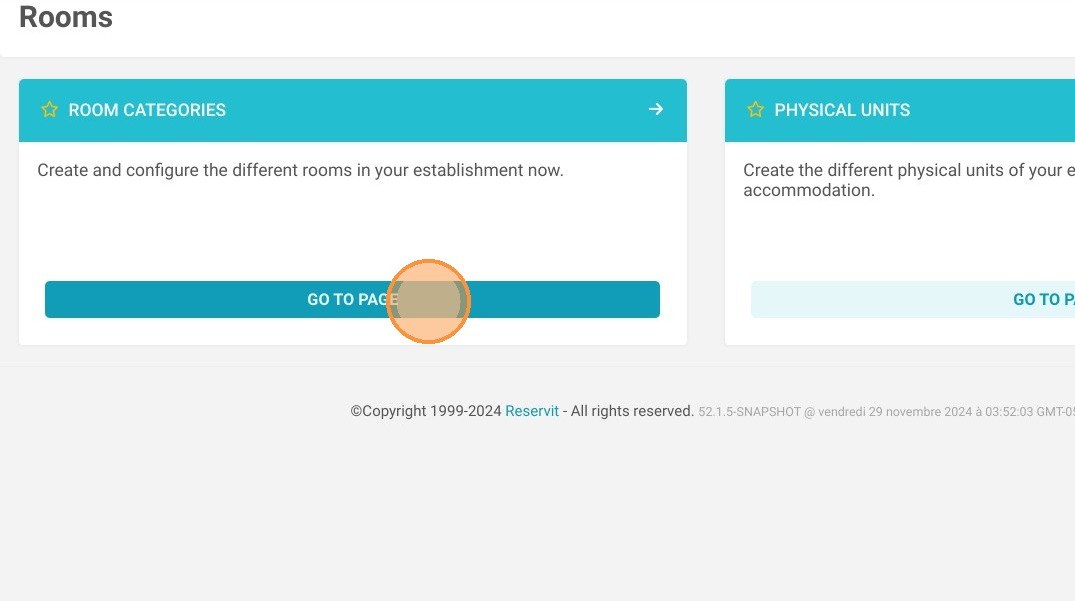
Access Room Categories: Navigate to the "Management of my property" tab, click on "My Rooms" (or "My Units"), and then select "Category."
-
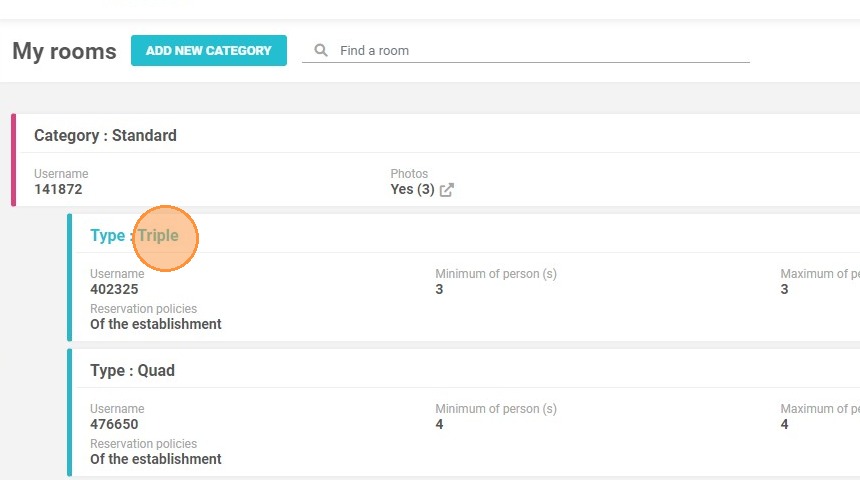
Select the Room Type: Browse your listed inventory and click on the specific accommodation type you need to modify.
-
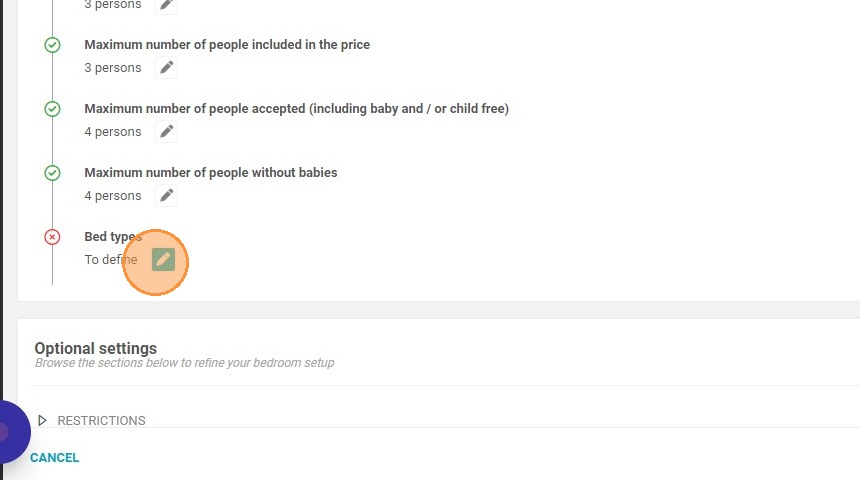
Open Bed Settings: Locate and click on the "Bed types" option within that specific room's configuration profile.
-
Choose the Bed Configuration: Select the correct bed types and sizes available in the unit to ensure your online listing is perfectly accurate.
Why follow this guide? Maintaining accurate bedding configurations prevents costly booking errors and eliminates guest frustration upon arrival. Proactively updating these details saves your front desk staff valuable time by reducing clarifying phone calls and helps safeguard your property's reputation against negative reviews.
1. Click "Management of my property", ''My Rooms'' or ''My Units'' and ''Category''
2. Select a type
3. Click on Bed types
4. You can choose the bed type