

Article summary: This practical guide explains how to add an engaging subtitle or short description to your services within the Reservit Activities platform. You will learn how to quickly configure this text so it displays prominently on your public booking page. Providing clear, upfront details helps potential customers understand your offers instantly and encourages faster online bookings.
The 4 key steps to add a short description to a service:
-
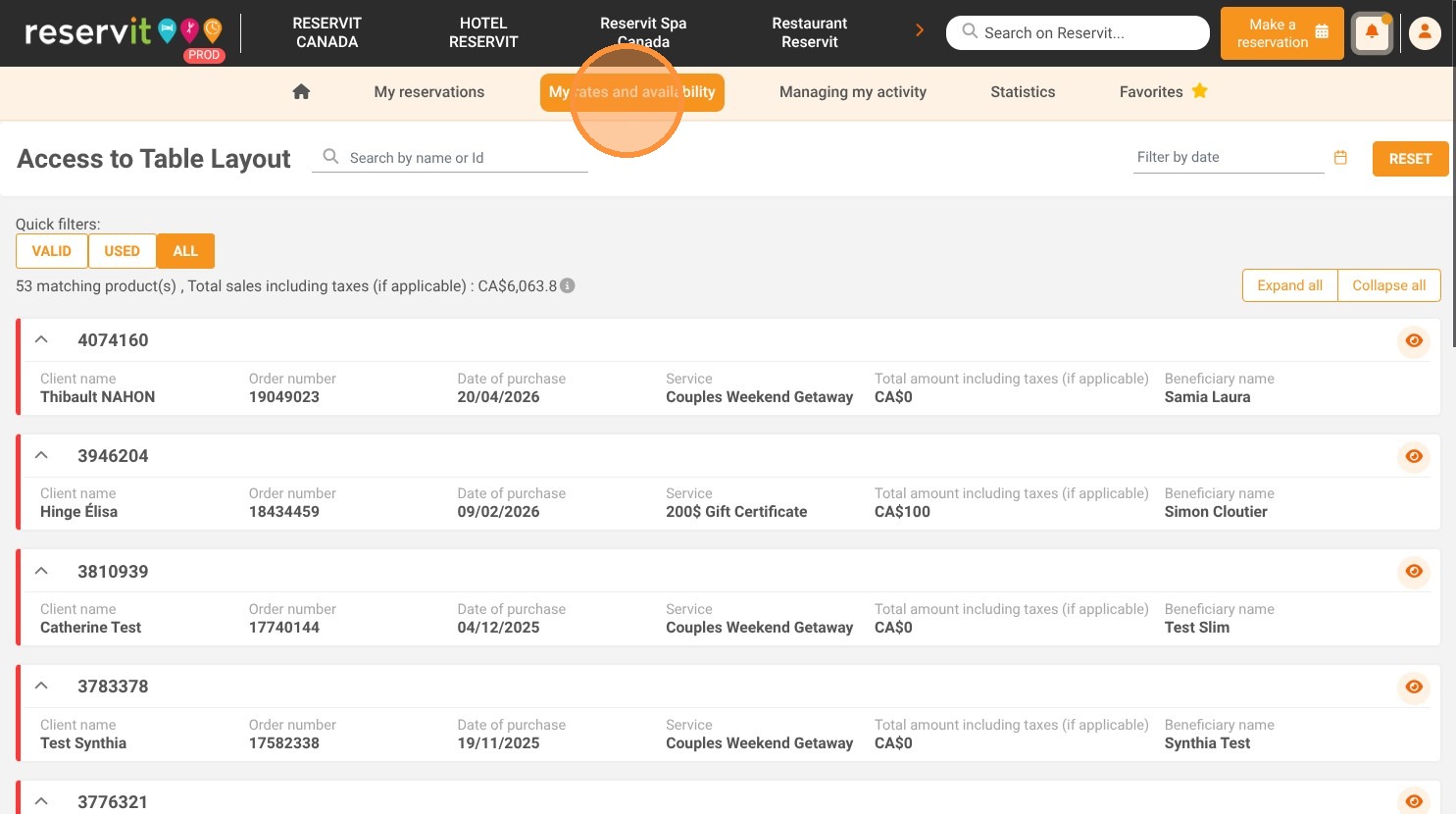
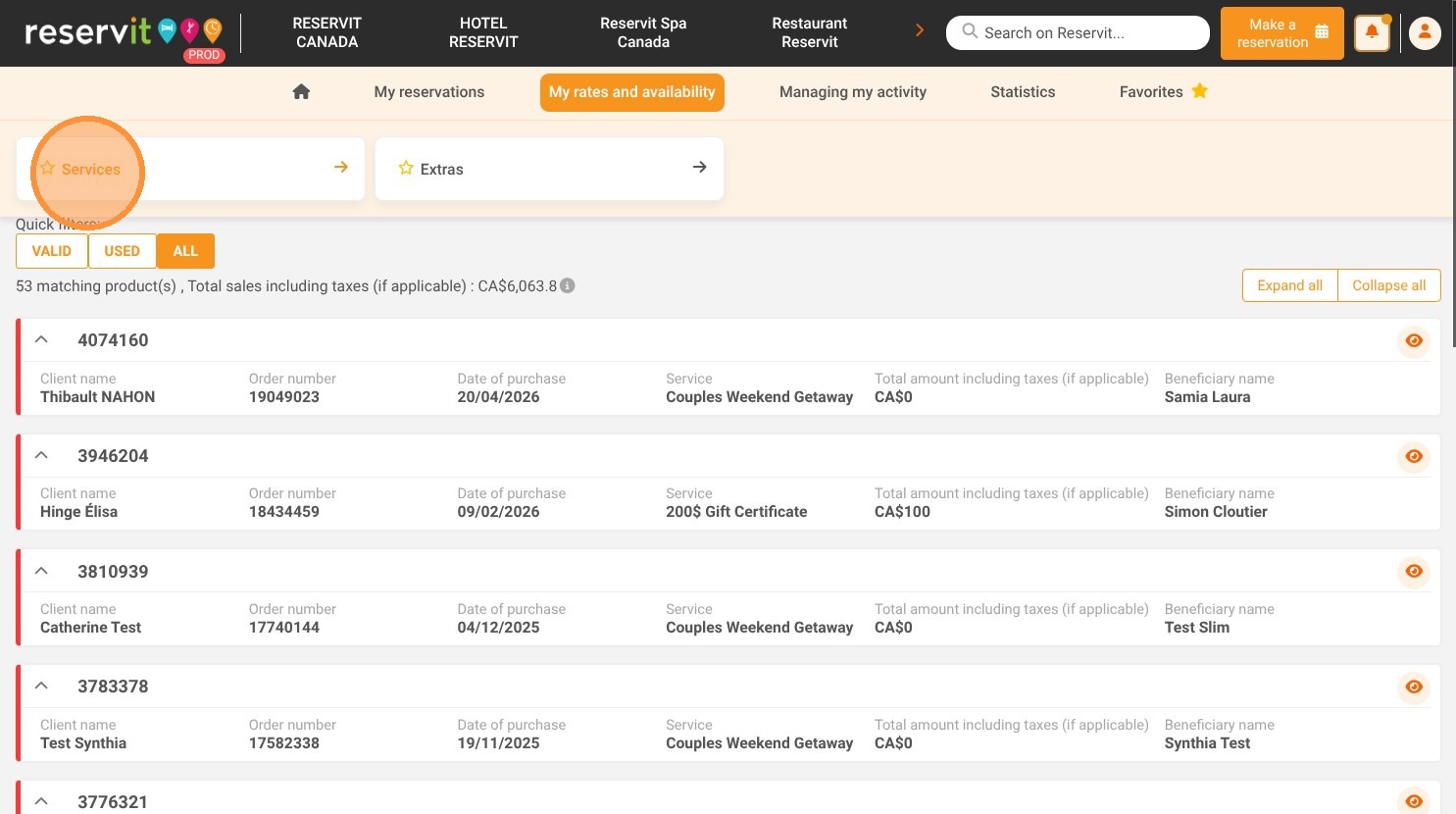
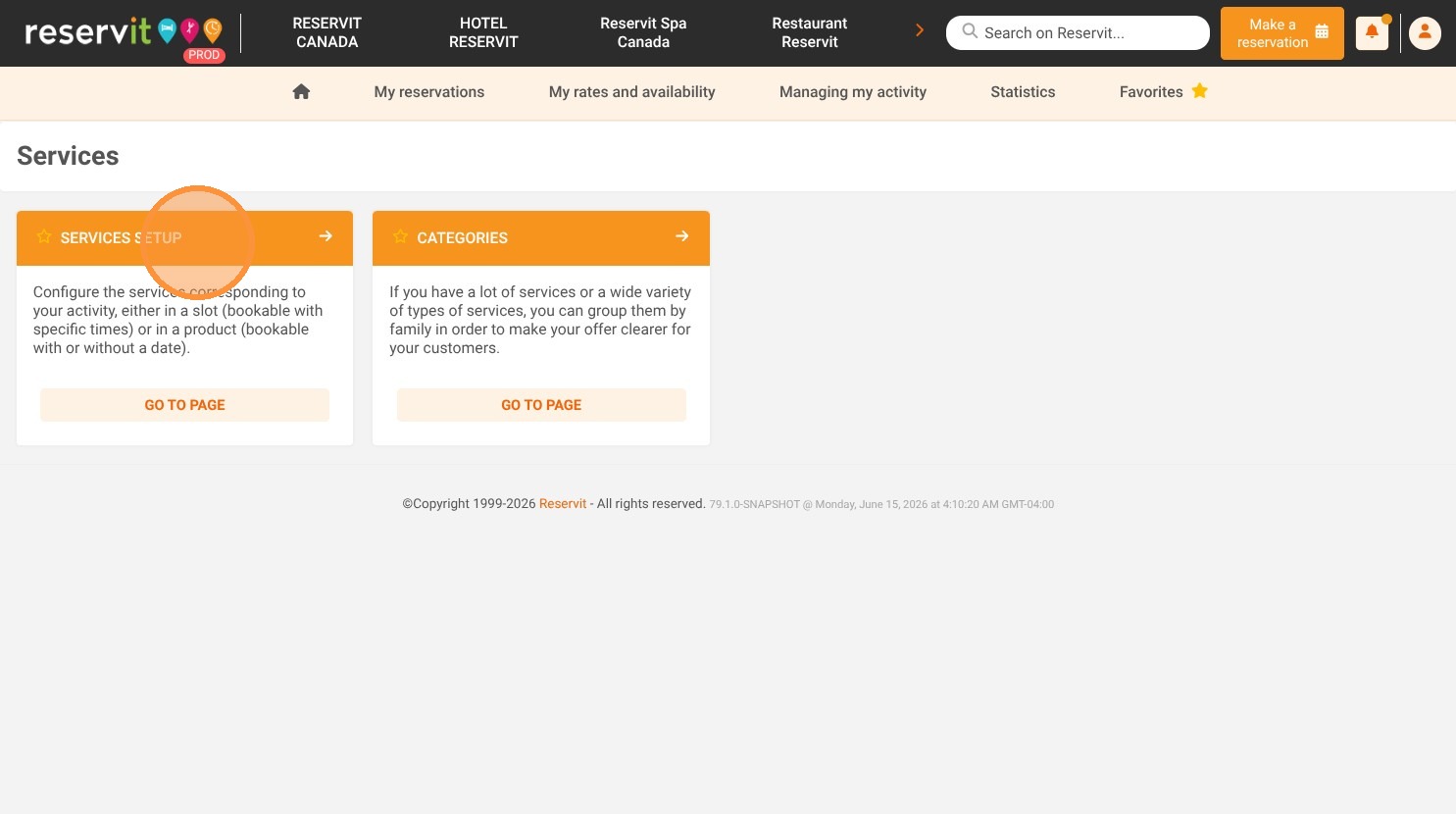
Access the service setup: Navigate to the "My rates and availability" menu on your dashboard, select "Services," and click on "Services Setup."
-
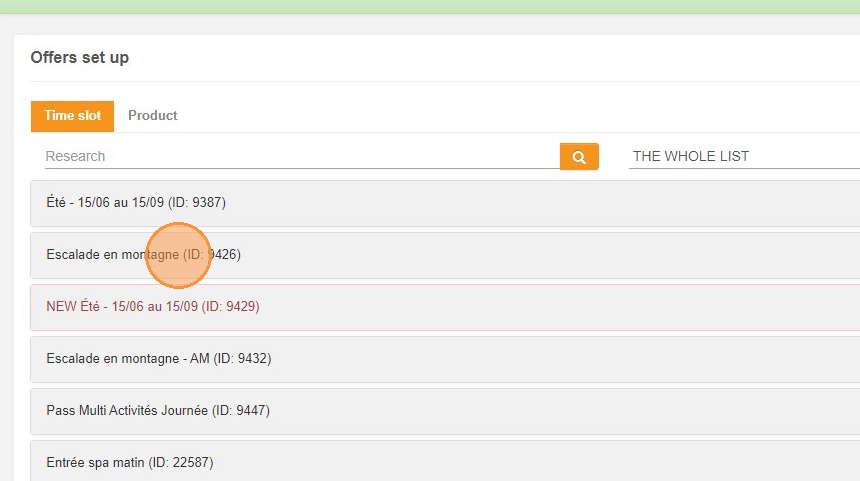
Select your specific offer: Click on the exact activity or service profile that you want to update.
-
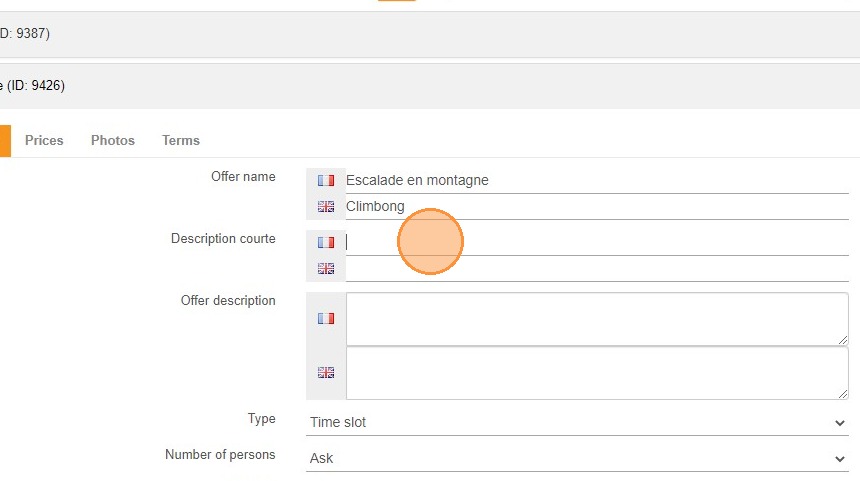
Write your subtitle: Enter your concise, engaging text directly into the designated "Short Description" field.
-
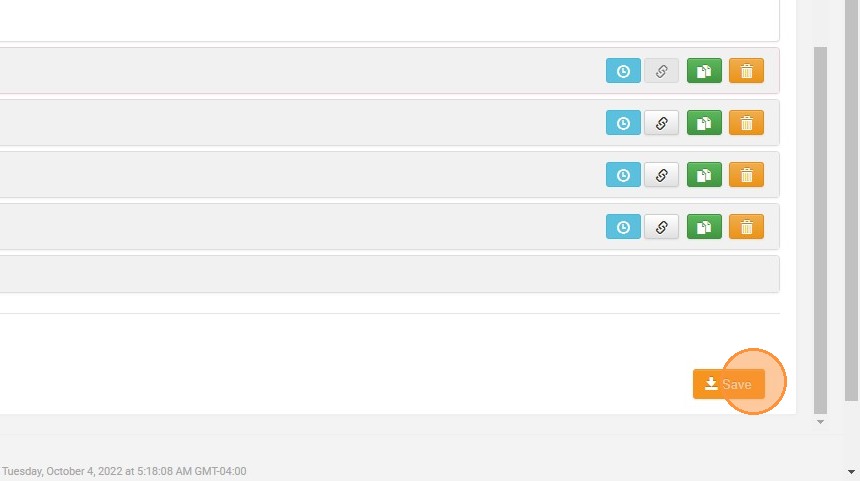
Save and publish: Click the "Save" button to immediately update your live booking engine and display the new description to your customers.
Why follow this guide? Enhancing your services with clear short descriptions reduces customer hesitation and answers their primary questions at a glance. Following this quick process ensures your online storefront is perfectly optimized for conversions, saving you time answering basic inquiries and ultimately driving more direct sales.
1. Click "My rates and availability" then "Services" and "Services Setup"
2. Click on your offer
3. Enter your "Short Description"
4. Click "Save"
5. The short description is visible on the booking page at the service level.