Article Summary: This tutorial explains how to set up and enable online payment for your services in Reservit Activities. You will learn where to define the share of the price (deposit or full amount) that your customers must pay online when they book on your booking engine. By enabling this feature, you automate your payment collection and offer your customers a fast, secure and self-service purchase journey.
The 5 Key Steps to Set Up Online Payment:
-
Check the prerequisite: Make sure your payment processor account (such as Stripe) is linked to Reservit Activities.
-
Open the service: Click "My rates and availability" > "My Services", then "GO TO PAGE" on the "SERVICES SETUP" tile and click the service to edit.
-
Open the prices: Click the "Prices" tab of the service.
-
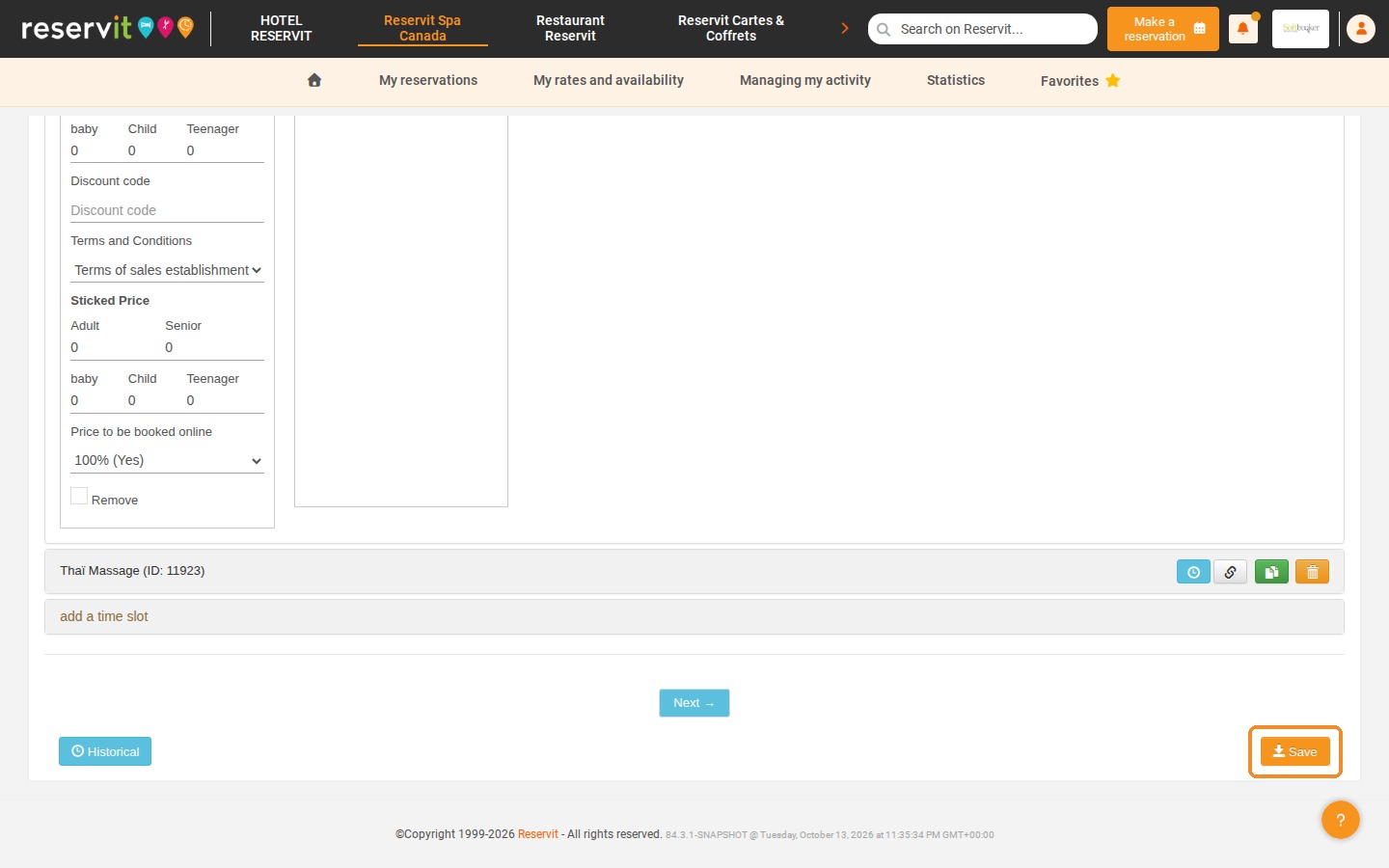
Set the online amount: In "Price to be booked online", select the percentage of the total amount that must be paid online, from "100% (Yes)" to "0% (No)".
-
Save: Click "Save" at the bottom of the page to apply your settings.
Why Follow This Guide? Requiring an online payment or a deposit is the most effective way to reduce unpaid bookings and last-minute no-shows. By collecting the payment at the time of booking, you secure your cash flow right away and save time on your daily accounting.
1. Important: your payment processor account (such as Stripe) must first be linked to Reservit Activities by our team for the online payment settings described below to be available.
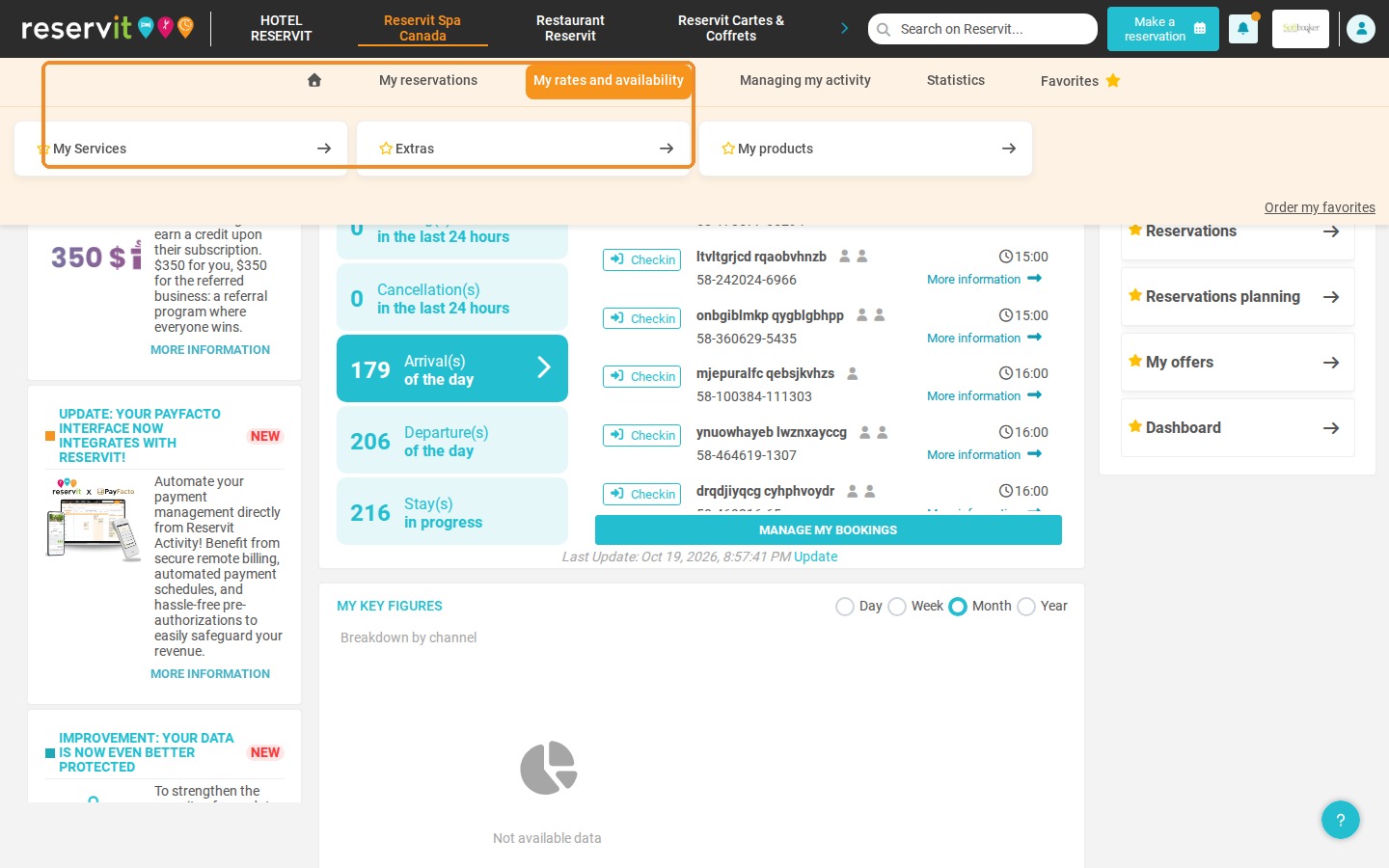
2. Click "My rates and availability" > "My Services".
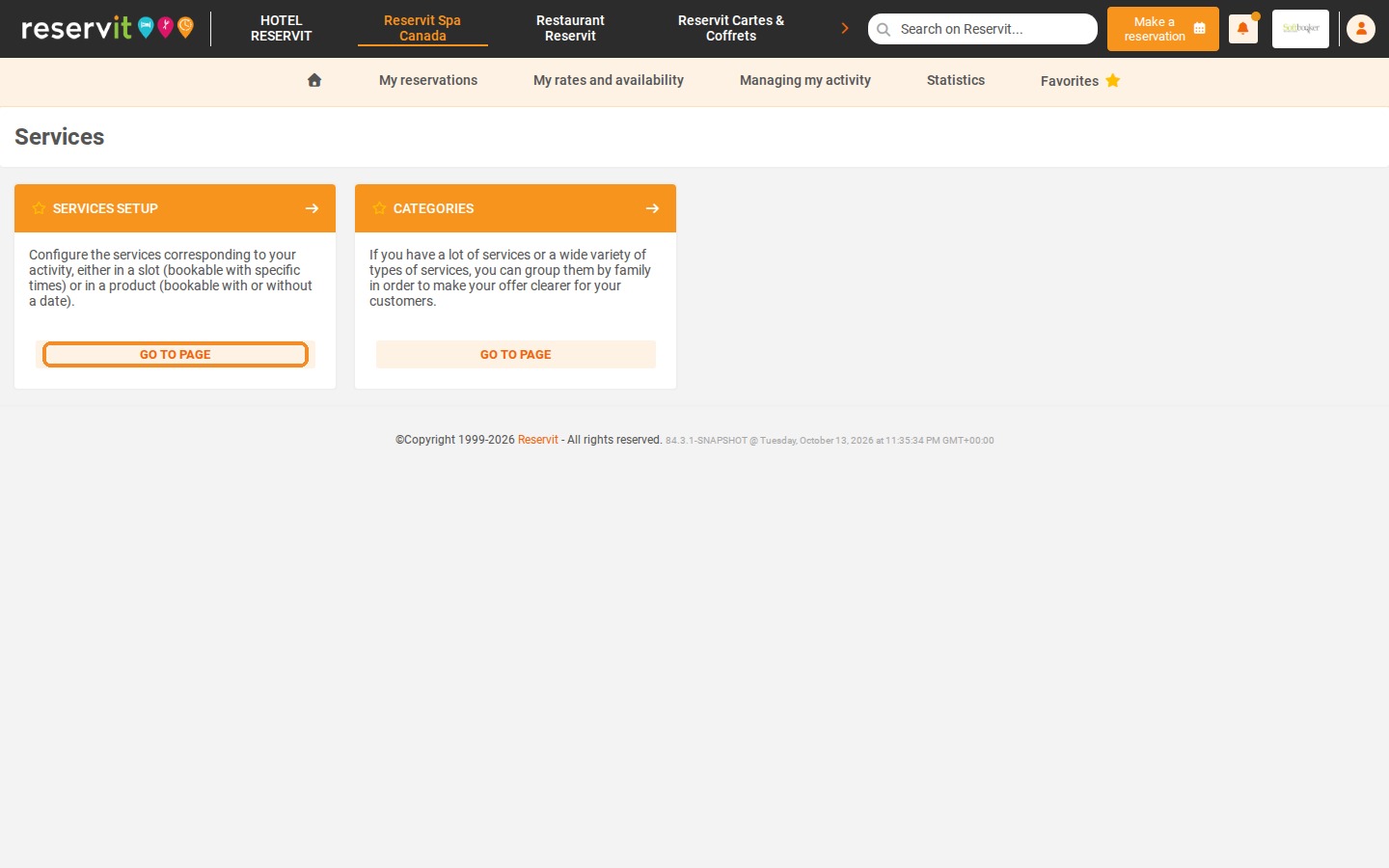
3. Click "GO TO PAGE" on the "SERVICES SETUP" tile.
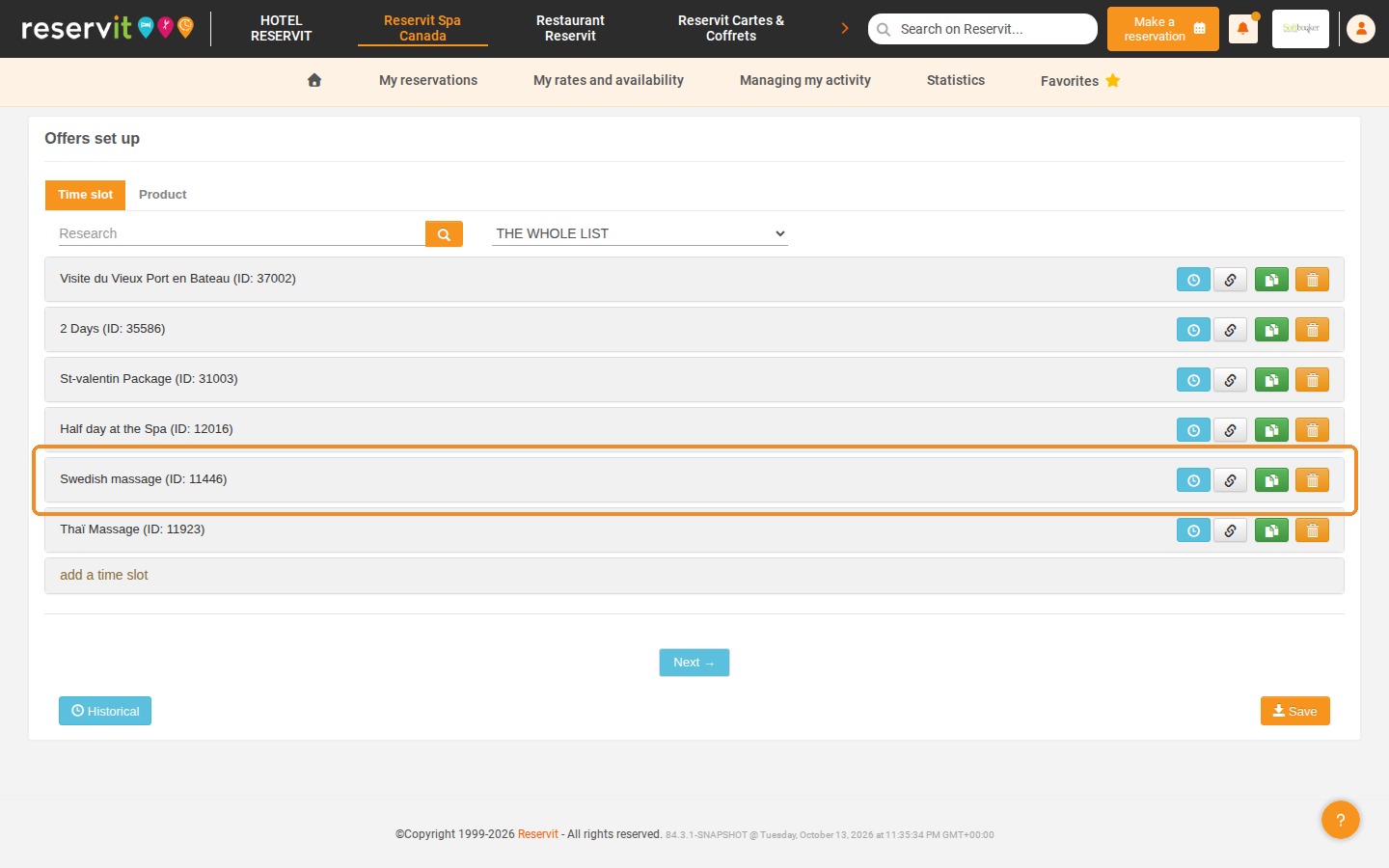
4. In "Offers set up", click the service you want to edit ("Time slot" or "Product" tab) to open its settings.
5. The settings of the service open on the "General information" tab.
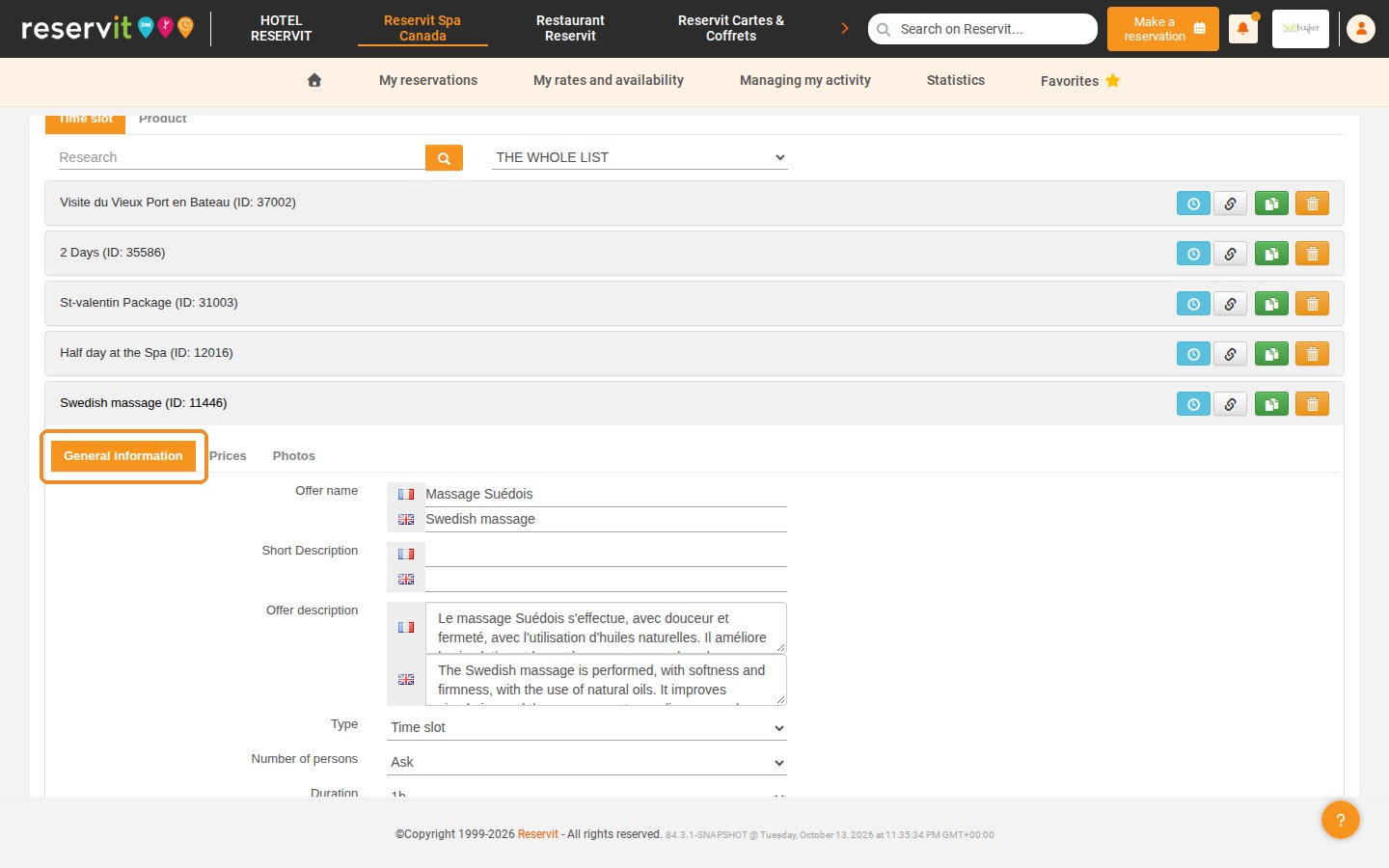
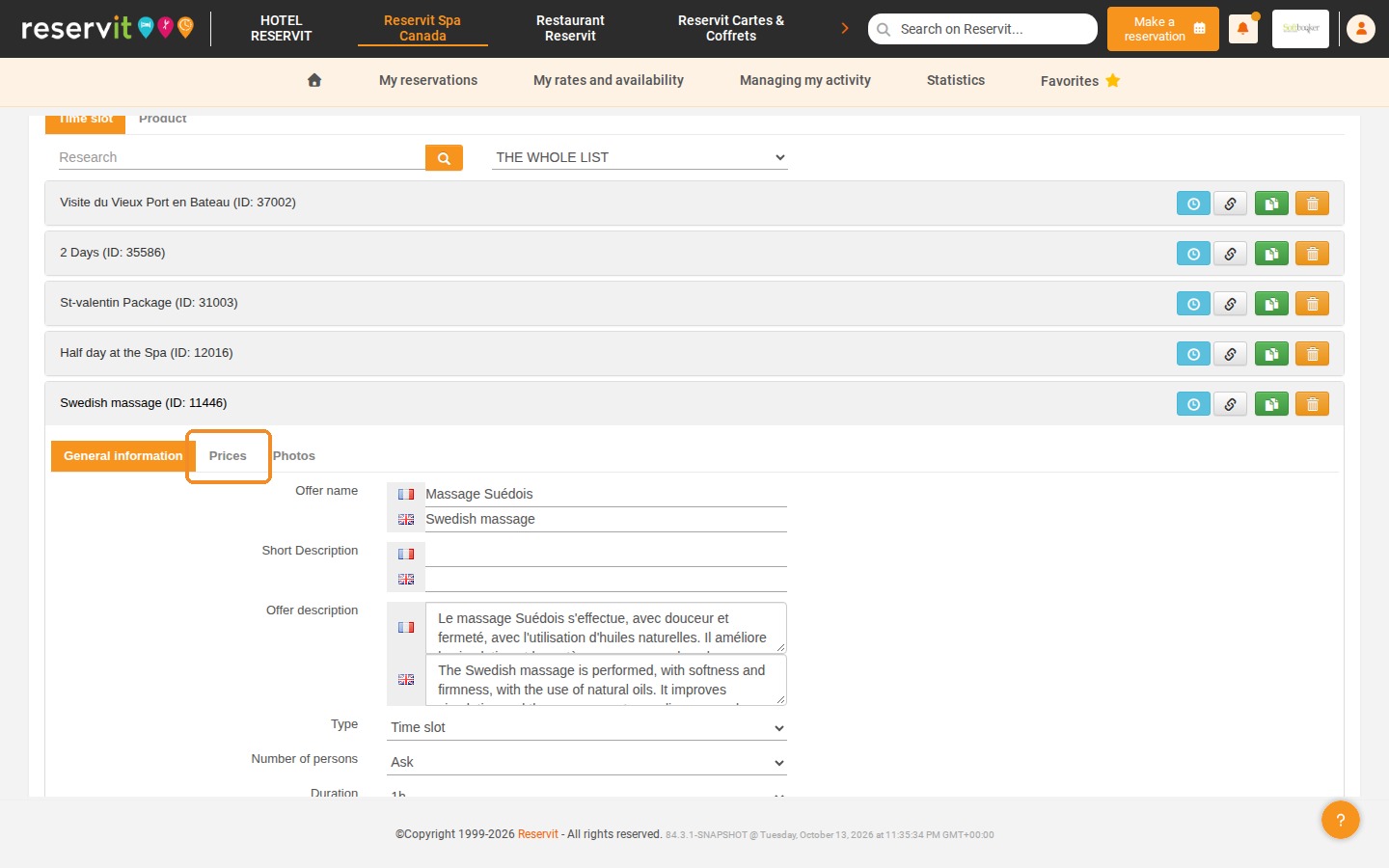
6. Click the "Prices" tab.
7. In "Price to be booked online", select the percentage of the amount that must be paid online: "100% (Yes)" for full payment, a lower percentage (from 90% to 10%) for a deposit, or "0% (No)" to disable online payment.
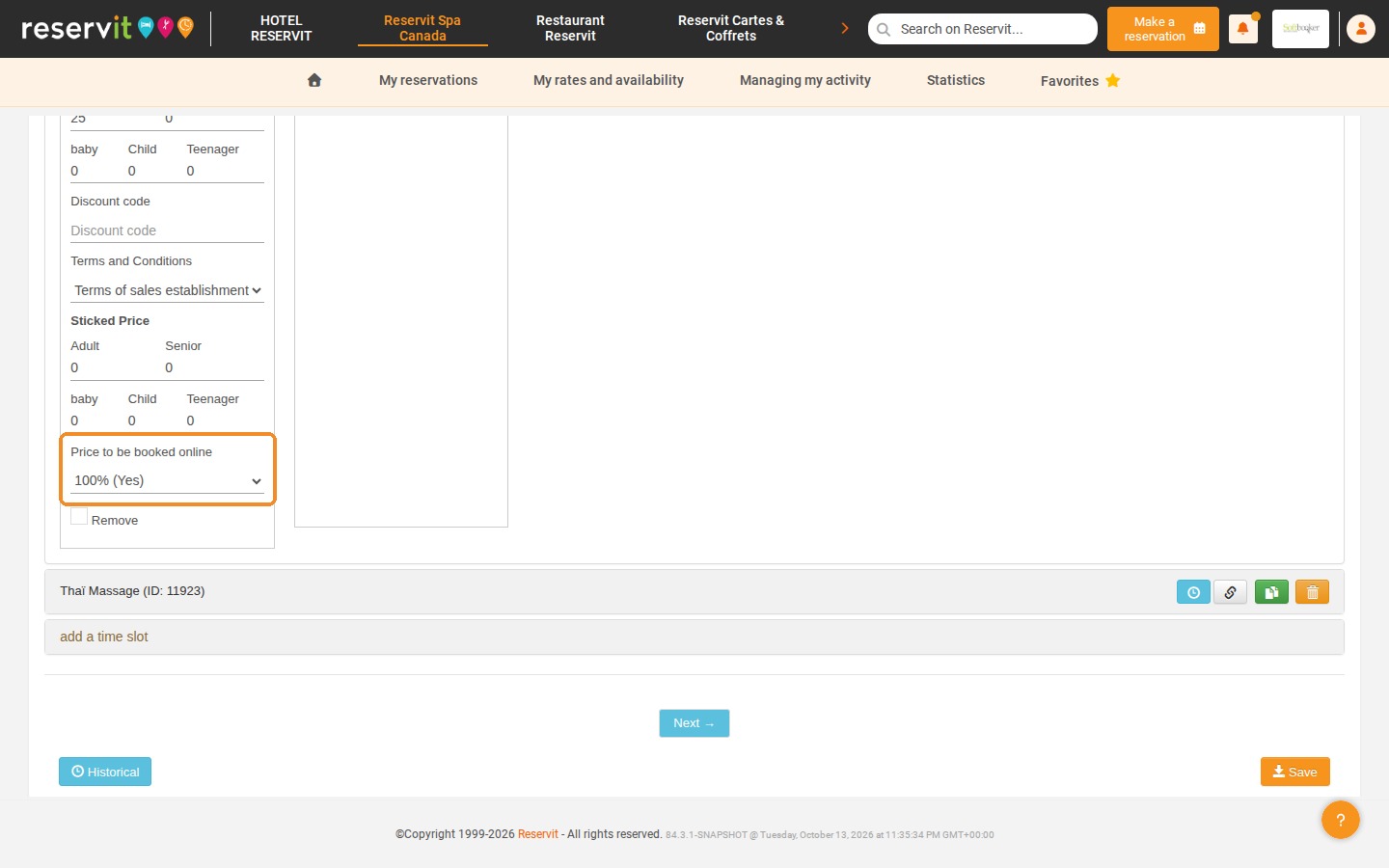
8. Click "Save" at the bottom of the page to apply your settings.