Article Summary: Discover how to use option templates in Reservit Accommodation to easily configure your extras and additional services. This tutorial guides you step-by-step through creating, customizing rates, and integrating these new offers into your catalog. By mastering this feature, you can enhance your guests' experience while simplifying the management of your ancillary revenue.
The 5 key steps to create and configure an option using a template:
-
Access extra management: Go to the "My rates and availability" menu, then open the "Manage extras" section.
-
Select a pre-configured template: Click on "Add" and choose a pre-filled template suited to your service, or opt to start from scratch if you prefer to create a custom option.
-
Customize settings and pricing: Modify the default information, fill in the mandatory fields (in red), translate the content, and set the price (per person and/or per night).
-
Verify application conditions: Carefully check which categories of people (adults, children, etc.) this option applies to.
-
Save and link the option: Save your creation by clicking on "Add", then remember to link this new option to your rate plans or accommodation types.
Why follow this guide? Using pre-configured templates saves you valuable time while reducing configuration errors when setting up your services. It is the ideal tool to quickly diversify your catalog, boost your additional sales (upselling), and ensure a clear, frictionless booking process for your travelers.
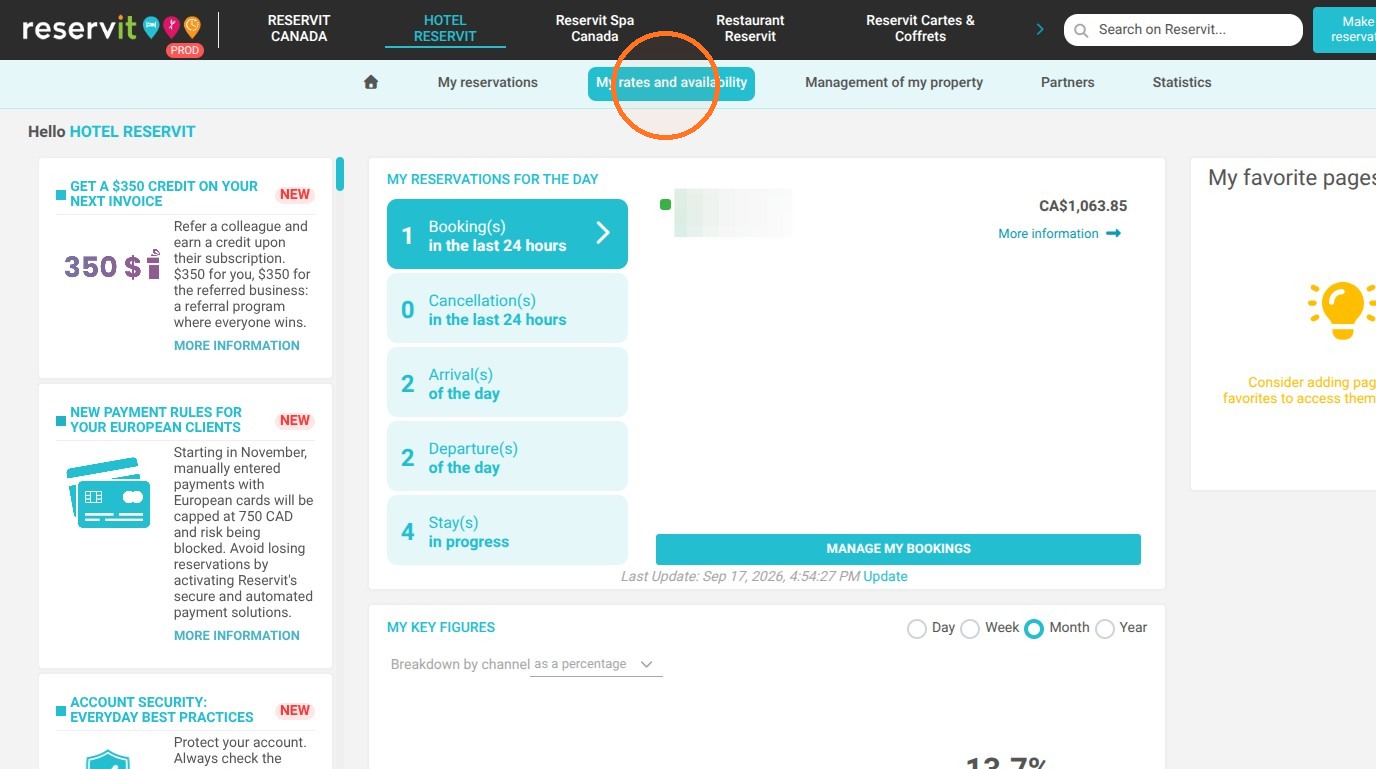
1. Click "My rates and availability"
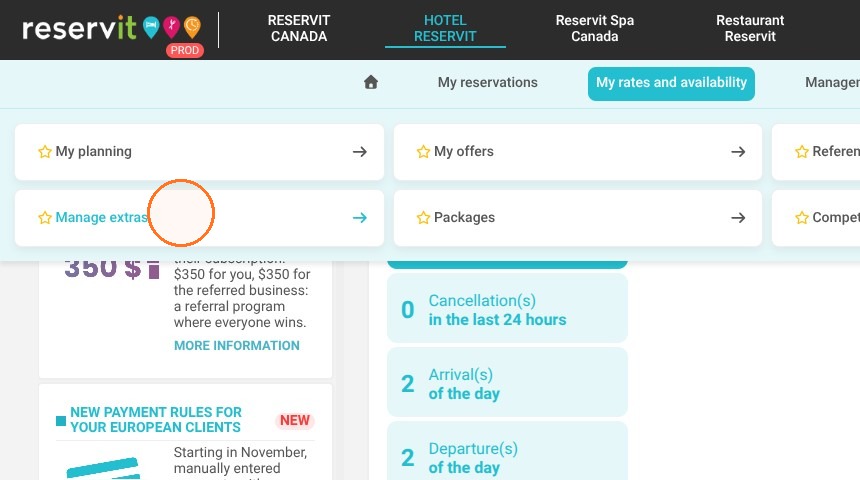
2. Click "Manage extras"
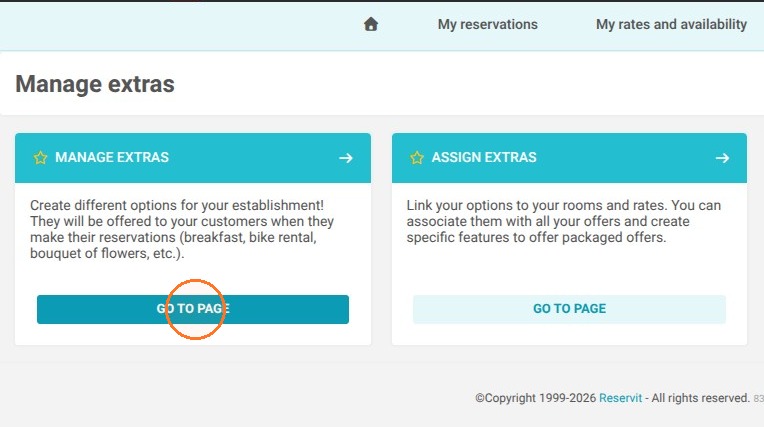
3. In the "MANAGE EXTRAS" block, click "GO TO PAGE"
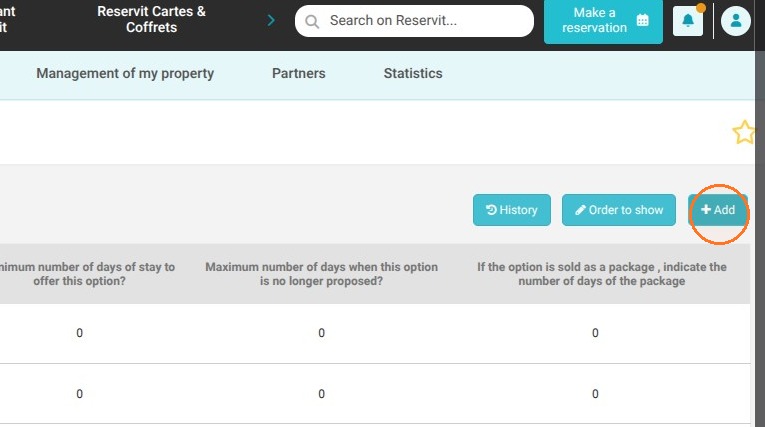
4. Click "Add"
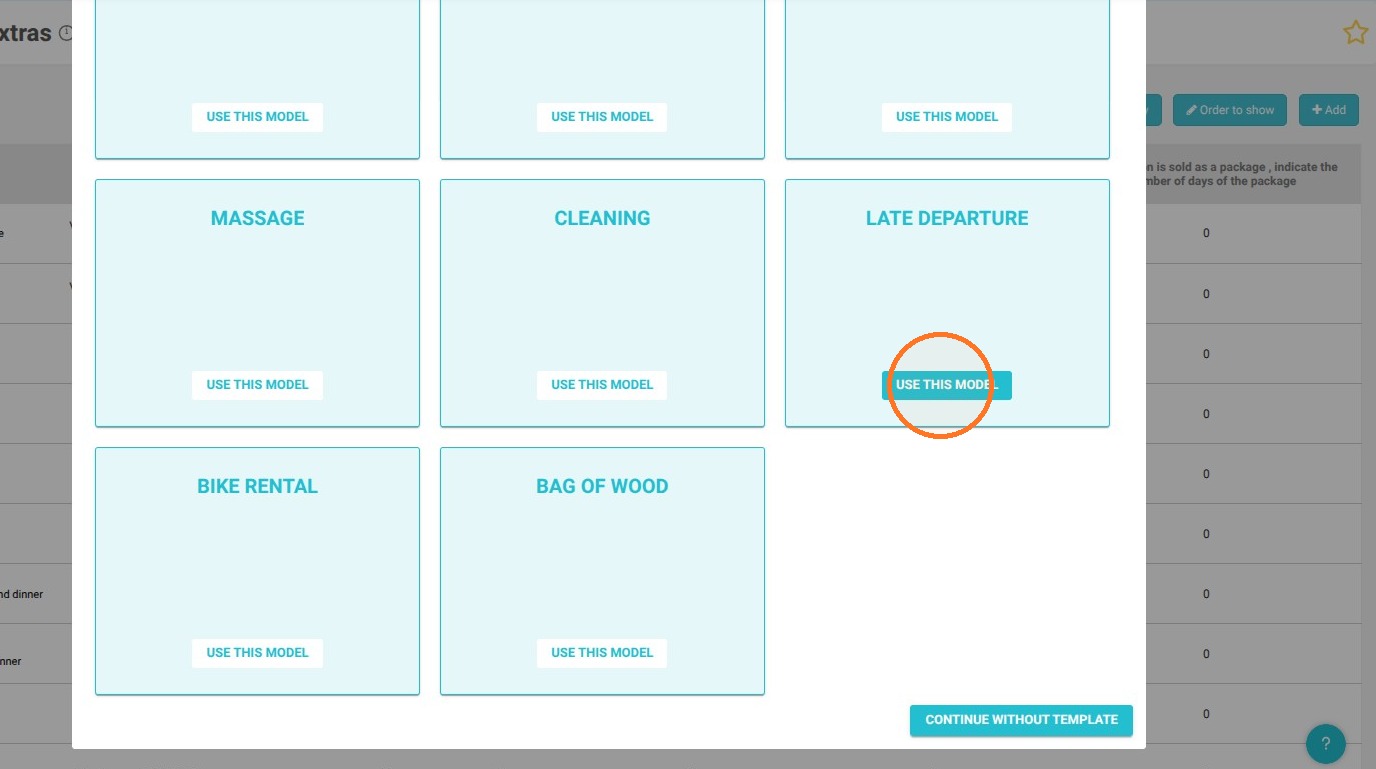
5. You then have access to several templates. Choose the template by clicking on "Use this model" or "Continue without template" to return to free creation.
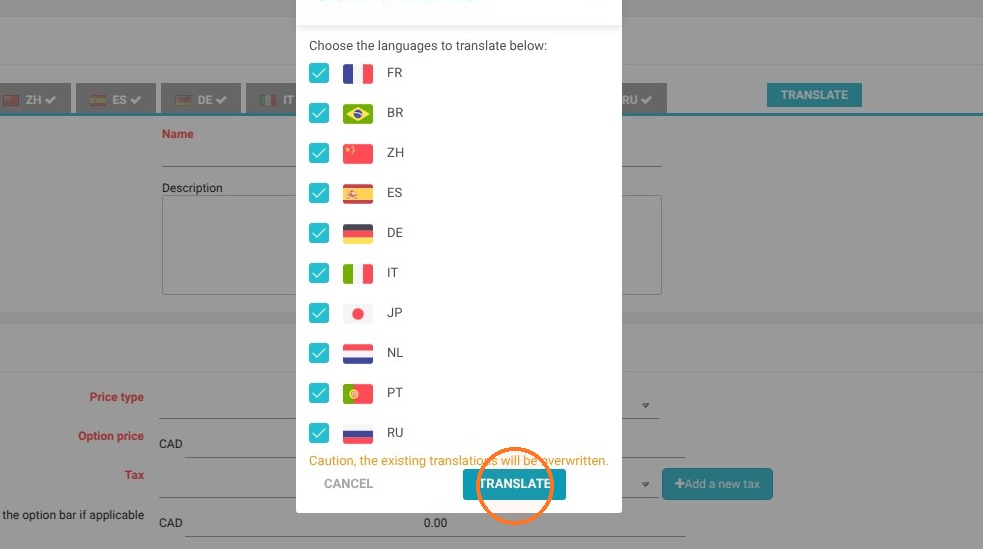
6. Click "Translate"
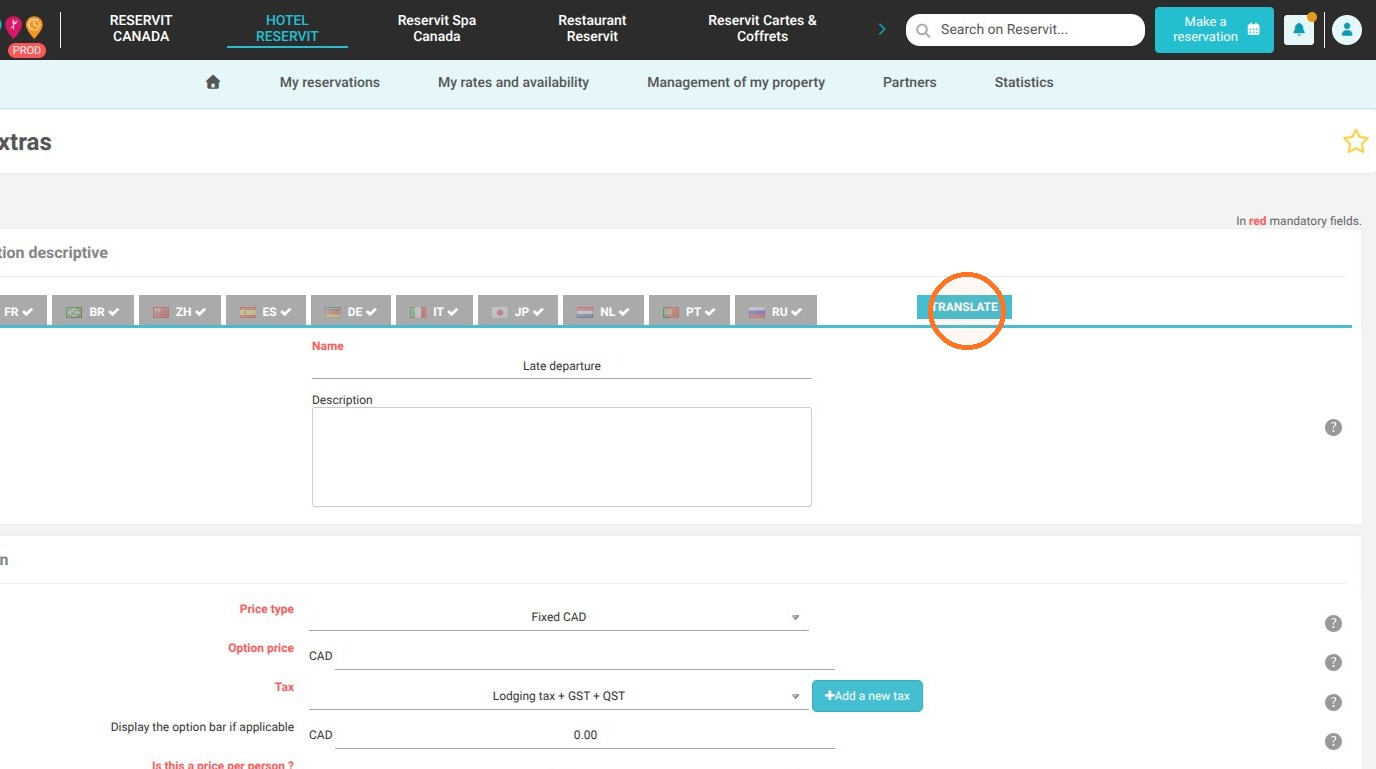
7. Once the template is selected, your option will be pre-filled with default information. You can replace or modify this information and fill in the mandatory fields (in red).
You will need to enter the price and check if it applies per person and/or per night.
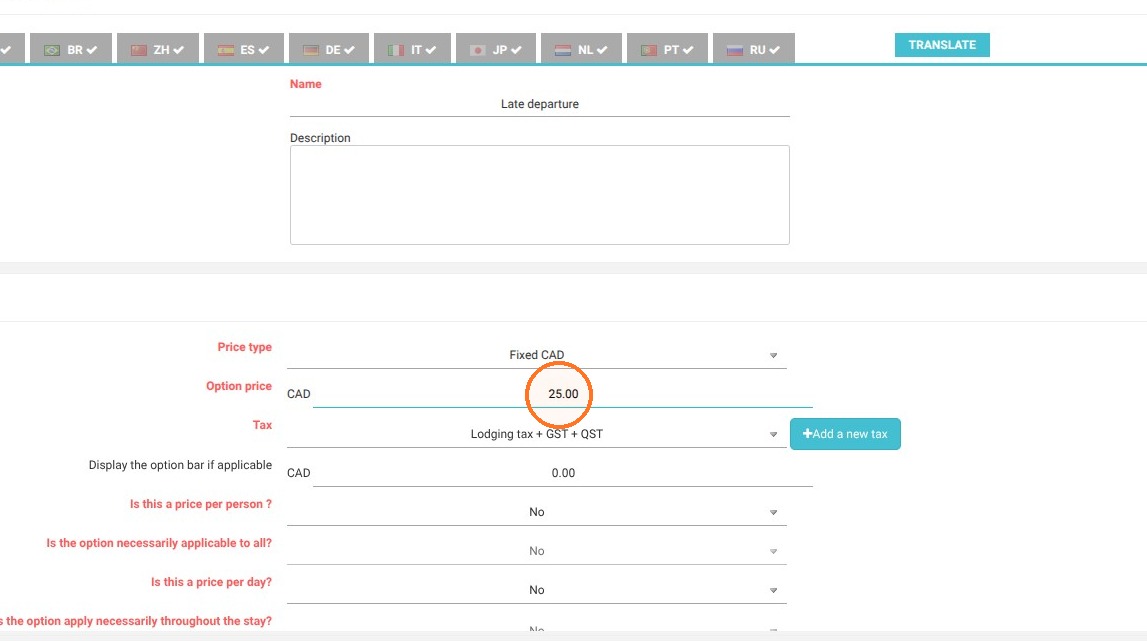
8. Also check who the option applies to
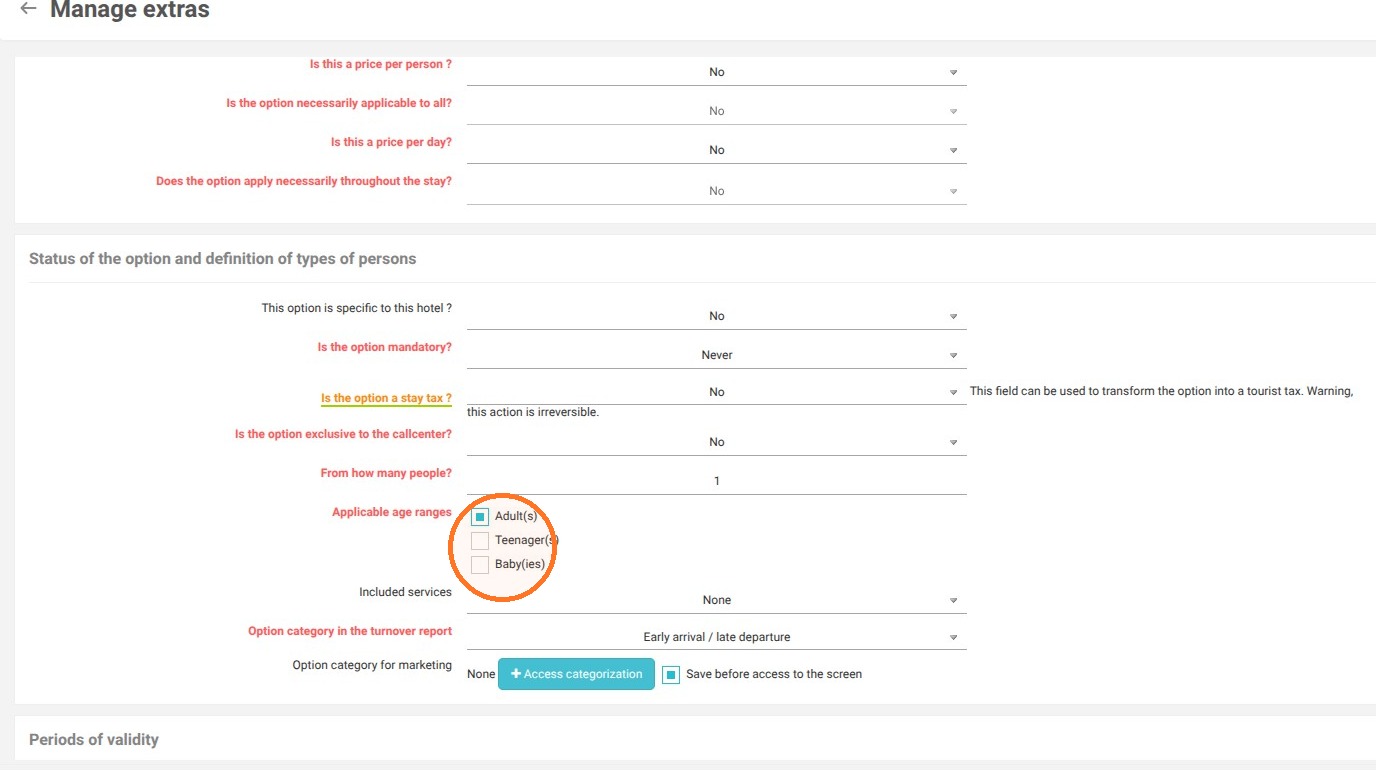
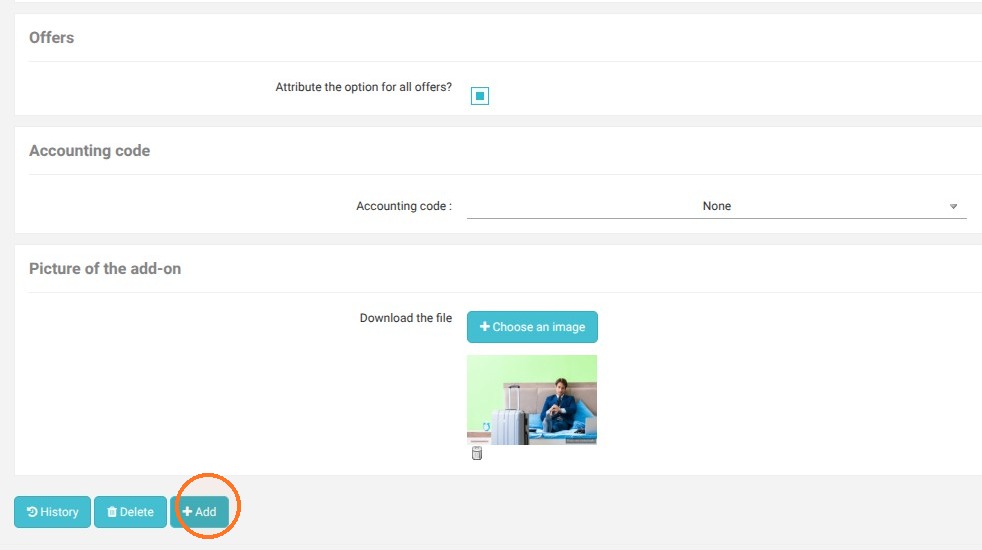
9. Save your extra by clicking on "Add". You will need to link your extra to your rate plans (accommodation types or special rates) if this is not already done.