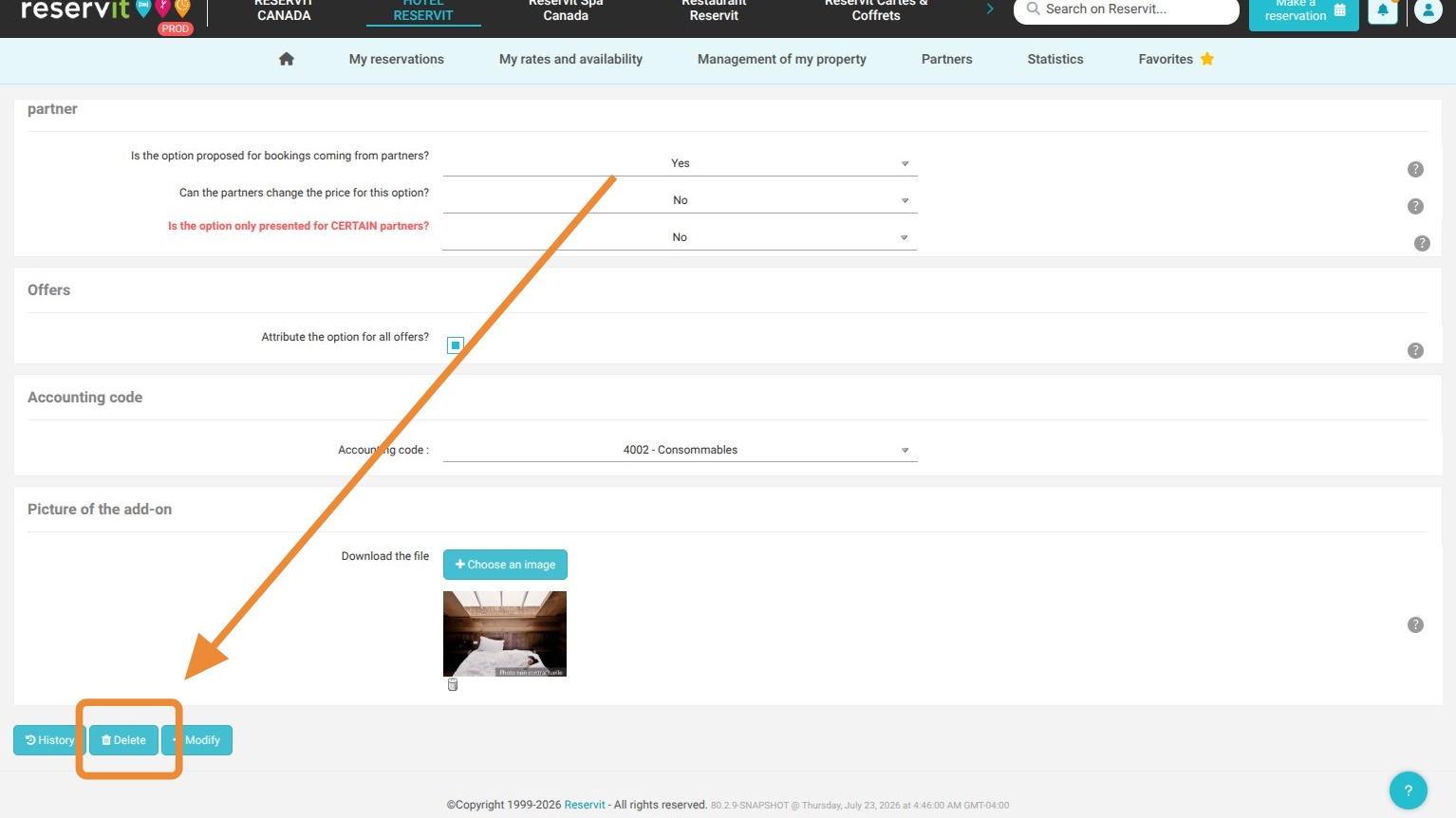
The 3 key steps to delete an extra option in Reservit:
-
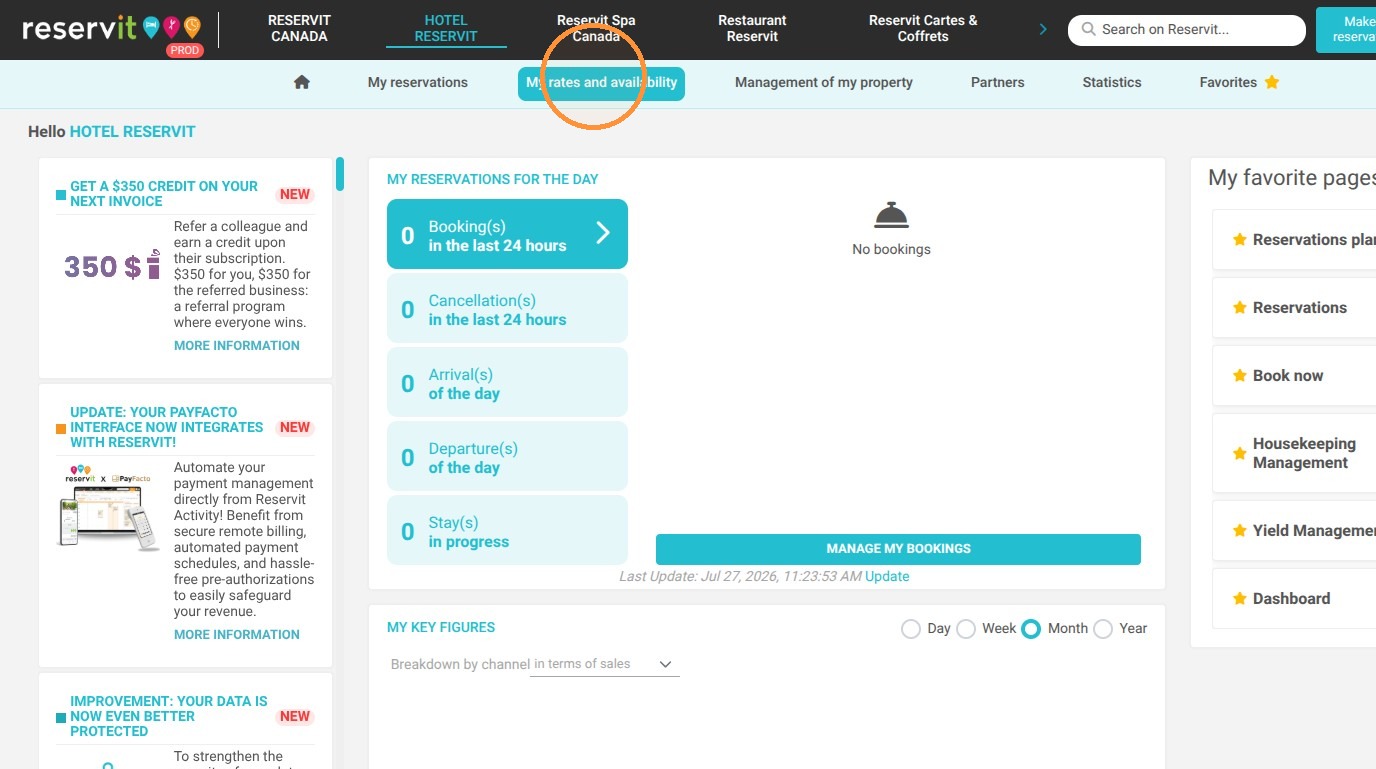
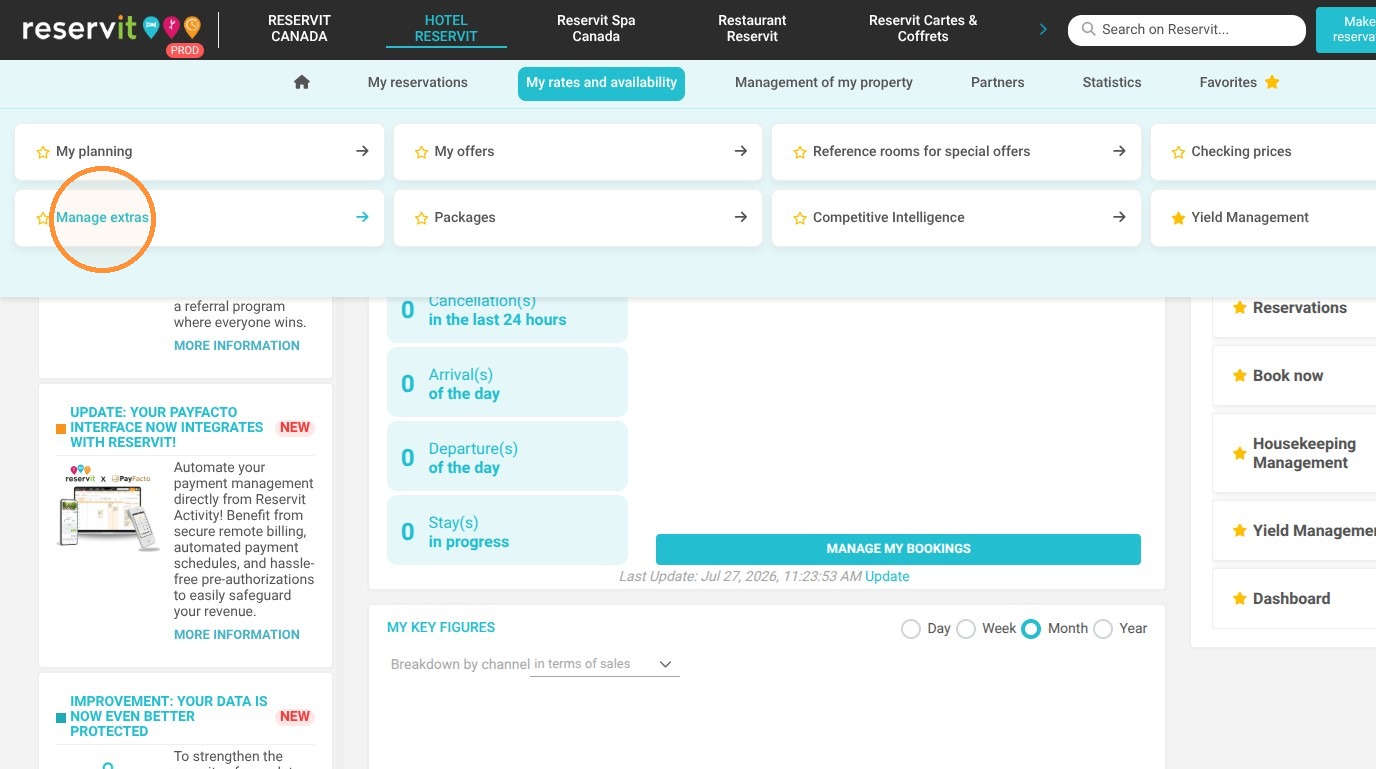
Navigate to the extras menu: Click on "My rates and availability" from your dashboard, then select "Manage extras".
-
Select the service: Find and click on the specific extra option that you want to remove from your property's offerings.
-
Confirm the deletion: Scroll down to the very bottom of the selected option's configuration page and click on the delete button.
Why follow this guide? Regularly cleaning up your extra options prevents guests from booking obsolete or unavailable services, which helps avoid customer frustration and potential billing errors. This quick maintenance task ensures your booking system remains accurate and saves your front desk time on manual booking corrections.
1. Click "My rates and availability" then "Manage extras"
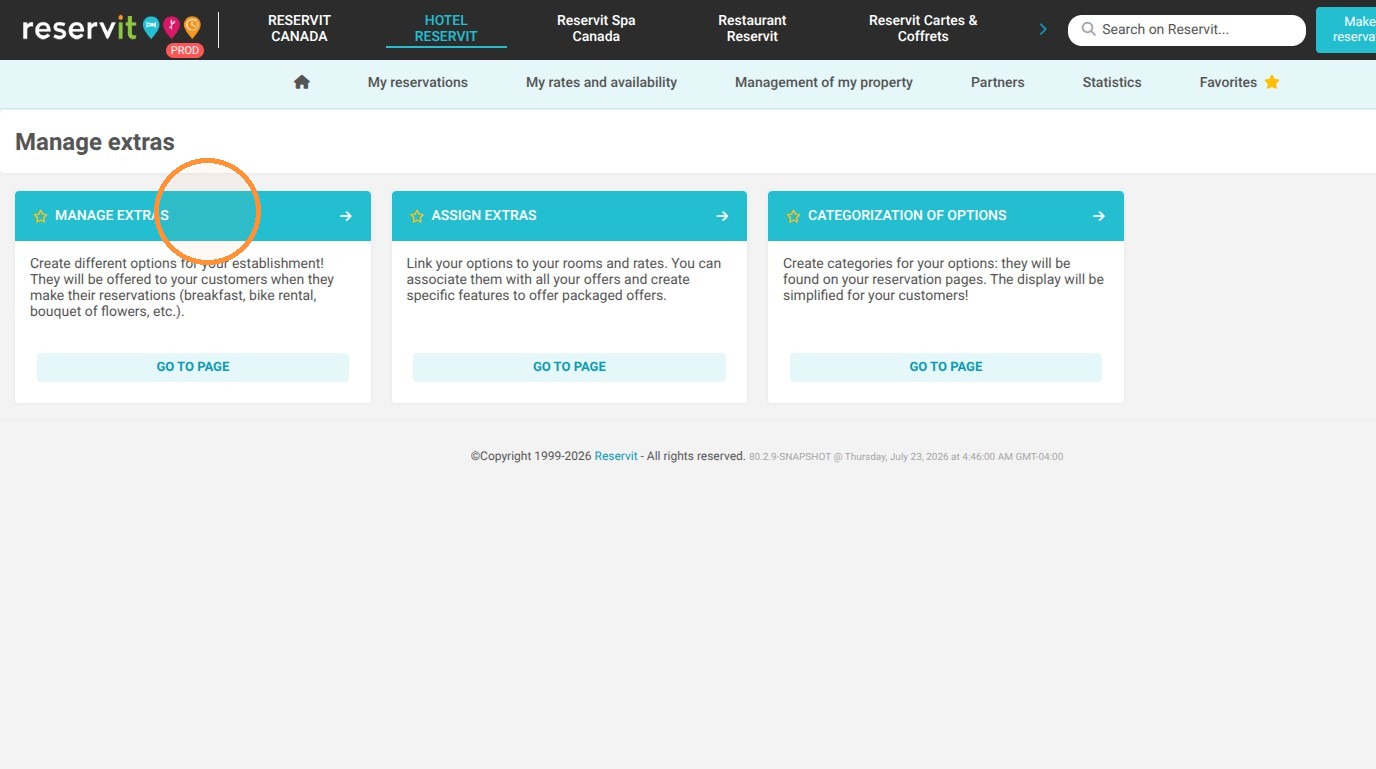
2. Choose the option you want to delete
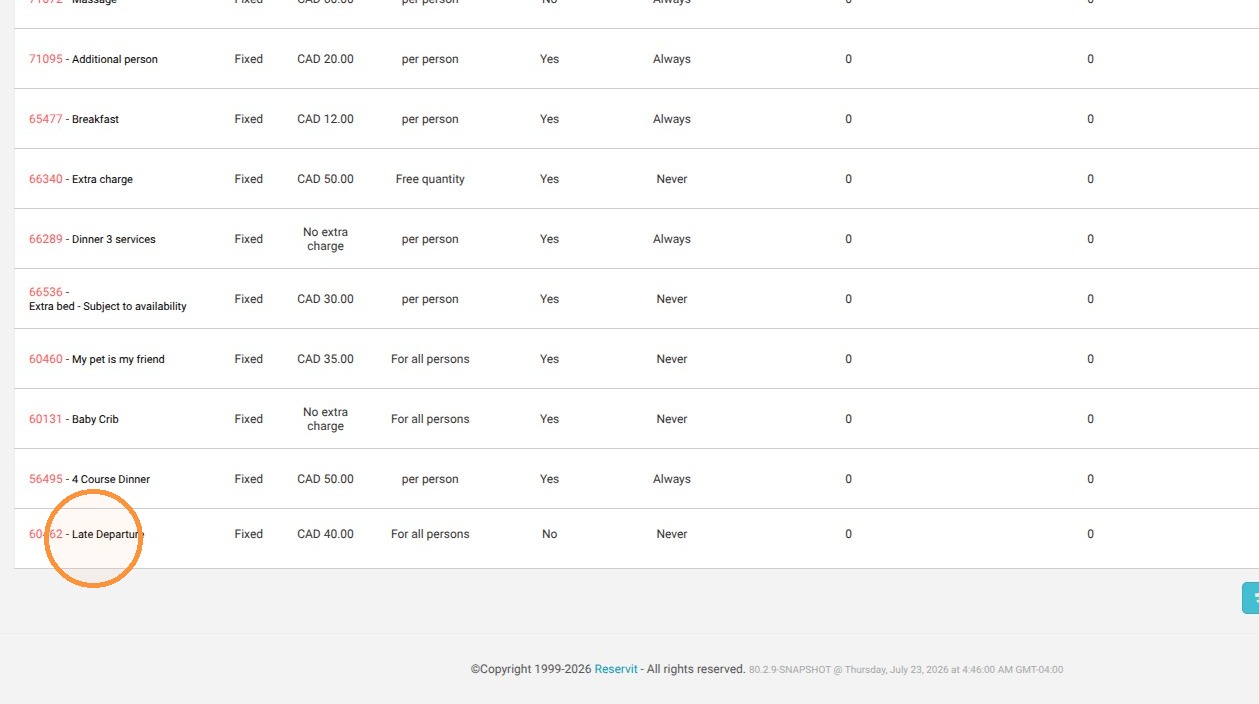
3. Go to the bottom of the configuration page for the selected option and click on delete