

A service appears as "Not Categorized" in your Revenue report when its category has not been defined in your configuration. This mainly concerns your options, your services sold on site, your taxes, your payment methods and the services added manually during invoicing.
Your units, offers and packages are automatically linked to the "Accommodation" category, and your lodging taxes to the "Tourist tax" category.
To categorize your options:
-
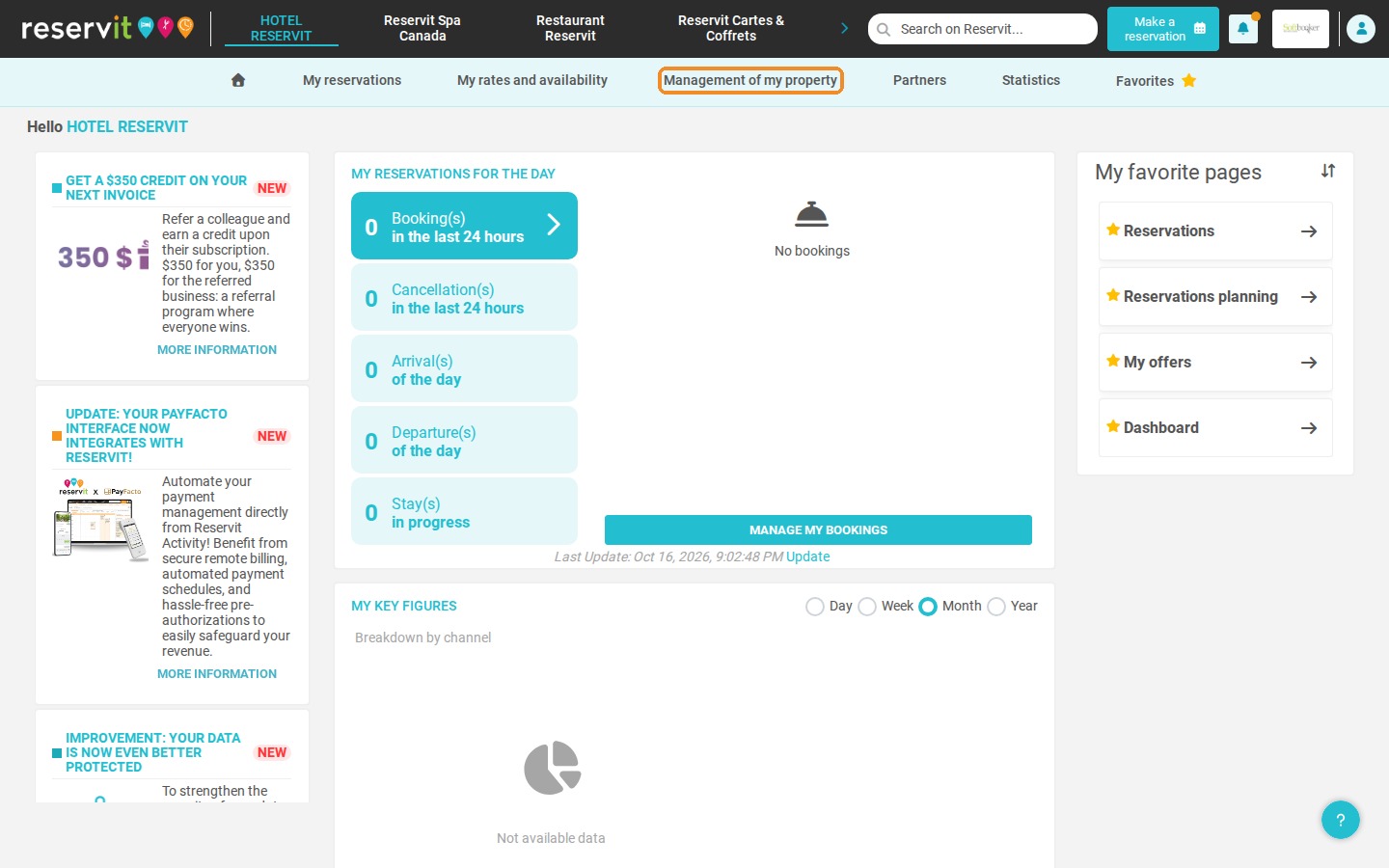
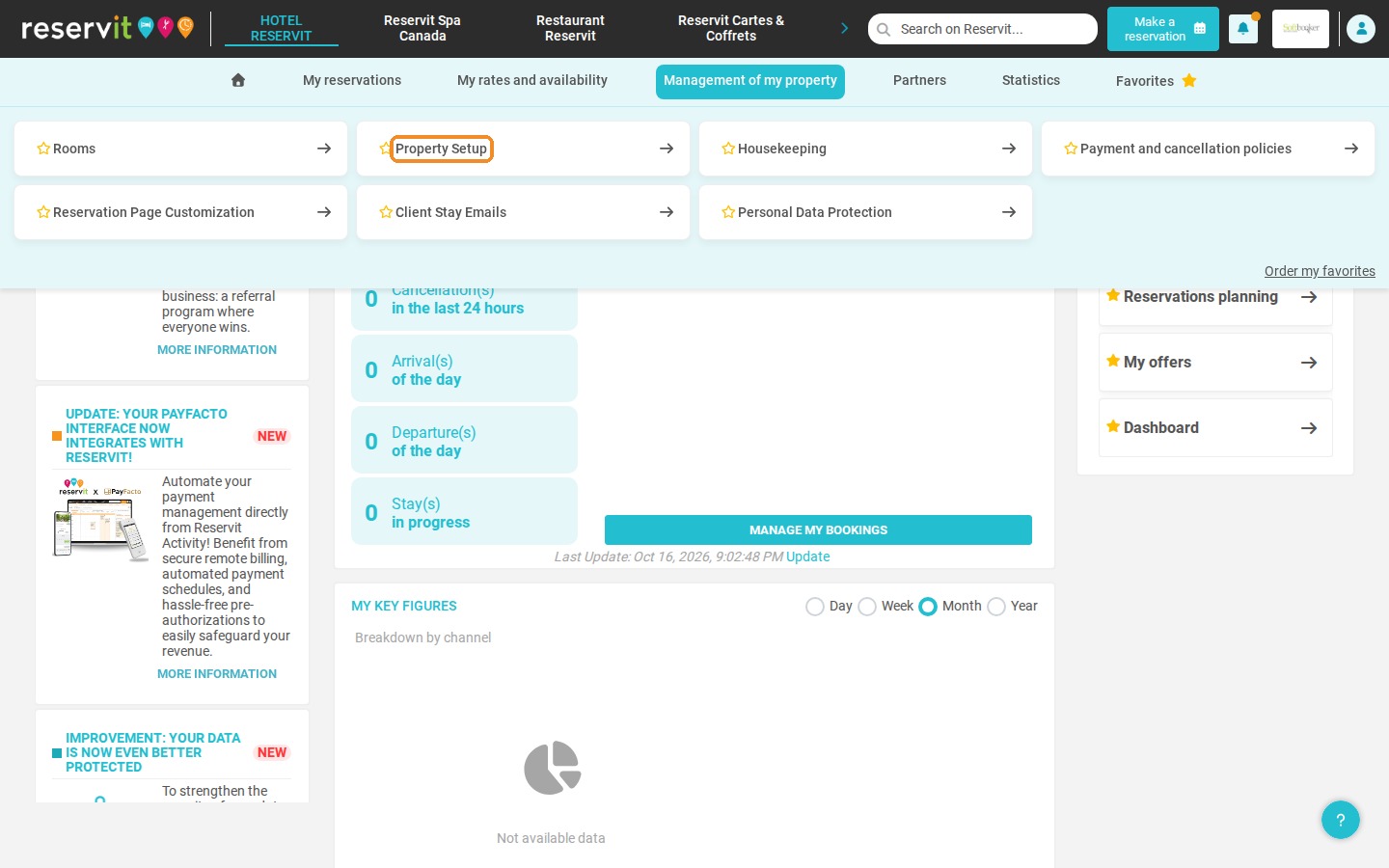
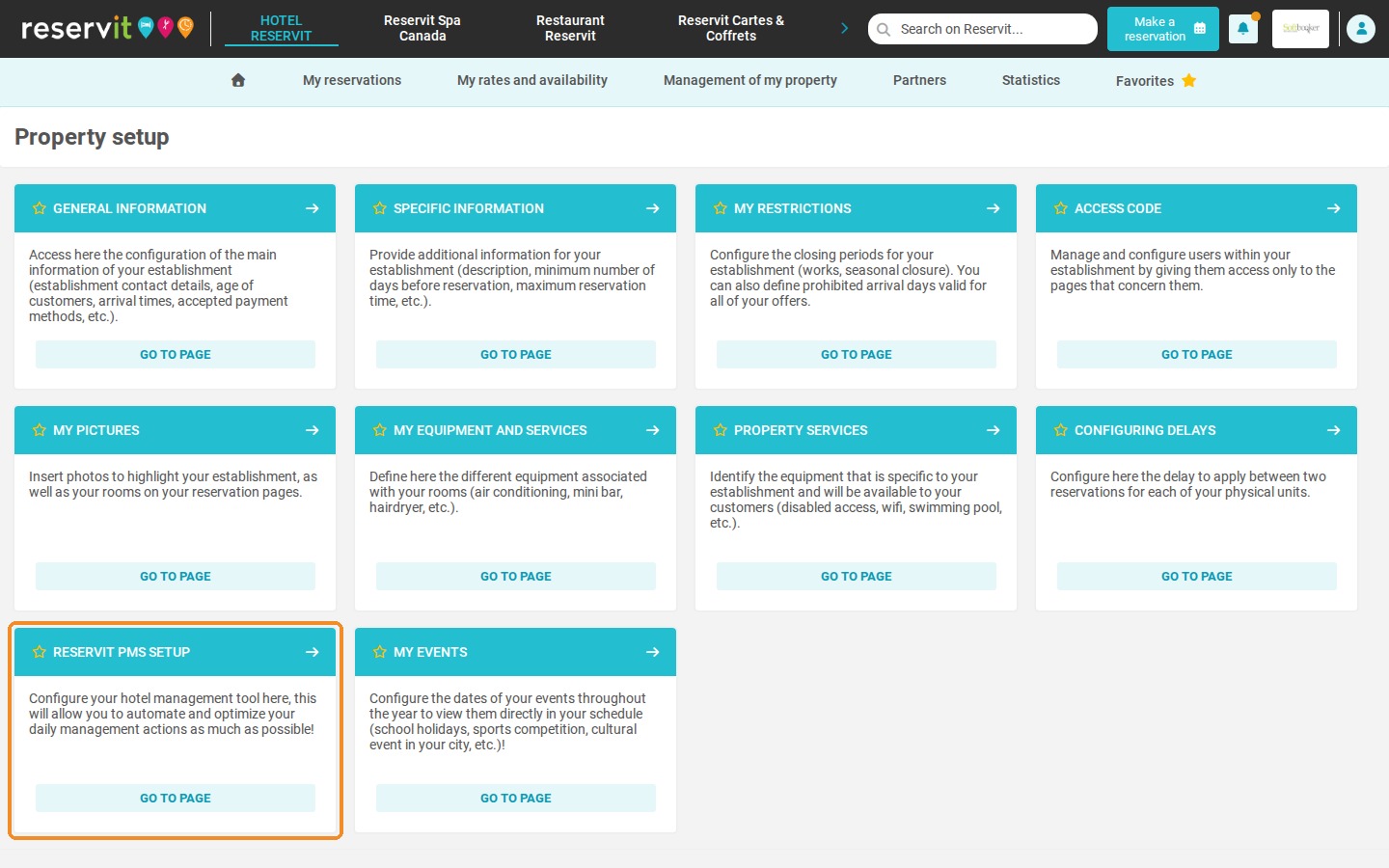
Click Management of my property > Property Setup, then click Go to page on the Reservit PMS Setup tile.
-
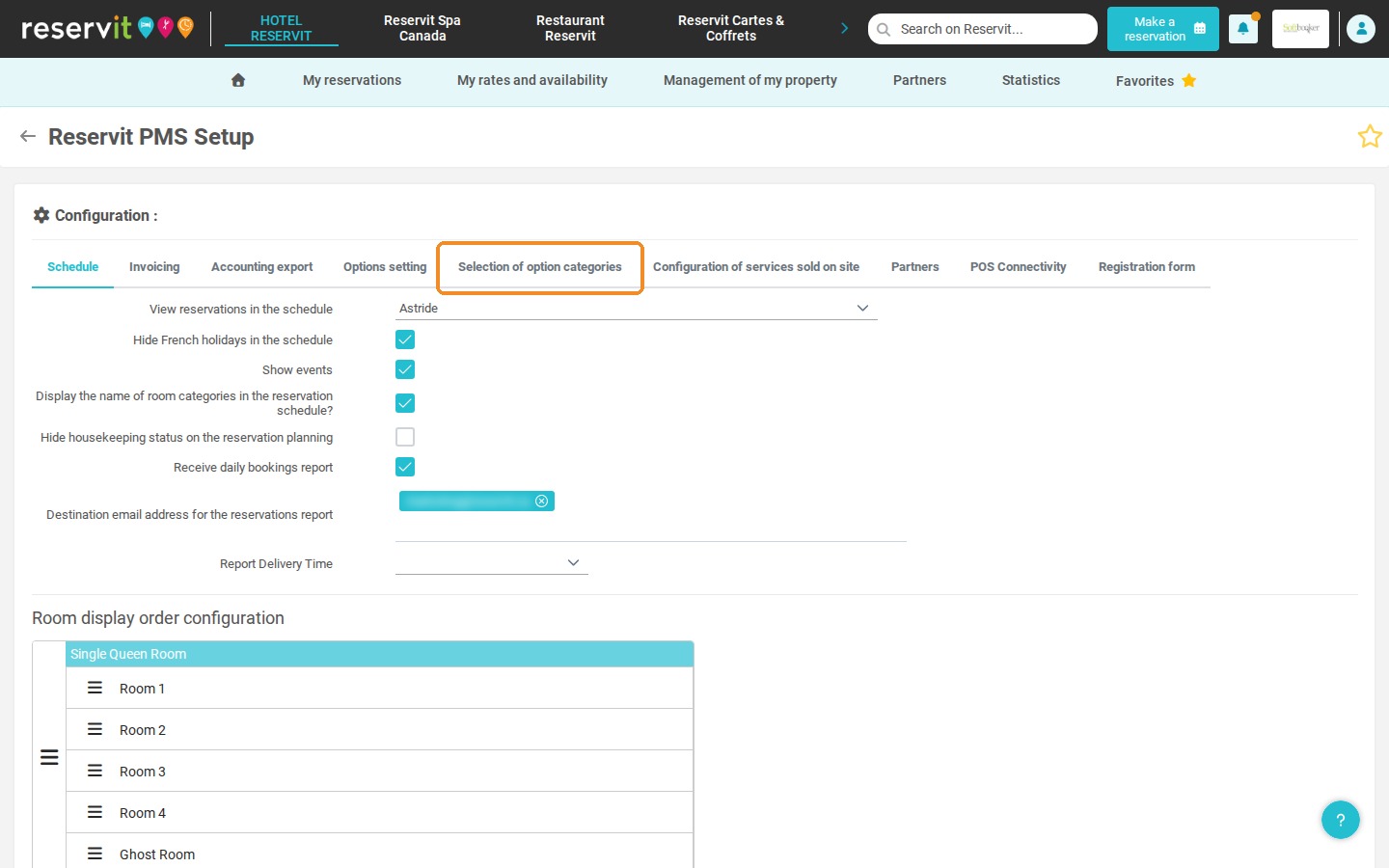
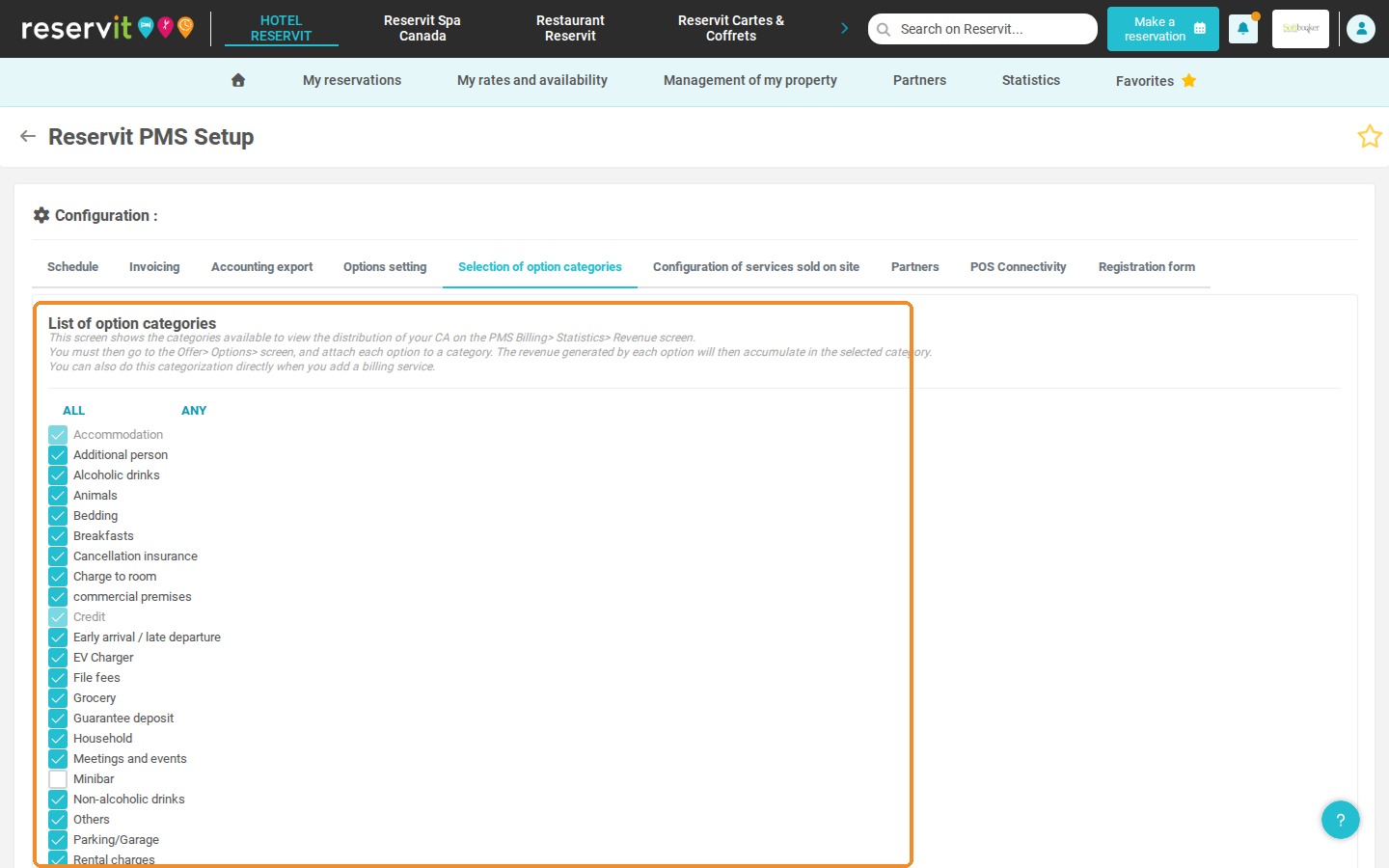
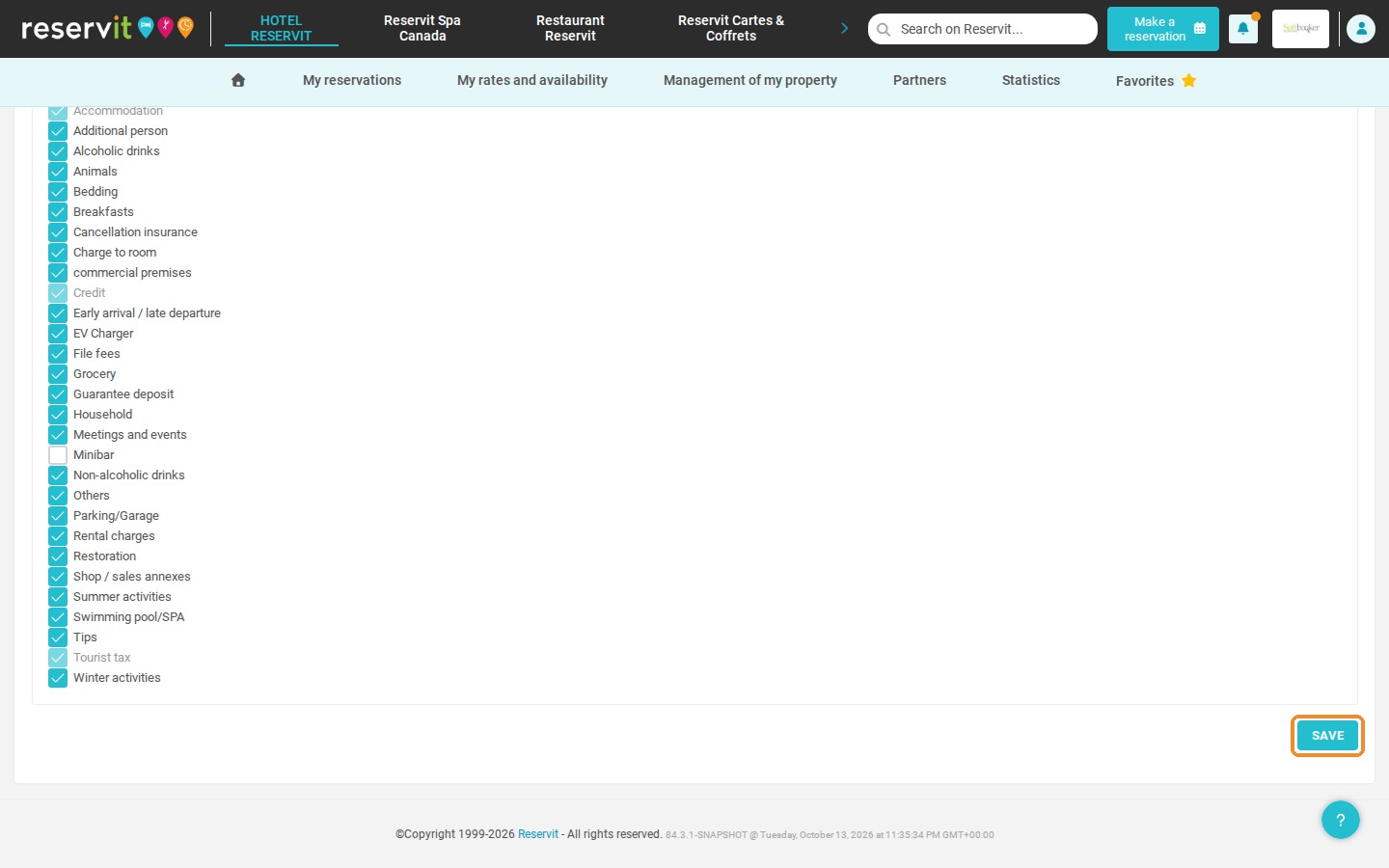
Open the Selection of option categories tab, tick the categories you want to use, then click SAVE.
-
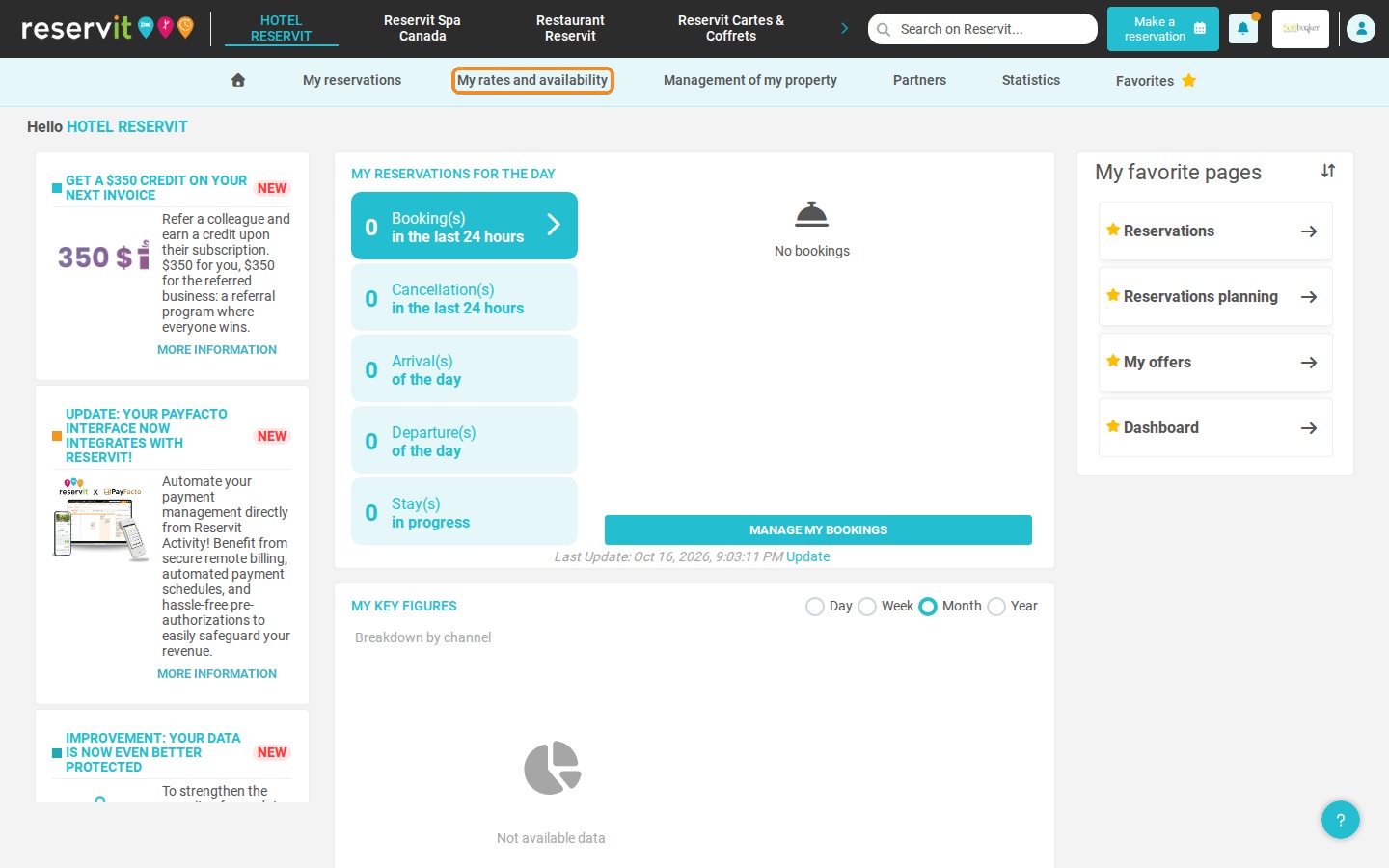
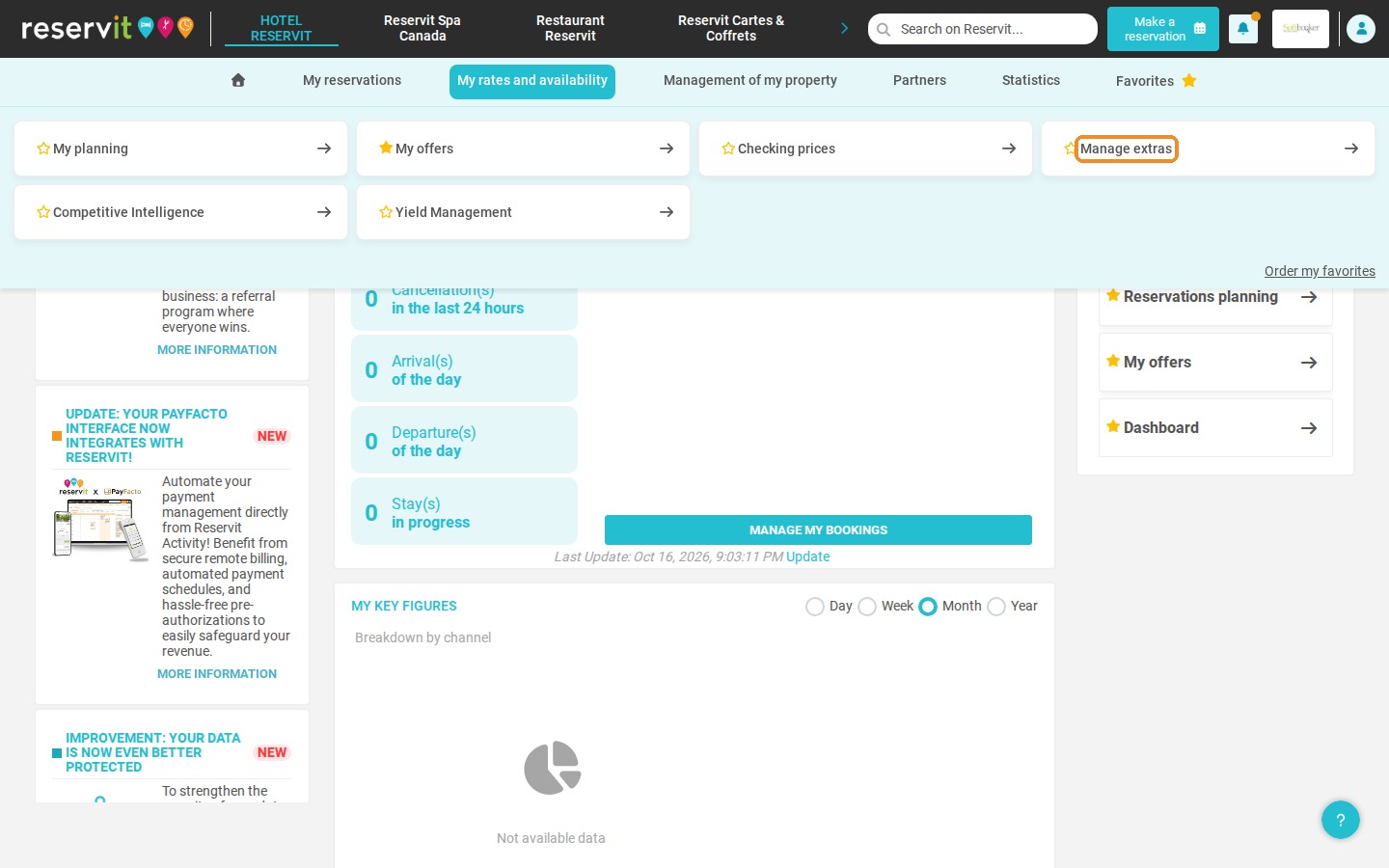
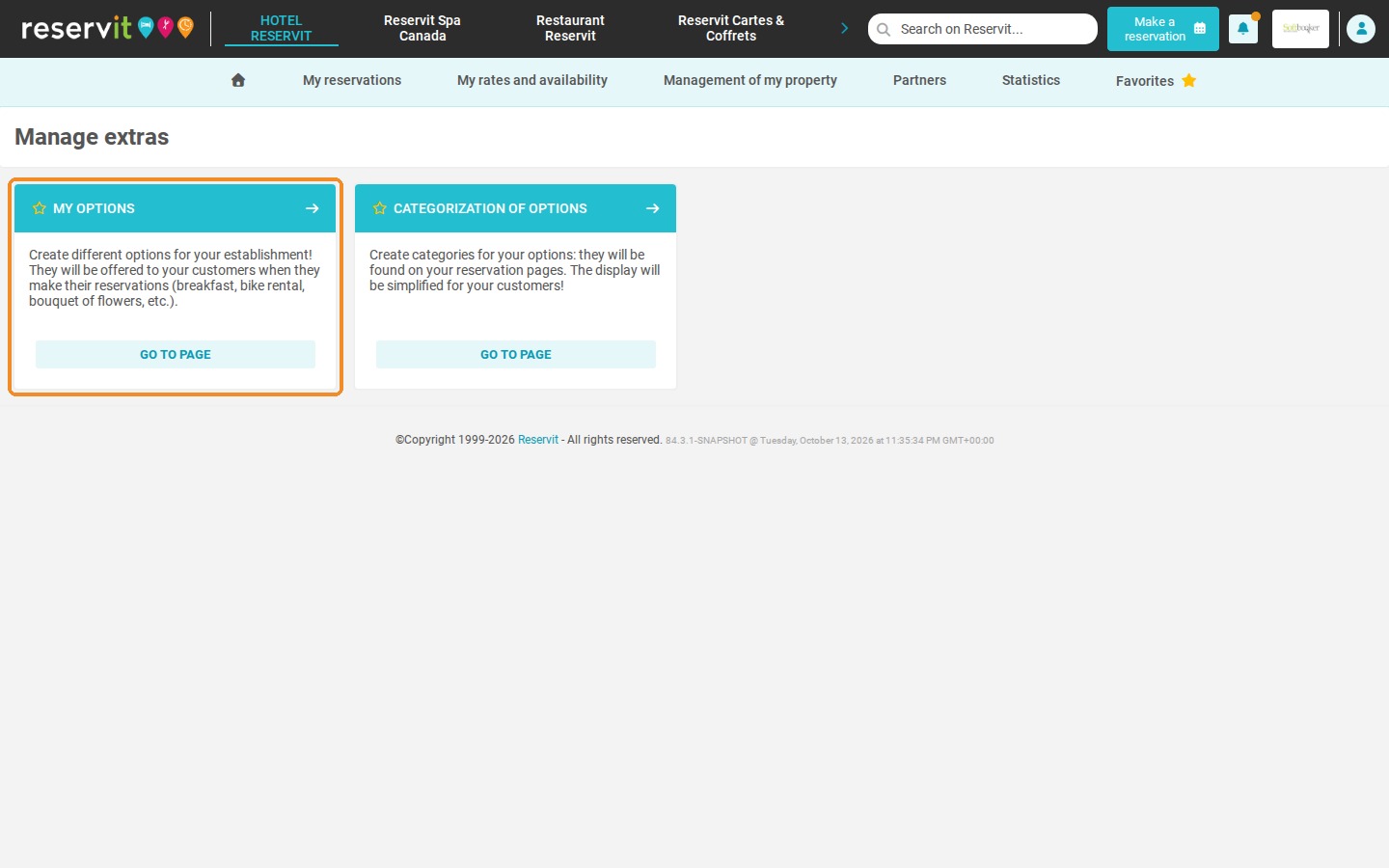
Click My rates and availability > Manage extras, then click Go to page on the My options tile.
-
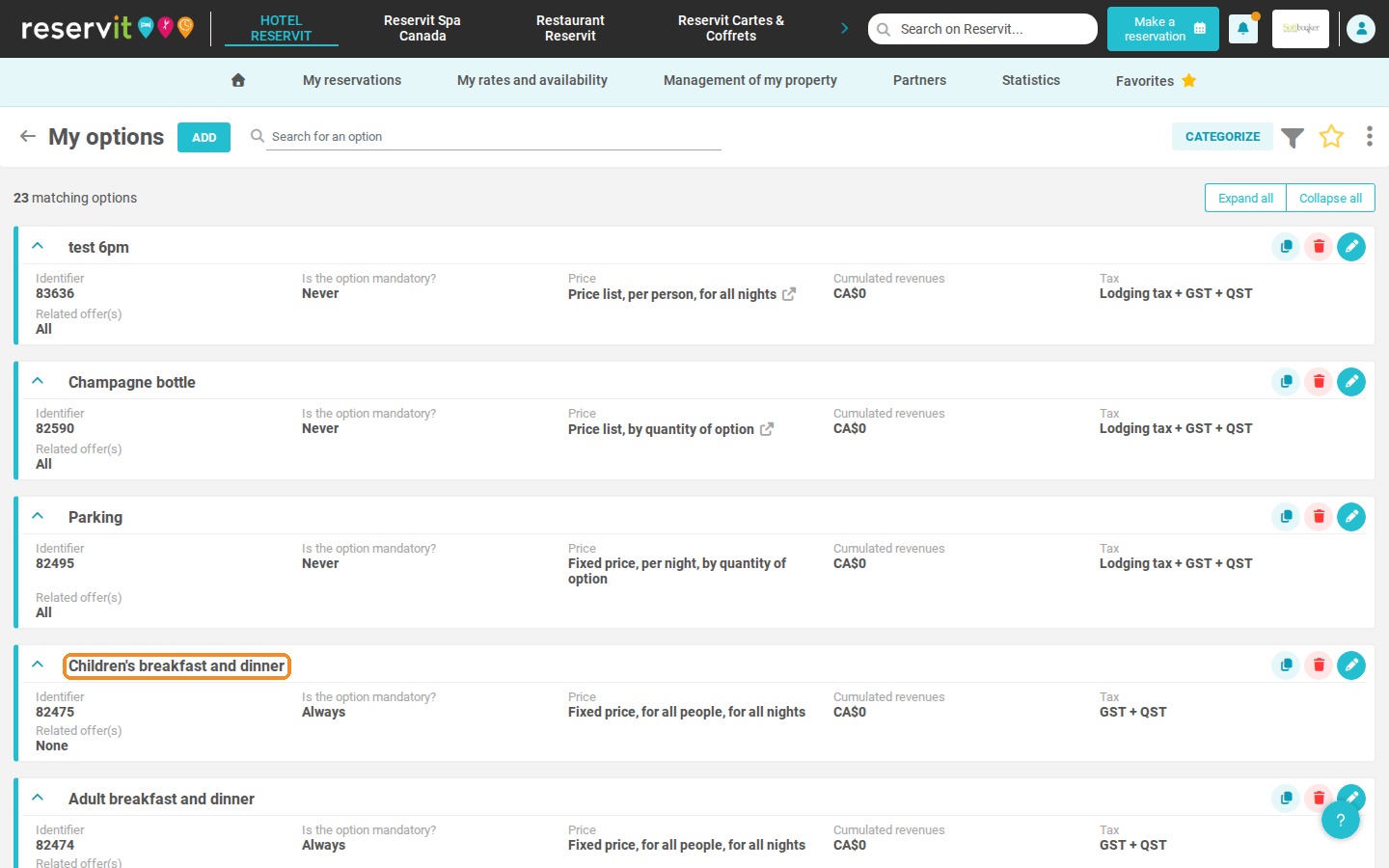
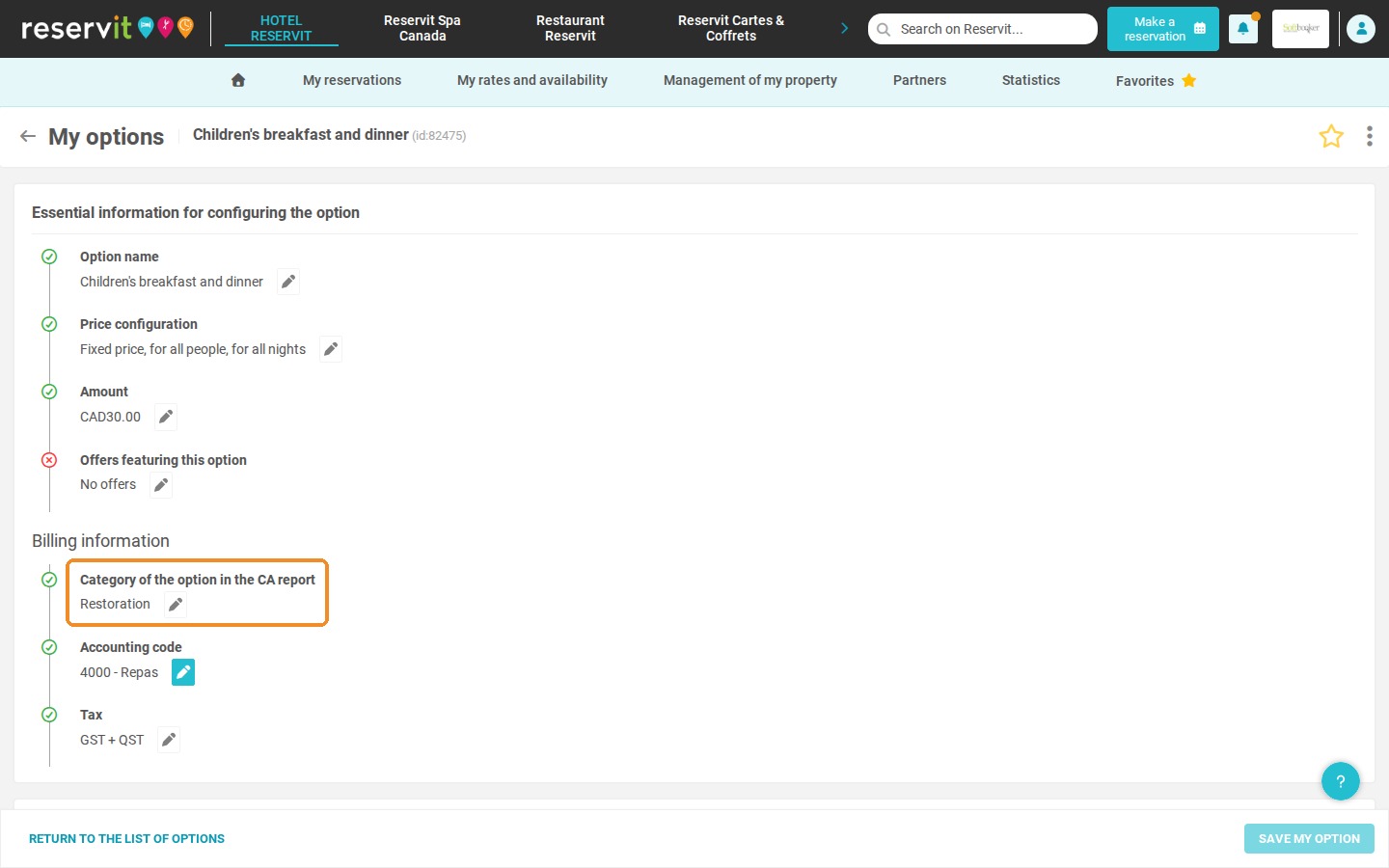
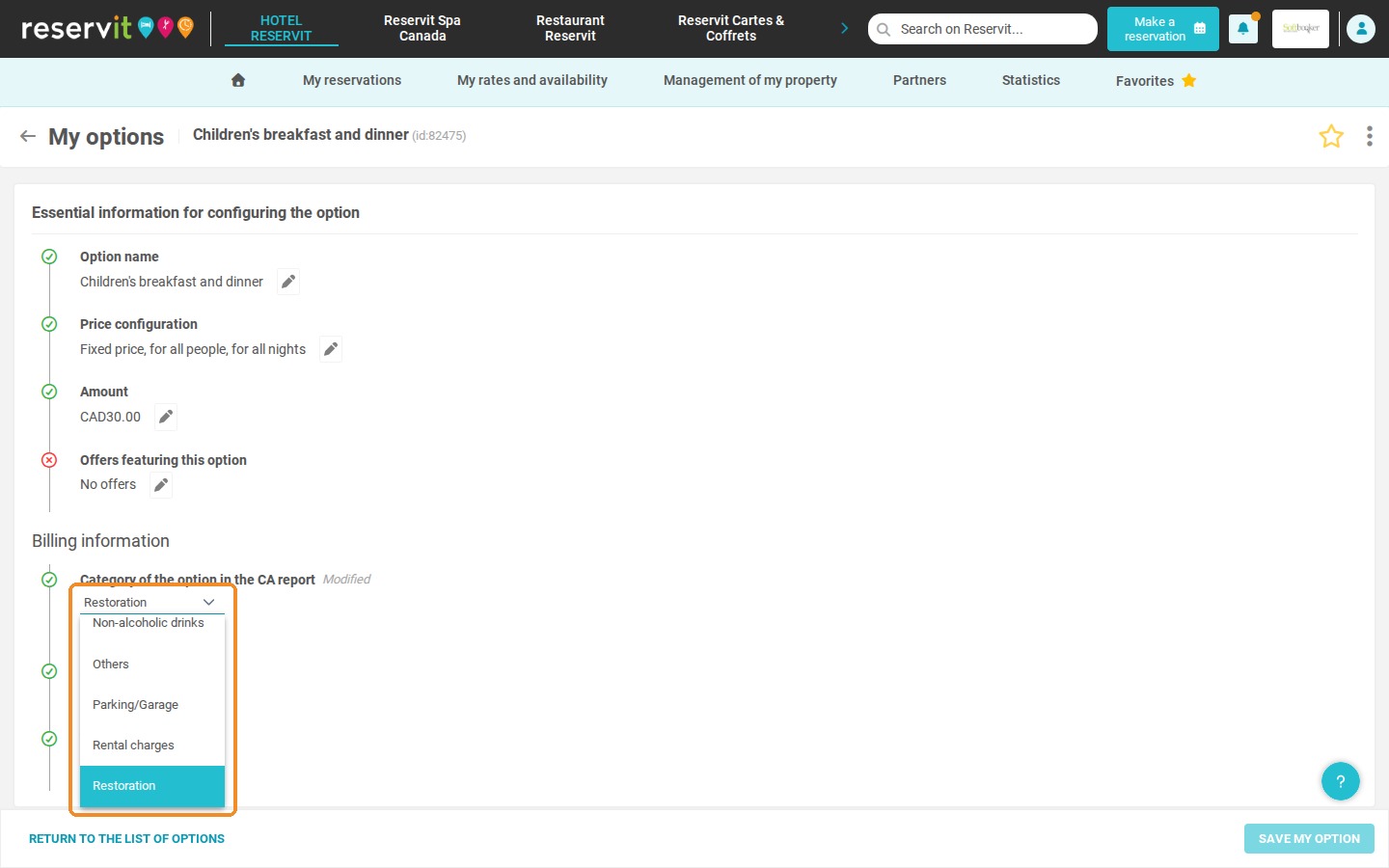
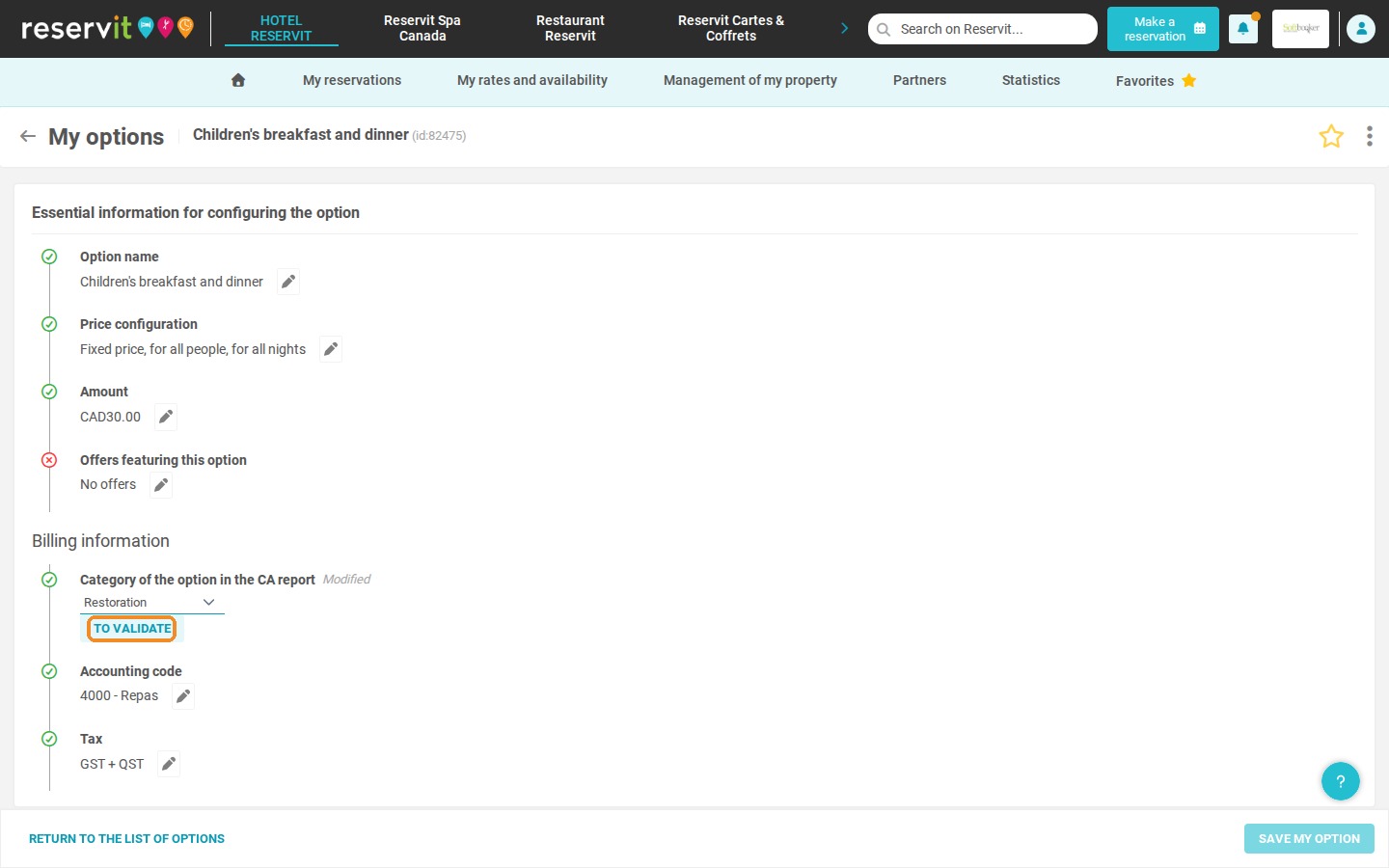
Click an option. In Billing information, click the pencil next to Category of the option in the CA report and select the category in the drop-down list.
-
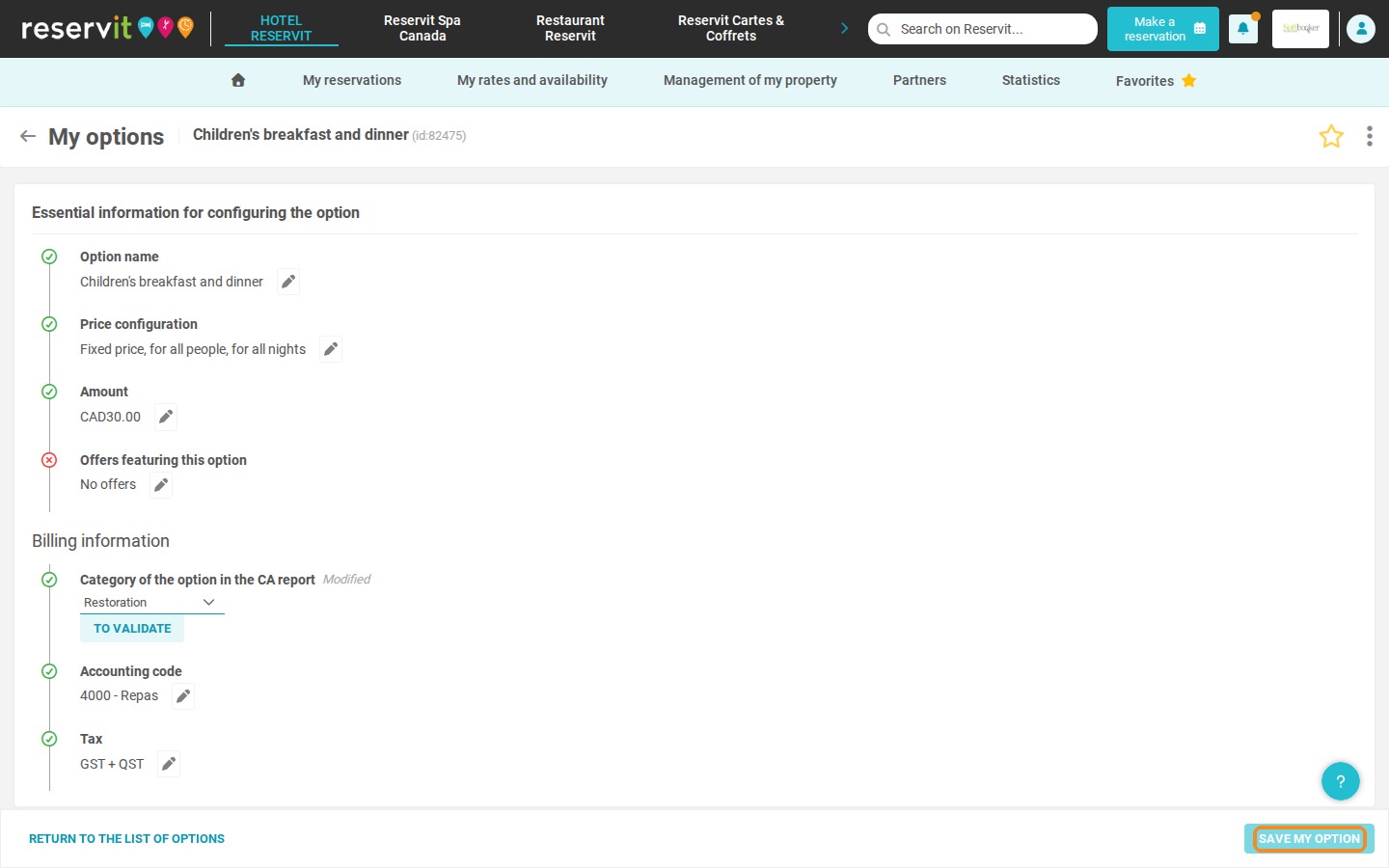
Click TO VALIDATE, then SAVE MY OPTION.
Good to know: categorization is retroactive, so your past services are automatically reclassified. However, a service already invoiced under a specific category keeps that category. If needed, you can change the category directly in the details of the account line concerned.